
Different Types of Printing Explained


Different Types of Printing Explained for 2026
Every printing method does the same basic job, moving ink or toner onto a surface, but how it gets there changes everything about cost, quality, and speed. 4OVER4.COM has printed 10 billion+ cards and print products for 150,000+ businesses since 1999 using a range of techniques, which means there is a right match for every project. Pick the wrong method and you waste money. Pick the right one and your brand looks sharp.
The printing world reaches far beyond hitting print on your desktop. Whether you are running 50 postcards or 50,000 catalogs, the method you choose shapes the final texture, color accuracy, durability, and price. This guide walks through every major printing technique in use today, from traditional offset to the latest 3D printing, so you can make a smart call on your next order.
Print it
Brochures, offset or digital
Full color fold outs in the exact quantity and stock your project needs.
By the end you will have a clear framework for matching a project to the right process, which means better results, less wasted budget, and print that does its job. If you want a design starting point, browse our blank templates to get files print ready fast.
Here is what you will walk away knowing:
- Offset and flexographic printing for high volume commercial runs where per unit cost matters most.
- Digital, inkjet, and laser printing for speed, personalization, and short runs.
- Screen and letterpress printing for specialty finishes and tactile impact.
- Gravure and 3D printing for niche, high fidelity applications.
The types of printing methods, in order
People usually ask for the 8 types of printing methods. There are eight main commercial processes, and this page covers ten, because dye sublimation and thermography are worth knowing even though they sit outside the main eight. Here is the whole list with a one-line definition each, then the detail on every one below.
- Offset printing. Ink is transferred from a plate to a rubber blanket and then onto paper. The commercial standard for long runs on paper.
- Digital printing. Toner or inkjet applied straight from a file with no plates. The standard for short runs and anything personalized.
- Screen printing. Ink pushed through a mesh stencil, one screen per colour. The standard for apparel, signage and thick ink deposits.
- Flexographic printing. Flexible relief plates on a rotary press. The standard for packaging, labels and anything printed on a roll.
- Letterpress printing. A raised plate pressed into thick stock, leaving a physical impression. The craft method for stationery.
- Gravure printing. Images etched into a metal cylinder as recessed cells. Extremely high fidelity at extremely high volume.
- Inkjet printing. Droplets sprayed directly onto the surface. Runs from a desktop printer up to wide format banners and signage.
- Laser printing. Toner fused to the page with heat. The office standard, and the basis of most digital production presses.
- 3D printing. Material built up in layers to make an object rather than an image. Prototypes and short-run parts.
- Dye sublimation and thermography. Two specialty techniques, one for dyeing fabric and hard surfaces, one for raised ink.
Printing methods compared
| Method | Best for | Practical run size | Relative cost | Turnaround |
|---|---|---|---|---|
| Offset | Brochures, catalogs, business cards, anything long run on paper | 5,000 and up | High setup, lowest per piece at volume | Days, plate making adds time |
| Digital | Short runs, variable data, proofs, fast reprints | 1 to 5,000 | No setup, higher per piece | Same day to a few days |
| Screen | T-shirts, posters, signage, thick opaque ink | 25 and up per design | Setup per colour, cheap per piece after | Days |
| Flexographic | Packaging, labels, film, corrugated | Tens of thousands | High setup, very low per piece | Weeks including plates |
| Letterpress | Wedding stationery, premium cards, thick cotton stock | 100 to 1,000 | High per piece, one or two colours | Weeks |
| Gravure | Magazines, catalogs, packaging at national scale | Hundreds of thousands | Very high setup, lowest per piece of all | Weeks |
| Inkjet | Photos, banners, wide format, canvas | 1 and up | Low setup, ink cost dominates | Same day to a few days |
| Laser | Documents, forms, internal print | 1 and up | Low, toner cost dominates | Immediate |
| 3D | Prototypes, jigs, short run parts | 1 to a few hundred | High per unit, no tooling | Hours to days per part |
| Dye sublimation and thermography | Fabric, mugs, hard surfaces, raised ink cards | 1 and up | Moderate | Days |
Which printing method do you need
Three questions settle it, in this order.
How many are you printing? Under 1,000 on paper, digital. Over 5,000 on paper, offset. Tens of thousands on packaging or labels, flexographic. Hundreds of thousands of magazines or catalogs, gravure. That one question resolves most jobs before you get to the other two.
What are you printing on? Paper and card go offset or digital. Fabric and apparel go screen printing or dye sublimation. Film, foil and corrugated packaging go flexographic. Vinyl banners and canvas go wide format inkjet. Thick cotton stock that should carry an impression goes letterpress. The substrate rules out more methods than anything else.
How exact does the colour have to be? If a brand colour has to match across a run, offset with a spot ink and a contract proof is the safe answer, because it holds colour across the whole run. Digital is close and getting closer, and for most jobs it is close enough. If you need to know before you commit, order free samples or ask for a proof.
The long-form version of this decision, with the budget and quality trade-offs spelled out, is in the section on how to choose the right printing method further down.
Offset Printing: The Commercial Workhorse
Offset printing is the heavyweight of commercial print. It does not press ink straight onto paper. It transfers an inked image from a metal plate to a rubber blanket, and that blanket rolls the image onto the final sheet. The whole process leans on a simple chemistry trick, where oil based ink clings to the image areas while water keeps it off everything else.
This method rules high volume work. Once the plates are made and the press is dialed in, it runs thousands of identical, color accurate impressions without slowing down. That is why magazines, catalogs, and large brochure runs almost always go offset.
When offset makes sense
Offset shines when both quantity and color precision matter. Setup costs more than digital because you pay to make plates and calibrate the press, but the per unit price drops fast as volume climbs. Above roughly 5,000 pieces, offset usually beats digital on cost, and it is the choice for exact Pantone matching. Annual reports, hardcover books, high end packaging, and large runs of custom letterheads all benefit from that precision.
Getting the best from offset
Preparation makes or breaks an offset job. Order in bulk so larger quantities push the per piece cost down, submit artwork in CMYK at 300 DPI so colors hold, and ask about gang run printing, which places several jobs on one press sheet and splits the setup cost. If you want print ready files fast, start from our blank templates.
Digital Printing: Speed Meets Flexibility
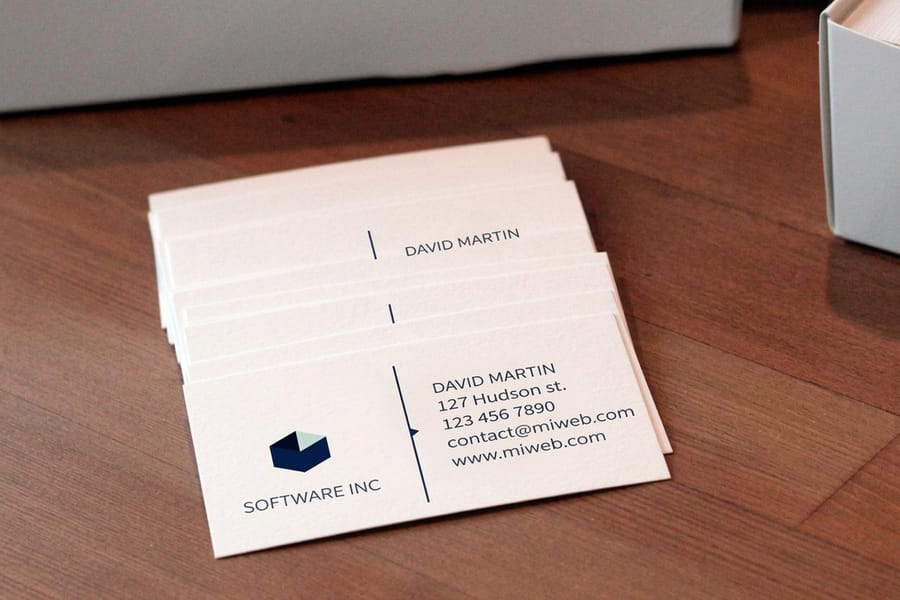
Digital printing skips the plates entirely. It sends your file straight from computer to press and lays down toner or liquid ink with inkjet or laser technology. No plates means no setup time, and no setup time means fast turnaround with affordable short runs.
This is the method most people touch every day, from office laser printers to commercial digital presses. Commercial digital printing runs on a different level than a desktop machine, with far better color, paper handling, and speed. It is also how most business cards, flyers, and short run marketing pieces get made today.
Why digital owns short runs
Digital lives in the sweet spot under 1,000 pieces. With no plate cost to absorb, printing 50 copies costs about the same per unit as 200, which makes it ideal for test runs, event pieces, and personalized marketing. Variable data printing is its secret weapon, so you can change the name, image, or offer on every piece without stopping the press. Need it fast? 4OVER4.COM offers same day printing on select digital products.
Digital printing tips
Use digital to prototype a design before you commit to a large offset run, lean on variable data to lift response rates, and check your stock options, since most presses handle a wide range of papers. For everyday collateral like business cards and stationery, digital delivers a professional look with quick delivery.
Screen Printing: Bold, Durable, and Tactile
Screen printing, also called silk screening, pushes ink through a fine mesh stencil onto the surface below. Each color needs its own screen, so a four color design takes four passes. It is one of the oldest printing methods still in heavy commercial use.
The payoff is a thick, vivid ink layer you can feel with your fingertips. That tactile quality is why screen printing dominates apparel, promotional products, signage, and specialty packaging. The ink sits on top of the material instead of soaking in, which gives bold, saturated colors that pop.
Best uses for screen printing
Screen printing works on almost any surface, from fabric and wood to metal, glass, plastic, and paper. That range makes it the default for custom shirts, tote bags, posters, and branded merch. If you want creative promo ideas, these logo sticker design ideas show how branded materials travel. It stays cost effective for medium to large runs with one to four spot colors, though full color or photographic art gets pricey fast, where digital or offset is smarter.
Quantity and price
Brochure pricing and specs
Real configurator numbers, where the more you order, the lower the per unit cost drops.
| Quantity | Price Per Unit | Total |
|---|---|---|
| 50 | $1.14 | $57.11 |
| 100 | 82.4¢ | $82.38 |
| 200 | 53.3¢ | $106.55 |
| 300 | 41.0¢ | $123.02 |
| 400 | 34.9¢ | $139.49 |
| 500 | 31.2¢ | $155.97 |
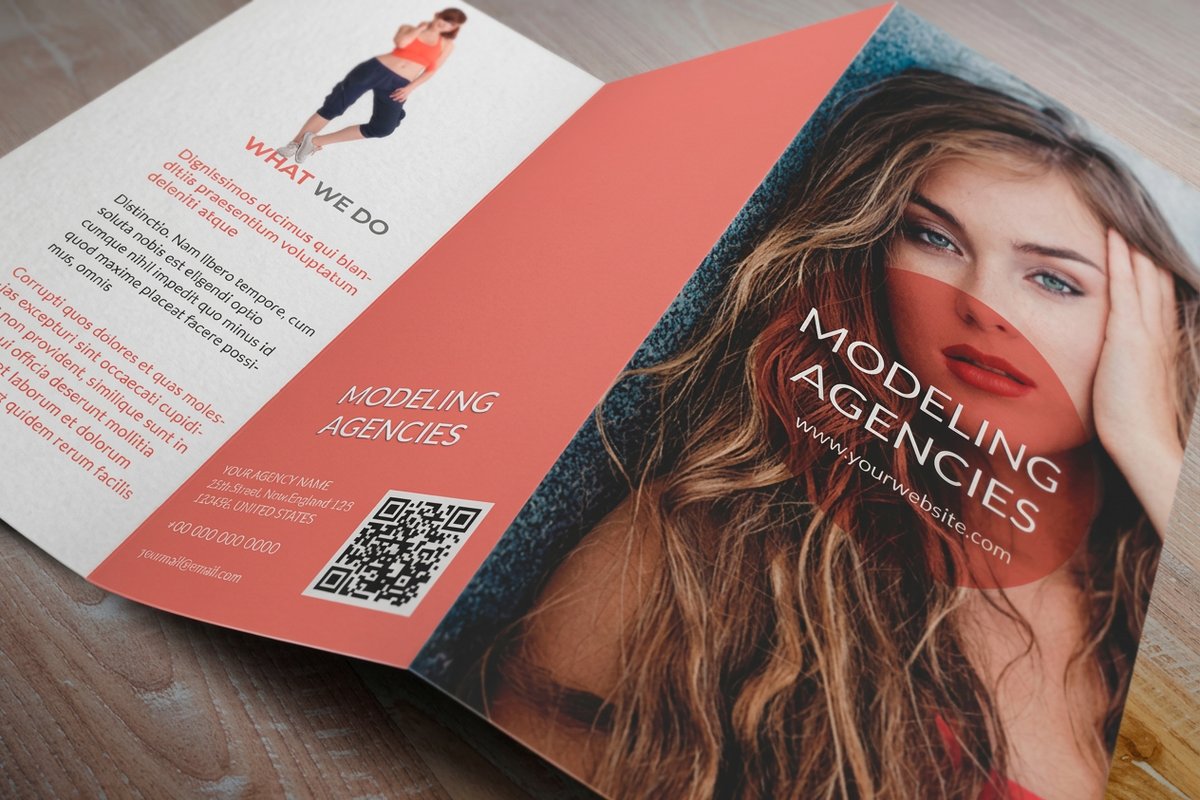
Flexographic Printing: The Packaging Standard
Flexographic printing, or flexo, wraps flexible rubber or photopolymer plates around rotating cylinders. Ink transfers from the plate straight to the material as it feeds through the press at high speed. Think of it as a modern, industrial scale rubber stamp.
You meet flexo every day without noticing. Cereal boxes, shipping labels, grocery bags, corrugated cardboard, and food wrappers all run flexo. It prints on materials other methods cannot touch, including plastic film, metallic foil, and cellophane.
Why flexo rules packaging
Speed and substrate range are its superpowers. Modern flexo presses run incredibly fast, which makes them the most economical choice for massive packaging runs, and the flexible plates hug uneven surfaces so corrugated boxes print cleanly despite their ridges. HD flexo has closed much of the quality gap, delivering crisp packaging graphics, barcodes, and bold brand imagery.
Letterpress Printing: Craft and Character
Letterpress is the original printing method, invented by Gutenberg in the 1440s. It presses raised type or images into the paper and leaves a distinctive debossed impression you can see and feel. Because the ink sits slightly below the paper surface, every piece carries a handcrafted, artisan quality no other method copies.
After decades of decline, letterpress roared back as a premium specialty technique. It is the choice for luxury wedding invitations, high end business cards, and boutique packaging, where a tactile impression matters as much as the visual design.
The letterpress sweet spot
Letterpress works best with simple, elegant designs built on clean typography, minimal graphics, and one to three ink colors. It pairs beautifully with thick, soft cotton papers that accept a deep impression. Setup costs run high and production is slow, but that is the point, because a letterpress card tells the person holding it that you sweat the details.
Compare products
Popular print products, side by side
Stock, finish, quantity, turnaround, and from price across our most ordered business products.
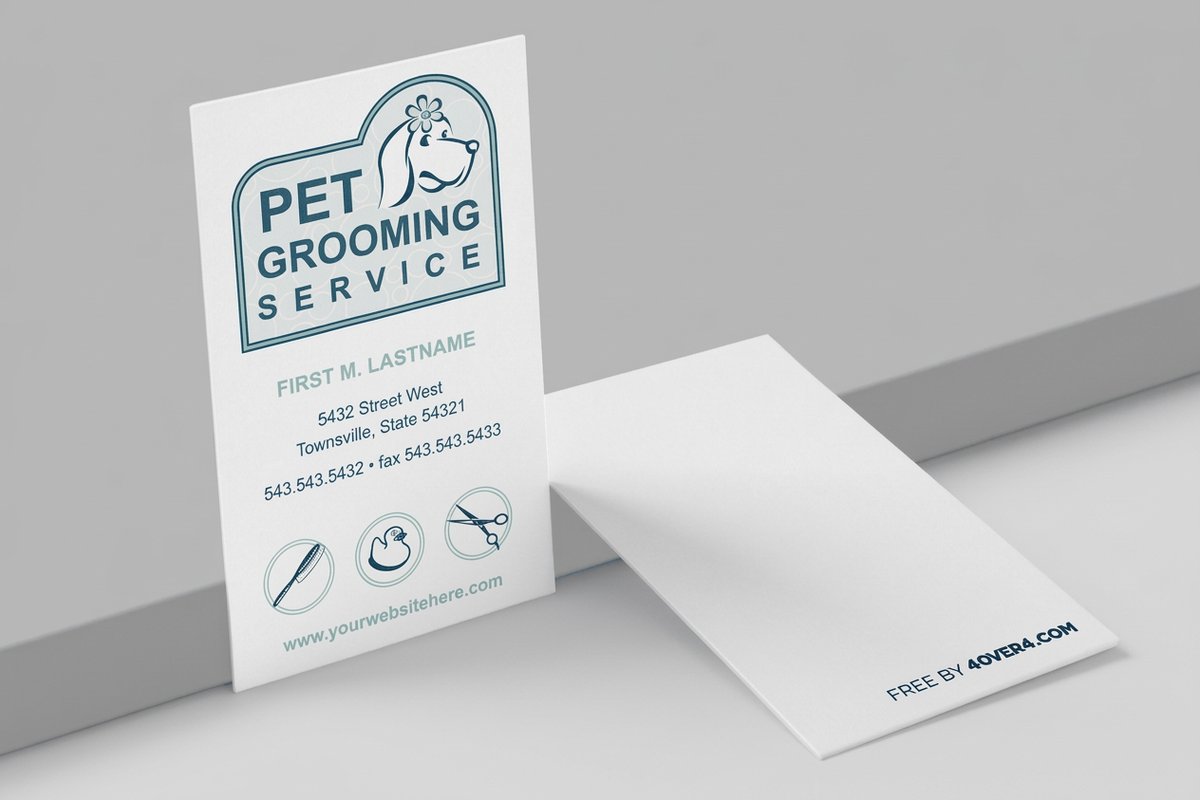 free business cards | 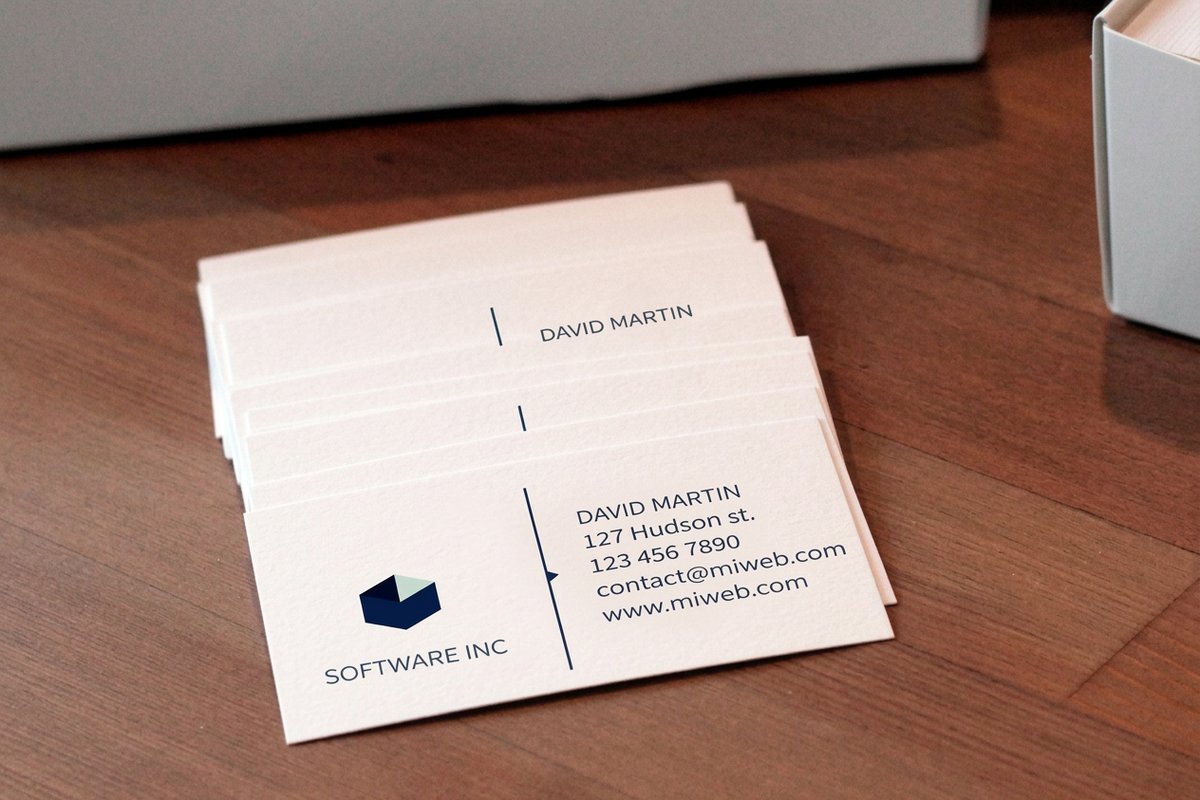 Standard Business Cards | 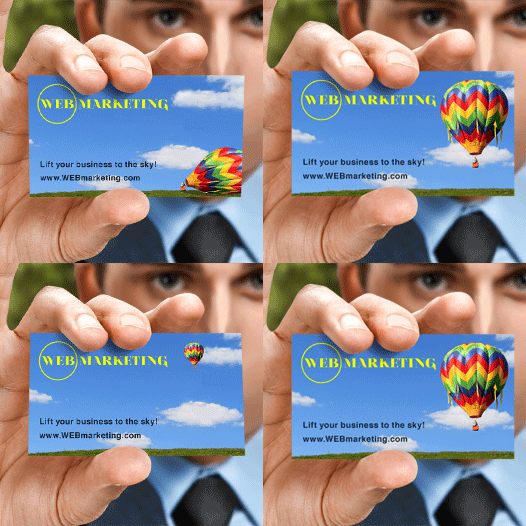 3D Lenticular Business Cards | 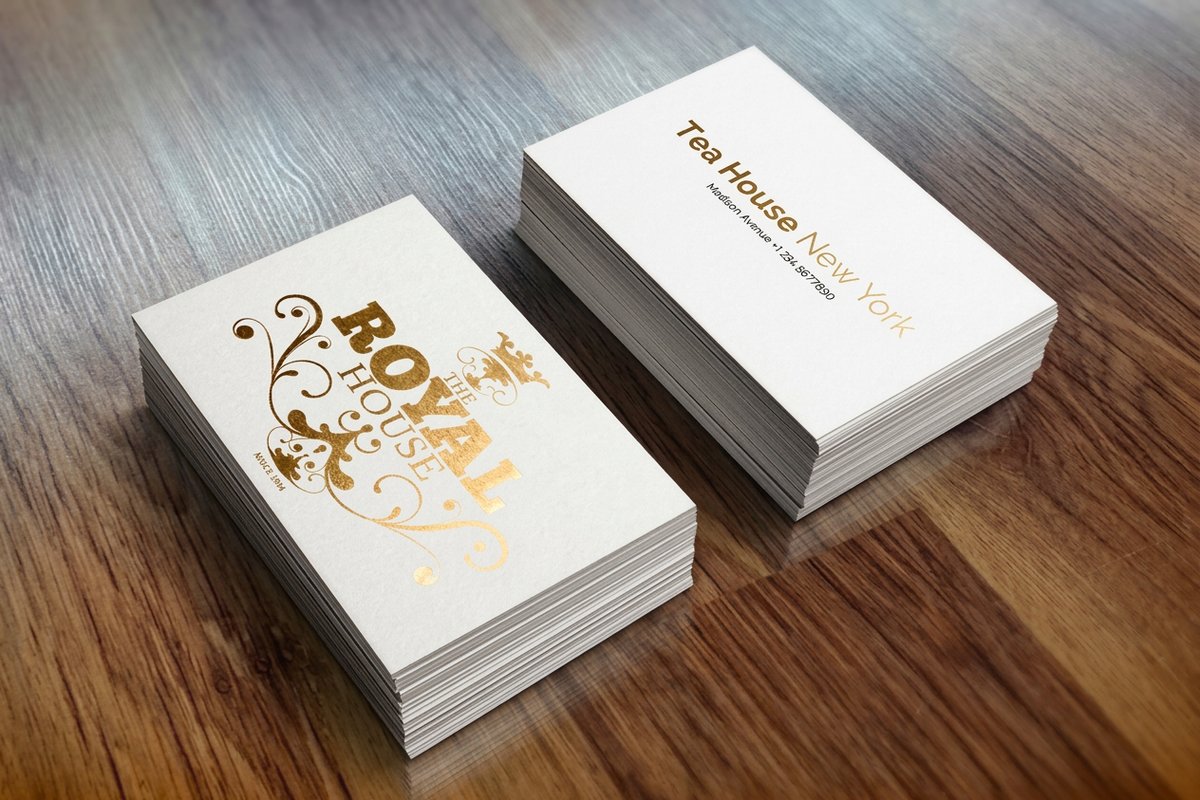 Metallic Foil Business Cards | |
|---|---|---|---|---|
| Min price | Free | $17.57 | $690.88 | $222.13 |
| Paper / stock | 14pt Gloss Cover | 14pt Gloss Cover | 31pt Lenticular Lens | 16 Point Silk Laminated |
| Finish | - | Standard Finish | - | - |
| Size | 2" x 3.5" | 2" x 3.5" | 2" x 3.5" - Vertical | 2" x 3.5" |
| Default qty | 200 | 100 | 500 | 500 |
| Turnaround | 5 business days | 3 business days | 22 business days | 7 business days |
| Rating | ||||
| View & customize | View & customize | View & customize | View & customize |
Gravure Printing: Precision at Massive Scale
Gravure, or rotogravure, engraves the image into a copper cylinder. Tiny etched cells hold ink, and as the material passes through, it picks up ink from those cells. Deeper cells hold more ink for darker tones and shallower cells create lighter areas, which produces smooth, continuous tone reproduction that rivals photography.
Gravure is the premium choice for extremely long runs that reach into the millions. Titles like National Geographic and Vogue historically used gravure for rich, photographic covers, and it remains standard for decorative laminates, wallpaper, and flexible packaging.
Strengths and limits
The image quality is stunning, with the smoothest gradients and most consistent color of any method, and the engraved cylinders hold that quality across millions of impressions. The catch is that cylinder engraving is expensive and slow, so gravure only makes economic sense at hundreds of thousands or millions of copies. For anything smaller, offset or digital wins on cost.
Inkjet Printing: From Desktop to Wide Format
Inkjet printing sprays tiny droplets of liquid ink through microscopic nozzles onto the surface. It powers everything from a home printer to massive wide format machines that produce billboards and vehicle wraps. The droplets are measured in picoliters, which allows detailed, photographic quality output.
Commercial inkjet has exploded. High speed inkjet web presses now compete with offset for books, direct mail, and transactional documents, while wide format inkjet handles banners, trade show graphics, wall murals, and architectural renderings.
Inkjet uses worth knowing
Wide format inkjet is the standard for large scale graphics, so anything bigger than a press sheet goes inkjet, and UV curable and latex inks let it print on rigid board, fabric, wood, metal, and glass. For direct mail with motion, look at 3D lenticular postcards that pair inkjet with lenticular lenses, or reach for dramatic black postcards when you want to stand out from standard white stock.
Laser Printing: The Office Standard
Laser printing uses heat to fuse powdered toner onto paper. A laser draws the image onto a photosensitive drum, the drum picks up toner, and a fuser melts that toner into the paper fibers to create a durable, smudge resistant print.
Laser printers own the office because they are fast, reliable, and razor sharp on text. Color laser quality has climbed far enough to handle basic marketing pieces, internal documents, and short run collateral with ease.
Laser versus inkjet
Laser wins on speed, text sharpness, and cost per page for black and white documents. Inkjet wins on photo quality, color vibrancy, and material range. Commercial digital presses are essentially industrial grade laser systems, so when 4OVER4.COM prints your short run order digitally, it runs on technology that grew from the same laser principles, only scaled up in speed, quality, and paper handling.
Start fast
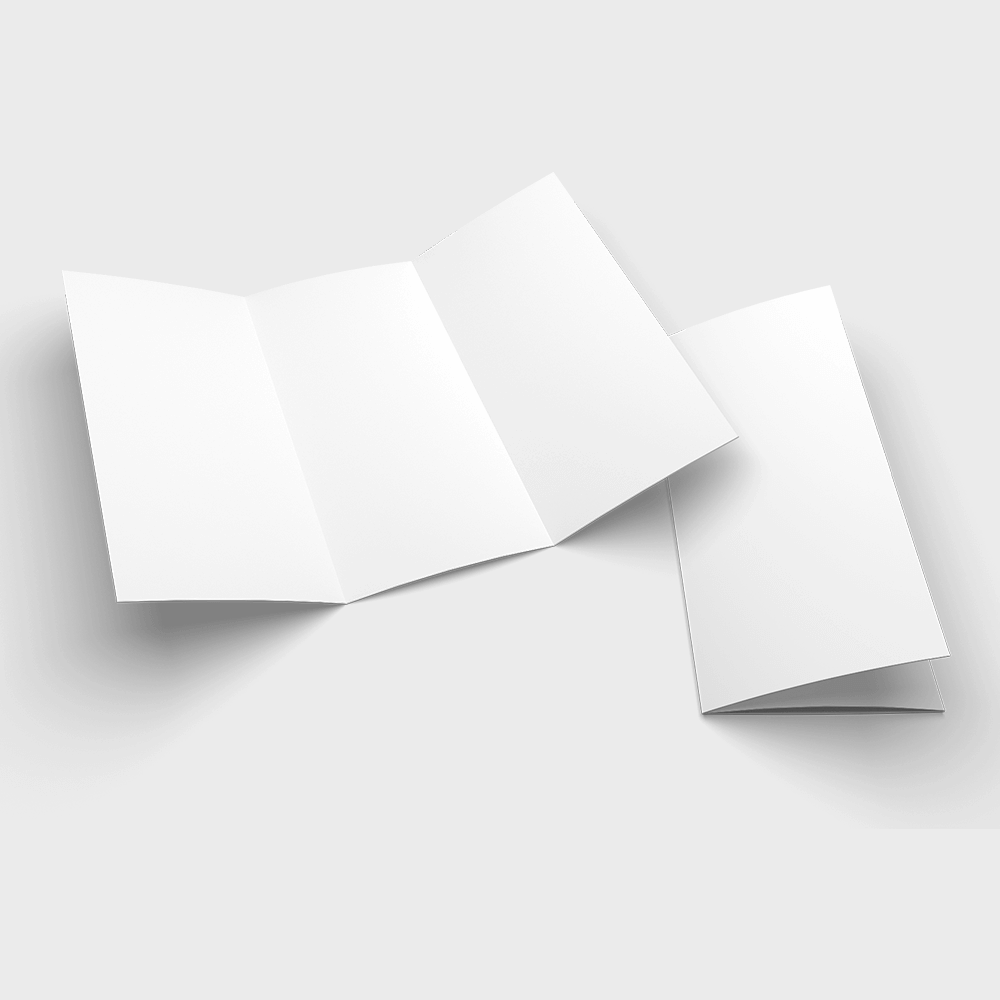
Templates and print ready blanks
Design templates and exact size blanks so your artwork lands inside the cut line and bleed.
3D Printing: From Prototypes to Production
3D printing, or additive manufacturing, builds three dimensional objects layer by layer from a digital model. It is fundamentally different from every other method here because it creates physical objects rather than flat printed surfaces. Materials range from plastics and resins to metals, ceramics, and even food.
What began as a prototyping tool has grown into a real production method. Dental aligners, aerospace components, custom prosthetics, architectural models, and consumer products are all 3D printed at commercial scale today.
Where 3D printing fits
3D printing excels at customization and complex shapes that traditional manufacturing cannot produce, so you can print a one off prototype overnight or run 500 identical parts with internal lattice structures. It is not replacing flat printing any time soon, but for dimensional brand pieces like custom display stands, packaging inserts, and promotional items, it opens creative doors that did not exist a decade ago.
Dye Sublimation and Thermography: Specialty Techniques
Dye sublimation uses heat to turn dye into gas that bonds with polyester fabric, ceramic, or specially coated surfaces at a molecular level. The result is a bright, full color print that will not crack, peel, or fade, even after washing. That is why it is the standard for custom sportswear, fabric flags, phone cases, mugs, and mousepads.
Thermography creates a raised, textured finish that mimics engraving at a fraction of the cost. Wet ink is dusted with a resin powder and then heated until the powder melts and swells into a raised surface. It shows up often on business cards, invitations, and letterheads where an upscale feel matters without the expense of true engraving.
When specialty pays off
Reach for these techniques when the finish is the message. Dye sublimation turns a plain polyester surface into an all over photographic print, and thermography gives everyday stationery a premium, tactile lift. Both reward a clean design and a clear idea of where the piece will live.
How to Choose the Right Printing Method
Short run ready
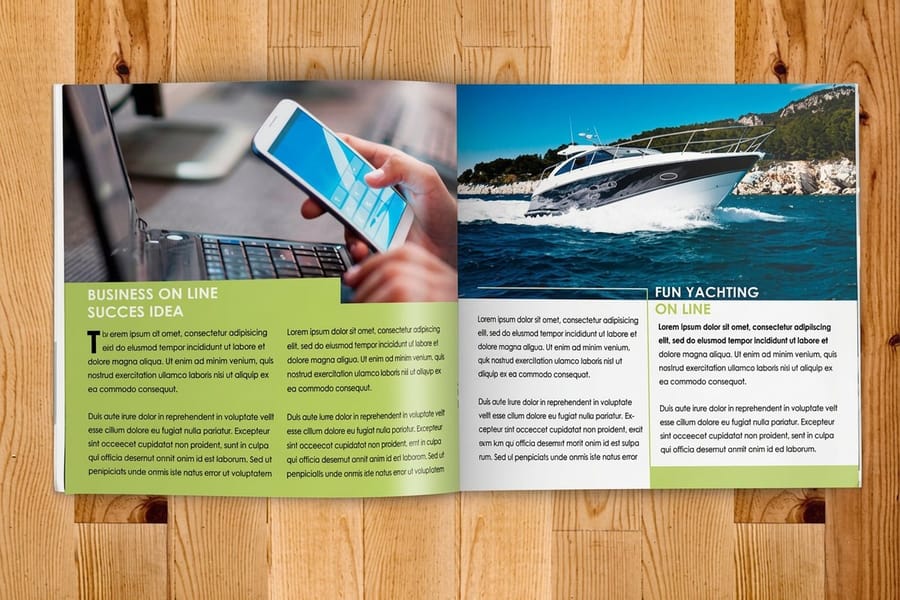
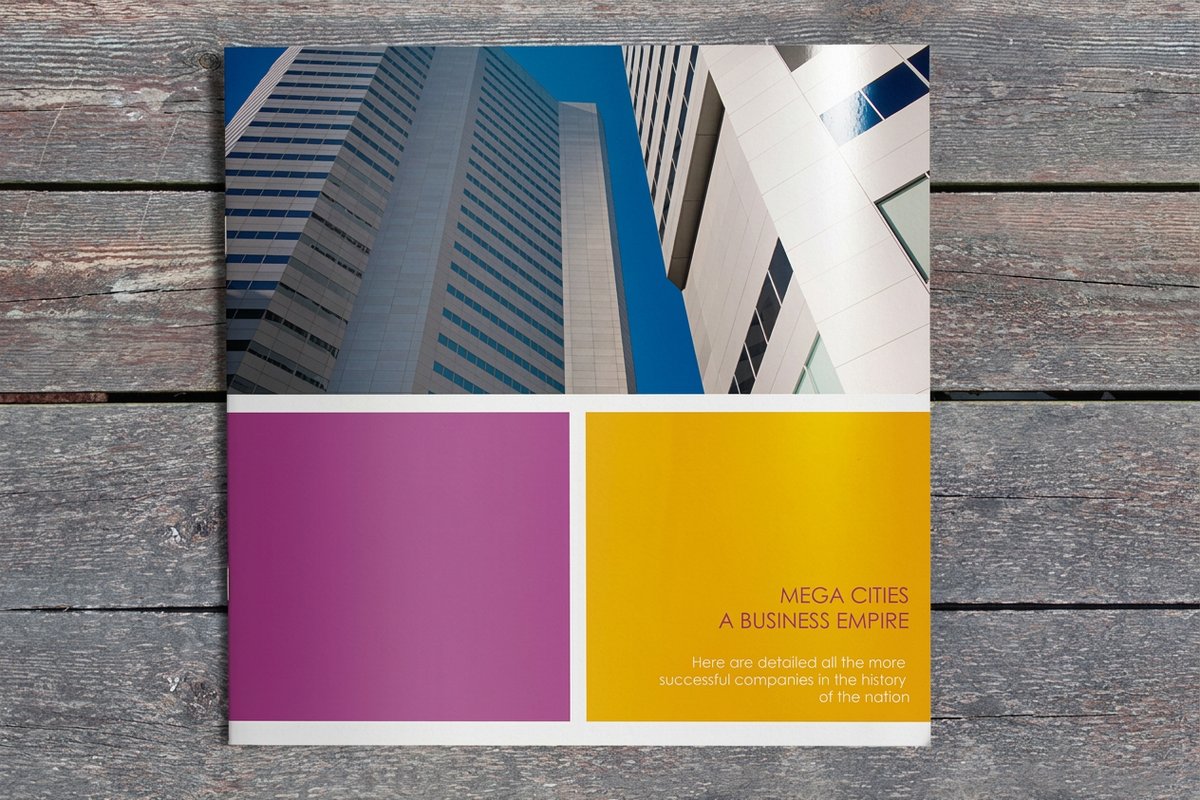
Booklets, digital or offset
Multi page catalogs and lookbooks with clean binding and fast turnaround.
With every major method on the table, the pick comes down to four factors, which are quantity, quality needs, substrate, and budget. Here is a fast decision framework.
- High volume on paper, 5,000 pieces and up. Offset printing for the lowest per unit cost and the best color consistency.
- Short run under 1,000 with fast turnaround. Digital printing, since there are no plates and no setup delay. Great for custom booklets and quick collateral.
- Apparel or promotional products. Screen printing for bold spot colors, or dye sublimation for full color, all over designs.
- Packaging on flexible or non paper materials. Flexographic printing, built for speed across diverse substrates.
- Luxury stationery or premium cards. Letterpress for tactile depth, or thermography for raised texture on a budget.
- Massive runs of 500,000 and up with photographic quality. Gravure, for unmatched consistency at extreme volume.
- Large format graphics. Inkjet, the only practical choice for banners, wraps, and oversized prints like 3D postcards.
- Three dimensional objects. 3D printing, for layer by layer fabrication from digital models.
No single method is best. The right call depends on your project. 4OVER4.COM specializes in digital and offset printing for business materials, backed by 10,000+ reviews and a 4.8 out of 5 star rating. Want to feel the difference before you commit? Order free print samples, browse the full printing articles library, or dig into our step by step printing guides.
Wally matches your project to the right press
Method decides cost, quality, and how fast you get it
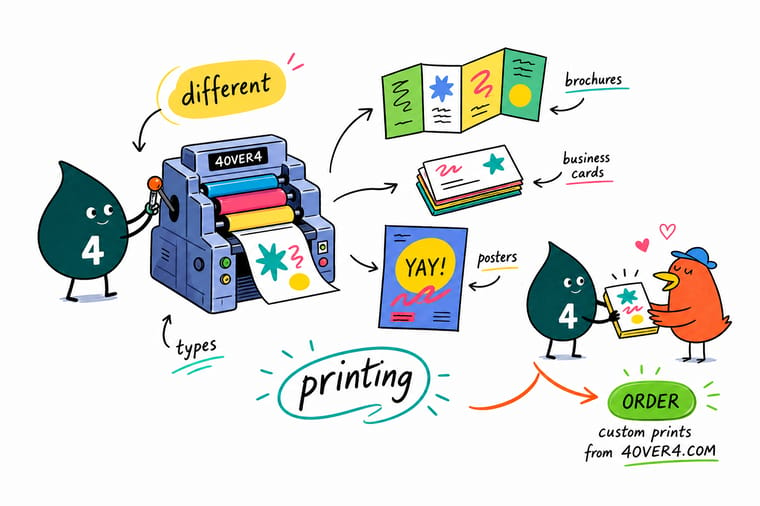
The trick to great print is matching the method to the job. Offset wins on big runs and exact color, digital wins on speed and short runs, screen printing loves apparel, and specialty methods add a tactile finish. Tell 4OVER4.COM what you are printing and how many, and the right press handles the rest.
Start a print order →Matching the method to your job
File prep tips for any printing method
- Order in bulk. Consolidate runs so larger quantities drive the per piece cost down, especially on offset.
- Send high resolution files. Provide artwork in CMYK at 300 DPI so colors stay accurate and edges stay sharp.
- Use vector art. Supply logos and type as vector files that scale to any size without going blurry.
- Ask about gang run printing. Placing several small jobs on one press sheet splits the setup cost across clients.
- Add a protective coating. A UV or aqueous coat deepens color and shields ink on high touch pieces.
- Request a proof. Approve a printed or digital proof before the full run to catch color and layout issues early.
Explore more
More ways to put every printing method to work
Related products and guides on 4OVER4.COM, one card each, so you can keep exploring print.
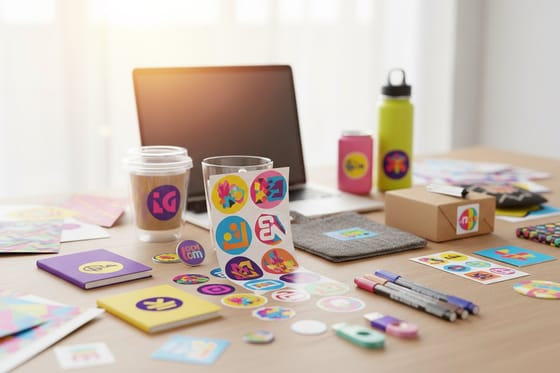 Article Logo Sticker Design Ideas Branded sticker ideas that travel with your customers.
  Product Custom Brochures Fold out your story in full color, offset or digital.
  Product Custom Booklets Multi page catalogs and lookbooks that feel premium.
  Product Business Cards The classic short run digital and offset staple.
 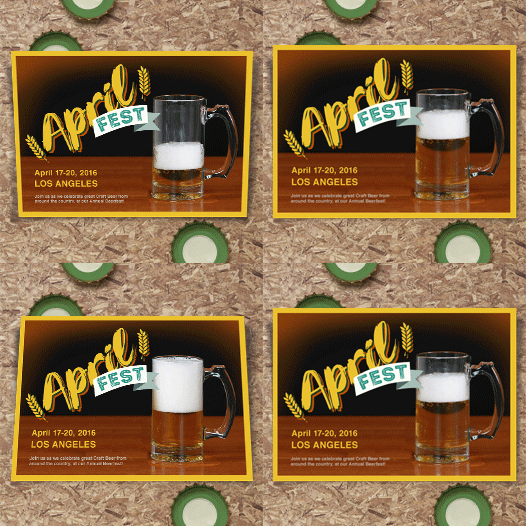 Product 3D Postcards Direct mail with depth that grabs attention.
  Product Black Postcards A dramatic alternative to standard white stock.
 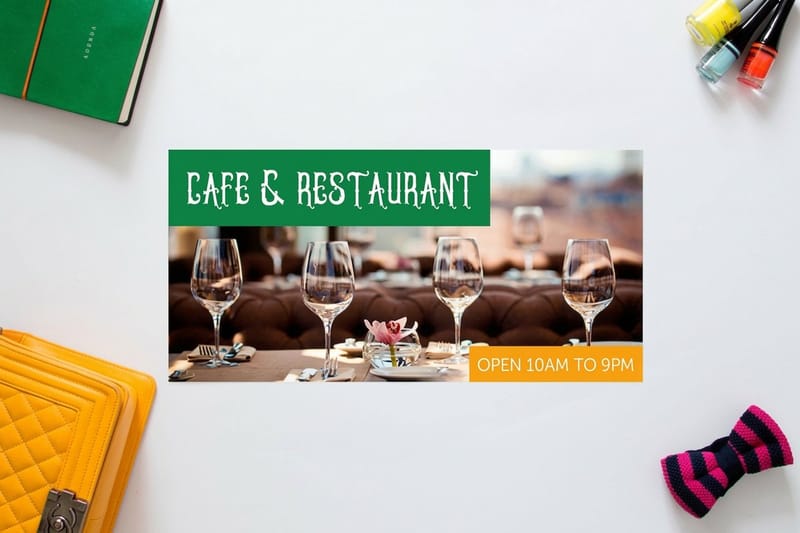 Product Custom Buckslips Affordable inserts for direct mail campaigns.
  Hub Blank Templates Exact size, print ready blanks for every product.
 Ready to match your project to the right press?
Pick a product, upload your file or start from a free template, and 4OVER4.COM prints it sharp on digital or offset, as fast as same day.
Which printing method fits, answered
What are the main types of printing?
Eight processes cover commercial printing: offset, digital, screen, flexographic, letterpress, gravure, inkjet and laser. Offset and digital handle almost everything on paper and card, split by run length. Screen printing handles apparel and signage. Flexographic handles packaging and labels. Gravure handles very high volume magazines and packaging. Letterpress is the craft method for premium stationery. Inkjet and laser cover everything from a desktop up to wide format. Dye sublimation and thermography are two specialty techniques worth knowing alongside them.
What is the cheapest printing method?
It depends entirely on how many you need, which is why the question has no single answer. For one to a few hundred pieces, digital printing is cheapest because there is no setup cost to spread. Above about 5,000 pieces on paper, offset takes over, because the plate cost is fixed and the per-piece cost keeps dropping as the run grows. At packaging volumes, flexographic is cheapest, and at national magazine volumes gravure is. If you are printing fifty of something, digital. If you are printing fifty thousand, offset.
What is the difference between digital and offset printing?
Offset transfers ink from a plate to a rubber blanket and then onto the paper, so it needs plates made before anything prints. Digital puts toner or ink straight onto the paper from the file, with no plates at all. That single difference drives everything else. Offset costs more to start and less per piece, so it wins on long runs and gives you spot colours and the widest stock range. Digital costs nothing to start and more per piece, so it wins on short runs, turns around faster, and can change the content on every single copy for personalized work.
What are the best practices for choosing between different types of printing?
Start with quantity and deadline. Orders above 5,000 pieces usually go offset for the cost savings, while short runs under 1,000 work best with digital printing. Always submit files in CMYK at 300 DPI and request a proof before full production. For multi format projects like custom brochures paired with matching cards, keep color profiles consistent across every file.
How do I choose the right printing method for my project?
Match the method to four factors, which are volume, substrate, quality needs, and budget. High volume paper marketing points to offset. Apparel and merchandise call for screen printing or dye sublimation. Packaging on flexible materials needs flexographic printing. For quick turn business collateral, digital printing from 4OVER4.COM handles most needs with fast delivery.
What makes different types of printing effective for marketing?
Each method brings its own strength. Offset holds consistent brand color across large campaigns, digital enables personalized direct mail that lifts response rates, letterpress creates tactile cards people keep, and wide format inkjet produces trade show graphics you can read across a room. Try custom buckslips as affordable inserts for direct mail.
How much should I budget for different types of printing?
Budget swings a lot by method. Digital printing starts low with no setup fees, which suits runs under 500 pieces. Offset asks for plate costs up front but drops to pennies per piece at volume. Screen printing charges per color per screen, so simpler designs cost less. Letterpress and gravure sit at the premium end. Always compare quotes on total project cost, not just the per unit price.
