
How to Print Custom Flyers That Look Professional


Flyers are cheap to print and easy to get wrong. Size and stock come first, then a file that survives the trimmer, then the choice between gloss, matte and uncoated.
Build the flyer file at 300 ppi in CMYK with an eighth of an inch of bleed on all four sides, and keep every piece of text an eighth of an inch inside the trim. Then pick the size to match the copy you actually wrote, print on 100 lb text for anything handed to a person, and choose uncoated if someone has to write on it. Gloss and matte look better but reject pen ink.

Quick answer
Three edges decide whether a flyer looks printed or homemade
A professional flyer is a design decision and a geometry decision. The design part is choosing a size the copy fits and a coating that matches how the piece gets handled. The geometry part never changes: an eighth of an inch of bleed outside the trim so the cut cannot leave a white sliver, an eighth of an inch of safety inside it so nothing lands on the blade, and 300 ppi at final size so photos hold up in the hand. Get those three right and the rest is paper choice.
Start With the Size, Because It Sets Almost Everything Else
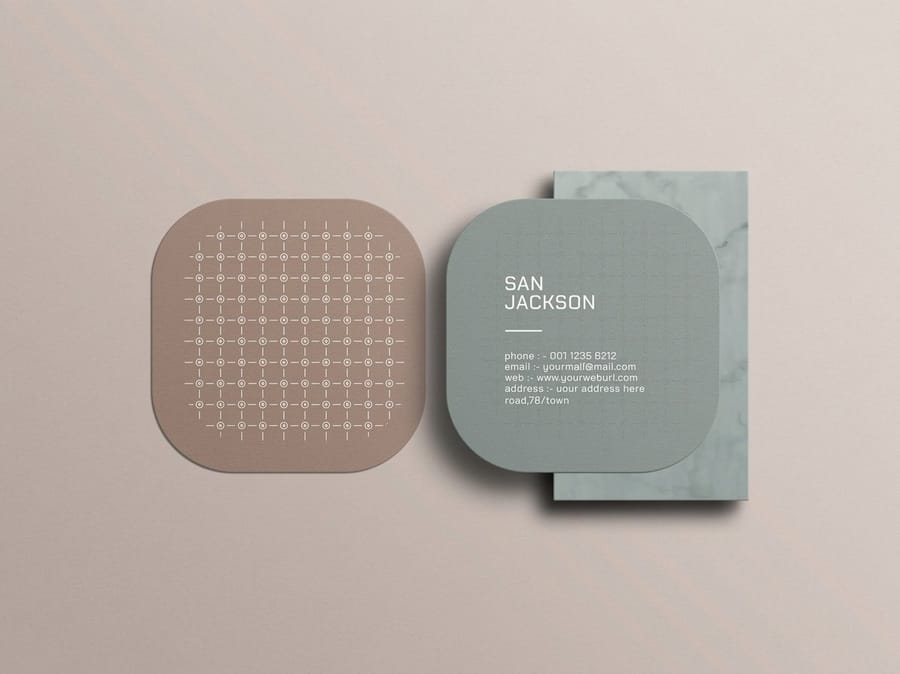
Flyers are printed several to a large sheet and then cut apart, so the size you choose decides how many pieces come off each sheet. That single fact explains most of the price gap between a full-page flyer and a half-page one, and it explains why moving to a cheaper paper saves less than you would guess.
| Size | Best for | How it prints | The trade-off |
|---|---|---|---|
| 8.5 x 11 in | Menus, event programs, property sheets, price lists | One piece per letter sheet | Most room for copy, highest paper cost per piece |
| 5.5 x 8.5 in | Door to door, counter stacks, class handouts | Two per letter sheet | Roughly half the paper, still readable held at arm's length |
| 6 x 9 in | Mailbox drops and hotel or lobby racks | Trims from the same parent sheet as a full page | Stands out in a mail stack, awkward for dense text |
| 4 x 6 in | Table drops, event giveaways, quick promos | Several per sheet, cheapest per piece | One headline and one offer. Anything more will not fit legibly |
Read the last column before the first. A half-page flyer with three sentences beats a full page with nine paragraphs nobody finishes, and it costs less. Club Flyers start at $16.48 and cover the common sizes, so the practical move is to write the copy first, then choose the smallest size it fits into at a comfortable reading weight.
One more thing before you commit: decide whether the flyer is being handed over or left in a stack. Handed flyers can be smaller, because someone is already looking at you. A flyer left on a table has to earn attention from four feet away, and that argues for the bigger size and a much shorter headline. If a rectangle is not going to cut through at all, the custom shape and die cut collection shows what a cutting die does to both the look and the budget.
Set the File Up So Nothing Important Gets Cut Off
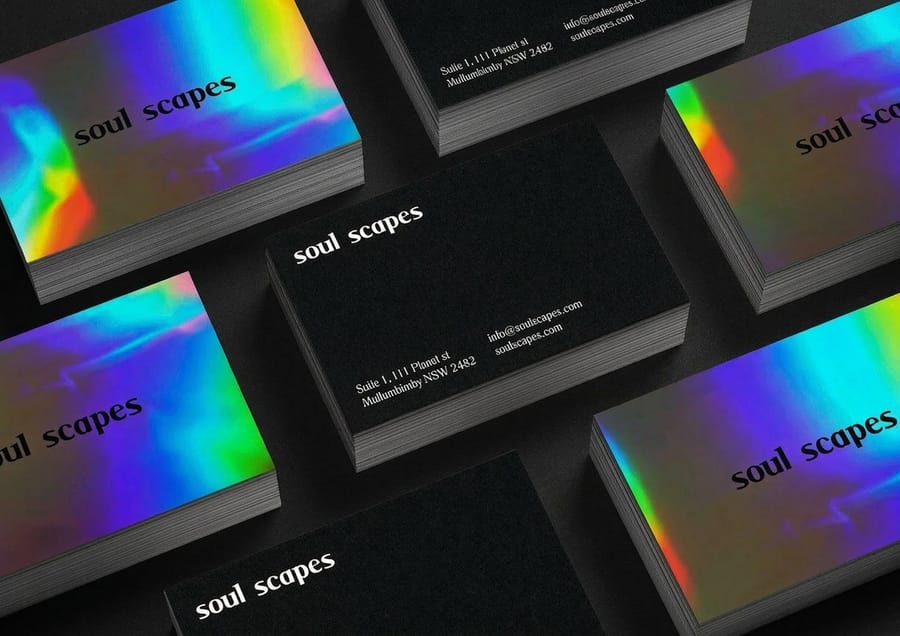
A trimmer cuts through a stack of sheets, and the stack shifts slightly as the blade comes down. The tolerance is small, around a sixteenth of an inch, but it is the reason every print file is built with two invisible lines outside and inside the finished page.
- Bleed, 0.125 in outside the trim. Any background color or photo that touches the edge has to extend into that band. Set the document up at 8.75 by 11.25 inches for a letter-size flyer and pull the artwork out to the edges.
- Safety, 0.125 in inside the trim. Headlines, phone numbers, QR codes and logos stay behind this line. Text sitting closer looks crooked even when the cut is dead accurate, because the eye reads the margin, not the blade.
- 300 ppi at final size. Check the effective resolution after scaling, not the resolution of the source file. A photo scaled up to 200 percent in the layout has half the ppi it started with.
- CMYK, not RGB. Bright screen blues and neon greens have no CMYK equivalent and will shift on press. Convert before you send so you see the shift on your own screen rather than on the delivered box.
- Black behaves in two ways. Small type should be 100 percent black only, or it goes fuzzy when the four plates do not land perfectly on top of each other. A large black panel needs a rich black build, or it prints as a flat charcoal gray next to the photos.
- Outline the fonts and flatten transparency before exporting a print-ready PDF. Missing fonts are the single most common reason a file gets kicked back.
If you would rather not build the geometry by hand, start from a correctly sized layout in the blank template library and drop your artwork in. Working in an office app instead of a design tool has its own quirks, and the letterhead in Microsoft Word guide covers how to get print-ready output out of software that was never really built for it.
Paper Weight and Coating, and What Each One Costs You
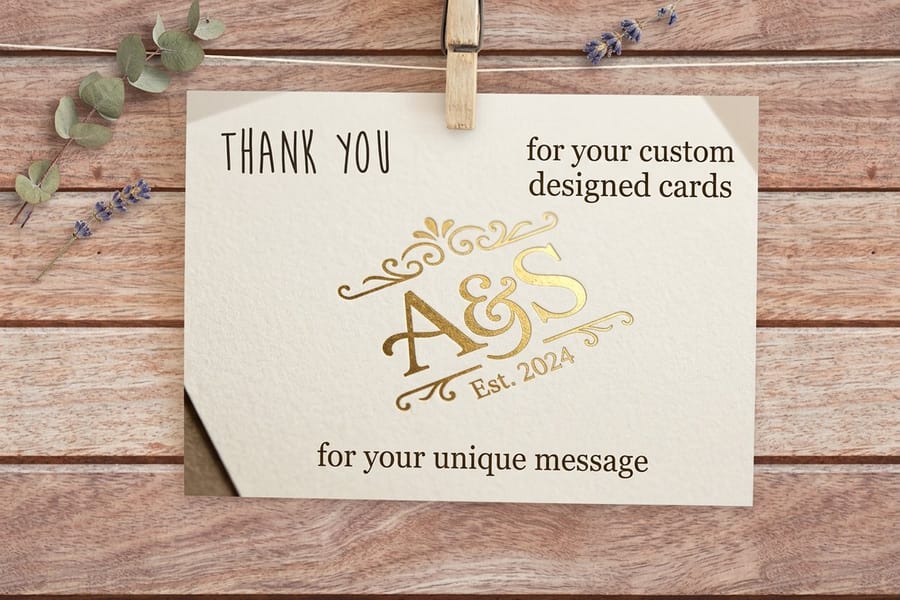
Paper for flyers is quoted in text weights, the same family as the sheets in a copier, not the cover weights used for business cards. The three you will meet are 70 lb, 80 lb and 100 lb text, and the difference you feel between them is stiffness and how much light comes through from the back.
100 lb text is the safe default for anything handed to a person. It survives a pocket, it does not curl at the top of a stack, and a photo on one side does not ghost through to the other. 70 lb and 80 lb are lighter and cheaper, which makes them right for a big door-to-door drop where each piece gets one look. Go up to a cover weight only when the flyer is really a rack card or a small poster, and remember that cover stock has to be scored before it folds, otherwise the coating cracks in a white line along the crease.
Coating is the decision people regret more often. Gloss keeps ink sitting on the surface, so photographs stay saturated and fingerprints wipe off, but a ballpoint pen skates across it and a rubber stamp will not dry. Matte kills the glare that makes a text-heavy page hard to read under office lighting, at the cost of a little punch in the images. Uncoated absorbs ink, so colors go slightly softer, and in exchange you can write on it, stamp it, and let a customer fill in a line. Anything with a coupon, an appointment slot or a signature field should be uncoated, or you will get the flyers back covered in smeared ink.
Whatever you pick, pick it once and use it across the set. A flyer, a business card at $17.57 and a follow-up piece that all share one paper family and one coating read as one company; three different finishes read as three suppliers. Our guide to building a branded stationery set works through that decision across a whole print kit.
Order the Run, Then Plan What Happens to the Leftovers
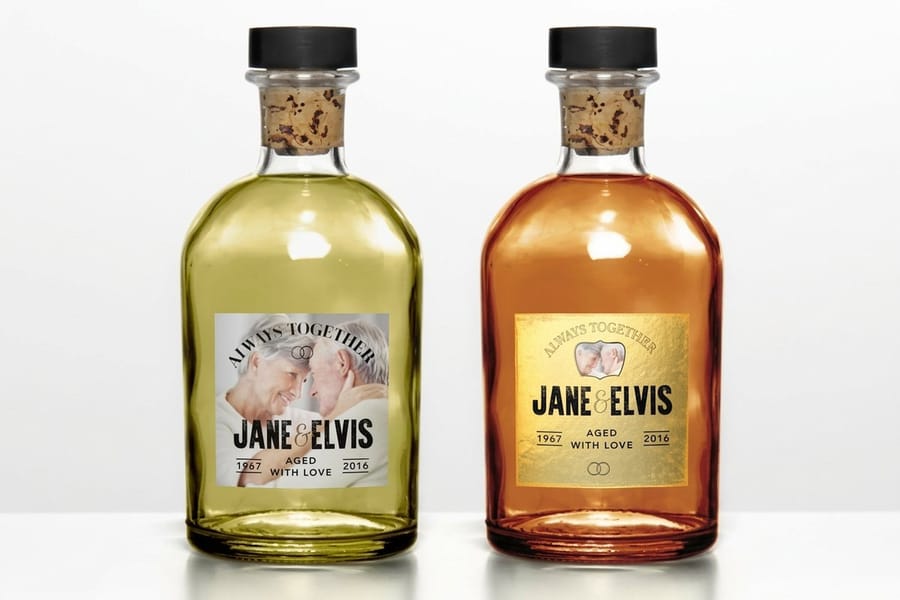
Press setup is a fixed cost spread over however many pieces you print, so the first hundred flyers carry nearly all of it and the cost per piece falls steeply after that. That is why the honest answer to how many you should order is usually more than you planned, with one condition attached: the artwork has to stay valid.
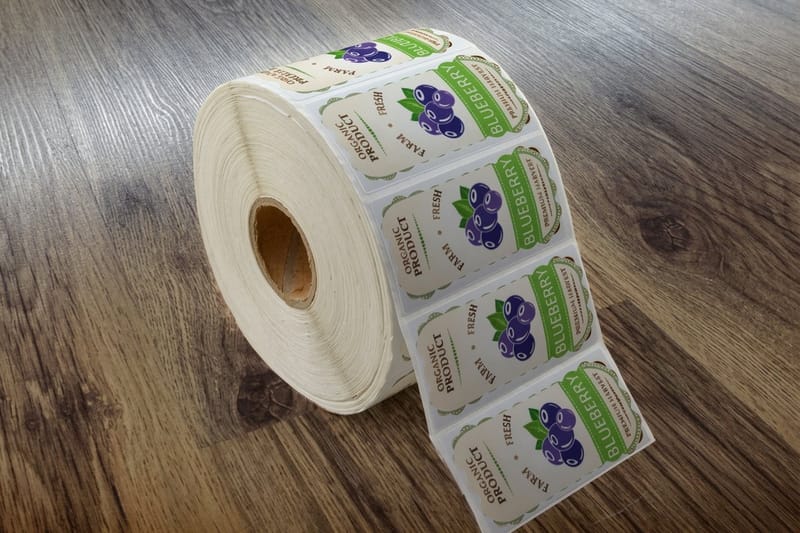
Keep dates, prices and staff names off the flyer whenever the message allows it. Print the offer and point to a page or a phone number for the details that change. A flyer with no expiry printed on it is still useful in three months, while a dated overrun is recycling with your logo on it. When something does change on a run you already have in boxes, a printed label over the old line is far cheaper than a reprint: standard custom labels start at $23.88 and custom labels at $25, against reprinting the whole quantity.
Before you approve anything, look at the PDF preview at 100 percent on screen, then look at the low-resolution warnings your layout software gives you. Two failures account for most disappointing flyer jobs, and both are visible before the file is sent: a photo below about 150 effective ppi, and text sitting on the trim line. Neither is fixable once the run is cut.
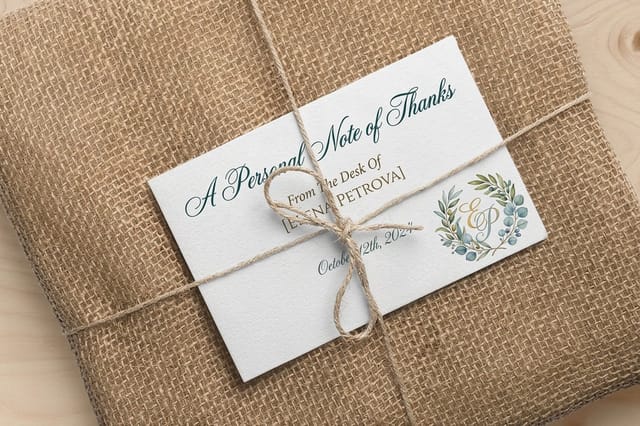
Then think about where the flyers go. Handing them out at an event and leaving stacks in a shop are different jobs with different copy, and the 20 places to leave flyers is a useful checklist for a local market, while promotional handout flyers covers what belongs on a piece someone is handed face to face. Whichever you are doing, pair the flyer with something that survives past the day: a card people keep in a wallet, or a thank you card at $19.77 sent after a job. The custom printing collection lists the rest of what we print alongside flyers.
Wally explains flyer bleed
An eighth of an inch out, an eighth of an inch in
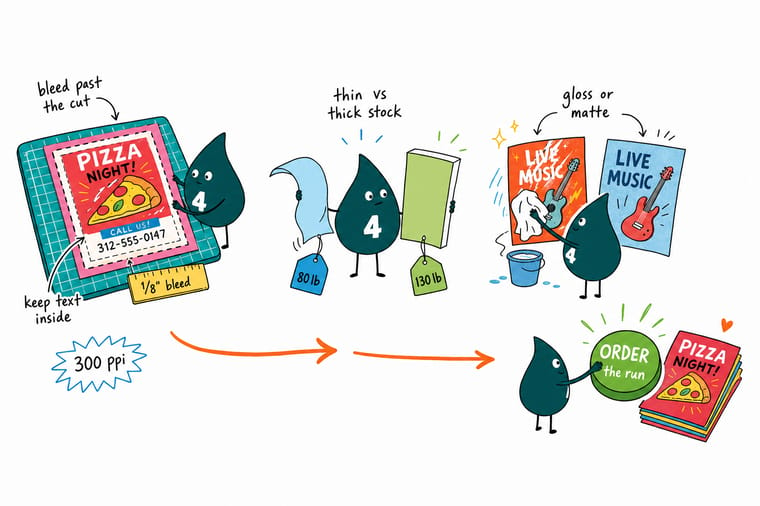
Wally builds the flyer bigger than it needs to be. The background runs an eighth of an inch past the cut, so when the blade drifts through the stack there is still color where the edge lands. Then he pulls the phone number an eighth of an inch back from the trim, because text near the blade looks crooked even on a perfect cut. Everything gets exported at 300 ppi at the finished size. That is the whole trick, and it is why his flyers never come back with a white line down one side.
Configure club flyers →Specs and pricing
Flyer sizes, stocks and starting prices
Live configuration choices and starting prices straight from the 4OVER4.COM configurator, for the flyer and the two pieces most people order alongside it.

Print it
Order flyers that hold up in the hand

Explore more
Where to go next



By the numbers
Gloss, matte, and uncoated on one press
Common Questions
Your flyer printing questions, answered
What size should a custom flyer be?
Match the size to how the flyer reaches someone. 8.5 by 11 inches is the size to pick when the piece has to carry a menu, a schedule, a price list or property details, because it holds real copy at a readable type size. 5.5 by 8.5 inches is the workhorse for handing out and for counter stacks, and it comes two to a letter sheet so it costs meaningfully less per piece. 4 by 6 inches is for a headline and one offer, nothing more, and it fits a pocket and a mailbox. If you are unsure, print the layout at home on plain paper, cut it to size and hold it. Type that looked fine on screen is often two points too small in the hand.
Do I need bleed if my flyer has a white border?
No, and that is the one case where you can skip it. Bleed exists so that color running to the edge survives a cutting tolerance of about a sixteenth of an inch. If your design has a white margin all the way around, there is nothing to run off the edge, so a file built exactly at trim size is fine. Everything else still applies: keep text an eighth of an inch inside the cut, because the border itself will look uneven if a phone number sits too close to the blade.
What resolution do flyer files need?
300 pixels per inch at the finished size. For an 8.5 by 11 flyer with bleed, that means a document 8.75 by 11.25 inches, which exports to roughly 2625 by 3375 pixels. The number that matters is the effective resolution after scaling: a 1000 pixel wide photo stretched across an 8.5 inch page is landing at about 118 ppi, no matter what the file properties say. Check the effective ppi in your layout software before you export, not the source file resolution.
Should flyers be gloss, matte or uncoated?
Gloss if the flyer is mostly photographs and gets handled, because the coating holds the ink on the surface and the colors read brighter and stay cleaner. Matte if the flyer is text heavy and will be read under overhead lighting, since gloss throws glare across a page of body copy. Uncoated if anyone has to write on it, stamp it, or fill in a form field, because pen and stamp ink sit wet on a coated sheet and smear. That last one catches people out on coupon flyers and appointment handouts more than anything else.
What paper weight works for flyers?
100 lb gloss text is the standard for a handout that has to survive a pocket or a bag, and it is heavy enough that it does not curl in a stack. 70 lb or 80 lb text is thinner and cheaper, which is the right call for a large door-to-door drop where most pieces get read once. Move up to a cover weight like 14pt only when the piece is doing double duty as a rack card or a mini poster, and be aware that cover stock has to be scored before it folds or the coating cracks along the fold.
How many flyers should I print?
More than you think, but only if the artwork has no expiry date on it. Press setup is a fixed cost spread across the run, so the first hundred carry almost all of it and every hundred after that gets cheaper. Club Flyers start at $16.48 at 4OVER4.COM, and the jump from a small run to a mid-size run is usually much smaller than people expect. The one real risk is printing a date or a price you will want to change, which turns the whole overrun into recycling.
Get Started
50 club flyers cost $16.48, or 33 cents each
Pick the size, choose your paper and coating, upload a print-ready file, and we cut, box and ship a run that arrives when you said you needed it.
Legal Disclaimer
Gold Standard guarantees apply to all standard orders placed through 4over4.com. Price match requires verifiable proof of a competitor's published price for an equivalent product with matching specifications and turnaround time. Satisfaction guarantee covers manufacturing defects and print quality issues. Contact support with order number and documentation. On-time delivery rate based on tracked orders 1999 to 2026. Individual results may vary based on shipping carrier performance.
