
15 Creative QR Code Ideas That Get Scanned on Printed Marketing


Sofia is our design and templates voice, built from the knowledge of our production team, with over 20 years in printing.
A printed QR code gets scanned when it is about one tenth as wide as the distance it will be read from, keeps its four module quiet zone, and opens the one thing the printed piece just promised. The fifteen ideas below are places where a code beats typing, each with the size it needs and the piece it goes on.
Where the code goes and how big it has to be
| Printed piece | Typical scan distance | Minimum printed size | What ruins it | Product at 4OVER4 |
|---|---|---|---|---|
| Business card | Held in the hand, 8 to 12 in | 0.8 to 1 in square | Spot UV or a full gloss varnish over the code | QR code business cards |
| Product label | Picked up off a shelf, 10 to 14 in | 0.8 in square minimum | Curvature on a small jar, and dark kraft stock | Premium product labels |
| Postcard or mailer | Read at a kitchen table, 12 to 18 in | 1 to 1.5 in square | The USPS barcode zone on the address side | Standard postcards |
| Flyer or handout | Arm length or pinned on a board, 1 to 3 ft | 1.5 to 3.6 in square | A code sitting across a fold | Standard flyers |
| Window or A-frame sign | From the pavement, 6 to 10 ft | 7 to 12 in square | Glare, and glass that reflects the sky | Yard signs |
Sizes come from the distance rule, not from a design grid. Print a proof, tape it where the finished piece will live, and scan it from that spot before the run goes to press. You can order QR code business cards with the code area already laid out.
QR codes in print, four checks before the run
QR codes in print pass or fail on four numbers you can check in the file before you order. Run them in this order, because each one changes the layout of the next.
- Printed width. 0.8 to 1 inch square on a 2 x 3.5 inch card, 1 to 1.5 inches on a postcard, 1.5 to 3.6 inches on a flyer.
- Quiet zone. Four modules of blank stock on every side, measured after the trim line, never before it.
- Link length. Up to 26 characters keeps a 25 by 25 module grid at level M, so the squares stay large at that width.
- Surface. An uncoated or soft touch stock under the code, because the High Gloss UV option throws the ceiling light back at the camera.
A print marketing QR code for one campaign
A print marketing QR code earns its place when you can see which printed piece produced the scans. You can set that up for one small run of each piece before you spend on a large one.
- Give every piece its own short path. One path on your own domain for the card and another for the postcard, each redirecting to the same offer with its own campaign tag.
- Print a test run of each. 100 QR code business cards start at $17.57 and 50 postcards at $16.48, both in 3 business days on standard production.
- Read the scans after two weeks. Your analytics shows each path as its own campaign, so you pick the winning piece from the scan counts.
- Scale the winner. Move the stronger piece to a longer run, or carry the same code to standard flyers at 50 for $39.54 for the counter and the window.
Printed QR codes by stock and finish
Printed QR codes read best on a flat, even surface, and the catalog gives you a safe choice on each piece a code goes on.
- Business cards. 16pt Uncoated with Soft Touch or 14pt Uncoated Cover keep the modules crisp and glare free. The 18pt Kraft Uncoated Cover needs the code inside a white knockout panel.
- Postcards. 100# Silk/Matte Cover holds a code on the message side without the shine of 14pt Gloss Cover.
- Flyers. 100# Silk/Matte Text or 70# Uncoated Text suits a code read under shop lights; 100# Gloss Text is fine for a flyer read in daylight at arm length.
- Labels and stickers. Semi-Gloss or Uncoated Label stock beats Hi-Gloss on a shelf lit from above, and a Clear Label only suits a light container, since nothing white sits behind the modules.
Why printed QR codes get scanned or ignored
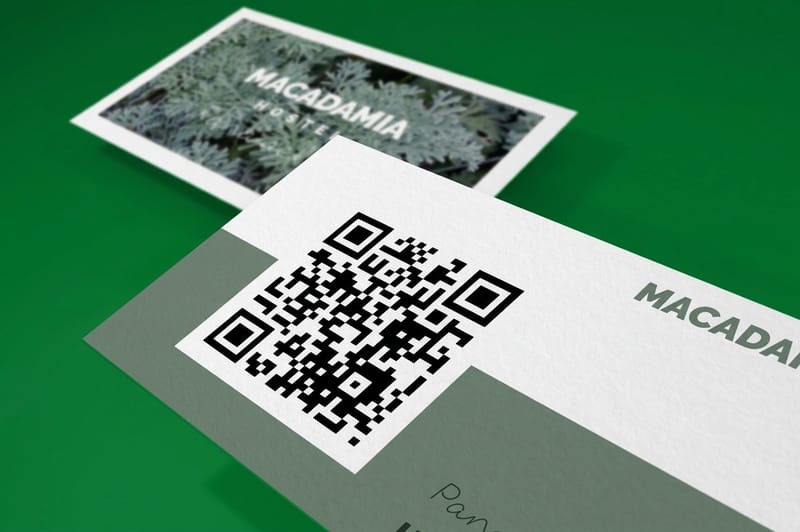
Three things decide it, and none of them are the design. Size against scan distance, a clean quiet zone, and a destination that is worth the two seconds it takes to lift a phone. Get those right and a code on a card gets used. Get any one wrong and the code is decoration.
Size is the one people guess at. The rule printers use is simple arithmetic: the printed code should be about one tenth as wide as the distance it will be read from. A code on a business card held at 10 inches works at 1 inch square. The same code on a window read from 8 feet needs to be close to 10 inches square, which is far larger than most people draw it.
The quiet zone is the margin of blank paper around the code, and the specification asks for four modules of it on every side. Designers crop it constantly, because empty space looks like wasted space on a small card. A decoder that cannot find the boundary of the symbol never gets as far as reading it. Our complete guide to QR codes walks through the anatomy in more detail.
Then there is the destination. A code that opens a homepage teaches people that your codes are not worth scanning, and they stop. Point it at the one thing the printed piece was promising: the menu, the booking form, the warranty registration, the routine, the review page.
Shorter links make bigger squares
Every character you encode adds modules, and more modules inside the same printed square means smaller squares for a camera to resolve. In byte mode at error correction level M, a 26 character link fits inside a 25 by 25 module symbol. Push past 42 characters and it steps up to 29 by 29. Add a long UTM string on top of that and you are asking a phone to resolve modules a third the size at the same printed dimensions.
Use a short branded link or a redirect on your own domain, and keep the tracking parameters on the far side of that redirect. You get the same analytics with a code that reads from further away.
The finishes that fight the scanner
Gloss lamination and spot UV both throw a specular highlight straight back at the camera under overhead lighting, and a phone metering for that highlight loses the contrast between the dark and light modules. Matte or soft touch laminate is the safe answer over any code that will be read indoors.
Uncoated and kraft stocks bring the opposite problem. Ink spreads slightly on an absorbent sheet, which thickens the dark modules and narrows the light gaps, and a brown substrate cuts the contrast ratio before you start. If the piece has to be kraft, print the code inside a white knockout panel and give it a generous quiet zone.
Inverted codes, light modules on a dark field, are read by some decoders and not others. It is a coin flip you do not need to take on a run of 5,000.
Creative QR code uses for business
These six put a code where a customer is already holding something of yours. Each one has a printed piece behind it, and each one answers a question the person is asking at that exact moment.
Start with cards and mailers because the cost of being wrong is small. QR code business cards start at $17.57 and standard postcards at $16.48, which is cheap enough to print two versions and see which destination gets used.
Ideas one to three: the pieces people already hold
1. A card that saves itself as a contact. Encode a vCard rather than a URL and the scan drops your name, number and email straight into the phone. It is the one QR use where the code beats typing by a wide enough margin that people actually use it. The trade off is length: a full vCard pushes the module count up, so keep it to name, title, one number, one email and one link, and print the code at a full inch. The details are in our guide to QR codes on business cards.
2. A review request on the receipt or leave behind card. Point the code straight at your Google review form, not your profile, so the scan opens with the star rating already on screen. Two taps instead of six is the whole reason it works. There is a walkthrough in how to make a QR code for Google reviews.
3. A postcard that opens the exact offer. A mailer with a code for the landing page beats a mailer with a coupon code someone has to retype. Keep the code off the address side: the lower right of that panel belongs to the USPS barcode, and a code placed there can be obscured by the sprayed indicia. Adding a QR code to postcards covers the safe zones.
Ideas four to six: appointments, portfolios and payment
4. A booking link on an appointment card. Print the next appointment in ink and the reschedule link as a code. The customer who needs to move it does so without calling, and you lose fewer slots to silence.
5. A portfolio or video on a trade piece. Contractors, photographers and stylists all carry work that a card cannot show. A code to a two minute walkthrough turns a card into a demo. Print it on the back with nothing else competing for the space.
6. A payment or tip link on a service card. Mobile trades, delivery drivers and market stalls all move faster with a scannable payment link than with a card reader that needs signal. Laminate it matte, because a card that lives in a van gets handled with dirty hands and a scuffed code loses modules.
QR codes on packaging and labels
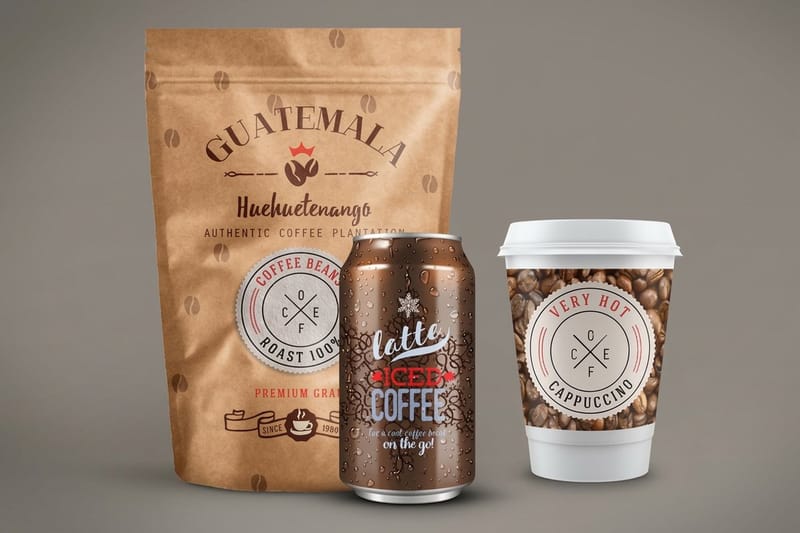
Packaging is where a code earns the most, because the buyer is holding the product and has a question the label does not have room to answer. Four ideas that get used, and the physical limits that decide whether they read.
The constraint on a label is curvature. A code wrapped around a jar smaller than about 2.5 inches across distorts enough at the edges that the decoder struggles, so keep the symbol on the flattest part of the wrap and never across the seam. Premium product labels start at $29.16 and print on stocks that hold a crisp module edge.
Ideas seven to ten: the label does the talking
7. Instructions the label has no room for. Dosing, assembly, care, recipes. Anything that would need six point type gets a code and a full page instead. This is the single most useful thing a code does on a product.
8. Batch and traceability. A code that opens the batch record, the test certificate or the source farm gives a buyer proof rather than a claim. Food, supplements and cosmetics all sell on that.
9. Reorder in one scan. A code on the base or the back panel that goes straight to the product page with the item already in the cart. The customer who has just run out is the easiest sale you will ever make, and the moment passes fast.
10. A sticker seal that opens the story. A die-cut sticker on the box closure carries the code and doubles as a tamper seal. Die-cut stickers start at $93.37 for a run, and there is a stock and finish walkthrough in how to print QR code stickers.
What breaks a code on packaging
Three things, in order of how often we see them. A gloss varnish over the code on a shelf lit from directly above. A dark or kraft substrate with no white knockout behind the symbol. And a code placed where the shrink sleeve or the wrap seam distorts it.
Print one label, apply it to the real container, and scan it under the lighting of the shop it will sit in, with an older phone rather than the newest one on the team. That test takes five minutes and it is the only one that predicts the field.
QR codes on signs, flyers and windows
Distance is the whole game out here, and it is where most codes fail. A code that works on a flyer in your hand is unreadable on the same flyer taped inside a window, because the reader is now 6 feet away behind glass.
Run the distance rule before you set the artwork, then add a line of text telling people what the scan gives them. A bare code on a sign asks a stranger to gamble two seconds on nothing. Five ideas that hold up in public.
Ideas eleven to fifteen: codes in public
11. A window code for the closed hours. Half the people who look at your window are there when the door is locked. A code sized for the pavement, roughly 7 inches square at 6 feet, that opens the menu or the booking page catches the trade you currently lose. Mount it at eye height and keep it off the glass line where the sky reflects.
12. A flyer code with the payoff written next to it. "Scan for the class timetable" beats a floating square every time. Keep the code clear of the fold: a crease through the symbol breaks the timing pattern and the decoder gives up. More on placement in QR codes on flyers, brochures and postcards.
13. An event or trade show code. Badge, banner and handout all carrying the same code to a lead form means you leave with a list instead of a pile of cards. Print the code large on the banner, because people scan it from the aisle.
14. A yard or A-frame sign for a property or a job site. Contractors and agents both get more out of a code to the gallery or the quote form than a phone number nobody dials. At 8 feet the code wants to be roughly 10 inches square, which usually means it gets its own panel.
15. A table tent or menu code that changes with the season. Use a redirect you control so the printed piece stays and the destination moves. One print run covers a year of specials.
Tracking and updating a printed code
Paper cannot be edited, so the flexibility has to live behind the code. A static code holds the destination inside the pattern itself, which means it works forever and reports nothing. A dynamic code holds a redirect, which means it can be repointed after the run is printed and every scan gets counted.
The trade off nobody mentions on the vendor pages is the dependency. If the service operating your redirect changes its pricing, loses a domain or shuts down, every code you have ever printed stops working on the same day, including the ones on packaging still sitting in a warehouse. Own the middle instead: put a short path on your own domain, encode that statically, and redirect it wherever you want. You keep the tracking and you keep the ability to change the target, and nothing outside your control can break it.
Keep the campaign parameters on the server side of that redirect rather than inside the encoded string. It keeps the module count low, which keeps the printed squares large, which is what lets the code read from further away. There is more on building the codes themselves in using QR codes to grow a small business and on the visual side in unique QR code design ideas.
QR code card pricing and specs at 4OVER4.COM
Pricing moves with size, stock, finish and quantity, and the per unit cost drops as the run grows: QR code business cards print at 2 x 3.5 inches, 100 for $17.57 and 500 for $36.26, on 74 stocks from 14pt Gloss Cover to 80pt UltraWhite Uncoated Cover, in 3 business days on standard production. For a code read indoors, choose 16pt Uncoated with Soft Touch and the Standard Finish rather than High Gloss UV Coating. These numbers come straight from the live configurator, so you can size the budget before you commit artwork.
Quantity and price
QR code business card pricing and specs
Live configurator numbers, where the more you order the lower the per unit cost drops.
| Quantity | Price Per Unit | Total |
|---|---|---|
| 100 | 17.6¢ | $17.57 |
| 200 | 11.5¢ | $23.07 |
| 300 | 9.15¢ | $27.46 |
| 400 | 7.96¢ | $31.86 |
| 500 | 7.25¢ | $36.26 |
| 600 | 6.77¢ | $40.64 |
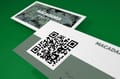
You can also earn coins on every order and redeem them against future printing, which stretches a campaign budget a little further.
Generate your free QR code
You do not need a subscription to put a code on paper. Our free QR code generator makes a code you can download and drop straight into artwork, with no account and no expiry on the file.
Print it
QR code business cards, ready to hand out
Cards laid out with the code and its quiet zone already sized for a hand held scan.
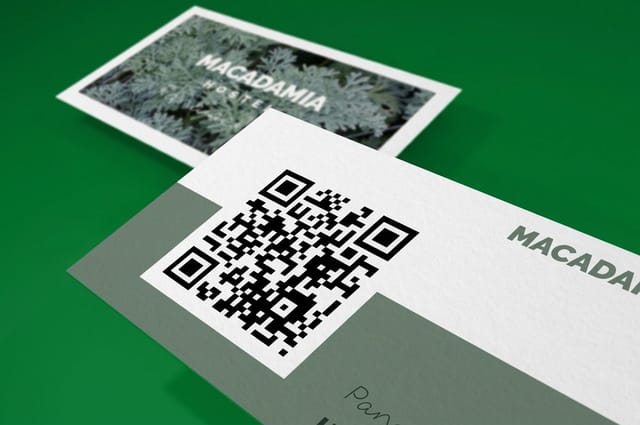
Download it as vector art wherever your design tool allows, because a vector code keeps every module edge sharp at any printed size while a small raster scaled up gives the camera soft gray edges to interpret. Then place it, leave the quiet zone alone, and print a proof before the run. If the code is going on adhesive rather than card, the stock and finish choices are covered in how to print QR code stickers, and you can browse the whole range in sticker printing.
Choosing the code for your industry
The right code is the one that answers what your customer is asking while holding your printed piece. Here is what that looks like by business type.
- Restaurants and cafes. Menu on a table tent code, review request on the receipt, and a window code sized for the pavement so the closed hours still work for you.
- Trades and contractors. Portfolio video on the card, quote form on the yard sign, and a payment link for the job that finishes off site.
- Retail and consumer brands. Reorder codes on the base of the pack, care instructions on the label, and a sealed sticker that opens the brand story.
- Gyms and studios. Class timetable on the flyer, trial signup on the window, and a member referral code on the card handed out at the desk.
- Real estate. Gallery and floor plan on the sign board, and a viewing booking form on the leave behind postcard.
Blanks that keep the quiet zone off the cut
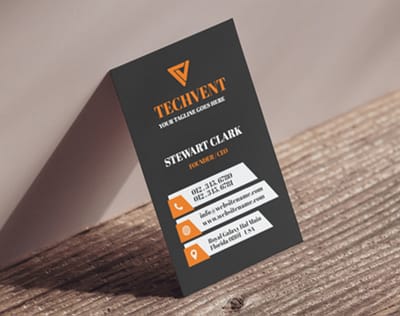
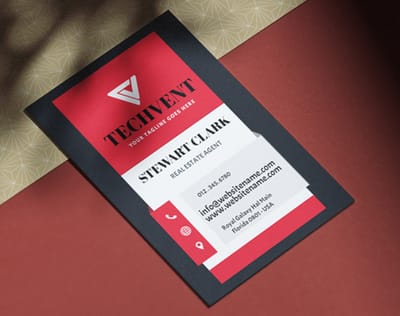
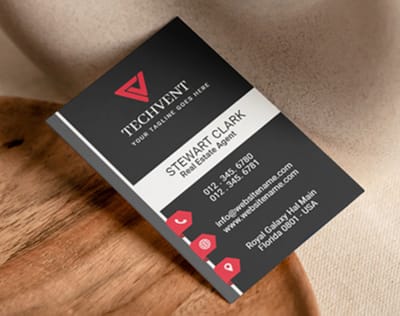
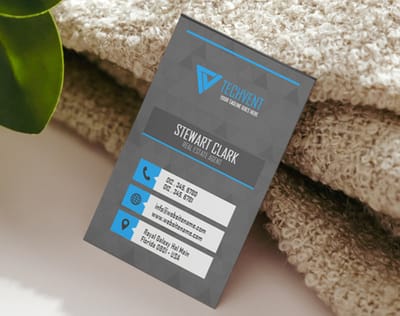
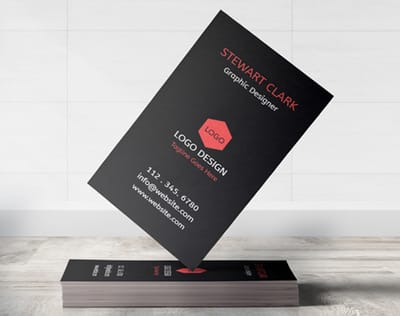
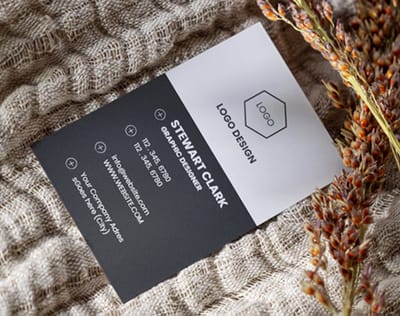
Templates save the two mistakes that cost a reprint: a code too close to the trim and a quiet zone that vanishes under the cut. On a 2 x 3.5 inch card, a 1 inch code with its four module quiet zone fills about half the short side, so set it on the back, center it on the blank, and keep every module inside the safe line the blank marks. 4OVER4.COM sizes its blanks to exact product specs, so bleed and trim are already marked. Grab one from the blank template library or start from a layout in the design template gallery.
Start fast
Blanks that keep the quiet zone off the cut
Card templates and exact size blanks so your code lands well inside the cut line.
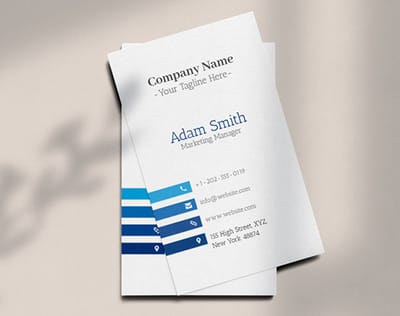
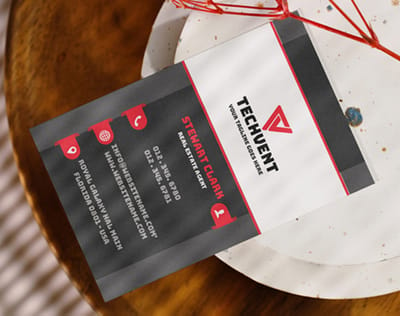




Wally sizes the code before he designs around it
Distance divided by ten, then leave the margin alone
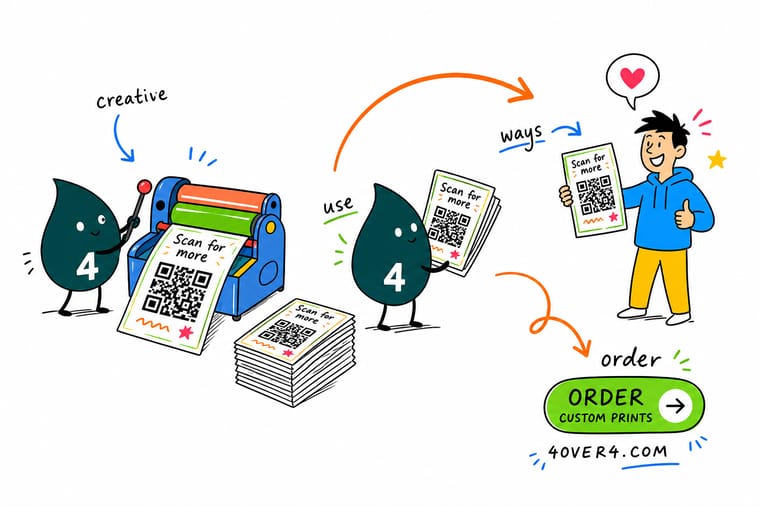
Divide the scan distance by ten for the minimum printed width, keep four modules of blank space on all four sides, place the code as vector art, and keep the link short so the modules stay large. Print it matte if it will be read indoors, test it on an old phone in the real light, and 4OVER4.COM prints the card, label or flyer it goes on.
Order QR code business cards →What to remember about printed QR codes
Design rules that hold at every size
- Run the distance rule first. Divide the scan distance by ten and that is your minimum printed width. Do it before the layout, not after, because the code almost always needs more room than the design allows for.
- Leave the quiet zone alone. Four modules of clear space on all four sides. It is not padding you can trim, it is part of the symbol.
- Place vector art, never a screenshot. An SVG or EPS keeps every module edge sharp at any size. A small PNG scaled up gives the camera soft gray edges to guess at.
- Say what the scan gives. One short line beside the code. People decide whether to lift the phone from that line, not from the square.
- Test on an old phone in real light. Print it, put it where it will live, and scan it from the real distance with the oldest phone you can find. Every failure shows up in that one test.
Explore more
More ways to print and promote
Die-cut stickers run 25 for $93.37 in 5 business days and premium product labels print in 3.
Product QR Code Business Cards Cards laid out with the code and its quiet zone already sized. Product Standard Postcards Mailers with room for a code clear of the address panel.  Product Die-Cut Stickers Cut to shape, so the code can be the seal on the box. Product Standard Flyers Handouts and window bills with space for a code that reads at distance. Product Premium Product Labels Label stocks that hold a crisp module edge on a curve.
  Category Business Card Printing Every stock, finish and shape in one place.
 Ready to print the piece your code goes on?
Pick the product, drop in your design or a free template, and 4OVER4.COM prints it sharp on premium stock, as fast as your deadline needs.
Common questions about printed QR codes
How small can a QR code be printed?
The practical floor for a code held in the hand is about 0.8 inches square, and the honest answer depends on how much you encoded. Printers size codes with the distance rule: the printed width should be roughly one tenth of the reading distance, so a card read at 8 to 10 inches works at 0.8 to 1 inch. The other half of the answer is the link. In byte mode at error correction level M, a 26 character URL fits a 25 by 25 module symbol, while a 60 character URL with tracking parameters attached steps up to a denser grid and shrinks every module inside the same printed square. Shorten the link and the same physical code reads from further away.
Do QR codes work under gloss lamination or spot UV?
They work in diffuse light and fail under a ceiling spot, which is exactly the lighting most printed pieces meet indoors. A gloss or UV coating sends a specular highlight back at the camera, the phone meters for that highlight, and the contrast between dark and light modules collapses. Use matte or soft touch laminate over any code that will be read indoors, and if the piece has to be gloss overall, ask for the varnish to be knocked out over the code area. It is a standard request and it costs nothing on most runs.
Should I use a static or a dynamic QR code?
Static encodes the destination directly into the pattern, so it never expires and depends on nothing, but it can never be changed or counted. Dynamic points at a redirect, which lets you retarget the code after the run is printed and gives you scan numbers, at the cost of a permanent dependency on whoever operates that redirect. The way to get both is to own the middle: put the redirect on your own domain, encode that short URL statically, and change the target whenever you like. If a third party service is running your redirect and it shuts down, every printed code you own dies on the same day.
How do I track scans without paying for a QR service?
Send the code to a short path on your own domain and 301 it to the real page with UTM parameters attached on the server side. Your analytics records the campaign exactly as it would from any other source, the printed code stays short and easy to scan, and you can repoint that path at any time without reprinting. Keep the parameters off the encoded string itself, because every extra character adds modules and makes the printed square harder to read at the same size.
Why does my QR code scan on screen but not in print?
Almost always one of four things. The code was placed as a low resolution raster and the module edges printed soft, so place vector art instead. The quiet zone was cropped by the design, which leaves the decoder with no boundary to find. The code sits across a fold, a seam or a curve tight enough to distort the timing pattern. Or a logo was dropped into the center and consumed more of the error correction budget than the level allows, which level H tolerates at roughly 30 percent damage and level L does not tolerate at all. Print a proof and scan the paper, never the PDF on a monitor.
