
Why Stickers Cover Apple Logos in Movies and TV Shows


Jordan is our labels, packaging and sustainability voice, built from the knowledge of our production team, with over 20 years in printing.
A sticker over the Apple logo almost always means the production never cleared the trademark for that shot, or cleared it and then wrote a scene the clearance does not cover. Apple lends hardware to film and television on the condition that its products appear in a favourable light, so a laptop in a villain's hands, or one sitting in a show that already sold its technology category to a sponsor, gets its lid covered rather than the scene rewritten.
Logo-cover sticker formats at a glance
| What you are covering | Sticker size | Cut style | Material | Product at 4OVER4 |
|---|---|---|---|---|
| Lid logo, 13-inch laptop | 3 x 3 in | Die cut to shape | Opaque matte vinyl | Die-cut stickers |
| Lid logo, 15 to 16-inch laptop | 4 x 4 in | Die cut to shape | Opaque matte vinyl | Die-cut stickers |
| Whole lid, brand swap | 8 x 6 in | Square or rounded rectangle | Opaque vinyl, laminated | Vinyl stickers |
| A room of crew laptops | 2 x 2 in, repeated | Kiss cut on one backing | White vinyl, laminated | Sticker sheets |
| Phone or tablet back | 2 x 2 in | Die cut to shape | Opaque matte vinyl | Vinyl stickers |
Sizes assume a quarter inch of overlap past the logo on every side. Measure your own machine before ordering, because lid dimensions vary between generations even at the same screen size. You can order die-cut stickers at any custom size straight from the configurator.
The covered logo you keep noticing on screen
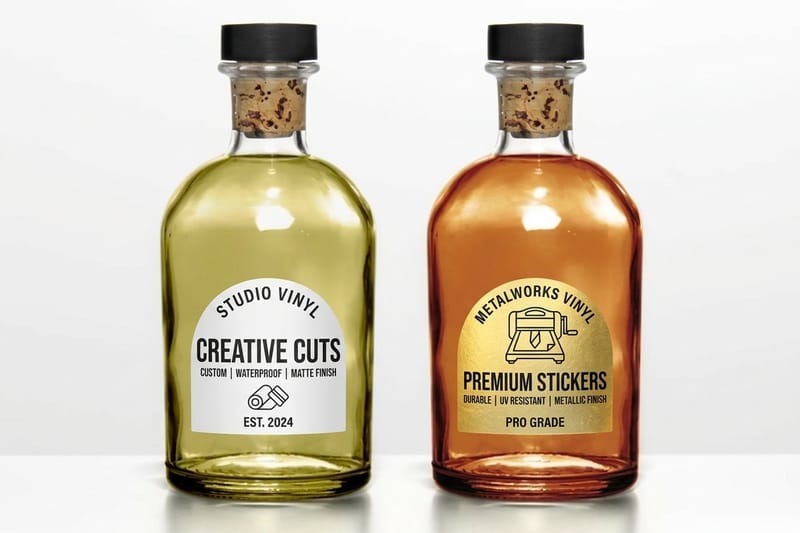
Once you notice it, you cannot stop noticing it. A laptop sits open on a desk in a drama and the lid carries a plain black square, a production company logo, or a strip of gaffer tape where the glowing fruit should be. Nobody forgot. Somebody decided.
Three situations produce that sticker. The production never cleared the mark for display. The production did clear it and the scene breaks the terms of the clearance. Or the show already sells its technology category to a sponsor and cannot hand a competitor free screen time. A sticker solves all three for the price of a sticker, which is why it beats blurring, digital paint-out and buying prop laptops.
The most quoted version of the first two came from Rian Johnson, who explained while breaking down a Knives Out scene for Vanity Fair that Apple will let film-makers use iPhones on camera, but not in the hands of a villain. Every mystery viewer who heard that started reading covered logos as a clue about the character holding the device.
Product placement, and its exact opposite
Product placement is a brand paying to be seen. Product displacement is the reverse job: removing a brand the production was not paid to show, or that would rather not appear in this particular scene. Both happen inside the same frame, sometimes on the same desk, and the art department handles them with the same roll of vinyl.
When a production needs a brand-shaped object but no real brand, it goes one step further and invents one. The trade calls this greeking: a plausible fake mark, printed on a sticker, applied to real hardware. It is the same print job as a logo cover, just with artwork instead of a blank.
Why a sticker rather than a blur
A blur or a digital removal is a post-production cost that repeats for every shot the logo appears in, and an aluminum lid is one of the harder surfaces to paint out because it reflects the room and the reflection moves with the actor. A sticker is applied once, survives every take, and costs the same whether the scene runs four seconds or four minutes.
It also fails safely. If a sticker lifts a corner, continuity spots it on the monitor and it gets pressed back down. If a digital removal fails, it fails in the edit, weeks later, with no way to reshoot.
Free advertising, sponsors and unscripted TV
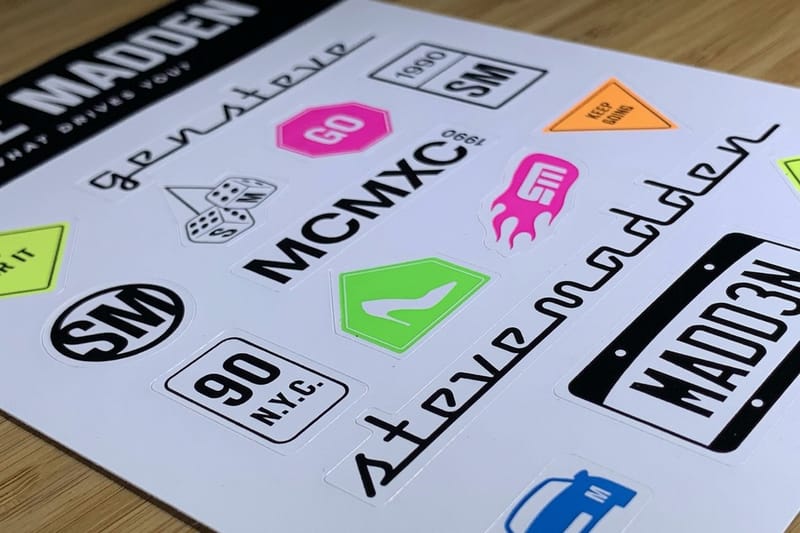
Scripted drama covers logos for clearance. Unscripted television covers them for money. A cooking competition, a talent show or a reality series sells category exclusivity to sponsors, and every visible mark that was not part of that deal is either taped, blurred or turned away from camera.
Cast members also bring their own devices. A phone or a laptop that walks onto a set was never cleared by anyone, so the standing instruction on many productions is that any mark on any personal item gets covered before it is in shot. That is why you see identical black rectangles across a room full of different hardware.
The brands themselves are not neutral about this either. A mark that appears in a context the owner did not approve is a control problem for them, and the cheapest way for a production to stay out of that conversation is to make sure the mark never appears. If you want the commercial version of the same idea, our piece on how sticker marketing actually works covers what a visible logo is worth when you do want it seen.
What the cover has to do on set
It has to be opaque under a lighting rig, which rules out anything thin or translucent. It has to be matte, because a glossy film returns a hard specular highlight and a colourist will be fighting it for the whole sequence. It has to sit flat with no lifted corner, since a corner catching a key light reads instantly on a monitor.
And it has to come off cleanly at wrap, because the laptop usually belongs to somebody. That single requirement is what pushes productions towards a removable adhesive even though it grips less well, and it is the same trade-off you face on your own machine.
Which stickers actually cover a logo
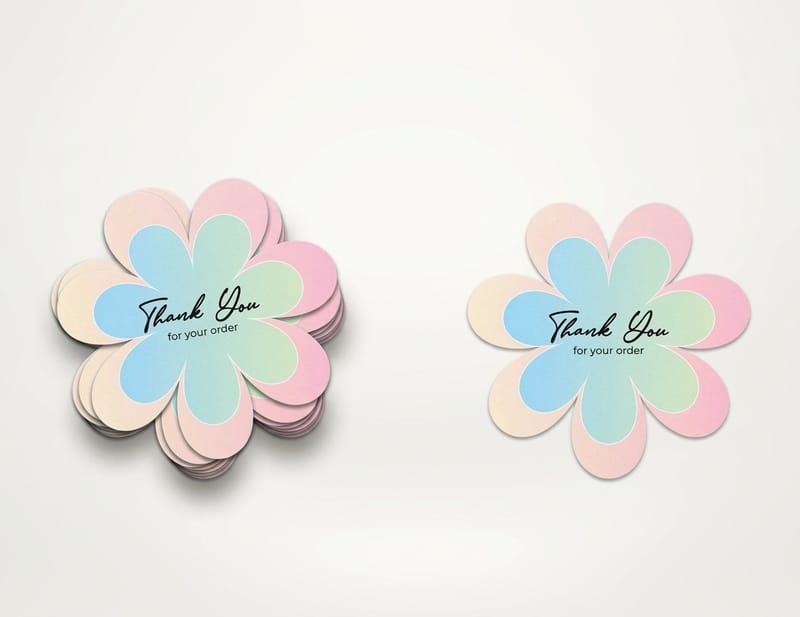
Start with opacity, then finish, then the cut, then the adhesive. In that order, because a decision made further down the list cannot rescue a wrong choice further up.
Opaque white or black vinyl is the working answer. The logo on a laptop lid is a mirrored or gloss-black insert set into brushed aluminum, so it is darker and shinier than everything around it. A thin unlaminated film sitting on top of that will telegraph the shape underneath as a faint ghost, and it looks worse than leaving the logo alone. Vinyl stickers start at $25 and carry enough face weight and enough laminate to bury it.
For a shape that follows your artwork rather than a rectangle, die-cut stickers start at $93.37 and cut the vinyl and the backing to the same outline, so the finished piece looks applied rather than stuck. If you are still deciding between film types, our BOPP against vinyl comparison lays out where each one belongs.
Opaque beats clear, every time
Clear stickers also start at $25 and they are excellent at what they are for, which is making printed artwork appear to float directly on a surface with no visible border. They are the wrong tool for a cover-up. The whole point of a clear face stock is that what sits behind it shows through, and behind this one is the mark you are trying to hide.
The same logic rules out very light single-color designs on a thin stock. If you want a pale sticker over a dark logo, print it on white opaque vinyl and let the face stock do the blocking rather than asking the ink to do it.
Removable adhesive and what it costs you
A removable adhesive lifts cleanly for months rather than years, and that convenience is paid for in peel strength. A laptop that slides in and out of a padded bag twice a day works a corner loose eventually, and once a corner is loose the edge collects lint and the sticker is finished.
A permanent acrylic adhesive holds far better and will usually still release from anodised aluminum with slow heat from a hairdryer and a little isopropyl alcohol. What it will not forgive is years of heat cycling. If the sticker is going on a machine you plan to resell, take the removable and accept that you will replace it. If the machine is yours until it dies, take the permanent.
Making your own laptop sticker
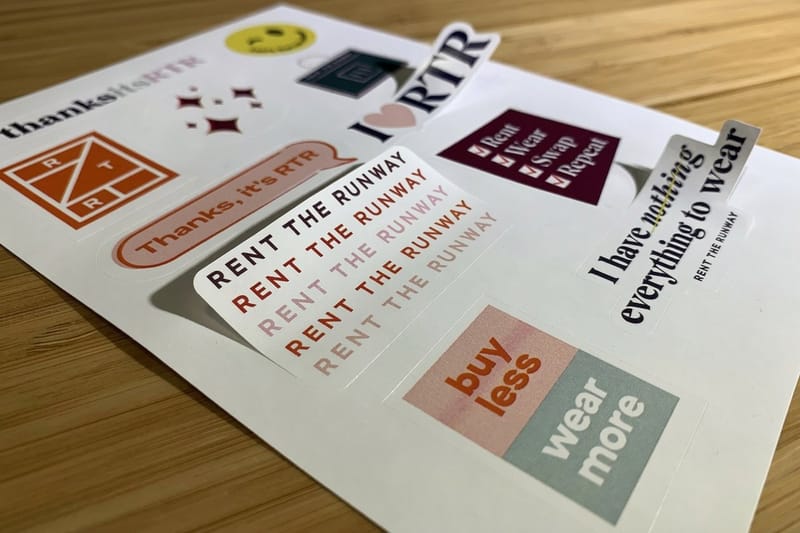
Measure first, design second. Put a ruler across the logo, write down the width and the height, then add a quarter inch on every side. That margin is not decoration: it is the tolerance for a hand application that lands a millimeter off center, and without it a slightly crooked sticker leaves a sliver of the original mark showing along one edge.
On a 13-inch lid, roughly 11.97 by 8.36 inches of aluminum, a 3 by 3 inch cover clears the logo comfortably and still stops well short of the curve. Go to 4 by 4 inches on a 15 or 16-inch machine. Our sticker size guide for laptops, bottles and packaging has the rest of the common formats, and the sticker sizes chart is the quick reference.
Set the file up at 300 DPI in CMYK, add an eighth of an inch of bleed all round, and keep anything that must survive the cut a further eighth of an inch inside the trim. Draw the cut line as its own closed path on its own layer so the die follows your outline instead of a guess. Start from a print-ready blank if you would rather not set that up by hand, or design straight in the browser with the free design templates.
Shape, and where the edge lands
Keep the outline simple and closed. A circle, a rounded square or a solid silhouette holds down all the way round. A thin script wordmark or a design with fine spikes gives you tips with almost no adhesive behind them, and those tips are where every peel begins.
Stay half an inch clear of the lid curve. Adhesive on a compound curve is under constant tension and it lifts there first, whatever the material. This is also why a sticker that wraps around the corner of a lid never lasts, no matter how good the vinyl is.
Applying it so it stays applied
Clean the lid with isopropyl alcohol and let it dry fully, because the factory oleophobic residue and a day of fingerprints are both enough to stop a fresh adhesive from keying. Hinge the sticker with a strip of masking tape along one edge, peel the backing under it, and squeegee from the hinge outward with a credit card to push the air ahead of you rather than trapping it.
Then leave it alone. Most pressure-sensitive adhesives reach full bond over about 24 hours, and the corner you keep pressing to check is the corner that will fail. For a lid you plan to fill rather than just cover, the stickerbomb walkthrough for a MacBook Pro covers layering and overlap.
Sticker pricing and specs at 4OVER4.COM
A 3 by 3 inch cover for a 13-inch lid or a 4 by 4 inch cover for a 15 or 16-inch machine prices from $25 on opaque vinyl, and 25 die-cut covers cost $93.37 with 5 business days to ship. A single logo cover is never the economical order. Print ten, keep the spares, and replace the one that catches a bag zip.
Quantity and price
Vinyl sticker pricing and specs
Live configurator numbers on durable vinyl, where the more you order the lower the per unit cost drops.
| Quantity | Price Per Unit | Total |
|---|---|---|
| 25 | $1.00 | $25.00 |

You can also earn coins on every order and redeem them against future printing, which is worth having on a repeat item like this.
Stock and finish, and how they work together
Face stock and finish do two different jobs and people routinely confuse them. The face stock decides whether the logo underneath disappears. An opaque white or black vinyl blocks it; a clear or a very thin film does not, whatever you print on it. The finish decides how the cover behaves in light. Matte absorbs and stays quiet, gloss lifts printed color and reflects the room straight back at whoever is looking.
Print it
Vinyl stickers, cut to your shape
Opaque durable vinyl with a laminate, the stock a props department reaches for.
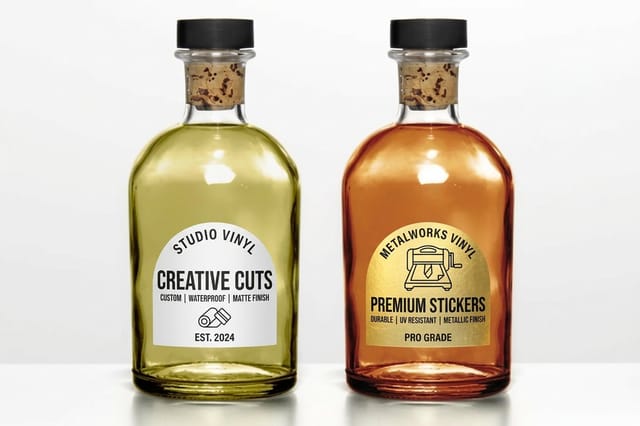
For a laptop that faces a camera, matte is not a preference, it is the requirement. For a laptop that faces nothing but you, gloss holds color better and wipes clean more easily, so the trade runs the other way. A laminate over either one takes the abrasion instead of the ink, which is the difference between a sticker that still reads after a year in a bag and one that goes chalky at the corners. If you want a whole lid rather than one shape, sticker printing covers the larger formats and the full stock list.
Who orders logo covers, and what they order
The same print job serves five quite different jobs, and the spec shifts a little for each.
- Film and television art departments. Blank opaque covers in two or three sizes, cut to a soft rounded square, on a removable adhesive so hired equipment goes back unmarked.
- Corporate video and training teams. A branded die-cut cover in place of the manufacturer mark, so an internal video does not read as an endorsement of whatever laptop the office happens to buy.
- Streamers and video podcasters. One cover on the lid facing camera, matte finish only. A gloss sticker under a key light is the fastest way to a blown highlight in the middle of your frame.
- Conference and trade show organisers. Kiss-cut sheets handed out at the door, so every laptop in the room carries the event mark instead of five different hardware brands.
- People who just want their own laptop. A single die-cut shape sized to the logo, printed on opaque vinyl, replacing a brand you did not choose with something you did.
Blanks so the file is not built from nothing
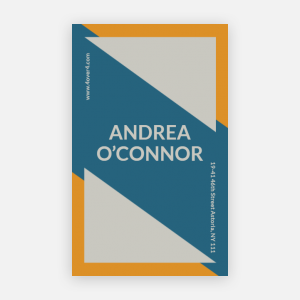
You do not need to build the file from nothing. A blank at the 3 by 3 or 4 by 4 inch cover size arrives with the eighth of an inch of bleed, the trim and the safe area marked, so the cut line you draw as its own closed path lands a quarter inch past the logo where you expect it. Pull a print-ready blank from the blank template library, or start from a layout in the design template library and change the artwork.
Start fast
Blanks so the file is not built from nothing
Blanks with bleed, trim and safe area drawn, so a logo cover lands square.

Wally covers the logo the way a props department does
Opaque face stock, matte laminate, a quarter inch of overlap
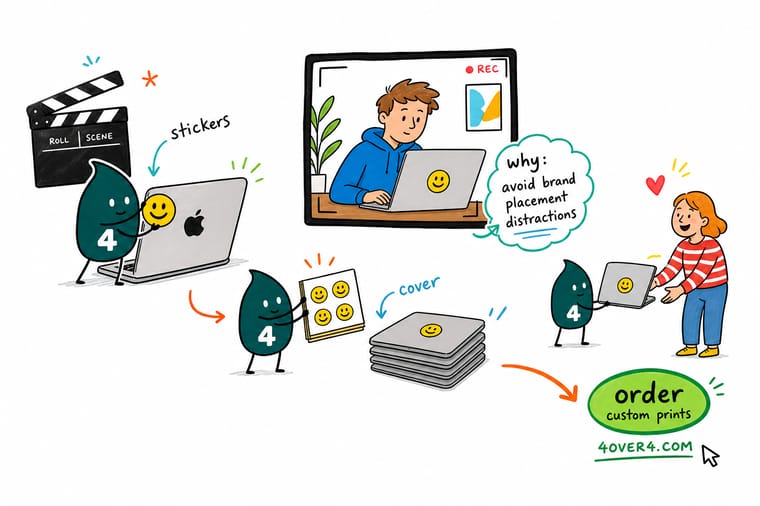
Measure the logo and add 0.25 inch on every side, then print on opaque white or black vinyl with a matte laminate so nothing ghosts through and nothing flares under a light. Keep the outline closed and simple, stay half an inch clear of the lid curve, clean with isopropyl alcohol first, and leave it alone for 24 hours while the adhesive sets.
Order die-cut stickers →What to remember about covered logos
Design rules for a cover that stays put
- Measure the logo, not the lid. The cover is sized from the mark plus a quarter inch on each side. Sizing from the lid gives you a panel, and a panel looks like a repair.
- Opaque face, matte laminate. The face stock does the hiding and the laminate kills the reflection. Ink on a thin clear film does neither.
- One closed outline. Circles, rounded squares and solid silhouettes stay stuck. Thin script and fine points peel from the tips.
- Half an inch off the curve. Adhesive on a compound curve is under permanent tension and lifts there first, whatever you paid for the vinyl.
- Clean with alcohol, then wait. Isopropyl removes the oils that stop a bond forming, and 24 hours of being left alone is what sets it.
Explore more
More ways to print and stick
Vinyl and clear stickers both print in 3 business days, die-cut stickers in 5.
Product Vinyl Stickers Opaque, laminated and durable, the default cover-up stock. Product Die-Cut Stickers Cut to your outline instead of a rectangle. 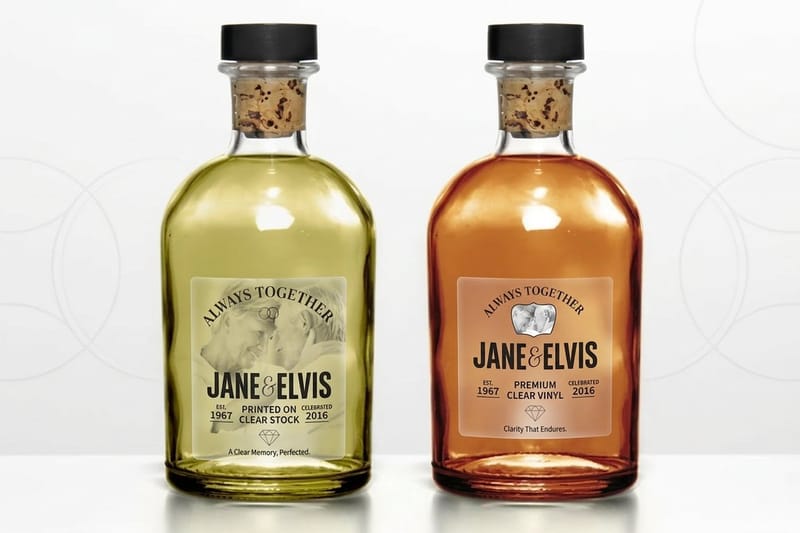 Product Clear Stickers For artwork that should float on the surface, not hide it. Product Sticker Sheets Several designs kiss cut onto one backing.
  Category Sticker Printing Every size, shape, stock and finish in one place.
  Guide Laptop Vinyl Sticker Ideas Built to Outlast the Bag The vinyl and laminate combinations that survive a bag.
 Ready to print your own cover?
Pick the size, drop in your design or a free blank, and 4OVER4.COM cuts it to your outline on opaque vinyl, as fast as your deadline needs.
Common questions about covered logos
What size sticker covers the Apple logo on a MacBook?
Measure the logo, add a quarter inch on every side, and round up to a stock size. In practice that lands on about 3 by 3 inches for a 13-inch lid and about 4 by 4 inches for a 15 or 16-inch machine. The quarter inch is the tolerance for applying by hand: land a millimeter off center without it and a sliver of the original mark shows along one edge, which looks far worse than no sticker at all. Keep the outer edge at least half an inch away from the curve of the lid, because adhesive on a compound curve is under constant tension and always lifts there first.
Can I use a clear sticker to cover a logo?
No. A clear face stock is engineered so that whatever sits behind it shows through, which is the whole reason people choose it for bottles and glass. Over a mirrored logo it produces a visible ghost of the shape you were trying to hide, and adding ink on top rarely fixes it because the film is too thin to block a high-contrast insert set into aluminum. Print on opaque white or black vinyl and let the face stock do the blocking. Clear stickers at 4OVER4.COM start at $25 and are worth buying for the job they are actually good at.
Will a sticker damage the laptop lid or affect the warranty?
A sticker on the outside of the lid is decoration, not a modification of the machine, and a manufacturer warranty covers defects rather than what you stick on the case. The risk is in removal, not application. A permanent acrylic adhesive left through years of heat cycling can leave residue on anodised aluminum that takes slow heat from a hairdryer and isopropyl alcohol to shift, and aggressive scraping is what actually marks a lid. If you plan to resell the machine, choose a removable adhesive and accept that you will replace the sticker sooner. Check your own warranty terms if the machine is under a service contract.
Why do productions cover laptop logos but leave phones on screen?
Because the permission is usually specific to the device, the scene and the character. A production can hold a clearance that covers a phone in a hero character shot while having nothing that covers a laptop in a different scene, and covering the lid is quicker than renegotiating. Sponsor deals cut the same way: a show that sold its phone category has no obligation to hide a laptop brand, and the reverse happens just as often. The covered logo tells you a clearance boundary sits somewhere near that shot, not that the whole brand is banned from the show.
Can I cover a logo in my own video, and is printing a fake brand allowed?
Covering a mark on hardware you own is your business, and blank covers are a routine props purchase. Printing artwork that imitates a real brand is a different thing, because it moves from hiding a mark to reproducing one, and that is where trademark law starts to matter regardless of how small your production is. The safe version is what art departments do anyway: an invented mark that resembles nothing in the market, or your own logo. If the piece is commercial and the resemblance is deliberate, take legal advice before it is printed rather than after.
