
Appointment Card Templates That Patients Actually Keep


Emma is our prepress and print production voice, built from the knowledge of our production team, with over 20 years in printing.
Appointment card templates are 3.5 by 2 inch layouts with your details printed and blank date, time and provider lines left for the front desk, and free blank templates are ready to download. This guide covers the fields your front desk needs, the writing space a pen can survive, the sizes that fit a wallet, layouts built for dental, salon, veterinary, wellness, and auto scheduling, and what a full year of cards costs to print.
An appointment card template is a small print layout that combines your fixed details with blank fields your staff fill in at checkout. The fixed half carries your name, logo, address, phone number, and cancellation policy. The variable half holds ruled lines for the date, the time, and the provider. The standard size is 3.5 by 2 inches on uncoated or matte stock, so ink dries instead of smearing and the card fits a wallet.
Start here
What goes on the card and what goes in pen
An appointment card template splits a 3.5 by 2 inch card into a printed half and a written half. The printed half carries your practice name, logo, address, phone number, and a one sentence cancellation policy. The written half carries labelled, faintly ruled lines for the date, the time, and the provider, sized for real handwriting and printed on uncoated or matte stock so pen ink dries. The back panel takes directions, a booking QR code, and the full policy. Build it once, print a year at a time, and the card costs less than a single missed visit.
Why a printed appointment card still earns its place next to a text reminder
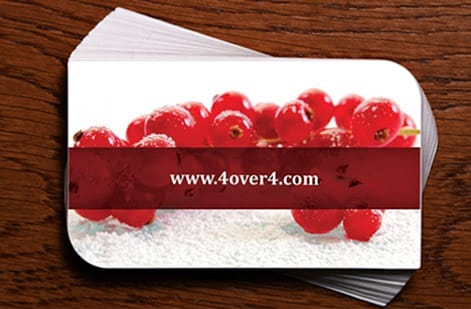
A text reminder arrives once, competes with everything else on a phone, and disappears the moment the notification is cleared. A card handed across the counter does something a message cannot: it turns a scheduled visit into a physical object the patient carries home, sets on a counter, or clips to a fridge. It stays visible in the background for weeks. A 3.5 by 2 inch card on 14pt or 16pt stock survives that stretch in a wallet, and 100 of them cost $17.57.
That is the whole argument for keeping a printed card in a digital scheduling workflow. The two are not competitors. The reminder text does the last mile the day before, and the card holds the appointment in the patient's field of view for the month in between.
A good template makes the handoff fast. Your staff should be able to fill three fields and pass the card over in under ten seconds, without hunting for a blank line or writing over a logo. Everything below is about building that layout, then getting it onto appointment cards that hold ink and survive a wallet. If you want the stock and finish options first, the appointment card printing page lists them in full.
Appointment card templates ready to fill in
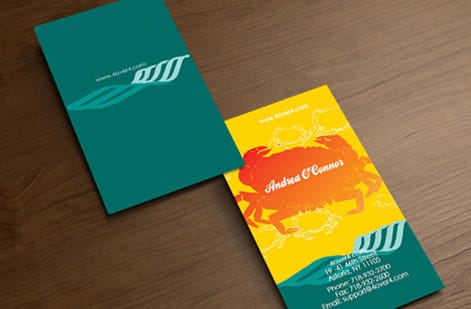
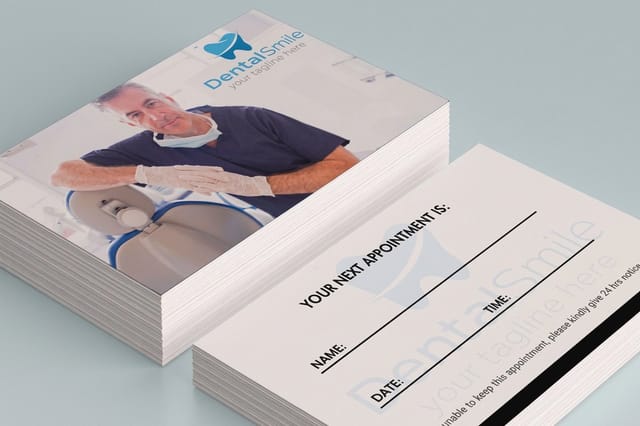
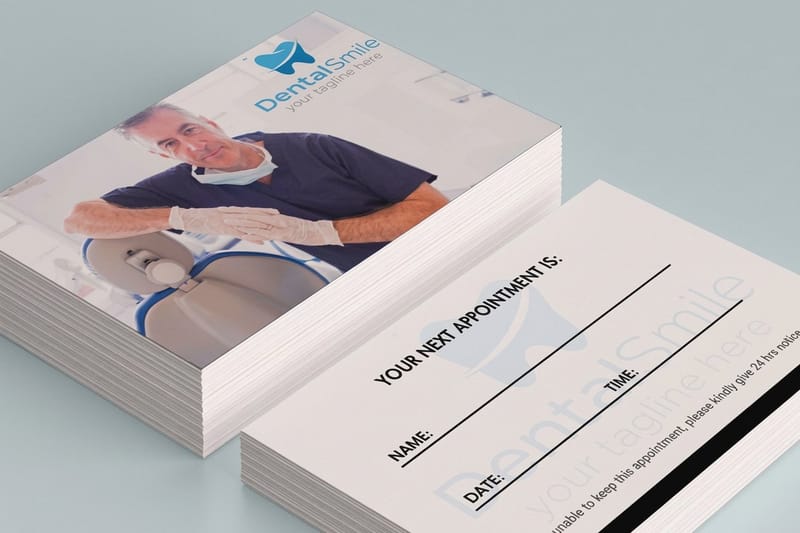
You do not have to start from a blank canvas. The free appointment card blank templates give you the 3.5 by 2 inch card to place your artwork on. Clinics can start from the dental appointment card or medical appointment card blanks, and the appointment card design templates come with a layout already set.
Use the front for the brand and the back for the date, time and cancellation line, or split the front as the sections below describe. Download the blank, keep every word and every writing line inside the safe area, let background color run to the bleed edge, then save a print PDF and upload it on the appointment cards order page. For variations by trade, jump to the industry layouts for dental, salon, veterinary, wellness and auto.
What an appointment card template actually is

An appointment card template is a layout split into two halves that behave completely differently. The fixed half never changes and gets printed: your practice name, logo, address, phone number, booking link, and policy line. The variable half is deliberately empty at press time and gets completed by hand at checkout. Confusing the two is the mistake to avoid.
Because the variable half is written on, it is not really a design surface. It is a form. Every design decision there answers a practical question instead of a visual one. How wide is a handwritten date? How many lines does the busiest receptionist need? Is there room for a provider initial next to the time? A template that looks elegant but leaves a one inch writing strip will get ignored within a week.
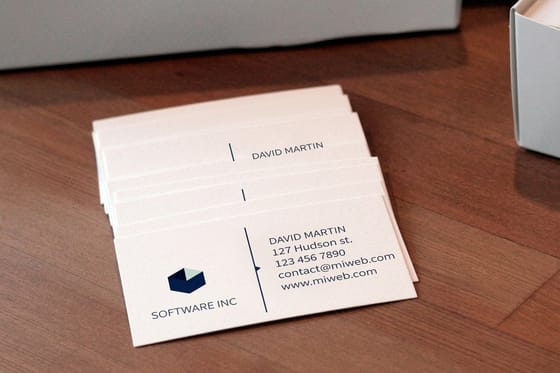
If you have never built a small format layout before, the mechanics are identical to a business card, and the same margins, bleed, and safe area rules apply. Our free business card templates guide walks through that setup end to end, and everything in it transfers directly to a card of this size.
Download a free appointment card template
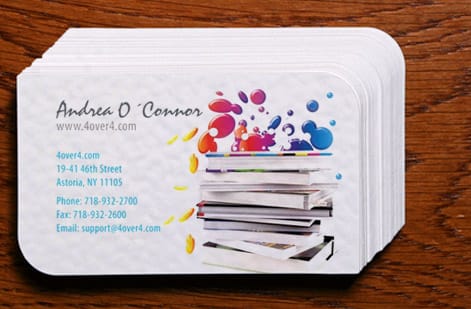
The free template is on the appointment card blank templates page, sized at 3.5 by 2 inches. You add the fields: your practice name, logo, address, phone number and policy line on the printed half, and ruled date, time and provider lines on the half your staff write on.
Open the file in your design program, build both sides, and export a print PDF with the bleed kept. Upload it when you order, and pick 14pt Uncoated Cover or 16pt Uncoated Cover for the writing side so ballpoint ink dries. Choose the free online proof in the configurator to check the layout on screen before the run prints.
The fields every appointment card has to carry
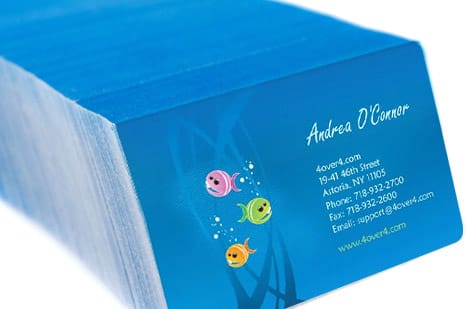
Strip an appointment card back to what it must do and you get a short, non negotiable list. The patient name line, so a card found loose in a bag still belongs to someone. The date, written out clearly enough that 3/4 is never mistaken for the fourth of March. The start time with AM or PM printed rather than handwritten. The provider or room, if your practice has more than one. And your phone number, in a size someone can read without glasses.
Two more earn their space in most practices. A short cancellation policy, usually one sentence with a notice window, printed small but legible under the fields. And a pre visit instruction line for anything a patient must do beforehand: arrive fifteen minutes early, bring insurance cards, do not eat after midnight. Printing that instruction removes a phone call from your week, every week.
What does not belong on the front is a second logo, a slogan, social handles, or a decorative border that eats the writing zone. Move all of it to the back. If you are building the layout yourself and want a fast starting point, the free card design tools roundup covers the browser based editors that handle this format cleanly.
Size and stock: the format that survives a wallet
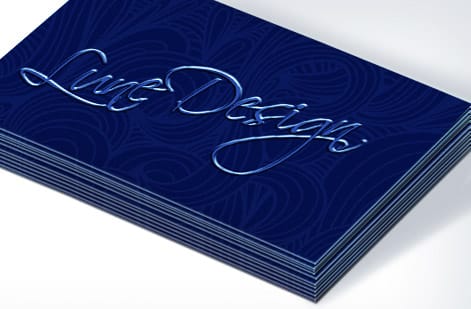
The standard is 3.5 by 2 inches for a reason that has nothing to do with design. That footprint fits a wallet card slot, a badge holder, a purse pocket, and the clip on a fridge magnet. Go larger and the card gets folded, and a folded card creases straight through the date field. Go smaller and the writing lines shrink below comfortable handwriting size.
Stock is where most templates quietly fail. Heavier cover stock in the 14pt to 16pt range holds up to a month in a pocket without softening at the corners, which matters when the appointment is eight weeks out. Lighter stock is cheaper per card but arrives at the visit looking like a receipt, and a card that looks disposable gets treated as one.
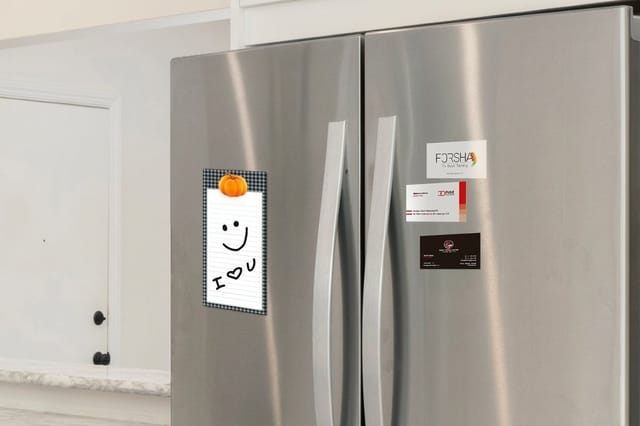
Finish is the other half of that decision. Keep the side with the writing fields uncoated or matte so ballpoint and gel ink dry instead of beading and smearing. Save the gloss for the branded back. If you want the reminder to live on a refrigerator rather than in a wallet, business card magnets from $19.68 for 25 do the same job in a format nobody files away. For a bigger reminder, custom refrigerator magnets run from 2 x 3.5 up to 5 x 7 inches on 17pt or 35pt indoor magnet.
Layout: writing space your front desk can actually use
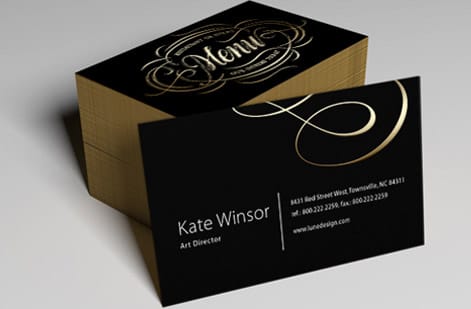
Give the top third of the front to identity and the bottom two thirds to the fields. That ratio feels wrong to designers and right to receptionists. Your logo does not need to be large on a card someone already holds in your waiting room, and the writing area is the only part of the card that changes.
Print faint ruled lines rather than leaving blank white space. Lines keep handwriting straight, keep the date and time from colliding, and tell a new staff member where each value goes without training. Set them in a light gray at around thirty percent tint so they guide the pen without competing with the ink written on top.
Label each line in small caps to the left of it: DATE, TIME, WITH. Those labels take almost no room and remove all ambiguity for whoever reads the card three weeks later. Multi visit practices should stack three or four short date lines instead of one large field, so a full treatment plan fits on a single card. For a sense of how much a card this size can hold before it feels crowded, browse these creative business card design ideas.
Branding: repeat what patients already recognize
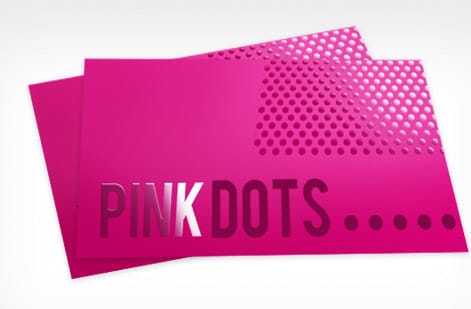
The appointment card is usually the only printed item a patient takes home, which makes it a brand touchpoint whether you treat it as one or not. Use the same typeface, the same brand color, and the same logo lockup as your signage, your business cards, and your intake forms. Consistency here is not vanity. It is how a patient recognizes your card in a drawer six weeks later.
Restrict yourself to one accent color on the front. Color is expensive attention on a card this small, and every colored element competes with the handwritten date that the card exists to communicate. A single teal or navy rule under the header does more than a full color background, and it keeps the writing area clean.
Where you can be more expressive is the back panel, which no one writes on. That side can carry a full bleed brand color, a pattern, or a photograph. The same card design ideas linked above show how far a small back panel can push before it stops being readable.
Industry layouts: dental, salon, veterinary, wellness, and auto
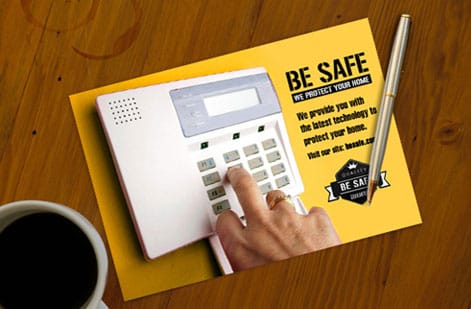
Different businesses need different field sets, and copying the wrong industry template is why so many cards feel awkward to fill in. Dental practices need multiple date lines because cleanings, fillings, and follow ups are often booked together, plus a hygienist name field. Salons and barbershops need a stylist name and a service line, since duration and price depend on both. Veterinary clinics need a pet name field above the owner name, because the reminder belongs to the animal.
Medical and wellness practices usually need the largest instruction area: fasting requirements, medication holds, and arrival times all live there. Auto shops and tire centers do better with a mileage or vehicle line and a service due date, because the next visit is triggered by usage rather than a calendar. Physical therapy and chiropractic clinics benefit most from a punch style grid of six or eight visit slots on one card. A practice that hands out a business card with it can match the two after watching the Medical Business Cards video.
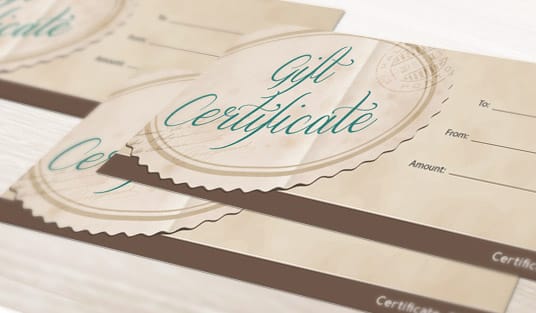
Pick the field set from your booking habit, not from your industry label. If your practice also sends cards for other occasions, keeping the same brand system across formats pays off: the free greeting card templates guide and the free gift card templates guide cover the two formats most often ordered alongside appointment cards.
Free appointment card templates by industry
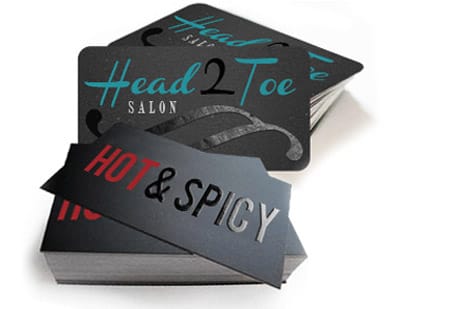
Each trade starts from the same 3.5 by 2 inch blank on 14pt or 16pt uncoated stock and changes the field set.
- Dental: three or four stacked date lines and a hygienist name, built on the dental appointment card blank.
- Salon: a stylist name and a service line next to the time, since both set the length of the visit.
- Veterinary: a pet name line above the owner name. Pair it with the clinic's Veterinary Business Cards so both carry the same mark.
- Wellness: the largest instruction area, for fasting, medication holds and arrival times, on the medical appointment card blank.
- Auto: a mileage or vehicle line and a service due date instead of a second date line.
The back of the card is free real estate

Printing the second side doubles what the card can do. The most valuable thing to put there is a simple map or two lines of parking directions, because new patients get lost and lost patients arrive late or not at all. A short list of nearby cross streets is often more useful than a drawn map at this size.
After directions, the back should carry the full cancellation policy, your booking URL, and a QR code that opens your rescheduling page. The QR code is what converts a card from a reminder into a tool: a patient who needs to move an appointment can do it from the card instead of calling during your busiest hour.
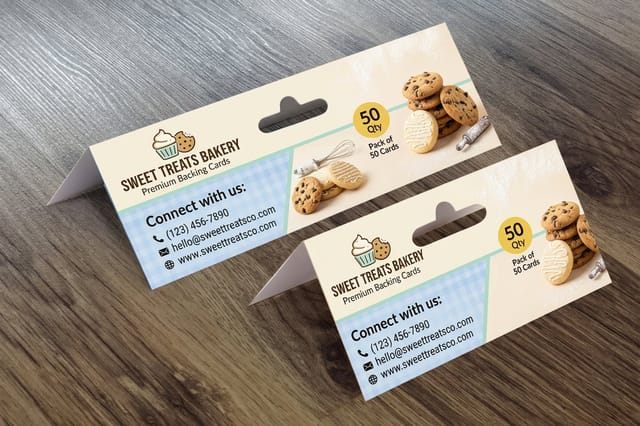
If you hand the card out as part of a package, presentation matters too. A backing card starting at $218.30 for 1,000 lets you mount the appointment card alongside a product, a sample, or a welcome insert, so the whole thing arrives as one piece instead of a loose card in a bag.
Cancellation policy wording that staff can point to

The policy line is the highest value sentence on the card and the one most templates leave off. Keep it to one sentence with a clear notice window and a clear consequence, written plainly. Something like: please give 24 hours notice to change or cancel, or a fee may apply. Printed on the card, it stops being an argument and becomes a shared reference.
Print it small but not decorative. Eight or nine point type in a readable weight sits comfortably under the fields without stealing writing space. Avoid all caps, avoid legal phrasing, and avoid burying it in a light gray that disappears under fluorescent office lighting. If a patient cannot read it at the counter, it is not doing its job.
Pair the policy with your phone number on the same line so the next action is obvious. A patient who reads a fee warning and immediately sees the number to call is far more likely to reschedule than to no show. All of the stocks and quantities that hold this text cleanly are on the appointment card printing page.
What appointment card printing costs and how to order once a year
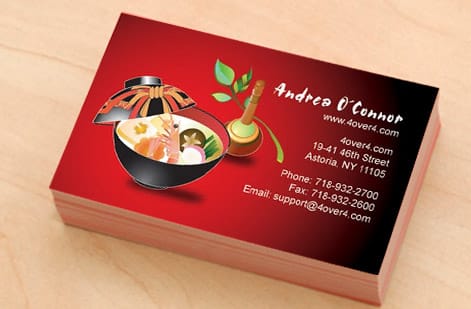
Appointment cards are one of the cheapest reminders a business can buy. Appointment cards at 4OVER4.COM start at $17.57 for 100, and the unit price drops sharply as quantity climbs, because setup is a fixed cost spread across the run. Medical appointment cards start at the same $17.57 for 100, in the same three sizes, for clinics. The practical consequence is simple: order a year of cards in one go rather than a month at a time, and the per card price falls to a level where the card is effectively free compared to a single missed appointment.
Nothing on a well built appointment card expires except your address and phone number, so a large run carries no risk of waste. Use the live pricing calculator below to compare quantities, stocks, and finishes side by side, and check the turnaround options attached to each configuration before you choose. If you are currently buying small format cards elsewhere and want a price comparison first, the Vistaprint pricing alternative breakdown puts the numbers next to each other. Order free paper samples if you want to test how your pen behaves on the stock before you commit to a full year.
Wally explains appointment cards
The card only works if a pen can survive it
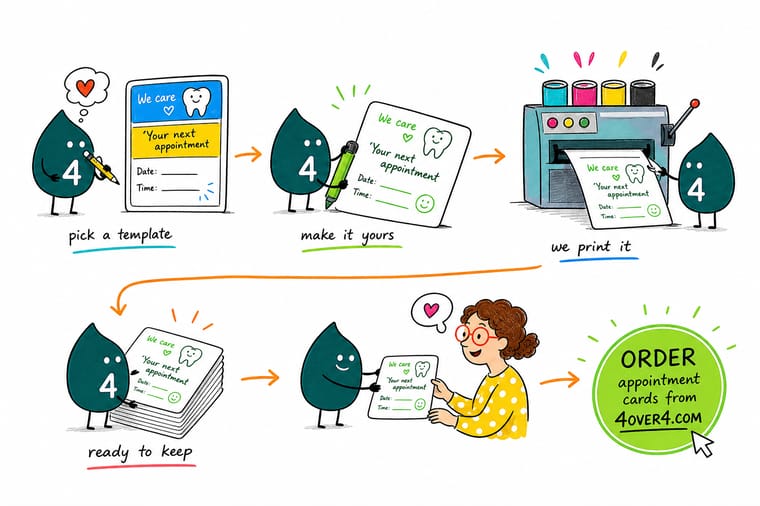
Wally has watched a lot of beautiful appointment cards fail for one reason: the writing area was glossy, or it was too small, or a logo was sitting in it. He builds every template back to front. First he draws the ruled lines a receptionist needs, then he fits the branding around them, then he moves everything else to the back panel where nobody writes.
Design and print appointment cards →%22%2F%3E%3Ccircle%20cx%3D%2242%22%20cy%3D%221%22%20r%3D%2217%22%20fill%3D%22%2314b8a6%22%20opacity%3D%220.15%22%2F%3E%3Ccircle%20cx%3D%2240%22%20cy%3D%2250%22%20r%3D%225%22%20fill%3D%22%2314b8a6%22%20opacity%3D%220.1%22%2F%3E%3Crect%20x%3D%2272%22%20y%3D%22-7%22%20width%3D%2227%22%20height%3D%2210%22%20rx%3D%224%22%20fill%3D%22%2314b8a6%22%20opacity%3D%220.08%22%20transform%3D%22rotate(7%2080%2030)%22%2F%3E%3C%2Fsvg%3E)
Infographic
The 7 parts of a working appointment card
Seven parts on one 3.5 by 2 inch card: the practice mark along the top third, the patient line, a ruled date field, time and provider, the contact block, the policy line, and the back panel. Check your current template against it before you place your next print run.
No part of this works alone. The ruled fields are useless without a stock that holds ink, and the policy line only lands when the phone number sits beside it.
Specs and pricing
Appointment card specs and live pricing
Once your template is set, the only decisions left are quantity, stock, and finish. Compare them here and watch the unit price fall as the run size climbs.
| Quantity | Price Per Unit | Total |
|---|---|---|
| 100 | 17.6¢ | $17.57 |
| 200 | 11.5¢ | $23.07 |
| 300 | 9.15¢ | $27.46 |
| 400 | 7.96¢ | $31.86 |
| 500 | 7.25¢ | $36.26 |
| 600 | 6.77¢ | $40.64 |
| 700 | 6.43¢ | $45.04 |
| 800 | 6.18¢ | $49.43 |
Print it
Cards, magnets, and backing for your front desk

Explore more
Where to go next


By the numbers
A shop that keeps 60+ stocks for cards this small
Common Questions
Common questions about appointment card templates
What is an appointment card template?
An appointment card template is a reusable print layout for a small card that confirms a scheduled visit. It carries your fixed information, meaning your business name, logo, address, phone number, and cancellation policy, plus blank ruled fields for the details that change every time: the date, the time, the provider, and sometimes the service. Staff complete those blanks by hand or with a stamp at checkout, so one printed run covers thousands of individual appointments without a reprint.
Which layout suits a dental office versus a salon?
Start with how your front desk actually works. If one receptionist books several visits at once, choose a template with three or four stacked date lines instead of one. If patients book a single visit months out, a single large date field with a bold time slot reads faster. Then check the writing surface, the size against a standard wallet slot, and whether your phone number and booking address are legible at arm length. Pick the layout that matches the handwriting habit you already have rather than the one that looks best on screen.
What does appointment card printing cost and how are prices set?
Appointment cards at 4OVER4.COM start at $17.57 for 100, and the final price moves with four things: quantity, paper stock, whether you print one side or two, and the finish you choose. Quantity is the biggest lever because setup cost spreads across the run, so ordering a year of cards at once costs far less per card than ordering a month at a time. Two sided printing adds a small amount and buys you a whole extra panel for maps, policies, or a booking link.
What sizes, stocks, and finishes are available for appointment cards?
The standard appointment card is 3.5 by 2 inches, the same footprint as a business card, and that size fits wallets and card holders without folding. Stocks run from lighter uncoated text weights up to heavier cover stocks in the 14pt to 16pt range. For finish, keep the writing side uncoated or matte so pen ink dries instead of beading, and save gloss, soft touch, or spot treatments for the branded side that no one writes on.
How long does appointment card printing take to print and ship?
Production time depends on the stock and finish you select, and the live turnaround options appear in the pricing calculator once you pick a quantity, so you always see the real date range before you pay. Standard uncoated cards move fastest because they need no coating pass. Specialty finishes and heavier stocks add production days. Order your next run while you still have four to six weeks of cards left and turnaround never becomes a problem.
Should appointment cards be printed on one side or two?
Two sides is almost always the better value. The front holds your identity and the appointment fields, and the back absorbs everything that would otherwise crowd them: parking directions, a small map, your cancellation policy in full, pre visit instructions, or a QR code to your booking page. Because the second side costs a fraction of the first, printing it is one of the cheapest ways to make the card genuinely useful after the appointment is written.
Can I use a business card design as an appointment card template?
You can start from one, but you cannot use it unchanged. A business card fills the space with contact details, while an appointment card has to give roughly the bottom half of the front away to blank writing lines. Take the logo, colors, and typeface from your business card so the two read as a set, then rebuild the layout around the date and time fields and move the extra contact information to the back panel.
Get Started
100 appointment cards cost $17.57, or 18 cents each
Upload your template or build one in the online designer, pick a stock that takes pen ink cleanly, and print enough cards to carry your front desk through the whole scheduling year.
Legal Disclaimer
Gold Standard guarantees apply to all standard orders placed through 4over4.com. Price match requires verifiable proof of a competitor's published price for an equivalent product with matching specifications and turnaround time. Satisfaction guarantee covers manufacturing defects and print quality issues. Contact support with order number and documentation.
