
Free Print-Ready Bookmark Templates You Can Download and Order Today


Grab a free bookmark template that is already sized, bled, and margin-safe, then turn your artwork into laminated or premium bookmarks that hold up in a bag, a book, and a customer's hands.
A free bookmark template is a pre-set file at a real bookmark size with bleed and safe margins built in. Start from a 2 x 6, 2 x 7, 2 x 8, or 1.5 x 7 inch layout, drop in your art, keep text inside the safe zone, export a flattened PDF, and upload it. Add gloss, silk, or velvet lamination and your bookmark survives daily use instead of curling at the corner.
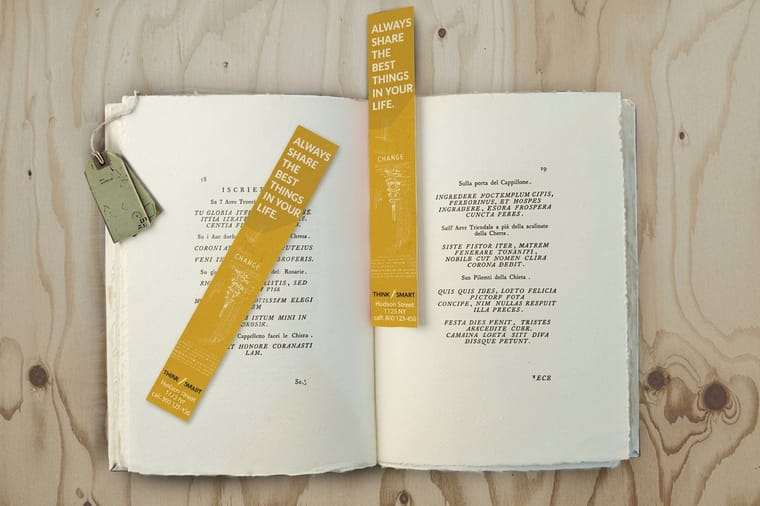
Start here
What a free bookmark template really gives you
A template is a head start, not a shortcut that cuts corners. It fixes the size, the bleed, and the safe margin for you, so the only thing left is the part that is actually yours: the art, the words, and the finish. Everything below walks you from picking a size to holding a laminated bookmark, plus where to order when your file is ready.
Watch it printed
See standard bookmarks on the press, in 168 seconds
What is a bookmark template, and why start with one

A bookmark template is a ready-made design file set to a true bookmark size with the print rules already in place. Instead of guessing dimensions and hoping the cut lands right, you open a file that is already the correct width and height, with a bleed line past the edge and a safe margin inside it. Your only job is to fill it.
That matters because a bookmark is a small, tall shape where a tiny cutting shift is very visible. Text that sits too close to the edge on a business card is forgiving; on a narrow bookmark it looks clipped. A template keeps your title, author name, or logo parked safely inside the lines from the first click.
Free templates are a fine starting point, and so is skipping them entirely. If you would rather not open design software, our online design tool holds the same sizing and bleed rules for you in the browser, and our standard bookmarks page shows every size the press actually runs.
The bookmark sizes worth designing to
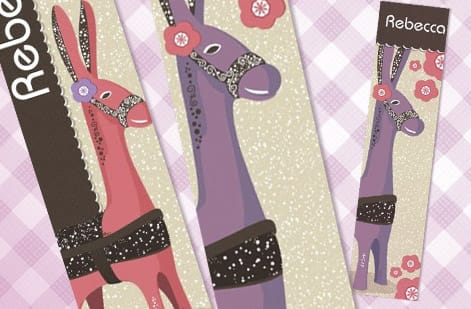
Four sizes cover almost every bookmark. A 2 x 6 in bookmark is the compact classic, easy to tuck into a paperback. A 2 x 7 in gives you a little more room for a tagline or a QR code. A 2 x 8 in is the tall, premium feel used by bookstores and libraries, and a slim 1.5 x 7 in reads elegant and modern.
Pick the size before you design, because the proportions change how your layout breathes. A logo centered on a 2 x 6 looks balanced; the same logo on a 2 x 8 leaves a lot of empty space that wants a second element. When you are unsure, order free paper samples first so you can feel the length in your hand before you commit a full run.
Every one of these sizes is a stock option on our bookmarks, so your template maps to a real product with live pricing rather than an abstract shape.
Inside the file: bleed, trim, and the safe zone
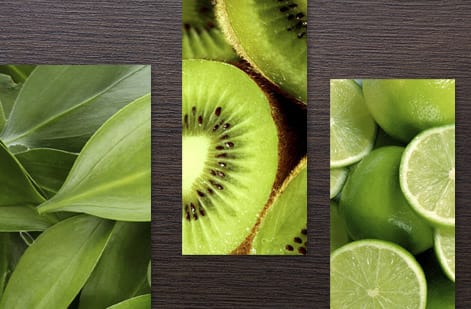
Open any bookmark template and you will see three nested rectangles. The outer one is the bleed, 0.125 in past the final edge, where your background art keeps going so a slight cut never leaves a white sliver. The middle line is the trim, where the blade actually cuts to your final size. The inner one is the safe margin, 0.125 in inside the trim, and everything you cannot afford to lose lives inside it.
Run photos and color blocks all the way to the bleed. Keep titles, author names, and logos inside the safe margin. That single habit is what separates a bookmark that looks intentional from one that looks trimmed by accident.
When your layout is set, flatten it and export a press-ready PDF. If bleed and trim are new to you, our companion guide on bleed and trim explains exactly how to set the lines in your software.
The free design tools that can build a bookmark file, and what each one skips
A template is only half the answer, because it has to open somewhere. Four free tools will take a bookmark from a blank canvas to a PDF, and each one leaves out one of the three print rules.
- The 4OVER4 online design tool holds the sizes, the bleed and the safe margin for you and draws them on screen, so it is the only one of the four where nothing has to be set by hand.
- Canva takes a custom size in inches, so a 2 by 6 bookmark is entered as 2.25 by 6.25 to include the bleed, and its Download panel exports a PDF Print with crop marks and bleed switched on.
- Microsoft Word can do it with a custom page size under Layout, then Size, and Save As PDF. It has no bleed or safe-margin guides, so draw them yourself as a rectangle and delete it before export.
- A free image editor such as GIMP or Photopea handles 300 DPI and CMYK but not a bleed setting, so build the canvas at the bleed size, 675 by 1875 pixels for a 2 by 6, and keep the trim in your head.
Whichever tool you pick, the export is the same: a flattened PDF at 300 DPI at the bleed size, fonts embedded, text inside the safe margin. That file uploads straight to standard bookmarks, and the free file check flags a missing bleed before the run.
Lamination and stock: making a bookmark that lasts
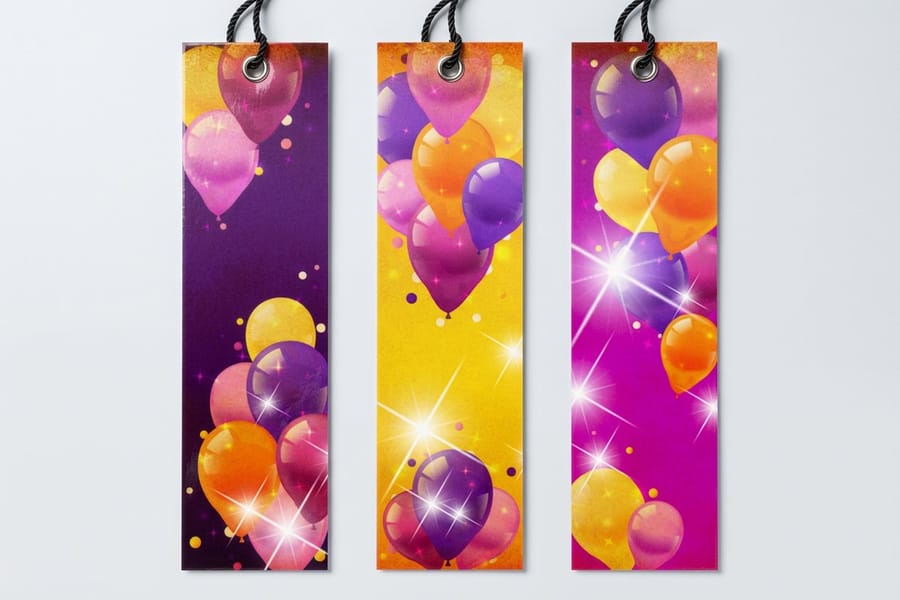
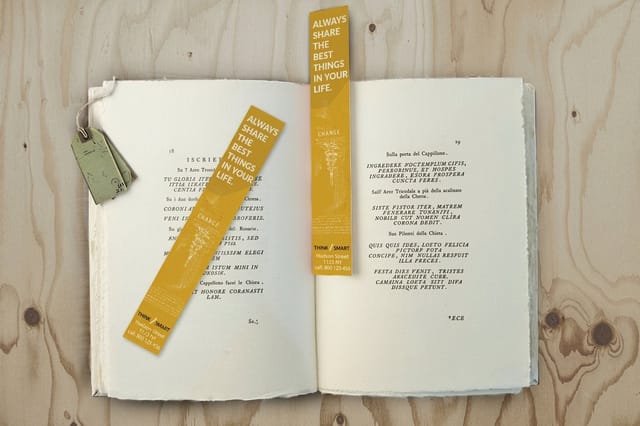
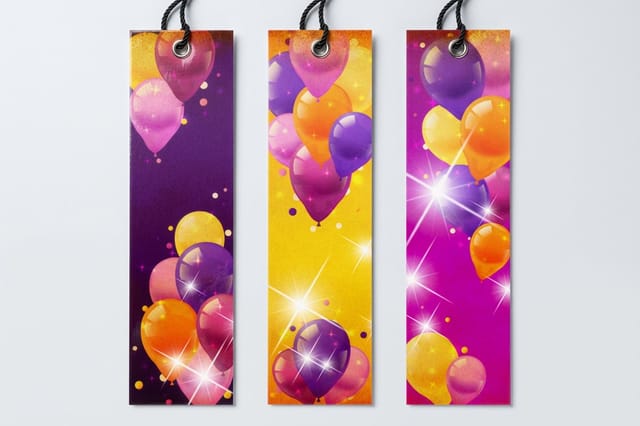
A paper bookmark is fine for a giveaway, but a laminated one earns a place in someone's favorite book for years. Gloss lamination makes colors pop and shrugs off fingerprints. Silk lamination gives a smooth, low-glare surface that feels premium, and velvet or soft-touch laminates add a suede-like finish people cannot stop touching.
Lamination also protects the corners, which is exactly where an unlaminated bookmark starts to curl and fray. On a heavier card stock with a laminate on both sides, a bookmark stays flat through a whole reading season and beyond.
If you want a natural, unlaminated look instead, kraft bookmarks print on brown recycled stock for an earthy, tactile feel. Match the finish to the audience: glossy for retail, soft-touch for a boutique, kraft for an eco-brand.
Design tips that make small bookmarks work hard
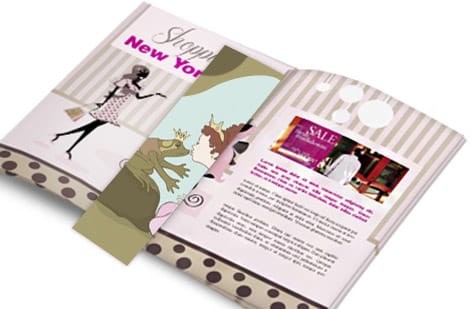
A bookmark is read in a glance, so give it one clear focal point. Lead with the strongest element, whether that is a book cover, a logo, or a single line of type, and let everything else support it. Resist the urge to fill every inch; white space makes a narrow shape feel considered rather than crowded.
Design both sides. The back of a bookmark is prime real estate for a QR code to your store, a reading list, a discount, or your social handles. A bookmark that lives in a customer's book is a tiny ad that resurfaces every time they open the page.
Keep images at 300 DPI at final size so nothing prints soft, and set small text in a true black rather than a four-color mix so letters stay crisp. These are the same fundamentals covered in our logo design best practices.
From template to a printed run

Once your file clears the safe-margin check and exports as a flattened PDF, ordering is quick. Choose your size, pick a stock and lamination, set the quantity, and the price updates live as you go. Standard bookmarks start around $16.48 for a run, with the per-unit cost dropping as the quantity climbs.
Not ready to build a file? Our online design tool lets you lay one out in the browser with the sizing already handled, and every order runs through a free file check so a second set of eyes catches anything before the press does.
Use the live specs and pricing panel below to see the exact sizes, stocks, and finishes for bookmarks, or browse the full range in the bookmarks category.
Wally sizes your bookmark before the blade does
A template means nothing is left to guess
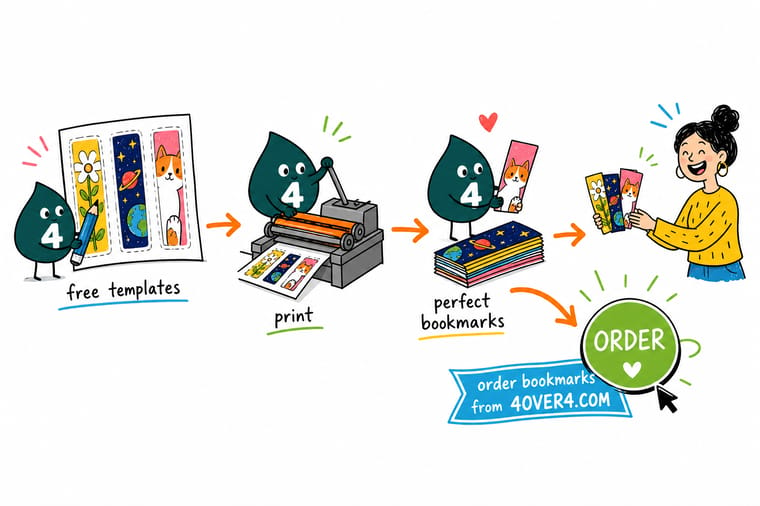
Wally starts every bookmark the same way: pick a real size, set the bleed, tuck the text inside the safe margin, and keep the art sharp at full resolution. Add a laminate so the corners never curl, export one flattened PDF, and upload it. Build it clean and 4OVER4 prints it exactly as you drew it, from the first bookmark to the last.
Print your bookmarks →Quick reference
Bookmark template setup at a glance
Match these settings and your artwork drops straight onto the press with no resizing and no surprises at the cut.
| Setting | Get it to | Why it matters |
|---|---|---|
| Popular sizes | 2x6, 2x7, 2x8, 1.5x7 in | These are real stock sizes on the press, so your file needs no scaling. |
| Bleed | 0.125 in past every edge | Background art runs past the trim so a cut shift never leaves a white sliver. |
| Safe margin | 0.125 in inside the trim | Titles, logos, and text stay clear of the blade on a narrow shape. |
| Resolution | 300 DPI at final size | Photos and cover art stay sharp instead of going soft when printed small. |
| Color mode | CMYK | Converts screen RGB to press inks so colors print true. |
| Finish | Gloss, silk, soft-touch, velvet, or kraft | Lamination protects corners and stops curling through daily use. |
Step by step
Turn a template into printed bookmarks in 6 steps
- Pick your size firstChoose 2 x 6, 2 x 7, 2 x 8, or 1.5 x 7 in before you design, since the proportions shape your whole layout.
- Set up bleed and safe marginAdd 0.125 in of bleed past every edge and pull text 0.125 in inside the trim so nothing gets clipped.
- Design both sidesGive the front one clear focal point and use the back for a QR code, reading list, or offer.
- Place art at full resolutionUse images at 300 DPI at final size and set the file to CMYK so colors print true.
- Export a flattened PDFFlatten the layers, outline or embed fonts, and export a press-ready PDF with bleed included.
- Choose stock, lamination, and orderUpload the file, pick a laminate and quantity, watch the price update live, and place the run.
Specs and pricing
Bookmark specs and live pricing
Once your template is filled, the print decisions come down to size, stock, and lamination. Here are the live specs and price-per-unit for standard bookmarks at 4OVER4.COM, straight from the configurator.

| Quantity | Price Per Unit | Total |
|---|---|---|
| 50 | 33.0¢ | $16.48 |
| 100 | 25.3¢ | $25.27 |
| 200 | 15.9¢ | $31.86 |
| 300 | 12.8¢ | $38.45 |
| 400 | 11.3¢ | $45.04 |
| 500 | 10.3¢ | $51.62 |
| 600 | 9.89¢ | $59.31 |
| 700 | 9.57¢ | $67.00 |
Order it
Print your bookmarks at 4OVER4
Explore more
Where to go next
By the numbers
What a bookmark template can be printed on
Common Questions
Common questions about bookmark templates
How do I print bookmarks at home?
Set your file to the trim size, 2 by 6 inches for the classic, and print several to a letter sheet on 65 to 110 lb cardstock, which is the weight a desktop printer will feed. Cut on the trim line with a guillotine trimmer rather than scissors, and round the corners if you have a punch. A home print has no lamination, so the corners curl in a book within weeks, which is the difference a laminated run makes.
Can I make a bookmark template in Word?
Yes. Create a new document, set a custom page size of 2.25 by 6.25 inches under Layout, then Size, so the extra 0.125 inch on each edge is your bleed, and set the margins to 0.25 inch to mark the safe zone. Place your art and text, then Save As PDF. Word has no bleed setting of its own, so the custom page size is doing that job for you.
What is a free bookmark template?
A free bookmark template is a pre-built design file set to a real bookmark size with bleed and safe margins already in place. Instead of guessing dimensions, you open a file that is exactly 2 x 6, 2 x 7, 2 x 8, or 1.5 x 7 inches, drop in your artwork, keep text inside the safe zone, and export a flattened PDF. It removes the sizing and file-setup work so you can focus on the design, and it maps directly to a bookmark you can order and print.
How do I choose the right bookmark template size?
Match the size to the feel you want and the room your design needs. A 2 x 6 inch bookmark is the compact classic that tucks into a paperback, a 2 x 7 adds space for a tagline or QR code, a 2 x 8 gives a tall premium look favored by bookstores, and a slim 1.5 x 7 reads elegant and modern. Pick the size before you design, because the proportions change how your layout balances, and order free paper samples first if you want to feel the length in hand.
What does it cost to print custom bookmarks, and how are prices set?
Standard bookmarks start around $16.48 for a run, and the price scales with a few levers: quantity, where more pieces lower the unit price, plus paper stock and lamination. Premium laminates like gloss, silk, or velvet cost a bit more than a plain stock. You set each option in the configurator and the total updates live as you adjust it, so you can see exactly how a heavier stock or a bigger run changes the number before you commit.
What sizes, stocks, and finishes are available for bookmarks?
Bookmarks run in popular sizes including 2 x 6, 2 x 7, 2 x 8, and 1.5 x 7 inches on heavy card stocks. Finishes include gloss lamination for punchy color and fingerprint resistance, silk lamination for a smooth low-glare surface, soft-touch and velvet for a suede-like feel, and natural kraft for an eco look. Lamination also protects the corners, which is where an unlaminated bookmark tends to curl and fray, so it is worth adding for anything meant to last.
How long do custom bookmarks take to print and ship?
Turnaround depends on the stock, lamination, and quantity you choose, and the estimated ship date appears in the configurator as you set your options. Simpler stocks move faster than heavily laminated ones, and you can compare timelines before you order. If you are on a deadline, check the live turnaround shown for your exact configuration so there are no surprises, and order early enough to leave room for shipping.
Get Started
Ready to print bookmarks that last a whole reading season?
Fill a free template or design one in the browser, then print it on the size, stock, and lamination your project calls for. Adjust every option and watch your price update live.
Legal Disclaimer
Gold Standard guarantees apply to all standard orders placed through 4over4.com. Price match requires verifiable proof of a competitor's published price for an equivalent product with matching specifications and turnaround time. Satisfaction guarantee covers manufacturing defects and print quality issues. Contact support with order number and documentation. On-time delivery rate based on tracked orders 1999 to 2026. Individual results may vary based on shipping carrier performance.
