
How Do 3D Lenticular Bookmarks Work?


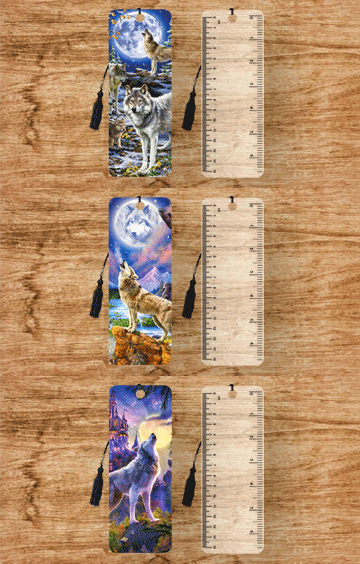
A lenticular bookmark moves in the reader's hand. Tilt it and the image flips, animates, or gains real depth, all from a ridged lens over an interlaced print. The lens is 31pt plastic, which is why the bookmark outlasts the book it sits in.
A 3D lenticular bookmark works by bonding a ridged plastic lens over a print built from several interlaced images. Each micro-lens bends light so your eye sees one image strip at a time, and which strip you see changes as the bookmark tilts. That swap reads as a flip between two images, a short animation, or genuine 3D depth. The rigid lens also makes the bookmark far more durable than a paper one, so it survives being tucked in book after book.
Start here
What a lenticular bookmark actually is
A lenticular bookmark is a printed bookmark topped with a ridged lens that reveals different images at different angles. Rather than one fixed picture, it holds several interlaced images under a grid of micro-lenses, so tilting it swaps a flip, an animation, or 3D depth into view. The sections below explain the lens, the interlacing, the three effects, the durability, the cost, and how to design and order your own.
How the lens turns a tilt into motion
The ridges you feel across a lenticular bookmark are lenticules, long cylindrical micro-lenses set side by side. Each lens bends incoming light toward a focal point, so from any single angle your eye receives light from only one narrow strip of the print beneath it. Every lens across the surface points slightly differently relative to your eye, so together they resolve into one clear image at a given angle.
Tilt the bookmark and the focal point slides to the next strip under each lens, and a different image appears. Nothing on the bookmark is changing; your viewing angle is, and the lenses translate that angle into which hidden image reaches you. The number of lenses per inch, or LPI, sets how sharp the effect looks and how many frames it can hold.
This is the same technology behind the broader lenticular printing process, just sized and finished for a bookmark you slip into a book.
Interlacing several images into one bookmark
Before printing, the source images are interlaced. Each image is cut into thin vertical strips and the strips are shuffled together, so strip one of image A sits beside strip one of image B, then strip two of each, and so on. On a screen this file looks like a striped blur, which is correct, because it is meant to be read through the lens rather than by the naked eye.
The strips are spaced so each set falls under one lenticule, and the lens focuses your eye on one set at a time. For an animation the same idea scales to several frames per lens. If you would rather not interlace art yourself, our online design tool and ready-made templates give you a starting layout, and every 3D lenticular bookmark order is reviewed before it prints.
Registration between the print and the lens has to be exact, down to a fraction of a millimeter, or the images ghost into each other. That precise alignment is done on press, which is why a crisp lenticular bookmark comes from a printer that runs the process regularly.
Flip, animation, and 3D depth on a bookmark
One lens carries three effects depending on the art. A flip switches between two images, so a cover becomes a quote, or a character changes pose, as the bookmark tilts. It is the boldest and most readable effect. An animation interlaces a short sequence so a small motion plays as the reader rocks the bookmark, ideal for a waving character or a spinning icon.
A 3D depth effect interlaces angled views of one scene, the way your two eyes see the world, giving the bookmark real front-to-back layering with a foreground that floats above the background. Because a bookmark is long and narrow, vertical motion and depth read especially well along its length.
Match the effect to the purpose. Authors and publishers love a flip that pairs a book cover with a tagline, brands like an animated logo, and a 3D scene makes a premium collectible. For plainer custom bookmarks in paper or cardstock, our guide on how to make bookmarks covers the standard options.
How durable a lenticular bookmark is
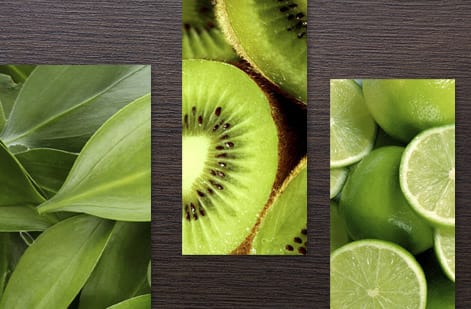
Durability is a real advantage here. The lens is a solid plastic sheet, so a lenticular bookmark is rigid and far tougher than a paper or cardstock one. It resists the bending and dog-earing that ruin paper bookmarks, shrugs off fingerprints, and stands up to the moisture and daily handling that come with being carried around in a book for months.
That longevity is part of the value. A paper bookmark is a throwaway, but a lenticular bookmark that moves and lasts gets used every day, which keeps your image, brand, or book cover in the reader's hands long after a flyer would have been recycled. The tradeoff is the plastic surface will not take a pen, so keep any text printed rather than handwritten.
What lenticular bookmarks cost and how prices are set
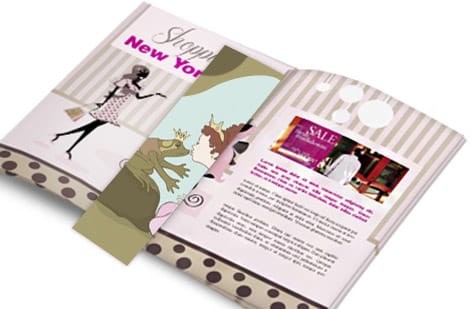
Lenticular bookmarks cost more than standard printed bookmarks because of the specialty lens material, the interlacing work, and the precise on-press registration. Price then scales with quantity, since setup is a large fixed share that spreads thinner across a bigger run, so a larger order lowers the per-piece cost substantially.
The complexity of the effect also matters: a simple two-image flip asks less of the file and press than a multi-frame animation or a layered 3D scene. You set quantity and options in the live configurator and the price updates as you adjust, so you can see the per-bookmark cost before you commit. Because the effect is best judged in hand, order a sample or proof before a large run.
Set the cost against the payoff. A bookmark that moves and lasts becomes a keepsake people show off, which is a level of engagement a flat card rarely reaches.
Designing bookmark art that reads through the lens
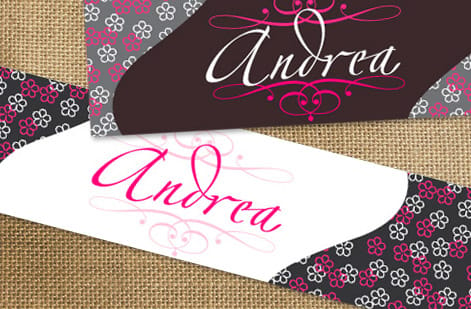
Lenticular art rewards bold, simple design. Because each frame is only seen in thin strips, large shapes, strong contrast, and clear focal points survive the effect while fine detail and tiny text tend to break up. Build around one hero image per frame and keep any essential text large and on a stable part of the layout so it stays readable from the main angle.
For a flip, choose two clearly different images so the switch is obvious. For animation, keep the movement to a few high-contrast frames. When your art is ready, upload it on the lenticular bookmark page, and if you want a coordinated set for an author table or launch, the full lenticular collection offers matching postcards and cards in the same technology.
Wally tilts the bookmark and the lens takes over
Motion printed in, built to last
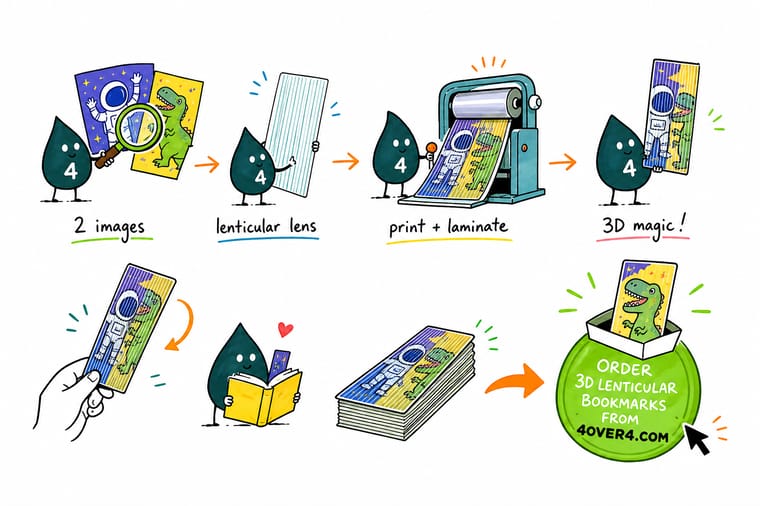
Wally shows how the ridged lens hands your eye one image strip at a time, so a small tilt swaps the whole picture. Two images make a flip, a few frames make an animation, and angled views make real 3D depth. The rigid plastic lens also makes the bookmark tough enough to survive book after book. Build bold, high-contrast frames, keep text steady and large, and 4OVER4 handles the interlacing and press registration.
Order your lenticular bookmarks →Quick reference
Lenticular bookmark setup at a glance
The lens and interlacing set the rules. Match these and your art will read cleanly along the length of the finished bookmark.
| Setting | What to pick | Why it matters |
|---|---|---|
| Effect type | Flip, animation, or 3D depth | One clear intent per bookmark keeps the effect crisp on a narrow surface. |
| Frames | 2 for a flip, 3 to 5 for animation | More frames need finer interlacing, so keep motion simple and legible. |
| Orientation | Favor vertical motion and depth | A long, narrow bookmark shows lengthwise movement and 3D layering especially well. |
| Contrast | High between frames | Strong differences read as a clean switch; similar frames ghost together. |
| Text | Large and on a stable area | Fine type breaks up when sliced, so lock key text to the main viewing angle. |
| Body | Rigid plastic lens stock | The lens gives the bookmark its durability and premium, long-lasting feel. |
| Art files | One full-size layer or file per frame | Interlacing slices each frame on its own, so flattened art leaves nothing to shuffle under the lens. |
| Frame alignment | Same canvas, same position, every frame | A frame that sits a few pixels off from the others drifts visibly as the bookmark tilts. |
| Interlacing and registration | Handled in-house on every order | The print has to meet the lens to a fraction of a millimeter or the images ghost into each other. |
| Proof | Ask for a sample before the full run | A flat PDF proof cannot show motion, so only a printed sample tells you how the effect really reads. |
| Quantity | Set in the live configurator | Interlacing and lens setup are charged once, so the per-piece price drops as the run gets longer. |
Step by step
How to order a lenticular bookmark in 6 steps
- Choose your effect Decide whether the bookmark should flip between two images, play a short animation, or show 3D depth, since that shapes the art. A flip needs two strong frames, an animation needs three to five, and a depth effect needs one scene separated into foreground, middle and background layers.
- Prepare your frames Build each image as its own full-resolution layer or file, using bold shapes and high contrast so every frame survives the lens. Keep all the frames on the same canvas at the final printed size and in the same position, because the strips are shuffled together and anything that shifts between frames will smear as the bookmark turns.
- Place text carefully Keep any titles or credits large and on a stable part of the layout so they stay readable from the main angle. Fine type sitting on the moving element is the most common thing that breaks, so if a title has to be legible from every angle, hold it still and let the picture behind it do the moving.
- Open the configurator Go to the lenticular bookmark page, set your quantity, and review options as the live price updates. Quantity is the lever that moves the price most, since the setup work is a fixed cost that spreads thinner across a longer run, so it is usually cheaper to print one larger batch than two small ones.
- Upload for interlacing and check Send your layered art. Our team handles the interlacing and press registration, and every order is reviewed before printing. That review is where a flattened file, a low-resolution frame, or text stranded on the moving layer gets caught, before any lens is bonded.
- Proof, then run the order Confirm the effect on a sample so you know exactly how the motion reads, then approve the full run. Motion is the one thing a screen cannot judge for you, so the proof stage is worth the wait on a specialty lenticular job, especially for a launch where the bookmarks have to be right the first time.
Specs and pricing
Lenticular bookmark specs and live pricing
Set quantity and options below to see the live per-piece price and full specs for 3D lenticular bookmarks, straight from the configurator.
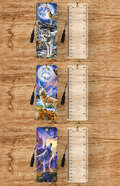
| Quantity | Price Per Unit | Total |
|---|---|---|
| 500 | $1.97 | $987.45 |
| 1,000 | $1.10 | $1,097.28 |
| 2,000 | 85.1¢ | $1,701.38 |
| 3,000 | 65.9¢ | $1,975.98 |
| 5,000 | 48.3¢ | $2,415.33 |
| 10,000 | 40.6¢ | $4,062.90 |
Order it
Order bookmarks that move


See it in use
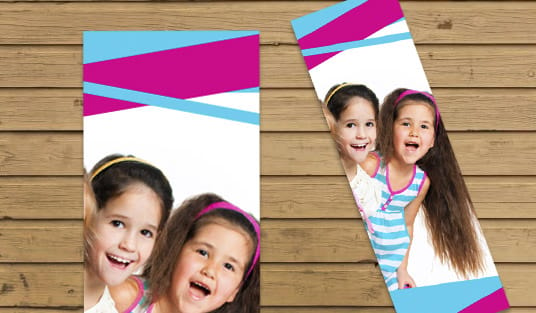
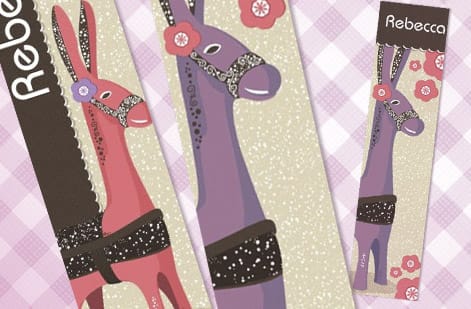
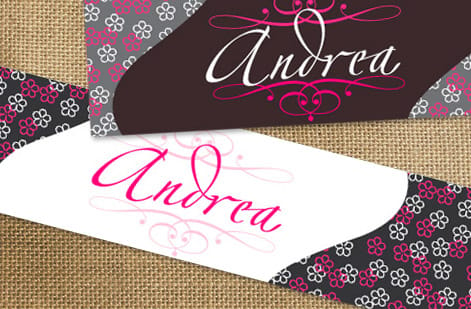
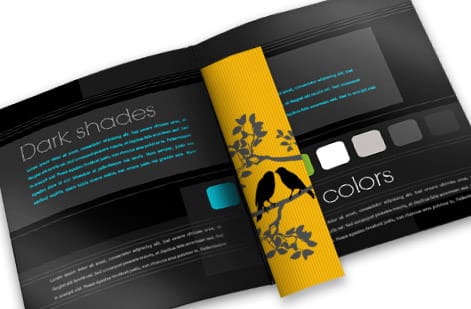
Bookmarks we printed for real customers
Explore more
Where to go next



By the numbers
The stock list a bookmark order picks from
Common Questions
Common questions about lenticular bookmarks
How do 3D lenticular bookmarks work?
They work by bonding a ridged lens over a print made of several interlaced images. Each micro-lens bends light so your eye sees only one thin strip of the artwork at a time, and which strip you see changes with the tilt of the bookmark. That swap reads as a flip between two images, a short animation, or genuine 3D depth. The effect is printed into the bookmark and needs no power, and the rigid lens also makes it far more durable than paper.
What do I need to send, and what happens to my art after I upload it?
Send every frame as its own full-size layer or file rather than one flattened image, all on the same canvas, in the same position, at the size the bookmark will actually print. Interlacing slices each frame separately, so a flattened file leaves nothing to shuffle. After upload our team interlaces the frames, spaces the strips to match the lens, and sets the registration between print and lens, which has to hold to a fraction of a millimeter or the images ghost into each other. Every order is reviewed before it prints, and you can ask for a sample so you see the motion in your hand before the full run goes on press.
Flip, animation or depth, which one suits my art?
Match the effect to your purpose. A flip is boldest and most readable, great for pairing a book cover with a tagline or changing a character's pose. An animation adds a moment of delight with a few frames of movement. A 3D depth effect makes a premium collectible with real layering. Because a bookmark is long and narrow, vertical motion and depth along its length tend to read especially well, so build the art to suit that shape.
What do lenticular bookmarks cost and how are prices set?
They cost more than standard printed bookmarks because of the specialty lens, the interlacing work, and the precise on-press registration. Price then scales with quantity, since setup is a large fixed cost that spreads thinner across a bigger run, and with the complexity of the effect, as a simple flip costs less than a multi-frame animation or 3D scene. You set quantity and options in the live configurator and the price updates as you adjust.
How durable are lenticular bookmarks?
Very durable. The lens is a solid plastic sheet, so the bookmark is rigid and far tougher than paper or cardstock. It resists the bending and dog-earing that ruin paper bookmarks, shrugs off fingerprints, and stands up to the moisture and daily handling of being carried in a book for months. The main tradeoff is that the plastic surface will not take a pen, so keep all text printed rather than handwritten.
How long do lenticular bookmarks take to print and ship?
As a specialty lenticular product, they run on a longer schedule than standard bookmarks because of the interlacing and precise lens registration. The live turnaround and shipping options appear in the configurator once you set your quantity. For a launch or event, order early and request a proof so you can confirm the motion effect before the full run is produced.
Can I use a lot of text on a lenticular bookmark?
Keep text minimal on the moving element and large where it must stay readable. Because each frame is only ever seen in thin strips, fine or small type breaks up through the lens. The reliable approach is to keep titles, author names, or credits large and on a stable part of the layout that reads from the main angle, and reserve the motion for a hero image, a character, or a single bold word.
Get Started
Order 500 lenticular bookmarks at $1.97 each
Build your frames, upload your art, and let 4OVER4 handle the interlacing and lens registration. Set quantity and options and watch the price update live.
Legal Disclaimer
Gold Standard guarantees apply to all standard orders placed through 4over4.com. Price match requires verifiable proof of a competitor's published price for an equivalent product with matching specifications and turnaround time. Satisfaction guarantee covers manufacturing defects and print quality issues. Contact support with order number and documentation. On-time delivery rate based on tracked orders 1999 to 2026. Individual results may vary based on shipping carrier performance.
