
How to Brand Your Business in Print, From Business Cards to Signage


Marcus is our print marketing voice, built from the knowledge of our production team, with over 20 years in printing.
A concrete print checklist for a small business: what to lock before you order, which pieces to buy in what order, and how to stop the look drifting between cards, letterhead, folders and signs.
Branding your business in print means locking four things first, vector logo files, brand colors written as CMYK rather than hex alone, two print-licensed typefaces, and one paper family, then applying them piece by piece. Buy in the order you use them: business cards, then letterhead and envelopes, then a presentation folder, then banners and signage. Check every new piece against the written spec rather than against the last piece you printed, and expect a coated card to read denser than uncoated letterhead no matter who prints it.
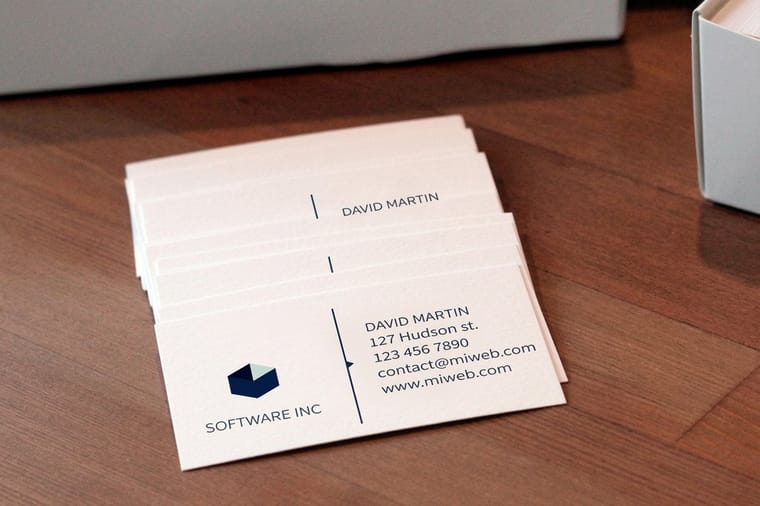
Quick answer
One written spec, then four print runs in the order you use them
A print brand is a spec applied consistently, not a set of matching products. Write down the logo files, the CMYK values with a Pantone for the color that matters, two licensed typefaces, and the stock each piece uses. Then order business cards, letterhead and envelopes, a presentation folder, and signage in that sequence, adding each piece when you actually need it. The diagram below shows the spec feeding all four runs, and the one thing it cannot control: the same ink build lands differently on coated card, uncoated paper, and vinyl.
The Four Things You Lock Before You Print Anything
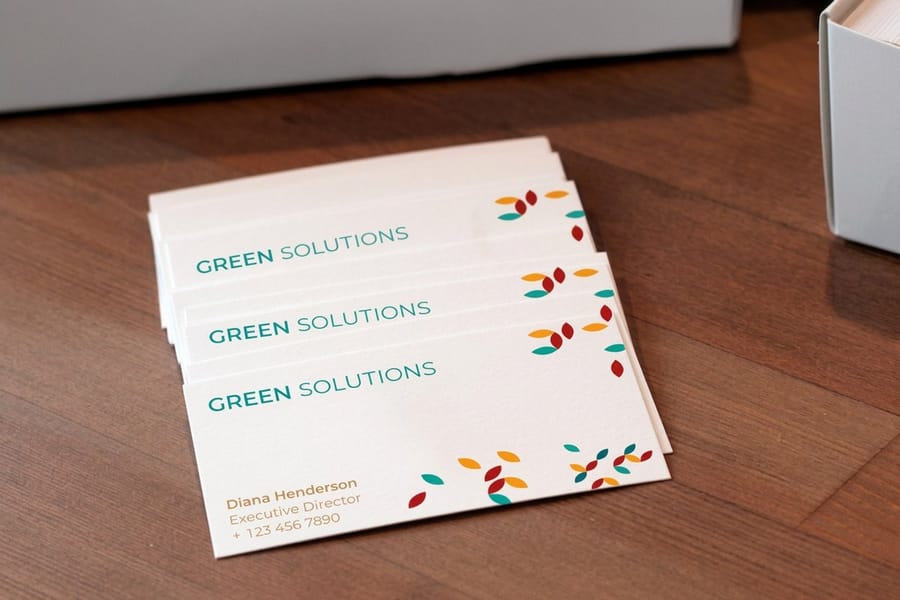
Branding in print is mostly a decision problem, not a design problem. Four decisions, written down once, remove almost every argument you will have with a printer later.
Logo files. You need the mark as vector artwork, plus a one-color version and a horizontal and stacked arrangement. The one-color version is the one people forget, and it is the one you need for a stamp, an embroidered shirt, or a single-ink job. A logo that only exists as a PNG pulled from a website will look soft the first time it prints above two inches wide. If your mark still lives in one lockup, our guide to the logo variations every brand needs covers what to draw before you order anything.
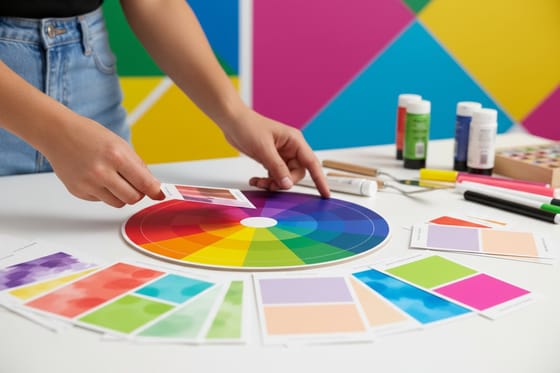
Color, written as CMYK. Hex codes describe light. Presses lay down ink. A brand sheet that says only #0CAFA7 leaves the conversion to whoever opens the file, and two printers will convert it two different ways. Write the CMYK build next to the hex, and add a Pantone number for the color a customer would recognize across a parking lot. Choosing a palette that prints and picking the right color profile are the two steps that prevent a purple logo arriving as navy.
Two typefaces, licensed for print. One for headings, one for text, both with a desktop or commercial license. Free web fonts often lack a print license, and some have no bold or italic cut, which turns into a designer faking one and a headline that looks smeared at small sizes.
One paper family. Decide the coated stock your cards and folders use and the uncoated weight your letterhead uses, then stop revisiting it. Business card stock is where most of that choice gets made, and 16pt is noticeably more rigid in the hand than 14pt if your card is the piece doing the work.
Which Print Materials to Order, and in What Order
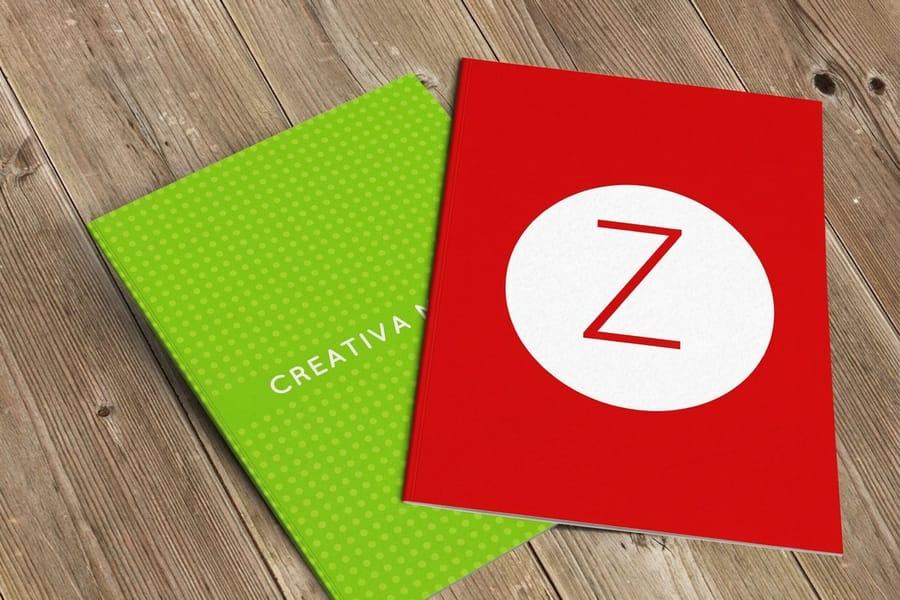
Order the piece you will hand to someone this month, not the piece that completes a set. The table below is the sequence that works for most small businesses, with the 4OVER4.COM starting price so you can see what each step actually adds.
| Piece | Starts at | Order it when | Skip it when |
|---|---|---|---|
| Business cards | $17.57 | Immediately. It is the only piece that gets handed over, kept, and looked at twice. | Never. Even a solo operator hands out cards. |
| Letterhead | $99.95 | You send contracts, invoices or quotes on paper with your name at the top. | Everything you send is a PDF by email. A letterhead template file does that job for free. |
| Printed envelopes | $142.99 | You mail anything at all. A branded envelope gets opened; a blank one gets sorted with the junk. | You post two things a year and a return address label covers it. |
| Presentation folder | $108.75 | You sit across a table and hand over a proposal, a quote pack or onboarding paperwork. | Nothing you give a client is more than two pages. |
| Postcards | $16.48 | You want a cheap mailer or a leave-behind that survives a glovebox better than a flyer. | You have no list to mail and no counter to leave them on. |
| Vinyl banners | $79 | You have a storefront, a booth, a job site or an event where people need to find you. | You work from a laptop and meet clients at their offices. |
Read the last column before the second one. The expensive mistake is not choosing the wrong stock, it is buying a full stationery suite for a business that emails everything, then storing a box of letterhead in a cupboard for three years. Start with business cards, add pieces as the need shows up, and keep the money for reordering the piece that actually moves.
One exception worth planning around: if you know you want letterhead and envelopes, order them with the cards in a single go. Sheets printed in the same window sit closer in color than the same three jobs spread across a year, and you save a setup charge on each.
Keeping One Look Across Pieces That Print on Different Machines
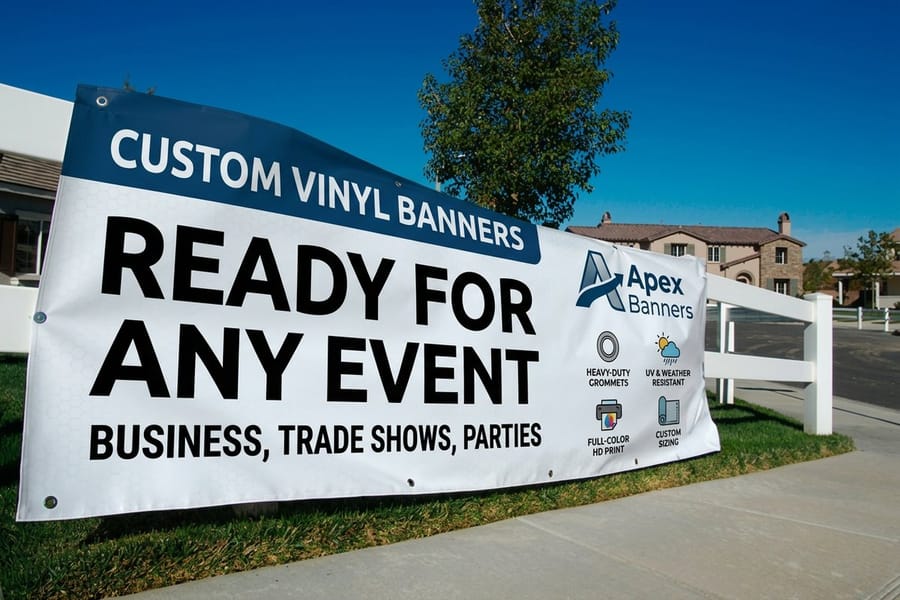
This is the part nobody warns you about. Your brand teal will not look identical on a coated business card, an uncoated letterhead, and a 13oz vinyl banner, because those three pieces are made by three different processes on three different surfaces.
Coated stock has a sealed surface, so ink sits on top of it and stays dense and slightly glossy. Uncoated stock absorbs ink into the fibers, so the same build reads lighter and flatter. Wide-format vinyl is printed on entirely different equipment with a different ink set. A printer who tells you all three will match exactly is selling you something. What a good printer will do is get them close enough that nobody standing in your office notices.
Three habits do most of the work here. First, choose a brand color that survives uncoated paper, because that is the surface that dulls it most. Test it before you commit, not after the letterhead arrives. Second, specify a Pantone on the one or two pieces where the color carries recognition, usually the business card. Third, keep the mark identical in shape everywhere even when the color drifts a little. People recognize silhouettes faster than they recognize hues.
Size discipline matters just as much. Set a minimum reproduction width for your logo and a clear space around it, then apply both on a card and on a banner. The most common failure on a large banner is a logo scaled up with the tagline still attached, so the tagline is unreadable at ten feet and the whole thing reads as clutter. Drop the tagline above a certain size and let the mark carry it.
The Spec Sheet That Keeps Your Fifth Order Matching Your First
Brands drift when each new piece is designed against the previous piece instead of against a written standard. Copy a copy five times and the fifth one is a different brand.
The fix is one page, kept where whoever places the order can find it. It lists the logo file names and where they live, the CMYK values and the Pantone number, the two typefaces and their weights, the minimum logo width and clear space, the exact stock and finish for each piece, and the trim size of every item you have ever ordered. That last line saves more time than the rest combined, because the question that comes up every reorder is what size the card was.
Write it once and treat it as the source of truth. A small business brand style guide is the longer version of the same idea, and building a brand identity covers what goes into it before print enters the picture.
Then build the files on the correct foundation. Our blank template library carries the size, bleed and safe area for each product, so a card is set up as a card rather than as a rectangle you hope is right. If you do not have a designer, the online design templates let you drop your logo and colors into a layout that is already print-ready. When the file is done, how online printing works walks through what happens between upload and delivery, including where a proof fits.
Wally explains print branding
One spec sheet, then every piece matches it
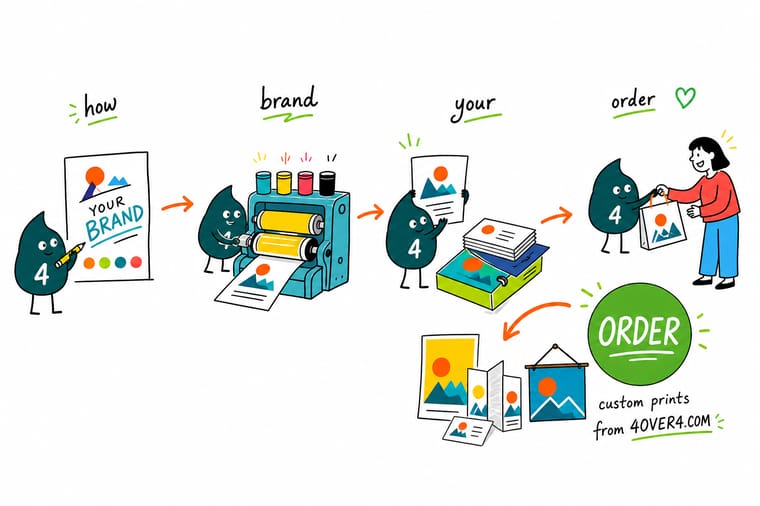
Wally writes the brand down once: the logo files, the CMYK values, the Pantone for the color people recognize, two typefaces, and the stock for each piece. Then he prints the cards, the letterhead, the folder and the banner against that sheet, never against the last thing he printed. He will still tell you the truth about color: coated card holds ink on the surface and looks richest, uncoated letterhead drinks it in and reads lighter, and vinyl comes off a different press entirely. Pick a color that works on all three and stop chasing an exact match.
Order standard business cards →
Specs and pricing
Sizes, stocks and starting prices for the core three
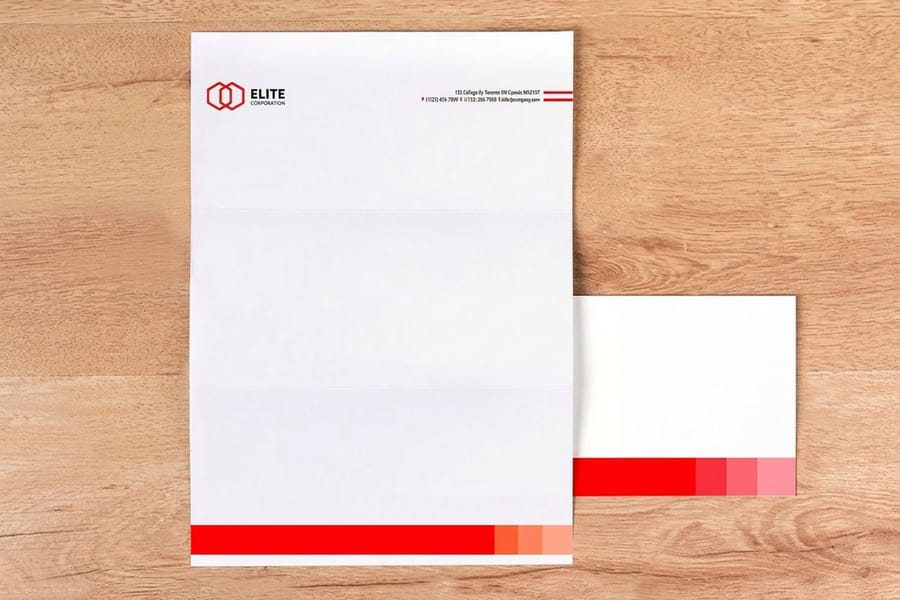
Cards, letterhead and a folder cover most of what a small business hands to a customer. Business cards start at 100 on 14pt to 24pt cover at 3.5 by 2 inches, letterheads at 50 on 8.5 by 11 inch 70# uncoated or 24# Royal Laid, and short run presentation folders at 10 on 14pt gloss at 9 by 12 inches with card slits on both pockets if you want them. Configure each one below with live options and starting prices from the 4OVER4.COM configurator.
Print it
Build the starter brand kit
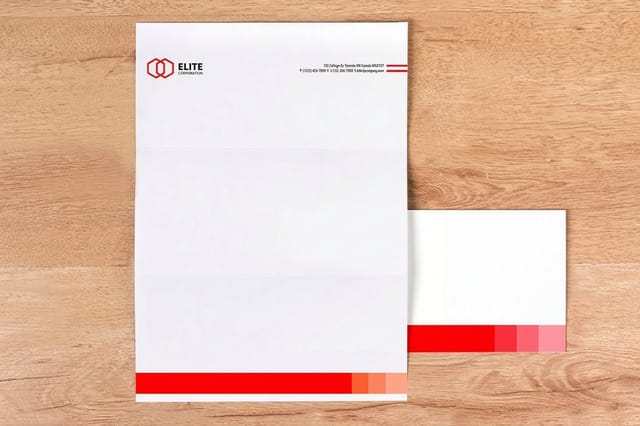
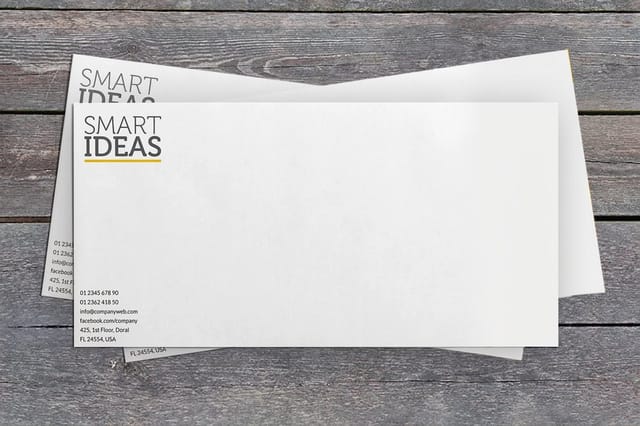
Order the three pieces together from one written spec: business cards print in 3 business days, letterheads in 5 and printed envelopes in 7, so the envelopes set the date the whole kit lands.

%22%2F%3E%3Ccircle%20cx%3D%2243%22%20cy%3D%2245%22%20r%3D%2228%22%20fill%3D%22%23a78bfa%22%20opacity%3D%220.15%22%2F%3E%3Ccircle%20cx%3D%2280%22%20cy%3D%2262%22%20r%3D%2226%22%20fill%3D%22%23a78bfa%22%20opacity%3D%220.1%22%2F%3E%3Crect%20x%3D%2273%22%20y%3D%2221%22%20width%3D%2228%22%20height%3D%2232%22%20rx%3D%224%22%20fill%3D%22%23a78bfa%22%20opacity%3D%220.08%22%20transform%3D%22rotate(8%2080%2030)%22%2F%3E%3C%2Fsvg%3E)
Explore more
Where to go next
Write the one page style guide, pick colors that hold on paper, set letterhead margins and type sizes, learn business card sizes and stocks, choose the logo variations you need, and shop business card printing.



By the numbers
25 years of printing behind a brand kit
Common Questions
Your print branding questions, answered
What print materials does a new business actually need?
Three, and everything else is optional until there is a reason. Business cards, because they get handed over in person and nothing replaces them. Letterhead and envelopes, if you send contracts, invoices or anything on paper that carries your name. A presentation folder, if you sit across a table and hand over a proposal. Banners, yard signs and window graphics only come in when you have a location, an event or a job site to mark. Ordering a full stationery suite before you know which pieces you use is the most common way new businesses waste a print budget.
Why does my logo look different on my business card and my letterhead?
Because the two sheets take ink differently. A coated business card holds ink close to the surface, so the color stays dense and slightly glossy. Uncoated letterhead absorbs it into the fibers, so the same CMYK build reads lighter and a little duller. Nothing is wrong with either print. If the difference bothers you, either specify a Pantone spot color for the pieces where the color is doing the work, or pick a brand color that holds up on uncoated stock and accept that it looks a bit richer on the card.
Should my brand color be Pantone or CMYK?
CMYK for most jobs, Pantone when a shift would be noticed. Full-color printing mixes your brand color from four inks, which is fine for a color nobody has memorized. A color that is the brand, the kind customers recognize from a distance, is worth specifying as a Pantone so it is mixed as one ink rather than built from four. Pantone costs more and is not available on every product, so the practical answer for a small business is CMYK everywhere plus a Pantone on business cards.
What files should I send the printer?
A print-ready PDF built at final size, with fonts outlined or embedded, images at 300 dpi, everything in CMYK, and 0.125 inch of bleed on any color that runs to the edge. Keep live text and logos at least 0.125 inch inside the trim so nothing gets cut. Starting from the correct blank template for the product removes most of the guesswork, since the size, bleed and safe zone are already drawn for you.
How much does a starter print brand kit cost?
At 4OVER4.COM, standard business cards start at $17.57, standard letterheads at $99.95, and printed envelopes at $142.99, so the classic three-piece stationery set starts around $260 before you choose upgrades. Short run presentation folders start at $108.75 and vinyl banners at $79, which are the two pieces most businesses add next. Prices move with quantity, stock and turnaround, so treat those as the floor rather than the quote.
Can I update one piece without reprinting everything?
Yes, and it is usually the sensible order. Reprint what runs out first and apply the change there, since business cards turn over far faster than a box of envelopes. The risk is drift: if you redesign against the last card you printed instead of against your written spec, small changes compound until piece four looks nothing like piece one. Update the spec sheet first, then let each piece adopt it as it gets reordered.
Get Started
Order 100 business cards from $17.57 and work down the list
Start with the piece you hand over most, print the rest against the same spec, and reorder as each one runs out.
Legal Disclaimer
Gold Standard guarantees apply to all standard orders placed through 4over4.com. Price match requires verifiable proof of a competitor's published price for an equivalent product with matching specifications and turnaround time. Satisfaction guarantee covers manufacturing defects and print quality issues. Contact support with order number and documentation.
