
How to Design Your Own Custom Mug


A mug design wraps around a cylinder, not a flat page. The drinker sees the panel opposite the handle first, so that is where the focal art goes.
Design a mug as one continuous wraparound band, not a flat rectangle. Keep your focal art inside the print area (about 8.5 by 3.5 in on an 11 oz mug), leave a handle gap on both sides, use bold artwork at 300 DPI in CMYK, and lay it out in the free online designer, which presets the wrap, handle gap, and safe zone for you.
Start here
A band, not a page
Plan a mug as a wraparound band, not a flat page. Keep focal art inside the print area (about 8.5 by 3.5 in on an 11 oz mug), leave a handle gap on both sides, use bold art at 300 DPI in CMYK, and build it in the free online designer that presets the wrap and handle zones. The diagram shows the unrolled wrap layout.
Design a mug as a wraparound, not a flat page
The single biggest shift in designing a mug is thinking in a cylinder instead of a page. Your artwork wraps 360 degrees around the cup, so plan it as one continuous band that meets around the mug, with a gap where the handle sits.
Because the drinker sees the area opposite the handle first, that spot is your prime real estate for a logo, image, or message. You can either place a single focal graphic with clean space around it, or extend a background across the full wrap for an all-over look. Either way, our free online designer loads the correct wrap area for your mug so you design in the right shape from the start.
This guide walks the whole process: the print area, the handle gap, resolution, and previewing the wrap. If you want the manufacturing side too, pair it with our guide on how to make custom mugs.
Design to the print area
A mug is not printed edge to edge over its whole surface. There is a defined printable rectangle, and for a standard 11 ounce mug it is roughly 8.5 inches wide by 3.5 inches tall, wrapping around the body.
Keep your focal art, logo, and any must-read text inside that print area so nothing lands too close to the rim, the base, or the handle. If you are going for a full wraparound, still design to the print-area height so color meets cleanly around the cup rather than running off the top or bottom edge.
The online designer shows this area as you work, so you can see exactly where art is safe. For a bigger canvas, the 15 ounce mug offers a taller, wider print area for more detail or a larger message.
Leave a handle gap on both sides
The handle is the one thing that breaks the continuous wrap, so your design has to account for it. Leave clearance on both sides of the handle zone so no important element runs into or hides behind it.
Practically, this means your art does not fill the full circumference. It occupies the front band that faces the drinker and stops short of where the handle attaches on each side. If you ignore the gap, a logo can end up half-swallowed by the handle or awkwardly split.
The designer marks the handle gap automatically, so if you build your mug there, you simply keep key art between the guides. This is the detail people miss most when they design a mug as a flat image and only discover the problem on the printed cup.
Use the free online designer

You do not need professional design software to make a great mug. Our free online designer runs in the browser and presets everything that is easy to get wrong: the wrap area, the print-area dimensions, the handle gap, and the safe zone.
Inside it you upload your logo or artwork, position it on the wrap, add text and background color, and watch a live preview show how the design curves around the cup. Because the constraints are baked in, art you place lands where you expect on the finished mug, with no guesswork about the handle or the edges.
If you would rather start from a proven layout, our free design templates give you editable starting points for mugs and other branded merchandise, which you can then customize in the designer.
Keep the wrap crisp with the right art
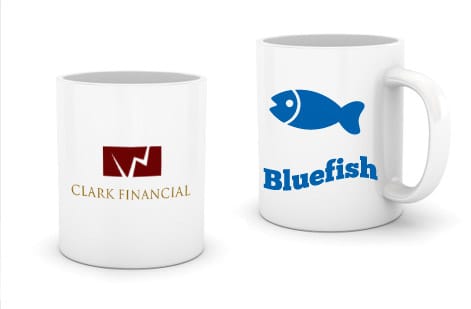
A curved, glossy surface is unforgiving of low-quality art, so resolution and simplicity matter. Upload your design at 300 DPI at the printed wrap size and build it in CMYK so the color prints as you expect.
Favor bold, high-contrast artwork with clear shapes and legible type. Fine hairlines, tiny text, and subtle gradients can lose definition when they wrap around the cup, while a strong logo or a clean pattern reads beautifully. Vector logos are ideal because they stay razor-sharp at any size, which is why a well-built logo design travels so well onto a mug.
Once your art is set, use the live preview to confirm the wrap and handle clearance, then order. Full-color dye sublimation fuses the image into the mug coating, so the result is smooth and dishwasher-durable.
Wally wraps the art around the cup
One band, front and center, clear of the handle
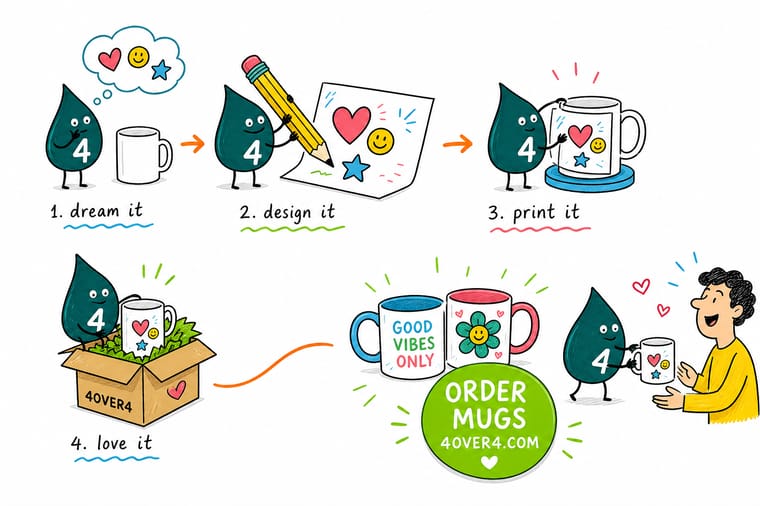
Wally designs a mug the way it is drunk from: he plans one continuous band that wraps around the cup, puts the focal art opposite the handle so the drinker sees it, and leaves a clean gap on both sides of the handle. He keeps the art bold and high-resolution, lays it out in the free online designer, previews the wrap, and 4OVER4 prints it full color and dishwasher-durable.
Design and print your mug →Quick reference
The mug design setup, at a glance
Match these settings and your wraparound art is ready to print on a cup.
| Setting | Get it to | Why it matters |
|---|---|---|
| Mug size | 11 oz standard (15 oz option) | The 11 oz mug is the default; larger sizes have a taller, wider print area. |
| Print area (11 oz) | ~8.5 x 3.5 in | The wraparound printable rectangle where your art lives. |
| Handle gap | Clearance on both sides | Art must not run into the handle zone or it gets hidden or cut. |
| Resolution | 300 DPI at wrap size | Full-resolution art keeps the design crisp curved around the cup. |
| Color mode | CMYK | Mug printing uses process color, so build in CMYK for accurate output. |
| Layout | One continuous wrap panel | Treat the art as a single band that wraps, not two separate faces. |
| Tool | Free online designer | The designer presets the wrap area, handle gap, and safe zone for you. |
Step by step
Design your own mug in 7 steps
- Pick the mug and open the designerChoose your mug size, then open the free online designer, which loads the correct wrap area and handle gap for that mug.
- Think in a wraparound bandPlan your art as one continuous panel that curves all the way around, not as a flat front and back that meet at a seam.
- Place the focal art inside the print areaKeep your logo, main image, or message centered in the printable rectangle so it sits front and center when the mug faces the drinker.
- Respect the handle gapLeave clearance on both sides so nothing important runs into or behind the handle zone.
- Add background color or pattern to the wrapIf you want an all-over look, extend the background across the full wrap so the color meets cleanly around the cup.
- Use high-resolution, bold artworkUpload art at 300 DPI at the wrap size and favor simple, high-contrast designs that read well on a curved surface.
- Preview, then orderUse the live preview to check the wrap and handle clearance, then order your custom mugs in the quantity you need.
Specs and pricing
Custom mug specs and live pricing
Once your wrap is designed, mug size and quantity are what is left. Standard mugs run $20.86 and ship in 5 business days.
| Quantity | Price Per Unit | Total |
|---|---|---|
| 1 | $20.86 | $20.86 |
| 2 | $19.22 | $38.43 |
| 3 | $18.67 | $56.00 |
| 4 | $18.67 | $74.68 |
| 5 | $18.01 | $90.05 |
| 6 | $18.31 | $109.83 |
| 12 | $16.39 | $196.62 |
| 24 | $15.97 | $383.34 |
Print it
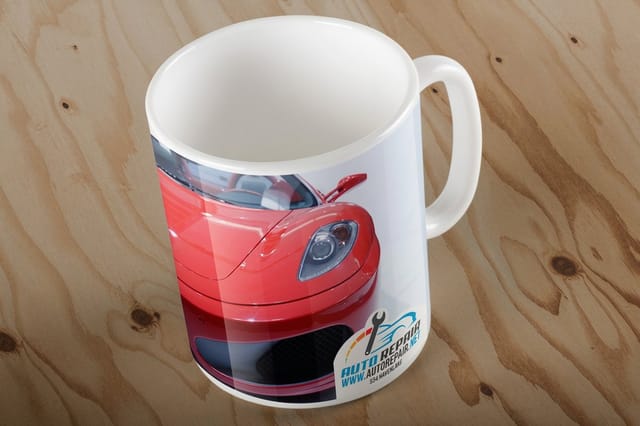
Print your custom mugs at 4OVER4
See it in use
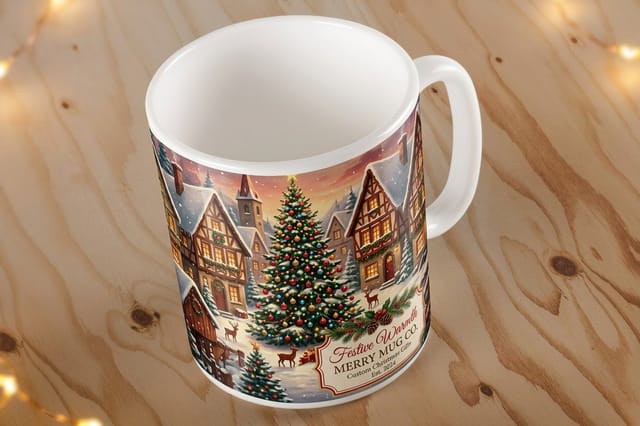
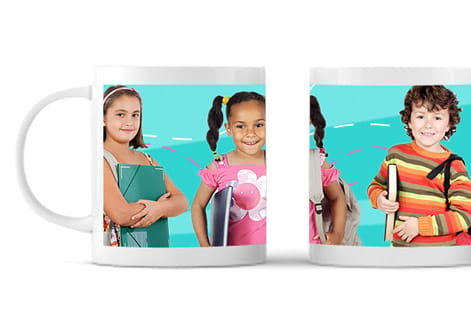
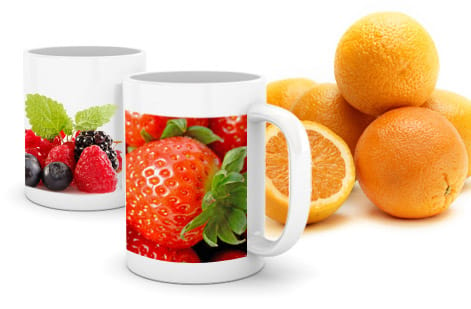
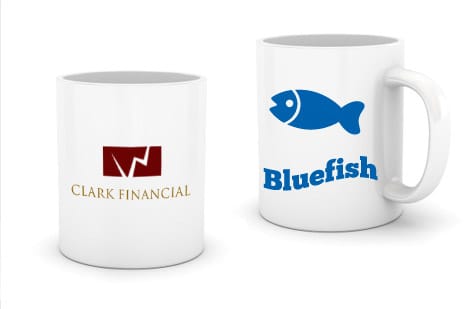
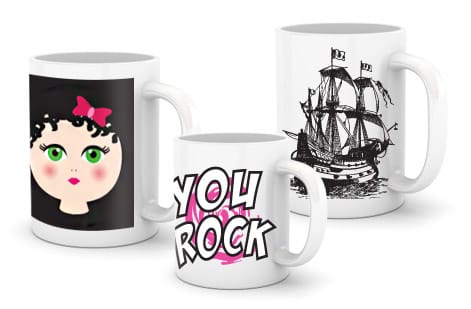
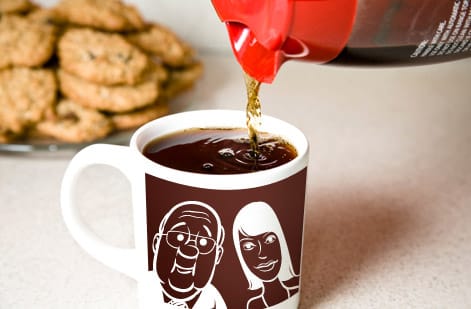
Mugs we printed for customer brands

Explore more
Where to go next


By the numbers
Eleven ounces with a full wraparound print
Common Questions
Common questions about designing a mug
What is mug design and how does printing on a mug work?
Mug design is the art of laying out a graphic that wraps around a cylindrical cup rather than sitting flat on a page. Because the printable surface curves 360 degrees around the mug, you design one continuous band of artwork that meets around the cup, leaving a gap where the handle sits. Most custom mugs are printed by dye sublimation, which fuses the ink into a coating on the mug so the image is smooth, dishwasher-durable, and full color. The practical result is that you plan the design as a single wraparound panel, keep the key art inside the print area, and let the process do the rest.
Where does a drinker actually look first?
Start from how the mug will be held and seen. A drinker sees the area opposite the handle first, so put your focal art, logo, or main message centered in the print area so it faces them. Decide whether you want a single focal graphic with plain space around it or an all-over wraparound where color and pattern cover the full band. Keep artwork bold and high contrast, since fine detail and thin lines can get lost on a curved, glossy surface. Then respect the handle gap on both sides so nothing important is hidden. Our free online designer sets these zones for you, so you place art and see instantly how it wraps.
What does a custom mug cost and how are prices set?
Designing a mug in the online designer costs nothing but your time. Print price scales with quantity, mug size, and any premium options, with larger runs lowering the unit price. You set your options and the total updates live as you adjust it, so you can see exactly how quantity or a bigger mug changes the number before you commit. Custom mugs are popular for gifts, events, and branded merchandise because they are inexpensive at volume and keep a brand in someone hand every morning.
What sizes and finishes are available for custom mugs?
The standard custom mug is 11 ounces, with a larger 15 ounce option for more print area and capacity, plus seasonal styles for holidays. The wraparound print is full color by dye sublimation, giving a smooth, durable, dishwasher-safe image across the printable band. Use the live specs panel below to see the available sizes and options and how each choice affects the price, and match the mug to its use, an everyday branded cup, an event giveaway, or a holiday gift.
How long do custom mugs take to make and ship?
Turnaround depends on the mug size, quantity, and any options, and the configurator shows the available production speeds when you build your order. 4OVER4.COM ships from New York with a 99.8 percent on-time record, so to hit an event or gifting deadline, finalize your design first and pick the production speed that lands your mugs in time.
What resolution and file should I use for a mug design?
Upload artwork at 300 DPI at the printed wrap size so the design stays crisp when it curves around the cup, and build in CMYK color for accurate process output. Favor bold, high-contrast art with simple shapes and clear type, because fine hairlines and subtle gradients can lose definition on a glossy curved surface. Vector logos are ideal since they stay sharp at any size. In the online designer you can upload your file and position it inside the print area, and the live preview shows exactly how it will wrap before you order.
Get Started
Order a standard mug at $20.86
Build your wraparound design in the free online designer at 4OVER4.COM and print it full color on the mug size and quantity you need. Christmas mugs print at the same $20.86 in 5 business days.
Legal Disclaimer
Gold Standard guarantees apply to all standard orders placed through 4over4.com. Price match requires verifiable proof of a competitor's published price for an equivalent product with matching specifications and turnaround time. Satisfaction guarantee covers manufacturing defects and print quality issues. Contact support with order number and documentation. On-time delivery rate based on tracked orders 1999 to 2026. Individual results may vary based on shipping carrier performance.
