
How to Make Custom Prints: Step-by-Step Guides

Step-by-step how-tos, templates & design tips for every product

Latest Step By Step Creation Guides

All Step By Step Creation Guides

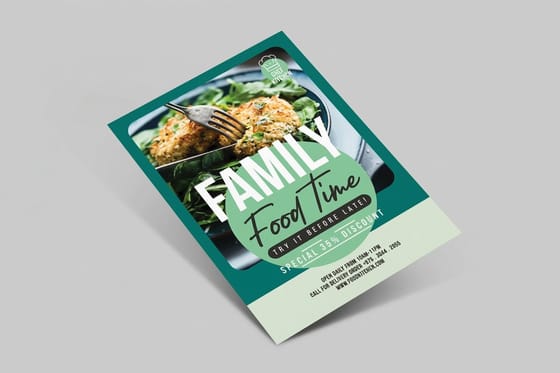
How to Design a Restaurant Menu in Canva Step by Step

How to Design a Restaurant Menu in Canva Step by Step

How to design a restaurant menu in Canva using templates, custom fonts, and layout tips. Follow our step-by-step guide, then print on 60+ paper stocks....

4OVER4
How to Format a Book for Printing

How to Format a Book for Printing

4OVER4
How to Frame Canvas Prints for a Polished Gallery Look

How to Frame Canvas Prints for a Polished Gallery Look

How to frame canvas prints the right way - choose floater frames, standard frames, or DIY options. Get pro tips for hanging and display. Order canvas...

4OVER4
How to Hang Posters Without Damaging Your Walls

How to Hang Posters Without Damaging Your Walls

How to hang posters without frames or nail holes. Learn damage-free methods using adhesive strips, putty, and washi tape. Get your posters printed today.

4OVER4
How to Make Banners That Get Noticed Every Time

How to Make Banners That Get Noticed Every Time

How to make banners that grab attention: choose the right size, material, and layout for any event or promotion. Follow our step-by-step guide and order today.

4OVER4
How to Make Bookmarks: Design, Print & Customize Your Own

How to Make Bookmarks: Design, Print & Customize Your Own

How to make bookmarks from scratch - choose materials, design layouts, and print on premium stocks. Step-by-step tips for DIY and professional...

4OVER4
How to Make Brochures That Inform and Convert

How to Make Brochures That Inform and Convert

Learn how to make brochures from layout and fold selection to final print. Choose from 60+ paper stocks and multiple fold types. Start designing today.

4OVER4
How to Make Business Cards: Design, Print & Finish Guide

How to Make Business Cards: Design, Print & Finish Guide

How to make business cards from scratch - design tips, file setup, paper selection, and printing options explained step by step. Start creating yours today.

4OVER4
How to Make Business Cards in Google Docs Step by Step

How to Make Business Cards in Google Docs Step by Step

How to make business cards in Google Docs using free templates and built-in tools. Follow our step-by-step guide, then print professionally. Start...

4OVER4
How to make business cards using Word

How to make business cards using Word

Learn how to make business cards in Word with this easy guide, perfect for small business owners and professionals looking for a simple design solution.

4OVER4
How to Make Business Cards: A Step-by-Step Design Tutorial

How to Make Business Cards: A Step-by-Step Design Tutorial

How to make business cards from scratch - choose layouts, fonts, and finishes that impress. Follow our step-by-step tutorial and order prints today.

4OVER4
How to Make Clear Business Cards with Transparent Plastic

How to Make Clear Business Cards with Transparent Plastic

How to make clear business cards from design to print. Learn thickness, transparency levels, and ink techniques for stunning results. Start your order today.

4OVER4

Your Complete Guide to Making Custom Prints

Learning how to make custom prints doesn't have to feel overwhelming. Whether you're designing business cards for a new venture, creating postcards for a marketing campaign, or producing acrylic prints for your living room wall, the process follows a clear path: pick your product, set up your design file, choose your paper and finish, then send it to print. That's it. Four steps between you and a finished product you're proud of.

4OVER4 has printed 10 billion+ cards and prints since 1999, so the team knows a thing or two about getting custom prints right the first time. The Online Designer makes the design step dead simple - even if you've never touched a design tool before. Upload your own artwork or start from a blank template and build something from scratch.

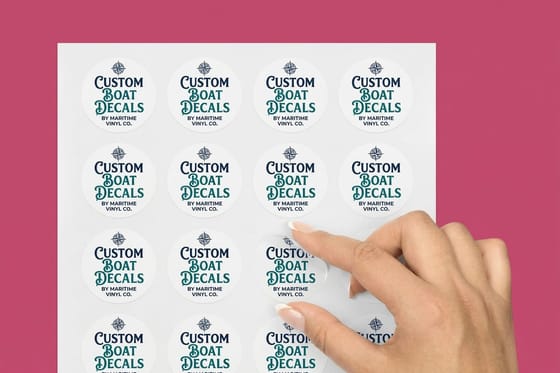
how to make custom prints - existing_product by 4OVER4

"I ordered acrylic prints for my photography studio and the colors were spot-on. The whole process from upload to delivery took less than a week."

- Marcus D., ★★★★★

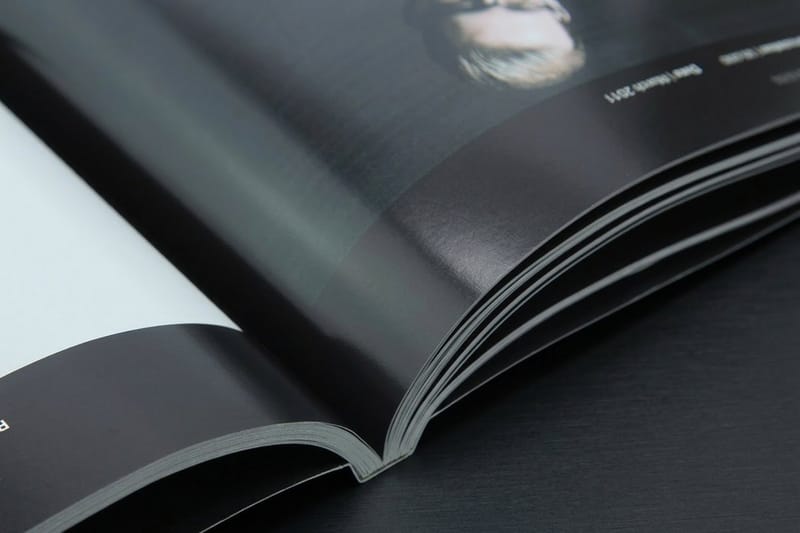
Professional how to make custom prints - new_product 2 by 4OVER4

With 1,000+ products to choose from, you're not locked into one type of custom print. Think flyers, banners, stickers, magnets, menus, coasters, and more. Each product page walks you through sizing, paper options, and finish choices so you know exactly what you're ordering before checkout. Got questions mid-process? The Help Center has answers for everything from file setup to shipping timelines.

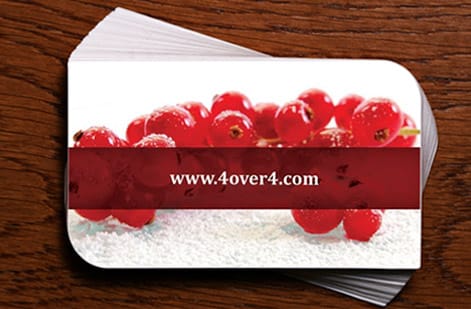
Custom how to make custom prints - new_product 3 by 4OVER4

And here's something worth knowing: the Loyalty Program rewards you every time you place an order. Earn coins, redeem them for free products. It's a nice bonus when you're printing regularly.

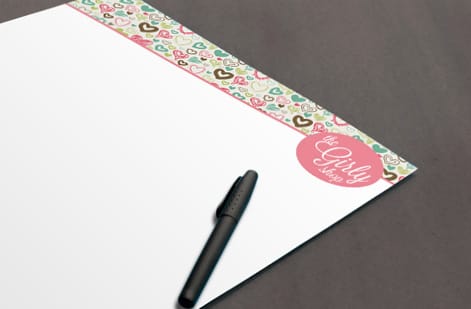
Premium how to make custom prints - existing_product 4 by 4OVER4

Below you'll find the full specs, available options, and design templates to get your custom prints started.

Blank Prints Templates

Step by Step Printing Guides Worth Bookmarking

Knowing how to make custom prints starts with understanding your specific product. Each print type has its own file setup rules, material considerations, and design tricks. 4OVER4 has built a library of step-by-step guides so you don't have to guess.

Want to create something for your bar or restaurant? Check out the Diy Custom Drink Coaster Tutorial or learn How To Design Custom Menu Cards that match your brand. The Custom Magnets Faq covers everything about fridge-worthy promotional prints.

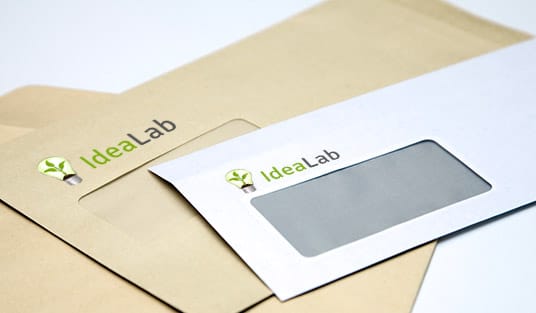
Working with window displays? The guide on How To Make Window Clings Stick saves you from the frustration of peeling edges. And if you need branded mailers, How To Make Envelopes walks you through sizing and print-ready file setup. With 25+ years of printing experience, 4OVER4 knows the details that matter - and these guides share that knowledge for free.

Design Tips That Make Your Custom Prints Stand Out

Here's the truth about custom prints: the printing technology is only half the equation. Your design does the heavy lifting. A gorgeous 32pt card with a bad layout still looks amateur. A well-designed flyer on standard stock still grabs attention. Design first, specs second.

Start with your goal. Are you handing something to a person? Mailing it? Sticking it on a wall? The answer changes everything - from dimensions to paper weight to finish type. A glossy finish pops for photos but creates glare under fluorescent lights. Matte works better for text-heavy pieces. Uncoated stock feels organic and works great for brands with an earthy vibe.

"I used the Online Designer to create flyers for my yoga studio. The matte uncoated finish felt so natural and on-brand. My clients actually keep them instead of tossing them."

- Priya K., ★★★★★

If you want to learn how to make custom prints that people actually hold onto, start with the guide on How To Make Flyers. It covers layout, bleed areas, and color modes in plain language. For something more hands-on, the Custom Envelope Making Tutorial shows creative packaging ideas that double as marketing.

Don't have design software? No problem. The Online Designer from 4OVER4 runs right in your browser. Drag, drop, type, done. 150,000+ businesses use it to create print-ready files without hiring a designer. 99.8% on-time delivery means your prints arrive when you need them.

Here's a look at the data behind what makes custom prints effective in marketing and branding.

Smithers projects that the value of all printed packaging and print will grow from US $889.4 billion in 2022 to US $1.16 trillion by 2028, but the volume growth is minimal, rising from 44.1 trillion A4 prints to just 44.7 trillion over that period.
Source: WhatTheyThink (2022)

For more insights on how print marketing drives results, explore this resource from Print Industry News covering trends and best practices across the printing industry.

Why 4OVER4 Is the Right Partner for Your Custom Prints

You've got options when it comes to printing. So why go with 4OVER4? Because making custom prints should be straightforward, affordable, and reliable. That's what you get here.

4OVER4 backs every order with a Price Match guarantee. Found a lower price somewhere else for the same product and specs? 4OVER4 matches it. No haggling. No fine print tricks. Just fair pricing on 1,000+ products across 60+ paper types.

Five guarantees come standard with every order:

  • QUALITY - 100% GUARANTEED
  • PRICE MATCH - 100% GUARANTEED
  • ON TIME EVERY TIME - 100% GUARANTEED
  • CUSTOMER SERVICE - 100% GUARANTEED
  • ULTIMATE SATISFACTION - 100% GUARANTEED

That Price Match promise isn't just marketing talk. It's a commitment that's been tested over 25+ years and 10 billion+ prints. You're not gambling on quality when you order here.

What Customers Say After Making Their Custom Prints

Real feedback from real people - that's the best way to judge any printer. 4OVER4 has earned 10,000+ reviews with a 4.8/5 star average. Here's what customers who learned how to make custom prints with 4OVER4 have to say.

"I needed acrylic prints for a gallery show and was nervous about color accuracy. Everything came out vivid and sharp. The mounting hardware was included too, which saved me a trip to the hardware store."

- Danielle R., ★★★★★

These aren't cherry-picked. They're a snapshot of what happens when a printer actually delivers on its promises. Read through the reviews below to see specific products, finishes, and use cases from customers across dozens of industries.

Paper Types

1/4" Plexiglass

Front Finish

Clear Gloss Vinyl Print

Back Finish

White Adhesive Vinyl Backing

Proof Options

Straight To Production
★★★★★

"Ordered how to make prints from 4OVER4 and the quality blew me away. Sharp colors, premium feel, arrived 2 days early."

Marcus H.

★★★★★

"Been using 4OVER4 for how to make prints for a year. Consistent quality every time. The online designer made it easy."

Michael M.

★★★★★

"Switched to 4OVER4 and saved 40% on how to make prints. Better quality than my old printer. 60+ paper options."

Jessica L.

★★★★☆

"4OVER4's how to make prints helped us look more professional. Clients notice the difference."

Jessica T.

Common Questions About Making Custom Prints

What file format do I need to make custom prints?

PDF is the preferred format for most custom prints. It preserves fonts, colors, and layout exactly as you designed them. 4OVER4 also accepts JPEG, PNG, and TIFF files. Make sure your resolution is at least 300 DPI for sharp, crisp results. Visit the Help Center for detailed file setup instructions for each product type.

How do I set up bleed and safe zones for printing?

Bleed is the extra area beyond your trim line - typically 0.0625 inches on each side. It prevents white edges after cutting. Your safe zone sits 0.125 inches inside the trim line. Keep all important text and logos within the safe zone. This step-by-step printing guide detail applies to every product 4OVER4 offers.

Can I design custom prints without professional software?

Yes. 4OVER4's Online Designer lets you build print-ready files directly in your browser. Upload images, add text, adjust colors, and preview your design before ordering. You don't need Photoshop or Illustrator. Blank templates are also available for every product if you prefer working in your own software.

What paper stock should I choose for my custom prints?

It depends on the product and how you'll use it. Thicker stocks like 32pt feel premium and work great for business cards or invitations. Standard 14pt is solid for flyers and postcards. 4OVER4 offers 60+ paper types including glossy, matte, uncoated, kraft, and specialty options. Each product page shows which stocks are available.

How long does it take to print and receive my order?

Standard turnaround is 3-5 business days for production, plus shipping time. 4OVER4 delivers 99.8% of orders on time, and 82% actually ship early. Rush and same-day options are available on select products if you need your custom prints faster.

Do I get a proof before my custom prints are produced?

Yes. 4OVER4 provides a digital proof so you can review your design before production begins. Check spelling, colors, image placement, and bleed areas carefully. Approving your proof is the final step in how to print with confidence - once approved, your order goes straight to press.

Free Cards, Serious Quality Same premium paper stocks trusted by Fortune 500 companies. Free for new customers, no credit card required. Start Free →
FSC Certified Printer #C013635
G7 Certified Color Accuracy
25+ Years Since 1999
150,000+ Businesses Served