
How to Make Flyers That Get Noticed and Drive Action


Start with one goal, write copy people can scan, choose a paper that fits the message, and send a print-ready file. Here is the full walkthrough that turns a blank page into a flyer that earns a response.
To make a flyer that works, start with one goal and one call to action. Write the headline and CTA first, design a scannable layout with two fonts and clear hierarchy, use a single 300 DPI image in CMYK, choose paper and finish that match your message, then export a CMYK PDF with bleed and a safe zone. Proof it, print it, and hand it out where your audience already is.

Quick tips
Quick tips for making a flyer that gets read
Learning how to make flyers starts with a clear message, strong visuals, and the right paper stock. 4OVER4.COM has printed billions of cards and marketing pieces for more than 150,000 businesses, so we know what separates a flyer that gets read from one that hits the trash. Keep one call to action, use readable fonts and high-resolution images, then finish with professional printing that matches your design effort.
Your flyer is a first impression, so make it count
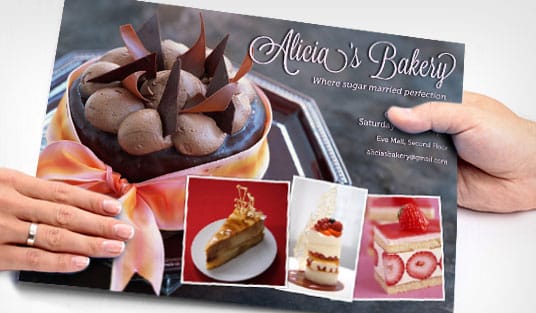
A flyer has one job. It grabs attention and moves someone to act. Whether you are promoting an event, launching a product, or announcing a sale, knowing how to make flyers that connect with your audience is a skill worth building, and you do not need a design degree to get there.
This guide walks you through every step, from choosing a layout and writing copy that converts to picking the right paper and finish. 4OVER4.COM handles the printing side so you can focus on the creative. If you are planning other printed pieces, our guide on custom magnets and our walkthrough of how to make envelopes round out a full direct-mail kit.
Start with one goal before you open a design tool

Every strong flyer starts with one question. What do you want the reader to do? Buy something, show up somewhere, call a number, or visit a website. Pin down a single objective, because flyers that try to say everything end up saying nothing.
Write your call to action first. Something like "Join us Saturday at 7pm" or "Get 20% off this week only" gives every later decision a job to do, and font size, image choice, and layout hierarchy all flow from that one line. If your campaign also includes folded pieces, our guide on how to fold a brochure covers layout ideas that carry straight over to flyers.
Choose your flyer size and format
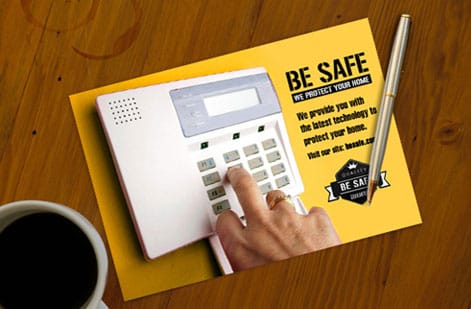
Standard flyer sizes include 4.25 by 5.5 inches for a quarter page, 5.5 by 8.5 inches for a half page, and 8.5 by 11 inches for a full page. Smaller flyers work well for event handouts and countertop displays, while full-page flyers give you room for menus, schedules, and detailed information.
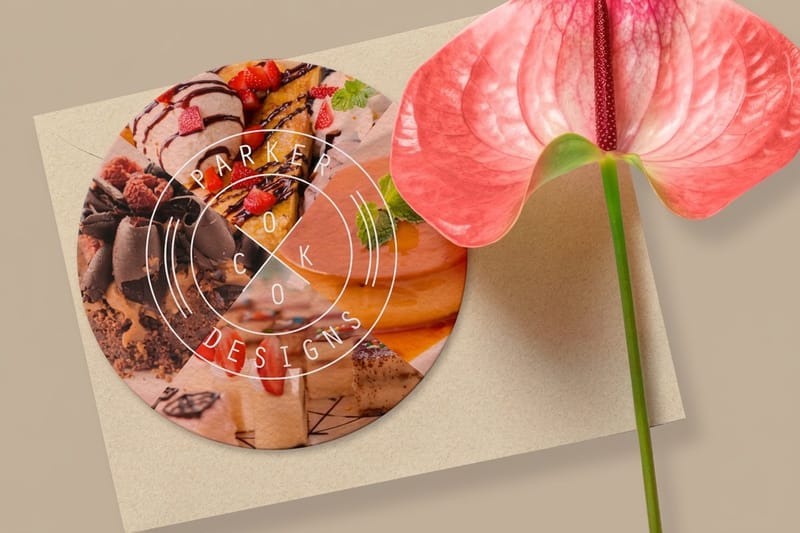
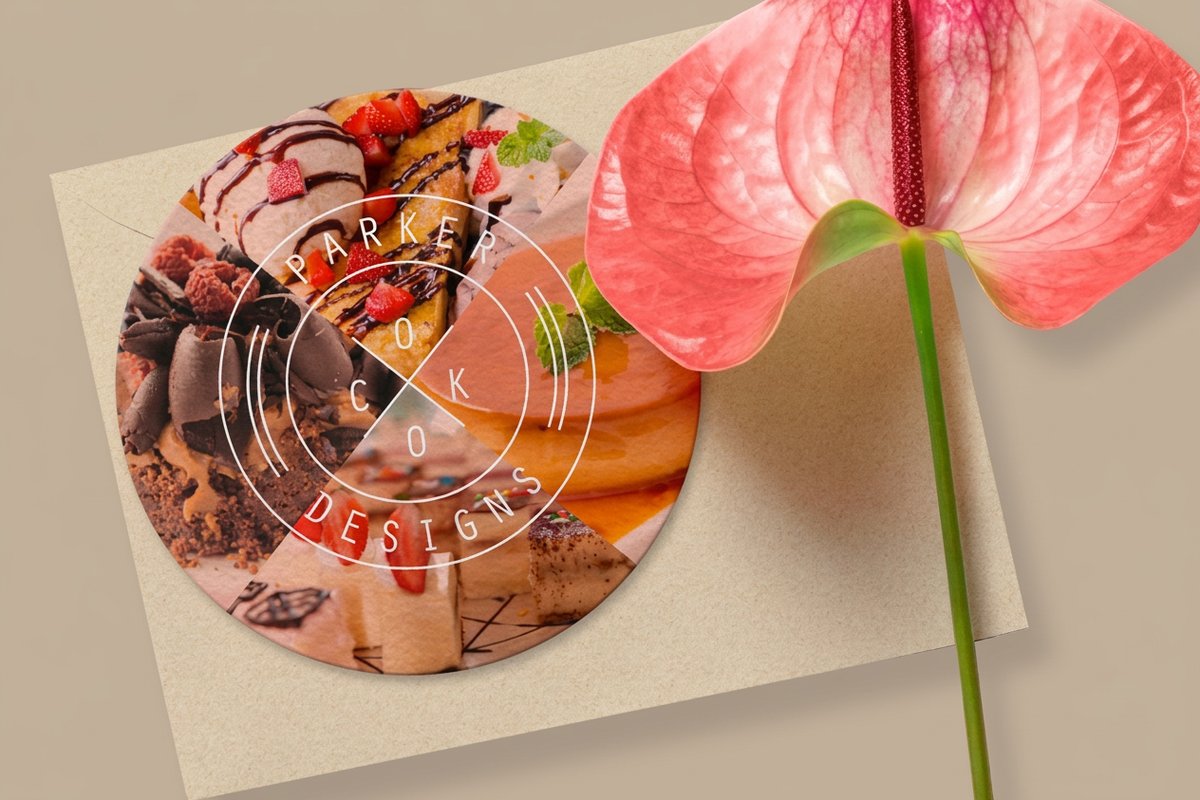
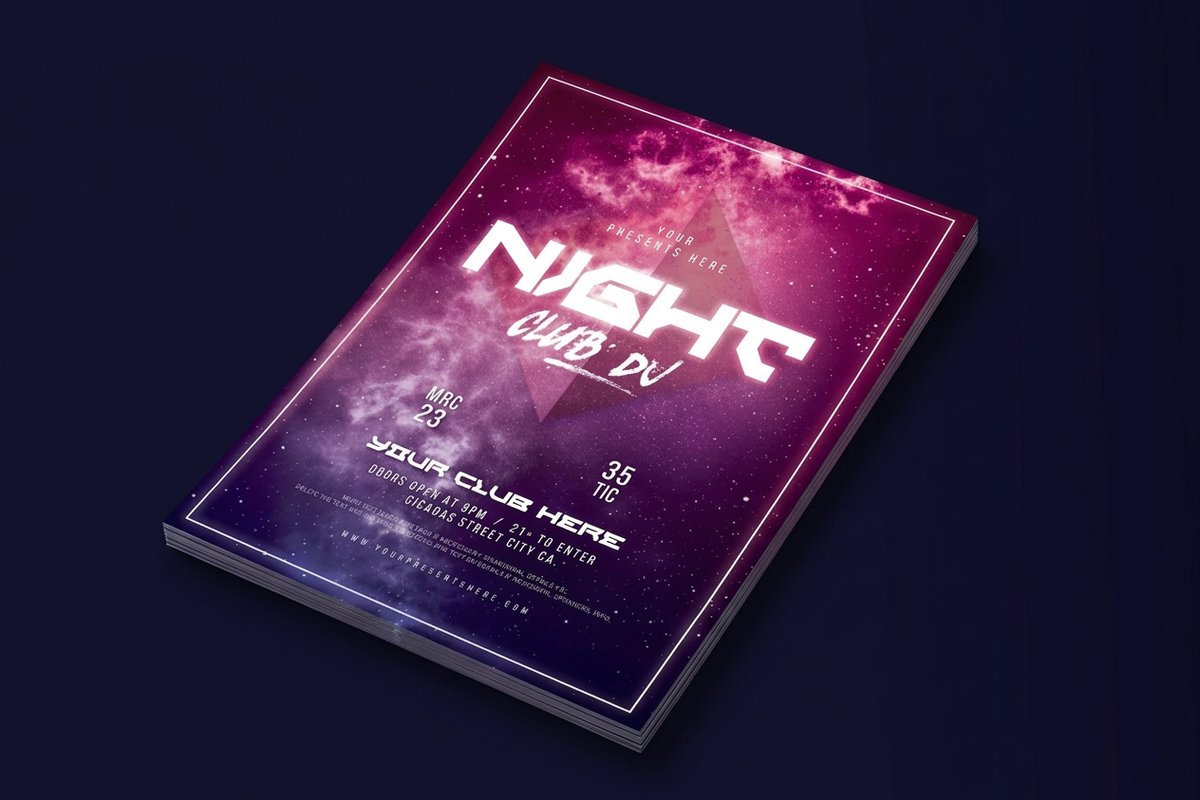
Do not overlook non-standard shapes. Circle Flyers stand out in a stack of rectangles, and Club Flyers at roughly 4 by 6 inches are compact enough to hand out at a venue yet thick enough to feel substantial. The format you pick should match where and how you plan to hand them out.
Write flyer copy people actually read
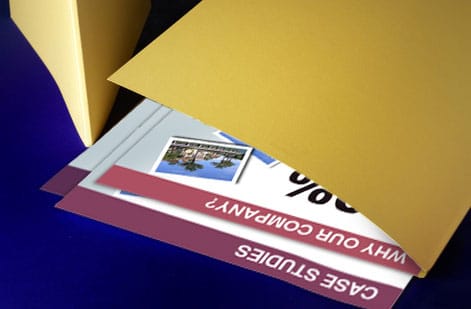
Here is the honest truth about flyer copy. Nobody reads all of it. People scan, so structure your text for scanners. A big, bold headline of five to eight words is your hook, and a one-sentence subheadline adds the context that tells a reader why they should care.
Keep the body short, because bullet points beat paragraphs on a flyer. Include only what someone needs to act, like the date, time, location, price, and contact details. Make the call to action visually distinct with a different color, a larger font, or a button-shaped box so it is the second thing the eye lands on after the headline. For more tips across product types, browse our printing guide hub.
Design a layout that guides the eye
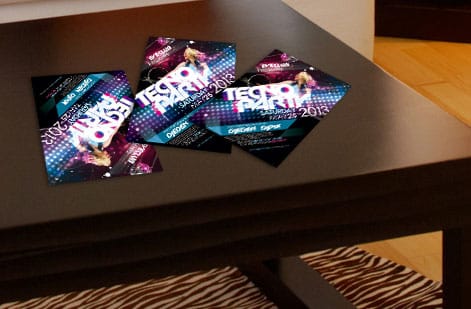
Visual hierarchy means controlling what a reader sees first, second, and third. A good layout moves the eye naturally from headline to image to call to action. The Z-pattern helps here, since eyes travel from top left to top right, then diagonally down to bottom left and across to bottom right. Put your headline up top, a supporting image in the middle, and the call to action at the bottom right.
White space is not wasted space, it is breathing room. Cramming every inch with text and images makes a flyer feel chaotic, so give key elements room to stand out. Stick to two fonts at most, one bold face for headlines and one clean face for body text. Use your brand colors, or pick two or three high-contrast colors, and keep dark text on light backgrounds. If you place text over a photo, add a semi-transparent overlay so the words stay legible.
Choose images that support your message
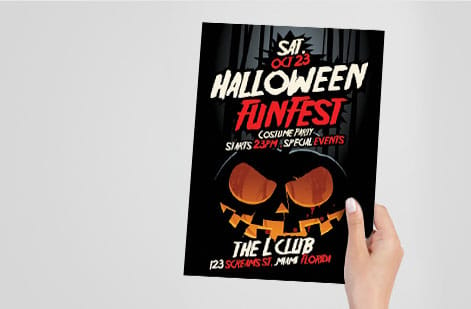
Low-resolution images are the fastest way to make a professional design look cheap. Every image on your flyer should be at least 300 DPI at the final print size, which is the standard for sharp, crisp printing. Use one hero image rather than five small ones, because a single strong photo carries more impact than a collage.
If you are promoting food, show the food. If you are promoting an event, show the venue or past attendees having a great time. Real photos beat stock images almost every time. 4OVER4.COM prints in full CMYK color, so your images land vivid and saturated on paper. Just convert your files to CMYK before uploading, because RGB files can shift color during conversion.
Pick the right paper stock and finish
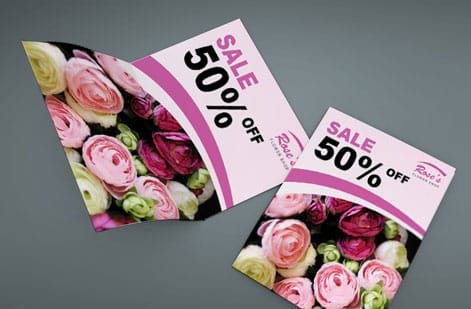
This is where a flyer goes from something you made on a computer to something that feels professional in a reader's hand. Paper stock and finish change the entire experience.
- Thicker stocks like 14pt or 16pt cardstock feel sturdy and premium, resist crumpling, and are more likely to get pinned to a board or kept on a desk.
- Gloss finish makes colors pop and photos look sharp, which suits event flyers, product promotions, and anything image-heavy.
- Matte finish has a smooth, non-reflective surface that reads easily under bright light and feels sophisticated, great for professional services and real estate.
- Uncoated stock has a natural, writable texture that feels approachable, perfect for community events, nonprofits, and artisan brands.
If you are building multi-page pieces alongside your flyers, custom booklets and custom brochures give you more room to tell the story.
Set up your file so it prints right
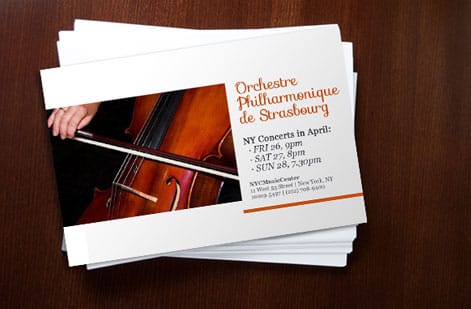
Getting your design file print-ready avoids delays and reprints, and a few settings do most of the work. 4OVER4.COM also offers free file review to catch anything you miss before your order goes to press.
- Bleed: extend your background and images 0.125 inches beyond the trim on all sides so there are no white edges after cutting.
- Safe zone: keep important text and logos at least 0.125 inches inside the trim, since anything too close to the edge risks getting cut off.
- Resolution: 300 DPI minimum for every image and graphic.
- Color mode: CMYK rather than RGB, because CMYK is the standard for commercial printing.
- File format: PDF is preferred because it locks in fonts, colors, and layout exactly as you designed them.
Not sure about the setup? Upload your file and the team checks it for common issues, and our Help Center has step-by-step file guides if you would rather prepare it yourself.
Proof, print, and get flyers into the right hands
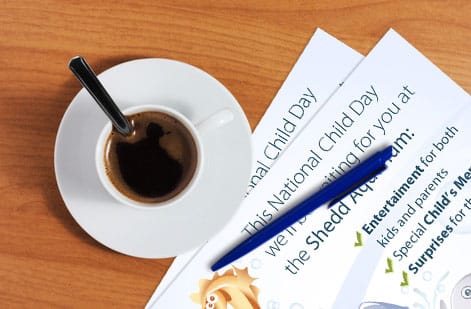
Always request a digital proof and review it carefully for typos, color accuracy, and alignment. It is far cheaper to fix a mistake on screen than after a thousand copies are printed. Once you approve it, 4OVER4.COM handles production and ships with care, with most orders arriving on schedule.
For distribution, think about where your audience actually spends time. Coffee shops, community boards, event venues, trade-show tables, door-to-door drops, and direct mail all work depending on your goal, so match the method to the message. If you keep other tools like stamps for your business, our guide on how to clean rubber stamps keeps the rest of your print kit in shape.
Flyer mistakes that quietly kill your response rate
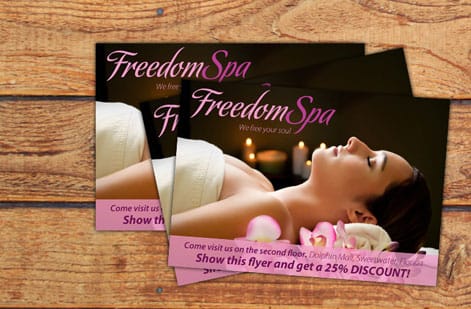
Even well-meant designs fall flat when a few common errors creep in. Steer clear of these and your flyers will do their job on any campaign.
- Too many messages on one flyer. Pick one goal, one call to action, and one reason to act, because splitting attention splits results.
- Tiny or hard-to-read fonts. Body text below 10pt is a struggle, and headlines should be readable from arm's length.
- No clear call to action. If a reader finishes and does not know what to do next, the flyer wasted paper and money.
- Low-resolution images. Anything under 300 DPI looks blurry in print, so always check before uploading.
- Ignoring bleed and safe zones. This leads to white borders or chopped-off text, which the 4OVER4.COM templates are built to prevent.
- Wrong paper for the job. A thin, flimsy stock at a luxury event sends the wrong signal, so match the paper to the message.
Avoiding these puts you ahead of most do-it-yourself flyer designers. Pair smart design with professional printing and your flyers will earn their place.
Best flyer products for your next campaign
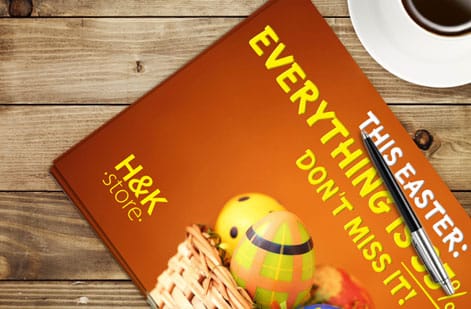
Once you know how to make flyers, choosing the right product is the last step. 4OVER4.COM offers several formats to match different budgets and use cases. If sustainability matters to your brand, our green printing options cover eco-conscious paper choices.
New here? Try our free business cards to feel the print quality in your hands before you order flyers. It is the simplest way to see what the finish and paper feel like, and it costs you nothing to test.
Wally explains flyers
One message, one action, one clean print
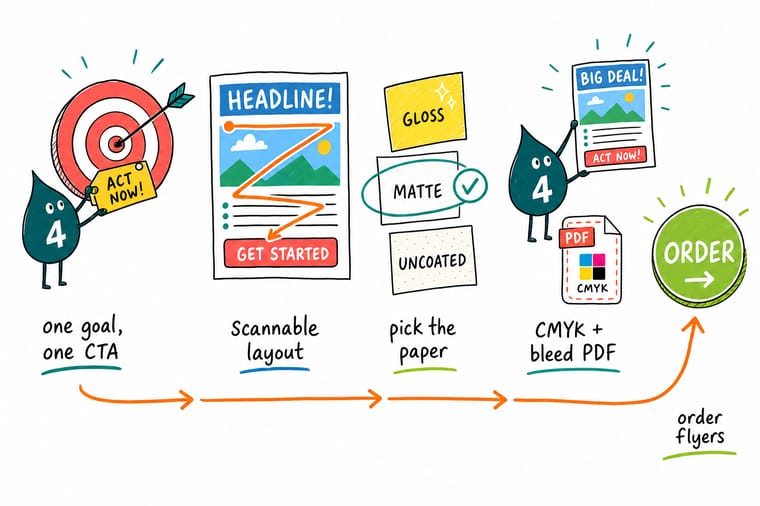
Wally treats a flyer like a handshake on paper: say one thing clearly and give the reader one thing to do. Lead with a headline you can read across a room, keep the body short, and let the paper and finish do the rest. When the design is ready, skip the home printer and order a crisp, professional run built for the way you hand them out.
Order flyers →Start faster
Free flyer templates to start from
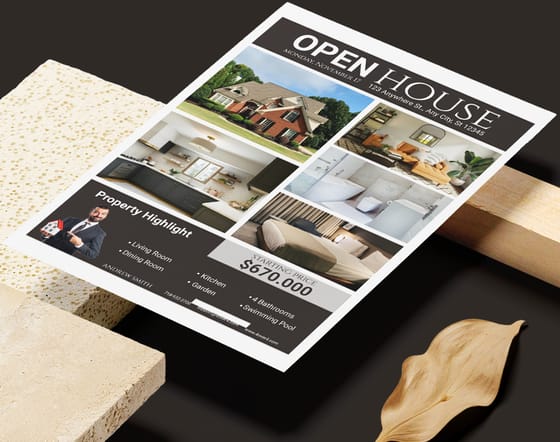
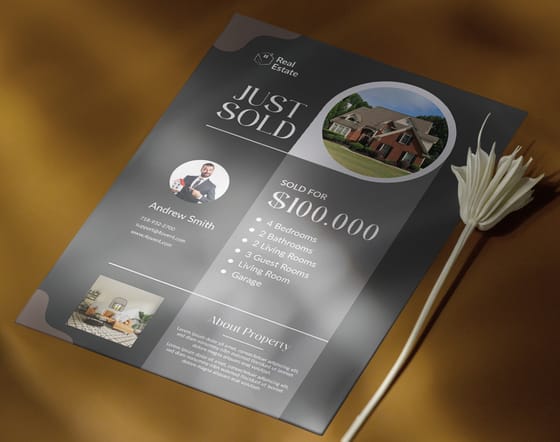
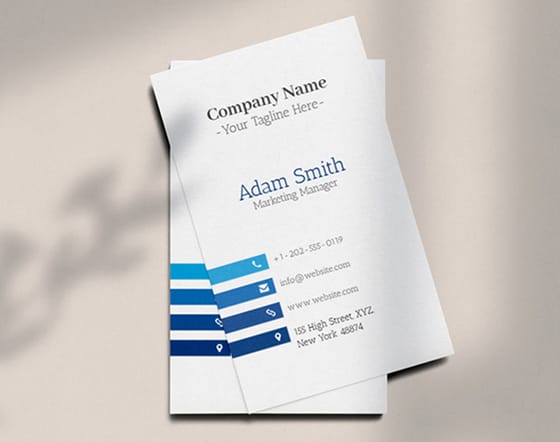
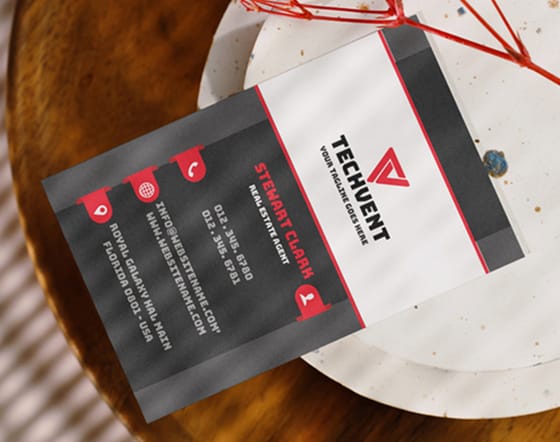
Skip the blank canvas. Open a ready-made blank template for the exact cut, or drop your details into a design template in the online designer.

Specs and pricing
Flyer specs and live pricing
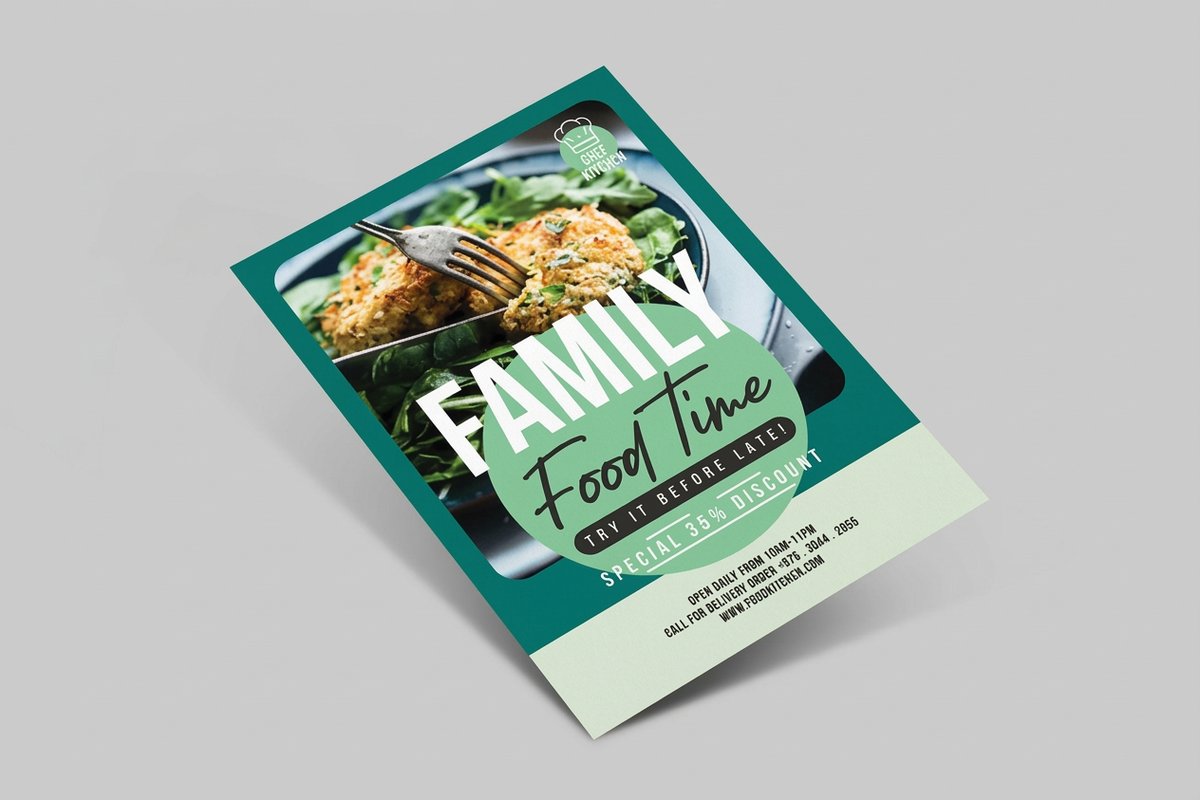
Here is what your flyer order looks like at 4OVER4.COM, with live specs and price-per-unit for Business, Circle, and Club Flyers straight from the configurator.
| Quantity | Price Per Unit | Total |
|---|---|---|
| 50 | $1.14 | $57.11 |
| 100 | 82.4¢ | $82.38 |
| 200 | 53.3¢ | $106.55 |
| 300 | 41.0¢ | $123.02 |
| 400 | 34.9¢ | $139.49 |
| 500 | 31.2¢ | $155.97 |
| 600 | 26.7¢ | $160.36 |
| 700 | 23.5¢ | $164.75 |
| Quantity | Price Per Unit | Total |
|---|---|---|
| 50 | $1.96 | $97.76 |
| 100 | $1.03 | $103.25 |
| 200 | 54.4¢ | $108.75 |
| 300 | 39.9¢ | $119.73 |
| 400 | 31.3¢ | $125.22 |
| 500 | 26.1¢ | $130.72 |
| 600 | 23.6¢ | $141.70 |
| 700 | 21.8¢ | $152.68 |
| Quantity | Price Per Unit | Total |
|---|---|---|
| 50 | 33.0¢ | $16.48 |
| 100 | 24.2¢ | $24.16 |
| 200 | 15.9¢ | $31.86 |
| 300 | 12.8¢ | $38.45 |
| 400 | 11.3¢ | $45.04 |
| 500 | 10.3¢ | $51.62 |
| 600 | 9.89¢ | $59.31 |
| 700 | 9.57¢ | $67.00 |
Print it
Order flyers at 4OVER4
See it in use
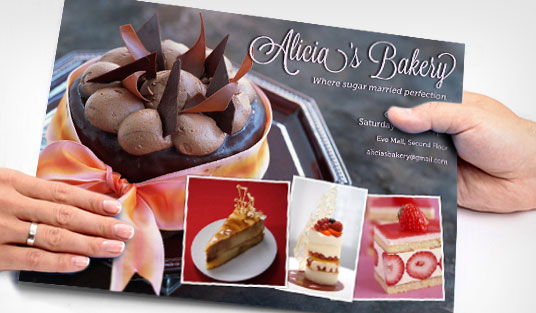
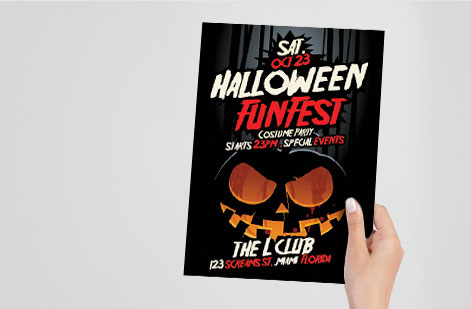
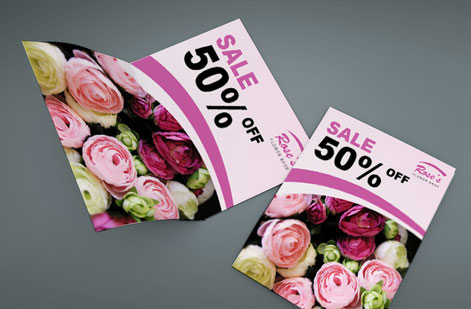
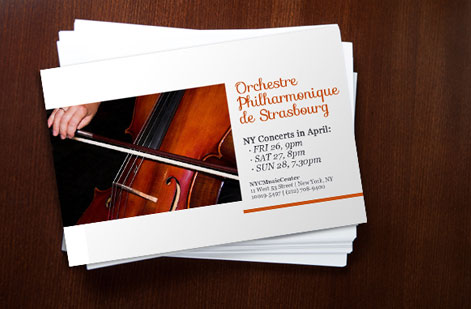
Real flyer work, printed in-house
Explore more
Where to go next

By the numbers
Printing you can count on at 4OVER4
Common Questions
Common questions about making and printing flyers
What is the best size for a flyer?
It depends on how you hand them out. For handouts and countertop displays, 4.25 by 5.5 inches or 5.5 by 8.5 inches works well. For bulletin boards, mailings, or detailed content like menus, go with the standard 8.5 by 11 inches. Club Flyers at roughly 4 by 6 inches are ideal for events and venues where a compact size matters.
Do I need design software to make flyers?
Not necessarily. 4OVER4.COM offers ready-to-customize templates that let you build a professional flyer without Adobe Illustrator or Photoshop, and free tools like Canva work for basic designs. Just export your final file as a 300 DPI PDF in CMYK color before uploading.
What paper stock should I choose for flyers?
For most promotions, 14pt gloss cardstock gives you a sturdy feel with vivid colors. Matte works better for text-heavy flyers and professional services, while uncoated stock suits community events and brands that want a natural, organic look. Match the paper to your brand personality.
How do I make sure my flyer prints correctly?
Set up your file with 0.125 inch bleed on all sides, keep text inside the safe zone, use 300 DPI images, and save as a CMYK PDF. 4OVER4.COM provides free file review to catch issues before printing, and the Help Center has detailed file setup guides if you want to prepare it yourself.
Can I order a small quantity of flyers?
Yes. 4OVER4.COM supports short runs, so you can test a design or print just enough for a small event without committing to thousands of copies. Order what you need, see how it performs, and reorder when you are ready.
How long does flyer printing take?
Standard turnaround varies by product and quantity, and 4OVER4.COM offers multiple shipping speeds at checkout. Most flyer orders are produced and shipped quickly, and the majority arrive on schedule.
Get Started
Ready to print your flyers?
Pick your size and format, drop in your design, and we print vivid, sturdy flyers that get noticed and arrive on time.
Legal Disclaimer
Gold Standard guarantees apply to all standard orders placed through 4over4.com. Price match requires verifiable proof of a competitor's published price for an equivalent product with matching specifications and turnaround time. Satisfaction guarantee covers manufacturing defects and print quality issues. Contact support with order number and documentation. On-time delivery rate based on tracked orders 1999 to 2026. Individual results may vary based on shipping carrier performance.
