
How to Organize a Planner That Actually Works


A planner works when it has one purpose, a layout you can keep up with, and room to breathe. Set those three and the planner starts running your week instead of guilting you about it. Then print the layout as a deluxe spiral notebook for yourself, an embossed notebook for a team, and a custom calendar for the wall.
To organize a planner that lasts, start with one clear purpose, build a layout with just a few consistent sections, and leave real blank space for the messy parts of life. Keep a monthly view for deadlines, a weekly view for tasks and time blocks, and open pages for notes, then refine the system as your needs change. Once your layout works, print it as a custom planner so the pages fit the way you actually think.
Start here
A planner fails when it fights how you think
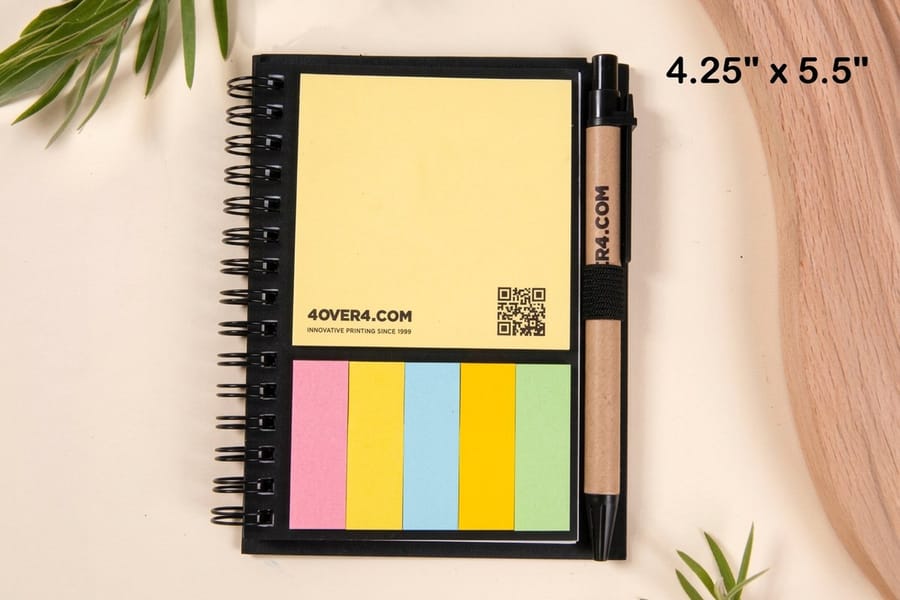
Most abandoned planners were not too simple, they were too rigid. A layout that assumes every day looks the same, or crams in sections you never use, becomes a chore instead of a tool. The fix is to organize around your real life: one clear purpose, a few consistent sections, and open space for the parts that do not fit a box. In practice that is one monthly spread, one weekly spread, a block of dot or blank pages and a reference tab, bound in a 4.25 by 5.5 or 5 by 7 inch spiral book that lies flat.
Start with a clear purpose

Decide what the book is for before you draw a single line. A work planner, a household planner, a fitness log and a business planner each need different sections and a different rhythm, and a book that tries to hold all four gives none of them room. It turns into a junk drawer. One planner, one purpose.
Write that purpose on the first page with two or three rules for how you will use the book. When you want to add another tracker, check it against that page and you will usually leave it out. The same logic is why we suggest printing a custom notebook built around one job rather than buying a generic do-everything planner.
Create a layout that works
Build the planner in layers. A monthly spread holds deadlines and events, one flip away. A weekly spread carries tasks, appointments and time blocks, laid out the way you plan: by day, by hour or by a running priority list. Pick the weekly format you will fill, not the prettiest one.
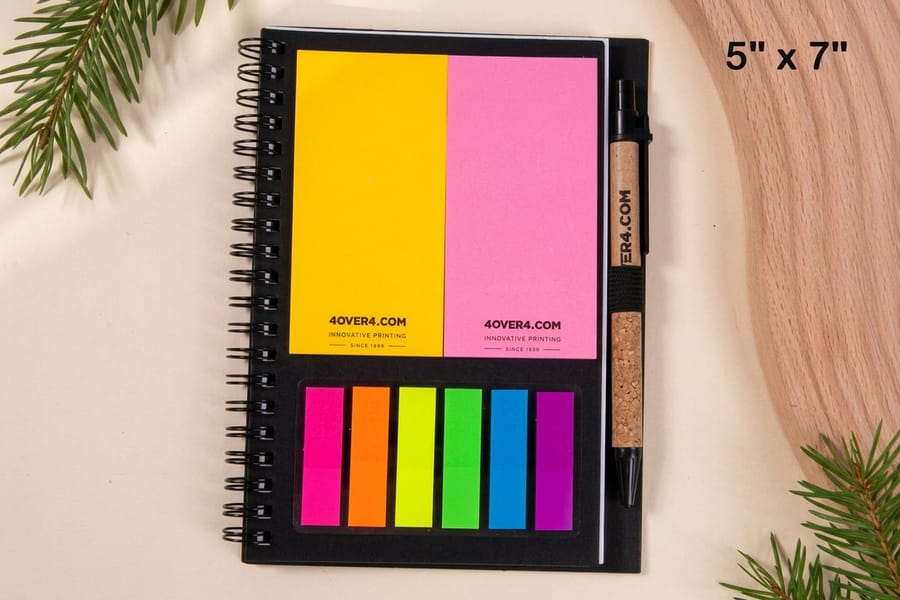
Keep three or four sections and use them every week; a dozen empty ones teach you to skip the book. A spiral binding lies flat and folds back on itself, which makes a deluxe spiral notebook or an embossed notebook a practical planner base. For a wall view beside the book, our guide on planning a custom calendar is the next step.
Maximize the blank space
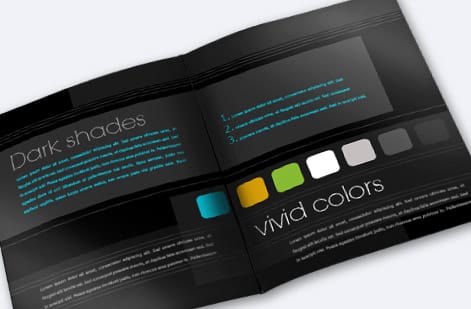
Plan for the pages with no lines. Brain dumps, running lists, half ideas and the meeting notes you did not expect all need somewhere to land, and a layout without open pages sends them to sticky notes that get lost. Blank or dot-grid pages keep them in the same book.
Put a few open pages between sections, or a notes block at the back. Dot grids guide handwriting and quick sketches without forcing a structure. When you print your own planner you choose how much open space goes in, and that is the overflow room generic templates almost never leave.
Keep evolving your systems

Expect to change the layout after the first month. Watch which sections you fill, which you skip and where you run out of room. Every few weeks, spend five minutes on it: cut a tracker you never use, and give its own space to whatever keeps spilling into the margins.
Treat the planner as a system you adjust. When your work or home changes, change the layout with it, and print a fresh custom planner each season with what you learned. Keep a running list of tweaks, and hang a wall calendar for the long view so the daily planner stays on the near term.
Print your custom planner
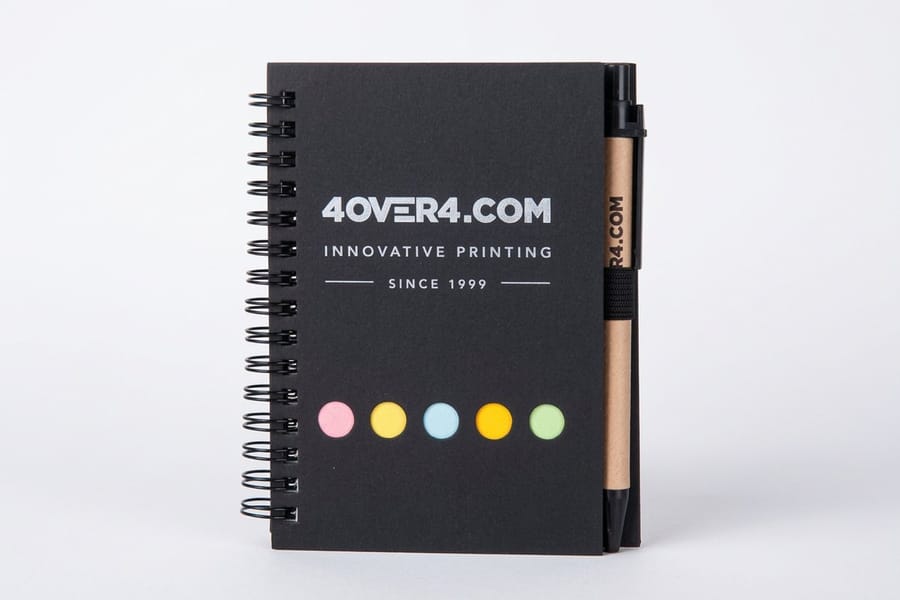
Once your layout earns its keep, printing it makes it real. A custom planner puts your exact monthly, weekly, and notes pages in one durable book, in the size and binding you prefer, instead of forcing your system into a store-bought template. The deluxe spiral notebook comes in 4.25 by 5.5 or 5 by 7 inches, and the embossed notebook runs from 4.25 by 5.5 up to 8.5 by 11 inches with Wire-O binding and 50 blank sheets.
Use the specs and pricing panel below to choose the size, page count, and binding, then set your quantity, print one for yourself or a batch for a team. If you would rather not build the interior pages from scratch, our online design tool gives you a running start, and you can order free samples to feel the paper and cover before committing to a full run.
Wally builds a planner around one purpose
Few sections, real blank space, printed to fit
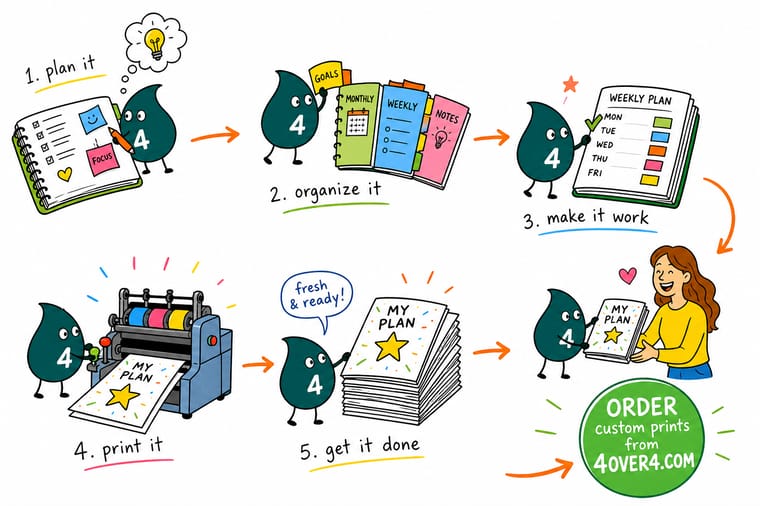
Wally starts every planner with one job, then layers a monthly view for deadlines, a weekly view for tasks, and open pages for the overflow life never fits in a box. He reviews it every few weeks and cuts what he never uses. When the layout finally clicks, 4OVER4 prints it as a custom notebook so the pages match how Wally actually plans.
Print your custom planner →Quick reference
A planner layout that actually holds
A planner works in layers, each with its own job and its own refresh rhythm. Keep these five and you cover almost anything without clutter: the purpose page gets a look each quarter, the monthly and weekly spreads on their own cycle, and the reference tab only when your details change.
| Layer | What goes here | Refresh cadence |
|---|---|---|
| Purpose page | Your one goal and the rules for this planner | Quarterly |
| Monthly spread | Deadlines, events, and the big picture | Monthly |
| Weekly spread | Tasks, appointments, and time blocks | Weekly |
| Blank or dot pages | Notes, lists, ideas, and overflow | As needed |
| Reference tab | Contacts, logins, sizes, recurring info | When it changes |
Step by step
Organize your planner in 7 steps
- Name the planner's one purpose Decide what this planner is for, work, home, a business, or one project, and let that shape everything else.
- Choose your core sections Pick just three or four sections you will actually use, and resist adding more than you can maintain.
- Set up a monthly overview Give each month a single spread for deadlines and events so the big picture is always one flip away.
- Build a weekly layout you can keep up with Lay out the week the way you plan it, by day, by time block, or by priority list, whichever you will actually fill.
- Leave generous blank space Add dot-grid or blank pages between sections for lists, notes, and the overflow that never fits a template.
- Create a reference section Keep contacts, logins, measurements, and recurring details in one tab so you stop hunting for them.
- Review and refine every few weeks Notice which sections you use and which you skip, then adjust the layout so the planner keeps earning its place.
Specs and pricing
Custom notebook specs and live pricing
Once your layout works, print it as a planner built to fit. A deluxe spiral notebook runs $5.00 and ships in 1 business day, in 4.25 by 5.5 or 5 by 7 inches, from one book up to ten.
| Quantity | Price Per Unit | Total |
|---|---|---|
| 1 | $5.00 | $5.00 |
| 2 | $5.00 | $10.00 |
| 3 | $5.00 | $15.00 |
| 4 | $5.00 | $20.00 |
| 5 | $5.00 | $25.00 |
| 6 | $5.00 | $30.00 |
| 7 | $5.00 | $35.00 |
| 8 | $5.00 | $40.00 |
Print it
Print the planner you actually designed
The deluxe spiral notebook at $5.00 suits a personal planner, embossed notebooks from 50 copies suit a team or a gift run, and an 8.5 by 11 inch calendar gives the wall view beside it.
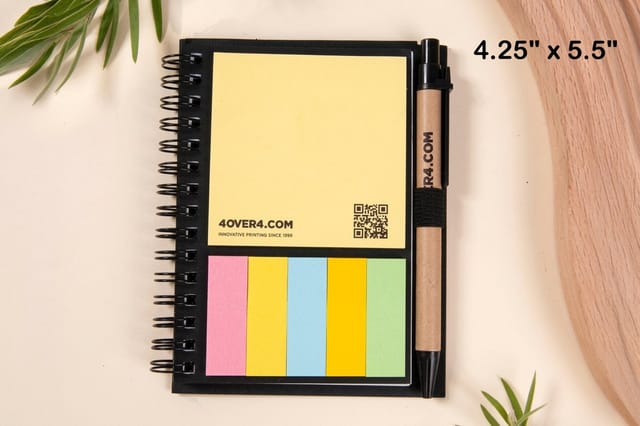


See it in use
Custom notebooks and planners customers printed
These are deluxe spiral notebook orders our customers sent to press, so you can judge covers and layouts before you set your own.
Explore more
Where to go next
The notebook range and two notebook products come first, then guides on making a custom notebook and planning a calendar, and the full list of step by step guides.




By the numbers
Notebook stocks and the record behind a planner order
Common Questions
Common questions about organizing a planner
How do I organize a planner so I actually use it?
Start with one clear purpose so the planner is not trying to do everything, then keep just three or four consistent sections you will genuinely fill. Layer a monthly spread for deadlines, a weekly spread for tasks and time, and open pages for notes and overflow. Review it every few weeks and cut whatever you skip. A planner earns trust through repetition, so simple and consistent beats elaborate and abandoned every time.
How should I start setting up a new planner?
Begin with a purpose page: write what this planner is for and a few rules for how you will use it, then let that anchor every later choice. Set up a monthly overview for the big picture, a weekly layout in the format you really plan by, and generous blank or dot-grid space for lists and ideas. Add a small reference section for contacts and recurring details. Resist adding trackers you cannot maintain.
What planner layout works best?
The most durable layout runs in layers: a purpose page, a monthly spread for deadlines and events, a weekly spread for tasks and time blocks, blank or dot pages for overflow, and a reference tab. Each layer has its own refresh rhythm, monthly, weekly, and as-needed, so nothing gets crowded. The best specific weekly format is simply the one you will actually fill, whether that is daily columns, hourly blocks, or a priority list.
Should I buy a planner or print a custom one?
Buy a generic planner to experiment, but once you know which sections you use, printing a custom planner fits the pages to your system instead of forcing your system into a template. A custom spiral notebook lets you set the exact monthly, weekly, and notes layout, the size, the binding, and the cover. It is also the better choice for teams, since you can print a matching batch that everyone actually uses.
What does it cost to print a custom planner and how are prices set?
Planner and notebook price scales with size, page count, cover, binding, and quantity, with larger runs lowering the cost per book. You set each option in the configurator and the total updates live as you adjust it, so you can weigh a premium cover or more pages against your budget before you commit. Ordering free samples first lets you feel the paper and binding before printing the full run.
Get Started
Order a deluxe spiral notebook at $5.00
Bring your layout to 4OVER4.COM and print a custom planner with the exact monthly, weekly, and notes pages you use, in the size and binding you prefer. Embossed notebooks run 50 for $763.37, which is $15.27 each.
Legal Disclaimer
Gold Standard guarantees apply to all standard orders placed through 4over4.com. Price match requires verifiable proof of a competitor's published price for an equivalent product with matching specifications and turnaround time. Satisfaction guarantee covers manufacturing defects and print quality issues. Contact support with order number and documentation. On-time delivery rate based on tracked orders 1999 to 2026. Individual results may vary based on shipping carrier performance.
