
How to Print Photo Posters That Stay Sharp and True to Color


A great photo poster needs three things: enough resolution to stay sharp, true color and the right paper. Matte kills glare, which matters more on a photo than on type.
To print a sharp photo poster, start from the largest original and keep resolution near 300 DPI at the final size. Find the biggest sharp size by dividing pixels by 300, never enlarge a small photo, convert to CMYK and check skin tones and skies, then pick matte, gloss, fabric, or canvas to suit the image.
Start here
Sharp file, true color, right surface
A sharp photo poster needs enough resolution at the final size, true color, and the right paper. Start from the largest original, keep near 300 DPI up close, and find the biggest sharp size by dividing pixels by 300. Convert to CMYK and check skin tones and skies, then choose matte, gloss, fabric, or canvas to fit the image. The chart below shows how big each photo resolution can safely print.
What makes a photo poster look professional

A great photo poster comes down to three things done right: enough resolution to stay sharp, accurate color that matches what you shot, and a paper and finish that suit the image. Get those and a personal photo or a brand shot turns into a wall piece that looks like it came from a gallery. Miss any one and even a beautiful photo prints soft, dull, or glary.
This guide walks each of those in the order that matters, starting with the one that trips people up most: resolution. Along the way you will pick the right size for your wall, the paper and finish that flatter your photo, and the color settings that keep skin tones and skies true. If you would rather not sweat the file setup, our online design tool handles the technical rules for you.
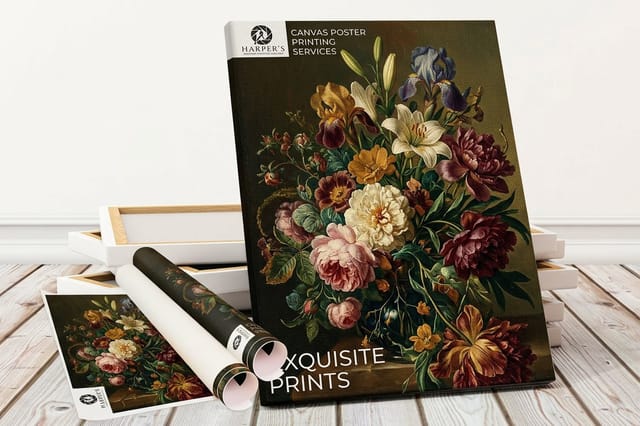
The megapixel-to-size chart above is your quick reference for how big a photo can safely go. When you are ready to print, a canvas poster gives a frame-free gallery look, and the full range lives in the posters category. For the broader poster workflow, see our guide on making posters.
Resolution: the number that decides sharpness
The single reason a photo poster comes back blurry is not enough resolution at the printed size. Presses reproduce detail at roughly 300 dots per inch up close, and they need those pixels at the size the photo actually prints, not the size it was saved at. The math is simple: divide your photo's pixel width by 300 to find the largest sharp print. A 6000-pixel-wide image prints crisp up to about 20 inches wide, as the chart above shows.
Two rules follow. First, always start from the largest original, straight off the camera or phone, never a version downloaded from social media, which is already shrunk and compressed. Second, never enlarge a small photo to fill a bigger space, because scaling up only stretches the pixels you already have and no setting can add detail that was never captured.
To catch a problem before it prints, view the image at 100 percent zoom scaled to its final size in your layout. If it looks soft there, it will look soft on paper. For posters viewed from across a room you have more room to go big, since the eye forgives at a distance, but for a poster read up close, hold to the 300 DPI target. Our guide on creating print-ready files covers resolution in full.
Sizing your poster to the wall
Poster size is a balance between the wall, the viewing distance, and the resolution your photo can support. Because our posters are cut to custom dimensions, you are not stuck with a fixed format, so measure the space and size to it, leaving breathing room around the image so it reads as intentional rather than crammed.
Viewing distance changes what you can get away with. A poster meant to be seen from across a room can go large even from a moderate-resolution file, while a poster people will study up close needs more pixels per inch to stay crisp. Let the chart above and your file's pixel count set the ceiling, then choose the biggest size that still prints sharp.
If you want standard reference points before you commit to a custom size, our guide on poster sizes and dimensions lays out the common formats and where each fits. Once the poster is printed, hanging it cleanly matters too, which our guide on hanging posters without a frame covers.
Paper and finish: matte, gloss, fabric, and canvas
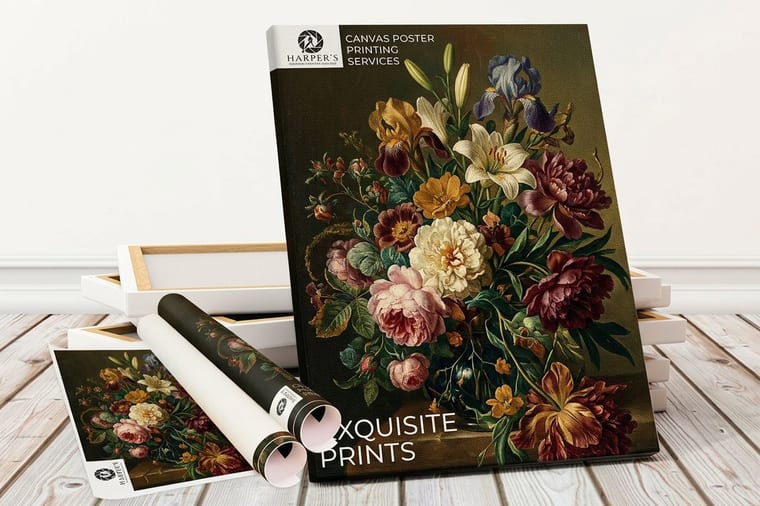
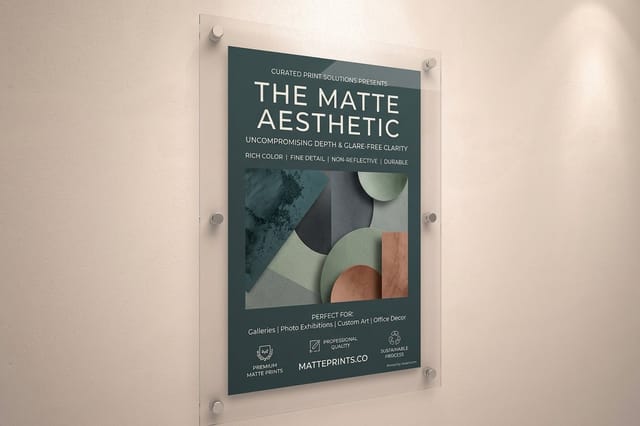
The stock and finish set the mood as much as the photo does. Matte paper scatters light, so it kills glare and reads refined and calm, which flatters portraits, detailed scenes, and anything hung under bright light. Gloss paper does the opposite, deepening color and contrast for a punchy, vivid look that suits bold, high-contrast shots, with the trade-off of reflections under direct light.
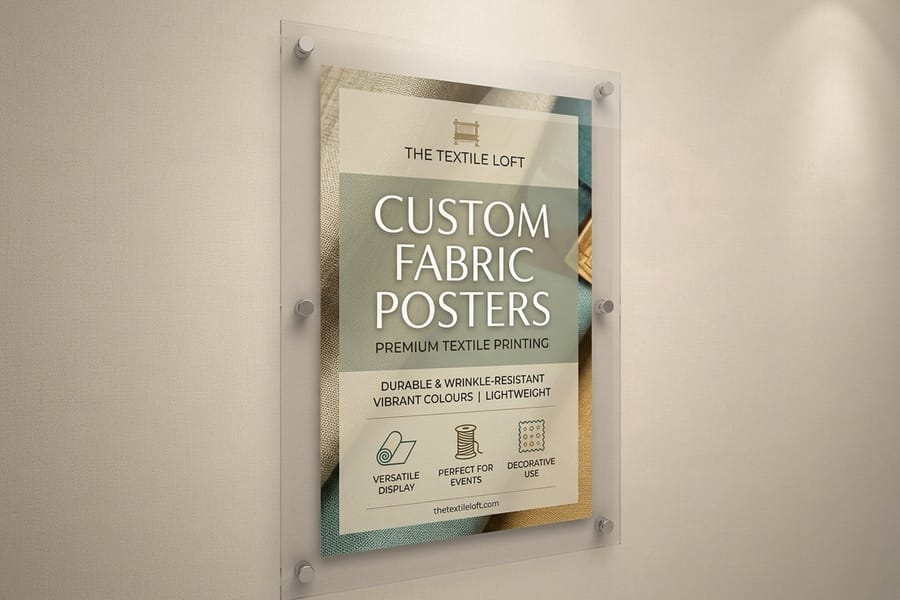
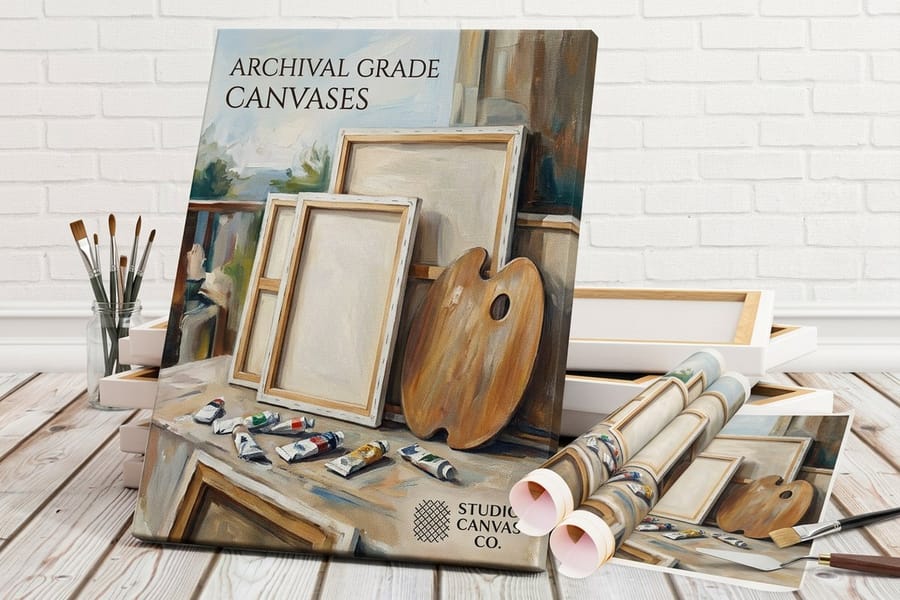
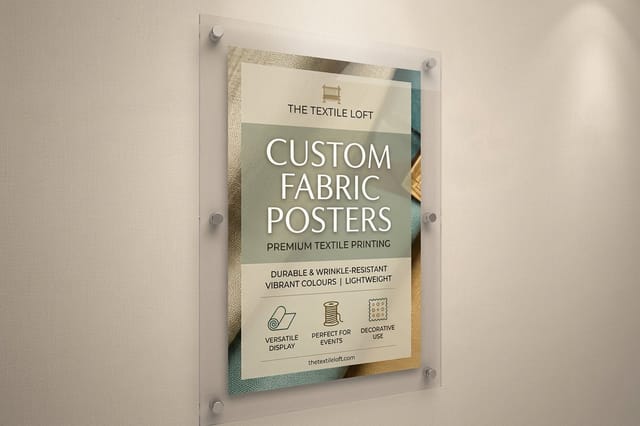
Beyond paper, premium stocks give a frame-free, gallery feel. Fabric posters hang wrinkle-free with a soft, matte drape, and canvas wraps a photo in a textured, fine-art surface that needs no frame at all. These are the choice when a photo is the centerpiece of a room rather than a temporary display.
There is no single right answer, only a fit between the image and the space. Pick matte for subtlety, gloss for impact, and fabric or canvas when the photo is art. Our lineup includes fabric posters and matte posters alongside canvas, so you can match the surface to the shot.
Color: keeping photos true from screen to print
Screens make color with light and presses make it with ink, so a photo that glows on your monitor can print a shade different on paper. The fix is to design in CMYK rather than RGB, which makes the preview reflect how the ink will actually look, then convert any RGB photo before you export and re-check the colors that shift most.
For photographs, watch three things closely: skin tones, which can drift warm or muddy, skies and bright blues, which can push toward purple, and deep shadows, which can block up and lose detail. Pull key colors from a printed reference rather than a bright screen if exact accuracy matters, and consider ordering a small test print first for an important photo before committing to a large run.
Handled right, the poster on your wall matches the moment you captured. For the full color workflow, including rich blacks and spot colors, our guide on creating print-ready files walks through every step, and where to print matters too, which our guide on where to print posters covers.
What photo posters cost, and how to order
Photo poster pricing comes down to size, stock, finish, and quantity. A standard matte or gloss paper poster is inexpensive, a large fabric or canvas print is the premium piece, and size and quantity move the number the most. Every option adjusts the total, and the configurator updates the price live as you build, so you can compare a small gloss poster against a large canvas before you commit.
Ordering more than one lowers the per-unit price, which helps for a series or a gift set. Use the live specs and pricing panel below to set your exact size, stock, and finish for a real photo poster at 4OVER4.COM, then upload your highest-resolution photo and let our free file check confirm the resolution before production.
If you would rather start from a layout, our design templates keep your image inside safe margins, and for inspiration, our article on creative poster ideas shows what a great photo poster can be.
Wally checks the pixels before the print
Enough resolution, true color, the right paper
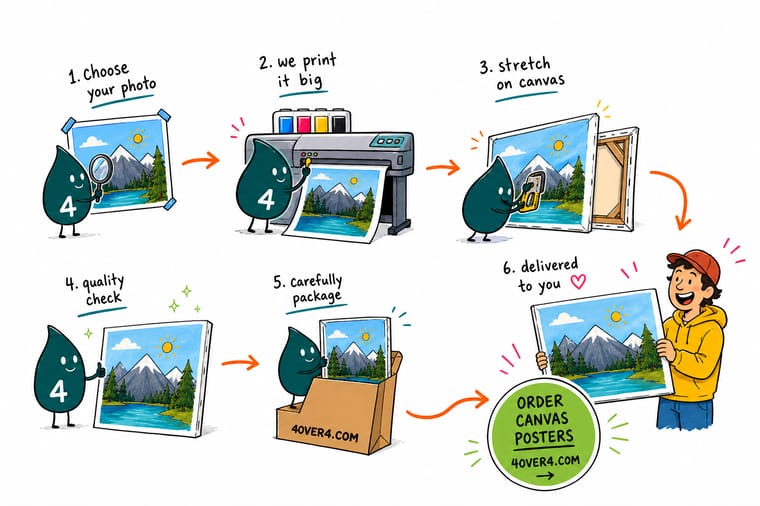
Wally's photo-poster rule is short: start from the biggest original, keep it near 300 DPI at final size, and never blow up a small file. Convert to CMYK so skin tones and skies stay true, pick matte for calm or gloss for punch, and 4OVER4 prints a poster that looks exactly like the moment you shot.
Print your photo poster →Quick reference
The photo poster spec sheet, at a glance
Every photo poster comes down to the same handful of choices. Match these to your image and the wall and the file is ready to print.
| Choice | Target | Why it matters |
|---|---|---|
| Resolution | 300 DPI at final size | Full detail up close, with the largest sharp size equal to the pixel count divided by 300. |
| Source file | Largest original available | Start big, since you can scale a photo down cleanly but never up without losing sharpness. |
| Color mode | CMYK | Convert from RGB so screen color matches print, then check skin tones, skies, and blues. |
| Paper finish | Matte or gloss | Matte removes glare and reads refined, gloss deepens color and contrast for punchy photos. |
| Premium stocks | Fabric or canvas | Fabric hangs wrinkle-free and canvas gives a frame-free gallery look for photo art. |
| Sizes | Custom, up to wall scale | Poster sizes are cut to your dimensions, so you match the wall rather than a fixed format. |
| Bleed | 0.125 in past the trim | Extend the photo past the cut line so no thin white edge appears after trimming. |
Step by step
Print a sharp photo poster in 7 steps
- Start with the largest originalPull the highest-resolution version of your photo from the camera or phone, not a version downloaded from social media, which is already compressed and small.
- Decide the final sizeMeasure the wall and picture the poster in place. A poster viewed from across a room can be large, while one read up close needs more pixels per inch.
- Check the resolution at that sizeDivide your photo pixel count by 300 to find the largest sharp print, or view the image at 100 percent zoom at final size to confirm it holds up.
- Convert to CMYK and check colorSwitch the file to CMYK so the preview reflects ink, then check skin tones, skies, and bright blues, which shift the most from screen to print.
- Pick the paper and finishChoose matte to kill glare, gloss to deepen color, or a fabric or canvas stock for a premium, frame-free hang. The finish sets the whole mood.
- Add bleed and exportExtend the photo 0.125 inch past the trim, flatten the file, and export a print-ready PDF so nothing shifts before it reaches the press.
- Order and printSet the size and finish in the configurator, watch the price update live, and let our free file check confirm the resolution before your poster prints.
Specs and pricing
Photo poster specs and live pricing
Once the file is ready, size, stock and finish are what is left. Canvas, fabric and matte posters all ship in 2 business days.
| Quantity | Price Per Unit | Total |
|---|---|---|
| 1 | $25.00 | $25.00 |
Print it
Turn your photos into wall-worthy posters
See it in use
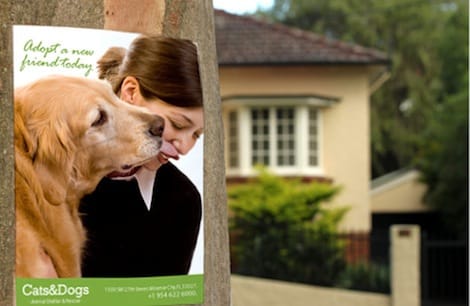
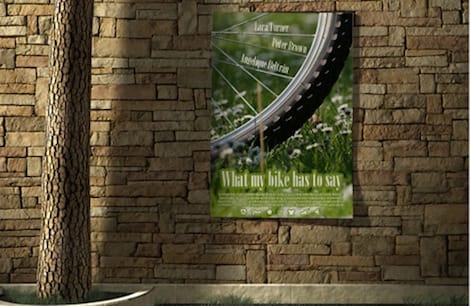
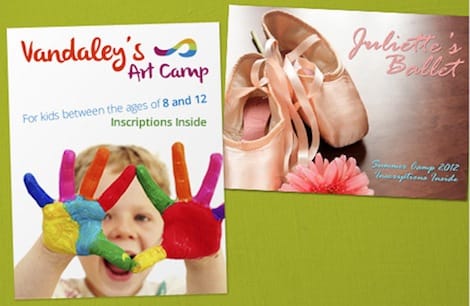
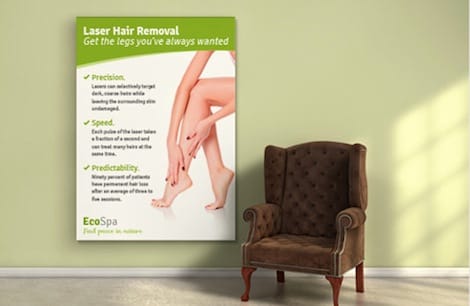
Photographs we printed at wall size



Explore more
Where to go next

By the numbers
The stocks and scale behind a photo poster
Common Questions
Common questions about printing photo posters
How do I print a photo poster that stays sharp?
Sharpness comes down to resolution at the final size. Presses reproduce fine detail at about 300 dots per inch, and they need that resolution at the printed dimensions, not the size the file happened to be saved at. To find the largest sharp print, divide the photo pixel count by 300, so a 6000-pixel-wide image prints crisp up to about 20 inches wide. Always start from the largest original you have, never a version pulled from social media, and never enlarge a small file to fill a bigger space, because scaling up only stretches the pixels you already have. View the image at 100 percent zoom at final size to confirm it holds before you order.
What resolution does a photo poster need?
For a poster read up close, aim for around 300 DPI at the final print size. For a large poster viewed from several feet away, you can go lower, because the eye cannot resolve fine detail at a distance, so a big wall poster still looks clean at 150 DPI or less. The practical test is to open the image at 100 percent zoom scaled to its final dimensions: if it looks sharp there, it will look sharp on paper. The quick math is largest sharp inches equals pixels divided by 300, and photographic prints look best when you start from the highest-resolution original your camera captured.
What does a photo poster cost and how are prices set?
Photo poster price scales with size, paper stock, finish, and quantity. A standard matte or gloss paper poster is inexpensive, while a large fabric or canvas print sits higher, and premium finishes add to the total. Size and quantity are the biggest levers, with the per-unit price dropping as you order more. You set every option in the configurator and the price updates live as you adjust the size and stock, so you can compare a small gloss poster against a large canvas before you commit, and see exactly what a heavier stock does to the number.
What sizes, papers, and finishes are available for photo posters?
Photo posters print to custom sizes, so you match the wall rather than a fixed format, from a small framed print up to a wall-scale poster. Paper options include matte for glare-free viewing and gloss for deeper color and contrast, and premium stocks include fabric, which hangs wrinkle-free, and canvas, which gives a frame-free gallery look. You can also add lamination for durability in a high-traffic spot. The right combination depends on the photo and the room, with matte suiting portraits and detailed images and gloss suiting vivid, high-contrast shots.
How long do photo posters take to print and ship?
Turnaround depends on the size, stock, finish, and quantity you choose, and the live estimate appears in the configurator as you build the order. Premium stocks like fabric and canvas and larger sizes take a little longer to produce than a standard paper poster, and choosing a standard turnaround over a rush option keeps the price down. Once produced, the poster ships to your door ready to hang or frame, and running the file through our free file check first helps catch any resolution issue before it reaches the press.
Get Started
Order matte posters, printed in 2 business days
Set the size, stock, and finish for your photo poster at 4OVER4.COM and watch the price update live. Upload your highest-resolution photo and our free file check confirms it before it prints.
Legal Disclaimer
Gold Standard guarantees apply to all standard orders placed through 4over4.com. Price match requires verifiable proof of a competitor's published price for an equivalent product with matching specifications and turnaround time. Satisfaction guarantee covers manufacturing defects and print quality issues. Contact support with order number and documentation. On-time delivery rate based on tracked orders 1999 to 2026. Individual results may vary based on shipping carrier performance.
