
How to Add Instagram to Your Business Card


Put your @handle next to the Instagram icon, add a QR code that opens your profile in one tap, and match the card to your feed. Here is the layout that turns a handshake into a follow.
To add Instagram to a business card, place the Instagram icon next to your @handle in the contact block, then add a QR code on the back that links straight to your profile. Match the card's colors and fonts to your feed, keep the handle above 7pt, and scan a printed sample before ordering. That gives every new contact two easy ways to follow you.
Quick tips
Quick tips for putting your Instagram on a card
Write it as @yourhandle, all lowercase, no spaces, spelled exactly as it appears on your profile. Print instagram.com/yourhandle instead when the name is long or full of periods and underscores, or when the card has to work for people who do not use the app. Keep the handle visible, use a QR code for instant access, and match the design to your feed. Place it on the back or alongside your other contact details, lead with Instagram if it is your strongest channel, and proof the exact spelling before you print. With 150,000+ businesses trusting 4OVER4.COM, you are in good company when you make this move.
Watch it printed
See standard business cards on the press, in 167 seconds
Instagram handle format
Your handle is the @username in your profile address, and it is the only part of your Instagram that belongs to you alone. On a card it is written with the @ in front, all lowercase, no spaces: @yourhandle. The @ is what tells a reader the line is a username and not a hashtag, an email, or a website.
Instagram allows four things in a handle: letters, numbers, periods, and underscores, up to 30 characters. Nothing else, and no spaces at all. If yours uses periods or underscores, set it in a typeface where both are unmistakable, because a missed underscore sends the person you just met to somebody else's account.
Two forms, two jobs. The @handle belongs in the contact block where space is tight and the Instagram icon is doing half the work. The full URL, instagram.com/yourhandle, belongs on a card that has to stand on its own, and it is the only form that works behind a QR code, since a scan needs a link and not a username. Drop the https and the www either way, and point the free QR code generator at the URL form.
How to write an Instagram handle correctly
Instagram ignores capital letters, so @fourover4 and @FourOver4 open the same profile. Print can use that. Capitalize the start of each word, @FourOver4Printing, and a long handle becomes readable at 8pt without the eye guessing where one word ends and the next begins. The link still resolves, and nobody has to squint.
The @ itself is optional in one case only: when the Instagram icon sits right beside the line and the layout reads cleaner without it. Keep the @ when there is no icon, when the handle sits inside a sentence, and when the card lists several networks in one block, because that is where a bare username stops looking like a username.
Three things get mixed up here. Your handle is the @username in the address bar and it is unique to you. Your display name is the bold line at the top of your profile, and two accounts can share one. Your profile URL is instagram.com plus your handle. Print the handle or the URL, never the display name, because a display name is not something anyone can type in and reach you.
Instagram handle examples for a card, a resume and a sign
The rule is the same everywhere, @ plus the exact username, but the surface changes how much you write around it.
- On a business card: the icon and the handle in the contact block, @riverabakes, set at 8 to 10 point. Add instagram.com/riverabakes on the back only if the handle is long or the QR code needs a link.
- On a resume or a cover letter: spell it out as a link, instagram.com/riverabakes, on the same line as your email and website. A bare @ handle in a Word document is not clickable and can be mistaken for a typo.
- On a sign or a menu: the handle alone, @riverabakes, in the largest type the layout allows, because people read it from a distance and type it in later.
- In an email signature: the icon linked to the profile URL, with the handle as the visible text.
- Several accounts: one line each, @riverabakes and @riverabakes.events, never a comma-separated list in a single line.
Whatever the surface, print the handle or the URL, never the display name, and check the spelling on the live profile before the file goes to press.
Why your business card needs your Instagram handle
Instagram passed a billion active users years ago. That is a billion reasons to make sure your handle shows up on every card you hand out. Learning how to add Instagram to a card is not complicated, but doing it well takes a little thought about placement, design, and how the code actually scans.
Your business card is often the first physical impression of your brand. Pairing it with your Instagram profile hands the recipient a direct path to your content, your portfolio, and your personality. A scannable QR code links that profile with a single tap right on the card, so the follow happens before they even leave the room.
Whether you are a photographer, a restaurant owner, or a freelance designer, your Instagram tells a story that a 3.5 by 2 inch card cannot fit alone. And if you print branded stamps alongside your cards, our guide on how to clean rubber stamps keeps those impressions sharp. Below you will find step by step methods, design ideas, and card options to get your handle front and center on the next batch.
Use the Instagram icon alongside your handle
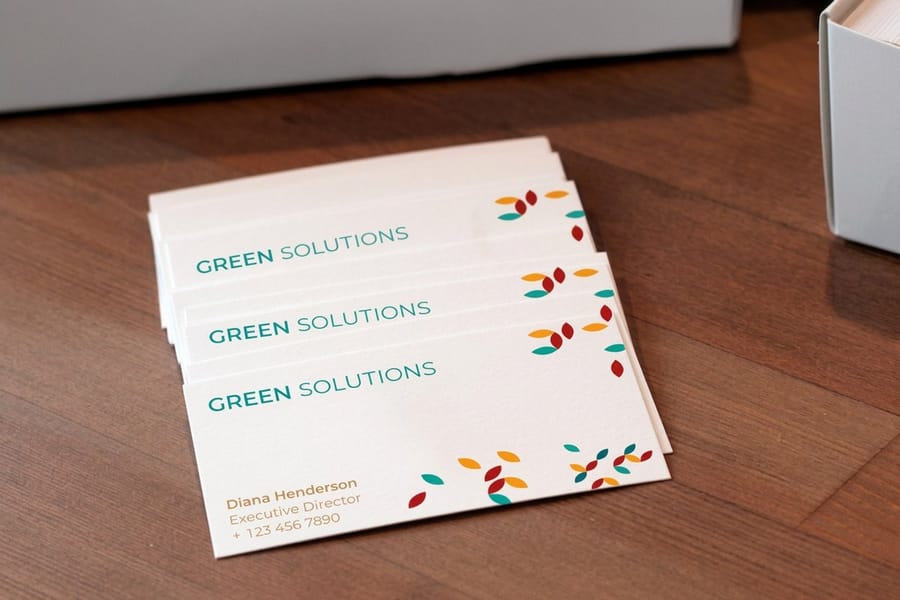
The simplest approach is placing the recognizable Instagram camera icon next to your handle. Most people know the icon on sight, so you do not need to spell out "Instagram" or "follow me on Instagram." Just the icon and @yourhandle does the job.
Set it in the contact block alongside your phone number, email, and website. That keeps everything clean and scannable. For a creative business, give the icon a little more breathing room and bump up the font size. For a more structured layout, tuck it neatly into the lineup with your other details.
Match the icon to your card's color scheme. A bright gradient Instagram logo on a minimalist black-and-white card looks jarring, so use a monochrome version instead. If you want more layout ideas that apply to cards too, our guide on how to make flyers covers the same design principles.
Print rules for the glyph. Use the official Instagram mark rather than a redrawn one, and keep it at least 0.15 inches tall, about 4 mm, on a card. Below that the camera outline closes up at 300 DPI and prints as a grey blob. Leave clear space around it equal to half the glyph height so it never touches type, a rule line, or the trim edge, and use the solid single-color mark on one-color stock, saving the gradient version for full-color cards where it will not fight the rest of the layout. If you would rather not wrestle with vector files, the online designer places the icon, the handle, and a QR code at print resolution for you.
Add a QR code that links to your profile
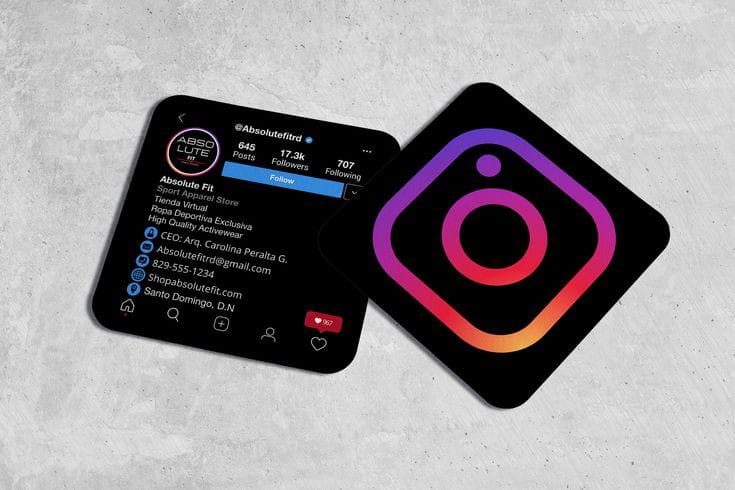
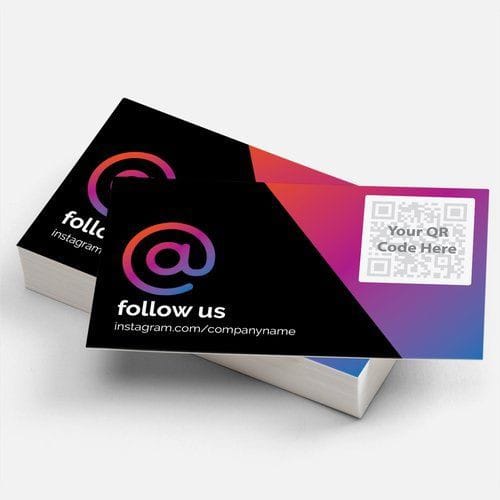
QR codes are back in a big way. A scannable code on your business card lets someone open your Instagram profile in seconds without typing anything. That removes all the friction. No misspelled handles, no searching, and no "I'll look you up later" that never actually happens.
The free 4OVER4.COM QR code generator builds codes you can drop straight into your card design. Point the code at your profile URL, instagram.com/yourhandle, and test it before printing. Place it on the back for a clean look, or work it into the front if your layout has room.
One pro tip: add a small line of text under the code like "scan to follow us on Instagram." Not everyone knows what a QR code links to, so context matters. If you want a material that makes a code really pop, 30mil clear plastic cards give it a striking transparent frame.
Feature your Instagram on the back of the card
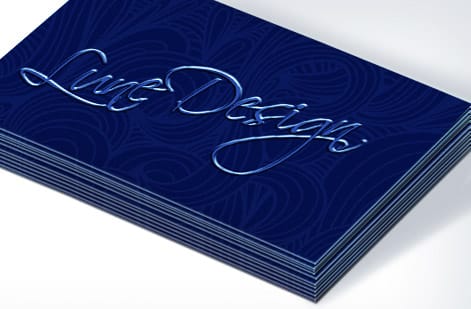
Many business cards leave the back completely blank, and that is wasted space. Dedicate the back of your card to your social presence with Instagram as the star. It turns an empty panel into a reason to follow.
Try a bold move: set your handle in large type across the whole back, paired with a QR code and maybe a recent post or grid preview. This works especially well for visual businesses like photographers, designers, florists, bakeries, and fashion brands, where your Instagram is your portfolio. For a multi-profile setup, build a clean social block that lists Instagram first, then keep the spacing generous so nothing feels cramped.
Give the details room to breathe. Crowded text on the back of a card defeats the whole purpose of the extra space.
Design your card around your Instagram aesthetic
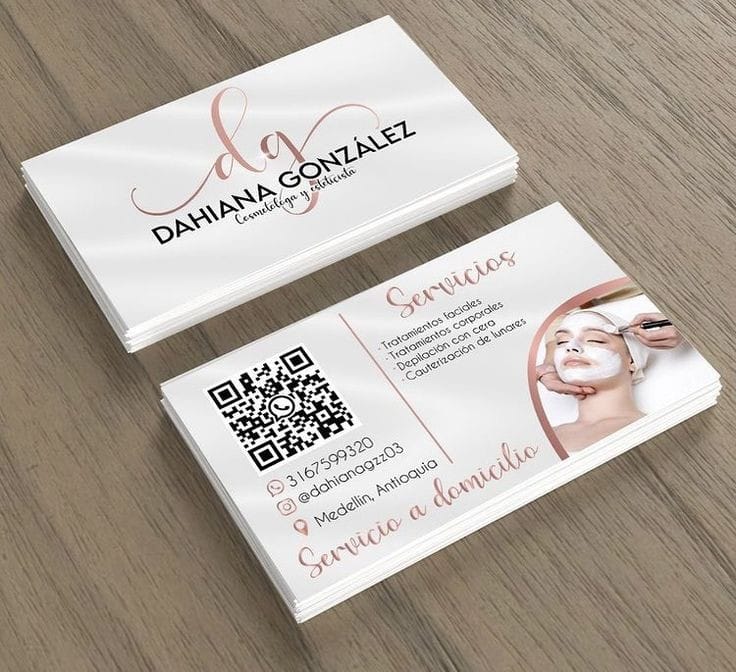
Your business card should feel like an extension of your Instagram feed. If your feed is moody and dark, the card should read that way too. If it is bright and colorful, bring those colors onto the card so the two feel like one brand.
Use the same fonts, palette, and visual tone. When someone flips the card, sees your handle, then lands on your profile, the whole experience should feel connected. Brand consistency builds trust, and people remember the brands that look the same everywhere they show up.
You can even print a favorite Instagram post or your profile photo on the card itself. That "I have seen this photo before" reaction is a powerful moment of recognition. Browse the guide hub for more design and printing tips across every product.
Include your Instagram URL, not just the handle
Sometimes the full URL works better than the handle alone. If your handle is long, or packed with periods and underscores that are hard to read in small print, instagram.com/yourhandle gives people a clear, typo-proof path to your profile.
The URL also helps people who do not use Instagram every day. They might not know how to search for a handle, but they definitely know how to type an address into a browser. Meet your audience where they already are.
Keep the URL clean. Drop the https and the www, since "instagram.com/yourhandle" is enough. It saves space and looks far less cluttered. If you are laying out other marketing pieces alongside your cards, our guide on how to fold a brochure shows how to fit social handles into a brochure too.
Why your Instagram handle belongs on your card
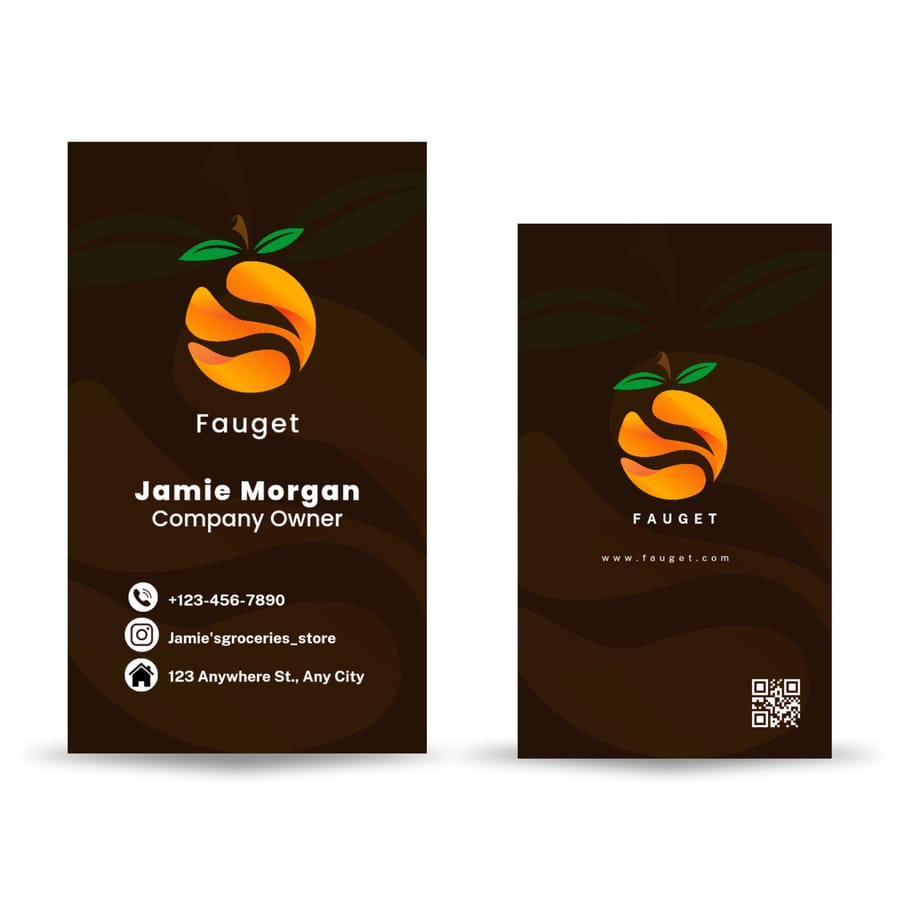
A business card has a short window to make an impression. Adding your Instagram extends that window indefinitely. Here is what the handle actually does for you once the card leaves your hand:
- Builds ongoing relationships. A card gets tucked into a wallet. An Instagram follow puts you in their feed every day.
- Grows your following organically. Every card is a potential new follower, and at events, trade shows, and client meetings that adds up fast.
- Shows your work in real time. The card is static, but your Instagram is alive with new posts, stories, and reels that keep your brand fresh.
- Drives referrals. When a follower shares your content, you reach people who never got a card, so your profile becomes a referral engine.
- Builds social proof. An active profile with engaged followers signals credibility, and plenty of people check your feed before they ever call.
To pair your cards with other branded pieces, learn how to make custom magnets that carry the same handle, and for mailing your cards in style, see how to make envelopes.
Choosing the right card stock for Instagram-forward designs
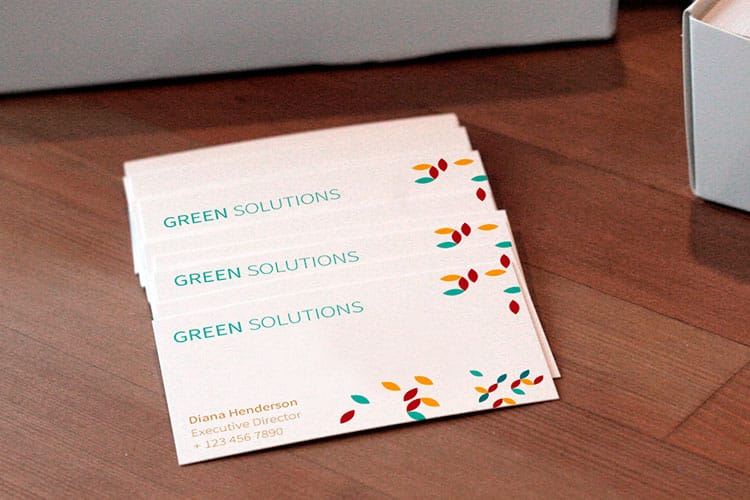
Your card material shapes how the Instagram details look and feel. A QR code needs crisp printing to scan reliably, and fine text like a handle or URL needs sharp resolution to stay readable at small sizes.
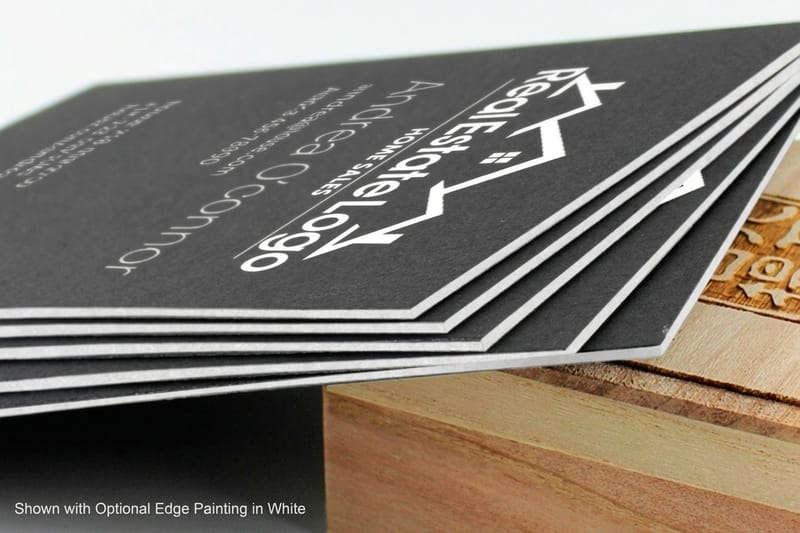
Matte finishes cut glare, which makes QR codes easier to scan under any lighting. Glossy finishes make colors pop when you print Instagram photos or bright brand elements. A thicker stock like 32pt feels premium in the hand and quietly tells people your brand, and your feed, is worth checking out.
4OVER4.COM offers 60+ paper types across its card products, so you can match the stock to your brand personality. If sustainability matters to your audience, explore green printing options that look great and align with eco-conscious values. Want to feel the difference first? Order free samples to test paper types, finishes, and print quality with your own hands.
Mistakes that ruin your Instagram on a business card
Knowing how to add Instagram to a card is one thing. Dodging the common pitfalls is another. Here are the mistakes 4OVER4.COM sees most often, and how to stay clear of each one:
- Printing the wrong handle. Double-check your exact username before you send files to print, because one wrong character means zero new followers. Test it live.
- Making text too small. Your handle needs to be readable without squinting. If it is under 7pt, size it up, since no one is reaching for a magnifying glass.
- Using a low-resolution QR code. A blurry code will not scan. Export at 300 DPI minimum and always test the printed version before ordering a full batch.
- Cluttering the card. Cramming every platform onto a small card creates visual chaos. Lead with Instagram if it is your strongest channel, because less is more.
- Forgetting the @ symbol. Without the @ sign, your handle reads like random text. The @ instantly signals "this is a social handle."
- Ignoring color contrast. A light gray handle on a white background disappears. Give your Instagram details strong contrast against the card.
4OVER4.COM prints with the precision that keeps fine text and QR codes sharp, but the design choices are yours. Take the time to proof everything before you hit order.
Wally explains the Instagram follow
Your card is the handshake, your handle is the follow
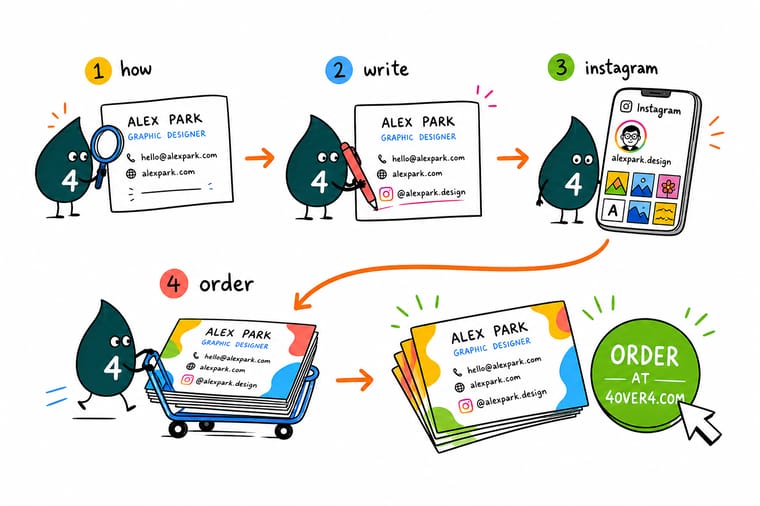
Wally treats a business card like a tiny doorway to your feed: print the @handle next to the Instagram icon, add a QR code, and match the card to your aesthetic, so the person you just met is following you before they leave. A blurry code or a mistyped handle breaks that door, which is why Wally always scans a printed sample first. When the layout is right, order a crisp batch built to your exact brand at 4OVER4.
Order business cards →Specs and pricing
Standard business card specs and pricing
Here is what a fresh batch of Instagram-ready cards gives you at 4OVER4.COM, with live specs and price-per-unit straight from the configurator.

| Quantity | Price Per Unit | Total |
|---|---|---|
| 100 | 17.6¢ | $17.57 |
| 200 | 11.5¢ | $23.07 |
| 300 | 9.15¢ | $27.46 |
| 400 | 7.96¢ | $31.86 |
| 500 | 7.25¢ | $36.26 |
| 600 | 6.77¢ | $40.64 |
| 700 | 6.43¢ | $45.04 |
| 800 | 6.18¢ | $49.43 |
Print it
Best cards for showing off your Instagram

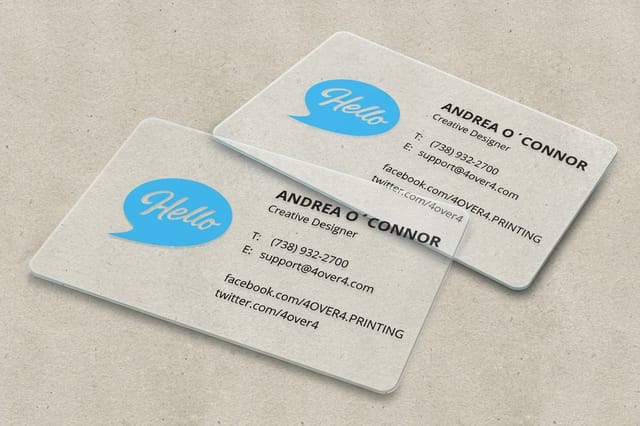
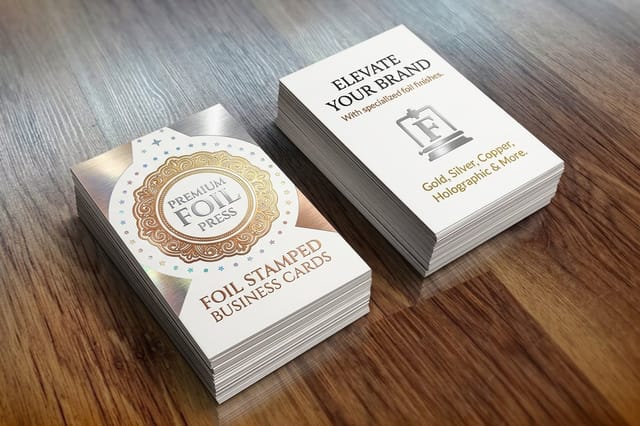
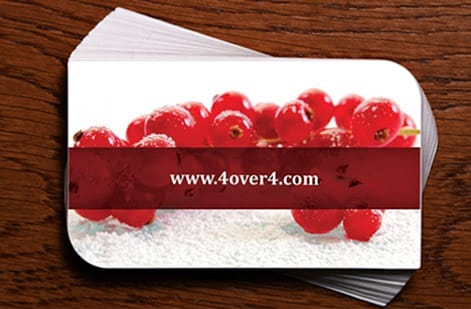
Four placements that work on a printed card, so you can pick the layout before you open the designer.


See it in use
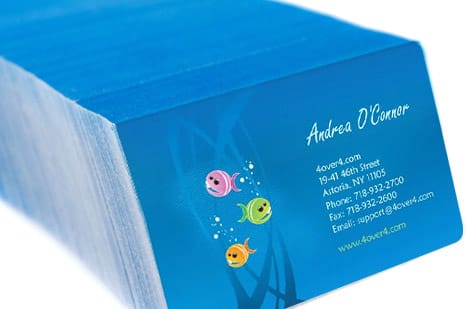
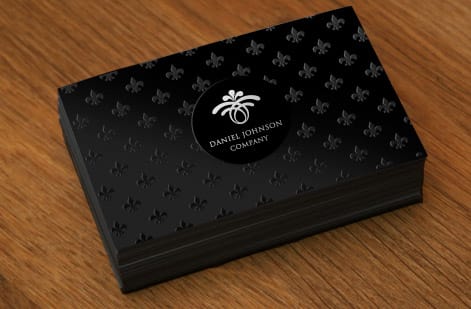
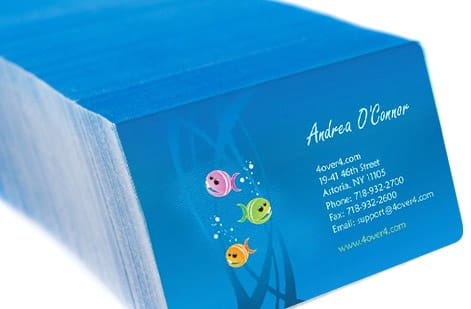
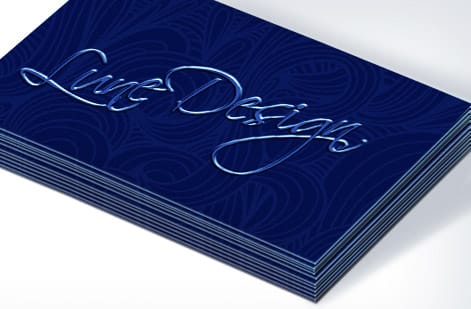
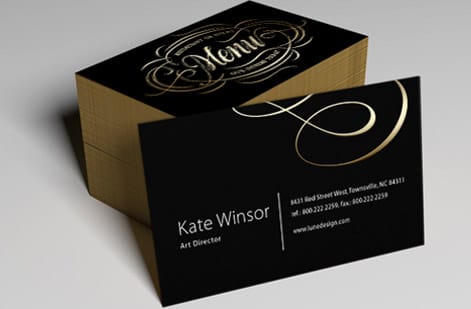
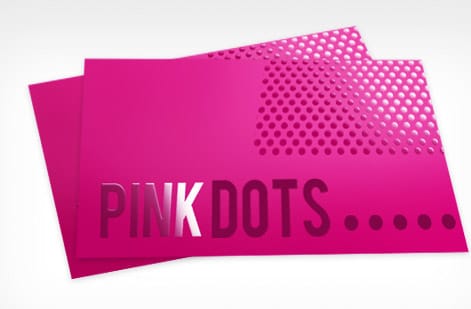
Business cards our customers printed, front and back
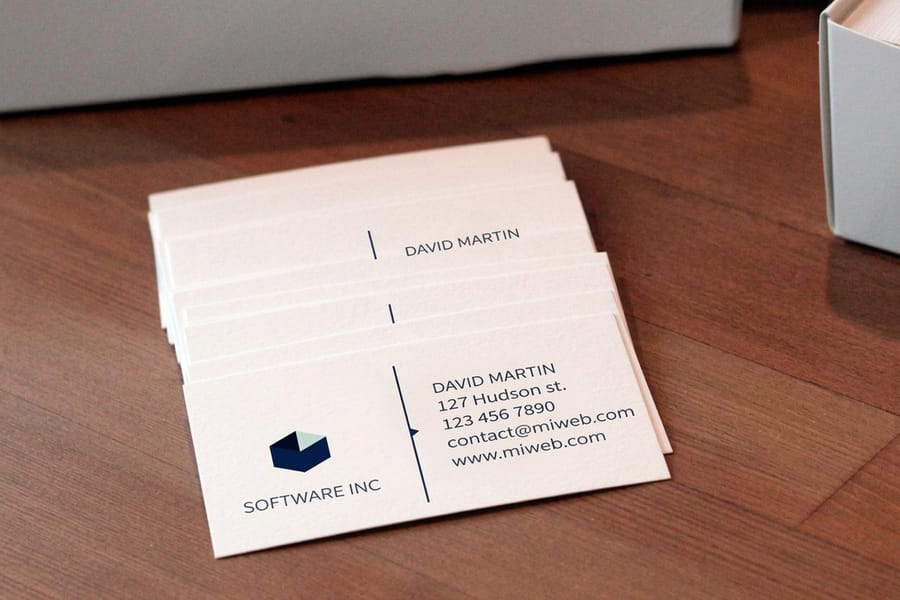
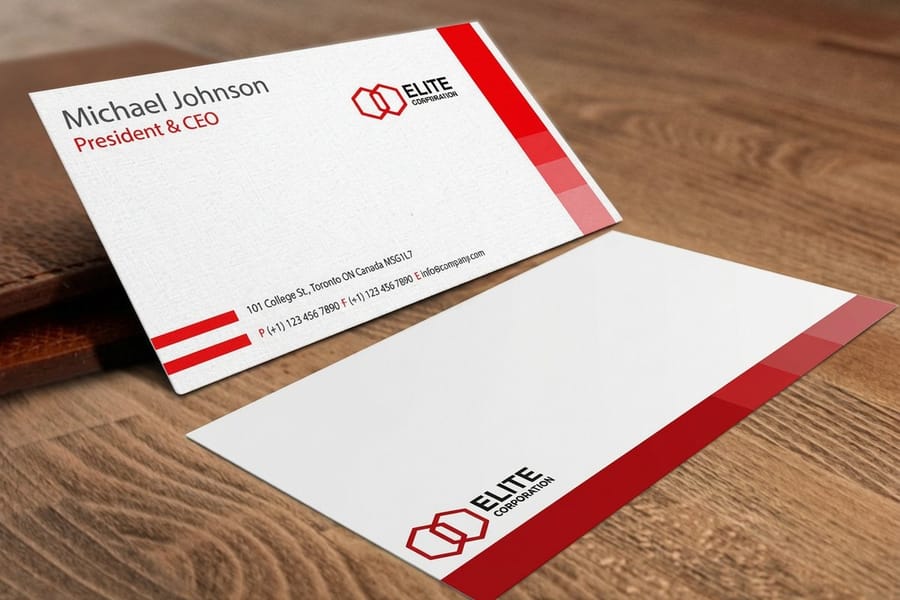
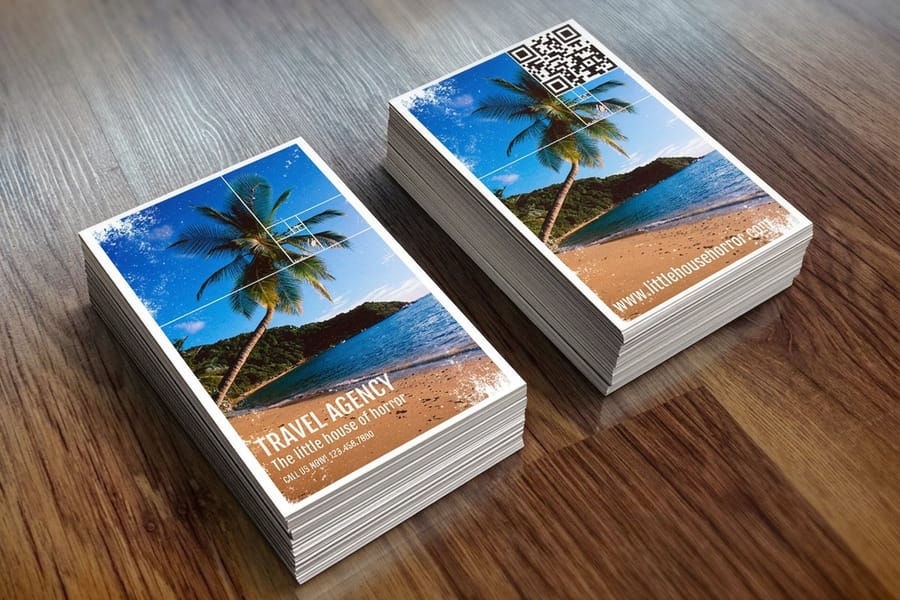
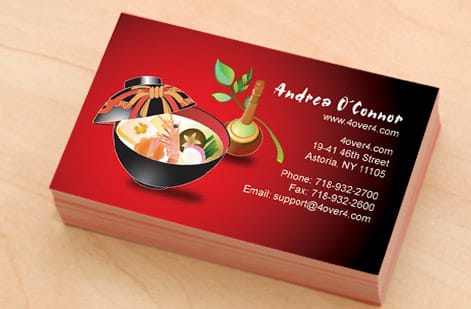
Cards we printed for customers, so you can judge how an icon, a handle, and a QR code sit on real stock before you commit to a layout.


Keep reading
Where to go next
Templates to start from, stocks that keep a QR code scanning, and the designer that places the icon for you.





By the numbers
Paper types and the delivery record behind a business card reprint
Common Questions
Your questions about adding Instagram to business cards
What is an example of an Instagram handle?
@riverabakes is a handle: the @ sign followed by the username, all lowercase, no spaces, up to 30 characters using only letters, numbers, periods and the underline character. The matching profile URL is instagram.com/riverabakes. A display name such as Rivera Bakes is not a handle and should not be printed in its place.
What do I name my Instagram handle?
Use your business name or your own name, as short as you can get it, with no numbers or underline characters unless you have no choice. A handle that matches the name on your card is the one people find on the first try. If the exact name is taken, add your trade or your city, such as @riverabakes or @rivera.boise, rather than a string of digits.
How do I write my Instagram handle as a link?
Write instagram.com/ followed by the handle without the @, for example instagram.com/riverabakes. Drop the https and the www in print. That URL form is what a QR code needs, and it is the form to use anywhere the reader can click, such as a resume, an email signature or a website.
What's the best way to add my Instagram to a business card?
Place the Instagram icon next to your @handle in the contact area. For even better results, add a QR code on the back that links straight to your profile. Use the free 4OVER4.COM QR code tool to build a scannable code in seconds. That gives every recipient two easy ways to find you, whether they want to search by hand or scan on the spot.
Should I use a QR code or just my handle?
Use both. Your handle serves the people who want to search manually, and the QR code serves the people who want instant access. Together they cover every preference. QR codes are especially useful at events, where a new contact can scan and follow in the few seconds between conversations.
Where should I place my Instagram handle on the card?
The most common spot is the contact block on the front, right below your email or phone number. If you want more visual impact, hand the entire back of the card to your Instagram with a large handle, a QR code, and a preview of your feed aesthetic.
What font size should my Instagram handle be?
Never go below 7pt for your handle text. Somewhere between 8pt and 10pt is the sweet spot for readability. If you are printing on a textured or dark stock, size up a little. The goal is instant reading with zero squinting.
Can I print an Instagram photo on my business card?
Yes. A high-resolution Instagram photo, at least 300 DPI when sized for print, works well on a business card. This is a great move for photographers, artists, and food businesses. Just make sure the image quality holds up at print size, since 4OVER4.COM prints sharp across every card stock.
Do I need to include the full Instagram URL?
Not always. If your handle is short and memorable, @yourhandle is enough. If it is long or full of periods and underscores, adding instagram.com/yourhandle gives people a clearer path. Skip the https and www to keep it clean.
Will a QR code scan properly on any card finish?
Matte and uncoated finishes scan most reliably because they do not throw glare. Glossy finishes work too, but bright light can bounce off the coating and slow the scan. If scanning is a priority, go matte, and always test a printed sample before ordering your full run.
How do you write an Instagram handle?
Write it exactly as it appears on your profile, with an @ in front and no spaces: @yourhandle. Instagram allows letters, numbers, periods, and underscores, up to 30 characters. Capital letters are ignored by the app, so you can capitalize each word for readability, @YourHandle, and the profile still opens.
Should I put @ before my Instagram on a business card?
Yes in most layouts. The @ tells people the line is a username rather than a hashtag or an email, and it is what they type into the app to find you. Drop it only when the Instagram icon sits right beside the line and the card reads cleaner without it.
What is the difference between my Instagram handle, my display name, and my profile URL?
The handle is the @username in your profile address and it is unique to your account. The display name is the bold line at the top of your profile and two accounts can share the same one. The profile URL is instagram.com plus your handle. Print the handle or the URL, never the display name, because nobody can search a display name and reliably reach you.
Get Started
Ready to print Instagram-ready business cards?
Pick your size, drop in your handle, icon, and QR code, and we print a crisp, follow-worthy card on the stock that fits your brand.
Legal Disclaimer
Gold Standard guarantees apply to all standard orders placed through 4over4.com. Price match requires verifiable proof of a competitor's published price for an equivalent product with matching specifications and turnaround time. Satisfaction guarantee covers manufacturing defects and print quality issues. Contact support with order number and documentation. On-time delivery rate based on tracked orders 1999 to 2026. Individual results may vary based on shipping carrier performance.
