
How to Save the Date With a Wedding QR Code


Add a scannable QR code to your save the date and one tap sends guests to your wedding website, RSVP, and travel details. A dynamic code lets you change the destination after the cards are mailed, which a static one cannot.
To add a QR code to a save the date: build the card and leave open space for the code, paste your wedding website or RSVP URL into a QR generator and download it as an SVG or 300 dpi PNG, then place it at least three-quarters of an inch wide with a clear margin and a "Scan for details" label. Point the code at a page you can edit later, print a proof, and scan it on two phones before the full run.
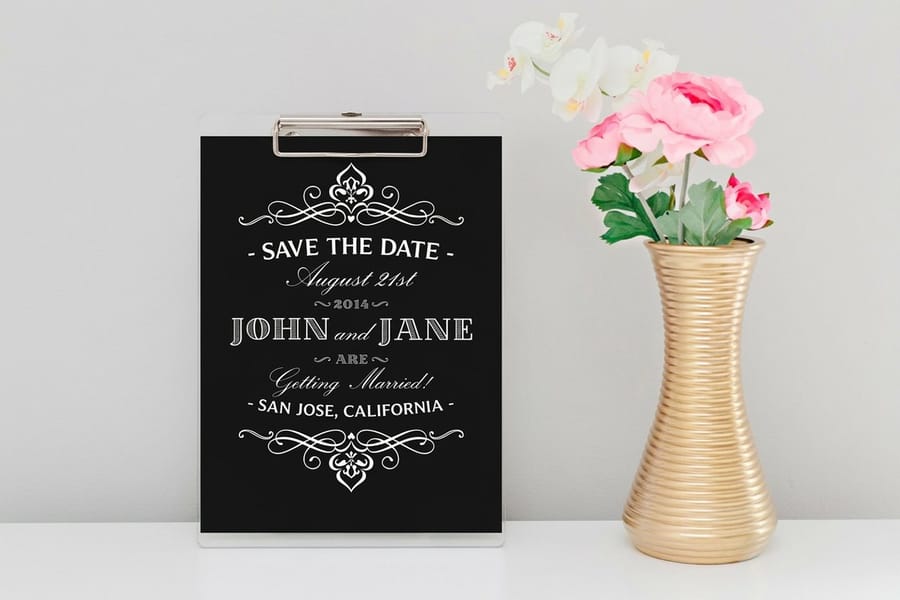
Quick tips
Adding a QR code to your save the date, in short
Link your QR code to a page you can edit, usually your wedding website or an online RSVP, so late changes never mean a reprint. Keep the code dark on a light background, at least three-quarters of an inch wide, with a clear margin and a short "Scan for details" label. Print the web address in plain text as a backup, then proof and scan one real card on two phones before you order the full batch at 4OVER4.COM.
What is a save the date with a QR code?
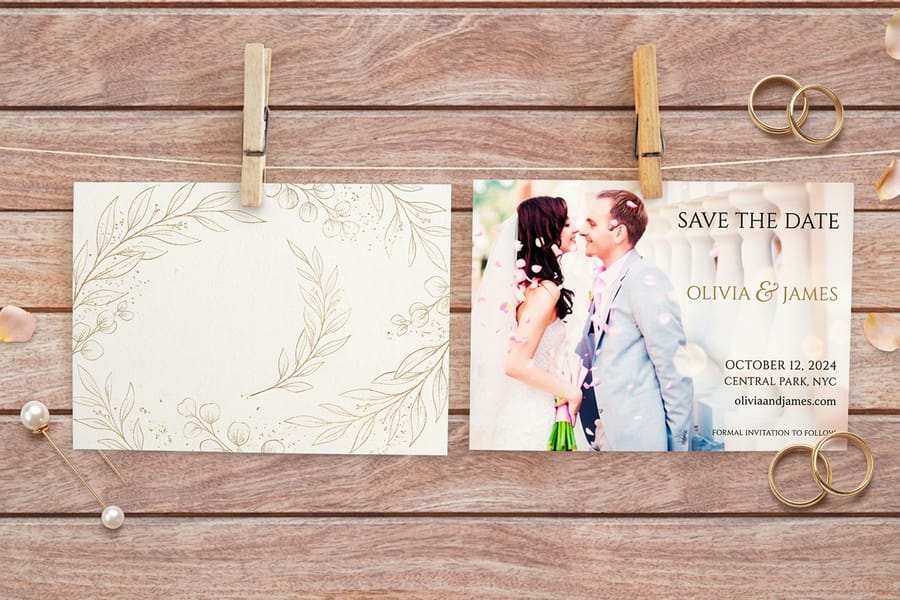
A save the date with a QR code is a normal printed announcement with one small addition: a scannable square that opens a web page when a guest points a phone at it. The card still does its old job, telling people your name, your partner's name, and the date to hold. The code quietly does a second job, carrying every detail that might still change.
Think of the printed card as the invitation to the information rather than the information itself. Venue, timing, RSVP, registry, hotel blocks, and directions all live on the page behind the code. That split is what makes the format so useful. You commit ink to the parts that are settled and keep the moving parts online, where a single edit reaches everyone.
Couples reach for this because a save the date lands in mailboxes six to eight months ahead, long before the fine print is locked. If you want a refresher on the announcement itself, our guide on how to make save the dates covers wording and timing, and this page focuses on the QR layer that sits on top of it.
Why put a QR code on your wedding stationery
A QR code lets a small card hold unlimited information without looking crowded. That buys you three things.
- Fewer reprints. Change your venue, ceremony time, or dress code after the cards ship, and you fix it once on the linked page. The printed code never has to change.
- Cleaner design. A single square replaces three or four lines of URLs and hashtags, so your typography and photo get room to breathe.
- Higher RSVP rates. Scanning a code and tapping a button is easier than typing a long web address by hand, which is exactly why an online RSVP tends to come back faster.
- One place for everything. Registry, travel, parking, and a schedule all sit one tap away instead of scattered across separate cards.
This is not a wedding-only trick. The same logic drives QR codes on marketing pieces, which is why we cover adding a QR code to postcards and using QR codes on flyers and brochures as well. On a save the date, the payoff just happens to be a smoother guest experience from the very first announcement.
What should your wedding QR code link to?
This is the decision that matters most, because the destination is the whole point of the code. Link to a page you can edit, and never to a fixed file. A wedding website home page is the strongest choice, since it can branch out to everything else.
If you are not ready to build a full site, link straight to a live online RSVP or a shared schedule instead. The rule stays the same: the target has to be something you can log in and change. A PDF or an image locks your information in place, which defeats the reason to use a code at all. Our guides on what to put on wedding invitations and wedding program wording help you decide which details belong on paper and which belong behind the scan.
How to create a wedding QR code, step by step
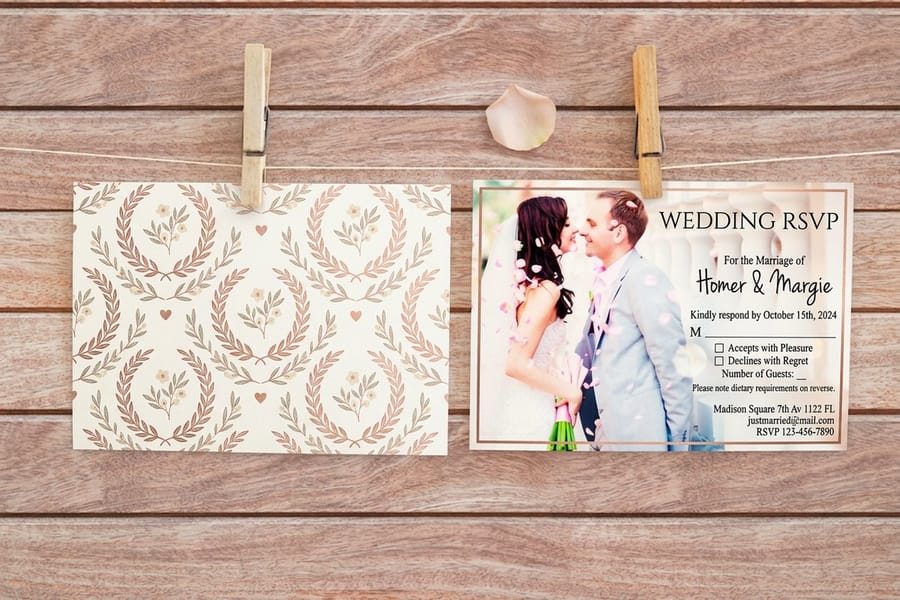
The whole process takes about ten minutes once your web address is ready. Follow these three steps in order.
- Design your save the date first. Set your layout, choose your stock and size, and decide where the code will sit before you generate anything. Leaving a dedicated open space, usually a lower corner or the back, keeps the code from fighting your photo or headline. Starting art from scratch is easier with our online designer or a free design template.
- Generate the QR code from your live URL. Copy the exact web address you want guests to reach, paste it into a reputable generator, and set a high error-correction level so the code still scans if a corner smudges in print. Download it as an SVG when you can, or a PNG at 300 dpi, never a low-resolution screenshot. 4OVER4.COM offers a free QR code generator built for print, and designers working in layout software can follow our steps to generate QR codes in InDesign.
- Add the code to your design. Place the file into the space you reserved, keep it at least three-quarters of an inch wide, and leave a clean margin, the quiet zone, on all four sides. Add a short label such as "Scan for our wedding details," and print the web address in small text underneath as a backup for anyone who would rather type it.
That is the entire build. If you want the full background on the technology before you start, the complete guide to QR codes walks through every option.
Design tips that keep the code scannable
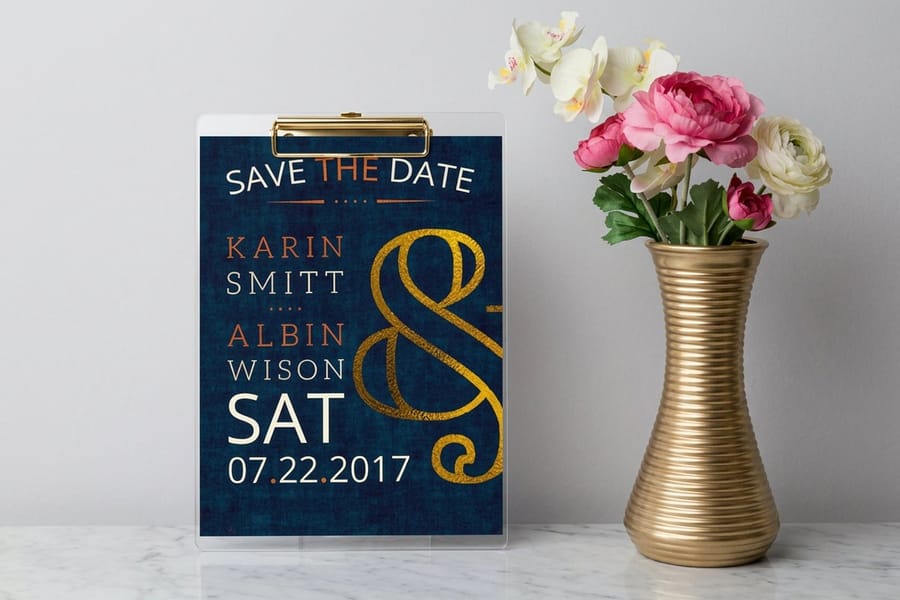
A QR code either scans in half a second or it frustrates your guest into giving up. A few habits keep it firmly in the first camp.
- Dark code, light background. Cameras read contrast, so keep the modules dark and the space behind them light. Reversing to a light code on a dark field often fails, and pale pastels on white rarely have enough separation.
- Protect the quiet zone. That blank margin around the square is part of the code, not empty decoration. Crowd it with text or a border and scans start to stall.
- Mind the size. Three-quarters of an inch is a safe floor for a save the date held at arm's length. Bigger is friendlier, smaller gets risky.
- Skip heavy styling. Fancy gradients, tiny logos, and rounded dots can look lovely and still break the scan. If you customize, test relentlessly.
Color and finish matter here too. A metallic or foil background can bounce light and confuse a camera, so if you love that look, keep a matte patch behind the code itself. For a deeper look at how finishes read in print, the wedding fonts and design guide pairs nicely with these placement rules.
Save the date designs with room for a QR code
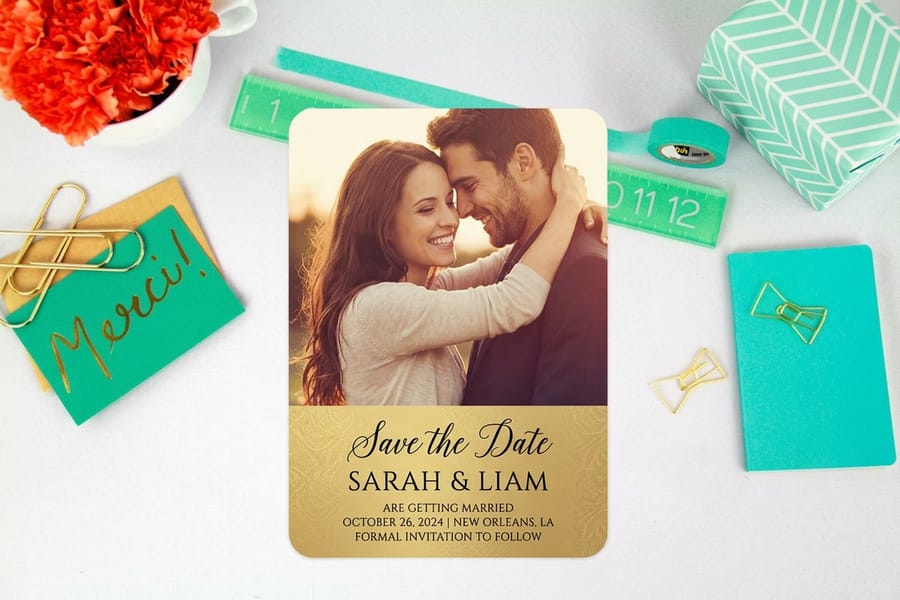
Four placements actually work on a save the date, and each one belongs to a different layout. Find the card closest to yours below, copy the placement, then print a single proof and scan it with two different phones before you commit to the full run.
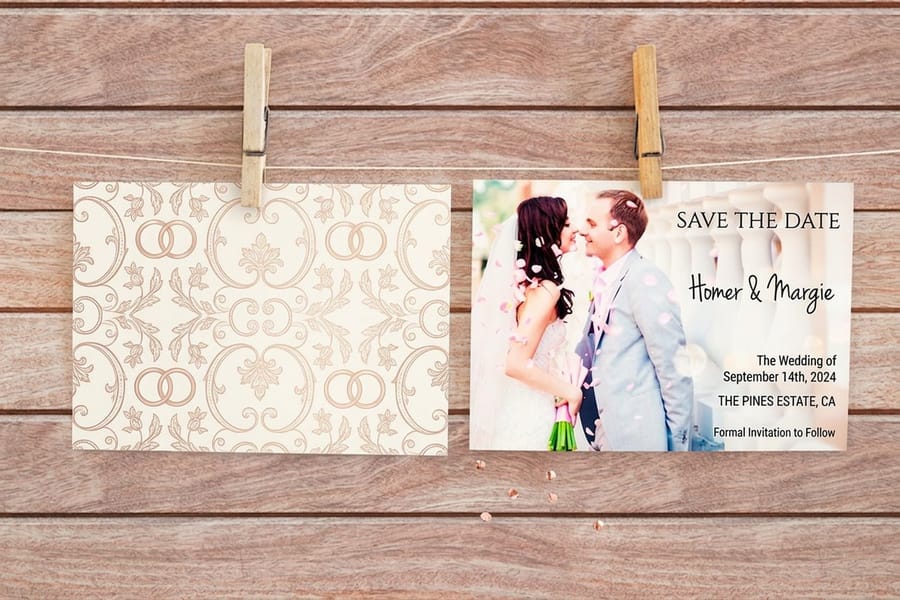
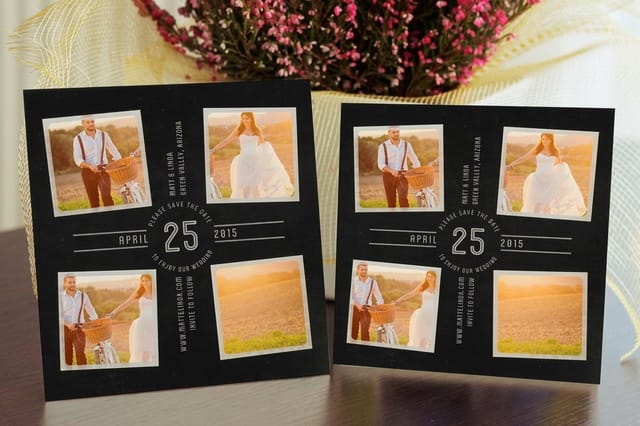
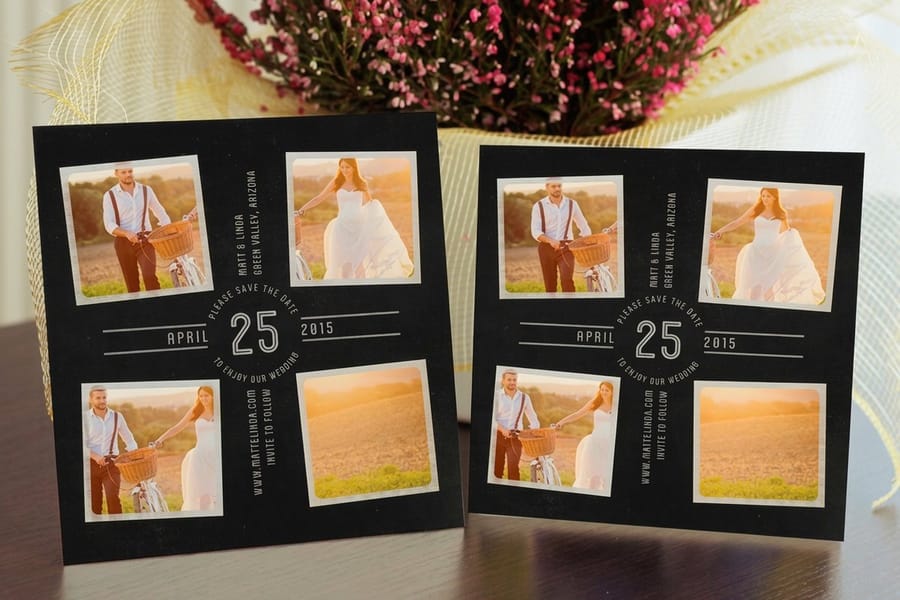 Photo card, code in the bottom right corner. Park the square on the calmest part of the picture: sky, a plain wall, a stretch of grass, never across a face or busy foliage. If that corner runs dark, sit the code on a small white rectangle so the dark modules still have a light field behind them. Hold the three-quarter-inch floor and keep the trim edge and any border out of the quiet zone. This is the layout most couples end up printing on flat save the date cards.
- Type-only card, code centered under the date. Names, date, and city carry the top of the card, and the code sits centered below them with a short prompt such as Scan for details, plus the web address spelled out in plain text underneath. That printed address is your backup for the guest whose phone will not scan. Equal margins left and right stop the code from reading like an afterthought stamped on at the last minute.
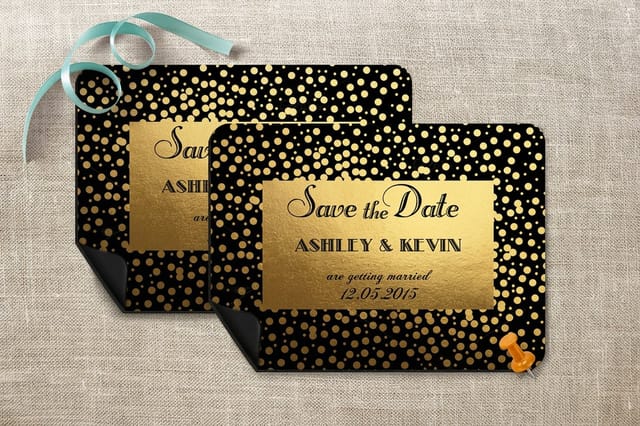
- Reverse of a two-sided card. The front stays pure announcement, the back carries the code, the web address in text, and one line of travel or venue detail. This is the right answer whenever the front is a full-bleed photo you refuse to interrupt. On metallic save the date cards the back is often the only workable spot at all, and even there you want a matte patch behind the square so the shimmer does not throw light back into the camera.
- Magnet, code on the front and sized up. A magnet gets read on a fridge door from a few feet away and usually at an angle, so go past the three-quarter-inch floor rather than sitting on it, and keep the code well inside the edges where a door handle, a curling corner, or the next magnet along cannot clip the quiet zone. Save the date magnets keep the date and the code in sight for months.
Placement and format are separate decisions, so settle the layout first and pick the style in the next section second. If the wording and timing around the code are still open, how to make save the dates covers the copy that surrounds it.
How to choose the right save the date with a QR code
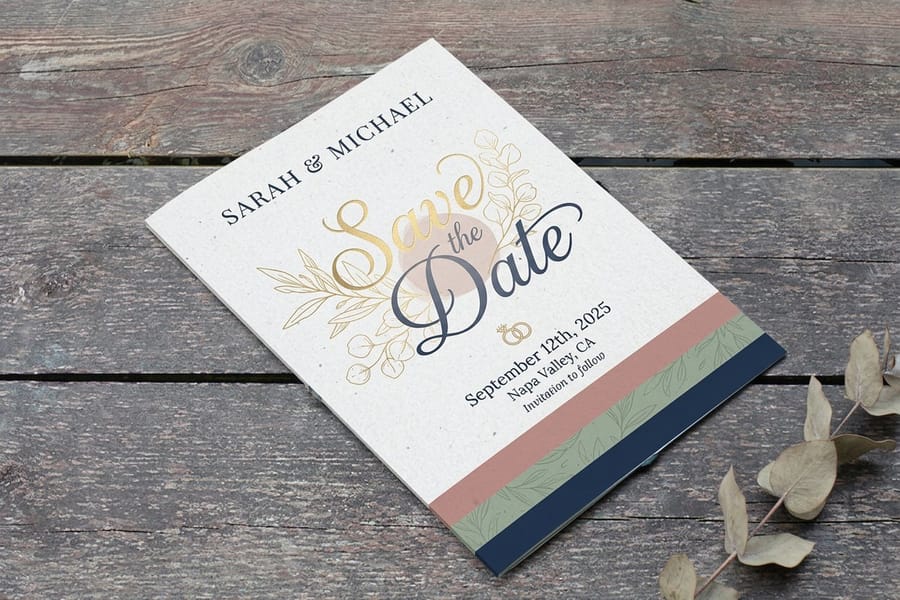
Once the code is sorted, the format is a matter of budget and feel. All three of the styles below hold a QR code equally well, so choose by the impression you want.
Flat cards are the classic, the cleanest canvas, and the friendliest on price at $19.77 to start. They photograph beautifully and mail flat, which keeps postage simple. This is the safe, elegant default for most couples.
Magnets earn their keep by sticking to the fridge, which means your date, and your code, stay in sight for months instead of getting filed in a drawer. If you want guests reminded every time they grab the milk, a magnet is hard to beat.
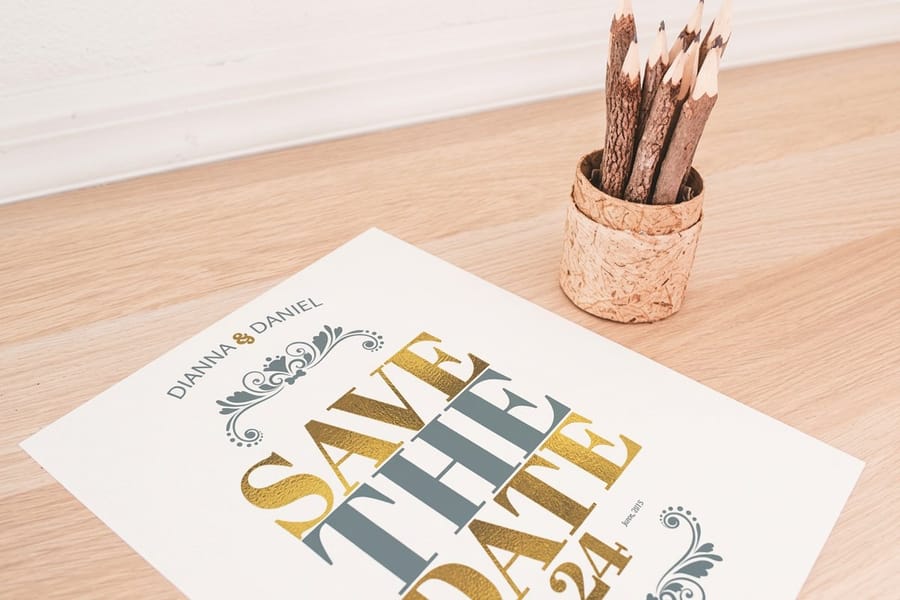
Metallic cards turn the announcement into a keepsake with a shimmering finish that signals a special occasion the moment it arrives. Just remember the design tip above and keep a matte area behind the code so the shine never blocks a scan.
Not sure how a save the date fits the wider timeline? Our guides on when to send wedding invitations and how to address wedding invitations help you plan the full mailing sequence, and you can browse every matching piece in the wedding printing collection.
What a save the date with a QR code costs
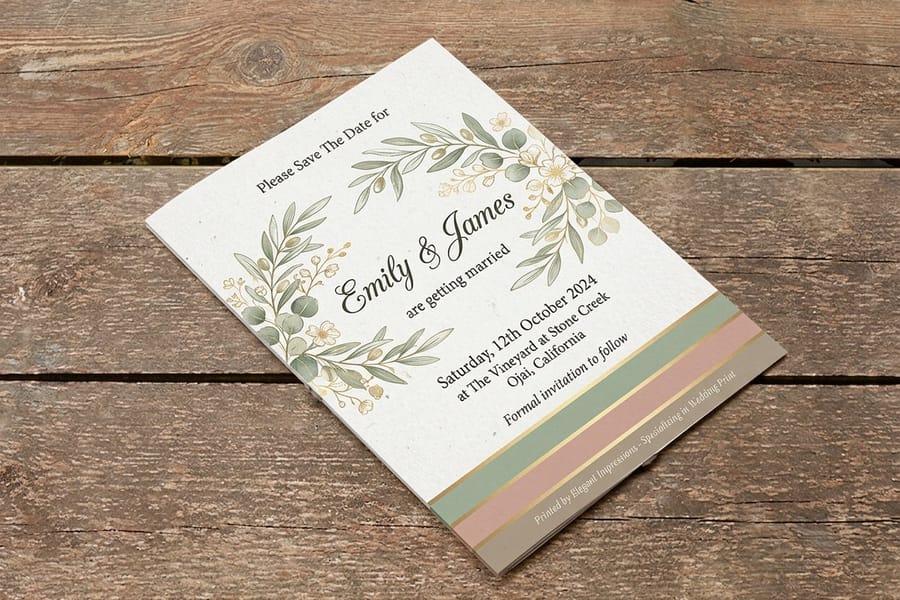
Good news first: the QR code itself is free. It is artwork inside your file, so it adds no printing charge. What you pay for is the card, and four levers move that number.
- Quantity. Printing is a volume business, so your price per card falls as the order grows. Ordering in one batch almost always beats several small runs.
- Stock and finish. A standard flat card starts at $19.77, while premium metallic and specialty finishes cost more for the richer feel.
- Size and format. Larger cards and magnets use more material than a standard flat card, which nudges the price up.
- Turnaround. Standard production is the most economical, and rush options move faster when your date is close.
The specs and pricing panel below pulls live numbers straight from the configurator so you can see exactly where you land. For a wider view of wedding stationery budgets, the guide on how much wedding invitations cost puts save the date pricing in context, and free paper samples let you feel the stocks before you commit.
QR code mistakes to avoid on wedding stationery
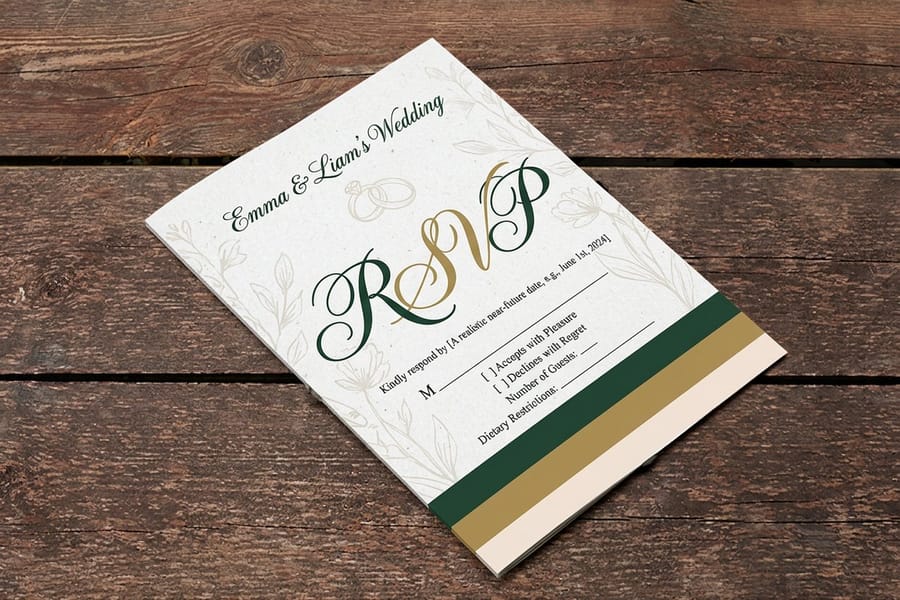
Most QR problems trace back to a handful of avoidable slips. Sidestep these and your code works for every guest.
Linking to something you cannot edit. A code pointed at a static PDF or a screenshot locks your details forever. Always link to a live page you control.
Forgetting to test the printed piece. A code can scan perfectly on screen and fail on paper because of size, finish, or contrast. Order one card or a proof and scan it with more than one phone before the full run.
Leaving off a plain-text backup. Not everyone scans comfortably. Printing the web address in small type under the code rescues any guest whose phone or patience is not cooperating.
Letting the link go dead. Keep your wedding website or RSVP page live from the first mailing through the wedding, and for a while after so thank-you details stay reachable. If you are coordinating replies, the RSVP card size guide and a matching wedding RSVP card round out the set.
File setup and testing before you order
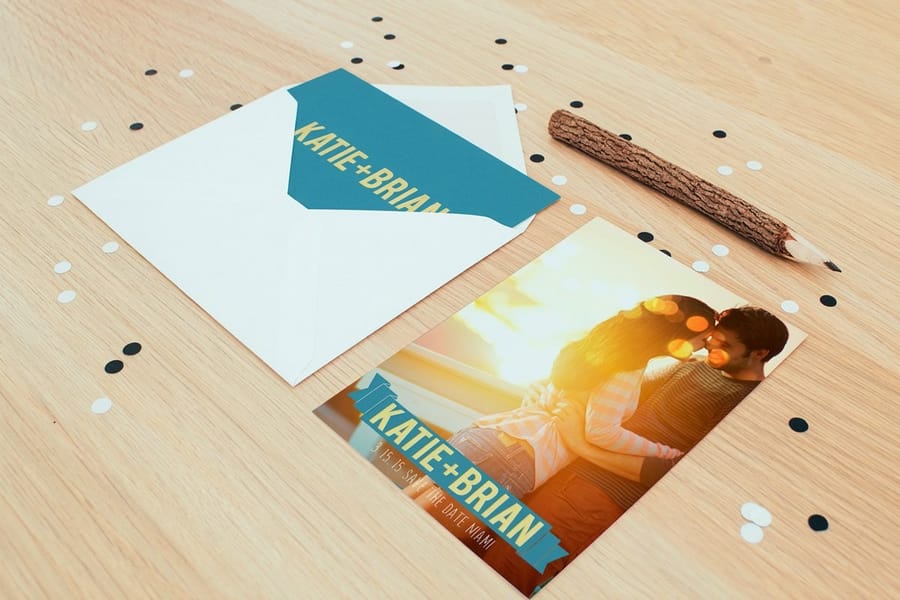
You are almost done. A quick pre-flight keeps the finished cards crisp and every scan reliable.
- Embed the code as vector or high-res. Drop in the SVG when possible, or a PNG at 300 dpi. A blurry or stretched code is the top cause of failed scans.
- Keep it in the safe zone. Hold the code clear of the trim edge and any fold so it never gets cropped or creased. Our where to print wedding invitations guide covers bleed and margins in more detail.
- Proof the whole card. Read every line, then scan the code one more time from the final file. It is far cheaper to catch a wrong link now than after a hundred cards ship.
- Match the rest of the suite. Carry the same fonts, colors, and code placement onto your invitations and RSVP cards so the set feels intentional from start to finish.
When your file is ready, upload it and 4OVER4.COM handles the printing, or start from scratch in the online designer. Either way, you end up with a save the date that announces the day and quietly answers every question behind a single scan.
Wally explains the wedding QR code
One square, every detail, zero reprints
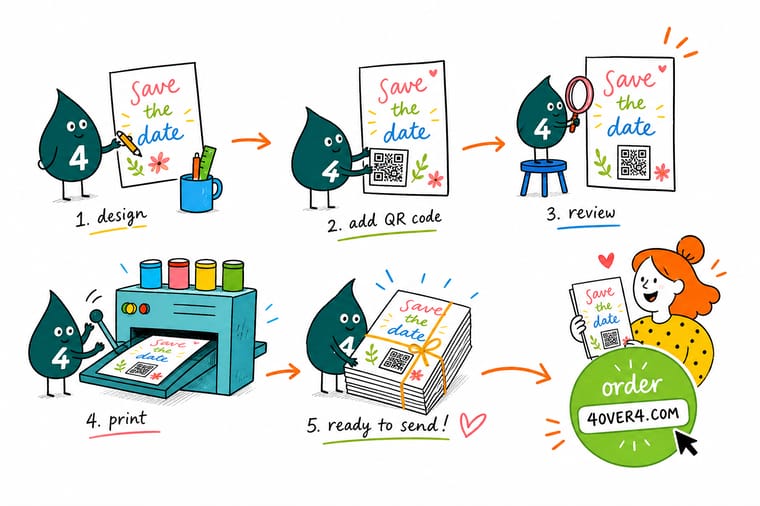
Wally thinks of the QR code as a door on your save the date: the card announces the day, and the door opens onto everything that might still move, the venue, the RSVP, the registry, the travel notes. Point that door at a page you can edit, keep the code dark on a light patch with a little breathing room, and print the web address underneath for anyone who would rather type. Do that, and one small square carries your guests from the first mailing all the way to the aisle.
Order save the dates →Specs and pricing
Save the date card specs and live pricing
A QR code adds no printing fee, so this is what the card itself costs at 4OVER4.COM, with specs and price-per-unit pulled straight from the configurator.
| Quantity | Price Per Unit | Total |
|---|---|---|
| 25 | 79.1¢ | $19.77 |
| 50 | 50.5¢ | $25.27 |
| 100 | 42.8¢ | $42.84 |
| 200 | 25.8¢ | $51.62 |
| 300 | 20.1¢ | $60.42 |
| 400 | 17.3¢ | $69.20 |
| 500 | 15.6¢ | $77.99 |
| 600 | 15.4¢ | $92.26 |
Print it
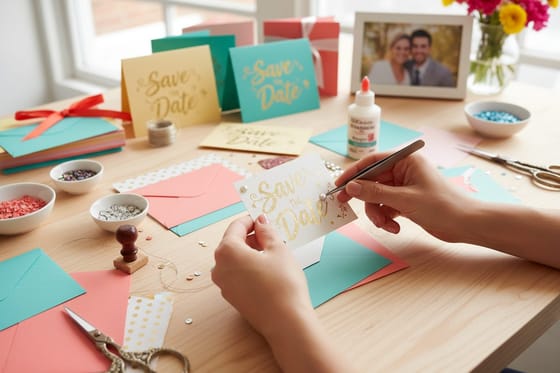
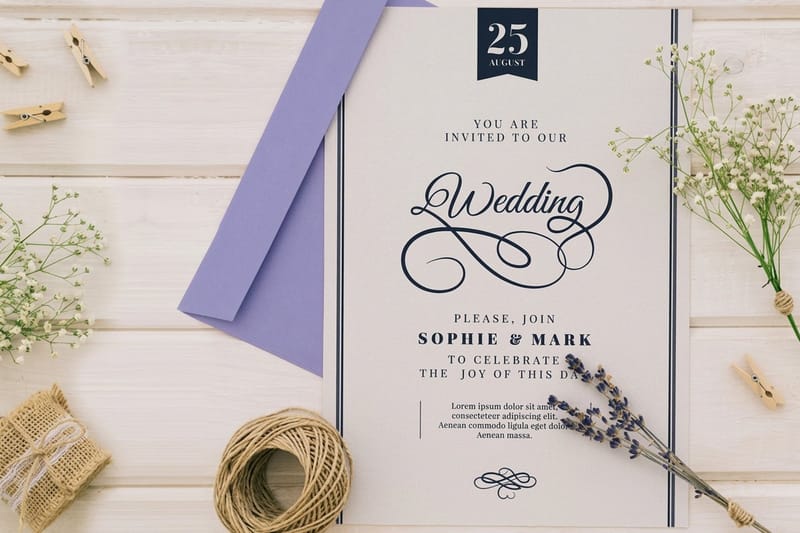
Save the date styles that hold a QR code

Explore more
Where to go next
By the numbers
Save the dates from a shop with 60+ stocks to choose from
Common Questions
Common questions about save the dates with a QR code
What is a save the date with a QR code?
It is a printed save the date card with a small scannable square that links to something online, usually your wedding website. Guests point a phone camera at the code, and it opens the page where you keep your date, venue, RSVP form, registry, and travel notes. The card handles the announcement, and the linked page handles every detail that might still change.
What should a wedding QR code link to?
Link it to a single page you can edit after the cards are printed. For most couples that is a wedding website home page that branches out to RSVP, registry, hotel blocks, and directions. If you are not building a full site, a live online RSVP form or a shared schedule works too. Avoid linking to a static PDF or an image, because you lose the ability to fix a typo or update a time later. In practice couples land on one of three destinations. Send the code to a full wedding website when guests are flying in and booking rooms, because lodging, directions, and the schedule all need somewhere to live. Send it to a bare RSVP form when the guest list is local and the details fit in two lines, which saves you building a site you would only update twice. And whichever you choose, point the code at a page you control so the same printed square can lead somewhere new later, for example a shared photo album swapped in after the wedding, which keeps the card useful long past the date on it.
How do I create a QR code for my save the dates?
Copy the web address you want guests to reach, paste it into any reputable QR generator, choose a high error-correction setting, and download the code as an SVG or a high-resolution PNG. Place that file into your card layout, leave a clear margin around it, and label it with a short line like "Scan for details." 4OVER4.COM also offers a free QR code generator you can use before you upload your artwork.
Do guests need a special app to scan the code?
No. Every current iPhone and Android phone reads QR codes straight from the built-in camera, so guests just hover over the square and tap the link that pops up. Because some older phones still need a scanner app, it is smart to print the web address in plain text near the code as a backup for anyone who prefers to type it.
How much does a save the date with a QR code cost at 4OVER4.COM?
Flat save the date cards start at $19.77, and your per-card price drops as the quantity climbs. A QR code does not add a printing fee, since it is simply artwork inside your design. Premium options such as metallic finishes or magnet backing cost more, and you can compare live pricing for each style right on this page before you order.
Flat card, magnet, or metallic, which save the date should I choose?
Choose a flat card for the cleanest look and the friendliest price, a magnet if you want the date to live on the fridge until the big day, and a metallic finish when you want the announcement to feel like a keepsake. A QR code works on all three, so pick the format that matches your budget and the impression you want to make, then add the code in the same spot on whichever style you land on. Placement follows the layout more than the format: bottom right corner on a photo card, centered under the date on a type-only card, on the reverse when the front is a full-bleed photo you will not interrupt, and sized up on a magnet, which gets read from across the kitchen and often at an angle.
Can I change where my save the date QR code points after the cards are printed?
The square on the card is ink, so the code itself is fixed the moment it prints. What stays editable is the page it opens, which is exactly why the rule on this page is to point it at one page you control, usually your wedding website home page, and never at a static PDF or an image. Move the ceremony an hour later, add a hotel block, correct a spelling, or swap the page for a shared photo album after the wedding, and every card already stuck to a guest fridge picks up the change with no reprint. Some generators also offer a dynamic code that lets you repoint the link itself, which is a useful second layer, though controlling the destination page covers almost every change a couple actually needs.
Get Started
Order 500 metallic save the dates at $0.63 each
Pick your style, drop in your art and your QR code, and we print crisp, keepsake-quality save the dates that carry every detail behind a single scan.
Legal Disclaimer
Gold Standard guarantees apply to all standard orders placed through 4over4.com. Price match requires verifiable proof of a competitor's published price for an equivalent product with matching specifications and turnaround time. Satisfaction guarantee covers manufacturing defects and print quality issues. Contact support with order number and documentation. On-time delivery rate based on tracked orders 1999 to 2026. Individual results may vary based on shipping carrier performance.
