
How to Make Save the Date Cards That Guests Actually Keep


Put the names, the date, the city, and your wedding website on a clean card, print it on paper that matches your style, and mail it 6 to 8 months out. Card or magnet is the first call, and it changes both the paper and the price.
To make save the date cards guests keep, put both names, the wedding date, the city, and your wedding website on a clean layout, print them on paper that matches your style, and mail them 6 to 8 months before the wedding. Set the file up at 300 DPI in CMYK with a 0.125 inch bleed, proof every word, and order 10 to 15 percent extra for keepsakes and late additions.
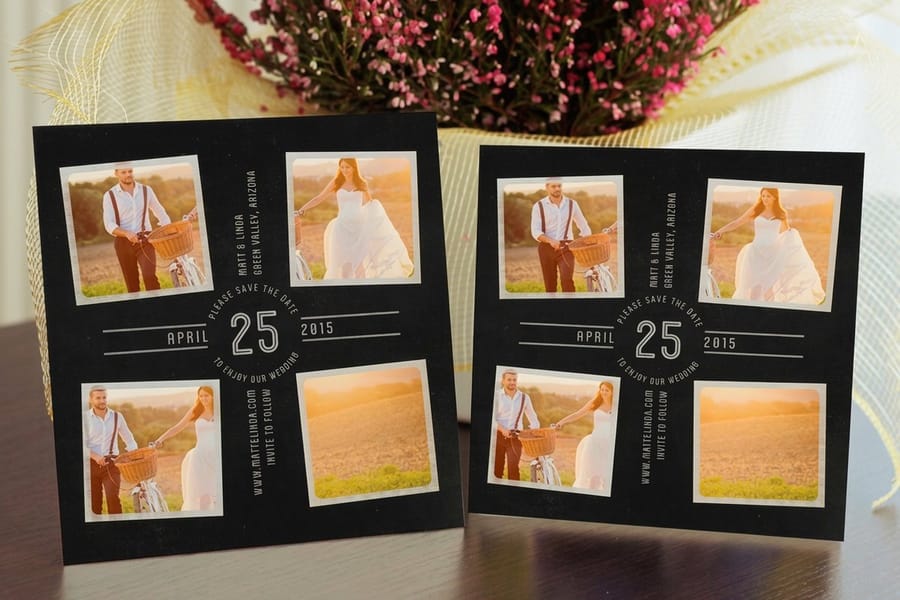
Quick tips
Quick tips for save the date cards that get kept
Clean, on-time save the dates start with the essentials: both names, the date, the city, and your wedding website on paper that matches your style. Print on a stock that fits the mood, set the file up at 300 DPI in CMYK with a 0.125 inch bleed, proof every word, and mail 6 to 8 months out. 4OVER4.COM has printed billions of cards on 60+ paper stocks for couples who want a card guests keep, not one they toss.
Your save the dates set the tone for everything that follows
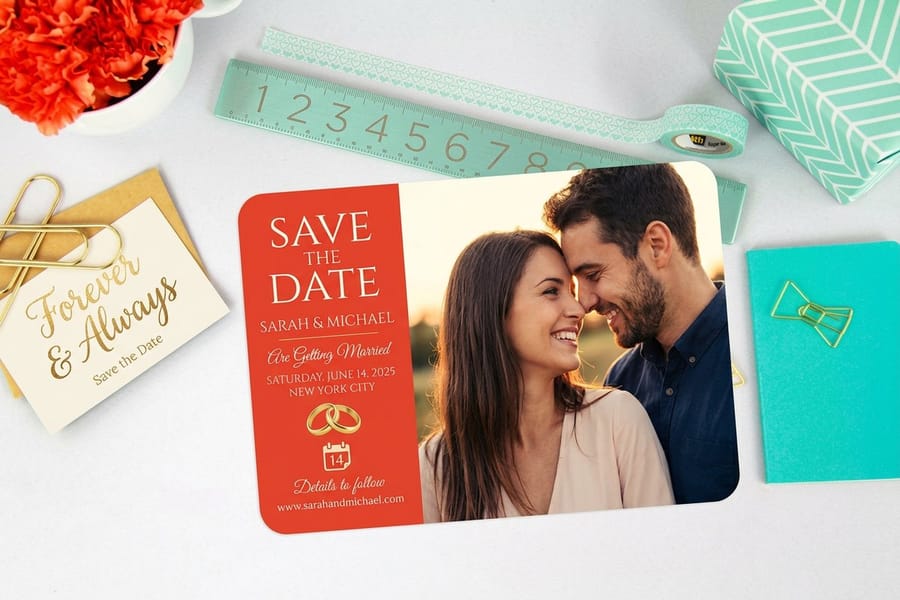
Save the date cards are the first thing your guests see about your wedding. They are not just logistics. They are a preview. The paper weight, the colors, and the design all tell people what kind of celebration to expect, so getting this piece right builds anticipation months before a single invitation goes out.
A backyard ceremony and a black tie affair need the same four facts on the card. Guests should glance at the card and immediately know who is getting married, when, and roughly where. If you are coordinating the rest of your stationery, our guide on how to make envelopes keeps everything matching, and our custom magnets guide walks through fridge magnet save the dates that literally stick around.
Make your save the dates now
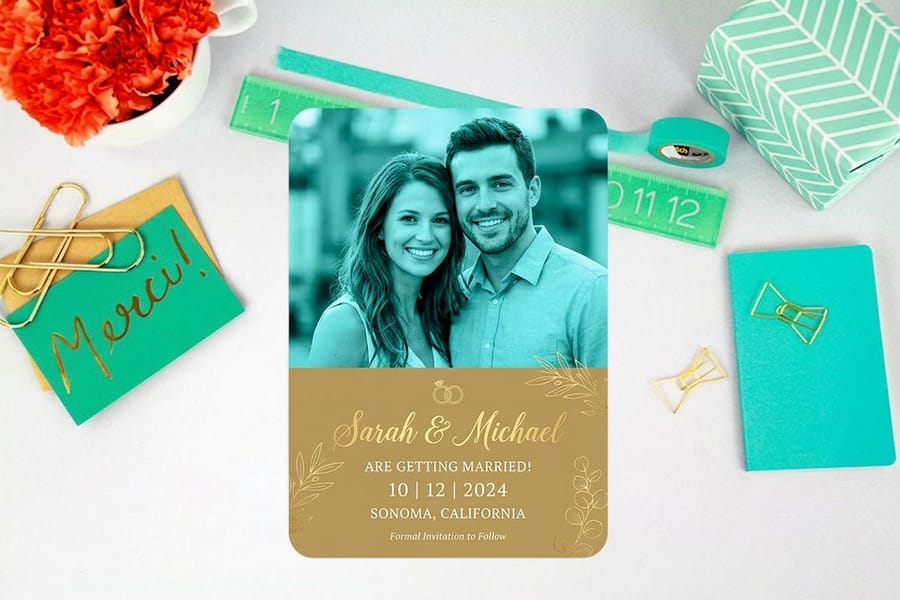
The fastest way to make save the date cards is to skip the blank canvas. Open the save the date category on our design templates page, type in both names, the wedding date and the city, drop in an engagement photo if you have one, then send the file straight to save the date card printing. Every template is built at the correct trim size with bleed already added and the important text held inside the safety margin, so nothing gets clipped on the cutter.
Three decisions get you to checkout. First the format: flat card, postcard, or magnet. Second the stock: 16pt coated if the design is photo led and you want the colors to stay vivid, uncoated or kraft for a rustic or outdoor wedding, 32pt ultra thick when you want guests to feel the weight the second they open the envelope. Third the quantity: one card per household on your guest list, plus 10 to 15 percent extra for late additions, replacements, and the copy that goes in the scrapbook. The per card price for every size, stock and quantity is in the specs and pricing table further down this page, and it falls as the run grows, so printing the spares in the first order costs far less than placing a second short run in a month.
Bringing your own artwork instead of a template? Export at 300 DPI in CMYK, keep the names and date well inside the trim, and flatten the file before upload. Matching envelopes are covered in how to make envelopes, the fridge magnet version is in the custom magnets guide, and if you get stuck on quantities or file setup the Help Center has the answers.
What to put on a save the date card
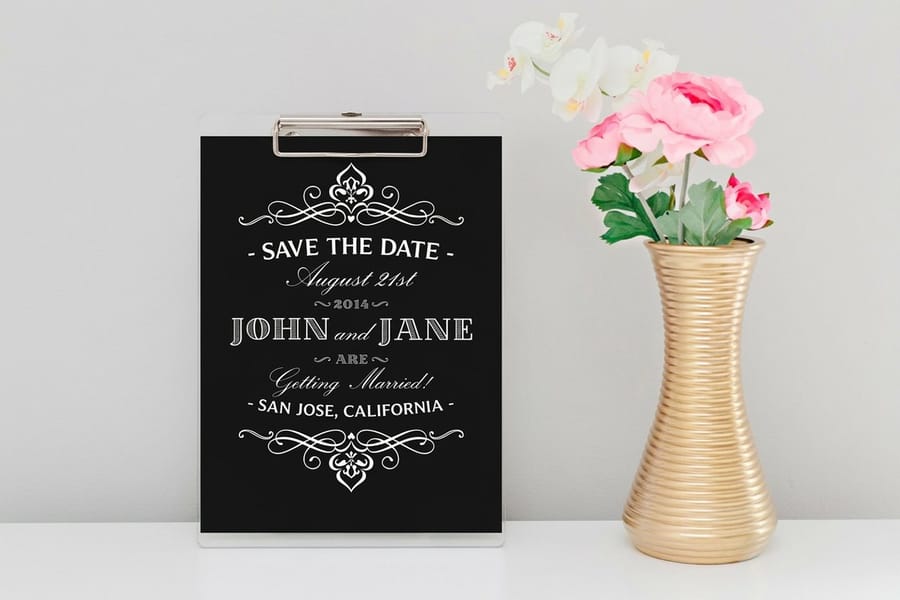
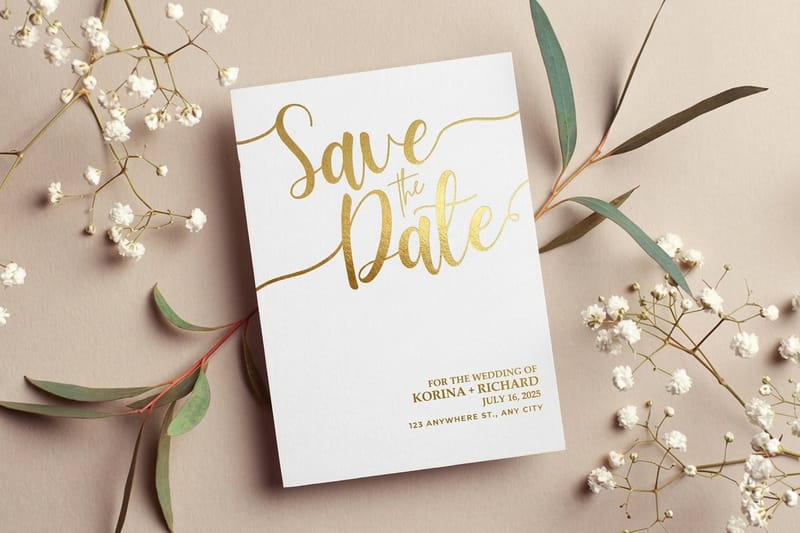
Before you open a single design tool, decide what to put on save the date cards. Keep it short. You need five things: both names, the wedding date, the city or venue location, a line that a formal invitation will follow, and your wedding website address if you have one. That is the whole list.
Some couples add an engagement photo. Others keep it text only with bold typography. Both work. The point is clarity, so guests know the who, the when, and the where in a glance. Save the details like dress code, registry, and meal choices for the actual invitation. If you are also building ceremony programs and inserts, the how to fold a brochure guide covers those folds.
Choose your card format
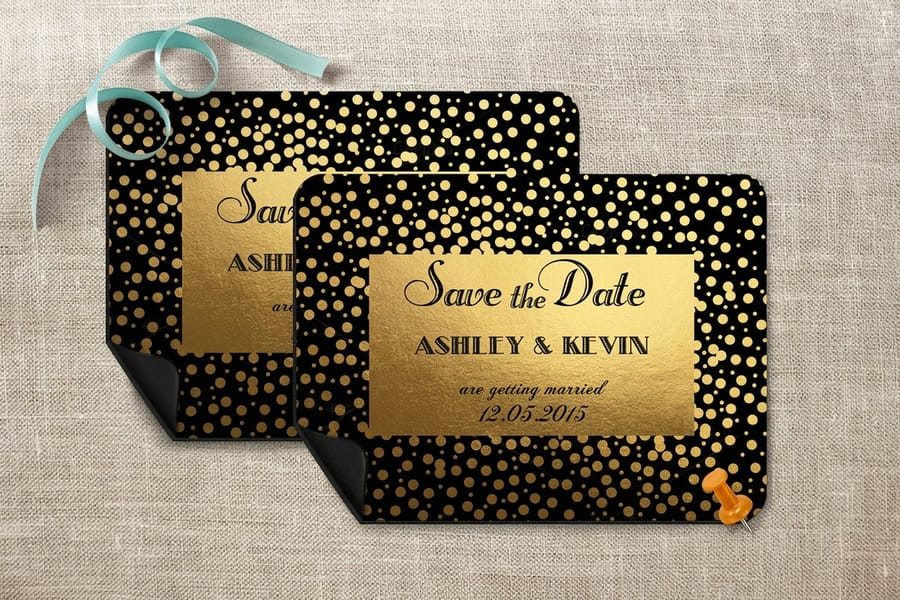
Save the date cards come in a few formats, and each one creates a different experience for your guests.
- Flat cards. The classic choice. Clean, easy to design, and affordable to print in bulk. Works for any wedding style.
- Postcards. No envelope needed. Guests see your design the moment they pull it from the mailbox, which suits casual or destination weddings.
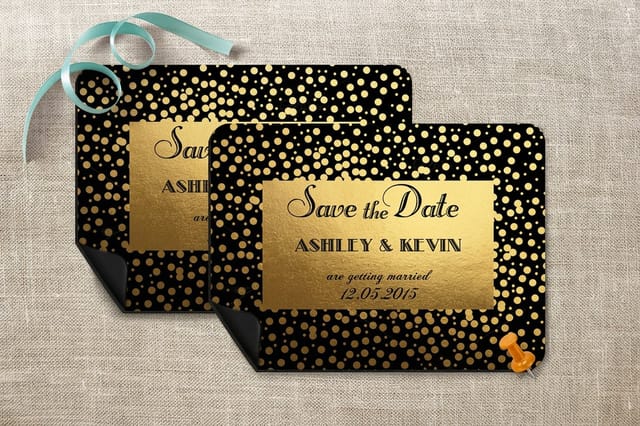
- Magnets. Guests stick these on the fridge, so your date stays visible for months and the card carries a higher perceived value.
- Metallic finish cards. Foil or shimmer paper adds a luxe feel that fits formal or glamorous celebrations.
Pick the one that matches your wedding vibe and your budget. 4OVER4.COM prints all of these, from save the date cards and save the date magnets to shimmering metallic save the date cards. If a bridal shower is also on the calendar, coordinate with flat bridal shower invites.
Pick the right paper stock
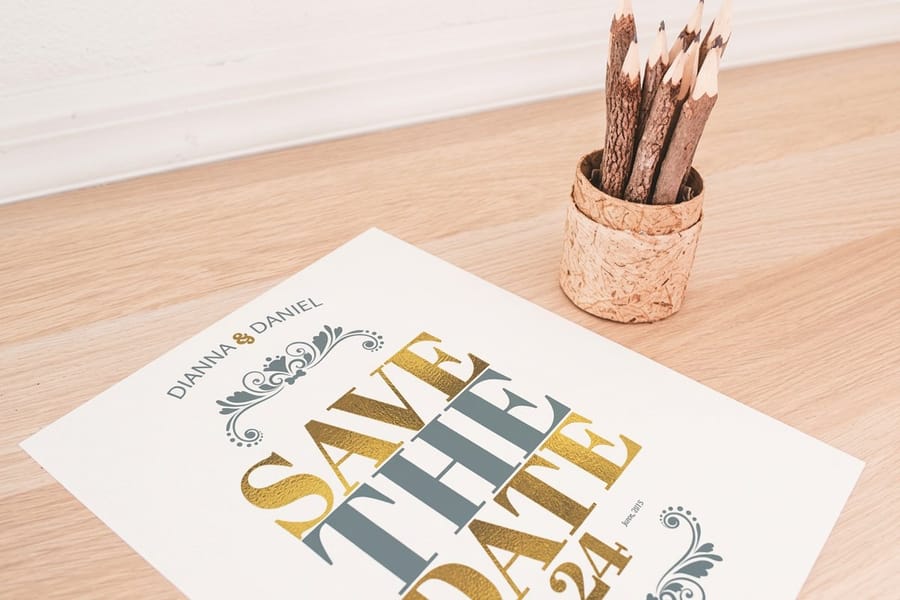
Paper choice matters more than most couples realize. A flimsy card feels forgettable. A thick, textured card feels like an event worth attending.
For save the date cards, weigh these options:
- 14pt uncoated. A smooth, writable surface that suits a rustic or minimalist look, about the thickness of a standard greeting card.
- 16pt coated. Slightly thicker with a gloss or matte finish, so colors pop and photos look sharp.
- 32pt ultra thick. The wow stock, nearly three times the thickness of standard cardstock, so guests notice the weight right away.
- Kraft paper. An earthy, natural feel that pairs well with botanical or outdoor wedding themes.
Want to feel the difference before committing? Order free samples and compare stocks in your hands, because touch matters when you are choosing wedding stationery.
Design your layout
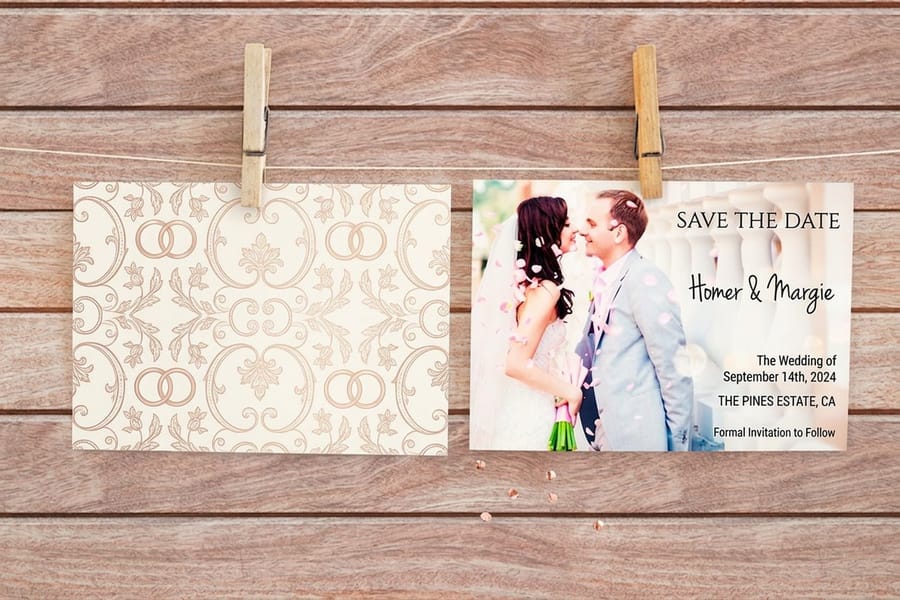
Now for the creative part. You have three paths, and all of them can produce a print ready card.
Use a template. 4OVER4.COM offers ready made save the date card templates and save the date magnet templates you customize with your names, date, and photos. Swap colors, change fonts, upload your engagement photo, and you are done in minutes. Prefer to build in the browser? The online designer lets you lay it out and send it straight to print.
Design from scratch or hire a designer. If you have a specific idea like a custom illustration or a hand lettered font, start with a blank canvas and make sure your file meets print specs. Or hand a designer the spec sheet and let them build something custom. Whichever path you take, keep the layout uncluttered, because one strong focal point beats a busy collage every time. For more on high impact print, see how to make flyers.
Typography and color tips for save the date cards
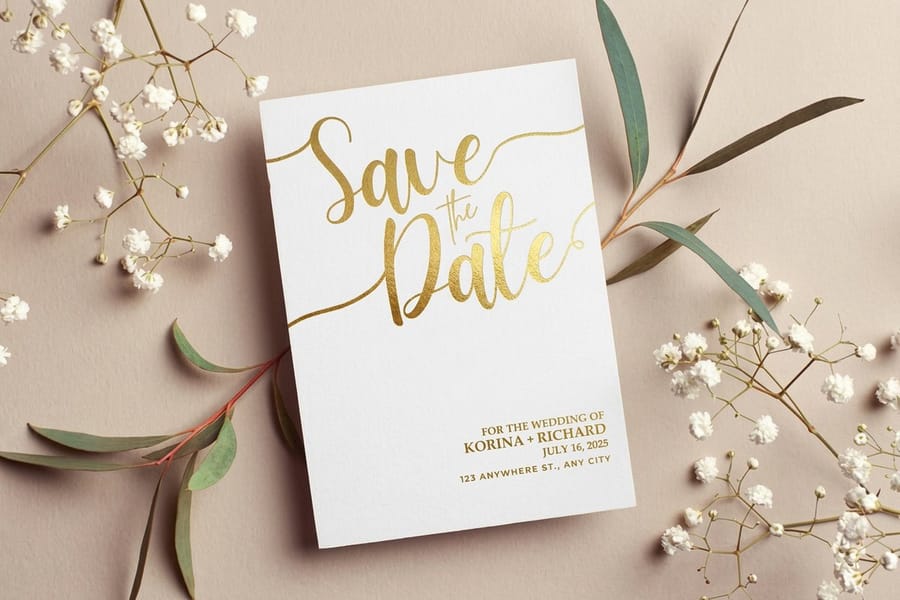
Stick to two fonts at most. Use one with personality for the names and the date, and one clean, readable face for the supporting text. Script fonts look beautiful for names but get hard to read at small sizes, so use them sparingly.
For color, pull from your wedding palette. If you have not locked that down yet, keep it simple with one accent color against a neutral background. Dark text on light paper always reads well, and light text on dark paper works too as long as there is enough contrast for older guests to read without squinting. Metallic inks and foil add a tactile layer a photo cannot capture, and 4OVER4.COM metallic save the date cards deliver that shimmer without a custom foil stamping price tag.
When to send save the date cards for weddings
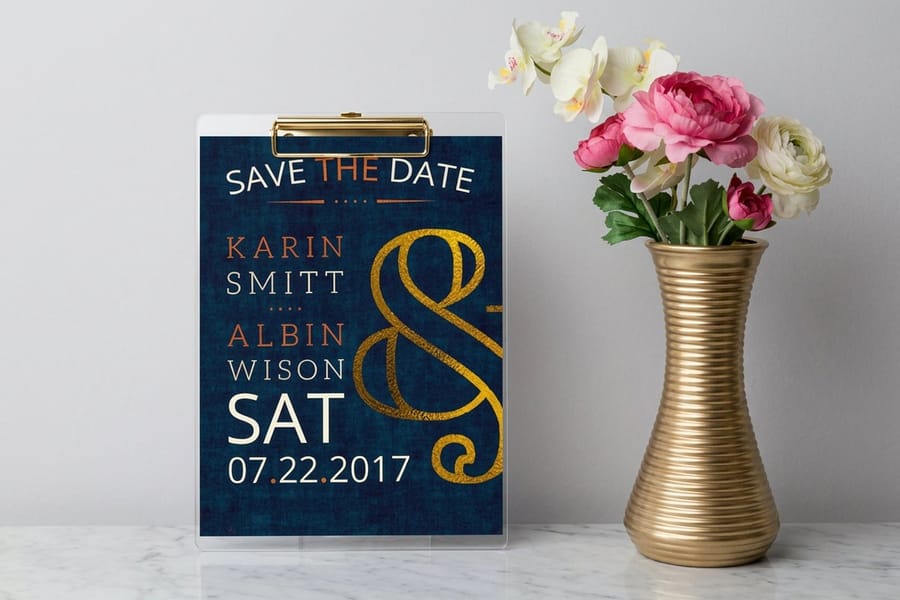
Send save the date cards 6 to 8 months before your wedding date. For destination weddings, push that to 8 to 12 months so guests have time to request time off work, book flights, and arrange a place to stay.
A rough timeline:
- 12 months out. Finalize your guest list and start designing.
- 10 months out. Place your print order.
- 8 months out. Address and mail your save the date cards.
- 6 months out. The absolute latest for local weddings.
Do not wait until invitations go out. Save the dates and invitations do different jobs. The save the date holds the spot on calendars, and the invitation provides the details and requests the RSVP.
Prepare your file for print
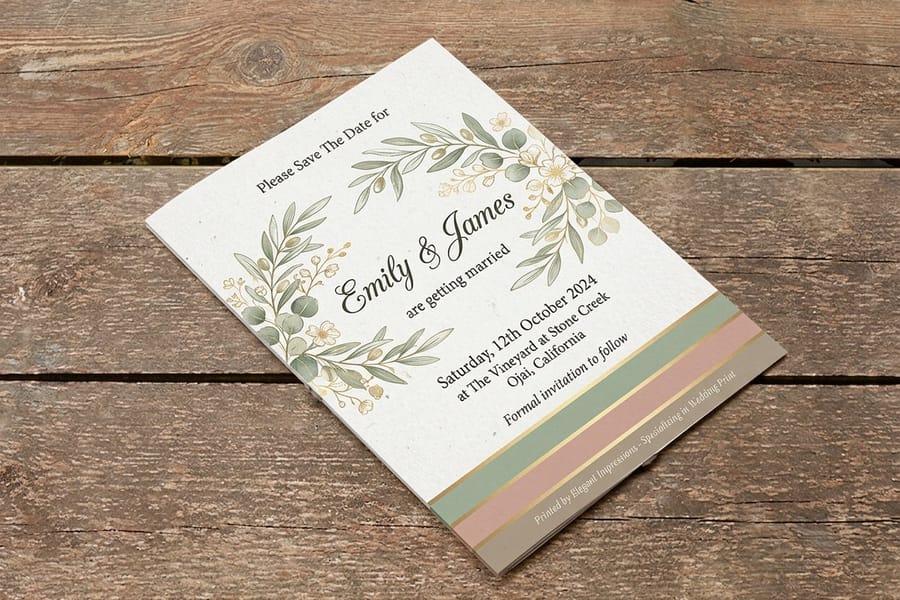
Before you upload your design, run through this checklist so the printed card matches what is on your screen.
- Resolution. 300 DPI minimum, because anything lower looks blurry in print.
- Color mode. CMYK, not RGB. Screens use RGB and printers use CMYK, so colors shift if you skip the conversion.
- Bleed. Extend the background 0.125 inches past the trim line on all sides to avoid white edges after cutting.
- Safe zone. Keep text and important elements at least 0.125 inches inside the trim line.
- File format. PDF is safest because it locks in fonts, colors, and layout exactly as you designed them.
If any of this feels confusing, the guide hub has detailed walkthroughs on file setup. And if you plan to hand stamp return addresses on your envelopes, our guide on how to clean rubber stamps keeps those custom stamps crisp.
Place your order and proof carefully
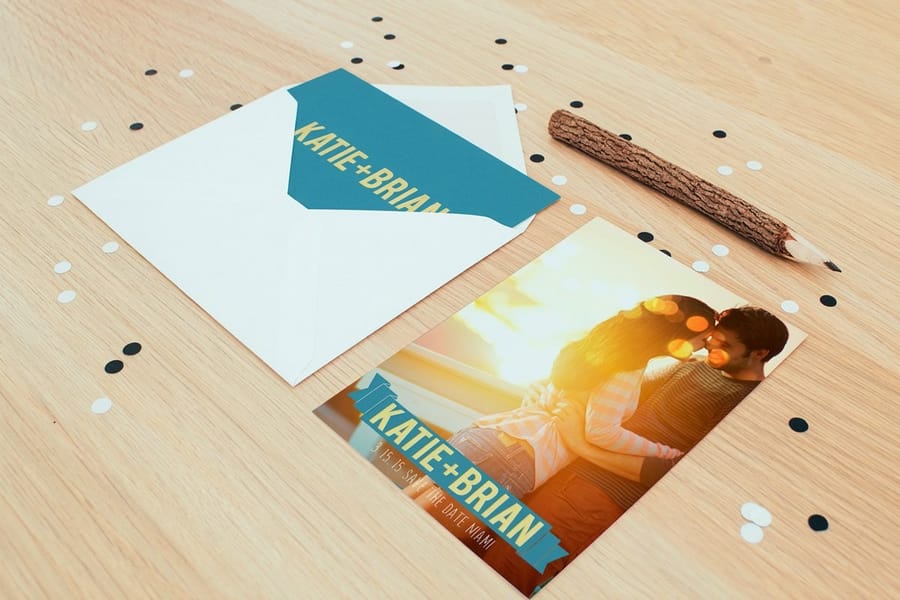
Upload your design to 4OVER4.COM, choose your paper stock, finish, and quantity, and then review your digital proof carefully. This part is not optional. Check every name spelling, verify the date, confirm the city, and read the website address character by character. A typo on a save the date card is the kind of mistake that gets talked about at the reception, and not in a good way.
Order 10 to 15 percent more than your guest count. You will want extras for your wedding album, for guests who lose theirs, and for the people you forgot to add the first time. In a hurry? same day printing can produce and ship your cards without blowing the timeline, and eco minded couples can choose green printing for recycled and eco friendly stocks.
Mistakes that ruin save the dates and how to dodge them
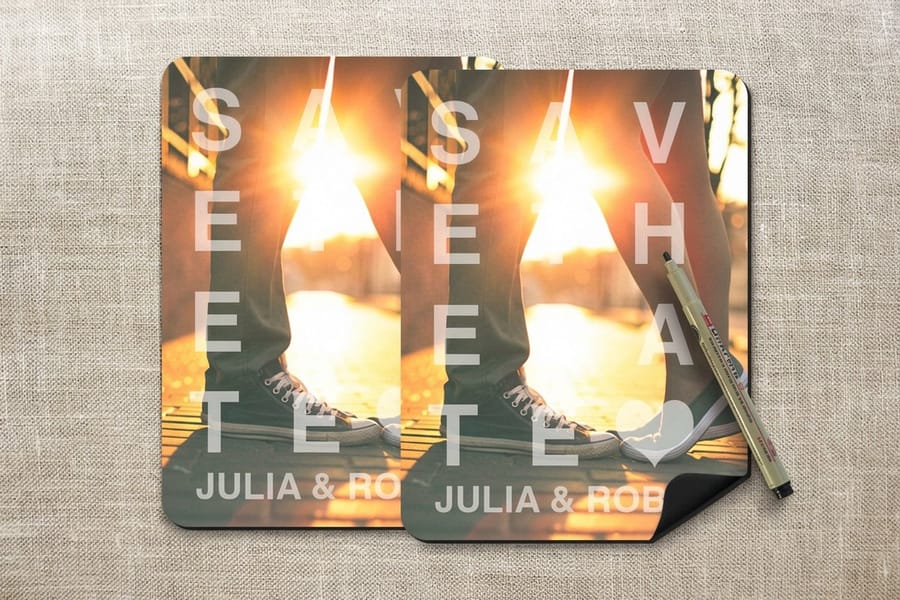
Even well organized couples trip on the same errors. Avoid these and your cards land the way you pictured.
- Sending them too late. If cards arrive three months out, out of town guests may already have plans. Stick to the 6 to 8 month window.
- Including too much information. Save the dates are not invitations, so leave off the registry, the dress code, and the full venue address. Less is more.
- Using RGB color mode. That bright coral on screen turns muddy in CMYK, so always convert before uploading.
- Skipping the proof. One wrong digit in the date means reprinting the whole batch. The digital proof exists for a reason, so use it.
- Choosing thin paper for a premium design. A gorgeous design on flimsy stock sends mixed signals, so match the weight to your ambitions.
- Forgetting the wedding website. It is the easiest way for guests to get updated details, so put it on every card.
Want a few offbeat directions before you design? Our roundup of 7 unexpectedly cool save the date ideas is a good place to start, and the full wedding printing collection keeps every piece coordinated.
Wally explains save the dates
A card guests keep is a date guests remember
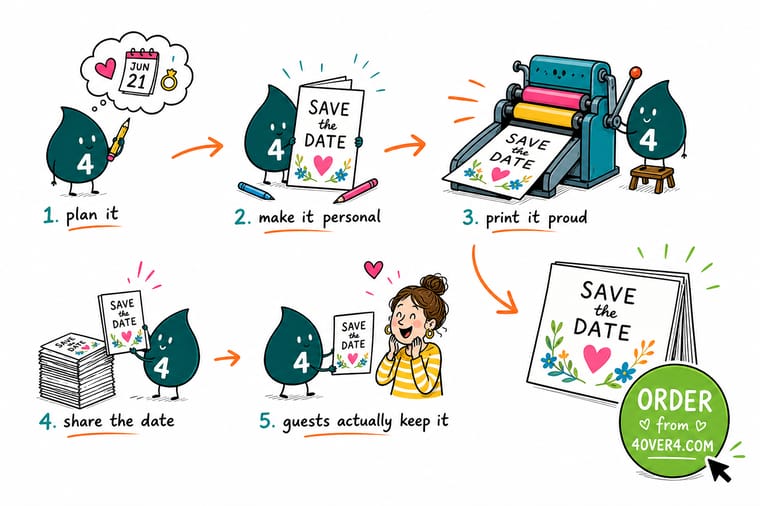
Wally treats a save the date like a tiny billboard for your wedding: put the names, the date, the city, and your website on it, print it on paper that feels like the day, and get it in the mail 6 to 8 months out. Keep it simple, proof every word, and order a few extra for the album. When you are ready, 4OVER4 prints save the date cards, magnets, and metallic finishes on 60+ stocks.
Order save the date cards →Specs and pricing
Save the date card specs and pricing
Save the date cards run from 14pt Gloss Cover to 24pt Ultra Thick Gloss Cover, with live specs and price-per-unit below.
| Quantity | Price Per Unit | Total |
|---|---|---|
| 25 | 79.1¢ | $19.77 |
| 50 | 50.5¢ | $25.27 |
| 100 | 42.8¢ | $42.84 |
| 200 | 25.8¢ | $51.62 |
| 300 | 20.1¢ | $60.42 |
| 400 | 17.3¢ | $69.20 |
| 500 | 15.6¢ | $77.99 |
| 600 | 15.4¢ | $92.26 |
Print it
Order save the dates and matching stationery at 4OVER4
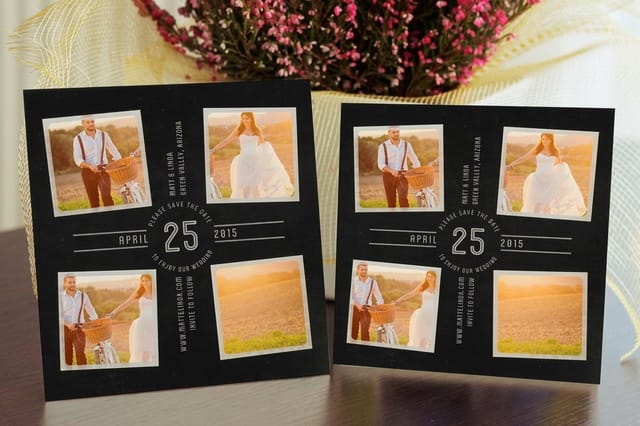

See it in use
Real card printing, done in-house



Explore more
Where to go next

By the numbers
Card stock, metallic, or magnet
Common Questions
Save the date card questions, answered
What should I put on a save the date card?
Include both names, the wedding date, the city or venue name, your wedding website address, and a note that a formal invitation will follow. Skip the dress code, registry info, and meal options, because those belong on the actual invitation. Keeping a save the date focused on the essentials lets guests mark their calendars at a glance.
When should I send save the date cards for weddings?
Mail save the date cards 6 to 8 months before your wedding. Work backwards from the wedding date and pick your window from the guest list: 12 months out for a destination wedding, where people are booking flights, hotel rooms and time off; 8 months out when a large share of your list is traveling from out of town; 6 months out for a local wedding where most guests can drive in for the day; 4 months out is the last point at which a save the date still does its job, because any later and it lands almost on top of the invitation. For destination weddings, send them 8 to 12 months ahead so guests have time to book travel. Do not wait until invitations go out, because save the dates serve a different purpose and need to arrive much earlier. Set your print date a few weeks ahead of your mail date so you have time to proof, address and stamp the whole batch without rushing.
Can I make save the date cards with photos?
Absolutely. Engagement photos are one of the most popular save the date designs. Just make sure your image is at least 300 DPI and saved in CMYK color mode for accurate print colors. A single strong photo works better than a collage, so let one image do the heavy lifting.
What is the best paper stock for save the date cards?
It depends on your wedding style. 16pt coated stock works well for photo based designs because colors look vivid and sharp. For a more organic, rustic feel, uncoated or kraft paper is a better fit. If you want guests to feel the quality the moment they pick it up, 32pt ultra thick stock makes a strong impression.
How many save the date cards should I order?
Order one per household on your guest list, plus 10 to 15 percent extra. You will want spares for late additions, replacements, and keepsakes. It is cheaper to print a few extra upfront than to place a second order later. Visit the Help Center if you need guidance on quantities or file setup.
Do save the date cards need envelopes?
Flat cards typically ship with envelopes or you can order them separately. Postcard style save the dates do not need envelopes at all, because you address and stamp them directly. Magnets usually come with a backing card and envelope. Choose the format that fits your budget and your aesthetic.
Is it too late to send a save the date 4 months before the wedding?
No, 4 months still works, and it beats sending nothing. Below that window the save the date and the formal invitation arrive too close together to be worth the second mailing, so put the budget into the invitation instead. If your list is mostly local and can drive in for the day, a card mailed at 4 months gives guests enough notice to book the day off. If people are flying, treat 4 months as an emergency window: mail flat cards or postcards, which need no envelope stuffing, and pair them with a phone call or an email to the guests who have the furthest to travel.
Get Started
Order 25 save the date cards from $19.77
Pick your format and paper, drop in your names and date, and we print a card your guests actually keep.
Legal Disclaimer
Gold Standard guarantees apply to all standard orders placed through 4over4.com. Price match requires verifiable proof of a competitor's published price for an equivalent product with matching specifications and turnaround time. Satisfaction guarantee covers manufacturing defects and print quality issues. Contact support with order number and documentation. On-time delivery rate based on tracked orders 1999 to 2026. Individual results may vary based on shipping carrier performance.
