
What Printing Plates Are in Offset and CMYK Printing


Printing plates sound like something you have to worry about, but you never touch them. A plate carries one ink on an offset press, which is why full color needs four of them, why they look blue, and why you only ever send a file.
A printing plate is a metal sheet imaged with your artwork that carries ink to the paper on an offset press. Full color uses four plates, one each for cyan, magenta, yellow, and black. Plates often look blue because of their light-sensitive coating. You never supply a plate: you upload a file and 4OVER4 images the plates or prints digitally.
Start here
What a plate does on an offset press
A printing plate is a metal sheet imaged with your design that transfers ink to paper on an offset press. Full color needs four plates, one per CMYK ink, and the plate hands the image to a rubber blanket before the blanket prints the sheet. The blue tint is just the plate coating. You upload a file; we make the plates. The offset diagram below shows the flow.
Printing plates in offset printing

A printing plate is a thin metal sheet imaged with your artwork and mounted on an offset press. The plate is treated so that ink clings only to the image areas and is repelled everywhere else, so as the press rotates, the plate picks up ink exactly in the shape of your design. That inked image is what gets printed, over and over, identically, for the length of the run.
The clever part is that the plate does not touch the paper directly. It transfers the image onto a rubber blanket cylinder, and the blanket lays it onto the sheet. This indirect handoff is literally what offset means, and it is why offset produces such clean, even results across thousands of impressions. It is the process behind most large commercial print runs.
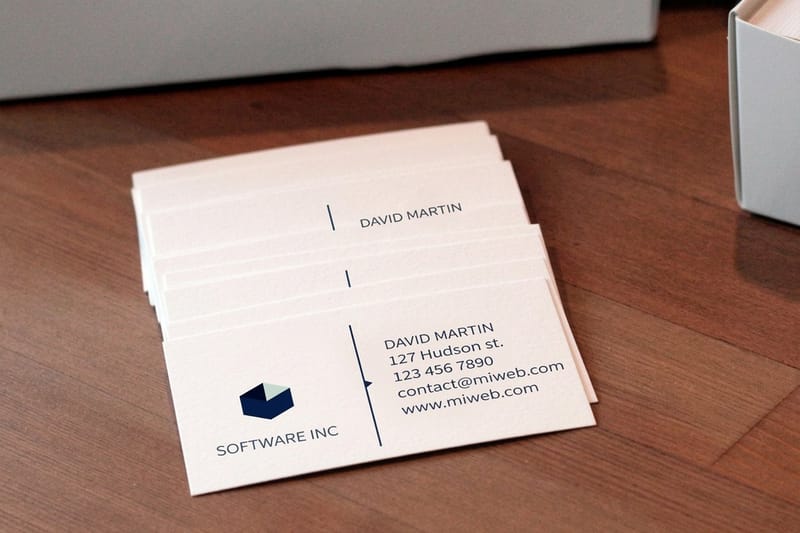
You never see or handle any of this. When a job like a batch of business cards or a run of brochures runs offset, the plates are imaged from your uploaded file as part of production. Understanding how they work simply demystifies what happens after you click order, and the CMYK detail below explains why a full-color job needs more than one plate.
Printing plates in CMYK

Offset presses build full color the same way the rest of commercial printing does: from the four CMYK process inks, cyan, magenta, yellow, and black. The catch is that each ink needs its own plate. So a full-color job is not one plate but four, one per channel, and the press prints each color in turn, laying the four layers over one another.
Those four layers are made of tiny dots, and at normal viewing distance your eye blends them into a complete, continuous-color image. This is exactly why designing in CMYK matters: when you export a press-ready file, it is separated into these four channels, and each channel becomes a plate. A file built in CMYK maps cleanly to that process, while an RGB file has to be converted first.
The upshot for you is simple. Prepare your art in CMYK, as our guide on color and ink explains, and the four-plate separation happens automatically on our end. The plate diagram above shows the four colors feeding a single printed sheet. One common question about the plates themselves is why they so often look blue.
Why printing plates are blue

If you have seen a photo of an offset plate, it probably looked blue or cyan, and people often assume that tint has something to do with the ink or the design. It does not. The blue is simply the color of the light-sensitive coating used to make the plate. The plate is coated with a photosensitive layer, exposed to your artwork, and developed, and that coating commonly carries a blue tint.
In other words, the blue is the plate material, a step in how the image gets onto the metal, and it has no effect on your printed colors. Your colors come entirely from the CMYK inks the press applies through those plates. A yellow-heavy design and a blue-heavy design are imaged on plates that look about the same.
It is a small detail, but it is a common point of confusion, and clearing it up reinforces the bigger picture: the plate is production infrastructure, not part of your artwork. Which leads straight to the question customers ask most, whether they need to provide a plate at all.
Do you supply your own plate? No.
Here is the reassuring answer: you never supply a printing plate, and you never make one. Platemaking is entirely on our side of the process. You upload a print-ready file, and when a job runs offset, we image the plates from that file as part of production. There is no hardware for you to buy, create, or ship.
On top of that, many products print digitally, which uses no plates at all and outputs straight from your file. Whether a given job runs offset or digital is generally decided for you based on the product, the quantity, and the specs, and the price already accounts for it. So there is no separate plate fee and no plate step in your workflow.
Your entire responsibility is to send correct artwork: a press-ready PDF in CMYK, with bleed and embedded fonts. Do that, and everything from platemaking or digital output through finishing and shipping is handled here. That is what the upload-and-print flow below covers, using a product like business cards.
Upload and print at 4OVER4
Because platemaking is our job, ordering is refreshingly simple. Prepare your file in CMYK, add bleed and a safe margin, and export a flattened, press-ready PDF. Then open the product you want, set the size, stock, and finish, and upload the file. Whether the job ends up on an offset press with plates or a digital press with none, you handled the same single step: sending good artwork.
Every file you upload runs through a free print check that flags a missing bleed or a low-resolution image before anything is imaged or printed. If you would rather not build the file yourself, our free online Designer produces a print-ready file in the browser. For the full file-prep walkthrough, see our guide on creating print-ready files.
Use the live specs and pricing panel below to choose your size and stock, then upload your press-ready PDF and order. The plates, if the job needs them, are on us.
Wally makes the plates, you send the file
Four plates for full color, none of them yours
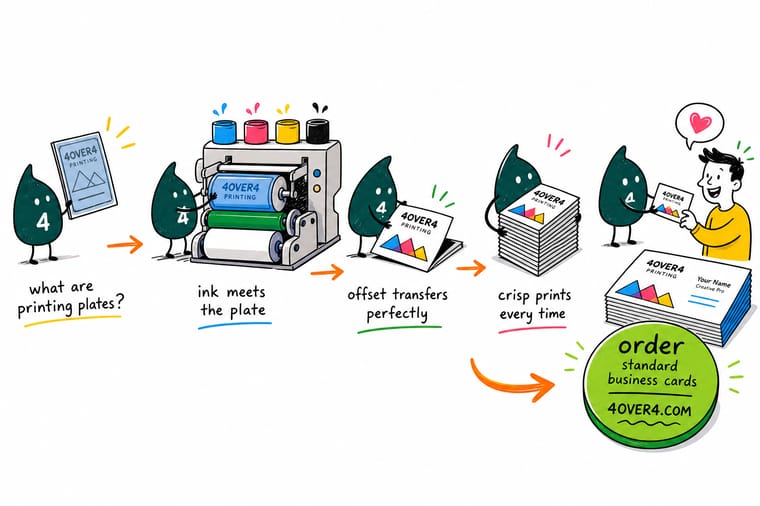
Wally handles the metal so you never have to. Your CMYK file separates into four plates, cyan, magenta, yellow, and black, and each one hands its color to a rubber blanket that prints the sheet. Those blue-tinted plates are just coating, not your art. Upload a press-ready PDF and 4OVER4 images the plates or prints digitally, whichever the run needs.
Upload your file and print →Offset vs digital
Plates, offset, and digital at a glance
Offset uses plates and digital does not, but from your side the workflow is identical: send a press-ready file and we choose the right press.
| Factor | Offset vs digital | What it means for you |
|---|---|---|
| Uses plates | Offset: yes / Digital: no | Offset images a metal plate per color; digital prints straight from the file with no plate at all. |
| Color build | CMYK process | Both build full color from cyan, magenta, yellow, and black, so your file is CMYK either way. |
| Best run length | Offset: large / Digital: small | Plate setup pays off over big runs, while digital is efficient for short runs and fast turnarounds. |
| Who makes the plate | We do | When a job runs offset, we image the plates from your uploaded file. You never supply a physical plate. |
| What you send | A print-ready file | Upload a press-ready PDF and we handle plates or digital output as the job requires. |
Step by step
From file to finished print in 6 steps
- Design in CMYK Build your file in cyan, magenta, yellow, and black so it maps cleanly to the four plates or the digital press.
- Set bleed and safe margin Add 0.125 in of bleed and keep text inside the safe margin so nothing is lost when the piece is trimmed.
- Export a press-ready PDF Flatten the art, embed fonts, and export a PDF/X-1a file so the plates or digital output reproduce your design exactly.
- Upload your file to the product Open the product, set your size, stock, and finish, and upload the PDF. There is no plate for you to create or send.
- Let the free file check run Every upload passes a free print check that catches a missing bleed or low-resolution image before platemaking or printing.
- Approve and print Once the file is confirmed, we image the plates or print digitally and produce your run, then ship it.
Specs and pricing
Business card specs and live pricing
You send the file and we handle the plates or digital output. Here are the live specs and pricing for business cards at 4OVER4.COM, straight from the configurator.
| Quantity | Price Per Unit | Total |
|---|---|---|
| 100 | 17.6¢ | $17.57 |
| 200 | 11.5¢ | $23.07 |
| 300 | 9.15¢ | $27.46 |
| 400 | 7.96¢ | $31.86 |
| 500 | 7.25¢ | $36.26 |
| 600 | 6.77¢ | $40.64 |
| 700 | 6.43¢ | $45.04 |
| 800 | 6.18¢ | $49.43 |
Print it
Upload your file to 4OVER4



See it in use
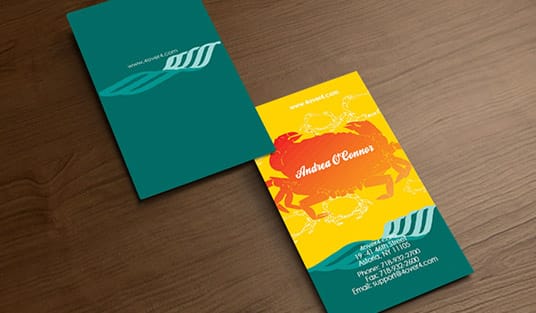
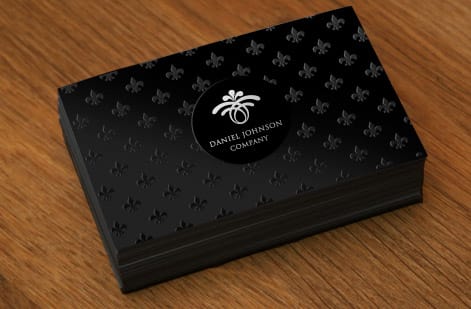
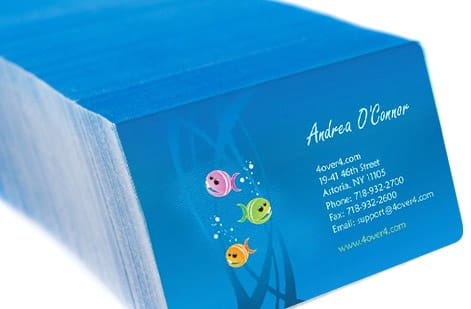
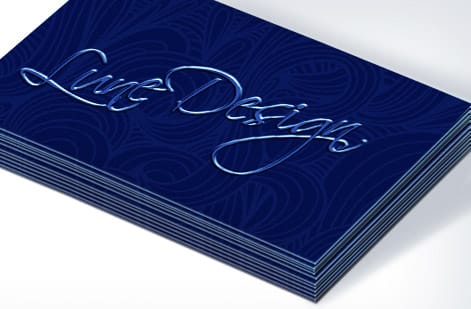
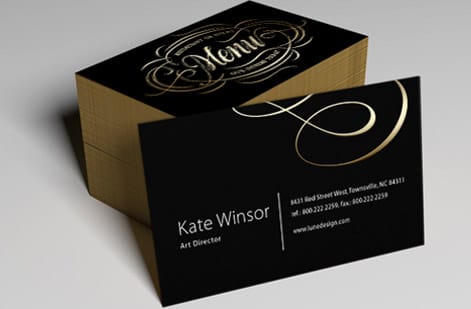
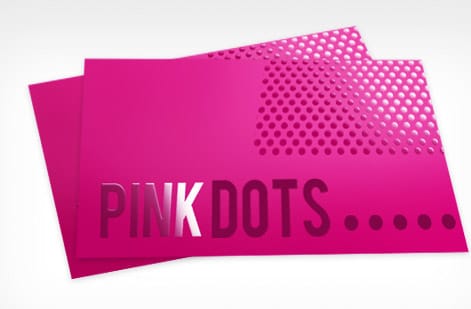
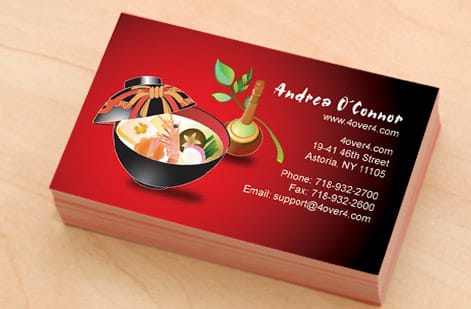
Offset jobs that came off these plates

Explore more
Where to go next




By the numbers
The stock range a commercial run draws on
Common Questions
Common questions about printing plates
What are printing plates?
A printing plate is a thin metal sheet imaged with your artwork and mounted on an offset press. The plate is treated so that ink adheres only to the image areas and is repelled everywhere else. As the press rotates, the plate picks up ink in the shape of your design and transfers it, so every impression reproduces the same image. Plates are central to offset printing, the process used for most large commercial runs, while digital printing skips plates entirely and prints straight from your file.
How do printing plates work in offset printing?
In offset printing, ink does not go straight from the plate to the paper. The inked plate first transfers the image onto a rubber blanket cylinder, and the blanket then lays the image onto the paper. This indirect, or offset, step is what gives the process its name, and it produces clean, consistent results across long runs. The plate is imaged from your digital file before printing, mounted on the press, inked each rotation, and it carries the design for the entire run.
How do printing plates relate to CMYK?
Offset presses build full color from the four CMYK process inks, and each ink needs its own plate. So a full-color job uses four plates: one for cyan, one for magenta, one for yellow, and one for black. The press prints each color in turn, and the four layers overlap in tiny dots that your eye blends into a complete color image. This is why designing in CMYK matters: your file is separated into these four channels, and each channel becomes a plate.
Why are printing plates blue?
Many offset plates look blue or cyan because of the light-sensitive coating used to image them, not because of any ink or a color in your design. The plate is coated with a photosensitive layer, exposed to your artwork, and developed, and that coating commonly has a blue tint. So the blue you see is simply the plate material. It has no effect on your printed colors, which come entirely from the CMYK inks the press applies.
Do I need to supply my own printing plate?
No. You never create or send a physical plate. You upload a print-ready file, and if the job runs on an offset press, we image the plates from your file as part of production. Many products print digitally, which uses no plates at all and prints directly from your file. Either way, your job is to send correct artwork, a press-ready PDF in CMYK with bleed and embedded fonts, and we handle everything from platemaking or digital output through to the finished, shipped print.
What does offset printing cost and how are prices set?
Whether a job runs offset or digital is usually chosen for you based on the product, quantity, and specs, and the price already reflects it, so there is no separate plate fee to worry about. Cost scales with quantity, size, paper stock, and finish, with larger runs lowering the unit price, which is exactly where offset becomes efficient. You set each option in the configurator and the price updates live, so you can see how a bigger run or a heavier stock changes the number before you upload your file and order.
Get Started
50 brochures cost $57.11 and the plates are ours
Upload a press-ready PDF at 4OVER4.COM and we image the plates or print digitally, whichever your run needs. Pick your size, stock, and finish and watch the price update live.
Legal Disclaimer
Gold Standard guarantees apply to all standard orders placed through 4over4.com. Price match requires verifiable proof of a competitor's published price for an equivalent product with matching specifications and turnaround time. Satisfaction guarantee covers manufacturing defects and print quality issues. Contact support with order number and documentation. On-time delivery rate based on tracked orders 1999 to 2026. Individual results may vary based on shipping carrier performance.
