
15 Creative Newsletter Designs for Growing Businesses

Emma is our prepress and print production voice, built from the knowledge of our production team, with over 20 years in printing.
Why a Printed Newsletter Still Earns a Reader’s Attention
A printed newsletter does something an email cannot. It sits on a counter, gets picked up twice, and reaches the people who never open a marketing message on a screen. For a growing business, that physical shelf life is the whole point. The design has to earn the pickup, and the format has to survive a mailbox, a tote bag, and a coffee ring.
The fifteen designs below are grouped by how they are printed, because the format decides the layout long before the fonts do. Single sheet issues, folded issues, and saddle stitched booklets each hold a different amount of story, and each one changes what your team has to produce every quarter.
Every design here is built from a standard press size you can order without a custom quote, which keeps the per piece cost predictable when you reprint. That matters more than any single creative flourish. Churches, schools, clinics and nonprofits that mail four issues a year win by locking a template once, then swapping photos and headlines. The design work happens in issue one, and issues two through twelve are production, not invention.
Step 1: decide who the issue is for
Members, donors, patients and prospects want different things from the same page. Write the audience at the top of your brief and let it kill any story that does not serve them. One audience per issue keeps the layout calm.
Step 2: count the stories before you count the pages
Three strong stories fill a single sheet. Six fill a folded issue. Ten or more need a booklet. Counting stories first stops the classic mistake of buying eight pages and padding half of them with filler.
Step 3: pick the format that fits the mailing
If it goes in an envelope with a reply card, stay flat. If it mails on its own, fold it and leave a clean address panel. If it gets handed out at a service or an open house, a booklet feels worth keeping, and our booklet printing service lets you set the page count to fit the issue.
Step 4: build the grid, then reuse it forever
Set columns, margins and a masthead that never move. Give yourself one flexible zone per page for the photo that changes. That single discipline is what turns a newsletter from a project into a routine.
See it in print
Newsletter printing examples
Finished issues in every format, with the stocks and folds that produced them.
Five Single Sheet Newsletter Designs That Print Flat
A single sheet is the fastest newsletter to design, approve and mail. Print it 8.5 x 11 double sided, and you have four columns of room for three stories, a calendar and a call to action. Growing businesses start here because a proof cycle takes an afternoon, not a week.
Keep the front for one dominant story and one photograph. The back carries the short items, the dates and the offer. If you are coming from a brochure habit, the tightened story count in these brochure design ideas translates almost directly to a flat newsletter page.
- 1. The One Story Front. A single hero photo, a headline, and one 250 word feature. Everything else moves to the back. The most readable newsletter design there is.
- 2. The Two Column Bulletin. Classic newspaper feel with a ruled masthead, two even columns, and short items under standing headers your readers learn to look for.
- 3. The Photo Grid Recap. Six to nine captioned photos on the front for events, builds or classes, with the written recap kept to a paragraph under each row.
- 4. The Numbers Page. One side of plain language results, set as oversized figures with a line of context beneath each. Ideal for donor and member updates.
- 5. The Tear Off Back. A perforated coupon, pledge slip or RSVP strip across the bottom third of the reverse, sized to fit a #10 return envelope.
On a flat sheet, paper weight does most of the quality signalling. A 100lb gloss text feels like a magazine page and photographs beautifully. A 70lb uncoated text feels closer to a letter and takes a pen, which matters if you want people writing on the tear off.
Print picks
Three pieces that work alongside the issue
Live prices, ready to configure with your own artwork.
Five Folded Newsletter Designs That Read Like a Story

Folding turns one sheet into a sequence. The reader meets a cover, opens to a spread, and finishes on a back panel that can carry the address and the call to action. You get the pacing of a small publication without paying for a second sheet or a bindery pass.
Fold choice is a design decision, not a finishing afterthought. Panel widths change when a panel has to tuck, and text that ignores that gets trimmed. The panel math laid out in these folded brochure designs applies to newsletters one for one.
- 6. The Half Fold Issue. One 11 x 17 sheet folded to 8.5 x 11 gives four generous pages: cover story, two page spread, and a back page of dates and contacts.
- 7. The Tri Fold Self Mailer. Six panels, one reserved for the address and indicia, so the issue mails naked with no envelope and no insertion cost.
- 8. The Z Fold Timeline. Accordion panels that open left to right as a chronology. Perfect for build progress, campaign milestones or a school year in review.
- 9. The Gate Fold Feature. Two short panels open outward to reveal a full width spread. Save it for the annual issue where one photograph deserves the whole sheet.
- 10. The Double Parallel Program. Eight compact panels from a single sheet, sized to slip into a jacket pocket. Built for service programs and event weekends.
One production note that saves a reprint: on tri fold and double parallel layouts, the inward tucking panel is trimmed narrower than its neighbors. Pull all live text at least a quarter inch off the folds, and never run a headline across one.
Five Booklet Newsletter Designs for a Longer Issue
When the story count passes ten, a saddle stitched booklet stops feeling ambitious and starts feeling necessary. Booklets run in multiples of four pages, so the page count is a planning constraint you work with from the first outline rather than a surprise at upload.
A booklet also changes how readers treat the issue. It gets shelved instead of recycled, which is why membership groups, schools and clinics use it for the annual review and keep the lighter formats for the quarterly updates.
- 11. The Eight Page Quarterly. Cover feature, two interior spreads, a calendar page and a back cover contact block. The standard booklet for a growing organization.
- 12. The Magazine Style Annual. Sixteen pages with a contents page, pull quotes, and full bleed photography. The issue you hand to a sponsor or a new board member.
- 13. The Directory Issue. Member or staff listings set in three tight columns, with a photo page up front so the names have faces attached.
- 14. The Program Newsletter. Half the booklet is the running order for an event, half is the usual news. One print run covers both jobs.
- 15. The Digest Insert. A 5.5 x 8.5 mini booklet built to ride inside a larger envelope alongside an invoice, a statement or a renewal notice.
Booklets creep at the fold as pages nest, so interior margins want a little more room than you think. Give outside margins a half inch minimum, keep folios clear of the trim, and ask for a printed proof on the first issue. After that, the template does the work.
Give the Issue a Presence at Live Events
The newsletter is the paper trail, but the open house, the fundraiser and the trade booth are where new subscribers sign up. Blow the current cover story up onto a 2 sided blockout banner, from 2' x 3' for a table front to 4' x 10' for a booth wall, from $108.75 for one, and the issue becomes a backdrop. The people who stop to read it are the ones worth adding to the mailing list, so keep a sign-up sheet and a stack of the printed issue next to it.
Blockout material matters here. A double sided banner without a blockout core lets the reverse artwork ghost through, and a ghosted headline reads as sloppy from ten feet. Configure the size and the finishing below, then reuse the file every quarter with only the cover image swapped.
Quantity and price
Blockout banner pricing and specs
Real configurator numbers, so you can size the display piece against the print run.
| Quantity | Price Per Unit | Total |
|---|---|---|
| 1 | $108.75 | $108.75 |
| 2 | $108.74 | $217.47 |
| 3 | $108.74 | $326.22 |
| 4 | $97.76 | $391.02 |
| 5 | $97.76 | $488.78 |
| 6 | $97.76 | $586.53 |

Membership Cards That Ride Along With the First Issue
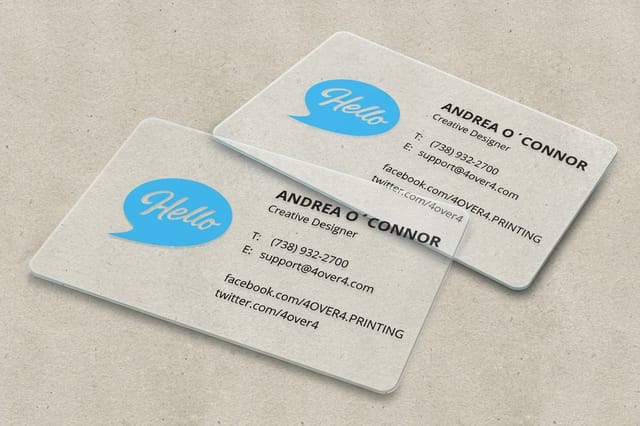
Subscribers who receive something durable in the same envelope keep the relationship. A clear or frosted plastic card carries a member number, a renewal date or a QR code to the archive, and it stays in a wallet long after the paper issue is recycled.
Design the card against the newsletter masthead so the two read as one identity. Because plastic prints differently from paper, keep the artwork simple: heavy type, generous clear space, and no fine hairlines in the clear areas.
Durable insert
30mil clear plastic cards
Credit card thick clear plastic that carries a member number long after the issue is read.
A Small Gift That Keeps Subscribers Opening the Envelope
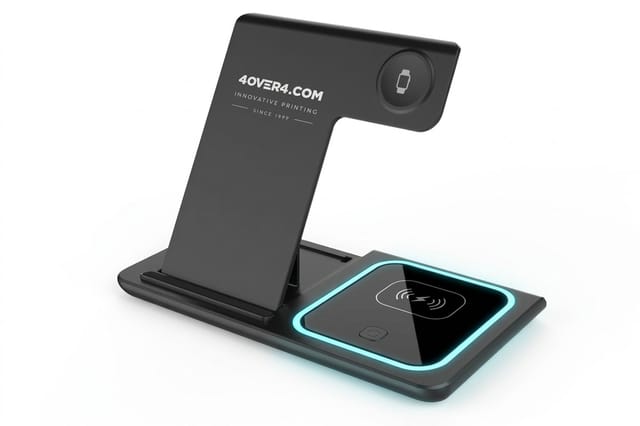
Renewal season is the one moment a newsletter can justify a physical premium. A 3 in 1 foldable wireless charger, from $15.00 each and orderable one at a time, stays on a desk all year and gets used every time a phone needs charging. Send it to the subscribers who renew first, not the whole list.
Keep the giveaway list short and reserve it for the segment you least want to lose: long term members, referring partners, or the donors who moved up a tier. Announce it in the issue itself so the newsletter is what triggers the response.
Renewal season
A branded desk gift
Give the subscribers you least want to lose something that stays in front of them all year.
Compare Formats Before You Commit to a Run
Every format has a break point where the next size up costs less per impression than adding another piece: one 3' x 6' banner at an event often does the work of a second handout. Compare stock, size, quantity and turnaround side by side below instead of pricing four products one at a time; the table often shows an option nobody on the team had considered.
If you have been quoting elsewhere, the format and stock comparison in our 123Print alternative breakdown and the run pricing notes on PrintLeaf compared show what to hold constant so the numbers mean something.
Compare formats
Popular display options, side by side
Stock, size, quantity, turnaround and price lined up in a single view.
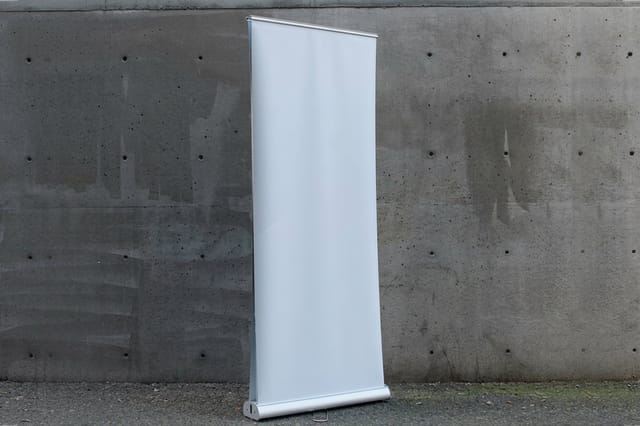 Double Retractable Stands | 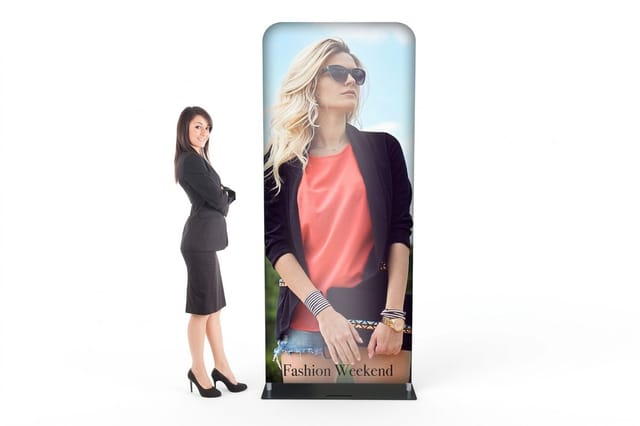 Fabric Tube Displays | 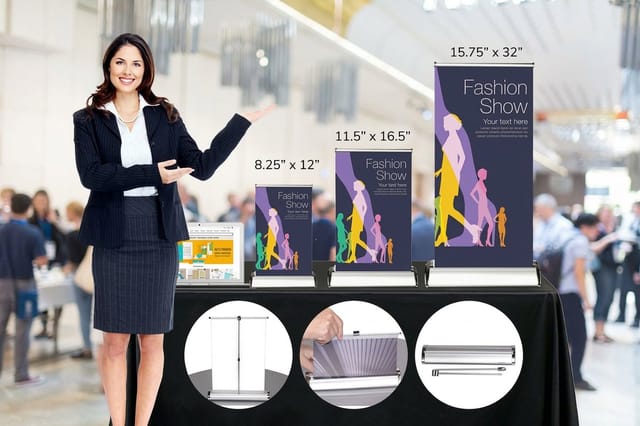 Mini Retractable Banner Stands | 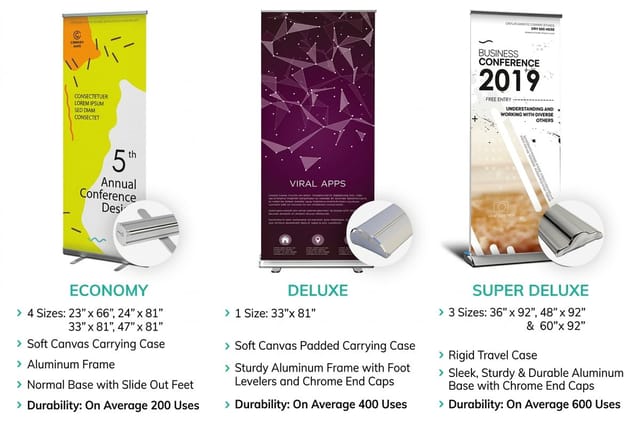 Retractable Fabric Banner Stands | |
|---|---|---|---|---|
| Min price | $393.75 | $163.67 | $49.41 | $159.85 |
| Paper / stock | 13oz. Smooth Blockout Vinyl | 8.8oz. Tension Fabric | 10 mil Premium Vinyl | 9oz UV Printed Coated Polyester Fabric |
| Size | 33" x 81" | 36" x 90" | 8.25" x 12" | 23" x 66" (Economy) |
| Default qty | 1 | 1 | 1 | 1 |
| Turnaround | 3 business days | 4 business days | 3 business days | 3 business days |
| Rating | ||||
| View & customize | View & customize | View & customize | View & customize |
Templates and Print Ready Files for a Recurring Run
The last step is the one that decides whether issue two ever ships. Build the file on an exact size template with bleed, trim and safety already marked, export a flattened press ready PDF, and archive the working file with the issue number in the name.
Teams that design in Canva can absolutely produce a professional newsletter, as long as the export settings are right. The bleed and CMYK steps in our guide to printing your Canva designs are what separate a clean issue from one with white slivers at the trim edge. Once the export is clean, order the run as printed newsletters in the size you designed for.
Set the file up once and reuse it every issue
- Bleed. Extend background art an eighth of an inch past every trim edge on all sides.
- Safety. Keep headlines, folios and contact details a quarter inch inside the trim.
- Color. Convert to CMYK before export so brand colors do not shift on press.
- Resolution. Place photos at 300 dpi at final size, not upscaled from screen grabs.
Start fast
Templates and print ready blanks
Exact size layouts with bleed and safety marked, so issue two takes an afternoon.
Wally helps you pick the newsletter format
Count the stories first, then choose the fold
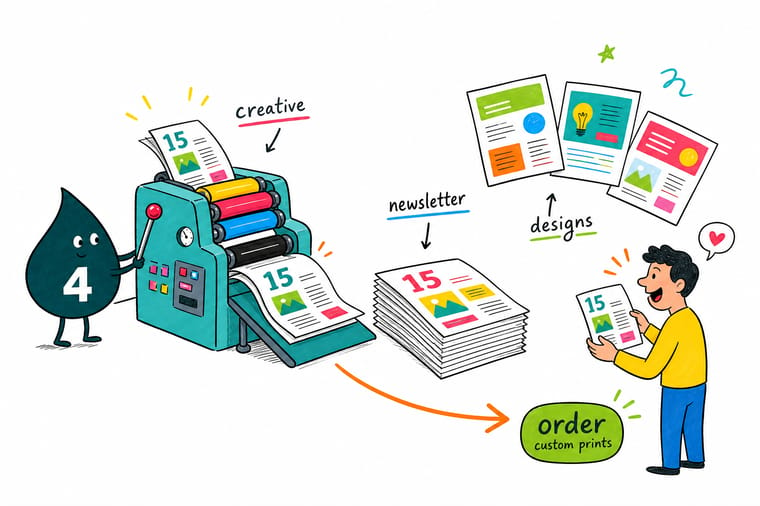
Not sure whether your issue wants a flat sheet, a fold or a booklet? Count the stories you actually have. Three fits a single sheet printed double sided. Six fits a folded self mailer that needs no envelope. Ten or more earns a saddle stitched booklet people keep on a shelf. Pick the format first and the layout almost designs itself, because panel widths and page counts make most of the hard calls for you.
See newsletter print examples →Designing an Issue Your Team Can Actually Repeat
The best newsletter design is the one that still ships when the person who made it is on vacation. That is why the fifteen ideas above are built on standard sizes, an 8.5 x 11 sheet, a half or tri-fold, a booklet in multiples of four pages, and a fixed grid rather than one off art direction. Creativity belongs in the photography, the headlines and the story selection, all of which change every issue anyway.
Give yourself one experiment per year. Run the gate fold for the annual, or perforate a reply strip on the winter issue, and keep the other three issues on the template. That rhythm gives readers something familiar to recognize in the mailbox and gives your team a production schedule it can hit without a crisis.
Guides
Read next before you build the file
Folds, layout hierarchy and finished examples that apply directly to newsletters.
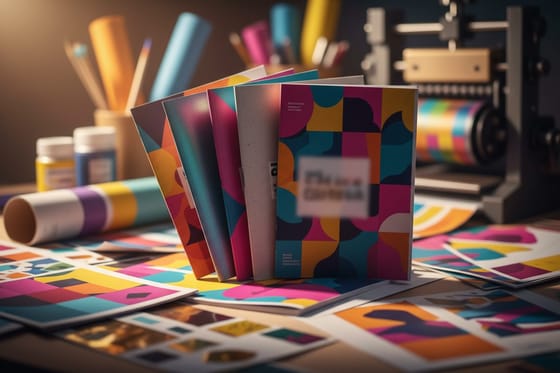 Guide Newsletter Printing Examples Real newsletter layouts, formats and finishes in one place.
  Guide 10 Creative Folded Designs Fold types and panel math that carry straight over to newsletters.
 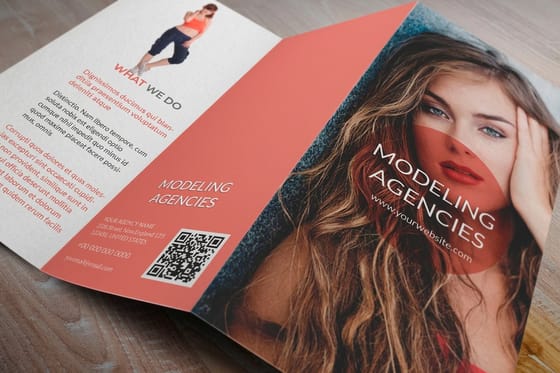 Guide 8 Designs That Rethink Basics Story count, hierarchy and white space on a printed page.
 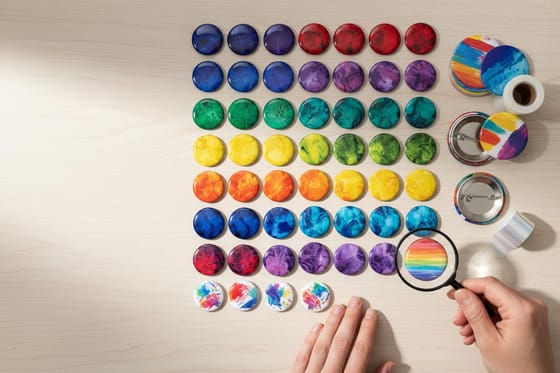 Guide Custom Button Design Ideas Small giveaways that pair well with a member newsletter.
 Explore more
More print ideas for a growing business
Related pages across 4OVER4.COM, one card for every kind of page.
Showcase Newsletter Printing Showcase Formats, stocks and finishes shown on real issues. Article 10 Creative Folded Brochure Designs Half, tri, Z and gate folds explained panel by panel. Article 8 Creative Brochure Designs Layout ideas for teams that print on a schedule. Showcase Custom Button Printing Ideas Event giveaways that travel with the issue. Product 2 Sided Blockout Banners Blow the cover story up for open houses and booths. Product 30mil Clear Plastic Cards Member cards that outlast every printed issue. 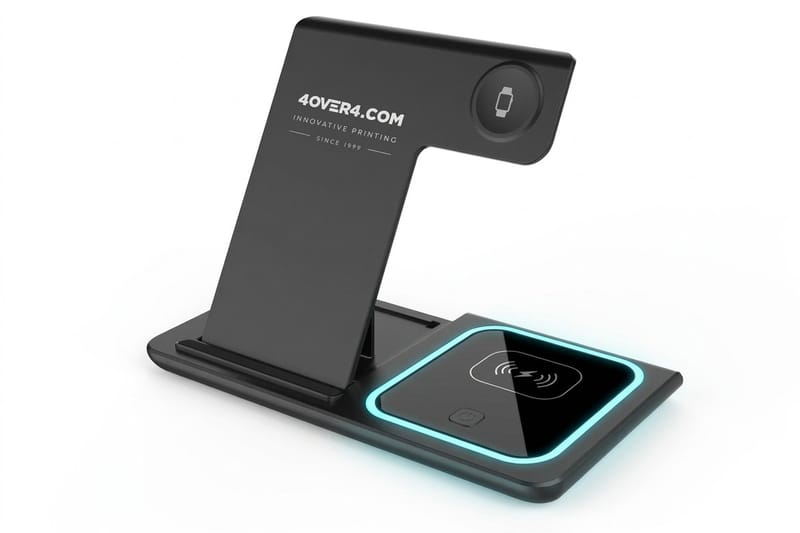 Product 3 in 1 Foldable Wireless Charger A renewal season thank you that stays on the desk.
  Alternative 4OVER4 vs 123Print How stock, size and run pricing compare.
  Alternative 4OVER4 vs PrintLeaf Run pricing and turnaround, compared honestly.
  Guide Print Your Canva Designs Bleed, CMYK and export settings that survive the trim.
  Alternative Better Custom Stickers Sticker inserts that ride along with a newsletter.
 Ready to put your next issue on paper?
Pick the format, lock the grid, and print a run your readers keep on the counter instead of scrolling past on a screen.
Newsletter Design Questions, Answered
What counts as a creative newsletter design?
A creative newsletter design is a layout that uses its print format deliberately rather than dropping text into a generic page. That means a fold that reveals the story in sequence, a photo grid that carries a recap without paragraphs, a tear off reply built into the sheet, or a booklet spread saved for the one image that deserves the room. The creativity lives in the structure, not in decoration. See how the ideas look on finished pieces in our newsletter printing examples.
How do I choose the right newsletter design for my business?
Start with the story count and the delivery method. Three stories in an envelope means a flat single sheet. Six stories mailing on their own means a folded self mailer with a clean address panel. Ten or more stories, or an annual review you want people to keep, means a saddle stitched booklet. Then check who reads it. Members and donors reward photography and results, prospects reward one clear offer.
What does newsletter printing cost and how is the price set?
Price is driven by five things: flat size, page or panel count, paper stock and weight, quantity, and turnaround. Quantity moves the number most, because setup is spread across the run, so a quarterly sender printing 2,000 pays far less per piece than someone printing 250 once. Folding is inexpensive, saddle stitching adds a bindery pass, and heavier coated stock costs more than uncoated text. Live pricing for every configuration shows on each product page.
What sizes, stocks and finishes are available for printed newsletters?
Common flat sizes are 8.5 x 11 and 11 x 17 folded to 8.5 x 11, with 5.5 x 8.5 for digest booklets and pocket programs. Text weights from 70lb uncoated up to 100lb gloss cover the range from letter feel to magazine feel. Finishing options include half, tri, Z, gate and double parallel folds, saddle stitching for booklets, perforation for tear off replies, and a high gloss UV coating when photos carry the issue.
How long does newsletter printing and shipping take?
Turnaround depends on the format and the finishing. Flat single sheet issues move fastest because they need no bindery pass, folded issues add a step, and saddle stitched booklets add another. Production time is quoted separately from transit time, so add shipping days to the production days shown at checkout. For recurring issues, the practical advice is to submit each file two weeks before the in home date, which absorbs one proof round without touching the mail date.
