
8 Creative Brochure Designs That Rethink the Basics


Great Brochure Design Uses What a Screen Cannot

A brochure competes with a phone, and it cannot win by being a worse version of a website. It wins by being physical, by doing the things a screen never can: folding, opening, catching the light, being cut to a shape, and rewarding a fingertip with texture. The most creative brochure designs are not just prettier layouts, they are layouts that only make sense once they are printed.
These eight designs are built around print technique, not just visuals. Each one leans on a fold, a die-cut, or a finish that a real printer delivers and a PDF cannot. 4OVER4.COM prints brochures from $57.11 and the specialty finishes that set them apart, so a bold idea does not have to stay a mockup.
Shop the range
Brochures printing
Creative folds and the specialty finishes that set a brochure apart from a screen.

Designs 1 to 3: Let the Fold Carry the Concept
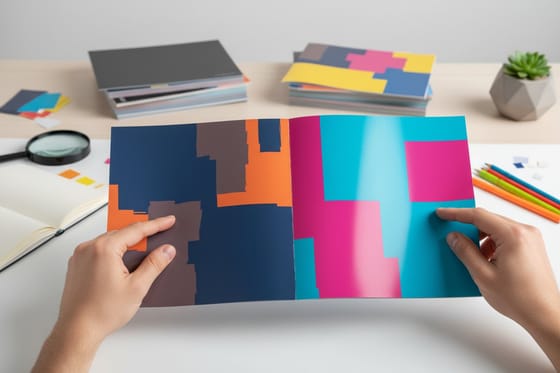
Design one is the gate fold reveal, two panels that open from the center like doors, so the inside spread lands as a moment instead of a page. Design two is the accordion story, a zigzag fold that unfolds into one long panorama, perfect for a timeline or a product journey. Design three is the roll fold layers, panels that tuck inside each other so the reader peels through the message one step at a time.
Folds are the cheapest creative move there is, because they change the experience without adding a finish. Here are the live picks to build these folds on, from a standard brochure to a shaped flyer.
Pick the fold with intent, the how to fold a brochure guide shows every option, and the sizes and fold options guide pairs each with a use.
Print picks
Four pieces to build a creative brochure on
Live prices, from a standard fold to a foil or spot UV showpiece.
 Brochures From $57.11 The base for creative folds, from gate to accordion, printed sharp.
 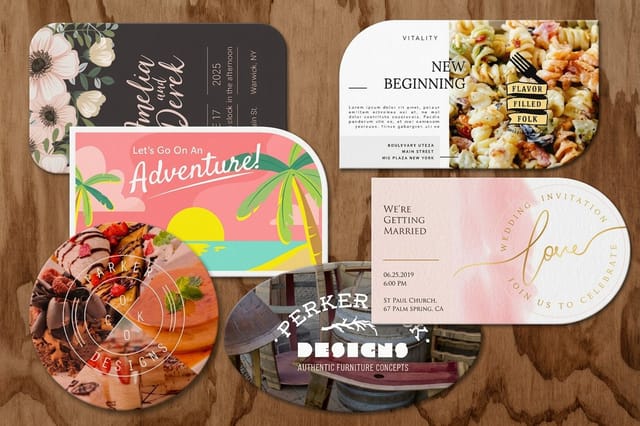 Die Cut Flyers From $34.05 A custom silhouette that breaks the rectangle and gets kept.
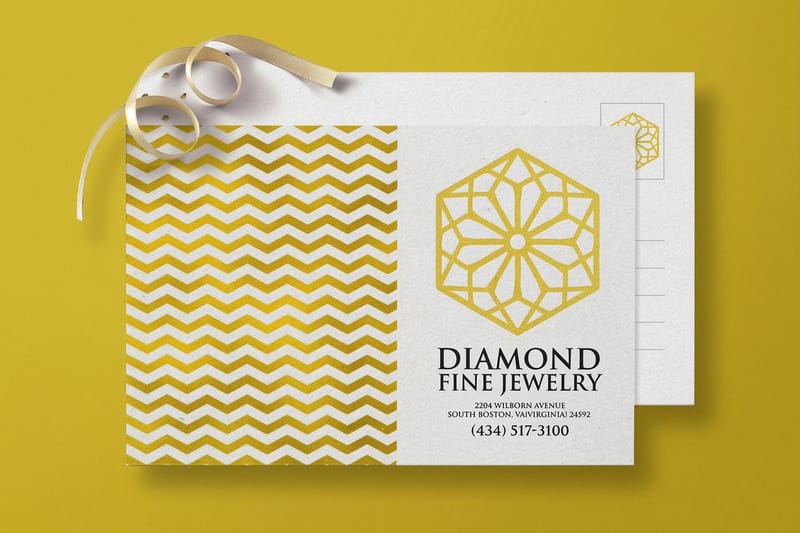
 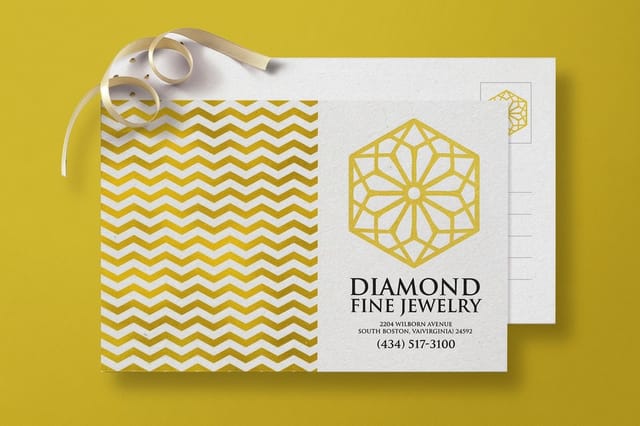 Foil Flyers From $328.42 A metallic accent that catches the light no screen can copy.
 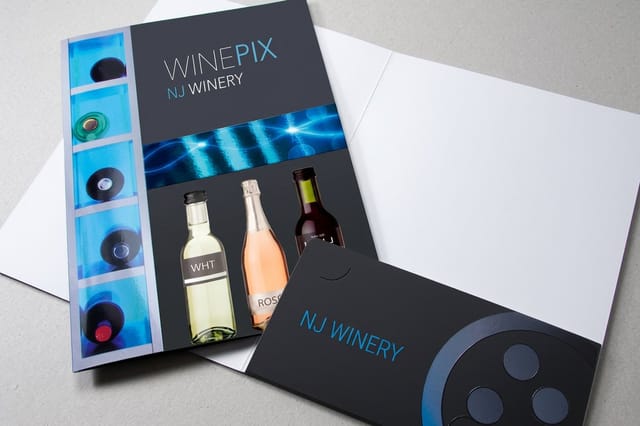 Spot UV Folders From $2194.56 A glossy raised accent that makes a leave-behind feel expensive.
 Design 4: Break the Rectangle With a Die-Cut

Design four is the die-cut silhouette. Cut the brochure to a shape that means something, a house for real estate, a leaf for a garden center, a bottle for a winery, and it stops reading as a flyer and starts reading as an object. A die-cut also creates a window or a peek-through that reveals part of the inside before the piece is even opened, which pulls the reader in.
A custom shape changes the die line, so plan it into the layout early. Here are the real specs and prices for a shaped flyer so the cut lands exactly where the design needs it.
Shape and price
Die-cut flyer specs
Real configurator numbers, so a custom shape lands exactly where the design needs it.
| Quantity | Price Per Unit | Total |
|---|---|---|
| 50 | $1.14 | $57.11 |
| 100 | 82.4¢ | $82.38 |
| 200 | 53.3¢ | $106.55 |
| 300 | 41.0¢ | $123.02 |
| 400 | 34.9¢ | $139.49 |
| 500 | 31.2¢ | $155.97 |
The Print Effects Only a Real Printer Can Deliver
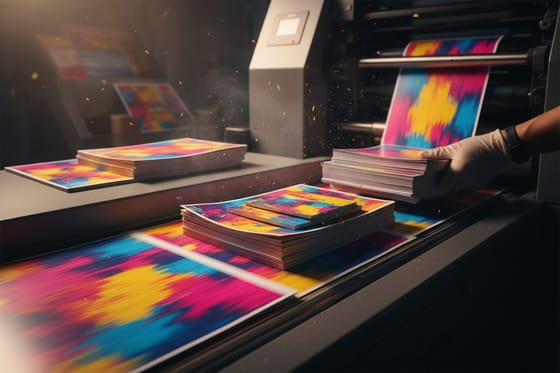
The difference between a good brochure and a memorable one usually comes down to a technique that lives off the screen, and it starts with the ink. A full saturation layout, the kind that floods color to the trim on every panel instead of leaving white paper to breathe, only holds its punch when the coating is chosen for it. Aqueous is the water based house coating: it seals heavy ink coverage so a solid black does not scuff on press or in the box, it dries fast, and it stays neutral so the color reads the way you approved it. UV coating cures hard under lamps and gives the wettest gloss, which is what deep blues, reds, and photo-heavy covers want when the piece has to carry across a table. Matte pulls the shine out and reads quiet and expensive, with the trade-off that heavy coverage under matte shows fingerprints sooner. Soft touch is the velvet laminate you feel before you read a word, and over a saturated cover it turns a handout into an object. Four effects then do the heavy lifting on top: a creative fold that changes how the piece opens, a die-cut that breaks the rectangle, a spot UV gloss that lifts one element, and a foil accent that catches the light. Stack even one of these onto a clean layout and the brochure feels made, not printed.
These effects need clean setup to shine, a die line for the cut, a separate mask for the gloss, a foil layer for the metallic, and, for full saturation work, a background that bleeds past the trim so no white edge shows after cutting. Build the art in CMYK, keep rich blacks under the total ink coverage your stock can carry so the sheets do not offset while they stack, and name the coating before the file goes out, because spot UV and foil both need a matte or soft touch area to sit against instead of a gloss that fights them. The online design templates studio keeps each layer aligned, and the spot UV guide and foil stamping guide cover the file setup for the two richest finishes.
Align the layers
Brochures, ready to customize
Keep die lines, gloss masks, and foil layers registered so every effect lands clean.
Designs 5 to 8: Finish the Brochure So It Feels Made

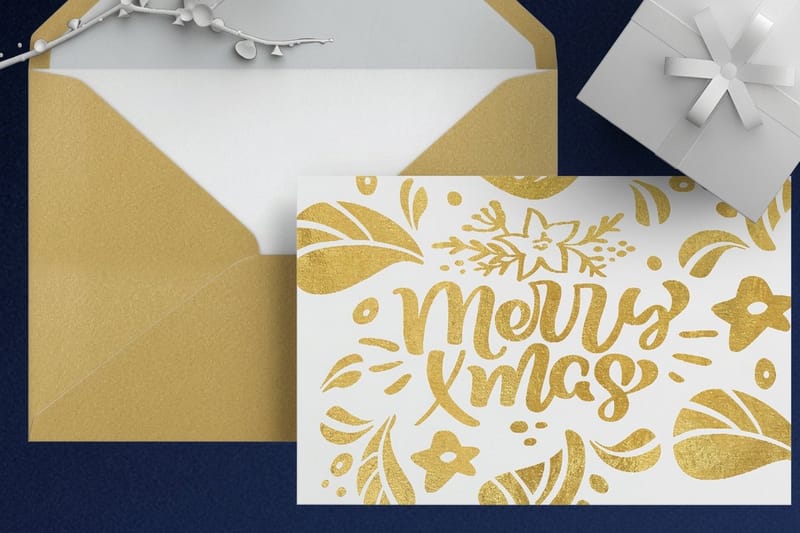
Design five is the spot UV cover, a matte brochure with a glossy logo or pattern that only shows when tilted. Design six is the foil accent, a metallic headline or mark that reads as premium instantly. Design seven is the matte-and-gloss contrast, a soft-touch body with wet-look highlights on the imagery. Design eight is the folder-and-brochure set, a spot UV folder that holds the brochure and turns a handout into a pitch package. In all four the coating is the decision that makes the effect land: aqueous for durable everyday saturation, UV gloss when the color has to look wet, matte or soft touch when the body should stay calm so the shiny accent has something to work against.
- Creative folds. Gate, accordion, and roll folds that change the reveal.
- Die-cuts. A silhouette or window that breaks the rectangle.
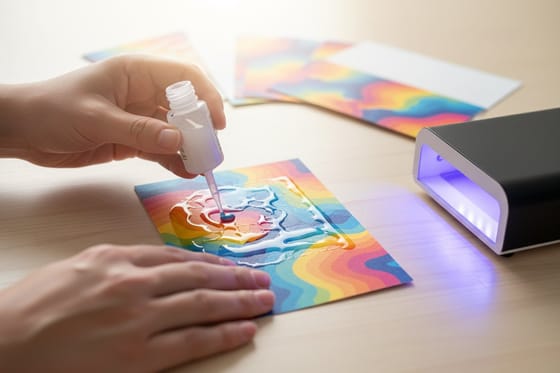
- Spot UV. A glossy raised element on a matte body.
- Foil. A metallic accent no screen can copy.
- Coatings. Aqueous, UV, matte, or soft touch over full saturation color, the cheapest way to change how the whole piece feels.
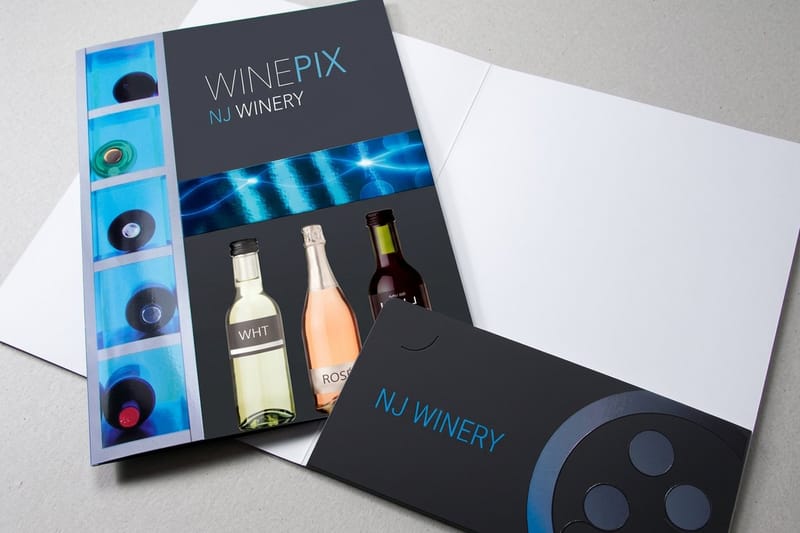
A spot UV presentation folder turns a brochure into a full leave-behind, and the details are on the folder page. To weigh a matte body against a glossy one, the matte vs glossy guide settles it.
Turn it into a pitch
Spot UV presentation folders
A glossy raised folder that holds the brochure and makes a leave-behind feel expensive.
Cover Ideas That Earn the Open
A brochure gets judged on the front panel while it is still in a rack or in a hand, so the cover has one job, to make the next move feel worth making.
- One image, cropped hard. A tight crop of a detail reads better at rack distance than a full scene shrunk to fit.
- A question or a promise, not a company name. The name belongs on the back with the contact details.
- Space left empty. A cover that is mostly quiet with one small mark looks more expensive than a cover that is full.
- A window. A die cut opening showing part of the inside panel makes the cover and the spread read as one idea.
- Texture the fingers find first. A soft touch laminate or a raised gloss is read by the hand before the eye arrives.
Design the cover last, once you know what the inside spread actually says.
Turn it into a pitch
Spot UV presentation folders
A glossy raised folder that holds the brochure and makes a leave-behind feel expensive.
Compare the Formats Behind the Designs
A creative design still needs the right base. Line up the popular brochure formats on stock, fold, size, and from-price, then choose the one that carries your effect, a heavier stock for a die-cut, a matte body for spot UV, a coated stock for foil to sit on cleanly.
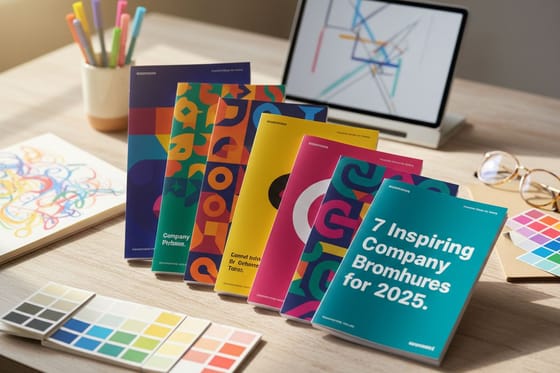
For inspiration on how far the format stretches, the company brochure examples and the custom brochure design breakdown are both worth a look before you commit a run.
Compare formats
Popular brochures, side by side
Stock, fold, size, quantity, turnaround, and from-price across our most ordered brochures.
| Standard Brochures | 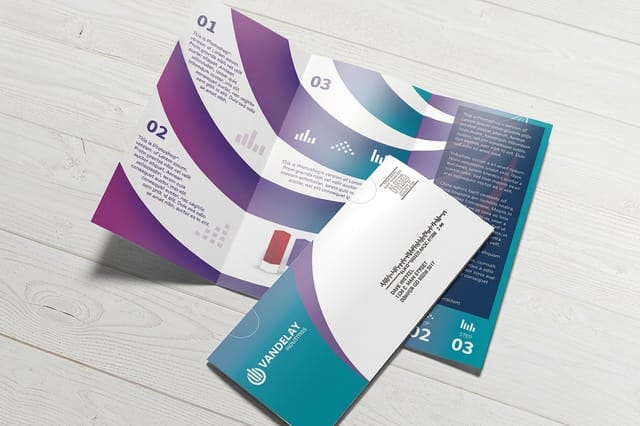 Direct Mail Brochures | 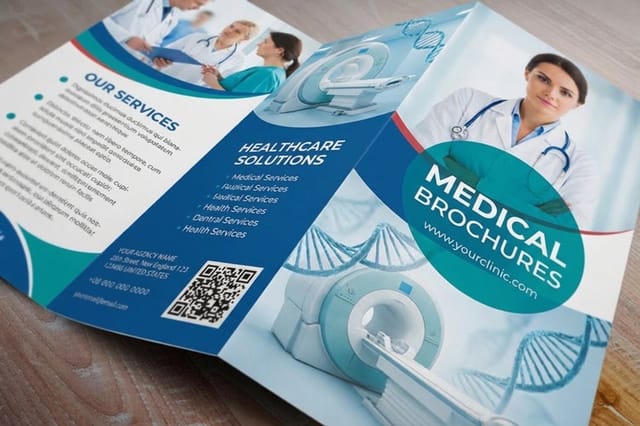 Medical Brochures | 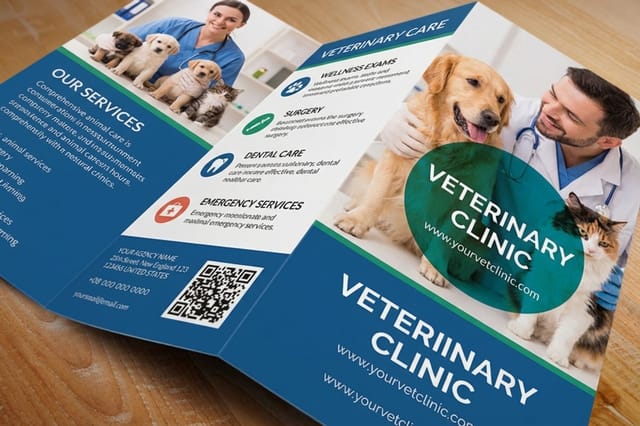 Veterinary Brochures | |
|---|---|---|---|---|
| Min price | $57.11 | $238.73 | $57.11 | $57.11 |
| Paper / stock | 100# Gloss Text | 100# Gloss Text | 100# Gloss Text | 100# Gloss Text |
| Finish | Standard Finish | Standard Finish | Standard Finish | Standard Finish |
| Size | 5.5" x 8.5" | 8.5" x 11" | 5.5" x 8.5" | 5.5" x 8.5" |
| Default qty | 50 | 500 | 50 | 50 |
| Turnaround | 3 business days | 6 business days | 3 business days | 3 business days |
| Rating | ||||
| View & customize | View & customize | View & customize | View & customize |
Print the Creative Brochure Without a Snag
Creative print effects are unforgiving of a sloppy file. Set the die line for a cut, supply the spot UV gloss and foil as separate registered layers, keep type inside the safe area, and lock your brand colors so the printed piece matches the proof. Get the setup right and the fold opens clean, the gloss lands where you meant it, and the foil sits crisp.
When a pitch cannot wait, 4OVER4.COM turns qualifying orders around fast, even with specialty finishes. Browse formats in the brochures collection and keep the ideas coming in our design and creative guides.
Fast turnaround
Same day printing
Specialty finishes move fast too when the order qualifies.
The Order to Make These Decisions In
- Start with the one idea the brochure carries, because every decision below is in service of it.
- Pick the fold next, since it sets the panel count and decides where the reveal lands.
- Write to the panels rather than writing first and squeezing afterwards.
- Choose the stock after the fold, since a die cut wants weight and a spot gloss wants a matte body to sit against.
- Choose one finish, not three. A fold plus a single effect reads as considered, a fold plus three reads as a sample book.
- Build the file with the die line, the gloss mask and any foil on their own registered layers.
- Proof the real stock before the run, because a coating shifts color more than most people expect.
Fast turnaround
Same day printing
Specialty finishes move fast too when the order qualifies.
Wally rethinks the brochure with real print
Folds, die-cuts, spot UV, and foil that a screen cannot copy
Creative brochure design wins on what only a printer delivers: a fold that changes the reveal, a die-cut that breaks the rectangle, a spot UV gloss that lifts one element, and a foil accent that catches the light. 4OVER4.COM prints brochures from $57.11 and the finishes that set them apart, sharp and on time, as fast as same day.
Print your creative brochure →Where to break the brochure rulebook
Explore more
More ways to make a brochure feel made
Related pages across 4OVER4.COM, one card each, so you can keep pushing the format.
 Category Brochures Printing Creative folds and finishes on a range of stocks.
  Product Foil Flyers A metallic accent that catches light no screen can copy.
  Guide How to Fold a Brochure Every creative fold and the concept it carries.
  Guides What Is Spot UV? The glossy raised finish and how to set it up.
  Article Company Brochure Examples Real brochures to benchmark your creative against.
  Service Online Design Templates Keep die lines, gloss, and foil layers aligned.
  Product Spot UV Folders A glossy raised folder that holds the brochure.
  Benefit Same Day Printing Fast turnaround, even on specialty finishes. Hub Marketing Materials Every print piece a campaign might need. Article Custom Brochure Design A breakdown of a standout custom brochure.
  Guides Matte vs Glossy Brochure Which body finish suits your creative.
  Collection Foil Printing Every product the metallic finish runs on.
 Ready to print a brochure a screen could never be?
Pick a fold, a shape, or a finish, and 4OVER4.COM prints it crisp and on brand, as fast as same day.
Design questions before you send to print
How many panels does a brochure have?
A standard sheet folded twice gives six panels, three on each side, which is the tri fold most people picture. A single fold gives four panels, and an accordion or roll fold with three folds gives eight. Decide the fold before you write, because the panel count sets how much copy each section gets and which panel the reader sees first.
Can I design a brochure without design software?
Yes. Start from a template sized to the product so the trim, the bleed and the fold marks are already in place, then swap in your own photos, colors and words in the browser. The limits show up with specialty work, since a die cut needs a die line and spot gloss or foil needs its own registered layer. For those, either use a layout the printer supplies or hand the file to a designer for one pass.
What size is a standard brochure?
The common starting sheet is 8.5 x 11 in folded into thirds, which lands at roughly a third of that width and fits a rack, a pocket and a business envelope. Larger sheets give bigger panels for photography, and smaller cuts suit a handout that has to feel light. Check the folded size rather than the flat size, because the folded size is what has to fit where you are putting it.
What makes a brochure design creative?
Creative brochure design uses what a screen cannot. Beyond a strong layout, the memorable designs lean on print technique: a creative fold that changes how the piece opens, a die-cut that breaks the rectangle into a meaningful shape, a spot UV gloss that lifts one element off a matte body, or a foil accent that catches the light. These are physical effects a PDF can never reproduce, which is exactly why they cut through a world of screens. The trick is to let the technique serve the message, one clear idea made unforgettable by how the piece behaves in a hand, rather than piling on effects for their own sake.
Which brochure fold should I use for a creative design?
Match the fold to the concept. A gate fold, where two panels open from the center like doors, makes the inside spread land as a reveal, great for a big product shot or a headline moment. An accordion or zigzag fold unfolds into one long panorama, ideal for a timeline or a product journey read one beat per panel. A roll fold tucks panels inside each other so the reader peels through the message step by step. Folds are the cheapest creative move because they change the experience without adding a finish. Decide the fold before you lay out the content, since it sets the panel count and the reveal.
What print finishes make a brochure feel premium?
Three finishes do most of the work. Spot UV applies a clear glossy layer to one element on a matte body, so a logo or pattern catches the light when tilted, and raised spot UV adds texture you feel. Foil stamping lays a metallic accent, gold, silver, or a color, that reads as premium instantly and that no screen can copy. A matte or soft-touch body with wet-look gloss highlights on the imagery adds contrast and depth. Each needs a clean file: a separate registered mask for the gloss and a foil layer for the metallic. Used on a strong layout, even one of these makes a brochure feel made rather than printed.
How do I choose the right base format for a creative brochure?
Let the effect pick the stock and format. A die-cut wants a slightly heavier stock so the cut shape holds up to handling. Spot UV needs a matte or soft-touch body so the gloss has contrast to shine against. Foil sits cleanest on a smooth coated stock. A creative fold works on most brochure stocks, so choose weight by how the piece is used and how long it needs to last. Compare the popular formats on stock, fold, size, and price, then pick the base that carries your chosen technique without fighting it, and plan the die line or finish layer into the file from the start.
What does a creative brochure cost, and how are prices set?
At 4OVER4.COM, brochures start at $57.11 and die cut flyers at $34.05, while specialty finishes run higher for the extra process, foil flyers from $328.42 and spot UV presentation folders from $2194.56. Price depends on the size, the fold, the stock, the coating, the finish, and the quantity, with the per-piece cost dropping as the run grows. Coating is the cheapest upgrade on that list: aqueous protects full saturation color as the standard water based seal, while UV gloss, matte, and soft touch laminate sit a step above it, so compare the coated stock choices on aqueous and UV coated brochures and on matte and soft touch folded brochures before you set the budget. A creative fold adds little or nothing over a standard brochure, while a die-cut, spot UV, or foil adds a production step and cost. Check the exact configurator numbers on each product page, choose one technique that serves the message, and use same day printing when a pitch cannot wait.
