
How to Print on a Shirt Without Transfer Paper Using Four Proven Methods


Your complete guide to DIY custom t-shirts without vinyl
DIY custom t-shirts do not require a vinyl cutter, a big budget, or a design degree. You can make bold, wearable art at home with screen printing, fabric paint, heat transfers, or direct-to-garment methods. 4OVER4.COM has helped 150,000+ businesses bring their branding to life on print products, and many of those same techniques translate straight to custom tee projects. Whether you are printing ten shirts for a family reunion or building a small merch line, this guide walks through every method worth trying.
Making shirts without vinyl opens up a level of creativity and sustainability that is hard to ignore. Maybe you are tired of peeling, weeding, and watching vinyl crack after a few washes, or maybe you just want something that feels more personal. Either way, you have real options, and they are better than you think.
From screen printing to fabric painting, there are proven ways to personalize your tees without any vinyl decals. These methods can produce shirts that last longer, feel softer against the skin, and look more professional. Here is how each one works, and how to pick the right one for your project.
How to print on a shirt without transfer paper, and which method to pick
Four routes to a printed shirt with no transfer paper anywhere in the process. Compare what each one costs, how long the print survives, and how much of a learning curve you are signing up for.
| Method | What you need | Cost | Durability | Difficulty | Best for |
|---|---|---|---|---|---|
| Screen printing | Screen, emulsion, squeegee, ink, a dark space to expose the screen | $50 to $150 in startup supplies, then about $2 to $5 per shirt in materials | 100 or more washes | Steep the first time, quick every time after | Ten or more identical shirts |
| Fabric painting | Fabric paint, a stiff brush or sponge, freezer paper, cardboard | Paint and brushes only | Good if you heat set it, poor if you skip that | Easy but slow, one shirt at a time | One-offs and hand-made artwork |
| Direct-to-garment | A DTG printer, or a shop that runs one for you | Custom t-shirt printing starts at $21.96 | 100 or more washes | None on your end, you send a file | Photographic and full-color designs |
| Heat-activated transfer film | The film plus a household iron or a heat press | Heat-activated transfer film starts at $19.00 | Sits between paint and screen printing | Easy | Small multicolor batches |
Whichever route you take, set the artwork up the same way: 300 DPI in CMYK color mode with 0.25 inch of bleed.
Can you print on a shirt without transfer paper?
Yes. Transfer paper is one route to a printed shirt, not the route. Screen printing pushes ink through a stencil into the weave, fabric paint goes on by hand through a freezer paper stencil, direct-to-garment sprays ink into the fibers like an inkjet, and heat-activated transfer film carries the design with no paper carrier at all. Screen-printed and DTG inks bond into the fabric and survive 100 or more washes, while vinyl peels after 20 to 30, so dropping the paper usually buys you a longer-lasting shirt rather than a compromise.
What can I use instead of transfer paper?
Freezer paper, which most no-transfer projects are built on, and parchment paper, which is the press sheet rather than the carrier. Here is the freezer paper method start to finish.
- Draw or print your design on the matte side of the freezer paper. Keep the shapes simple, because every island, the middle of an O or an A, has to be cut and placed on its own.
- Cut the design out with a craft knife so what is left is a stencil: the shape removed, the paper around it intact.
- Iron the freezer paper shiny side down onto the shirt. The plastic coating tacks to the cotton and seals the cut edges, and that seal is the whole reason paint does not bleed under the stencil.
- Slide cardboard inside the shirt so nothing soaks through to the back, then dab fabric paint on with a sponge or a stiff brush in two or three thin coats instead of one thick one.
- Peel the stencil while the paint is still slightly tacky for the crispest edge, let the shirt dry fully, then heat set it under a sheet of parchment with a dry iron.
The parchment matters on that last step. It takes the iron heat instead of the paint, so nothing lifts, sticks, or goes glossy.
Does fabric paint last as long as screen printing?
No, and it is not close if you skip the heat setting. Screen-printed and DTG inks bond into the fabric and survive 100 or more washes. Fabric paint sits on top of the weave, so a heat-set job in thin coats holds up for dozens of washes when the shirt goes inside out on cold, and a thick unset one starts cracking within a few. Paint wins on one-offs and on artwork you want made by hand. Screen printing wins the moment you need ten shirts that match.
How to screen print DIY custom t-shirts
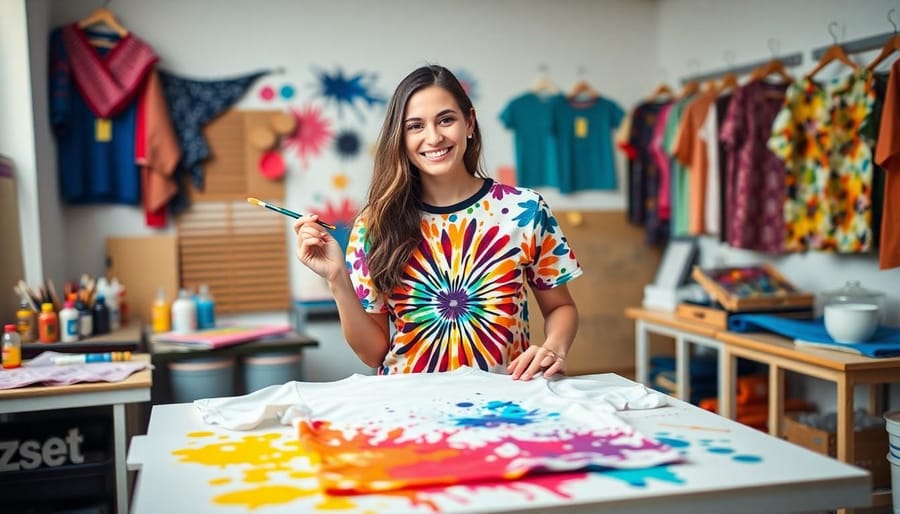
Screen printing is the gold standard for DIY custom t-shirts, and it has been around for over a thousand years for good reason. You build a stencil, called a screen, on a mesh frame, push ink through it onto the shirt, and get a vivid, crisp design that holds up wash after wash.
The reason it works so well is simple. The ink bonds with the fabric fibers instead of sitting on top the way vinyl does, so your design will not peel, crack, or fade after a handful of wash cycles. For a team of 20 or a small business launch, screen printing is hard to beat on cost per shirt.
You need a screen printing frame, photo emulsion, a squeegee, and fabric ink to start, and the whole setup runs between $50 and $150. After that, each additional shirt costs just a few dollars in ink. If you design your artwork digitally, the 4OVER4.COM Online Designer helps you build clean vector files that translate perfectly to screen stencils. For a broader walkthrough across every method, see our guide on how to make custom t-shirts.
Setting up your screen printing station
Pick a well-ventilated space with access to water, because you will be rinsing screens and cleaning up ink, so a garage or utility room works best. Lay down plastic sheeting to protect your floors. Natural light helps when you expose your screens, but a 500-watt halogen lamp works as a substitute.
Coat your screen with photo emulsion in a dark room, let it dry completely, then place your design transparency on top. Expose it to light for the recommended time, usually 2 to 8 minutes depending on your emulsion, rinse the screen, and your stencil appears. It is almost magic the first time you see it happen.
Choosing the right inks
Water-based inks feel softer on the shirt and work well for lighter colors, while plastisol inks produce bolder, more opaque prints that suit dark fabrics. If sustainability matters to you, water-based inks are the way to go, since they are easier to clean up and better for the environment. 4OVER4.COM is committed to Green Printing practices, and the same philosophy applies when you choose materials for your DIY projects.
Fabric painting, the most hands-on method
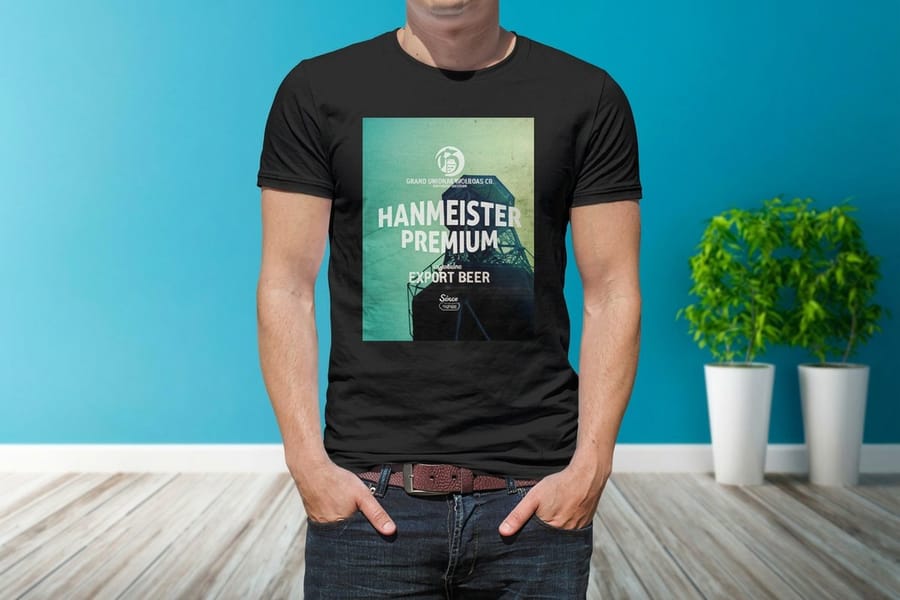
Fabric painting is pure creative freedom. No screens, no printers, no transfers. Just you, a brush or sponge or stencil, and fabric paint. This method is perfect for one-of-a-kind pieces where every shirt is different.
You can use fabric paints to create anything from abstract splatter designs to detailed hand-lettered quotes. The key is choosing paint made for textiles, because regular acrylic paint will crack and wash out. Fabric paint stays flexible after it dries and cures, so your shirt moves naturally without stiffness.
Several approaches work well here. Stenciling gives you clean, repeatable shapes, freehand painting lets you go wild, and block printing with carved stamps creates a handmade, artisanal look that is trending hard right now.
Tips for professional fabric paint results
Place a piece of cardboard inside the shirt before painting. This prevents bleed-through and gives you a flat, stable surface. Pre-wash your shirt without fabric softener, because the softener creates a coating that stops paint from bonding properly.
Apply thin, even coats, since two light layers look far better than one thick glob. Let each layer dry completely before adding the next. Once you are done, heat-set the paint with an iron or a quick tumble in the dryer on high heat for 30 minutes to lock the design in place permanently.
Direct-to-garment printing for complex designs
DTG, or direct-to-garment printing, is the closest thing to printing a photo directly onto fabric. A specialized inkjet printer sprays water-based ink right into the fibers of the shirt. The result is a full-color, photographic-quality print with smooth gradients and fine details that screen printing cannot match.
DTG is ideal when you want detailed artwork, photographs, or designs with dozens of colors. There is no screen setup, so it is economical even for single shirts. The catch is that DTG printers are not cheap, with entry-level models starting around $10,000, which is why most people outsource this step. Pair your shirt designs with complementary branded items like Custom Buttons or Custom Bookmarks to build a complete merch collection. Want to see what is possible? Browse custom t-shirt designs from real 4OVER4.COM customers.
DTG versus screen printing, when to use which
Screen printing wins on cost for orders of 25 or more shirts with the same design, while DTG wins for small runs, one-offs, and designs with photographic detail. Screen printing lays down a slightly thicker ink layer that some people prefer for bold graphics, and DTG creates a softer hand feel because the ink absorbs into the fibers.
For most DIY custom t-shirt projects, you will probably start with screen printing or fabric paint. As your skills grow, DTG becomes a natural next step, especially if you plan to sell shirts online.
Why skip vinyl and transfer paper
Choosing to skip vinyl and traditional transfer paper is not just a preference. It is a practical decision backed by real performance differences.
Durability that lasts. Screen printing and DTG inks bond with fabric fibers at a molecular level, while vinyl sits on top of the fabric like a sticker. After 20 to 30 washes, vinyl starts peeling at the edges, but a properly cured screen print can survive 100 or more washes without visible damage.
Better feel and more flexibility. Nobody likes wearing a shirt that feels like it has a plastic patch ironed onto it. Screen printing and DTG create designs you can barely feel, and they handle gradients, halftones, and photographs that a vinyl cutter cannot. Vinyl is also PVC-based plastic that does not biodegrade, so water-based inks carry a lower environmental impact. For more creative branding with a lighter footprint, check out these Logo Sticker Design Ideas.
Transfer paper alternatives that actually work
If you do not want to invest in screen printing supplies right away, there are transfer methods that avoid vinyl entirely. Freezer paper stenciling is one of the most popular DIY hacks. You cut your design out of freezer paper, iron the waxy side onto your shirt so it sticks temporarily, then paint or spray over it. Peel the paper off and you have a clean, sharp design.
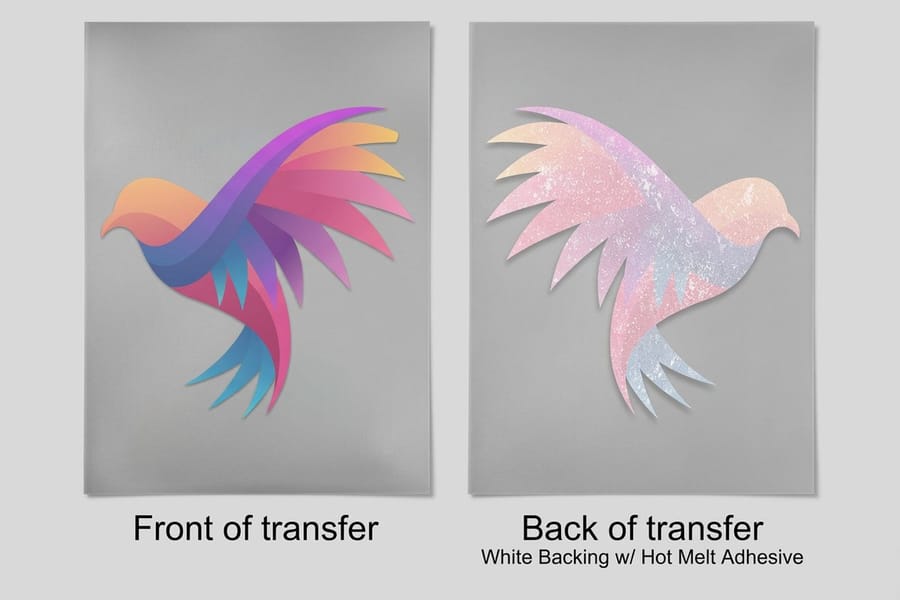
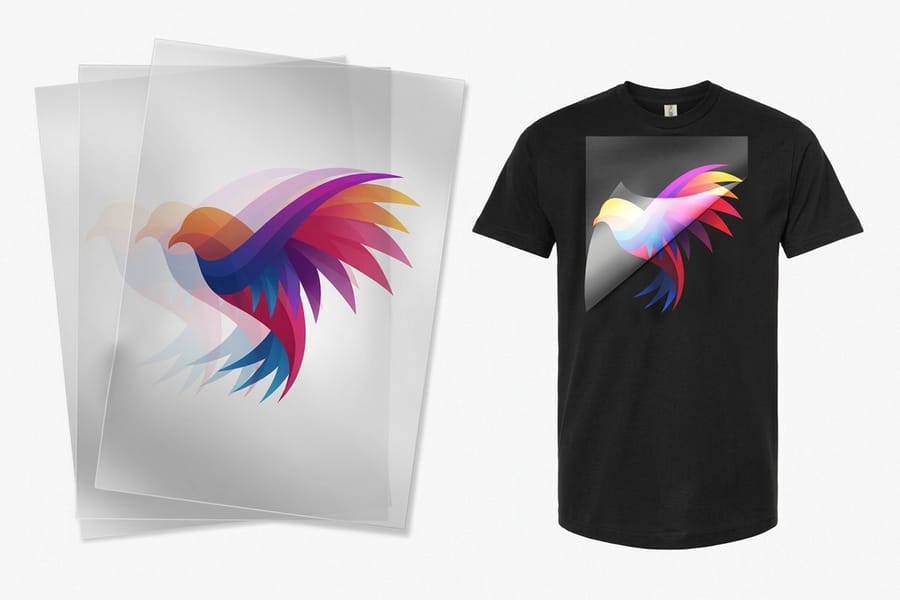
Wax paper transfers work in a pinch too. Print your design onto wax paper with an inkjet printer, then press the wet ink side onto your shirt. Heat-activated transfer films offer another vinyl-free option, using an adhesive that bonds more permanently with fabric fibers than standard heat transfer vinyl, so the print feels softer and holds up better over time. See Heat Activated Transfer Film for a ready-to-use version.
Which transfer method fits your project
For a one-time event shirt like a birthday party or a bachelor weekend, freezer paper stenciling is fast and cheap. For shirts you plan to sell or wear regularly, screen printing or DTG gives you professional results. Heat-activated transfer films land in the middle, better than freezer paper and easier to set up than screen printing.
Designing your artwork like a pro
Great custom t-shirts start with great designs, and you do not need Photoshop or Illustrator to make something that looks professional. Free tools like Canva, GIMP, and even phone apps can produce print-ready artwork.
The key specs are easy to remember. Design at 300 DPI minimum, use CMYK color mode for printing, and add at least 0.25 inches of bleed around your design edges. Keep your design simple for your first few projects, because bold text, clean icons, and high-contrast color combinations print the best across every method. If you are unsure how large to go, our t-shirt print size guide shows standard front and back placements, and these graphic design portfolio examples show how professionals handle clean layouts.
Color considerations for dark and light shirts
Dark shirts need different handling than light shirts. For screen printing on dark fabric, you lay down an underbase of white ink before the colored design, and DTG printers do this automatically with a white ink channel. Fabric paint on dark shirts needs to be opaque, so look for paints labeled opaque or covering rather than transparent.
Light shirts are more forgiving. Water-based screen printing inks look beautiful on white and light-colored cotton, and the colors stay true and bright with no special preparation.
Building a brand with DIY custom t-shirts
Custom t-shirts are not only a craft project. They are a branding engine. Restaurants use them for staff uniforms, fitness studios sell them as merch, nonprofits hand them out at fundraisers, and startups give them away at trade shows. Every person wearing your shirt becomes a walking billboard.
Think about pairing your tees with other branded materials. A shirt plus a QR code printed on the tag can drive traffic to your website or social media, and matching custom calendars or promotional items create a cohesive package customers remember. When you are ready to scale, our guide on how to sell custom t-shirts walks through sourcing, pricing, and fulfillment.
Want ready-made styles instead of DIY? Browse finished options like premium t-shirts and kids t-shirts, or see the full t-shirts printing lineup.
Print it
Custom t-shirt printing, ready to order
Screen-printed tees on premium fabric, the fastest way to skip the DIY setup.
Vinyl-free
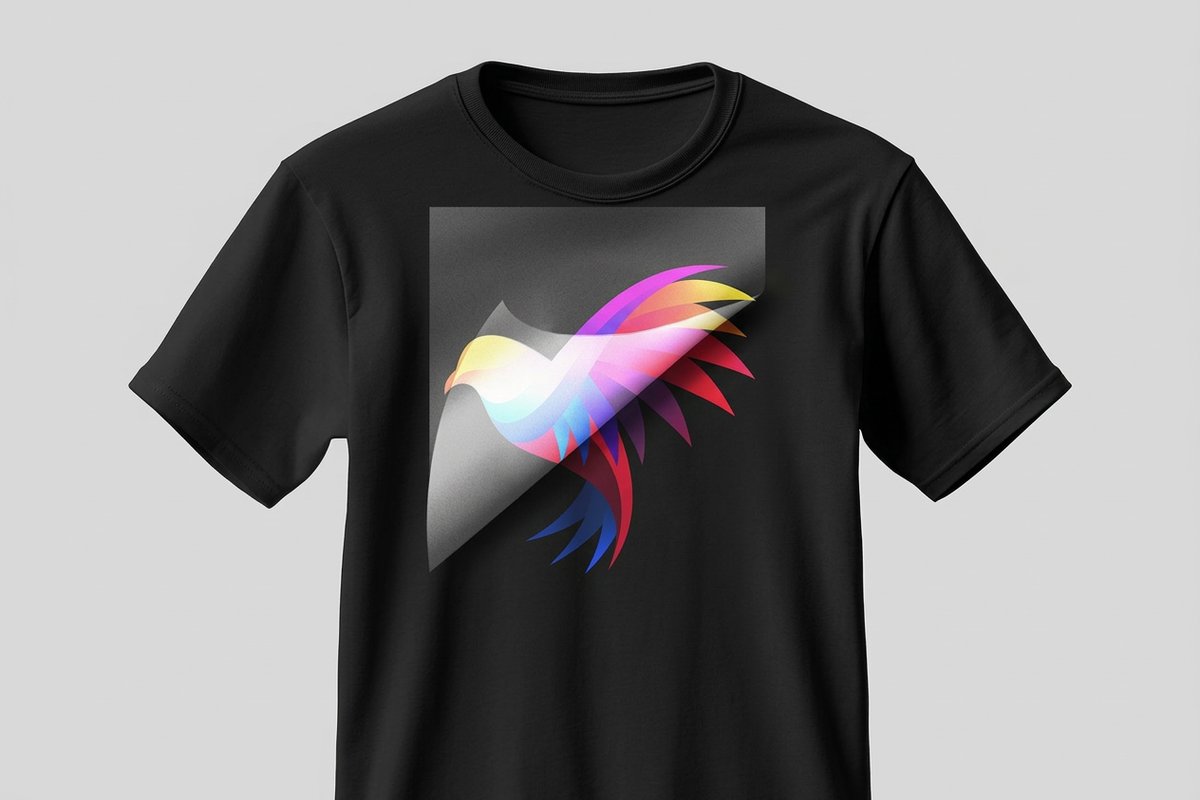
Heat activated transfer film
A transfer that bonds into the fibers for a softer, longer-lasting print than heat transfer vinyl.
Quantity and price
T-shirt printing pricing and specs
Real configurator numbers, the more you order, the lower the per-unit cost drops.
| Quantity | Price Per Unit | Total |
|---|---|---|
| 1 | $21.96 | $21.96 |
| 2 | $16.47 | $32.93 |
| 3 | $16.46 | $49.39 |
| 4 | $15.93 | $63.71 |
| 5 | $15.93 | $79.63 |
| 6 | $15.93 | $95.56 |
Start fast
Print-ready blanks
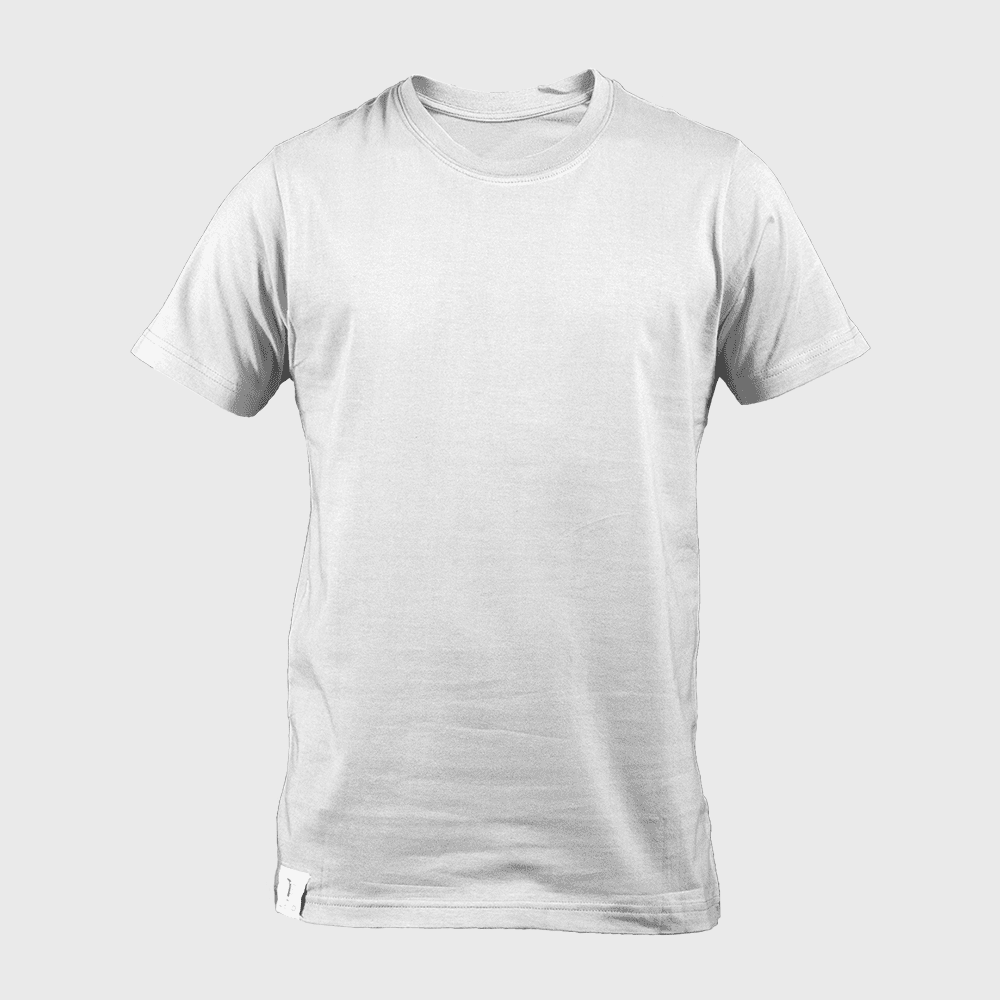
Exact-size blank templates so your artwork lands inside the cut line.
Wally skips the vinyl and makes it last
Screen print, paint, or DTG, and the design becomes part of the shirt
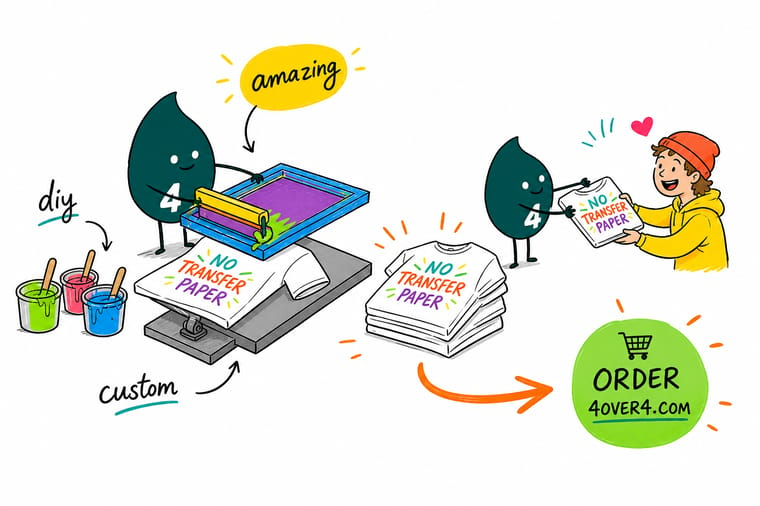
Vinyl peels and cracks, but ink that bonds into the fabric survives 100 or more washes. Screen printing wins on cost for batches, fabric paint is pure freedom for one-offs, and DTG nails photographic detail. Design at 300 DPI in CMYK, and when you want it done for you, 4OVER4.COM prints custom tees from $21.96.
Order custom t-shirts →What to remember before you start printing
Why these methods beat vinyl
- Better durability. Screen printing and DTG bond ink to the fabric so graphics stay bright after many washes, which matters for long-lasting promotional apparel.
- Greater creativity. You can experiment with materials and techniques, from fabric painting to stencil work, for designs that reflect your own style.
- Cost-effectiveness. Skipping transfer paper lowers production costs, and for bulk orders screen printing stays the most economical choice.
- Eco-friendliness. Many vinyl-free methods reduce waste and use water-based inks, which aligns your tees with eco-conscious values.
- Instant accessibility. Free tutorials and online resources guide you through each technique, so the learning curve stays gentle.
- Softer hand feel. Because the ink becomes part of the fabric, the finished print feels like the shirt itself rather than a plastic patch.
Explore more
More ways to design and print custom tees
Every related page on 4OVER4.COM, one card each, so you can keep exploring t-shirt printing.
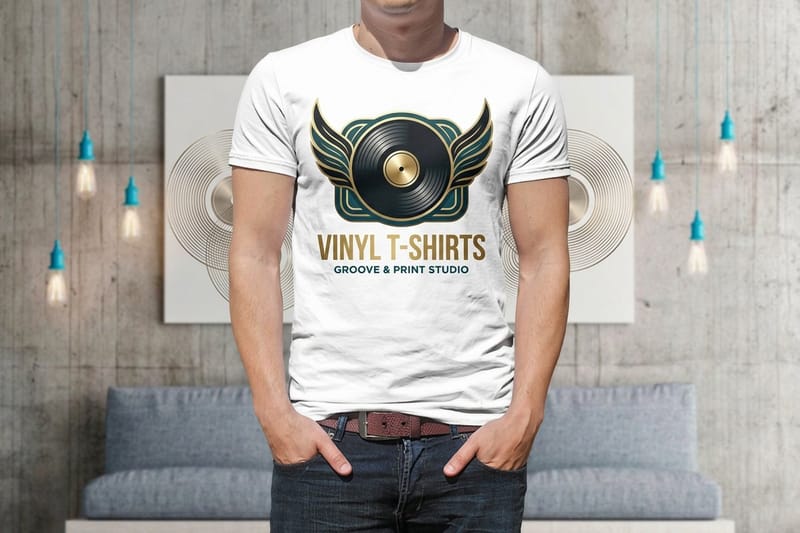 Shop T-Shirts Printing Every custom t-shirt style in one place.
  Product Custom T-Shirt Printing Screen-printed tees from $21.96.
 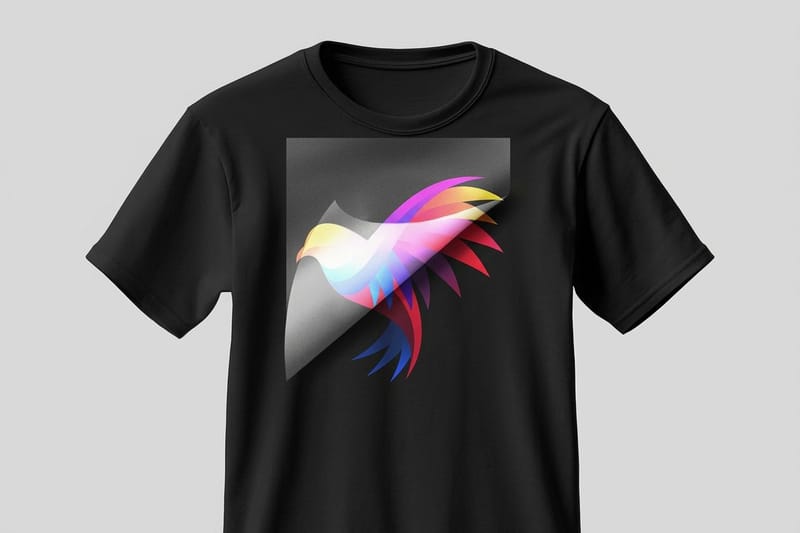 Product Heat Transfer Film Vinyl-free transfer film from $19.00.
 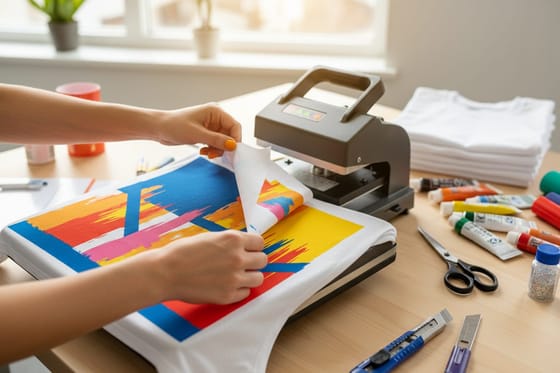 Guide How to Make Custom T-Shirts Methods, costs, and DIY tips compared.
 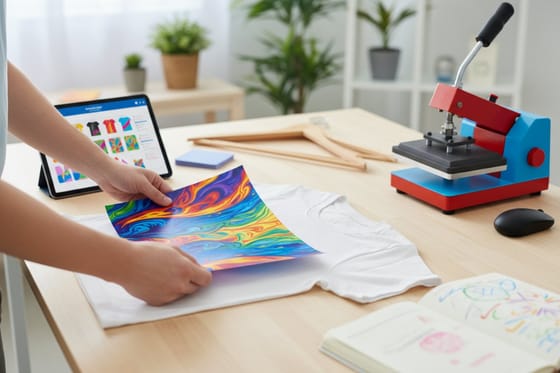 Guide How to Sell Custom T-Shirts Turn tee designs into a real revenue stream.
 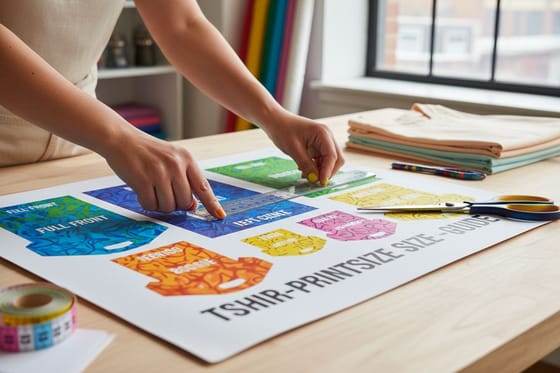 Guide T-Shirt Print Size Guide How big your front and back designs should be.
 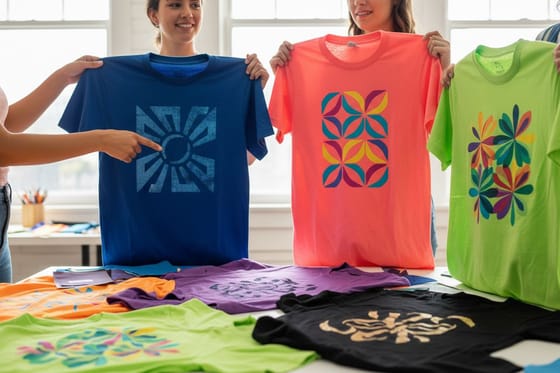 Showcase Custom T-Shirt Designs Real tee designs from 150,000+ businesses.
 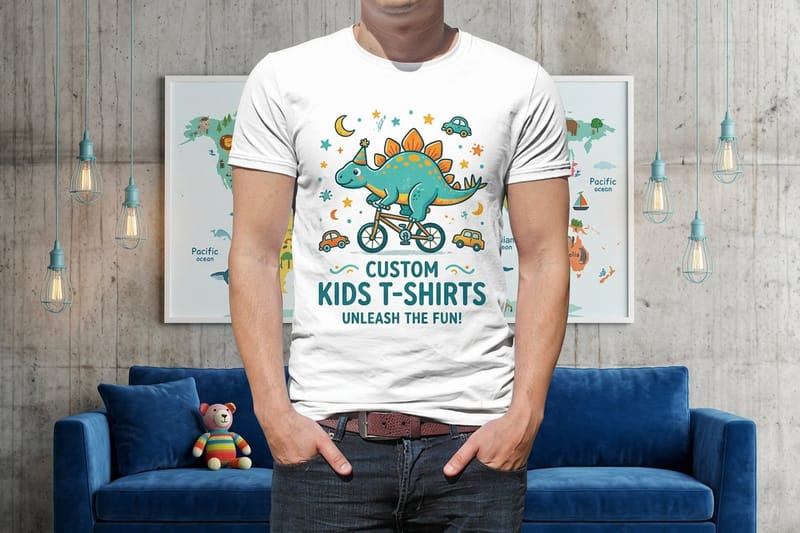 Product Kids T-Shirts Soft custom kids tees from $21.96.
 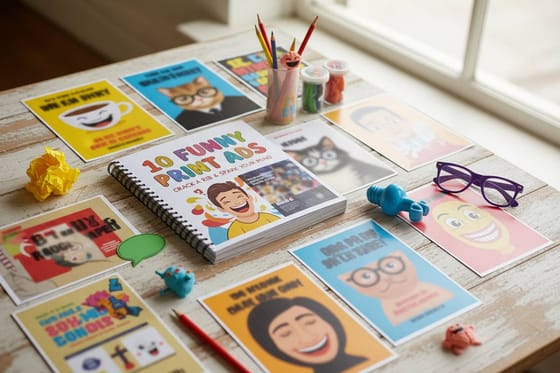 Article Funny Print Ad Examples Humor that sticks, and how to use it on tees.
 Ready to turn your design into shirts?
Drop in your artwork or a free template, choose screen print or DTG, and 4OVER4.COM prints it sharp, from $21.96.
Common questions about making custom t-shirts at home
What are the best practices for DIY custom t-shirts?
Pre-wash your shirts without fabric softener before printing, and design at 300 DPI in CMYK color mode. Apply thin, even layers of ink or paint and let each layer dry fully, then heat-set every finished design with an iron or dryer to lock it in. These steps prevent cracking, fading, and peeling after washing. For more creative project ideas, see these graphic design portfolio examples.
How do I choose the right printing method for my project?
Pick screen printing for batches of 10 or more identical shirts, since it is the most cost-effective per unit. Choose DTG for complex, full-color artwork or single-shirt orders, and use fabric painting for completely unique, hand-crafted pieces. Your decision comes down to order size, design complexity, and budget. Pair your tees with branded extras like 3D Lenticular Bookmarks for a complete merch lineup.
What makes DIY custom t-shirts effective for marketing?
Every person wearing your shirt becomes a walking advertisement seen by hundreds of people a day. Custom tees build brand recognition, create team unity, and spark conversations for restaurants, fitness studios, nonprofits, and startups. Add a QR code on the tag to drive traffic straight to your website or social profiles.
How much should I budget for DIY custom t-shirts?
Screen printing startup supplies like a frame, emulsion, squeegee, and ink run $50 to $150, then each shirt costs about $2 to $5 in materials. Fabric paint projects cost $15 to $30 for paint and brushes plus the blank shirts. Ordering finished tees through 4OVER4.COM t-shirt printing starts at $21.96, and blank quality varies by fabric and brand.
