
Outdoor Banner Design Guide for Layout and Color Tips


Your outdoor banner design guide, from concept to street-ready print
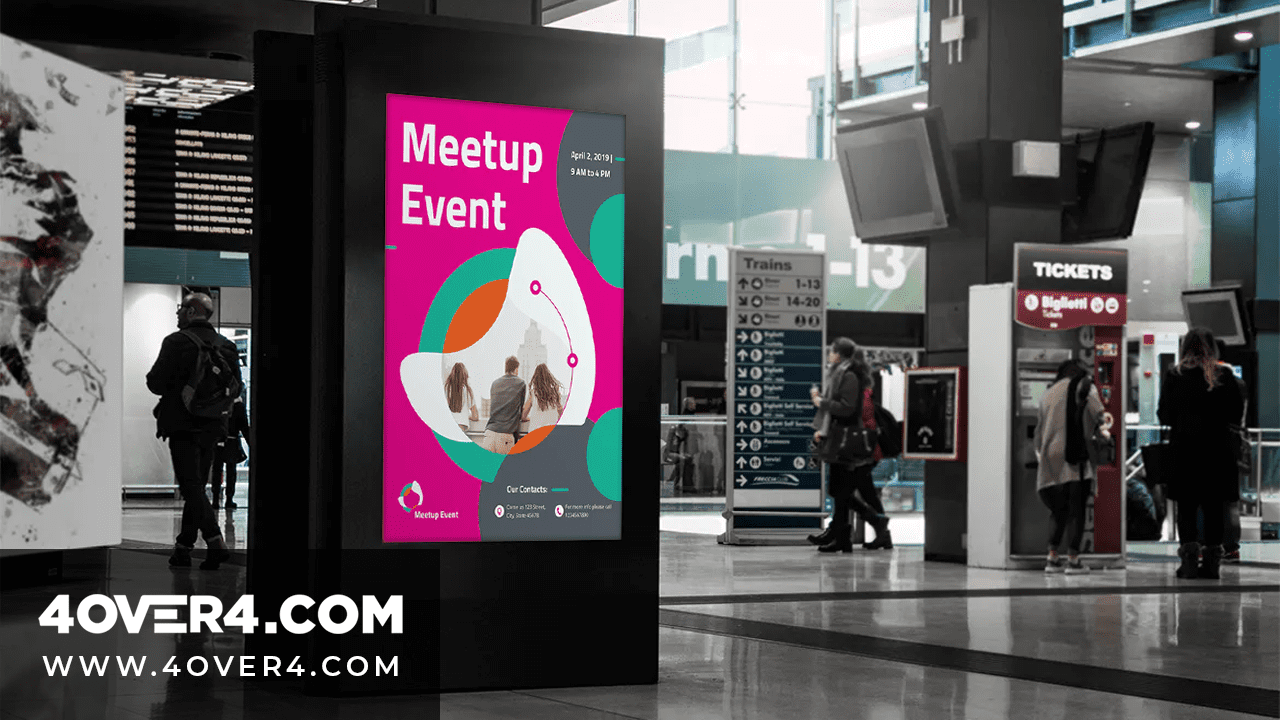
An outdoor banner design guide only earns its name if it plans for the real world, wind, rain, glare, and a crowd that is moving. 4OVER4.COM has printed 10 billion cards and print products since 1999 and served more than 150,000 businesses that lean on bold outdoor signage to pull foot traffic. Whether you are setting up at a trade show, promoting a grand opening, or branding a storefront, the right banner is the line between getting noticed and getting ignored.
Here is the thing most people get wrong. They design for a screen, not for the street. A banner that looks sharp on a laptop can turn into an unreadable smear at 20 feet.
This guide walks the whole path, from picking the right images to choosing fonts that stay legible across a parking lot, so your banner does its job the moment someone glances up.
Print it
Outdoor banners, ready to brand
Weatherproof vinyl in the sizes events actually use, the fastest way to get your message on the street.
Why your image selection can make or break a banner
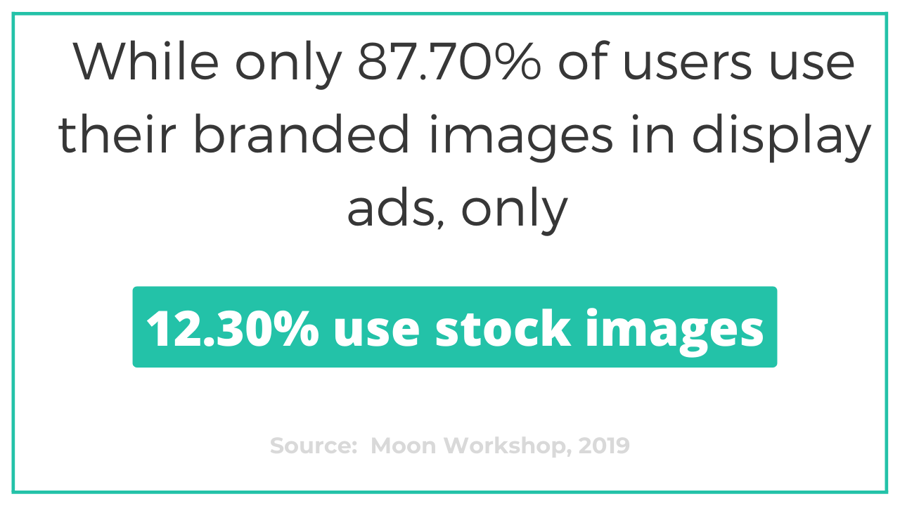
The images on your banner are the first thing anyone notices. Not the text. Not the logo. The visuals. That is why choosing the right imagery is the single most important call in the whole process. Branded, original photography outperforms generic stock in display advertising by a wide margin, and roughly 87 percent of high-performing display ads use real branded imagery.
So use real photos of your products, your team, or your space. A restaurant should show its actual food, not a stock plate of pasta. A fitness studio should feature its real trainers in its real room. People spot a stock photo from 30 feet, and it whispers generic before anyone reads the headline. For large custom vinyl banners, keep every image at 150 DPI at final print size, and never drop below 100 DPI even for far-viewing banners.
Keep the composition simple. One hero image beats a collage of five small photos, because you want instant recognition, not a visual puzzle. If you want inspiration beyond banners, these graphic design portfolio examples show how professionals handle visual hierarchy.
Quantity and price
Outdoor banner pricing and specs
Real configurator numbers, the more you order, the lower the per-unit cost drops.
| Quantity | Price Per Unit | Total |
|---|---|---|
| 1 | $79.00 | $79.00 |
Fixed banners vs scrolling banners, which setup fits your event?

Before you lock the artwork, decide how the banner will be shown. The two main setups are fixed banner stands and scrolling banner stands, and each one changes how you should design.
Fixed banners sit in an X-frame or a retractable stand. They are always visible, one message and one image shown continuously. They are the workhorses, reliable and simple, and they hit hardest when you need a single strong statement. Think of them as a billboard in miniature.
Scrolling banners use a motorized stand that rotates two or more banners in a vertical loop. Each one gets a few seconds on display before the next rolls into view. That is ideal when you have several products to show but very little floor space.
So which do you pick? It comes down to foot traffic and how many messages you carry. Heavy trade-show traffic rewards scrolling banners, because every banner in the loop reaches a different group. Light traffic at a smaller community event can work against you, since a scrolling stand might cycle past your best message right as someone walks by.
Fixed banners never have that problem. Your message is always there, no timing luck involved, and they read from both approach directions. For most single-message needs, grand openings, directional signage, and brand awareness, fixed banners are the smarter pick.
Color strategy that works outdoors, not just on screen
Color is where most do-it-yourself banners fall apart. What looks vivid on a monitor can wash out under direct sun, and shades that pop indoors can vanish against a busy street.
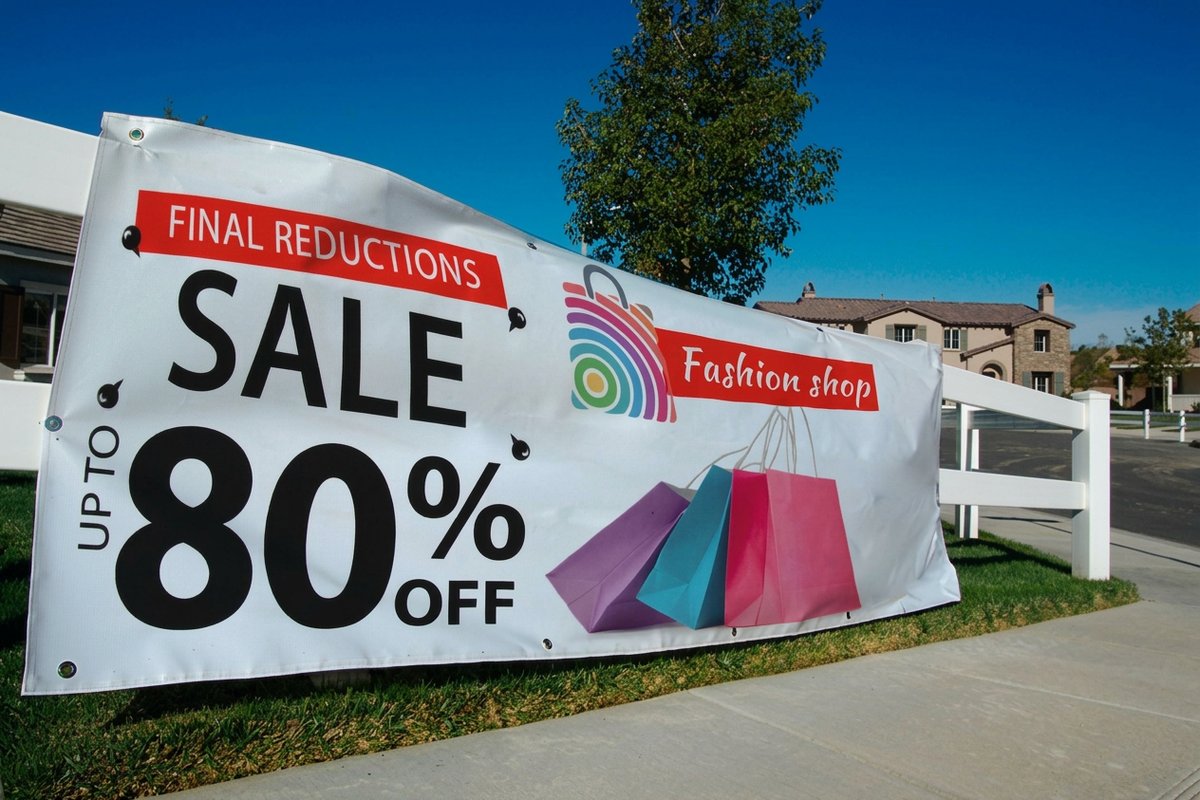
The practical rule is simple, use high-contrast combinations. Dark text on a light field, or white text on a bold, saturated background. Skip light on light and dark on dark. Your banner has to read from 15 to 50 feet, and contrast is what makes that happen.
Stick to your brand colors where you can, because consistency across your site, cards, and social builds recognition and trust. And cap the palette at three to four colors, one dominant background, one accent, and one or two text colors. More than that and the banner starts to look like a yard-sale flyer.
Save every outdoor file in CMYK, not RGB. CMYK is the print standard, and designing in RGB shifts your colors at press, turning a rich blue into a dull purple. Convert early so there are no surprises.
Typography that stays legible at a distance
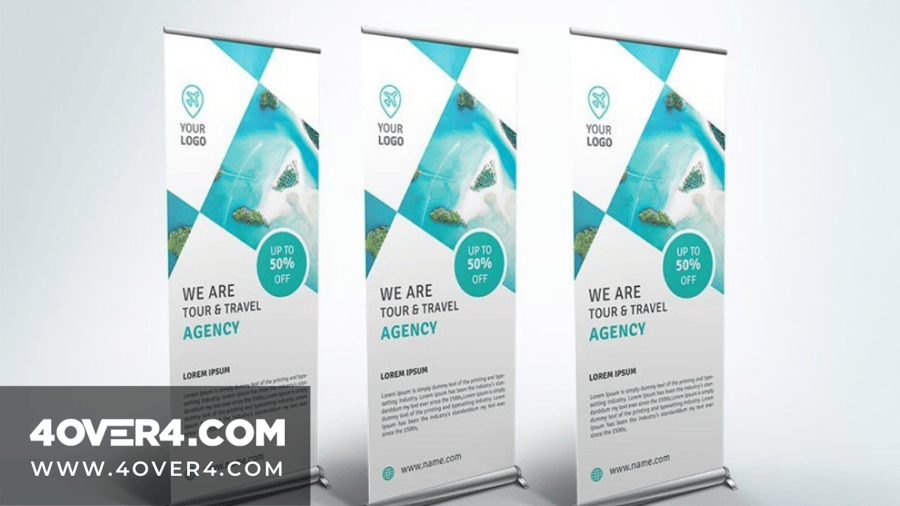
Start with the number: one inch of letter height reads from about 10 feet away. Measure how far back your reader will stand, divide by 10, and that is your minimum cap height in inches before you open a design tool. A headline meant to be read from 30 feet needs 3 inch caps, from 40 feet it needs 4 inch caps, and contact details read at conversation range can drop to 1.5 inches.
Your banner text has one job, land the message in under three seconds. That is about how long a passerby gives you. If they cannot read it instantly, they are gone.
Use a maximum of two font families on any single banner, one for headlines and one for support. Sans-serif faces like Helvetica, Arial, Futura, or Montserrat read best outdoors. Bold serifs can work for headlines, but keep thin and decorative fonts away from anything meant to be read past five feet.
Size matters more than you expect. On a standard 3 by 6 foot banner, the headline should stand at least 3 to 4 inches tall, and subtext or contact details at least 1.5 inches. If people have to squint, the type is too small.
Keep the word count low, ideally under 10 words of primary text, a headline, a call to action, and maybe a phone number or a URL. If you are fitting a paragraph on there, you are designing a flyer. Save the detail for your business banners product page or your website, and give the letters a touch more spacing so nothing smudges at distance.
Logo placement and brand identity on outdoor banners
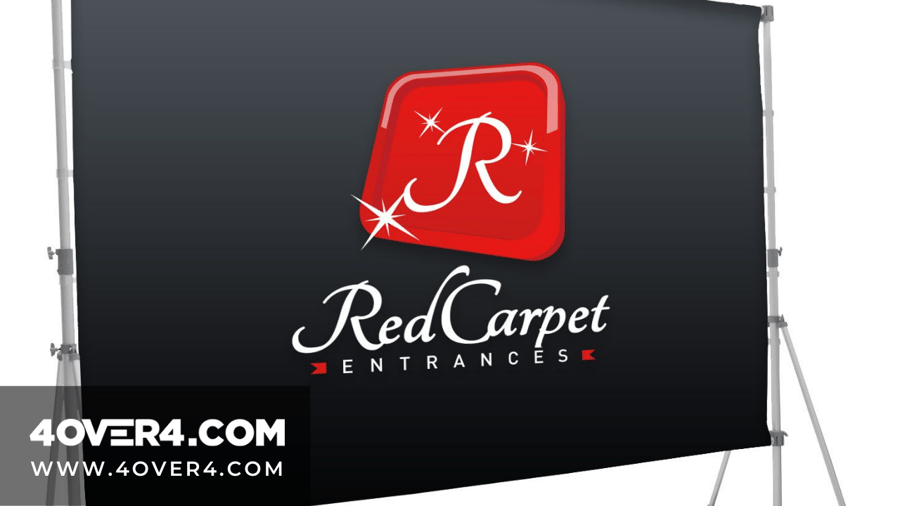
Your logo belongs in the top third of the banner. That is the first zone the eye scans, and the area least likely to be blocked by tables, people, or booth clutter at ground level. Drop it to the bottom and it can hide behind a display table.
Make the logo large enough to be recognized from the same distance as the headline, and give it at least 10 percent of the total banner area. Include the full brand identity on every banner, the logo, the brand colors, a tagline if you have one, and your contact details, so each banner works as a standalone ambassador.
For placements seen from both sides, like median poles or a banner strung between two walkways, reach for 2-sided blockout banners. An opaque core sits between the two print faces so nothing bleeds through, and your design stays crisp from either direction.
Two-sided specs
2-sided blockout banner materials
The opaque-core stock, hems, grommets, and pole-pocket options for double-sided display.
Outdoor banner design examples
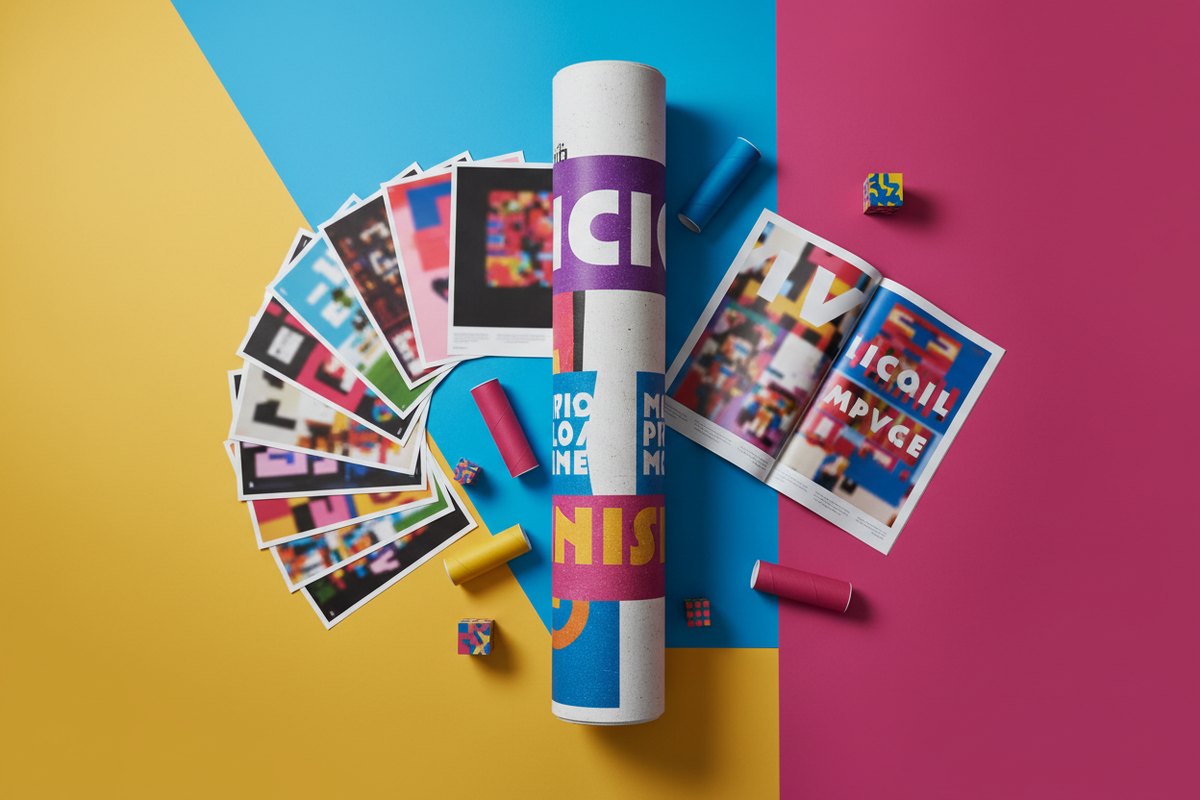
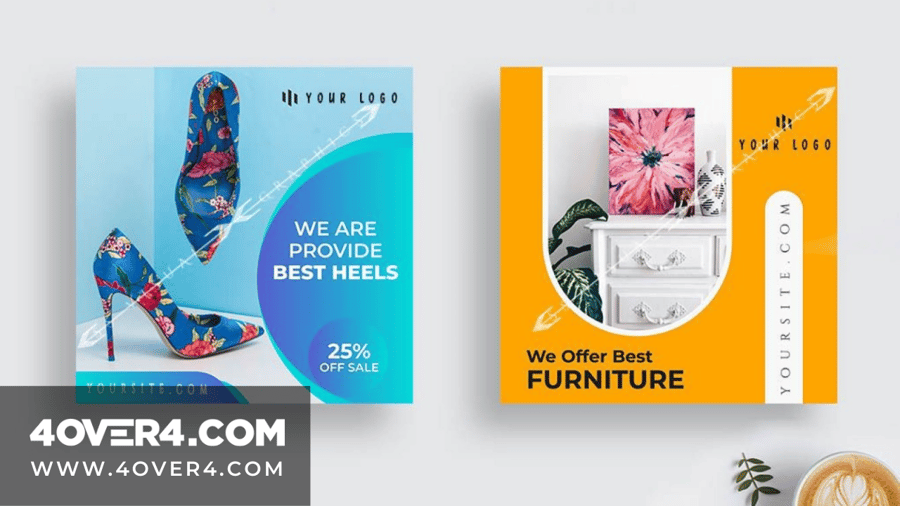
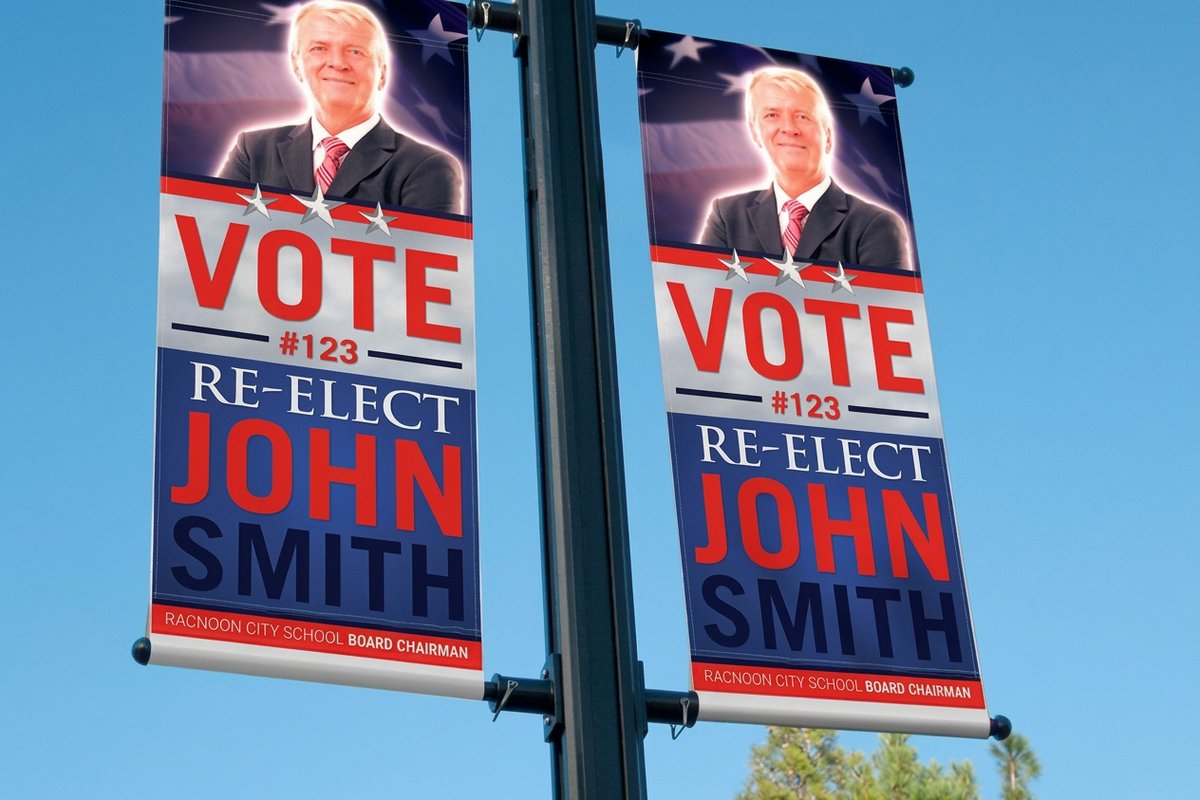
Here is what those rules look like once they are printed. Each example below carries the one layout decision that makes it readable from a sidewalk, a parking lot, or a trade show aisle, so you can copy the pattern that matches your placement instead of guessing.
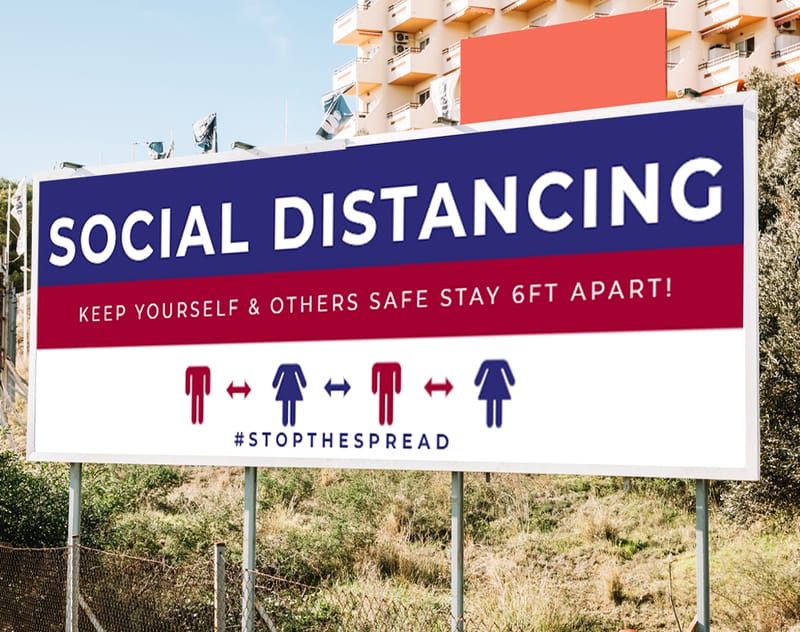
Read them together and the pattern is consistent: the headline sits in the top third, the palette stops at two colors, the caps are sized for the distance, and the template guides keep type clear of the hems and grommets. Build the layout you picked on business banners, or on 2-sided blockout banners when both faces have to work.
Image resolution and file prep for large-format printing
This is where a lot of banners fail before they ever reach the press. Low-resolution images, the wrong color mode, and off-spec dimensions drive the majority of reprints in large-format work. Here is the checklist that keeps your file clean:
- Resolution. 150 DPI at full print size for close-viewing banners, and 100 DPI as the floor for anything seen from 10 feet or more.
- Color mode. CMYK, not RGB, converted before you start rather than after.
- Bleed. Add 0.25 inches on every side so no white edge shows after trimming.
- Safe zone. Keep all critical text and logos at least 0.5 inches from any edge.
- File format. PDF is preferred, high-quality JPEG or TIFF also work, and avoid PNG for large-format print.
Not sure your file is set up right? 4OVER4.COM offers blank templates pre-built with the correct dimensions, bleed, and safe zones for every banner size. Grab the exact-size outdoor banner templates or the 2-sided blockout banner templates and design straight inside them.
Start fast
Templates and print-ready blanks
Banner design templates and exact-size blanks so your artwork lands inside the cut line and bleed.
One more thing, flatten your layers, outline your fonts, and embed every image before you export. Because outdoor banners face sun, wind, and rain, lean on strong saturated colors, since UV exposure fades lighter tones first. Vinyl printed with solvent or UV-cured inks resists water and fading and holds its color for months, while standard printing is fine for a one-day event. For any banner up for more than a few weeks, ask about UV-resistant inks and lamination that stretch the life of the print.
Practical layout tips for different banner sizes
Not every banner is the same shape, so your layout should shift with the dimensions.
Vertical banners, retractable and X-frame
These run tall and narrow, often 33 by 80 inches. Stack the content, logo at the top, headline in the upper third, hero image in the middle, and your call to action with contact details at the bottom. There is no room for side-by-side elements on a vertical banner.
Horizontal banners, fence, building, and event
Common sizes run 3 by 6 feet, 4 by 8 feet, and larger, which gives you a left-to-right reading flow. Put the logo on the left where the eye starts, the headline and main message in the center, and the call to action on the right, so the banner scans in a single glance.
Pole banners and street banners
These are narrow and tall, often 24 by 60 inches, viewed from a distance and frequently from moving cars. Use the bare minimum text, your brand name, one short phrase, and maybe a date or location. Large images beat text here because they read at speed. For promotional ideas beyond banners, browse these logo sticker design ideas, or these creative outdoor advertising examples for a bigger-picture look.
Compare formats
Popular banner formats, side by side
Stock, finish, quantity, turnaround, and from-price across the banners businesses order most.
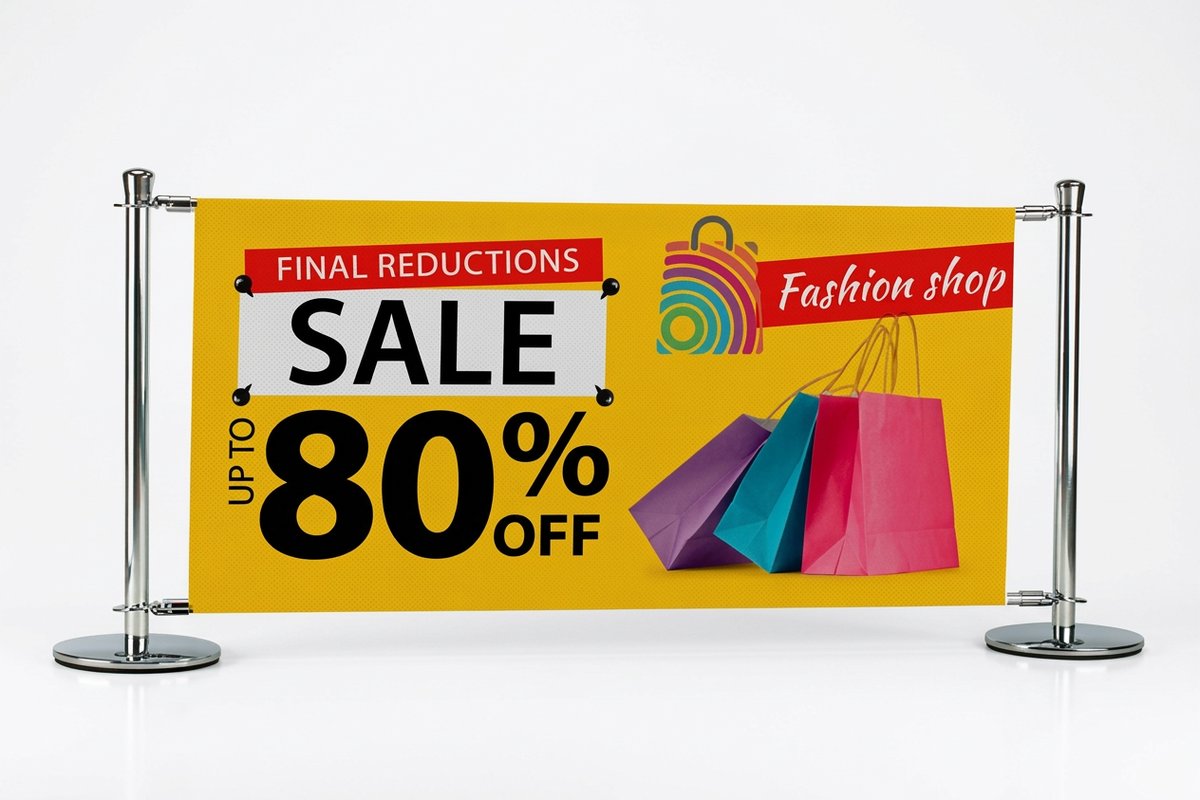 Indoor Banners | Outdoor Banners | 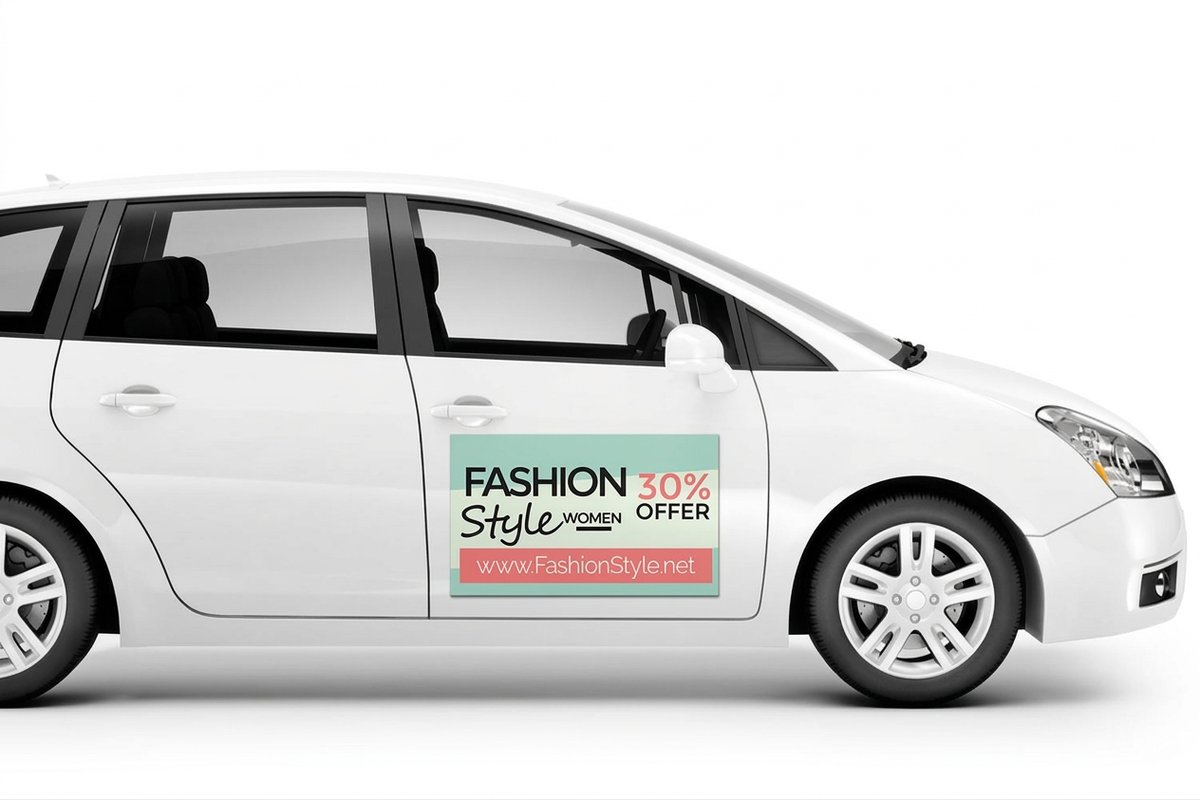 Car Magnets | 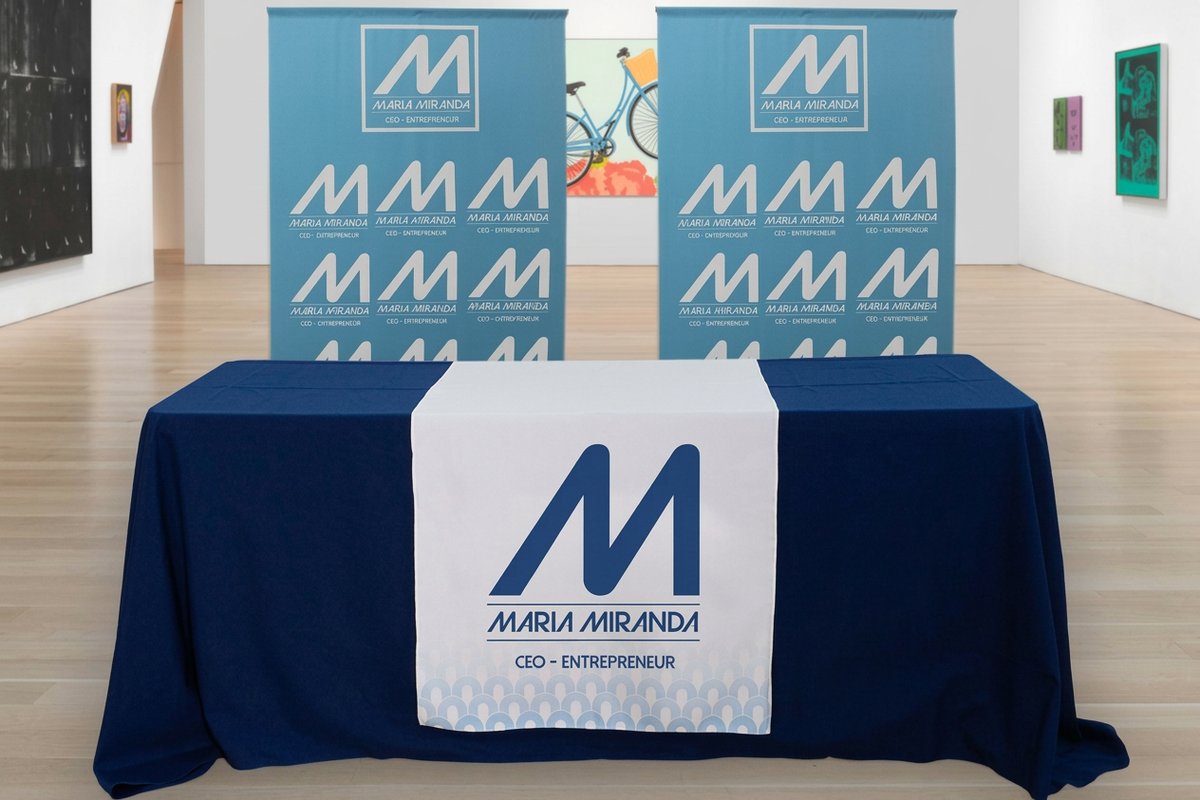 Fabric Banners | |
|---|---|---|---|---|
| Min price | $25.00 | $79.00 | $47.50 | $57.20 |
| Paper / stock | 13oz. Smooth Blockout Vinyl | 13oz. Outdoor Vinyl | 30mil Magnet | 5oz Economy Polyester |
| Finish | - | - | Hi Gloss UV Coating | - |
| Size | 12" x 24" | 2' x 4' | 9" x 9" | 24" x 72" |
| Default qty | 1 | 1 | 2 | 1 |
| Turnaround | 2 business days | 3 business days | 4 business days | 4 business days |
| Rating | ||||
| View & customize | View & customize | View & customize | View & customize |
Common outdoor banner design mistakes, and how to avoid them
After 25 years in printing, 4OVER4.COM has seen every banner mistake there is. These are the ones that show up most:
- Too much text. A banner is not a brochure. Cut the word count in half, then cut it again.
- Low-resolution images. If it looks soft on screen at 100 percent, it looks worse printed 6 feet wide.
- No clear call to action. Every banner should tell people what to do next, visit, call, scan, or show up.
- Ignoring viewing distance. Design for how far away your audience stands, not for how it looks on your desk.
- Wrong file format. RGB files, low-res JPEGs, and slide exports are not print-ready, so use CMYK PDFs.
New to print design? Browse the full library of printing articles on the 4OVER4.COM blog, or study these large-format print ad examples for layout ideas that scale.
Designing for double-sided and specialty banners
Some placements need to be seen from more than one direction. Median-mounted banners, banners hung between buildings, and freestanding frames all benefit from double-sided printing.
When you design both sides, the messages can differ, one side for an event and the other for your website, but the brand identity should stay consistent, same logo placement, same palette, same feel, so both sides clearly belong to one campaign.
The 4OVER4.COM blockout material carries an opaque black core between the two print faces, which stops any show-through and keeps each side crisp and independent. It is the right call for any banner that will be backlit or read from both sides.
Two-sided pricing
2-sided blockout banner pricing
Per-unit pricing that drops as your quantity climbs, straight from the configurator.
| Quantity | Price Per Unit | Total |
|---|---|---|
| 1 | $108.75 | $108.75 |
| 2 | $108.74 | $217.47 |
| 3 | $108.74 | $326.22 |
| 4 | $97.76 | $391.02 |
| 5 | $97.76 | $488.78 |
| 6 | $97.76 | $586.53 |
Earn rewards on your outdoor banner orders
Every banner order with 4OVER4.COM earns loyalty points you can put toward future runs. Order banners, earn points, spend them on the next print job. If you print banners regularly for events, seasonal pushes, or retail displays, those points stack up fast. See how to earn coins and start trimming the cost of your banner printing.
Wally makes your banner street-ready
Big, bold, and readable from across the lot
A great outdoor banner says one thing fast. Pick high-contrast colors, keep the text under 10 words, set the file in CMYK at 150 DPI, and put your logo in the top third. Choose weatherproof vinyl for anything outdoors, and 4OVER4.COM prints it sharp and ships it fast.
Order outdoor banners →What to remember from this outdoor banner design guide
Explore more
More ways to plan and print your outdoor signage
Every related page type on 4OVER4.COM, one card each, so you can keep exploring banner printing.
 Article 7 Holiday Postcard Design Examples That Break the Mold Seven holiday postcard design examples that skip the usual clichés, with notes on layout, color, foil, and pap
 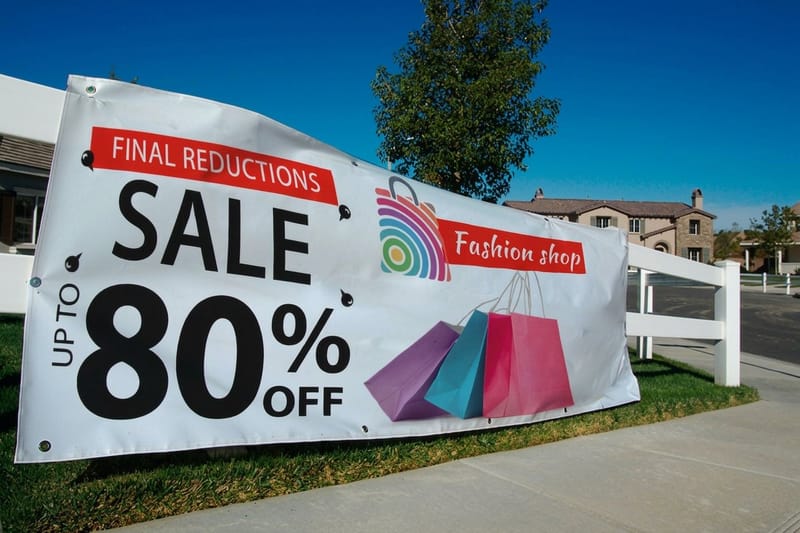 Product Outdoor Banners Weatherproof vinyl banners built for the street.
  Product Vinyl Banners Durable custom vinyl banners in any size.
 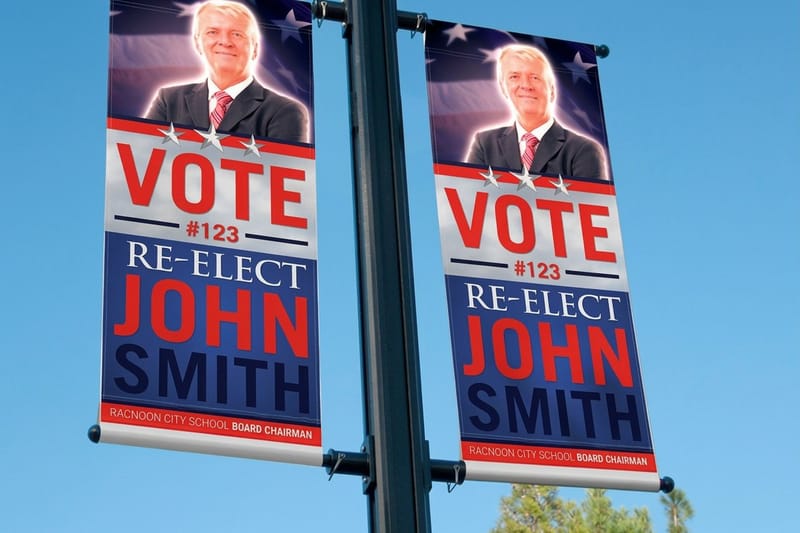 Product 2-Sided Blockout Banners Opaque core for crisp artwork on both sides.
 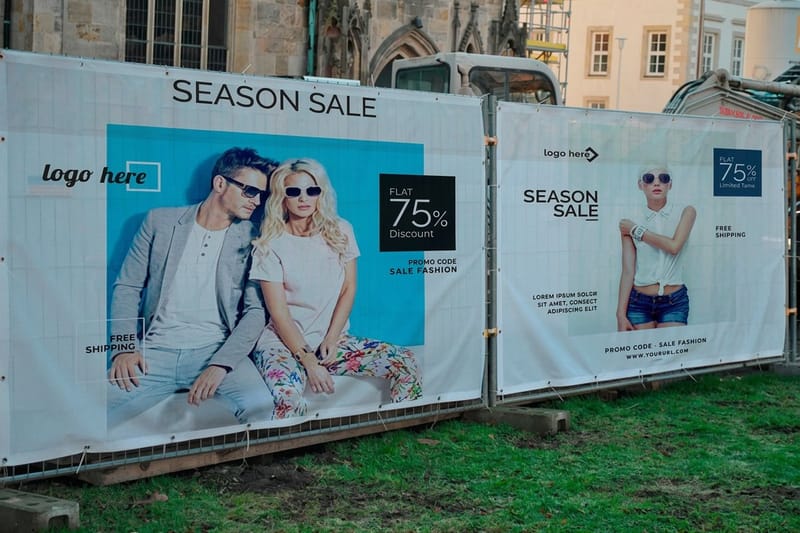 Product Mesh Banners Wind-through mesh for fences and open-air spots.
 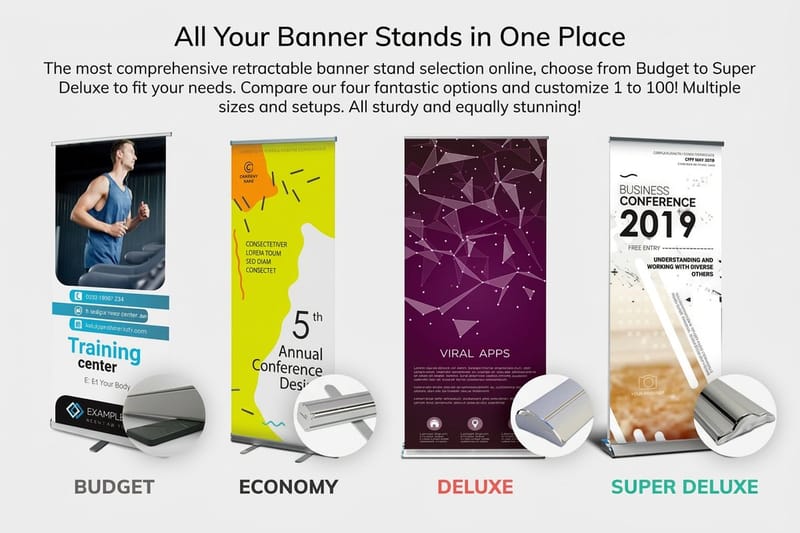 Product Retractable Banner Stands Pop-up retractable stands for trade shows.
  Hub Signs & Banners The full signs and banners hub in one place.
  Article Creative Outdoor Advertising Outdoor ad ideas that stop people in their tracks.
  Article Large-Format Ad Examples Ten big-format print ads worth studying.
  Article Promotional Materials for Events Print pieces that make an event memorable. Collection Banners Collection Every banner style 4OVER4.COM prints.
 Ready to put your banner on the street?
Pick a size, drop in your artwork or a free template, choose weatherproof vinyl, and 4OVER4.COM prints it sharp, as fast as same day.
Outdoor banner design, your questions answered
What are the best practices for outdoor banner design?
Use high-contrast colors, keep text under 10 words, place your logo in the top third, and design in CMYK at 150 DPI or higher. Always reach for branded photography over stock images. For permanent installations that need to last, consider aluminum sign panels.
How do I choose the right outdoor banner?
Start with your viewing distance and display spot. Vertical retractable banners suit trade shows and lobbies, while horizontal vinyl banners fit fences, buildings, and event spaces. Match the format to the environment, and pick fixed stands for low-traffic events or scrolling stands when space is tight but you have several messages.
What makes an outdoor banner effective for marketing?
Bold visuals, minimal text, and one clear call to action that reads in three seconds or less. 4OVER4.COM has served more than 150,000 businesses with outdoor signage that drives foot traffic. Pair your banners with aluminum A-frames for directional signage that guides customers to your door.
How much should I budget for outdoor banner printing?
Cost depends on size, material, and quantity. A standard 3 by 6 foot vinyl banner is affordable for most small businesses, while double-sided blockout banners cost more for the specialty core. Budget extra for grommets, pole pockets, or hemming based on how you mount it, and remember that quantity discounts bring the per-unit price down.
