What You Need to Know About Logo Design Best Practices
A strong logo does heavy lifting for your brand. It shows up on business cards, banners, packaging, and every printed piece your audience touches. Logo design best practices come down to a few non-negotiable principles: keep it simple, make it scalable, choose colors with print in mind, and always prepare vector files. 4OVER4 has printed 10 billion+ cards - and the logos that look best on press follow these rules every time. With 25+ years in the printing business, we've seen what works and what doesn't.
Why Your Logo Decisions Shape Every Print Piece You'll Ever Order
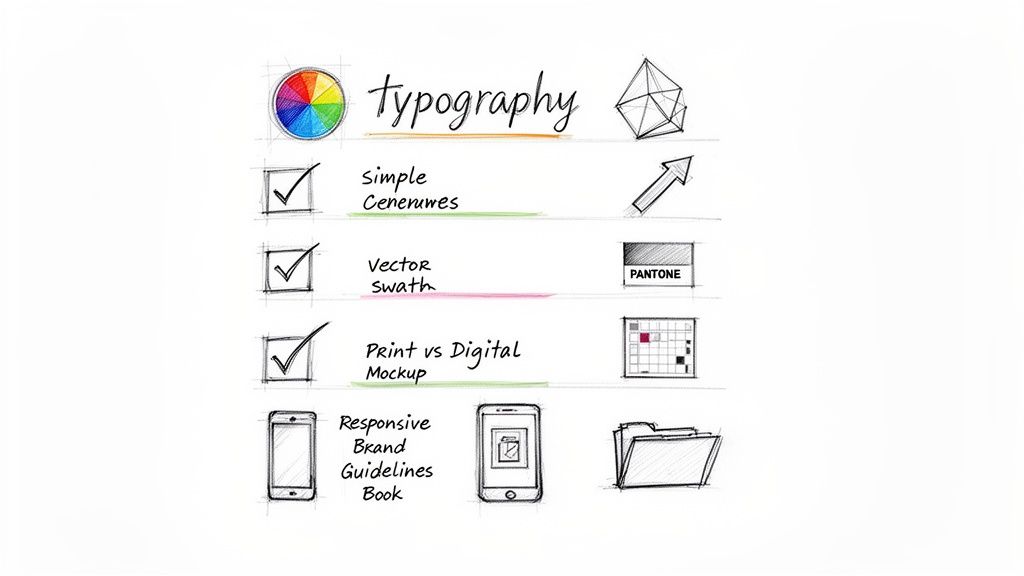
Your logo isn't just a digital asset. It's the one design element that shows up on everything - from postcards and flyers to trade show banners and rubber stamps. Get it wrong, and you'll spend money fixing problems across dozens of products. Get it right, and every print run looks sharp from day one.
This guide walks you through logo design best practices with a focus on real-world print applications. You'll learn how color choices affect ink costs, why file formats matter more than most designers admit, and how to stress-test your logo before it hits the press. Browse our Showcase to see how strong logos translate to printed products.
Whether you're building a brand from scratch or refreshing an existing mark, these principles apply. Need help with other print prep? Check out our guide on How To Clean Rubber Stamps or explore our Design Templates to see how logos fit into real layouts. 4OVER4 offers 1,000+ products - and your logo needs to look great on all of them.
The Complete Playbook for Designing a Logo That Prints Beautifully
A logo that looks great on screen but falls apart on paper is a failed logo. The gap between digital design and physical print is where most brand marks stumble. Here's how to bridge that gap with confidence - covering everything from shape and color to file prep and scalability.
Keep It Simple - Complexity Is the Enemy of Recognition
The most recognizable logos in the world share one trait: simplicity. Think about the marks you remember instantly. They're clean, uncluttered, and readable at a glance. A simple logo reproduces well at any size - from a half-inch stamp to a 2 Sided Blockout Banners display.
Strip your design down to its core idea. If you can't describe what the logo looks like in one sentence, it's probably too complicated. Remove decorative elements that don't carry meaning. Every line, shape, and curve should earn its place in the composition.
Test your logo at small sizes. Print it at 0.5 inches wide. Can you still identify it? If details blur together or thin lines disappear, simplify further. This small-size test catches problems that screen-only designers miss entirely.
Design for Scalability From the Start
Your logo will appear on surfaces as small as a pen and as large as a building wrap. That range demands a design built for scalability. Always create your primary logo file as a vector graphic (AI, EPS, or SVG format). Vector files use mathematical paths instead of pixels, so they scale infinitely without losing quality.
Create multiple logo versions for different contexts. You'll need a primary horizontal version, a stacked version, an icon-only mark, and a wordmark-only option. Each version should feel like the same brand while working in its specific space. Visit our Faq Hub for more guidance on preparing files for different print products.
Don't forget about clear space rules. Define a minimum amount of empty space around your logo that no other element can invade. A common approach: use the height of one letter in your wordmark as the minimum buffer zone on all sides.
Choose Colors With Print Production in Mind
Color is where logo design gets technical fast. What you see on your monitor is RGB (red, green, blue) - light-based color. What comes off a printing press is CMYK (cyan, magenta, yellow, black) - ink-based color. These two systems don't produce identical results.
Some RGB colors - especially bright neons, deep purples, and vivid oranges - shift noticeably when converted to CMYK. Design your logo in CMYK from the start if print is a priority. Or better yet, specify Pantone (PMS) spot colors for your brand. Pantone inks are pre-mixed to exact formulas, giving you consistent color across every print run and every vendor.
Limit your color palette to two or three colors maximum. Fewer colors mean lower printing costs (especially for specialty items like envelopes and stamps) and stronger brand recognition. Every additional color adds complexity and cost. When you're ready to see how color choices play out on real products, check out the Showcase for examples.
"We switched our logo from a five-color gradient to a clean two-color Pantone design. Print costs dropped, and honestly, the brand looks sharper now than it ever did."
- Marcus L., startup founder
Make It Work in Black and White First
Before you add any color, your logo should work in pure black on white. This isn't optional - it's a foundational test. A logo that depends on color to communicate its shape or meaning will fail in single-color applications: fax headers, newspaper ads, embossed stationery, engraved products, and dark backgrounds.
Design the mark in monochrome. Evaluate the shapes, proportions, and overall impact without color as a crutch. If the black-and-white version looks weak or confusing, the design itself needs work. Color should add personality, not compensate for structural problems.
Also create a reversed (white on dark) version. Test it on dark backgrounds at various sizes. Some logos that look bold on white become illegible when reversed. Thin elements and tight spaces are usually the culprits. If you're designing materials like flyers, our guide on How To Make Flyers covers layout considerations that apply to logo placement too.
Typography Choices That Hold Up on Press
If your logo includes text - and most do - font selection matters more than you might think. Avoid ultra-thin or hairline typefaces. Lines thinner than 0.5pt can disappear entirely in print, especially on textured paper stocks. What looks elegant on a Retina display becomes invisible on a 14pt uncoated card.
Custom lettering or modified typefaces give your logo a unique identity that stock fonts can't match. But if budget or timeline pushes you toward existing fonts, choose ones with clear licensing for commercial use. Getting hit with a font licensing violation after you've printed 10,000 business cards is an expensive headache.
Pay attention to letter spacing (kerning) and the relationship between your icon and wordmark. These details affect readability at small sizes. Print a test sheet at actual size on a few different paper types before finalizing. If you're curious about how typography works across folded formats, our guide on How To Fold A Brochure covers some useful layout principles.
Prepare the Right File Formats for Every Situation
A finished logo isn't one file. It's a complete package of formats, each serving a specific purpose. Here's what you need:
- Vector files (AI, EPS, SVG) - for print production, signage, and any application that requires scaling. These are your master files.
- High-resolution PNG - transparent background, at least 300 DPI, for digital use where transparency matters.
- JPEG - for web, email signatures, and social media where file size matters more than transparency.
- PDF - a universal format that preserves vector data and works across platforms.
When submitting files to a print vendor like 4OVER4, vector formats are always preferred. They give the press operator maximum flexibility and produce the sharpest output. Raster files (JPEG, PNG) work for digital but can cause quality issues in print if resolution is too low.
Organize your files into clearly labeled folders: Print, Web, Social, and Reversed versions. Your future self - and any designer who works with your brand later - will thank you.
Test Your Logo on Real Products Before Committing
Mockups are helpful. Actual printed samples are better. Before you finalize your logo, get it onto physical products. Print test runs on business cards, letterheads, and at least one large-format item. You'll catch issues that screens simply can't reveal: color shifts, detail loss, and spacing problems.
Pay attention to how your logo interacts with different paper textures. A logo with fine details might look stunning on smooth coated stock but lose definition on uncoated or textured paper. If your brand uses specialty finishes like foil stamping or embossing, test those too. The raised surface of an embossed logo changes how light interacts with the design.
4OVER4 offers 60+ paper types, so your logo needs to perform across a wide range of substrates. Ordering sample packs or small test quantities is a smart investment that prevents expensive surprises on large runs.
Think About Context and Application Range
Your logo won't live in isolation. It'll sit next to other design elements, inside layouts, on products with their own visual demands. Consider how your logo works within a business card layout, on a brochure cover, as a social media avatar, and on promotional items like Custom Magnets Faq or custom envelopes.
Create a simple brand guidelines document that specifies minimum sizes, color values (CMYK, RGB, Pantone, and hex), clear space requirements, and approved logo variations. This document doesn't need to be 50 pages. A clean one-pager covering the essentials works for most small businesses. For envelope-specific considerations, our guide on How To Make Envelopes covers sizing and layout details.
Protect Your Logo Legally
A logo you can't legally defend isn't really yours. Before investing in large print runs and brand collateral, conduct a trademark search. The USPTO's Trademark Electronic Search System (TESS) is free and lets you check for conflicts with existing registered marks.
Filing a trademark application costs between $250 and $350 per class of goods or services. That's a fraction of what you'd spend rebranding if someone challenges your mark after you've printed thousands of pieces. Protect the investment early.
Also run reverse image searches to make sure your design doesn't accidentally resemble an existing logo. Coincidental similarity happens more often than you'd expect, and it's much cheaper to catch it before production than after.
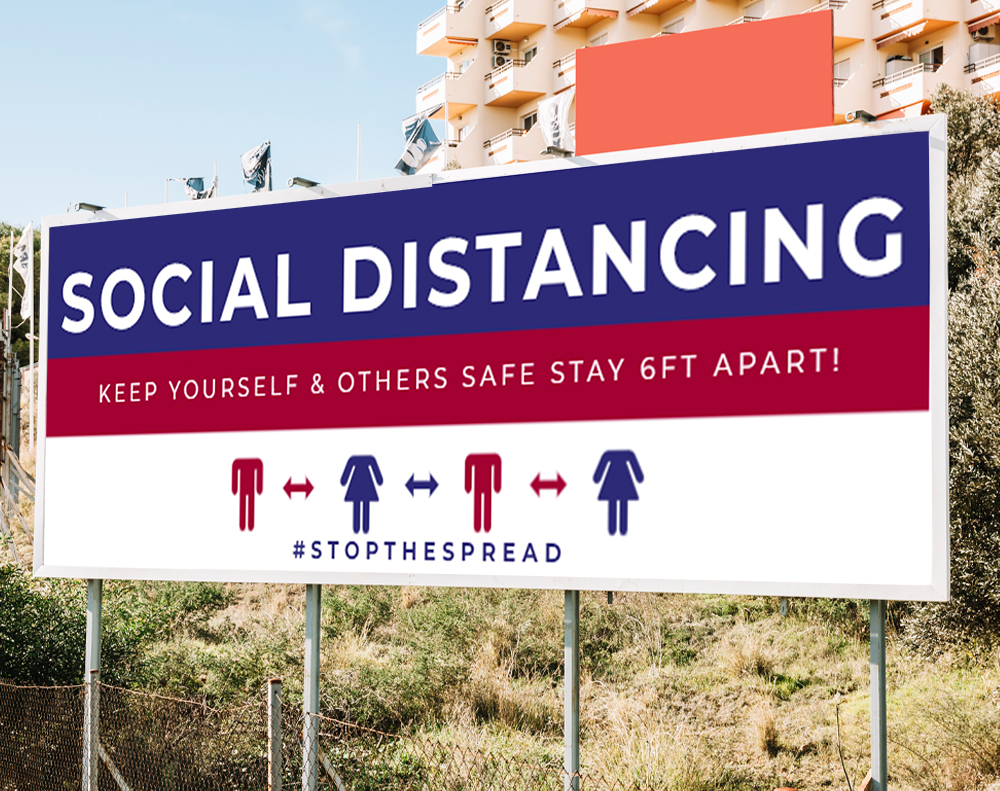
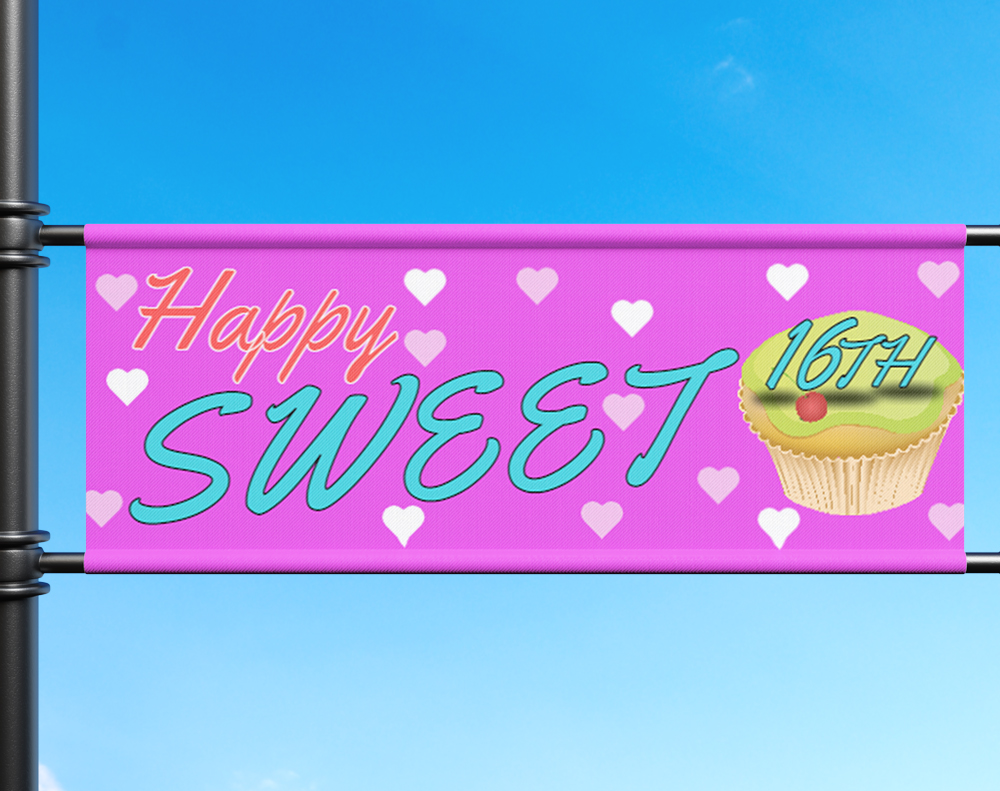
Below you'll find some ready-to-customize templates that put these logo design best practices into action on real print products.
Logo Design Pitfalls That Cost You Time and Money
Even experienced designers trip over these common mistakes. Knowing what to avoid is just as important as knowing what to do right.
- Designing in RGB only. Your logo looks different in print. Start in CMYK or Pantone, then convert to RGB for screens - not the other way around.
- Using raster files for print. A 72 DPI JPEG pulled from your website will look blurry and pixelated on a printed business card. Always supply vector files to your printer.
- Too many colors. Five-color logos drive up printing costs and reduce versatility. Two or three colors handle 90% of applications better.
- Chasing trends over longevity. That trendy gradient or 3D effect will date your logo within two years. Classic shapes and clean lines age well.
- Skipping the small-size test. If your logo can't be identified at half an inch wide, it's not ready. 4OVER4 prints products ranging from tiny labels to massive banners - your logo needs to work across that full spectrum.
- No reversed version. Dark backgrounds are everywhere. If you don't have a white-on-dark version ready, you'll scramble every time you need one.
Avoiding these mistakes saves you from reprints and redesigns. With 10,000+ reviews from customers, 4OVER4 has seen firsthand how proper logo preparation makes the difference between a flawless print job and a frustrating one.
Print Products That Put Your New Logo to Work
Once your logo is finalized and print-ready, it's time to get it onto real products. 4OVER4 carries 1,000+ products across every category - business cards, postcards, banners, stationery, and promotional items. Your well-designed logo will look sharp on all of them.
Starting small? Free Invitations are a great way to test your logo on a printed product without a big commitment. You can also explore Free Invitations as branded event pieces that showcase your new mark in action.
Here's a closer look at specifications and product options that pair well with strong logo design best practices.
Free Logo Design Best Practices Templates




| Item | Implementation Complexity 🔄 | Resource Requirements ⚡ | Expected Outcomes 📊 | Ideal Use Cases 💡 | Key Advantages ⭐ |
|---|---|---|---|---|---|
| Simplicity and Timelessness | 🔄 Low–Medium — refine and remove clutter | ⚡ Low — few colors, basic assets, skilled designer | 📊 Very high recognition & longevity — ⭐⭐⭐⭐⭐ | 💡 Business cards, banners, cross‑product branding | ⭐ Memorable, scalable, cost‑effective |
| Versatility Across Print Mediums | 🔄 Medium — multiple variants and layouts | ⚡ Medium — vector files, proofs, file variants | 📊 High consistency across formats — ⭐⭐⭐⭐ | 💡 Full marketing suite: stickers, labels, signage | ⭐ Single asset for many touchpoints; time‑saving |
| Color Strategy and CMYK Optimization | 🔄 Medium–High — color matching and testing | ⚡ Medium — Pantone/proofs, color specs | 📊 Accurate print color; stronger recall — ⭐⭐⭐⭐ | 💡 Brands relying on signature colors | ⭐ Consistent color, reduced waste, professional look |
| Font Selection and Typography | 🔄 Medium — licensing and legibility tuning | ⚡ Low–Medium — font licenses, kerning, tests | 📊 Clear readability and personality — ⭐⭐⭐ | 💡 Wordmarks, labels, small‑format text | ⭐ Distinctive identity, improved legibility |
| Visual Hierarchy and Focal Points | 🔄 Medium — balance and emphasis testing | ⚡ Low — design iterations and scale tests | 📊 Faster message comprehension — ⭐⭐⭐ | 💡 Small items where attention is brief (cards, labels) | ⭐ Guides viewer attention; reduces cognitive load |
| Brand Consistency and Style Guides | 🔄 High — comprehensive documentation | ⚡ Medium–High — templates, enforcement, updates | 📊 Strong, consistent brand presence — ⭐⭐⭐⭐ | 💡 Corporations, agencies, multi‑channel brands | ⭐ Protects brand; accelerates production |
| Cultural Sensitivity and Global Applicability | 🔄 Medium–High — research and vetting | ⚡ Medium — market research, consultants | 📊 Safer international adoption — ⭐⭐⭐ | 💡 Companies expanding internationally | ⭐ Avoids missteps; broadens appeal |
| Trademark and Legal Distinctiveness | 🔄 High — searches and legal processes | ⚡ High — attorney fees, registration, maintenance | 📊 Legal protection and asset value — ⭐⭐⭐⭐ | 💡 Startups and businesses scaling markets | ⭐ Prevents infringement; secures ownership |
| Negative Space and Optical Illusion | 🔄 High — precise, subtle execution | ⚡ Low–Medium — skilled designer and testing | 📊 Memorable when executed well — ⭐⭐⭐ | 💡 Brands seeking clever, distinct marks | ⭐ Enhances memorability and engagement |
| Scalability and File Format Standards | 🔄 Low–Medium — proper file prep | ⚡ Medium — Adobe tools, multiple formats | 📊 Reliable reproduction; fewer reprints — ⭐⭐⭐⭐ | 💡 Print‑heavy workflows, large format printing | ⭐ Ensures quality at any size; prevents errors |
- Test for Memorability: Show your logo concept to someone for five seconds, then ask them to sketch it from memory. If they can capture the basic form, you are on the right track.
- Embrace Subtraction: Critically evaluate every element. Does that gradient, shadow, or extra line serve a strategic purpose? If not, remove it. A strong concept doesn’t need embellishment.
- One-Color Test: A truly versatile logo must work in a single color. This ensures it can be used for everything from single-color screen printing on apparel to embossing on custom presentation folders. If the design loses its meaning in black and white, it’s too dependent on color.
- Design in Vector Format: Always create your master logo files in a vector format (AI, EPS, SVG). Unlike pixel-based formats (JPG, PNG), vectors can be scaled infinitely without any loss of quality, ensuring sharpness on any print product.
- Develop Logo Variations: A single logo lockup won't fit every space. Create a system that includes a primary logo, a horizontal version, a stacked or vertical version, and an icon-only mark (logomark) for use in small spaces like social media profiles.
- Test on Different Backgrounds: Your logo must be legible on light, dark, and complex photo backgrounds. Prepare full-color, single-color (black), and reversed-out (white) versions to ensure it always stands out.
- Check Small-Scale Legibility: Shrink your logo down to a very small size (around 0.5 inches wide). Can you still read any text? Is the core shape recognizable? If intricate details merge into a blur, the design needs simplification.
- Design in CMYK Mode: Start your logo design process in a CMYK color profile if its primary application will be print. Converting from RGB (for screens) to CMYK later can cause unexpected and dramatic color shifts.
- Utilize a Pantone Matching System (PMS): For critical brand colors, specify a PMS color. This provides a universal standard that printers use to mix ink for near-perfect color matching across different products and vendors.
- Order a Hard-Copy Proof: Before committing to a large print run, always request a physical proof from your printer. This allows you to see exactly how the colors will appear on your chosen paper stock, preventing any unwelcome surprises.
- Document Your Color Codes: Create a brand style guide that records the exact CMYK, PMS, RGB, and HEX values for your brand colors. This ensures anyone working with your logo in the future can maintain consistency.
- Prioritize Legibility: Test your chosen typeface at very small sizes. Can it still be read clearly on a pen or a small product label? If it becomes illegible, it's not a viable option for a versatile logo system.
- Limit Your Palette: Stick to one or, at most, two typefaces. Using too many fonts creates visual chaos and weakens brand consistency. A primary font for the main brand name and a secondary font for a tagline is a classic, effective pairing.
- Create Outlines for Print: Before sending your logo to a printer, convert all text to outlines (or curves). This technical step turns the letters into vector shapes, ensuring the font displays and prints correctly even if the print vendor does not have the font file installed.
- Avoid Overly Trendy Fonts: Decorative or trendy fonts can quickly date your logo. Opt for classic, well-crafted typefaces that have stood the test of time to ensure your brand remains relevant for years to come.
- Identify the Primary Element: Decide on the single most important part of your logo, whether it's an icon, a wordmark, or a specific shape. This will be your focal point.
- Use Scale and Contrast: Make your focal point larger, bolder, or more vibrant in color than other elements. Secondary components, like a tagline, should be significantly smaller and more subdued.
- Position Strategically: Place the primary element where the eye naturally looks first, often in the center or top-left. Supporting elements should frame or ground this focal point without distracting from it.
- The Thumbnail Test: Shrink your logo down to the size of a social media profile picture or a favicon. If the primary element is still clear and the overall message is intact, your hierarchy is effective.
- Define Logo Variations: Document all approved versions of your logo, including full-color, one-color (black and white), and reversed-out versions for dark backgrounds.
- Specify Clear Space: Mandate a "safe zone" or clear space around the logo to prevent other elements from crowding it. This rule is non-negotiable and preserves the logo's visual impact.
- Codify Your Colors: Provide the exact color codes for every format: Pantone (PMS) for spot color printing, CMYK for full-color print, and RGB/Hex for digital use. This ensures colors are accurate everywhere.
- Establish "Don'ts": Clearly illustrate unacceptable logo modifications, such as stretching, adding drop shadows, altering colors, or rotating the design. This prevents common mistakes.
- Research Color Symbolism: Colors carry potent meanings that vary dramatically across cultures. For example, while white signifies purity in many Western cultures, it represents mourning and death in parts of Asia. Research the color associations in your key target markets.
- Audit Symbols and Gestures: Avoid using symbols, hand gestures, animals, or religious icons that may have unintended negative connotations elsewhere. What seems innocuous in one country could be a grave insult in another.
- Test with Diverse Audiences: Before finalizing a design, gather feedback from a focus group composed of individuals from your target cultural backgrounds. This firsthand insight is invaluable for identifying potential misinterpretations.
- Prioritize Universal Shapes: Lean on simple, geometric, and abstract forms that are universally understood and do not rely on culture-specific imagery. This ensures clarity and avoids unintentional messaging.
- Conduct a Thorough Search: Before finalizing a design, perform a comprehensive search on databases like the U.S. Patent and Trademark Office (USPTO) TESS system. This initial check can flag obvious conflicts early.
- Consult a Trademark Attorney: The most reliable way to ensure a logo is legally clear for use and registration is to hire an intellectual property attorney. Their expertise is crucial before you invest heavily in printing and marketing.
- Document the Design Process: Keep detailed records of your logo's creation, including initial sketches, revisions, and information about the original designer. This documentation can serve as crucial evidence of original work if a dispute ever arises.
- Use Proper Notation: Once you begin using your logo, apply the appropriate symbols. Use ™ (trademark) for unregistered marks to claim common-law rights, and ® (registered) only after your trademark has been officially granted by a national authority.
- Reinforce Your Brand Message: Use the negative space to create a symbol that relates directly to your industry or brand values. For example, the Bronx Zoo logo uses the negative space between giraffes' legs to form a city skyline.
- Ensure Subtlety, Not Confusion: The hidden element should be a delightful discovery, not a distraction that makes the primary logo hard to read. The main form must be strong enough to stand on its own.
- Test for Discernibility: Get feedback from people unfamiliar with the design. Can they find the hidden meaning without prompting? If it's too obscure, its impact will be lost.
- Verify Scalability: Check that the negative space element remains visible and effective at all sizes, from a tiny favicon to a large printed banner. Intricate illusions can disappear when scaled down.
- Design in Vector First: Always create your logo in a vector-based program like Adobe Illustrator from the very beginning. Never start in a raster program like Photoshop.
- Convert Fonts to Outlines: Before finalizing and exporting logo files for a printer, convert all text elements to outlines or curves. This embeds the font shape into the design, preventing font substitution errors if the printer doesn't have the specific font installed.
- Create a Comprehensive File Package: Your final logo package should include a variety of formats. Provide vector files (AI, EPS, SVG) for scalability, and high-resolution raster files (PNG with a transparent background, 300+ DPI TIFF) for digital or specific software use. Include versions in full color (CMYK for print, RGB for digital), black, and white (monochrome).
- Simplicity and Timelessness ensure your logo remains relevant for years, avoiding the cost and brand dilution of frequent redesigns.
- Versatility and Scalability guarantee your mark is functional and clear across all applications, from digital ads to physical products.
- Strategic Color and Typography create an immediate emotional connection and reinforce your brand’s personality.
- Technical Precision, including vector formats and correct color profiles, is the bedrock of professional execution, ensuring your brand looks polished and consistent everywhere.
"Ordered logo design best practices from 4OVER4 and the quality blew me away. Sharp colors, premium feel, arrived 2 days early."
"Been using 4OVER4 for logo design best practices for a year. Consistent quality every time. The online designer made it easy."
"Switched to 4OVER4 and saved 40% on logo design best practices. Better quality than my old printer. 60+ paper options."
"4OVER4's logo design best practices helped us look more professional. Clients notice the difference."
Your Logo Design Questions, Answered
What file format should I send to a printer for my logo?
Always send vector files - AI, EPS, or SVG. These formats scale to any size without losing quality. If your printer accepts PDF, a high-resolution vector PDF works too. Avoid sending JPEG or PNG files for print production since they're resolution-dependent and can appear blurry, especially on large-format items.
How many colors should a logo have for cost-effective printing?
Stick to two or three colors. Fewer ink colors keep printing costs lower, especially for specialty items like envelopes and stamps. Specify Pantone (PMS) values for each color to guarantee consistency across different print vendors and product types.
Why does my logo look different on screen versus on paper?
Screens display color using RGB light, while printers use CMYK ink. These systems don't overlap perfectly. Bright greens, vivid purples, and neon tones shift the most during conversion. Design in CMYK from the start, or define Pantone spot colors for accurate reproduction. 4OVER4 offers 60+ paper types, and each substrate can affect how colors appear.
What's the minimum size my logo should work at?
Your logo should remain legible and recognizable at 0.5 inches wide. Print it at that size and check for lost details, merging lines, or illegible text. If anything breaks down, simplify the design. This small-size test is one of the most practical logo design best practices you can adopt.
Do I need a trademark for my logo before printing?
You don't need a registered trademark to start printing, but it's smart to file early. A USPTO trademark search is free, and filing costs $250-$350 per class. Catching conflicts before you've printed thousands of branded pieces saves big money and brand disruption down the road.
Should I design my logo in CMYK or RGB?
If print is your primary use, design in CMYK first. Converting RGB to CMYK after the fact often shifts colors in unexpected ways. For brands that need both digital and print consistency, define your colors in Pantone, then create matched CMYK and RGB conversions from those Pantone values.