What You Need to Know About Business Card Sizes in Centimeters
The standard business card in North America measures 8.9 x 5.1 cm, while most European countries use 8.5 x 5.5 cm. Japan's standard runs slightly larger at 9.1 x 5.5 cm. Getting these dimensions right before you design prevents costly reprints and ensures your card fits neatly into any wallet. 4OVER4 has printed over 10 billion+ cards for 150,000+ businesses, so trust us - size matters from the start.
Why Business Card Dimensions in Cm Actually Matter
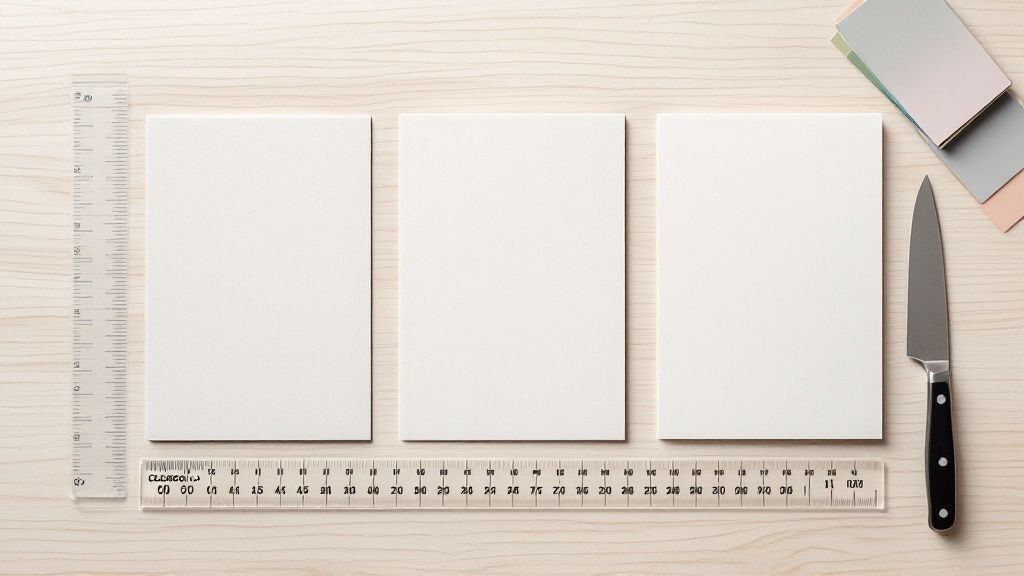
Business card dimensions in cm determine whether your card looks professional or ends up trimmed, crooked, or tossed. A card that's even 2mm off can feel wrong in someone's hand. It won't sit flush in a cardholder. It'll stick out of a wallet. These tiny details shape first impressions before anyone reads your name.
This business card dimensions cm guide breaks down every regional standard, bleed requirements, and safe zone you need to know. Whether you're printing for clients in New York, London, or Tokyo, you'll walk away knowing the exact measurements. 4OVER4 offers Blank Templates pre-set to correct dimensions so you don't have to measure anything yourself. You can also browse Design Templates with proper sizing built in. And if you're working on other print projects, check out our guide on How To Clean Rubber Stamps for maintaining your stamp tools.
Standard Business Card Dimensions by Region - Measured in Centimeters
North American Business Card Dimensions
In the United States and Canada, the standard business card measures 8.9 x 5.1 cm (3.5 x 2 inches, or 89 x 51 mm). This size became dominant because it closely mirrors credit card dimensions. Your card slides right into a wallet slot without folding, bending, or sticking out. That's not a coincidence - it's practical design that stuck.
If you're designing for the North American market, start with these exact measurements. Don't round up to 9.0 x 5.0 cm. That extra millimeter matters when the printer trims your cards. You can find pre-sized layouts in the 4OVER4 template library, or visit the Faq Hub for more printing guidance.
European Business Card Dimensions
Most European Union countries follow the 8.5 x 5.5 cm standard (85 x 55 mm). This is slightly shorter and wider than the North American card. The shape feels a bit more square in your hand. It's based on the ISO standard - the same system that gives Europe its A4 paper size instead of US Letter.
If you do business across the Atlantic, pay attention. Printing North American-sized cards for a European audience means your card won't fit standard European cardholders. It's a small detail, but it signals awareness. People notice when a card doesn't sit right.
Japanese Business Card Dimensions
Japan uses a slightly larger standard at 9.1 x 5.5 cm (91 x 55 mm). Business cards - called meishi - carry deep cultural weight in Japan. The exchange of cards follows specific etiquette. Handing someone an incorrectly sized card can feel off, even if they can't pinpoint why. If you're attending meetings in Tokyo or Osaka, print to the Japanese standard.
Chinese Business Card Dimensions
China's standard business card measures 9.0 x 5.4 cm (90 x 54 mm). It's close to the Japanese size but not identical. If you're doing business in mainland China, use these exact dimensions. Don't assume the Japanese or European size will work interchangeably.
Other Regional Standards Worth Knowing
Australia and New Zealand follow the European standard at 8.5 x 5.5 cm. South Korea uses 9.0 x 5.0 cm. India doesn't have a strict national standard but commonly uses 8.9 x 5.1 cm, matching the North American size due to heavy business ties with the US. When in doubt, ask your contact in that country what size they expect.
For creative projects beyond business cards, 4OVER4 also has guides on How To Fold A Brochure and How To Make Flyers that walk you through proper dimensions for other print materials.
Bleed, Trim, and Safe Zones - The Numbers That Save Your Design
Knowing the final card size is only half the equation. You also need to understand bleed, trim lines, and safe zones. These three measurements prevent your design from getting cut off, misaligned, or looking amateur.
What Is Bleed and Why Does It Matter?
Bleed is the extra area beyond the trim line where your design extends. For business cards, standard bleed is 0.3 cm (3 mm) on each side. So a North American card with bleed should be set up at 9.5 x 5.7 cm instead of 8.9 x 5.1 cm.
Why? Cutting machines aren't perfect. They shift by fractions of a millimeter. If your background color or image stops exactly at the trim line, you'll get a thin white edge on some cards. Bleed eliminates that risk. Your color runs past the cut line, so even if the blade drifts slightly, the card looks clean.
Understanding the Safe Zone
The safe zone is the inner area where all your important content should live - your name, phone number, logo, email. Keep everything at least 0.3 cm (3 mm) inside the trim line. For a North American card, that means your text and logos should stay within an area of roughly 8.3 x 4.5 cm.
Anything placed between the safe zone and the trim line risks getting partially cut off. It might look fine on screen. But after trimming? Your phone number could lose its last digit. Your logo could get clipped. Stay inside the safe zone. No exceptions.
Setting Up Your File Correctly
Here's the setup process for a standard North American business card:
- Document size: 9.5 x 5.7 cm (includes 3mm bleed on all sides)
- Trim line: 8.9 x 5.1 cm (the actual card edge after cutting)
- Safe zone: 8.3 x 4.5 cm (keep all text and logos inside this area)
- Resolution: 300 DPI minimum for sharp, crisp printing
- Color mode: CMYK, not RGB - screens and printers see color differently
For European cards, adjust accordingly: document size becomes 9.1 x 6.1 cm with bleed, trim at 8.5 x 5.5 cm, and safe zone at 7.9 x 4.9 cm. 4OVER4's Blank Templates come with bleed and safe zones already marked, which saves you the math.
Blank Templates
Choosing Between Standard and Non-Standard Sizes
Standard sizes exist for good reasons. They fit wallets, cardholders, and Rolodexes (yes, some people still use them). But non-standard sizes can make a statement. The question is whether that statement is worth the trade-off.
When Standard Dimensions Make Sense
For most professionals - real estate agents, lawyers, accountants, consultants - stick with standard dimensions. Your card needs to be kept, not admired and then discarded because it doesn't fit anywhere. Standard cards get stored. Stored cards get referenced. That's the whole point.
"I ordered standard-sized cards from 4OVER4 on 32pt stock for my real estate business. They fit perfectly in my card case and every client's wallet. I've had people pull my card out months later to call me."
- Marcus L., Real Estate Agent, ★★★★★
When Non-Standard Sizes Work
Creative professionals - graphic designers, photographers, artists, DJs - can benefit from a square card (6.35 x 6.35 cm), a mini card (7.0 x 2.8 cm), or even a folded card (8.9 x 10.2 cm that folds to standard size). These formats stand out. They signal creativity. But they also cost more to print and don't fit standard holders.
If you want something truly eye-catching, 4OVER4 offers 3D Lenticular Business Cards that add motion and depth to standard-sized cards. You get the wow factor without sacrificing wallet compatibility. For other creative print ideas, check out guides on Custom Magnets Faq and How To Make Envelopes.
Converting Between Centimeters, Millimeters, and Inches
Design software doesn't always default to centimeters. Photoshop might open in inches. Illustrator might use points. Canva uses pixels. Here's how to convert quickly without second-guessing yourself.
Quick Conversion Formulas
- Cm to mm: Multiply by 10 (8.9 cm = 89 mm)
- Cm to inches: Divide by 2.54 (8.9 cm = 3.5 inches)
- Inches to cm: Multiply by 2.54 (3.5 inches = 8.9 cm)
- Cm to pixels (at 300 DPI): Multiply cm by 118.11 (8.9 cm = 1,051 pixels)
When setting up files in Photoshop or Illustrator, type the dimensions in centimeters directly. Both programs accept cm as a unit. Don't convert manually and risk rounding errors. Let the software handle it.
If math isn't your thing, grab a pre-built template. 4OVER4 provides downloadable files already sized correctly for every standard region. No conversions needed.
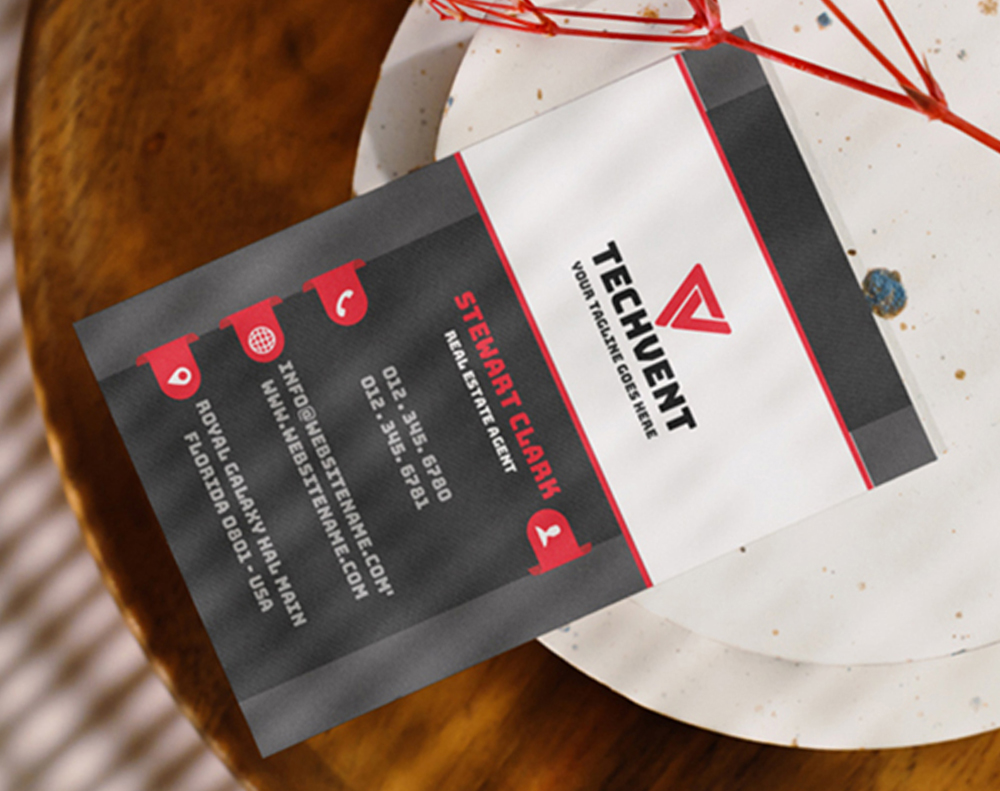
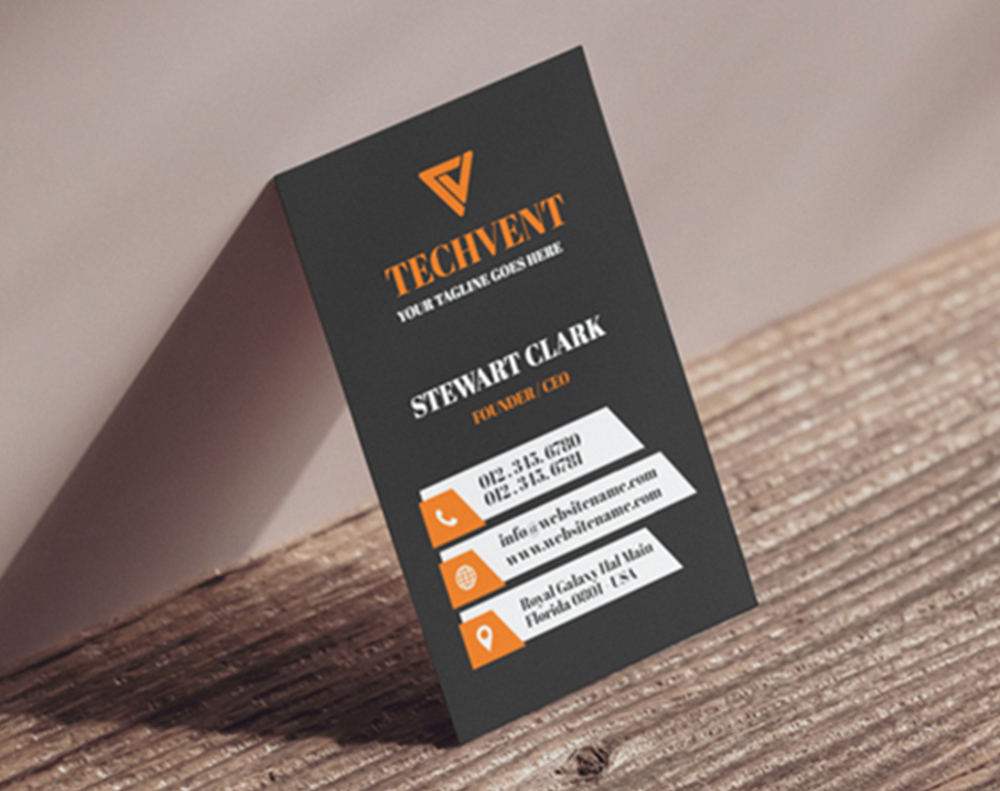
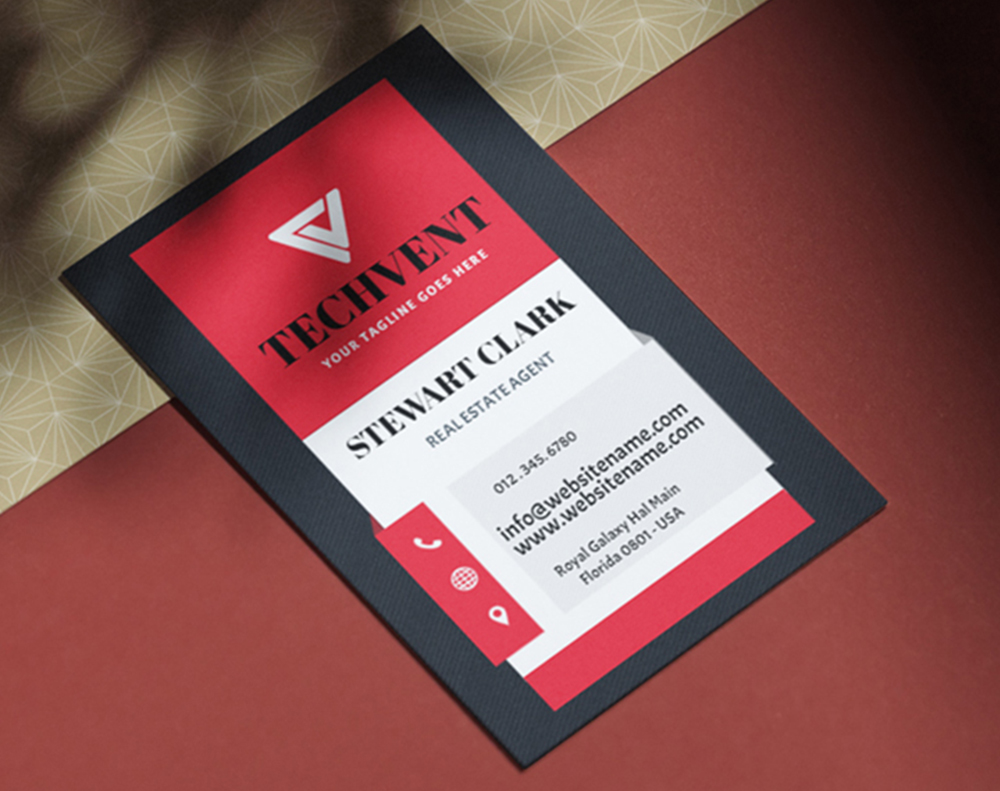
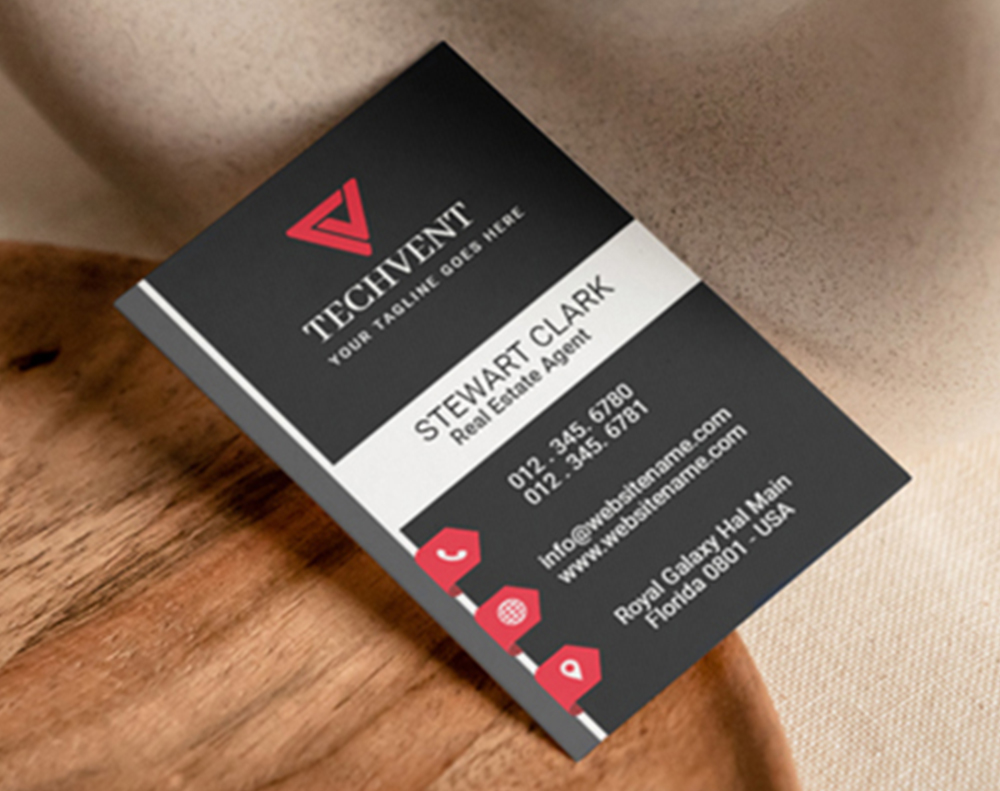
Below you'll find design templates sized to correct business card dimensions, ready to customize:
Sizing Mistakes That Ruin Business Card Prints
Even experienced designers slip up on business card dimensions in cm. Here are the mistakes 4OVER4 sees most often - and how to avoid each one.
- Forgetting bleed entirely. You'll get white edges on cards with colored backgrounds. Always add 0.3 cm bleed on every side.
- Placing text too close to the trim line. Keep all important content at least 0.3 cm inside the edge. Phone numbers and emails are the most common casualties.
- Using the wrong regional size. Sending a 8.9 x 5.1 cm file when your printer expects 8.5 x 5.5 cm means your design gets stretched or cropped.
- Designing in RGB instead of CMYK. Colors shift when converted. That bright blue on your screen prints as a dull purple. Set your color mode to CMYK from the start.
- Low resolution files. Anything below 300 DPI looks fuzzy in print. Logos and small text suffer the most.
- Rounding dimensions. Don't round 8.9 cm to 9.0 cm. That 1mm difference compounds with bleed and creates misalignment.
4OVER4 catches many of these issues during file review, but it's faster and cheaper to get it right the first time.
Business Cards Built to the Right Dimensions
Now that you know the correct business card dimensions in cm, it's time to pick a card that matches your brand. 4OVER4 offers 1,000+ products including business cards on 60+ paper types - from standard 14pt to ultra-thick 32pt stock with specialty finishes.
Want to test the quality before committing? Try Free Business Cards from 4OVER4 to see the paper, print quality, and trimming accuracy for yourself. It's the easiest way to confirm your dimensions and design look right in hand. You can also grab a set of Free Business Cards to share as samples with clients before placing a larger order.
Here are the specs, paper options, and customer feedback to help you choose:
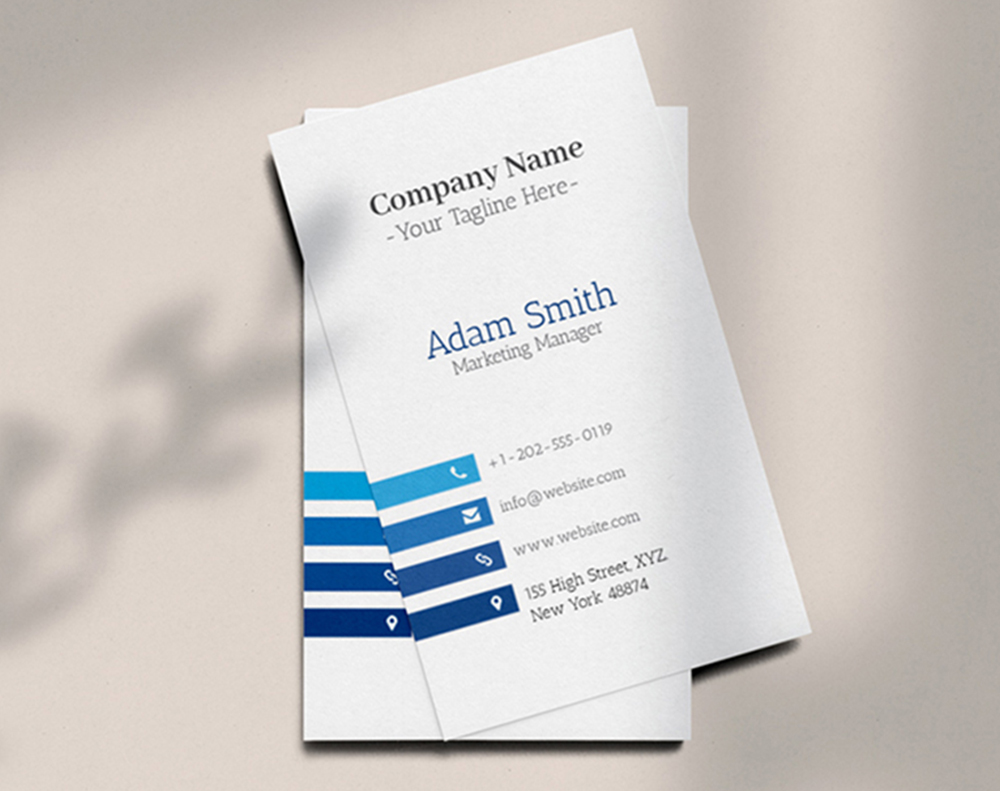
Free Business Card Dimensions Cm Templates
| Region | Dimensions (cm) | Dimensions (mm) |
|---|---|---|
| North America (USA, Canada) | 8.9 x 5.1 cm | 89 x 51 mm |
| Europe (Most of EU) | 8.5 x 5.5 cm | 85 x 55 mm |
| Japan | 9.1 x 5.5 cm | 91 x 55 mm |
| China | 9.0 x 5.4 cm | 90 x 54 mm |
| Print Element | Standard Dimension (cm) | Purpose |
|---|---|---|
| Bleed Area | 0.3 cm (added to each side) | Extends the background past the trim line to prevent white edges after cutting. |
| Trim Line | 8.9 cm x 5.1 cm (example) | The final, intended dimensions of the cut business card. |
| Safe Zone | 0.3 cm (inside the trim line) | An inner margin where all critical text and logos must be placed to avoid being cut off. |
- Trim Line: This is the finish line—the exact edge where your business card will be cut to its final size, like 8.9 cm x 5.1 cm.
- Safe Zone: Think of this as the VIP area for your most important content. It’s an inner margin, usually about 0.3 cm inside the trim line, where all your text and logos must stay to avoid getting clipped.
- Bleed Area: This is a safety net of color or imagery that extends beyond the trim line, typically by 0.3 cm. If any background elements are meant to go right to the edge, they need to fill this entire area.
- Horizontal (Landscape): This is the classic, traditional choice. It feels familiar, stable, and professional. It’s a favorite in established industries like finance and law because it mimics our natural field of vision, making it easy to scan from left to right.
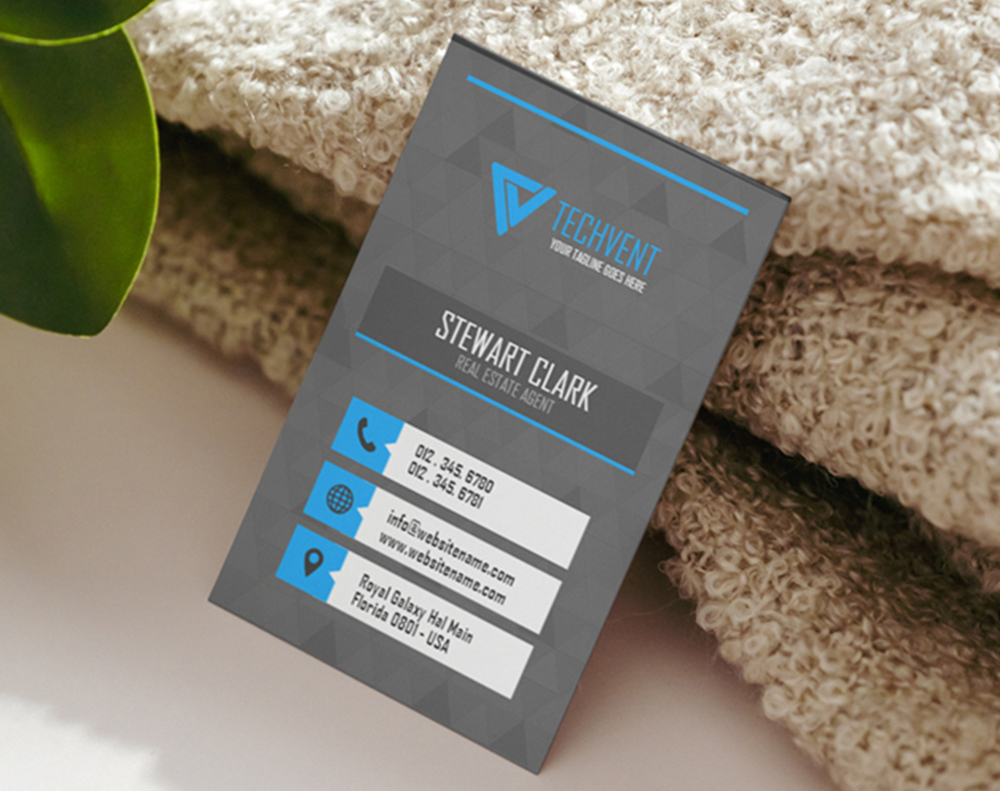
- Vertical (Portrait): This orientation feels more modern and unconventional. It instantly stands out in a stack of cards and is often used by creative professionals, tech startups, and any brand wanting to project a forward-thinking, unique image. The taller format can also be a great way to show off a vertical logo or create a clean, stacked list of contact details.
- Square Cards (e.g., 6.5 cm x 6.5 cm): Modern, creative, and confident. These are great for artists, designers, and any brand that wants to feel contemporary and a little bit edgy.
- Mini Cards (e.g., 7 cm x 2.8 cm): Sleek, minimalist, and memorable. They work well for brands that value precision and simplicity, but just be careful—that limited space means every single element has to count.
- Folded Cards: Informational and practical. These are perfect when you have more to say. Think menus, maps, or a list of services, all neatly contained without cluttering the main design.
- High Memorability: An unusual card stands out in a sea of rectangles. It’s simply harder to forget.
- Brand Reinforcement: The physical feel of the card can powerfully communicate what your brand is all about—be it creativity, luxury, or stripped-down efficiency.
- Creative Freedom: Breaking free from the standard canvas can open up a world of new and exciting layout possibilities that just wouldn't work otherwise.
- Practicality: Here’s the big one. Will it fit in a standard wallet or cardholder? If it’s awkward to store, it’s more likely to get lost or tossed.
- Printing Costs: Custom shapes and non-standard cuts often require special dies, which can drive up your printing expenses compared to a standard run.
- Information Space: This is especially true for mini cards. The smaller you go, the less room you have for your details before the design starts to feel cramped and unreadable.
- Safe Zone: Is all your important stuff—like your logo and contact info—tucked well inside the safe area? Keep everything at least 0.3 cm away from the trim line.
- Bleed Area: Does your background art or color stretch all the way to the bleed edge? This should be 0.3 cm beyond the trim line on every side. This is your number one defense against those dreaded white slivers at the edge of your card.
- Resolution: Take a look at your images and logo. Are they a crisp 300 DPI? Anything less is going to look fuzzy and pixelated when it hits the paper.
"Ordered business card dimensions cm guide from 4OVER4 and the quality blew me away. Sharp colors, premium feel, arrived 2 days early."
"Been using 4OVER4 for business card dimensions cm guide for a year. Consistent quality every time. The online designer made it easy."
"Switched to 4OVER4 and saved 40% on business card dimensions cm guide. Better quality than my old printer. 60+ paper options."
"4OVER4's business card dimensions cm guide helped us look more professional. Clients notice the difference."
Common Questions About Business Card Dimensions in Centimeters
What is the standard business card size in centimeters?
In North America (USA and Canada), the standard business card measures 8.9 x 5.1 cm. In Europe, the standard is 8.5 x 5.5 cm. Japan uses 9.1 x 5.5 cm, and China uses 9.0 x 5.4 cm. Always confirm which regional standard your printer expects before submitting your file.
How much bleed should I add to my business card dimensions?
Add 0.3 cm (3 mm) of bleed on all four sides. For a North American card, your total document size with bleed should be 9.5 x 5.7 cm. This extra space ensures background colors and images extend past the cut line, preventing white edges after trimming.
What's the safe zone for a business card in cm?
Keep all text, logos, and important design elements at least 0.3 cm inside the trim line. For a standard North American card, the safe zone is approximately 8.3 x 4.5 cm. Anything outside this area risks being partially cut off during production.
Can I use European business card dimensions in the United States?
You can, but it's not recommended for everyday networking. European cards (8.5 x 5.5 cm) are slightly wider and shorter than US cards (8.9 x 5.1 cm). They won't fit standard American cardholders as neatly. If you do business in both regions, consider printing two separate batches with the correct regional dimensions.
What resolution should I use when designing a business card?
Always design at 300 DPI minimum. At standard business card dimensions, that translates to roughly 1,051 x 601 pixels for a North American card. Lower resolutions produce blurry text and soft logo edges that look unprofessional in print. Set your file to CMYK color mode as well.
Does 4OVER4 provide templates with correct business card dimensions?
Yes. 4OVER4 offers downloadable blank templates pre-set with correct trim lines, bleed marks, and safe zones for standard North American business cards. These templates work in Adobe Illustrator, Photoshop, and InDesign. They eliminate guesswork and help you submit print-ready files on the first try.