
Free Brochure Templates You Can Customize and Print


A template hands you a fold-correct canvas so you can focus on the message, not the measurements. The panel widths on a tri-fold are not equal, which is the reason a template beats a blank page.
A free brochure template is a ready-made layout with the trim, panels, folds, bleed, and safe margins already set. Choose a template that matches your fold, add your own copy, colors, and photos, then finish the file for press: convert to CMYK, add bleed, keep images at 300 DPI, and export a flattened PDF. At 4OVER4 you can open a fold-correct layout in the online designer and order from the same screen.
Start here
A fold-correct canvas, free
A free brochure template is a correct canvas, not a finished file. It opens at the right flat size with the panels, folds, bleed, and safe margins in place, so you add your own words, colors, and photos rather than rebuild the structure. Match the template to your fold, customize it in the 4OVER4 online designer with no software, then finish it for press with CMYK color, bleed, and 300 DPI images before you export a flattened PDF. The diagram maps a tri-fold so you can see exactly where the folds fall.
Why start a brochure from a template
A blank page is the slowest way to build a brochure. Before you write a word you have to work out the flat size, split it into panels, remember that the tuck-in panel is narrower, place fold lines, and add bleed on every edge. Get any of that wrong and your careful layout drifts across a crease or gets sliced at the cut.
A template hands you all of that on day one. It opens at the correct trim, with the panels measured, the folds marked, and the safe margins already in place, so your energy goes into the message rather than the measurements. That is why starting from a free template is the fastest route to a piece that prints exactly as you pictured it.
This guide shows where to find free brochure templates, how to pick the right fold, how to customize one in the online designer with no software, and how to finish the file for press before you order brochures at 4OVER4.
What a free brochure template actually gives you
The real value of a template is structure, not decoration. A good one is built for one specific fold and carries the correct flat trim, the panel widths for that fold, guides sitting on the fold lines, a bleed area past the trim, and a safe margin inside each panel. Swap in your own words and pictures and the bones stay correct.
That structure is exactly where a from-scratch file tends to break. On a letter tri-fold the three panels are not equal thirds: the panel that tucks inside is slightly narrower so it folds cleanly against the others. A template that already knows this keeps your art from creeping over a fold, which is the single most common reason a home-built brochure comes back looking off.
Because the layout is reusable, one template can carry very different jobs. The same tri-fold frame works for a restaurant menu, a travel brochure, or a direct mail brochure. If you want the deeper mechanics behind the folds, pair this page with our guide on how to fold a brochure.
Where to find free brochure templates
Free templates come from a few places, and they are not all equal. General design sites and office software ship attractive layouts, but many are built for screen in RGB and skip bleed, so they need finishing before they can print. They are fine as a visual starting point as long as you treat the press setup as your job, not theirs.
The safer route is a template built by the printer that will run the job, because it already matches the product size and press requirements. At 4OVER4 you can open a fold-correct brochure layout straight from our design templates and edit it in the browser, so the trim, bleed, and safe margins are correct from the first click and there is nothing to reconcile at upload.
Whichever source you use, download the version that matches the exact fold and flat size you intend to order. A tri-fold template resized to fit a bi-fold press job is a fast way to land art on a fold. Our guide to common brochure sizes and fold options lays out which flat size each fold needs.
Choose the fold, then the panel layout

The fold decides how the piece reveals itself, so choose it before you choose a template. A tri-fold divides into three panels and works for menus and step-by-step stories. A bi-fold reads like a mini booklet with a cover and an inside spread. A z-fold opens flat in a zigzag for a bold, uninterrupted reveal. Each one changes the reading order, and a template built for the wrong fold fights you the whole way.
Once the fold is set, mind the panel math. On the standard letter tri-fold the flat sheet is 11 in by 8.5 in and folds down to panels of roughly 3.67, 3.67, and 3.62 inches, with the tuck-in panel the narrow one. Set guides on the fold lines, treat each panel as its own page, and keep headlines and logos clear of the creases.
The diagram below maps a tri-fold template so you can see where the folds, bleed, and safe margins fall before you place anything.
Customize the template with no software
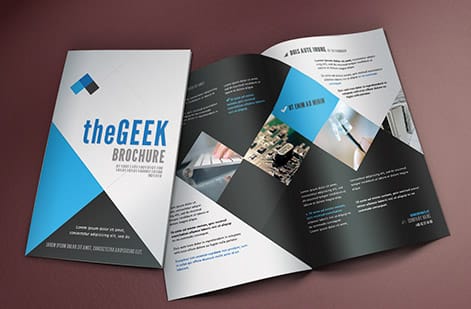
You do not need a design suite to make a template your own. The 4OVER4 online designer opens a fold-correct brochure layout in your browser, where you can replace the placeholder headline, drop in your logo, change the color scheme, and place your own photos. The bleed and safe margins stay intact while you edit, so the most common file-prep mistakes never get a chance to happen.
Keep each panel focused on one idea, and let the cover panel earn the open with a clear headline and a single strong image. Inside, use short blocks of copy, generous spacing, and a consistent type scale so the piece reads at a glance rather than demanding a study session. Our guide on choosing fonts and sizes for a brochure covers type in more depth.
When the design looks right, you order from the same screen. There is no export, repackage, and re-upload cycle, which keeps a small business from getting stuck between a design tool and a print order.
Finish the file so it prints right
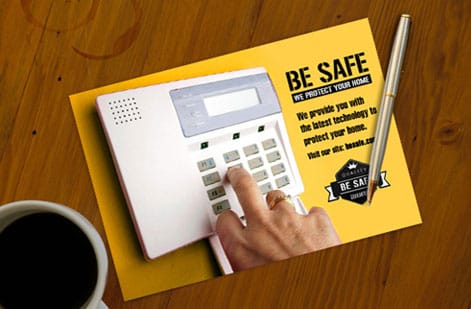
A template gets the layout right, but a free download will not always be press-ready on its own. Before you export, run a short pre-flight. Convert the file to CMYK if it opened in RGB, then look hard at bright blues, greens, and oranges, which shift the most in conversion. Check that every placed image holds up at 100 percent zoom, since a photo that looks crisp small can fall apart once it fills a panel.
Confirm the art runs 0.125 in past every edge, keep all text inside the safe margin, and outline or embed the fonts so your typefaces travel inside the file. Then export a flattened PDF, ideally to the PDF/X-1a preset, which is built for commercial printing and strips out anything a press cannot use.
When you order with us, that artwork also passes through a free file check, so a second set of eyes catches trouble before the press does. For the full walk-through, our guide on how to make brochures covers the build end to end.
Pick the stock, then see the real price
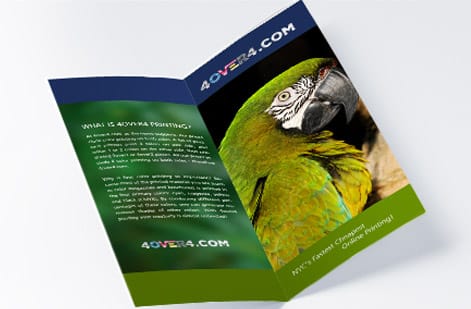
The template sets the layout, and the stock sets the feel. The same design can print on a lighter text weight for an economical mailer, a gloss cover for photo-rich menus, or a heavier matte cover for a premium handout. Finish matters too, since gloss makes color pop while matte reads calm and resists fingerprints. Our guide to the best paper types for brochures compares the options.
Cost then comes down to a few clear levers: quantity, where more pieces lower the unit price, plus flat size, fold, stock, and finish. You set each option in the configurator and the total updates live, so you can weigh a heavier stock or a larger run before you commit rather than after.
Use the live specs and pricing panel below to see the exact sizes, stocks, and folds for brochures at 4OVER4, then order the ones your project calls for.
Wally opens the template so you do not start from a blank page
The structure is done, the message is yours
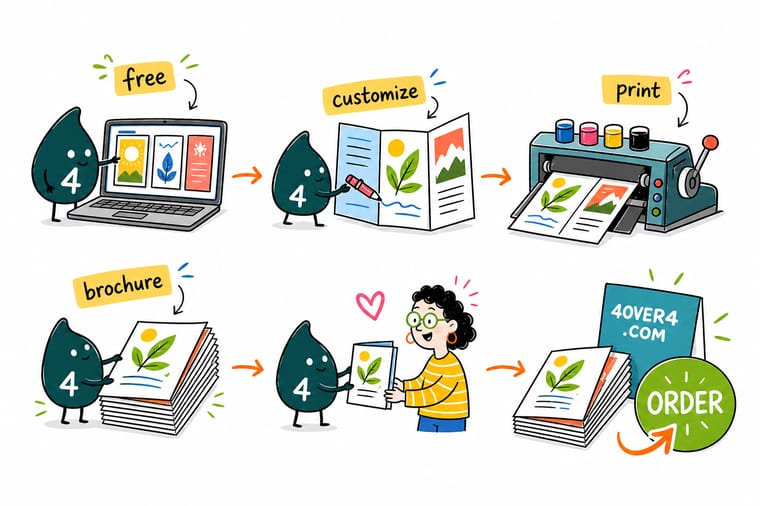
Wally treats a template like scaffolding that is already square: the flat size, the panels, the folds, and the safe margins are set before you touch it. Drop in your headline, your logo, and your photos, switch the file to CMYK, add bleed, and export one flattened PDF. Then order brochures from the same screen and 4OVER4 prints the piece exactly as you laid it out.
Print your brochures →Quick reference
The tri-fold brochure template, at a glance
Match these settings and your template is ready for almost any brochure job. The panel widths are for the standard letter tri-fold that prints flat at 11 in by 8.5 in.
| Setting | Get it to | Why it matters |
|---|---|---|
| Flat trim (tri-fold) | 11 in by 8.5 in | The standard letter tri-fold prints on a flat letter sheet, then folds down to a 3.67 in wide panel. |
| Panel widths | 3.67 / 3.67 / 3.62 in | The tuck-in panel is slightly narrower so it folds cleanly inside the other two without buckling. |
| Bleed | 0.125 in every edge | Any background or photo that reaches an edge must run past the trim so a cut shift never leaves a white sliver. |
| Safe margin | 0.125 in inside each panel | Keep headlines, logos, and body text off the folds and off the blade so nothing important gets clipped. |
| Color mode | CMYK | Convert any RGB template art before export so screen color matches process-ink output. |
| Resolution | 300 DPI at final size | Placed photos need full resolution at the printed dimensions to stay sharp across every panel. |
| File format | Flattened PDF (PDF/X-1a) | One self-contained PDF with fonts embedded prints predictably with no relinking on our end. |
Step by step
Customize and print a template in 7 steps
- Pick a fold, then a template Decide the fold first, since tri-fold, bi-fold, and z-fold read in different orders. Then open a template built for that exact fold rather than resizing a flat flyer layout.
- Drop in your real content Replace the placeholder headline, body, and images with your own. Keep each panel to one clear idea and let the cover panel do the work of pulling a reader in.
- Respect the fold lines Keep logos and key text away from the creases, and treat every panel as its own small page with its own safe margin so nothing lands on a fold.
- Switch the file to CMYK If the template opened in RGB, convert to CMYK now and re-check bright blues, greens, and oranges, which shift the most in conversion.
- Check images at 100 percent Zoom each placed photo to full size in your layout. If it looks soft on screen it will look soft in print, so swap in a higher-resolution source.
- Add bleed and proof the copy Confirm the art runs 0.125 in past every edge, then read every line once more. Typos are far cheaper to fix now than after a full run prints.
- Export and upload Export a flattened PDF with bleed included, then upload it in the configurator or run it through our free file check before you order.
Specs and pricing
Brochure specs and live pricing
Once your template is customized, size, fold, stock and finish are what is left. Brochures run 50 for $57.11, which is $1.14 each.

| Quantity | Price Per Unit | Total |
|---|---|---|
| 50 | $1.14 | $57.11 |
| 100 | 82.4¢ | $82.38 |
| 200 | 53.3¢ | $106.55 |
| 300 | 41.0¢ | $123.02 |
| 400 | 34.9¢ | $139.49 |
| 500 | 31.2¢ | $155.97 |
| 600 | 26.7¢ | $160.36 |
| 700 | 23.5¢ | $164.75 |
Print it
Bring your brochure template to 4OVER4

See it in use
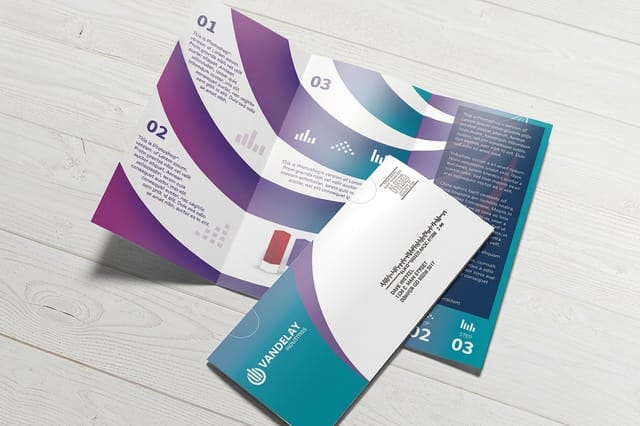
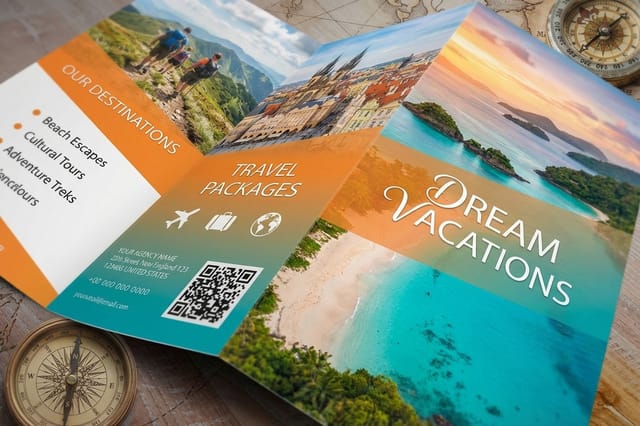
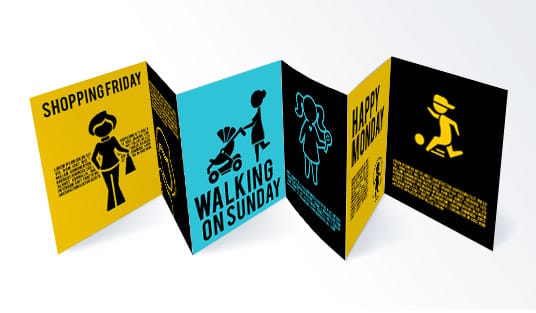
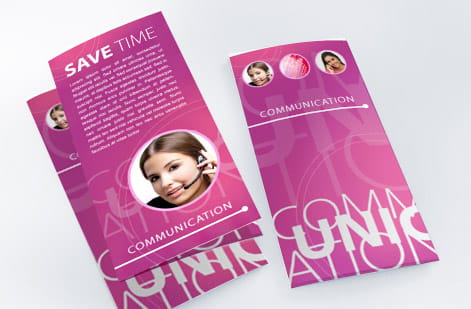
Brochures customers printed from templates

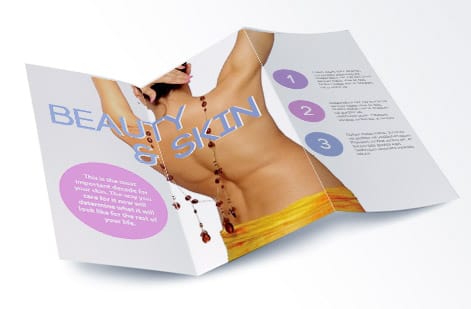
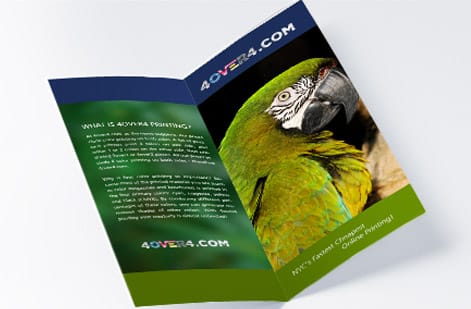
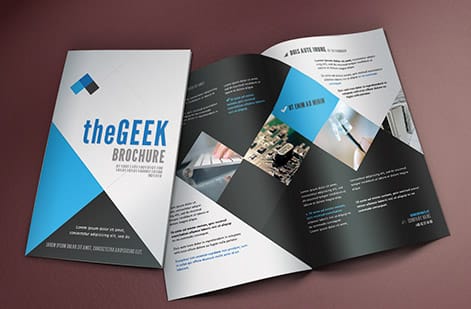
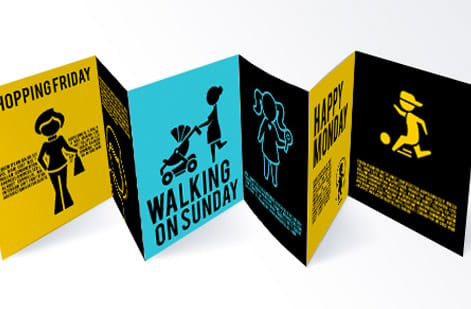
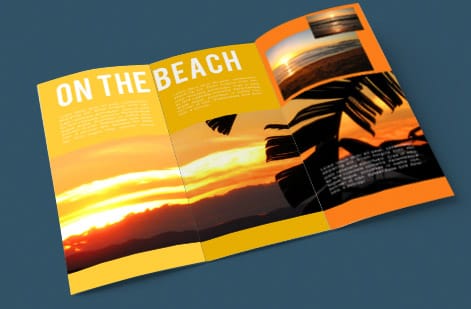
Explore more
Where to go next

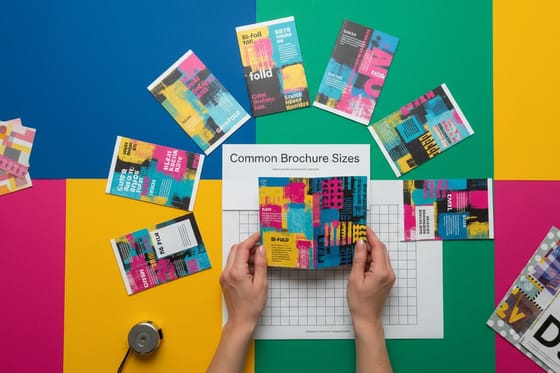



By the numbers
Brochure stocks and the record behind a folded run
Common Questions
Common questions about brochure templates
What is a free brochure template?
A free brochure template is a ready-made layout file that already carries the correct trim size, panel widths, fold lines, bleed, and safe margins for a specific fold, so you only have to add your own words, images, and colors. The value is not the graphics, it is the structure: a good template keeps the tuck-in panel of a tri-fold slightly narrower than the others and puts guides on the fold lines, which is exactly where a from-scratch file tends to go wrong. At 4OVER4 you can open a fold-correct layout right in the online designer and customize it in the browser.
Which fold does my content actually need?
Start from the fold, because it decides how the piece reads. A tri-fold suits a menu or a step-by-step story, a bi-fold works like a mini booklet with a cover and inside spread, and a z-fold opens flat for a bold reveal. Then match the flat trim to the product you plan to order so the template and the press agree on size. Once the fold and size are set, the visual style is the easy part, and you can swap colors, fonts, and photos to fit your brand without touching the underlying structure.
Are free brochure templates ready to print?
Not always. Many free downloads are built in RGB for screen use and skip bleed entirely, which means they will print with dull color or thin white edges if you send them as is. Treat a free template as a correct starting canvas, then finish it for press: convert to CMYK, extend any edge art 0.125 in past the trim, confirm every image is 300 DPI at its final size, outline or embed the fonts, and export a flattened PDF. Running the file through our free file check catches anything you miss before it reaches the press.
What sizes and folds can I print a brochure template on?
The most common is the letter tri-fold, which prints flat at 11 in by 8.5 in and folds to three 3.67 in panels, but brochures also come as bi-folds, z-folds, and larger legal or 11 in by 17 in sheets for more panels. Stock ranges from lighter text weights to heavier gloss and matte cover stocks, and you can add finishes on many options. Set the size, fold, stock, and quantity in the configurator and the live price updates as you go, so you can weigh a heavier stock or a bigger run before you commit.
What does it cost to design and print brochures?
Designing from a free template costs nothing beyond your time, and customizing one in our online designer is included. Printing cost then scales with a few levers: quantity, where more pieces lower the unit price, plus flat size, fold, paper stock, and any finish. Because the configurator prices every combination live, you can see exactly what a switch from gloss text to heavier cover stock or a jump from 250 to 1,000 pieces does to the total before you order.
Can I customize a template without design software?
Yes. The 4OVER4 online designer opens a fold-correct brochure layout in your browser, so you can replace the headline, drop in your logo, change colors, and place photos without owning or learning a design suite. It keeps the bleed and safe margins intact as you edit, which removes the most common file-prep mistakes, and you order straight from the same screen once the design looks right.
What file formats do the free brochure templates come in?
Each fold is available two ways. The first is a print-ready PDF built at the flat trim, 11 in by 8.5 in on the tri-fold, z-fold and half-fold, 11 in by 17 in on the gate fold and roll fold, with the fold lines marked, 0.125 in of bleed on all four edges and the safe margin drawn inside. Place that PDF in whatever layout software you already own and the panel widths, including the narrower tuck-in panel, stay exactly where they belong. The second way is the same layout inside the 4OVER4 online designer, where you replace the copy, colors, logo and photos in the browser and never download a file at all. Either route ends the same: finish in CMYK, keep every image at 300 DPI at its final printed size, outline or embed the fonts, and export flattened. Send that PDF through our free file check and we will flag a crowded fold line or a low-resolution image before it reaches the press.
Get Started
Order 50 travel brochures at $1.14 each
Open a fold-correct layout in the 4OVER4 online designer, customize it in your browser, and print it on the size, fold, and stock your project calls for. Direct mail brochures run 500 for $238.73, which is $0.48 each.
Legal Disclaimer
Gold Standard guarantees apply to all standard orders placed through 4over4.com. Price match requires verifiable proof of a competitor's published price for an equivalent product with matching specifications and turnaround time. Satisfaction guarantee covers manufacturing defects and print quality issues. Contact support with order number and documentation. On-time delivery rate based on tracked orders 1999 to 2026. Individual results may vary based on shipping carrier performance.
