
How to Make Brochures That Inform and Convert


Pick a fold, give every panel one job, design in CMYK with a clean bleed, and send a press-ready PDF. The fold decides how many panels you get, and every other choice follows it.
To make a brochure, start with the fold: choose a bi-fold, tri-fold, or z-fold, then give the cover one hook and each inside panel one clear point. Design in CMYK with a 0.125 inch bleed, pick 100# gloss text for clean folds, and export a press-ready PDF at 300 DPI so the printed piece matches your file exactly.
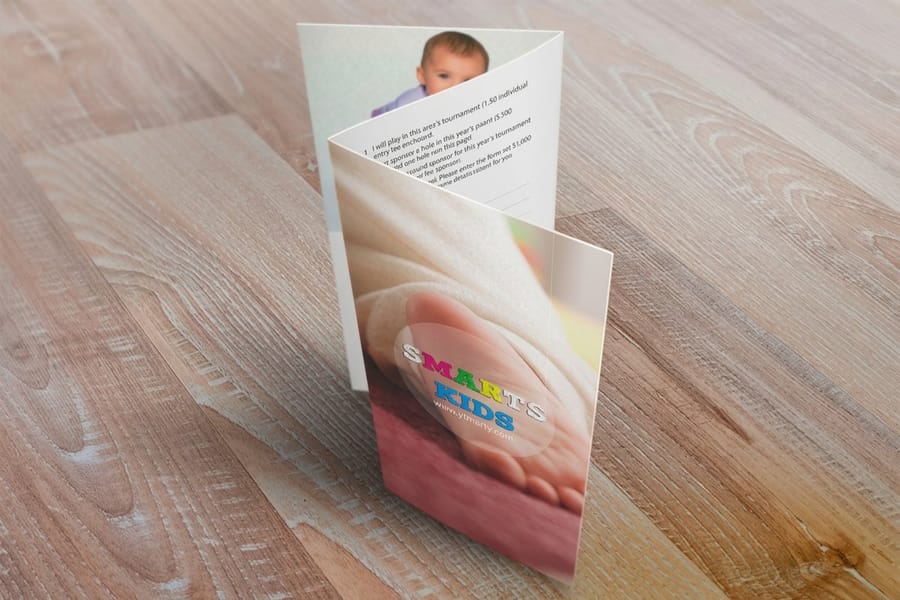
Quick tips
Quick tips for making your brochure
Make your brochure with the fold in mind. Pick a format, give each panel one job, design in CMYK with a 0.125 inch bleed, and send a press-ready PDF at 300 DPI. Choose 100# gloss text for clean folds and add scoring on heavier stock. 4OVER4.COM customers who set files up right get crisp, consistent brochures across the whole run.
Why knowing how to make brochures matters
A brochure earns its keep in the few seconds someone spends deciding whether to hold onto it or drop it in the bin. Learning how to make brochures the right way means every panel does a job, from the cover that pulls a reader in to the inside spread that closes the sale. Get the structure right and a single folded sheet can carry your whole pitch.
A tri-fold for a trade show, a menu for a storefront, a mailer for a local campaign: a well built brochure turns interest into action. If you want to see what strong layouts look like before you start, browse real customer work in the Showcase for ideas you can borrow.
This guide walks through formats and folds, what to put on each panel, paper and finish, file setup, and the mistakes that quietly ruin an otherwise good design. Working on the rest of your kit too? Our Online Designer makes layout easy, and you can pair your brochure with matching flyers built from the same brand toolkit.
Understanding brochure formats and folds
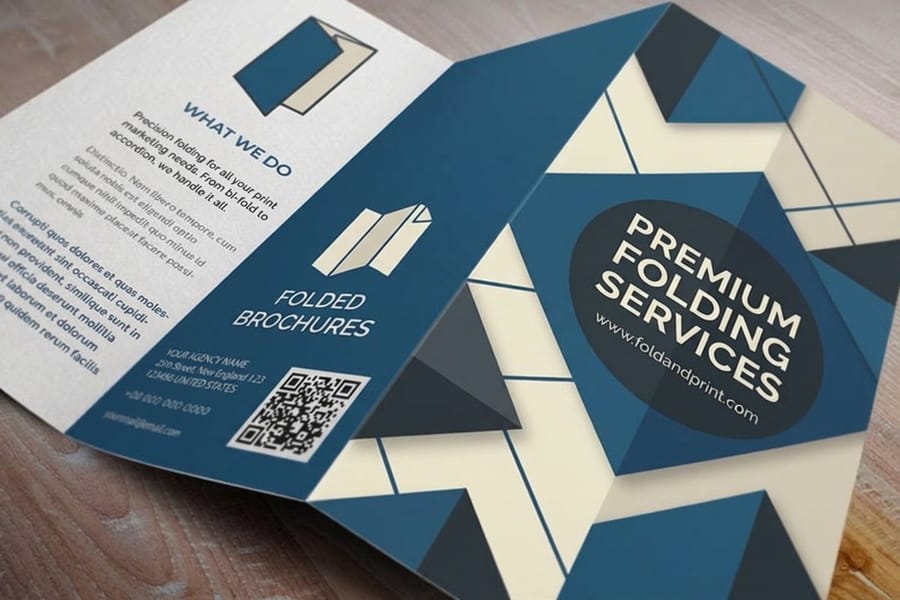
Before you design anything, pick a format. The format decides how many panels you have and how a reader moves through them.
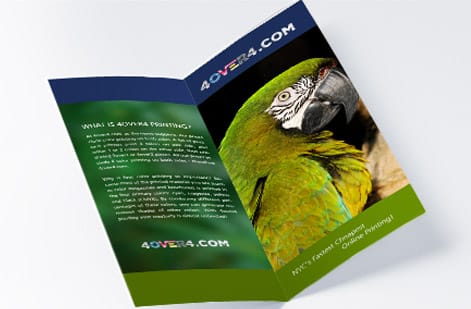
- Bi-fold gives you four panels from a single sheet, ideal for a clean two-page story.
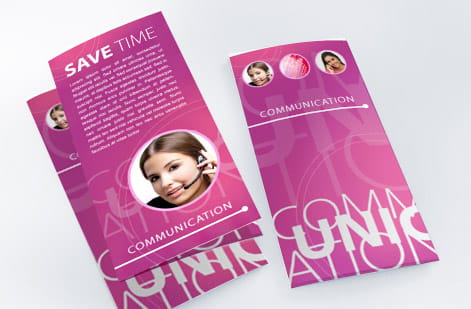
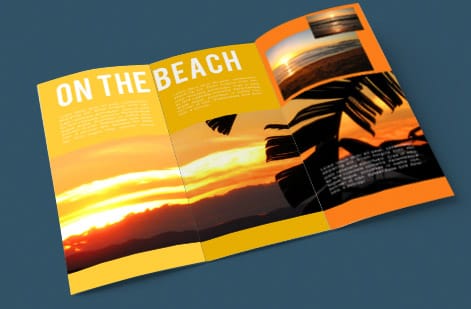
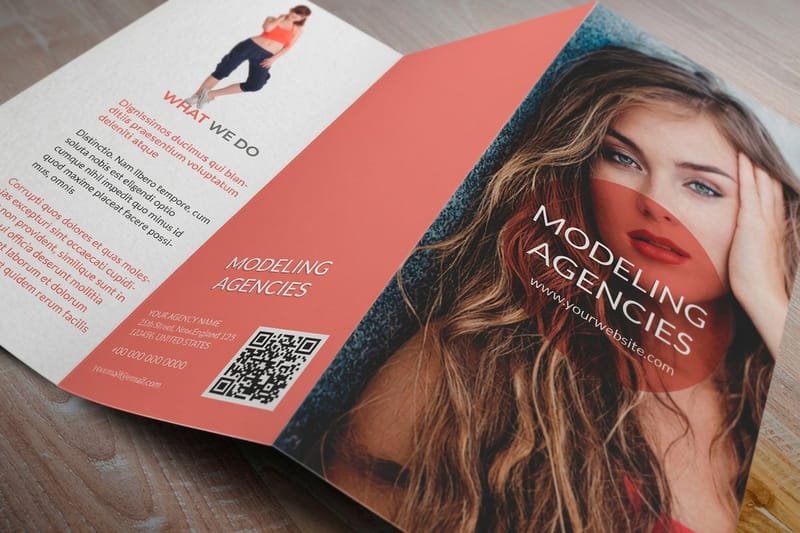
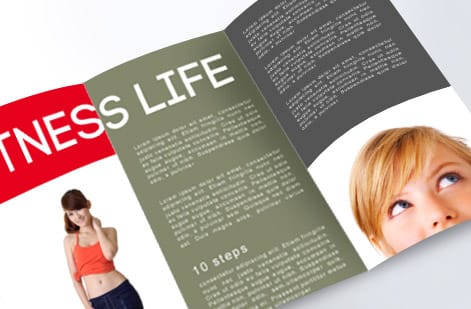
- Tri-fold folds into three panels a side, the classic rack brochure for services and menus.
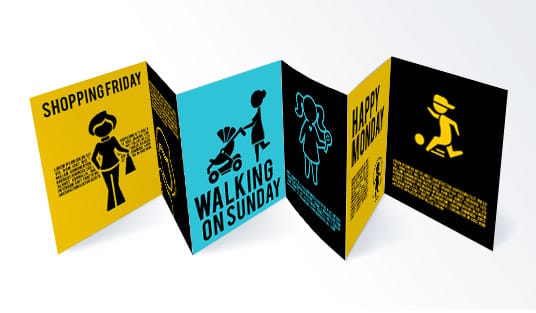
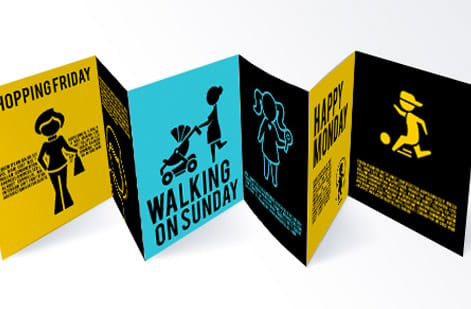
- Z-fold opens like an accordion for step-by-step content that reveals one panel at a time.
- Gate-fold opens from the center for a dramatic reveal on premium pieces.
Standard brochure sizes start at 5.5 x 8.5 inches and run up to 11 x 25.5 inches for large folded pieces, so your fold and size should match how the brochure gets used and handed out. For a full walkthrough of each fold and how to lay the panels out, read our companion guide on how to fold a brochure.
What goes on each panel of a brochure
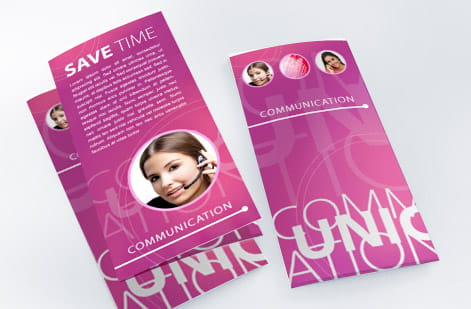
A brochure is not a wall of text. Each panel needs one clear idea and a reason to turn to the next.
- Cover panel carries your headline, a strong image, and your logo. It has one job, to earn the open.
- Inside panels hold the details, benefits, and proof, broken into short blocks a reader can scan in seconds.
- Back panel closes with contact details, hours or a map, and a clear next step.
Lead with benefits rather than a list of features, and keep sentences short. White space is not wasted space, it is what makes a dense brochure feel readable. If your brochure supports an event, round out the kit with matching invitations and other marketing materials so every piece speaks the same visual language.
How to design a brochure that informs and converts
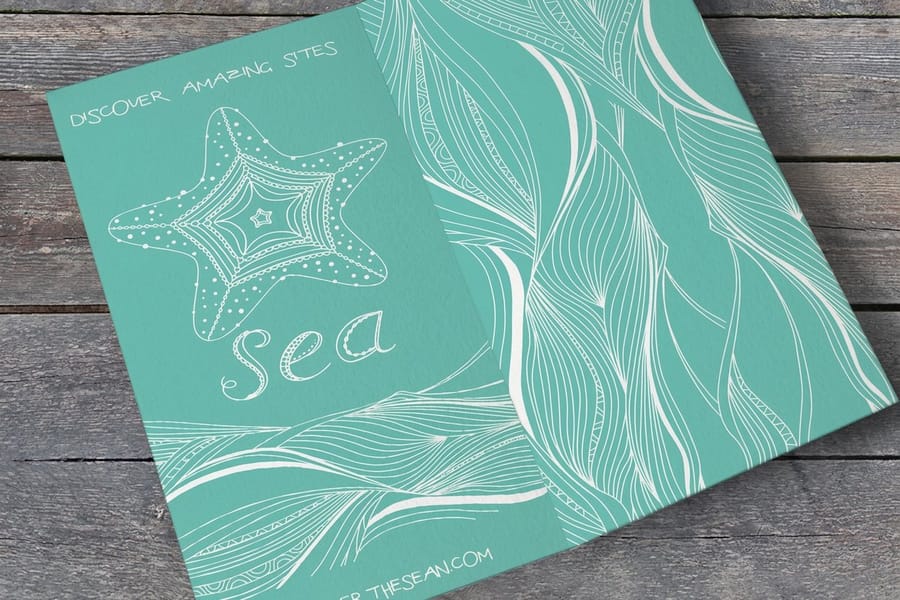
Design is where a brochure either guides the eye or loses it. You have limited space per panel, so every element needs to earn its spot.
Stick to two typefaces at most, one for headlines and one for body copy. Sans-serif faces read cleanly at small sizes, while a serif can add a note of formality on covers. Keep body text between 9 and 11 points so it stays comfortable in the hand, and make the cover headline the largest thing on the panel.
Build your palette from your existing brand and design in CMYK from the start, because bright RGB screen colors shift when they print. A restrained layout with strong hierarchy beats a busy one every time. For more layout inspiration across print formats, the guide hub covers everything from file prep to folding.
Choosing the right paper stock and finish
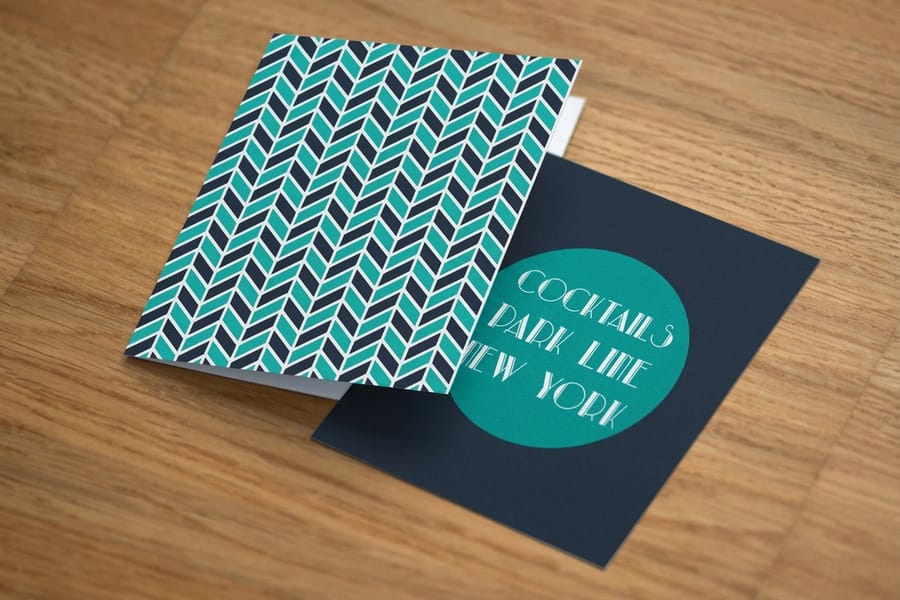
Paper is the first thing a reader feels, and it sets the tone before they read a word. 4OVER4.COM offers 60+ paper types so you can match the stock to the job.
100# gloss text is the popular starting point for folded brochures. It takes color beautifully and folds cleanly without cracking. For a brochure that needs to stand on its own in a rack, a heavier cover stock holds its shape and feels more substantial in the hand.
Finish changes both look and durability. Gloss makes photos pop and resists fingerprints, matte keeps text easy to read and glare-free, and a soft-touch coating gives the sheet a velvety drag under the thumb. If a design folds, ask about scoring so the crease stays crisp on heavier stock. Want to feel the options first? Request free samples before you commit to a full run.
Setting up your brochure file for print
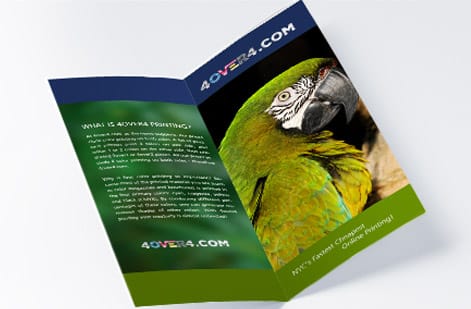
This is where making brochures gets technical, but the rules are simple once you know them.
Set your document to the flat, unfolded size and add a 0.125 inch bleed on every edge for anything that runs to the trim. Keep important text and logos at least 0.125 inch inside the trim line so nothing gets cut. On folded pieces, map your panel widths carefully, because the panel that tucks inside is usually a hair narrower than the others.
Export at 300 DPI in CMYK as a press-ready PDF, not a JPEG or PNG, so your fonts and colors stay exactly as designed. Most printers, including 4OVER4.COM, review your file free before it goes to press. The same setup rules apply to matching pieces, so our guides on how to make envelopes and how to make flyers keep your whole brand package consistent.
Design tools you can actually use
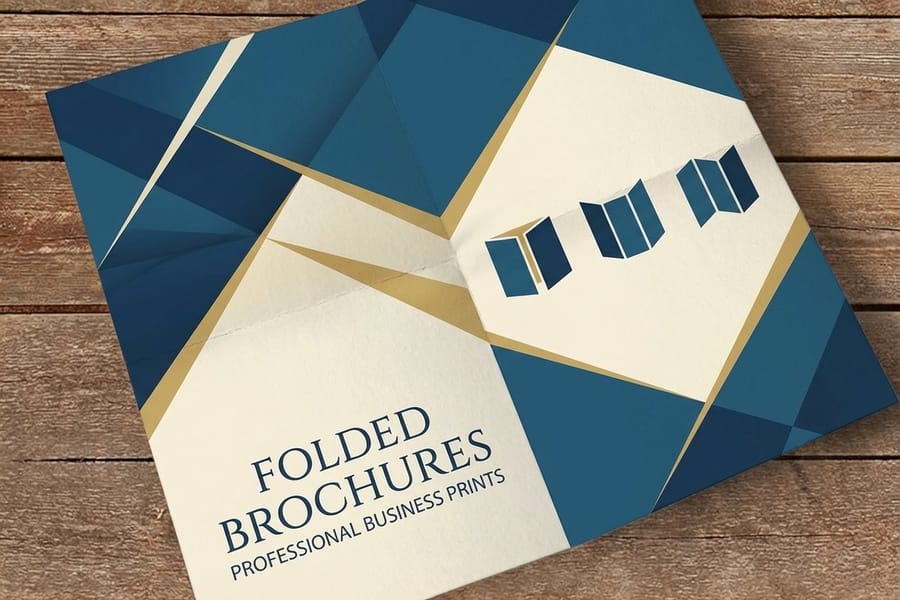
You do not need to be a professional designer to build a clean brochure. The options below sort by skill level.
For beginners, Canva has ready-made brochure templates you can drag, drop, and export as a PDF. 4OVER4.COM also provides blank templates sized to exact specs, so your bleed and fold lines are already in place.
For intermediate designers, Adobe InDesign, Illustrator, or Affinity Publisher give you full control over panels, color, and type. And for a quick turnaround, you can build the whole thing in the browser with our Online Designer, then send it straight to print. Whichever tool you pick, print a test fold at home first to check that the panels line up before you order a full run.
Professional printing vs DIY: the real difference
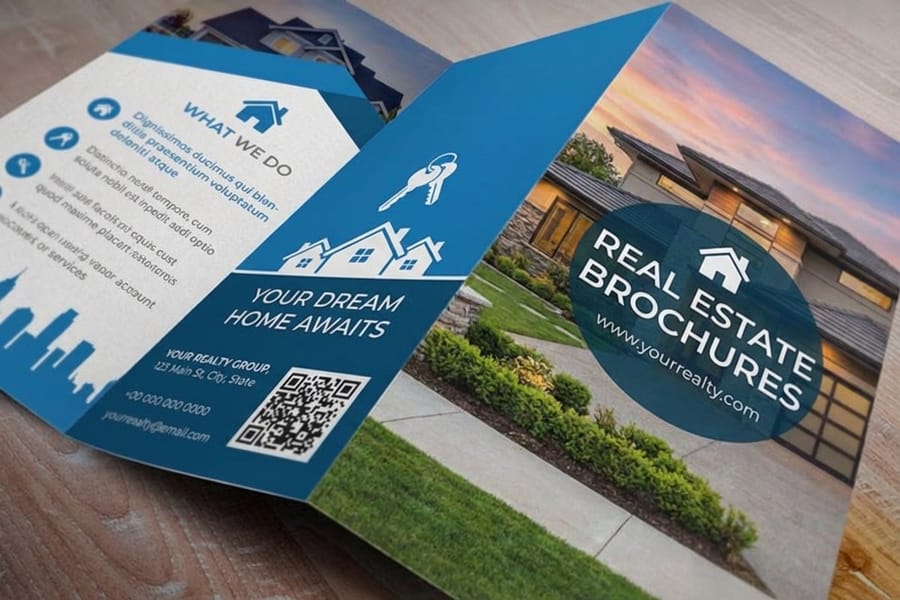
You can run a brochure through a home printer, but here is what you give up: clean folds, consistent color across a run, paper choices beyond office stock, and the crisp scoring that keeps heavier folds from cracking.
Professional printing through 4OVER4.COM gives you 60+ paper types, precise trimming and folding, and color that matches your file. The cost gap is often smaller than people expect, especially once you order in the hundreds. When you need brochures fast, same day printing can turn a last-minute event into a non-issue.
For the other tools in your kit, our guides on how to clean rubber stamps and custom magnets keep the rest of your branded materials in top shape.
Mistakes that ruin otherwise good brochures

Even people who know how to make brochures make these errors. Avoid them and your piece works far harder.
Cramming every panel full. A brochure is not a website. If a reader has to squint, the message is lost. Give each idea room to breathe.
Ignoring the fold. Text or images that cross a fold line get interrupted. Design with the panels in mind, not one flat page.
Designing in RGB. Bright screen colors turn muddy in print. Work in CMYK from the first panel.
Skipping the bleed. Backgrounds that stop at the trim leave white slivers after cutting. Extend them past the edge.
Choosing the thinnest stock. A flimsy brochure signals a flimsy offer. A little more weight reads as quality.
No proofreading. Typos on 500 printed brochures cannot be undone. Read it three times, then have someone else read it too.
Wally explains brochures
One folded sheet, one clear story
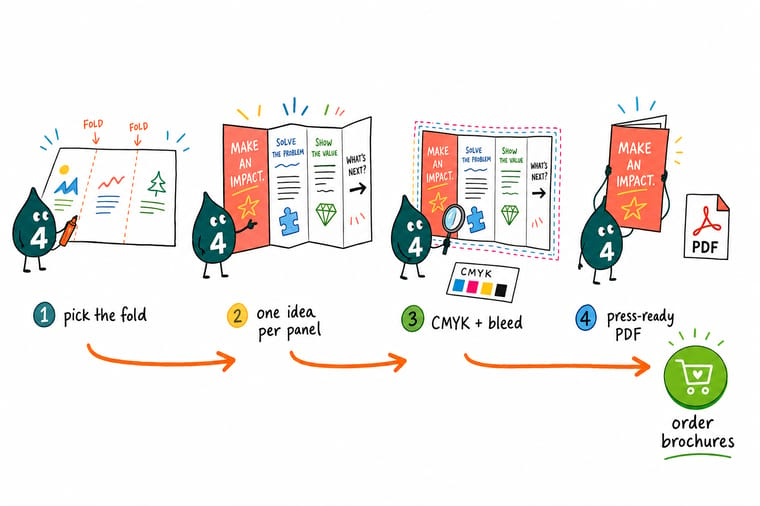
Wally treats a brochure like a tiny stage: the cover earns the open, each inside panel makes one point, and the back panel tells the reader what to do next. Keep the fold in mind, design in CMYK with a clean bleed, and the printed piece lands exactly as planned. When your file is ready, 4OVER4 prints it on 60+ paper stocks with crisp folds and color that matches your screen.
Order brochures →Specs and pricing
Standard brochure specs and pricing
When your design is ready, here is what a made-to-order brochure gives you at 4OVER4.COM, with live specs and price-per-unit straight from the configurator.
| Quantity | Price Per Unit | Total |
|---|---|---|
| 50 | $1.14 | $57.11 |
| 100 | 82.4¢ | $82.38 |
| 200 | 53.3¢ | $106.55 |
| 300 | 41.0¢ | $123.02 |
| 400 | 34.9¢ | $139.49 |
| 500 | 31.2¢ | $155.97 |
| 600 | 26.7¢ | $160.36 |
| 700 | 23.5¢ | $164.75 |
Print it
Order brochures and folded print at 4OVER4
See it in use
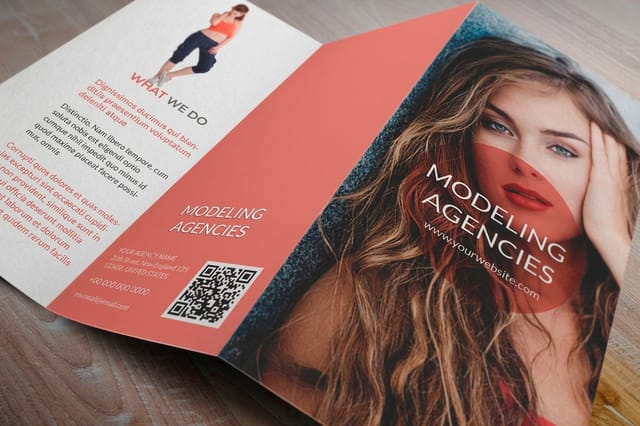
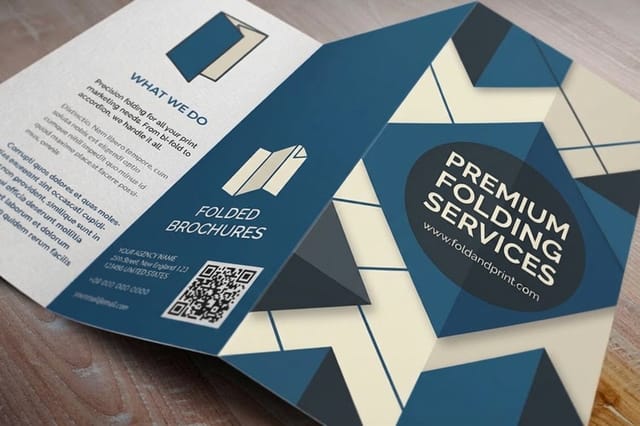
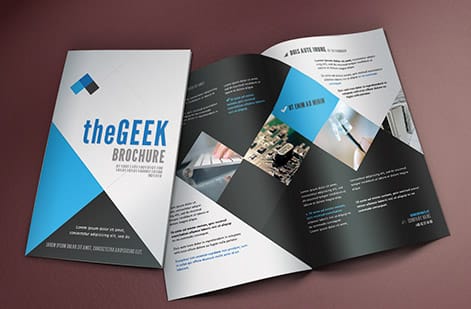
Brochures we folded for customer runs


Explore more
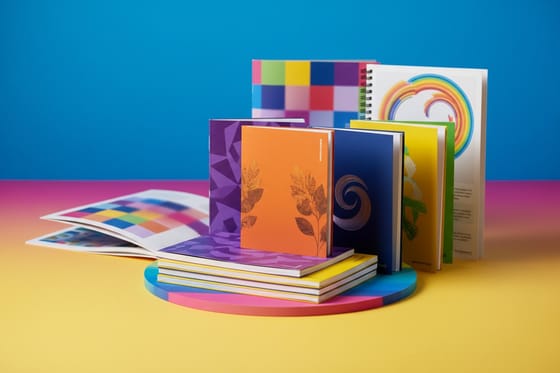
Where to go next

By the numbers
The three text weights a brochure runs on
Common Questions
Common questions about making brochures
What size should my brochure be?
Standard brochures run from 5.5 x 8.5 inches up to 11 x 25.5 inches for large folded pieces. The tri-fold rack brochure most people picture starts as a flat 8.5 x 11 or 8.5 x 14 inch sheet. Set your design file to the flat, unfolded size and add a 0.125 inch bleed on every edge.
What is the difference between a bi-fold and a tri-fold brochure?
A bi-fold folds once and gives you four panels, which suits a clean two-page story. A tri-fold folds twice into three panels a side for six panels total, the classic layout for services, menus, and rack displays. Choose the fold based on how much content you have and how the reader will open it.
What paper is best for brochures?
100# gloss text is the popular choice for folded brochures because it takes color well and folds without cracking. For a brochure that has to stand up on its own in a rack, a heavier cover stock holds its shape better. Request free samples first so you can feel the weight and finish before you order.
How do I set up a brochure file for print?
Build the document at the flat, unfolded size with a 0.125 inch bleed on all sides, and keep text and logos at least 0.125 inch inside the trim. Map your panel widths carefully because the panel that tucks inside is usually a hair narrower. Export at 300 DPI in CMYK as a press-ready PDF.
Can I make a brochure without design experience?
Yes. Canva and the 4OVER4.COM blank templates give you pre-sized layouts with the bleed and fold lines already in place. Swap in your text and images, keep to two fonts, and export a PDF. You can also build the whole thing in the browser with the Online Designer and send it straight to print.
Can I make my own brochure without a designer?
Yes, and most first brochures are made this way. Open a blank template for your fold, or build the piece in the browser with the Online Designer: both start at the flat, unfolded size with the 0.125 inch bleed and the fold lines already set, so a bi-fold lands on four panels and a tri-fold on six without you measuring anything. Write one idea per panel, keep to two fonts, hold text and logos 0.125 inch inside the trim, and remember the tucked-in panel of a tri-fold is a hair narrower. Export at 300 DPI in CMYK, run 250 to 500 on 100# gloss text for the first batch, and let us review the file free before the press run so you catch a low-resolution logo or a missing bleed while it still costs nothing to fix.
How long does brochure printing take?
4OVER4.COM offers turnaround options from same-day printing to standard production. Most orders ship within a few business days, and rush options are available when you need brochures for an upcoming event or campaign.
How many brochures should I order?
Start with 250 to 500 if you are testing a new design. The per-unit cost drops sharply at higher quantities, so ordering 500 or more makes sense once you are confident in the layout. You can always reorder after your first batch is out in the world.
Get Started
Order 50 folded brochures from $57.11 when the copy is done
Pick your size and fold, drop in your design, and we print a crisp, color-accurate brochure that reads clean from cover to back panel.
Legal Disclaimer
Gold Standard guarantees apply to all standard orders placed through 4over4.com. Price match requires verifiable proof of a competitor's published price for an equivalent product with matching specifications and turnaround time. Satisfaction guarantee covers manufacturing defects and print quality issues. Contact support with order number and documentation. On-time delivery rate based on tracked orders 1999 to 2026. Individual results may vary based on shipping carrier performance.
