
How Do You Design Black Business Cards?


A black business card feels premium the moment it is handed over, but a dark card is unforgiving: text can look muddy, ink can streak, and fingerprints show. A rich black needs more than one ink to print deep, and the finish decides whether it survives a handshake.
To design black business cards that look sharp, build a rich black background, keep text light and legible with generous contrast, and choose accents like white ink, foil or spot gloss that read against the dark. Use a heavier stock, pick a finish that hides fingerprints such as soft touch, and keep the layout clean and minimal. A dark card lives or dies on contrast and finish, so plan both from the start.

Start here
What makes black business cards work
A black business card is a dark-background card designed so that light text and standout accents create striking contrast on a premium stock and finish. The look is bold and memorable, but a dark card exposes every weakness in contrast, ink coverage, and finish. The sections below cover building a rich black, choosing legible text and accents, selecting stock and a fingerprint-resistant finish, keeping the design minimal, the cost, and how to prepare a print-ready file.
Building a rich black that prints deep and even
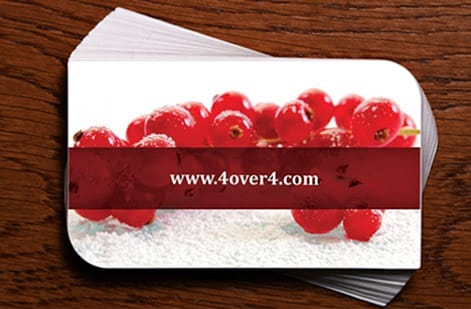
The foundation of a black card is the black itself, and here plain 100 percent K ink is a trap. Across a large solid area it can print looking thin, washed, or streaky, more charcoal than true black. The fix is a rich black, a build that adds cyan, magenta, and yellow underneath the black so the ink lays down deep, dense, and even. A common build is around C60 M40 Y40 K100, and it makes the whole card feel richer.
Rich black is the difference between a card that looks intentional and one that looks like a printing accident. Because a full-bleed black background is the most demanding coverage on a card, it belongs with a printer that runs solids cleanly. Our guide on choosing the right cardstock pairs the ink build with the stock that carries it best.
Keep the rich black consistent across both sides and any bleed so the card reads as one deep, unbroken black rather than patchy panels.
Text and accents that read on black

On a dark card, everything you can read exists because of contrast. White or very light text is the reliable default, and it should be large and clean enough to stay crisp against the black. Avoid mid-tone grays for anything that must be read, and be careful with fine or thin type, since delicate strokes can fill in or lose definition against a heavy black background. Keeping small text a solid light color rather than a screened tint holds the edges sharp.
Accents are where a black card becomes memorable. Metallic foil in gold, silver, copper, or rose gold gleams against black for an unmistakably premium look. Spot gloss or a raised varnish creates a subtle black-on-black effect that catches the light. White ink prints opaque light elements cleanly, and a single brand color can pop dramatically against the dark field. These finishes are the whole reason to go black, so plan at least one. Our guides on foil accents and UV coating cover the options, and the online design tool and templates help you place them.
Restraint keeps the accents powerful. One striking foil logo beats a card covered in competing shiny elements.
Choosing stock and a fingerprint-resistant finish
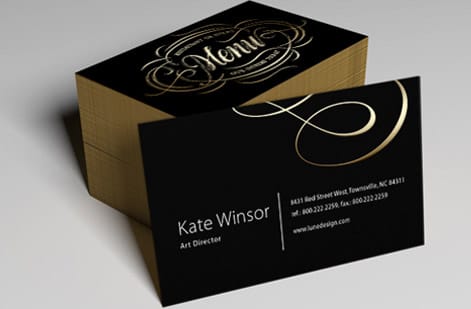
Finish is not a detail on a black card, it is half the design, because dark surfaces show every fingerprint and scuff. A glossy black looks dramatic but smudges the instant it is handled, which undoes the effect. A matte or, better, a soft touch finish resists fingerprints, hides minor marks, and adds a velvety hand-feel that makes the card feel expensive. For most black cards, soft touch is the safe choice, as our guide on soft touch business cards explains.
Back the finish with a heavier stock. A thicker card feels substantial and premium in the hand, which matches the bold look, and it resists the bending that would crack a heavy black coating. If you want the drama of gloss on specific elements, combine a matte or soft touch base with a spot gloss accent so you get the best of both without a smudge-prone full-gloss surface. Compare finishes in our guide on the best business card finish.
The right pairing is usually a heavy stock, a soft touch base to defeat fingerprints, and a single high-shine accent for drama.
Keeping the layout clean and minimal

Black cards reward restraint. The drama comes from the dark field and one or two standout elements, and clutter fights that. Give the black room to breathe, center the design on a single focal point such as a foil logo or a name in crisp white, and keep the information to the essentials. A minimal black card reads as confident and high-end; a busy one loses the very impact that made you choose black.
Mind the practicalities of a dark card too. Leave a clear zone for the details that must be read at a glance, keep text well inside the safe margin so nothing is trimmed, and consider how the card scans or photographs, since some readers will snap a picture. If you need to carry more information, a QR code in a light frame can link out cleanly without adding visual noise. For layout fundamentals, see our guide on what to include on a business card.
When in doubt, remove an element rather than add one. The most striking black cards are the simplest.
What black business cards cost and how prices are set

Black business cards start from the same base as standard cards and rise with the choices that make them premium. Price scales first with quantity, since setup spreads across more pieces, so a larger run lowers the per-card cost. Black business cards start around $40 for a run, with the per-card price dropping as quantity climbs, then the finish and accents adjust the total.
The premium touches are where the cost moves: soft touch coating, metallic foil, spot gloss, white ink, and a heavier stock each add to the price for a richer result. Because those finishes are the reason to choose a black card, they are usually worth it, but you can balance them against the run size. You set every option in the live configurator and the total updates as you go, so you can see exactly what adding foil or soft touch does before you commit.
Since finishes like foil and soft touch are hard to judge on screen, order a proof or samples first so you can confirm the look and hand-feel in person before a full run. Browse the full business card range to compare options.
Preparing a print-ready file and ordering

Set the file up to protect the black look. Build your background as a rich black rather than plain K, run it fully to the bleed so no white edge sneaks in, and keep all text and accents inside a safe margin. Provide any foil, spot gloss, or white ink elements as separate, clearly marked layers so the press knows exactly where each special effect goes, and confirm your light text is a solid color for crisp edges.
When the file is ready, upload it to the black business cards page, choose your stock, finish, accents, and quantity, and place the order. If you are weighing black against other bold looks, our guides on matte versus glossy cards and the wider business card collection help you decide.
Wally makes black cards read sharp
Rich black, high contrast, one bold accent
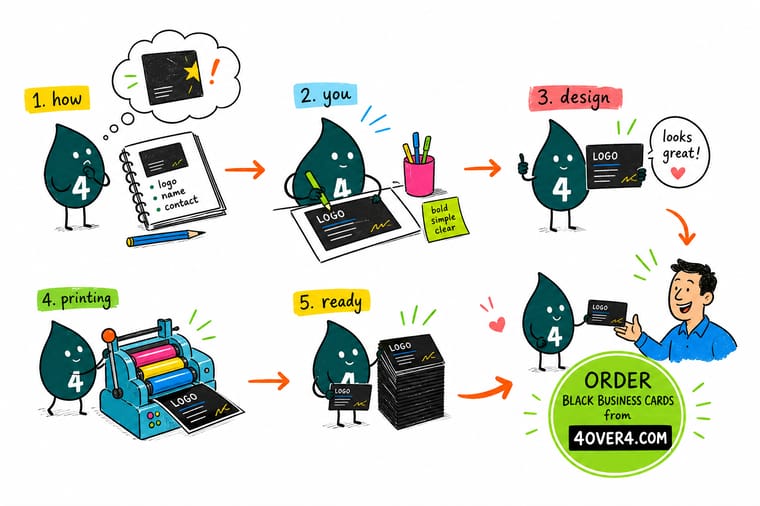
Wally designs black business cards that stay crisp: a rich black background that prints deep and even, light text with strong contrast, and one accent like foil or spot gloss that gleams against the dark. He picks a soft touch finish so fingerprints do not spoil the look, a heavier stock that resists cracking, and a clean minimal layout so the drama lands. Separate the foil and gloss layers, and 4OVER4 prints it bold and sharp.
Order your black business cards →Quick reference
Black business card design at a glance
A dark card lives on contrast and finish, so lock these in before you design.
| Setting | What to pick | Why it matters |
|---|---|---|
| Background | Rich black (around C60 M40 Y40 K100) | A rich build prints deep and even; plain 100 percent K looks washed and streaky. |
| Text | Light, solid color, large enough to read | Legibility on black comes entirely from strong contrast and crisp edges. |
| Accent | Foil, spot gloss, or white ink | A standout finish against black is the whole reason to choose a dark card. |
| Finish | Soft touch or matte | It resists the fingerprints and smudges that plague a glossy black surface. |
| Stock | Heavier weight | A thick card feels premium and resists cracking a heavy black coating. |
| Layout | Clean and minimal | The drama comes from the dark field and one focal point, not clutter. |
Step by step
How to design black business cards in 7 steps
- Build a rich black Set your background as a rich black build rather than plain 100 percent K so it prints deep and even.
- Choose legible light text Use white or very light text, large and solid, with strong contrast, and avoid mid-tone grays for anything that must be read.
- Add a standout accent Pick one hero finish, foil, spot gloss, or white ink, that pops against the black and makes the card feel premium.
- Pick a fingerprint-resistant finish Choose soft touch or matte over full gloss so the dark surface does not show every smudge.
- Select a heavier stock Go with a thicker card that feels substantial and resists cracking the black coating.
- Keep the layout minimal Center the design on a single focal point, give the black room, and cut anything that competes.
- Prepare the file and order Build a rich black to the bleed, separate any foil or gloss layers, then upload to the black business cards page and order.
Specs and pricing
Black business card specs and live pricing
Set your stock, finish, accents, and quantity below to see live per-card pricing and full specs for black business cards, straight from the configurator.
| Quantity | Price Per Unit | Total |
|---|---|---|
| 50 | 81.2¢ | $40.62 |
| 100 | 75.8¢ | $75.78 |
| 200 | 56.6¢ | $113.11 |
| 300 | 51.3¢ | $153.77 |
| 400 | 42.4¢ | $169.69 |
| 500 | 36.2¢ | $181.22 |
| 600 | 32.2¢ | $193.30 |
| 700 | 29.2¢ | $204.29 |
Order it
Order striking black business cards
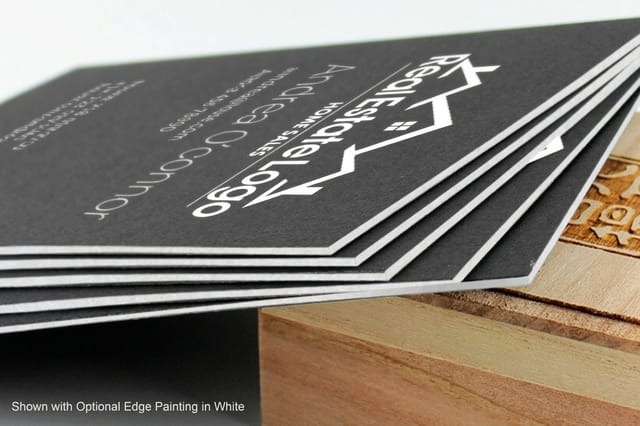

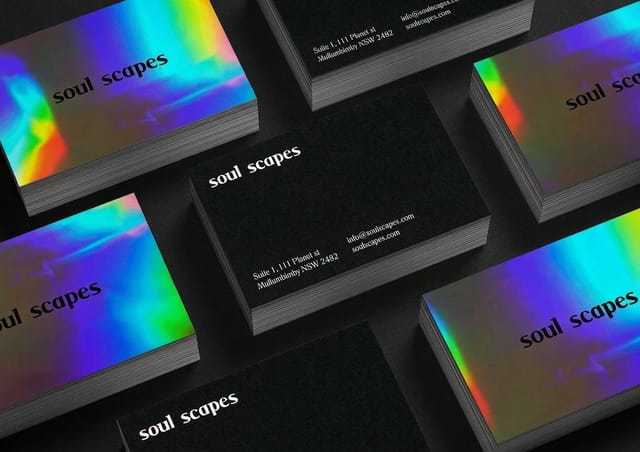
See it in use
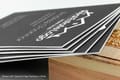
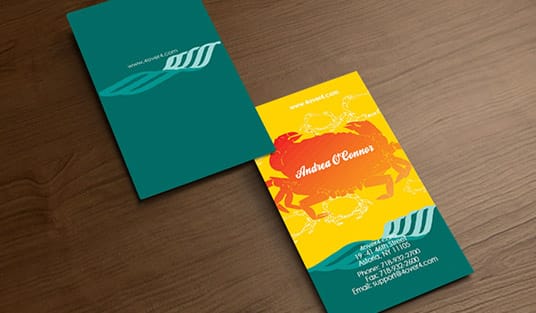
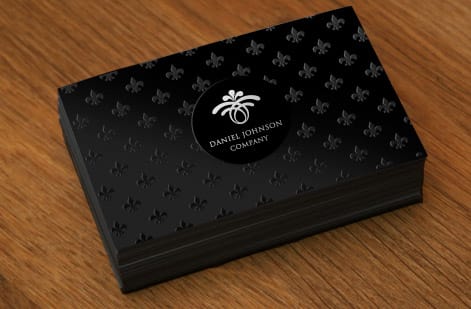
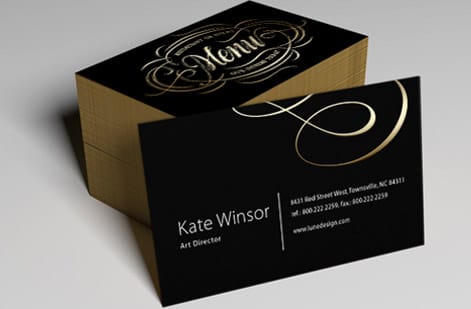
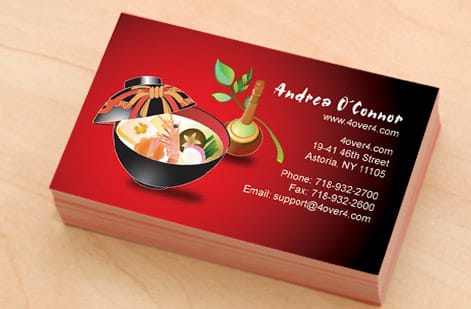
Black cards we printed on Midnite stock




Explore more
Where to go next





By the numbers
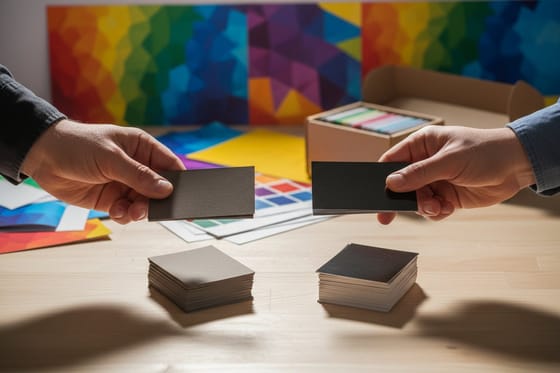
32pt to 80pt Midnite Black Uncoated
Common Questions
Common questions about black business cards
How do you design black business cards that look sharp?
Build the background as a rich black rather than plain 100 percent K so it prints deep and even, then rely on contrast for everything readable: light, solid text large enough to stay crisp, and a standout accent like foil, spot gloss, or white ink that pops against the dark. Choose a fingerprint-resistant finish such as soft touch, use a heavier stock, and keep the layout clean and minimal. A dark card lives on contrast and finish, so plan both from the start.
What ink should I use for black business cards?
For the black background, use a rich black build that adds cyan, magenta, and yellow under the black, around C60 M40 Y40 K100, so large solid areas print dense and even instead of washed or streaky. For text and accents, use solid light colors for crisp edges, and consider special inks and finishes: opaque white ink for clean light elements, metallic foil for a premium gleam, and spot gloss for a subtle black-on-black shine. Keep small text solid rather than a screened tint.
How do you keep black business cards from showing fingerprints?
Choose the finish carefully, because a glossy black shows every fingerprint the moment it is handled. A matte or, better, a soft touch finish resists fingerprints, hides minor marks, and adds a velvety premium feel, which makes it the safe choice for most black cards. If you want gloss for drama, apply it only as a spot accent over a matte or soft touch base, so you get the shine on key elements without a smudge-prone full-gloss surface.
What does it cost to print black business cards and how are prices set?
Black business cards start from the same base as standard cards and rise with premium choices. Price scales first with quantity, since setup spreads across more pieces, so a larger run lowers the per-card cost. Black business cards start around $40 for a run, with the per-card price dropping as quantity climbs. Finishes like soft touch, foil, spot gloss, and white ink, plus a heavier stock, add to the total. You set every option in the live configurator and the price updates as you go.
What sizes, stocks, and finishes are available for black business cards?
Black business cards use the standard business card size and a range of stocks, with heavier weights recommended so the card feels premium and resists cracking the black coating. Finishes include soft touch and matte, which resist fingerprints, plus special accents like metallic foil, spot gloss, and opaque white ink that stand out against the dark. You choose the exact combination on the product page and the specs and price update live, and ordering a proof first lets you judge a finish in hand.
How long do black business cards take to print and ship?
Standard black cards run on the business card production schedule, and the live turnaround and shipping options appear in the configurator once you set your stock, finish, and quantity. Premium finishes such as foil or soft touch can add production time, so if you have an event or a deadline, order with a comfortable buffer and confirm a proof, since finishes and the rich black are best verified before a full run is produced.
Get Started
Order 50 cards on 64pt Midnite Black Uncoated
Bring your design to 4OVER4, build it on a rich black with a foil or soft touch finish, and watch the price update live as you set your stock and quantity.
Legal Disclaimer
Gold Standard guarantees apply to all standard orders placed through 4over4.com. Price match requires verifiable proof of a competitor's published price for an equivalent product with matching specifications and turnaround time. Satisfaction guarantee covers manufacturing defects and print quality issues. Contact support with order number and documentation. On-time delivery rate based on tracked orders 1999 to 2026. Individual results may vary based on shipping carrier performance.
