
How to Make Announcement Cards That Get Read and Kept


Jordan is our labels, packaging and sustainability voice, built from the knowledge of our production team, with over 20 years in printing.
A new baby, a new address, a new business, a wedding date. Whatever the news is, the card that carries it has six decisions behind it: occasion, size, stock, finish, wording, and layout. Get those right and the card gets kept.
To make an announcement card, start with the occasion, then pick a trim size that fits a standard envelope, usually 4 by 6 or 5 by 7. Choose a stock of 16pt or heavier so the card feels like news worth keeping. Write the card in four blocks: what happened, the full names, the date, and one next step, all inside forty words. Set the news as the largest element, keep type an eighth of an inch inside the trim, add an eighth inch bleed, export a CMYK PDF, and order more than your mailing list needs.
Start here
From the news to the mailed card
An announcement card exists to deliver one piece of news and then get kept. A birth card, a moving card and a business launch card are three different briefs, so the occasion decides what follows: the size, the stock and what the wording leads with.
Make one
How to make an announcement card in six moves
Work in this order: occasion, size, stock, wording, layout, file. Each move has its own section below. Doing them out of order is how a 5 by 7 layout ends up rewritten to fit a 4 by 6 envelope.
Design rules
Design rules for an announcement that reads in two seconds
Make one element clearly the largest, and let everything else step back. On a moving card that is the new address; on a birth card, the baby’s name set large over the date and time.
Why a printed announcement still lands harder than a post
News shared in a group chat is read once and scrolled past. The same news on a 4 by 6 card, mailed in an A6 envelope, gets opened at a kitchen table, read out loud to somebody else in the room, and then propped against a fruit bowl or pinned to a corkboard.
The physical object also does something a screen cannot: it signals effort. Somebody chose a size, wrote the wording, addressed an envelope, and paid postage. Recipients read that effort as importance before they read a single word, which is why a birth, a marriage, a move, or a company launch is still worth printing. The same instinct is unpacked in the psychology of business cards, and it applies just as cleanly to an announcement.
This guide walks the whole job in order: choose the occasion and format, lock the size, pick the stock, write the wording, lay it out, then get it printed without surprises.
Announcement cards by occasion, and what each one needs

Every occasion has a different reader and a different shelf life, and that changes the design brief. Sorting your card into one of these groups before you open a design tool saves an afternoon of second guessing.
- New baby. A photo, the full name, the birth date, weight and length if you want them, and the parents' names. Landscape 5 by 7 suits a single wide photo. Keep type small and calm so the photograph carries the card.
- Engagement and wedding news. Two names, the date, and the city. Save the venue and the schedule for the invitation. The card may end up framed, so the stock matters more than the ornament.
- Moving and change of address. Old name, new address, effective date, and a phone number. Set the address in the largest type on the card, because that is the one thing people will come back to it for.
- New business, new location, new role. Company name, what changed, the date it takes effect, and one contact route. A wallet sized card on thick or rigid stock survives a desk drawer.
- Grand opening and reopening. Date, hours, address, and any offer attached to the opening week. Print more than you plan to mail so you can leave a stack on the counter.
- Graduation and milestones. Name, credential, institution, and year. Simple typographic layouts age better than themed ones.
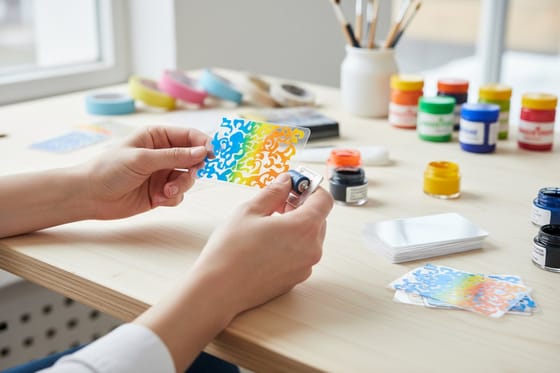
When the occasion calls for a card that behaves like a keepsake rather than a mailer, transparent and frosted stocks change the object entirely. The setup rules for that route are covered in how to make clear business cards, and they transfer directly to announcement trims.
Pick the size and orientation before you design anything

Size is the first decision because it controls envelope cost, postage class, and how much wording fits without crowding.
4 by 6 is the default. It mails in an A6 envelope, holds one photo and roughly forty words, and is the smallest of the common mailed sizes. 5 by 7 gives a photo room to breathe and reads as the more formal choice. 3.5 by 2, the standard business card trim, is right when the announcement is business news that should live in a wallet. 5.5 by 8.5 leaves room on the back for a short story behind the headline.
| Size | Envelope | What fits | Best for |
|---|---|---|---|
| 4 by 6 | A6 | One photo and about forty words | Moves, births and most mailed news |
| 5 by 7 | A7 | A larger photo with room around it | Births and weddings, the formal choice |
| 3.5 by 2 | None, handed out | One line of news and one contact route | Business news kept in a wallet |
| 5.5 by 8.5 | A9 | A headline on the front, a short story on the back | News with a story behind it |
Orientation follows the imagery. A landscape card suits a wide family photo or a storefront. A portrait card suits stacked type, a single tall image, or a name set large. Whichever you choose, keep it consistent across the front and back so the card does not have to be rotated mid read.
Paper stock, thickness, and finish decide how the news feels
Weight is the fastest signal a card sends. Hand somebody a flimsy card and it reads as disposable no matter how good the design is. Announcement cards start to feel right at 16pt and better at 18pt, where the card holds its shape when pinched at one corner. Standard postcards run from 10pt to 26pt across 22 stocks, and at 30mil the card is plastic that will outlive the event it announces.
Finish changes the feel as much as the thickness. An uncoated or silk stock keeps photos calm and takes a pen, which matters when someone writes a note on the back. High gloss UV makes color pop on bright, graphic cards. The 16pt uncoated stock with soft touch has a suede surface you notice in the hand before you read anything.
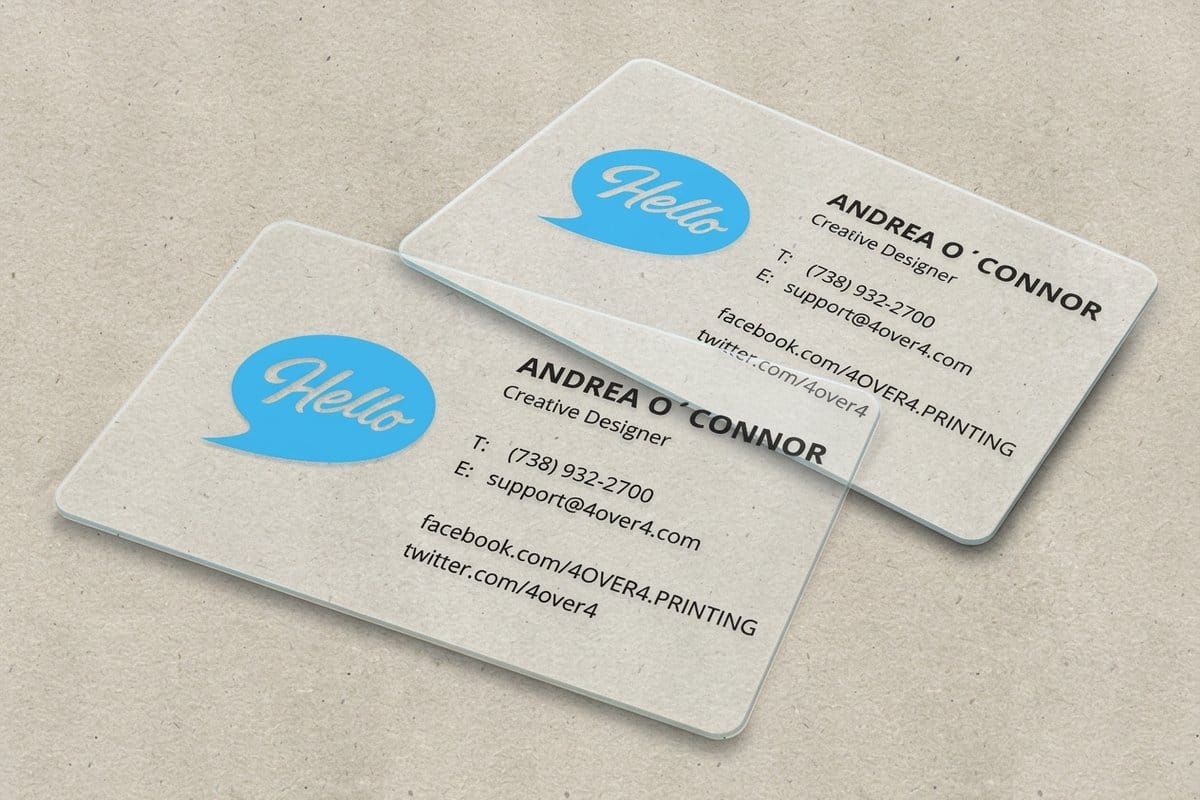
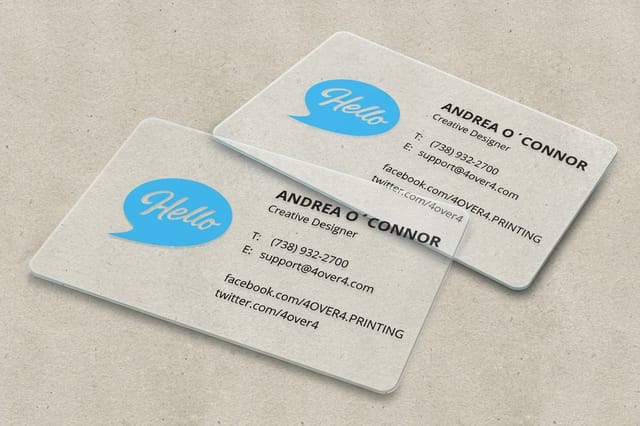
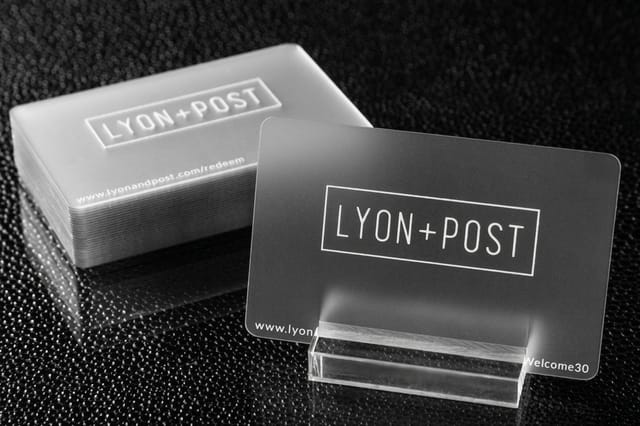
For business announcements that need to survive real handling, 30mil clear plastic cards print onto transparent stock where white ink builds the areas you want opaque, while 30mil frosted plastic cards trade some transparency for a soft, diffused surface that keeps small type legible. Both take spot UV on one side or both, and both are rigid enough to live in a wallet.
How to word an announcement card so it reads in one pass
Announcement wording fails in one of two ways: it buries the news under a greeting, or it tries to be an invitation. Fix both by writing the card in four blocks and nothing else. Block one is the news in a single short line. Block two is the names, written out in full at least once. Block three is the date, spelled out so there is no ambiguity between day first and month first formats. Block four is the one next step, if there is one.
Here is the shape in practice. For a birth: the baby's full name set large, the birth date and time under it, weight and length in one small line, and the parents' names at the foot. For a move: the words that name the change, the new address set as the largest block on the card, the date it takes effect, and a phone number. For a business: what changed, when it takes effect, and one route to reach you. Every card is under forty words.
Read the finished wording out loud before you commit it to print. Any sentence you stumble over is a sentence a recipient will reread, and rereading is the opposite of what an announcement is for. Then have somebody who was not involved check the names, dates, and address, because a typo in any of them means a reprint.
Lay out the card so the eye lands on the news first

A card is small, so hierarchy has to be brutal. Choose the one element that gets read first, usually a name, a photo, or the words that carry the news, and make it clearly larger than everything else. Then set the supporting details at a size that is comfortable but obviously secondary. Two type sizes fighting for attention make a card feel cluttered.
Give the card margins it does not need to justify. Resist filling the corners. Empty space around a name is what makes the name feel important, and on a card that space costs nothing.
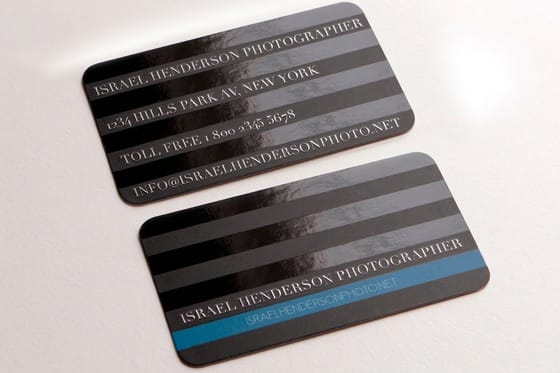
Use two typefaces at most, and pick faces that hold up at small sizes on coated stock. Delicate hairline serifs that look elegant on screen can thin out or fill in when printed small, so test at actual size on a home printer before you order. If you want a starting point, 20 free fonts for fabulous business cards is a shortlist that survives small trims, and leaf shaped business cards shows what a custom outline does when a rectangle is not enough.
Making them yourself versus sending them to press
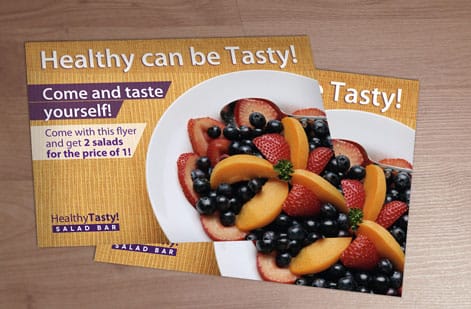
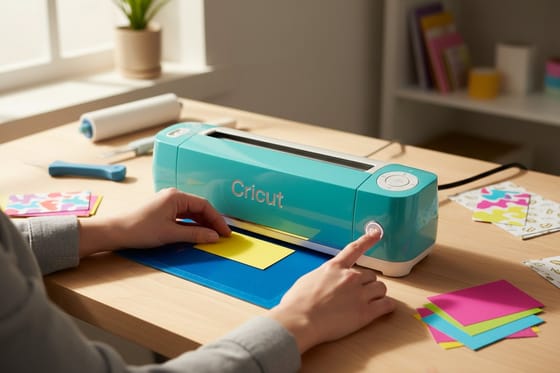
For a run of twenty, making the cards yourself is genuinely reasonable. A cutting machine handles trimming and shaped edges cleanly, and the step by step in how to make business cards with a Cricut covers the cut file setup and the blade settings that stop stock from tearing. If you want a novelty mechanic, DIY scratch off cards is the technique behind reveal style pregnancy and surprise announcements, and our lottery style scratch off cards tutorial shows the same reveal built at home step by step.
Home production stops making sense somewhere near fifty cards. Home printers cannot hold color consistently across a stack, they will not feed heavy stock, and hand trimming drifts by a millimeter or two per card, which is visible the moment two cards sit side by side.
If you only need a simple typographic card and do not own design software, you can build a correctly sized, print ready file in a word processor. How to make business cards on Google Docs walks the page setup, margins, and export settings, and the same method works for a 4 by 6 or 5 by 7 announcement.
Files, bleed, and getting the run printed without surprises

Three file rules cover most file problems on a card. Build the artwork an eighth of an inch larger than the trim on every side so background color runs off the edge instead of leaving a white sliver. Keep type and logos an eighth of an inch inside the trim. Supply images at 300 dpi at final size, which for a 5 by 7 card with bleed is 1575 by 2175 pixels.
Export a flattened PDF with fonts embedded, and set the document in CMYK rather than screen color so the deep blues and bright oranges you approved on a monitor do not arrive muted. If the card prints on both sides, confirm which way it flips, because a back panel rotated the wrong way means a reprint.
Then order a margin above your mailing list. When the file is ready, standard postcards print it at 4 by 6, 5 by 7 or 5.5 by 8.5, and the price table below updates as you change quantity, stock and finish.
Wally explains announcement cards
One piece of news, printed heavy enough to keep
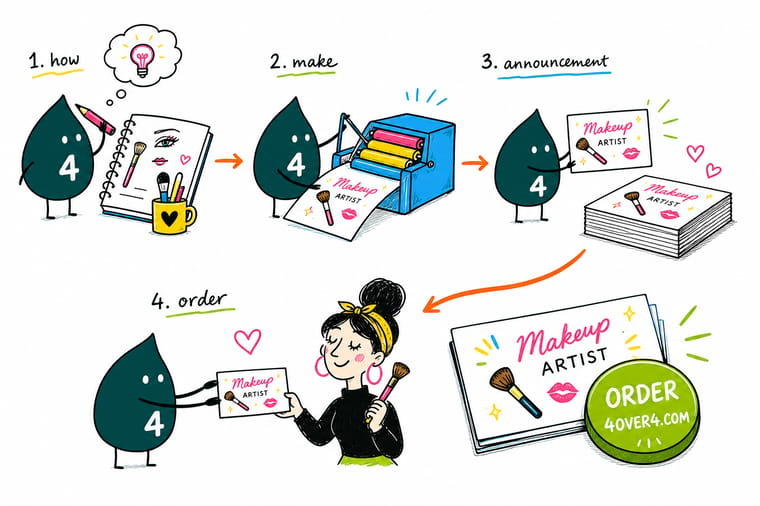
Wally's test for any announcement card is simple. Hold it at arm's length for two seconds. If somebody can tell you what the news is in that time, the hierarchy is right. If they have to hunt for it, the news is too small or something else on the card is too loud. He runs the same test on the back, where the address and the date live, before anything goes to press.
Design and print your cards →
Infographic
Seven announcements worth printing, and what each card needs
Seven occasions, from a new baby on a landscape 5 by 7 to a business launch on a wallet sized 3.5 by 2 card. Each panel lists the news the card carries and the detail people come back to it for, such as the new address on a moving card.
Whatever the occasion, the pattern holds: one headline, the full names, a date written out, and one next step. The stock decides whether the card is read once or kept for years.
Specs and pricing
Card specs and live pricing
The panel below prices standard postcards at their 2.5 by 2.5 inch starting size; pick 4 by 6 or 5 by 7 in the configurator to price those. Stocks run from 10pt StarLustre Platinum to 26pt Metallic Pearl Ice, printed one side or both, with 1/8 or 3/8 inch rounded corners.
| Quantity | Price Per Unit | Total |
|---|---|---|
| 50 | 33.0¢ | $16.48 |
| 100 | 24.2¢ | $24.16 |
| 200 | 15.9¢ | $31.86 |
| 300 | 12.8¢ | $38.45 |
| 400 | 11.3¢ | $45.04 |
| 500 | 10.3¢ | $51.62 |
| 600 | 9.89¢ | $59.31 |
| 700 | 9.57¢ | $67.00 |
Print it
Cards that carry an announcement well
Standard postcards carry mailed news on paper. The 30mil clear and frosted plastic cards print at credit card size, 2.125 by 3.375 inches, from 500 for $529.26, for an announcement meant to stay in a wallet.

See it in use
Real card printing, produced in-house


Explore more
Where to go next


By the numbers
The plant behind every card
Common Questions
Common questions about announcement cards
What is an announcement card?
An announcement card is a small printed card whose only job is to share one piece of news: a baby has arrived, a couple is engaged, a family has moved, a company has opened a second location. Unlike an invitation, it does not ask for a reply or an RSVP. It states the news, gives the details a reader needs to act on it, and gets kept on a fridge or a desk far longer than any email would survive in an inbox.
Which announcement size mails, and which one gets kept?
Every size in the table above mails except the 3.5 by 2 card, which is under the 3.5 by 5 inch minimum USPS accepts. The one that gets kept is the heavier one: a thick 5 by 7 for a birth or a wedding, or a wallet sized 30mil plastic card for business news.
What do announcement cards cost and how is the price set?
Quantity moves the price most, because setup is spread across the run: at the starting size, 500 standard postcards cost $51.62 against $24.16 for 100. Size, stock and finish add from there, and the price table on this page updates as you change each option.
What sizes, stocks, and finishes are available for announcement cards?
Standard postcards come in 14 sizes, from a 2.5 inch square to 6 by 11, on 22 stocks. The finish is standard or high gloss UV, and corners can be rounded at 1/8 or 3/8 inch. The clear and frosted plastic cards come in one size, 2.125 by 3.375 inches, with white ink, foil stamping and spot UV as options.
How long does it take to print and ship announcement cards?
Standard postcards offer turnaround from same day to 3 business days after your file passes prepress, and the 30mil plastic cards take 15 business days. Shipping time comes on top and depends on the method you pick. If the news has a date attached, such as a grand opening, work backward from the mail date.
What should an announcement card actually say?
Only the news and the details a reader needs, nothing that asks for a reply. RSVPs, a gift registry or a schedule turn the card into an invitation, and they belong on a card of their own.
Do announcement cards need envelopes, and what size should they be?
Only the ones you mail in an envelope. Envelopes are bought separately from standard postcards, so pick the size the table above lists for your card, and test one card in one envelope before you seal a hundred.
Get Started
Pick the size, then the stock, then the wording
Bring the file to 4OVER4.COM, pick the stock that suits the news, and order a few more than your list needs.
Legal Disclaimer
Gold Standard guarantees apply to all standard orders placed through 4over4.com. Price match requires verifiable proof of a competitor's published price for an equivalent product with matching specifications and turnaround time. Satisfaction guarantee covers manufacturing defects and print quality issues. Contact support with order number and documentation.
