
How to Make Clear Business Cards with Transparent Plastic


Pick the plastic, add a white ink layer, keep the design bold and simple, then order see-through cards that stop people mid-conversation. Here is the full workflow from material to print-ready file.
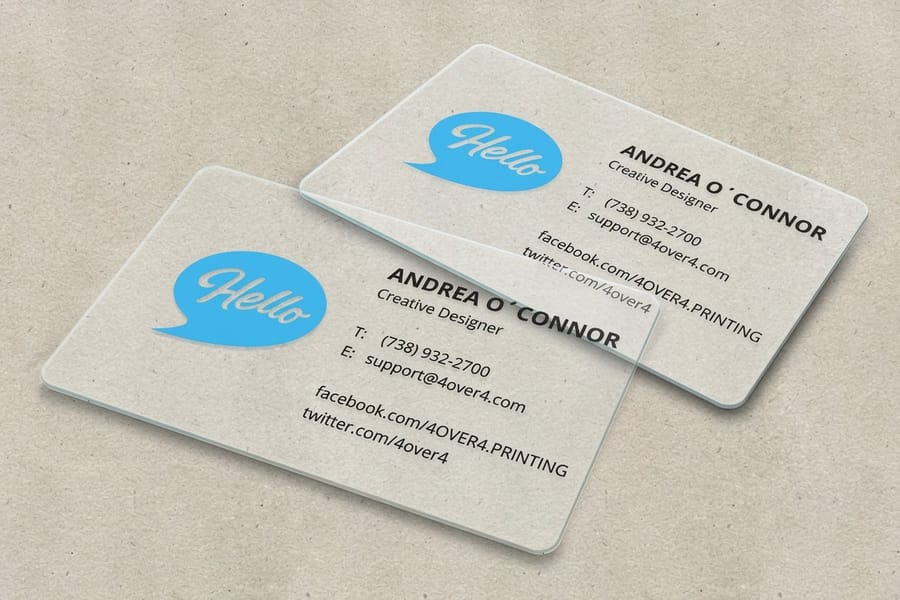
To make clear business cards, print on transparent 30mil or 20-point plastic, add a dedicated white ink layer for any opaque element, and design in CMYK at 300 DPI with bleed and a safe zone. Keep the layout bold and minimal so the transparency carries the look. Choose fully clear for graphic designs and frosted when you need readable contact detail.
Quick tips
Quick tips for making clear business cards
Design clear business cards for the material, not for paper. Choose 30mil or 20-point transparent plastic, add a white ink layer for anything that should read opaque, and work in CMYK at 300 DPI with proper bleed. Keep type bold and sans-serif at 8pt or larger, print one side for a clean mirror effect, and pick frosted when a card carries a lot of contact detail. The same rules apply to opaque plastic business cards, minus the white ink layer.
Jump to the file setup or to the mistakes that ruin a clear card order.
Watch it printed
See 30mil clear plastic cards on the press, in 117 seconds
Why clear business cards stand out
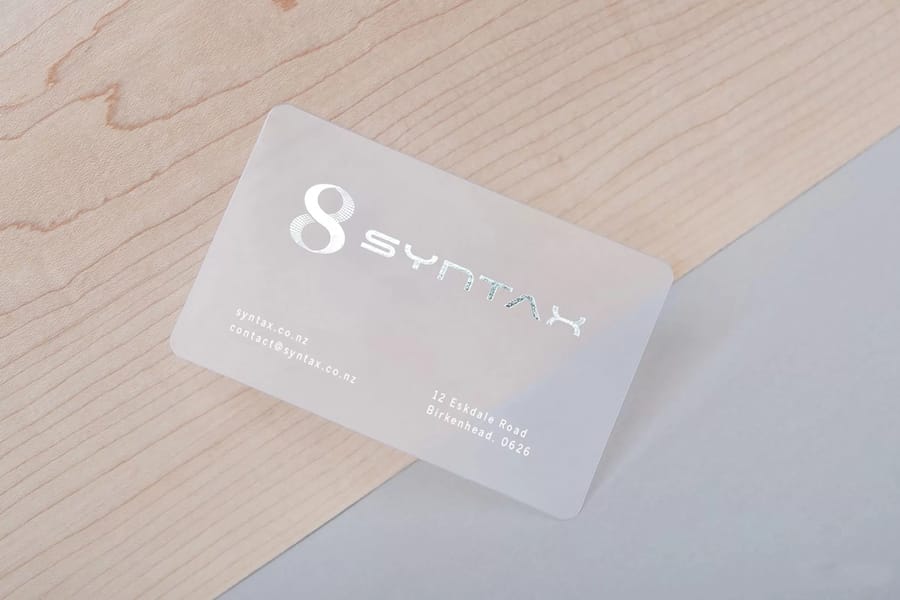
Clear business cards flip networking on its head. Hand someone a transparent card and watch them stop to look at it. Unlike standard cardstock, clear plastic lets your logo, colors, and contact info float on a see-through surface, and that is the effect people actually remember.
Making them is not the same as designing paper cards. The material behaves differently, colors print differently, and file setup has its own rules. Skip a step and the card looks muddy instead of sleek. The Online Designer lets you build a layout from scratch or start from a template, so you get the setup right the first time.
Whether you shoot photos, sell homes, or run a startup, this guide covers material choice through print-ready specs. If you have made custom magnets before, some of this feels familiar, though clear cards carry their own quirks. Need something beyond the standard options? The custom projects team handles special requests.
Understanding clear and plastic business card materials
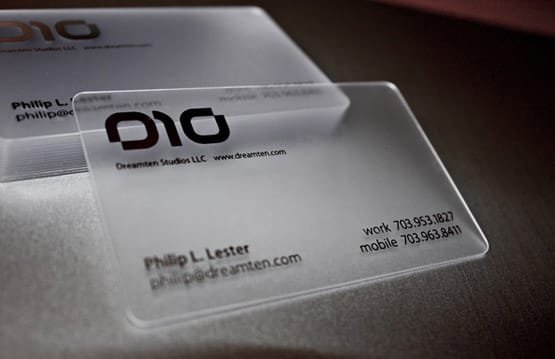
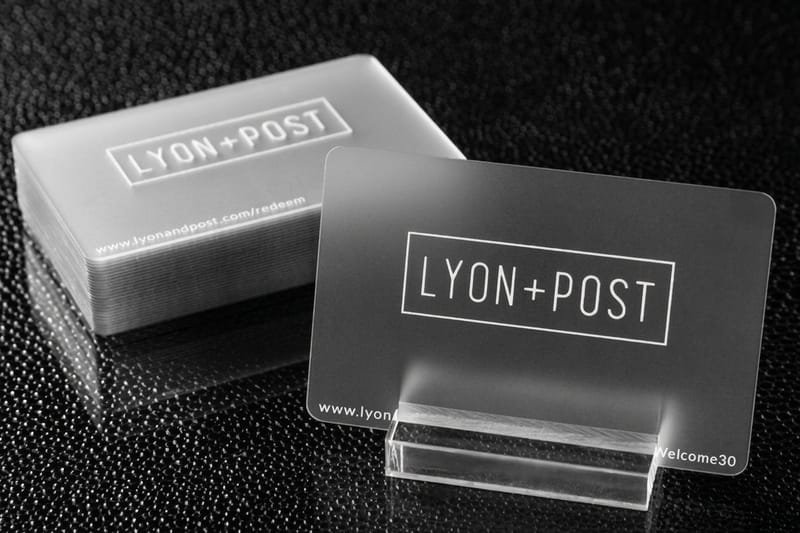
The foundation of a great clear business card is the material. You are not working with paper here, you are working with plastic. The most popular option is 30mil clear plastic, which matches the thickness of a standard credit card. It feels solid in the hand, and people read that heft as quality, an association that transfers straight to your brand.
There is also 20-point clear plastic, slightly thinner and more flexible. It suits loyalty cards, VIP passes, or higher-quantity runs where you want to keep costs manageable. Both materials are durable, water-resistant, and will not bend or tear like paper cards do after a week in a wallet.
4OVER4.COM offers 30mil clear plastic cards as a flagship option. To feel the material before you commit to a full order, grab free samples first. Touching the actual card stock tells you more than any product description ever could.
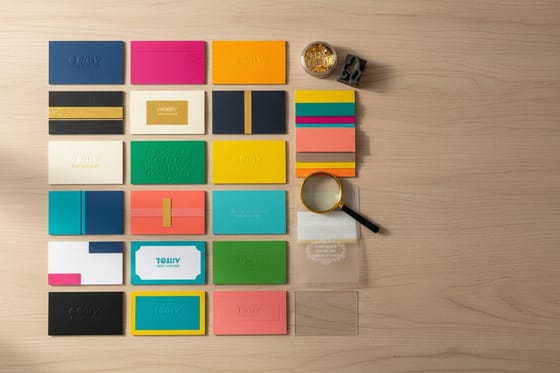
If you want the durability of plastic without the transparency, opaque plastic business cards use the same PVC body with a solid white base, so your artwork prints the way it would on paper and the card still survives a wallet. Frosted sits between the two, and 30mil frosted plastic cards are the pick when the card carries a lot of contact detail that has to stay readable.
Fully clear versus frosted finishes
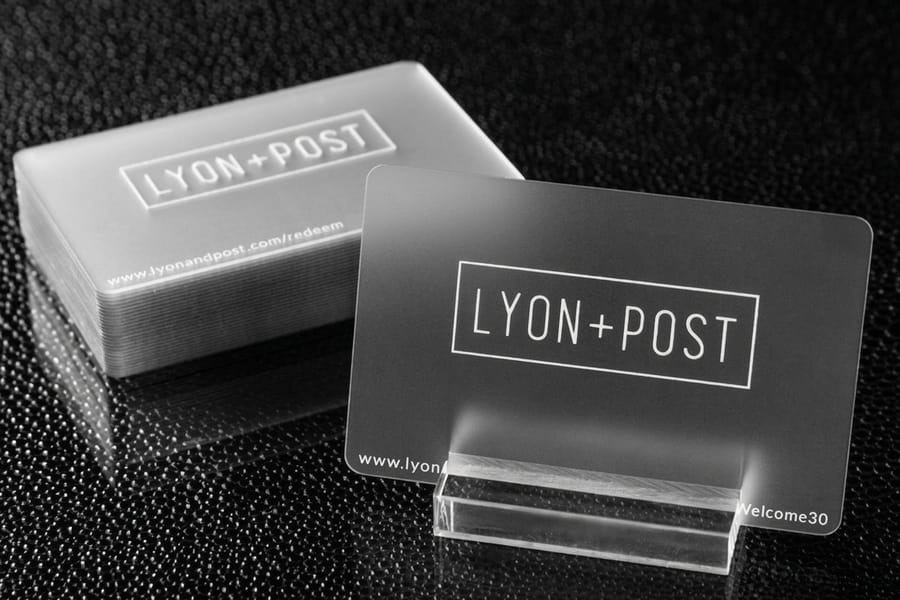
Not every clear card is the same level of transparent. You have two main directions to choose from, fully clear and frosted.
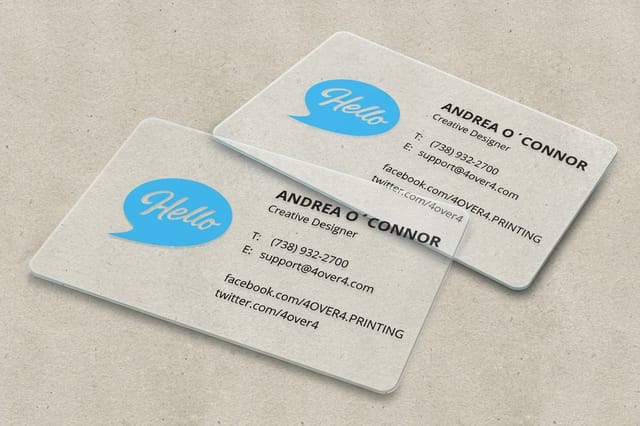
Fully clear cards are completely see-through, so your logo, text, and graphics look like they float on glass. This works best when the design is bold and graphic-heavy, with strong colors, thick fonts, and minimal text. The transparency becomes part of the design itself.
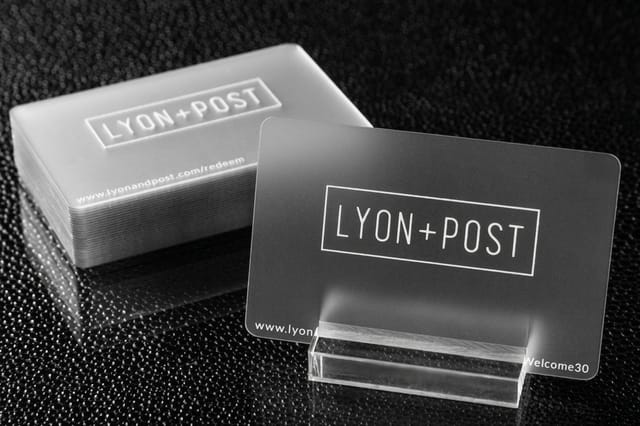
Frosted cards carry a translucent, etched-glass look. They soften the transparency and make text easier to read against busy backgrounds, which makes them the smarter pick when a card holds a lot of contact detail. Still deciding? Bold and minimal goes clear, detailed and information-rich goes frosted. For guidance across other print products, the guide hub covers everything from cards to large-format printing.
Designing for transparent material
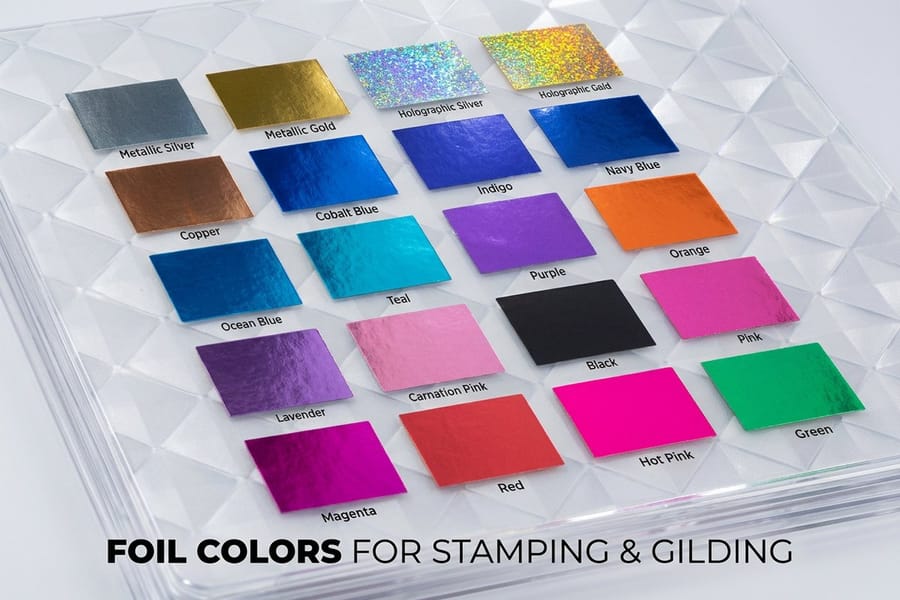
Here is where most people trip up. Designing for clear plastic is not the same as designing for white paper. On paper, white is the default background. On clear plastic there is no background, and white does not exist unless you specifically print it.
White ink is your best friend. For any element to appear white on a clear card, you need a dedicated white ink layer in your file. That layer tells the printer where to lay opaque white before or after your color layers. Without it, the white areas simply stay transparent.
Keep the design simple, because clear cards reward restraint. A clean logo, your name, a phone number, maybe a website is plenty. Overloading a transparent card with text and graphics defeats the purpose, so let it breathe.
Use bold, sans-serif fonts at 8pt or larger. Thin serif type looks wispy and hard to read on clear material. High-contrast pairings work best, like dark type on the clear surface or white ink with a single accent color. If you have set up flyers before, you already know readability comes first, and that rule doubles for clear cards.
Building the card in a browser instead of design software
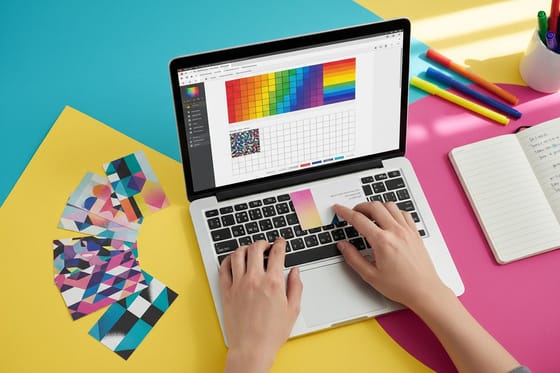
You do not need Illustrator to get a clear card to press. Start from a 30mil clear plastic card template, which already carries the 3.5 by 2 inch trim, the 0.0625 inch bleed and the 0.125 inch safe zone, then drop your logo and type into it. The Online Designer does the same job in the browser and previews the layout before you order.
One caution is specific to clear stock. A browser tool works in flat color, and it has no way to build the spot layer named White that makes an element opaque. So design for transparency on purpose: bold sans-serif type at 8pt or larger, one accent color, and plenty of open space. Everything reads against the see-through surface rather than against a white field.
If a part of the design has to be solid white, that one file needs the extra layer built in design software. Order free samples first so you can see how your colors sit on the plastic before a full run.
Setting up your print-ready file
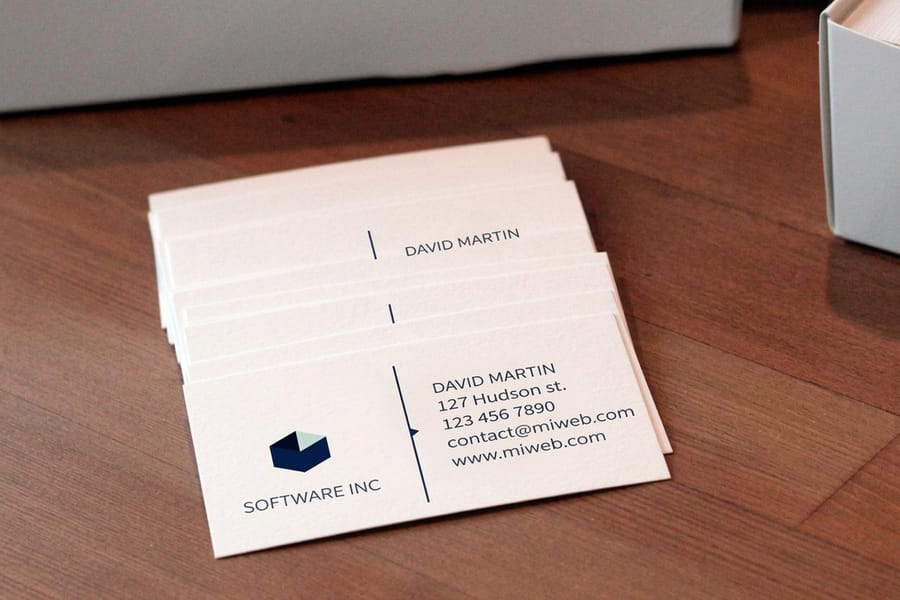
Getting the file right saves you time, money, and frustration. Here is what your design file needs before it goes to press.
- Color mode: CMYK, not RGB. Screen colors do not translate directly to print, so convert before you export.
- Resolution: 300 DPI minimum. Anything lower and your graphics look soft and pixelated on the card.
- Bleed: add 0.0625 inch on all sides. This prevents white edges after trimming.
- Safe zone: keep all critical text and logos at least 0.125 inch from the trim edge.
- White ink layer: create a separate spot color layer named "White" for any element that needs opaque white ink.
- File format: PDF is preferred. Flatten your layers except the white ink layer, which stays separate.
Not comfortable in design software? Start from a sized layout with 30mil clear plastic card templates or 3D lenticular business card templates, then upload your artwork and preview it before you order. The fundamentals carry over from other projects, so guides like how to make envelopes and how to fold a brochure will feel familiar.
Design tips that actually work on clear cards
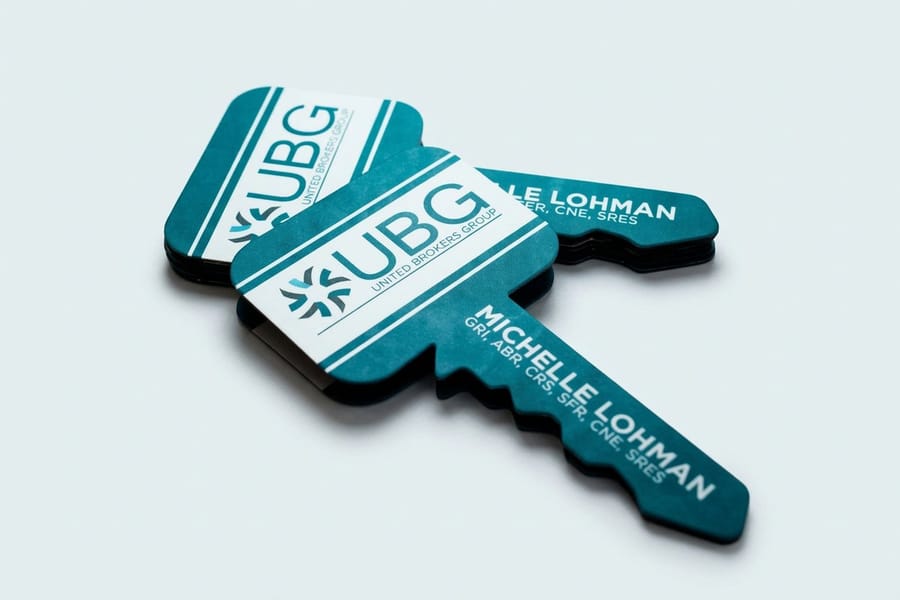
Let us get specific about what looks good on transparent material and what does not.
Use one-sided printing on purpose. Clear cards are see-through, so anything printed on the front shows in reverse from the back. Print both sides and the overlapping ink can turn into a cluttered, unreadable mess. Many designers print one side only and let the reverse read as a clean mirror effect.
Consider a partial frosted area. Some cards keep a frosted panel for legible text while the rest stays fully transparent. That hybrid gives you the wow of clear plastic plus readable contact info. And test your gradients, because a gradient that fades to nothing on paper fades to transparency here, which can look great or terrible depending on execution.
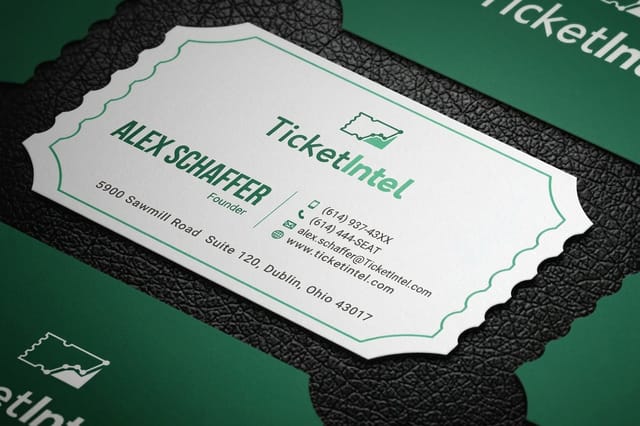
Do not forget the edge. Clear plastic is often laser-cut or die-cut, and the edge stays visible, so a clean, straight cut matters more than it does on opaque stock. There is nowhere for a rough edge to hide.
Who benefits most from clear business cards
Photographers and creatives love clear cards because the material itself communicates artistry. A logo floating on transparent plastic says you care about aesthetics without a single word.
Real estate agents use clear cards to stand out in a sea of identical white rectangles. At open houses and networking events, a clear card gets kept instead of tossed, and staying in someone's pocket is the whole point of a business card.
Tech startups and SaaS teams reach for clear cards for the modern, forward-thinking read. It signals a fresh idea before the conversation even starts. Event planners and DJs hand them out as mini brand statements and conversation pieces, exactly what you want when the business runs on word of mouth.
Beauty and salon professionals often double a clear card as a loyalty card or appointment reminder, and the durable plastic survives purses, gym bags, and car consoles without looking worn.
To keep the rest of your brand kit in top shape, guides like how to clean rubber stamps cover the practical side of your everyday print tools.
Ordering and what to expect
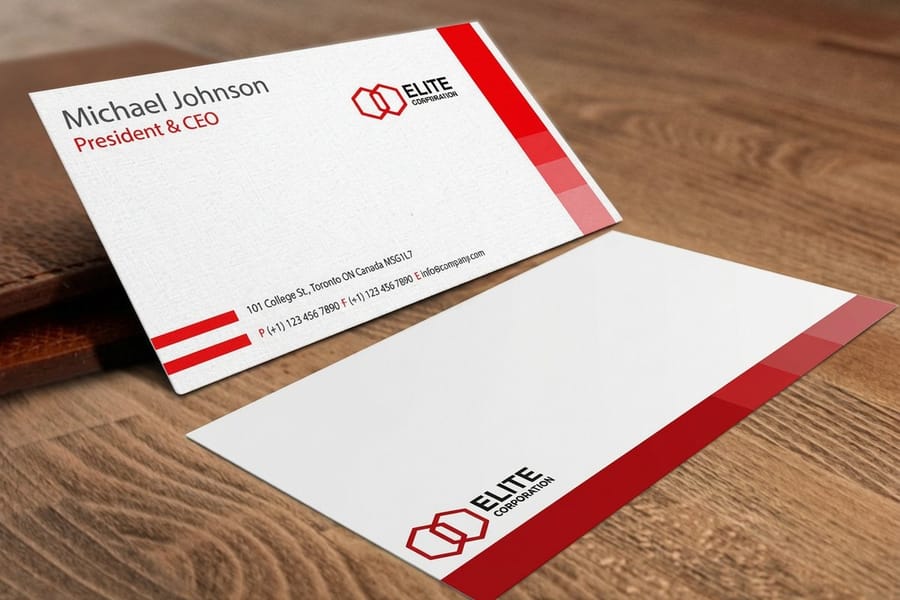
Once your file is ready, the ordering process is straightforward. Upload your design, pick your material as 30mil or 20-point clear plastic, choose your quantity, and confirm. You get a digital proof to review before anything goes to press.
Turnaround depends on the product and quantity, and 4OVER4.COM ships 82% of orders early. Clear plastic cards run slightly longer than standard paper because of the specialized printing process, and the finished cards are well worth the short wait.
Mistakes that ruin clear business cards
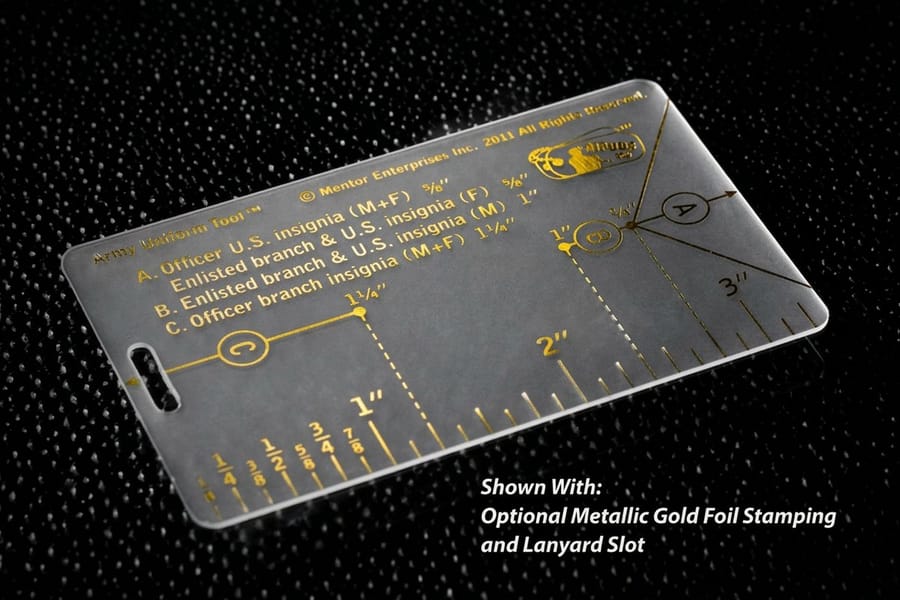
Even a solid design can get wrecked by a few common errors. Here is what to watch for before you submit any clear card file.
- Skipping the white ink layer. This is the number one mistake. Without a dedicated white layer, your white elements are invisible on the clear material.
- Using tiny or thin fonts. Fine text that reads perfectly on white paper becomes nearly invisible on transparent plastic. Stick to bold fonts, 8pt minimum.
- Overcrowding the design. Clear cards need breathing room. Too many elements compete with the transparency and make the card look chaotic.
- Submitting RGB files. RGB colors shift unpredictably when converted to CMYK at the printer, so convert yourself and keep control of the outcome.
- Ignoring the back of the card. Both sides are visible at once, so print from the back shows through to the front. Plan for it or print one side only.
- Forgetting bleed and safe zones. Trimming errors are more noticeable on clear cards. Add proper bleed and keep important content inside the safe zone.
Run this check before you upload. Trim size 3.5 by 2 inches, artwork in CMYK at 300 DPI, 0.0625 inch bleed on all four sides, text inside the 0.125 inch safe zone, every opaque element duplicated on a spot layer named White, and the whole file flattened to a PDF. Six checks, about two minutes, and the file goes straight to press instead of coming back to you.
A 99.8% on-time delivery rate means your cards arrive when promised, and getting the file right on your end means they arrive looking right too. Want to test the print quality first? Order free business cards and use them as a color and feel reference before a full clear run.
Wally explains clear cards
The transparency is the design, so let it breathe
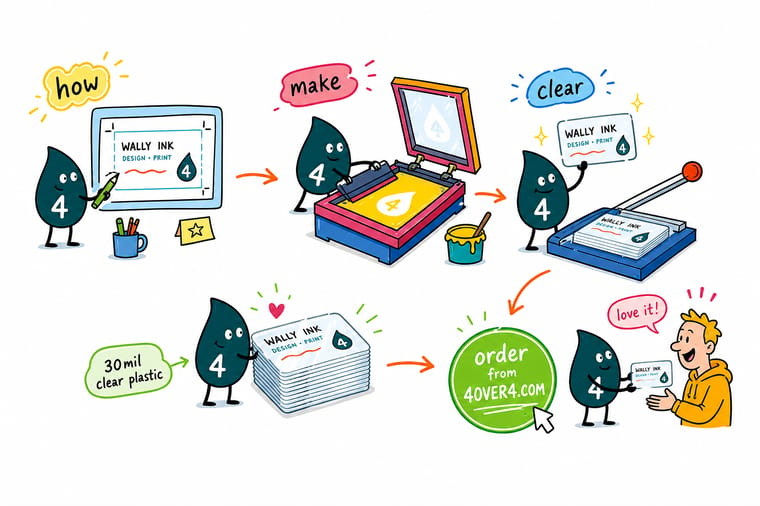
Wally treats a clear business card like a tiny pane of glass: the see-through surface is the whole effect, so a bold logo and a little white ink beat a crowded layout every time. Remember that white does not exist unless you print it, keep the type big and simple, and pick frosted when the card carries a lot of contact detail. When you are ready, order 30mil clear plastic cards built to your exact art at 4OVER4.
Order clear plastic cards →Specs and pricing
Clear plastic card specs and live pricing
Ready to order? Here is what a 30mil clear plastic card gives you at 4OVER4.COM, with live specs and price-per-unit pulled straight from the configurator.
| Quantity | Price Per Unit | Total |
|---|---|---|
| 500 | $1.06 | $529.26 |
| 1,000 | 63.0¢ | $630.31 |
| 2,000 | 56.8¢ | $1,135.55 |
| 2,500 | 53.0¢ | $1,325.02 |
| 3,000 | 50.5¢ | $1,514.49 |
| 3,500 | 48.7¢ | $1,703.96 |
| 4,000 | 47.3¢ | $1,893.44 |
| 4,500 | 45.6¢ | $2,051.33 |
Print it
Best clear business card products at 4OVER4
See it in use
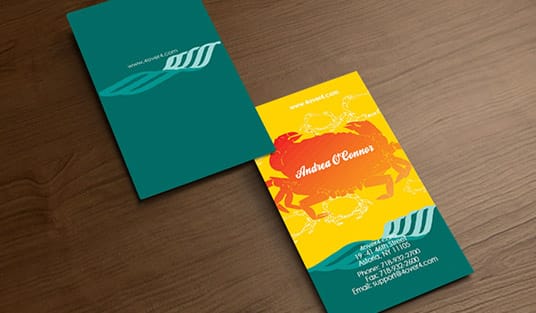
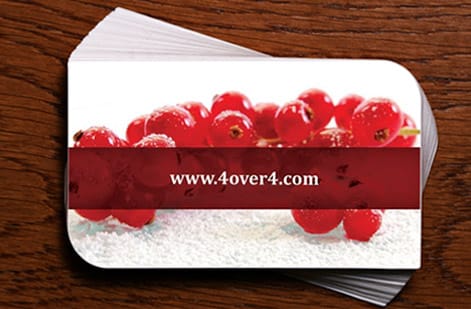
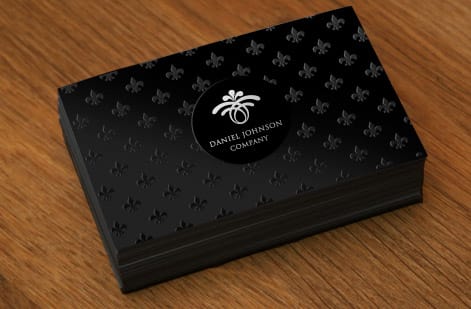
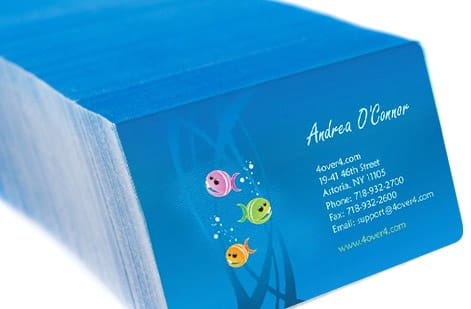
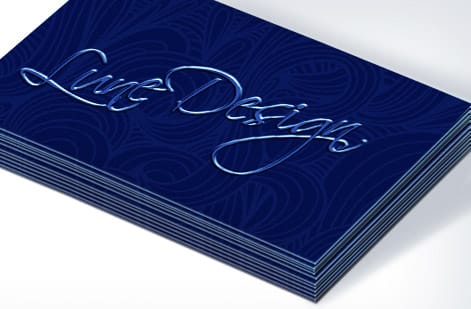
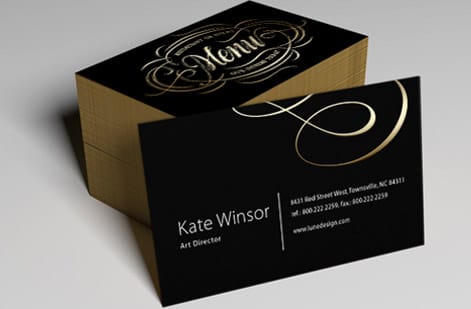
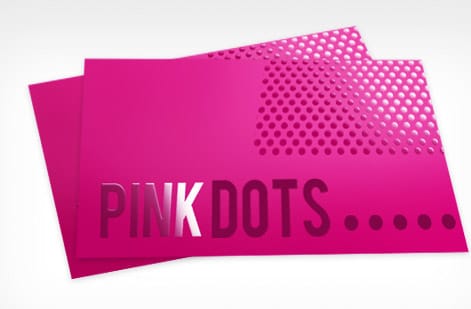
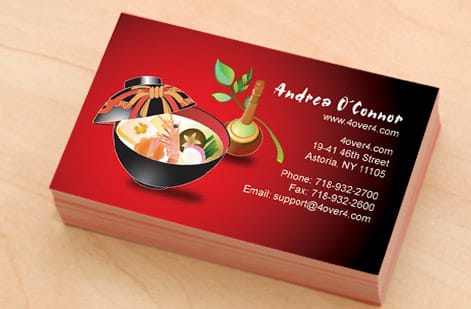
Clear and plastic card work customers printed
Explore more
Where to go next

By the numbers
Paper and plastic types a card can print on
Common Questions
Your clear business card questions, answered
How much should I pay for 500 business cards?
It depends entirely on the material. Standard paper business cards start at $17.57 at 4OVER4.COM, while 30mil clear plastic cards start at $529.26, because the plastic body and the white ink pass cost far more than a paper sheet. Quantity is the biggest lever on either one, so the per-card price drops as the run grows. Set the material, quantity and finish in the configurator and the total updates live, which is the only honest way to price a 500 card run.
Who makes the best quality business cards?
Judge a printer on the things you can check rather than on the claim. Ask what materials they carry, whether you get a digital proof before anything prints, and whether they will send you a physical sample of the stock. 4OVER4.COM prints on 60 plus paper and plastic types, ships 82 percent of orders early, hits on-time delivery 99.8 percent of the time, and serves more than 150,000 businesses. Order free business cards first and hold the print quality in your hand before you commit to a clear run.
How do you make plastic business cards?
The same way as a clear card, with one step removed. Build the file in CMYK at 300 DPI with 0.0625 inch bleed, keep type bold and 8pt or larger, and send it as a flattened PDF. On opaque plastic there is no white ink layer to build, because the card body is already solid white, so your artwork prints the way it would on paper. On clear or frosted plastic you add a spot layer named White under anything that should read opaque. The card is then printed on PVC and cut to the standard 3.5 by 2 inch size.
What is the difference between clear and frosted plastic cards?
Clear plastic is fully transparent, so whatever is behind the card shows through and any unprinted area disappears. It looks striking with a minimal design and little text. Frosted plastic is the same material with a translucent matte surface, which softens what shows through and gives small type a background to sit against. Choose clear for a bold logo and a few lines. Choose frosted when the card carries a name, title, phone, email and website and all of it has to stay readable.
What material are clear business cards made from?
Clear business cards are printed on transparent PVC or PET plastic. The most popular thickness is 30mil, which matches a standard credit card. This material is waterproof, tear-resistant, and holds up in wallets and card holders far longer than paper. 4OVER4.COM also offers 20-point clear plastic for a thinner, more flexible option.
Do I need a special file setup for clear card printing?
Yes. The biggest difference is the white ink layer. Any element you want to appear white or opaque needs a separate spot color layer labeled "White" in your design file. Submit files in CMYK at 300 DPI with 0.0625 inch bleed. Without the white layer, those areas print as transparent.
Can I print on both sides of a clear business card?
You can, but plan for it. Since the card is transparent, front and back printing overlap visually, which can create a cluttered look when the two sides are not aligned on purpose. Many designers choose single-sided printing for a cleaner result. If you do print both sides, keep each side minimal.
How long do clear business cards last compared to paper?
Clear plastic cards last a lot longer. They resist water, bending, and the general wear that destroys paper cards within weeks. A 30mil clear card can stay in a wallet for months or even years without showing damage, which keeps your contact info in circulation longer.
Are clear business cards more expensive than standard paper cards?
Clear cards cost more per unit than basic paper cards because of the specialized plastic and printing process. The durability and memorability usually justify it, since people keep clear cards instead of tossing them, and that means a higher return on every card you hand out. 4OVER4.COM serves 150,000 plus businesses with competitive pricing across all card types.
What finishes are available for clear business cards?
The two main options are fully clear, which is completely transparent, and frosted, which has a matte, etched-glass appearance. Frosted finishes improve text readability and add a tactile quality. Fully clear finishes maximize the see-through effect for bold, graphic-heavy designs.
What's the standard size for clear business cards?
Standard clear business cards follow the same 3.5 inch by 2 inch dimensions as traditional cards, so they fit in standard card holders and wallets. Custom sizes and die-cut shapes are also available through 4OVER4.COM for brands that want a completely unique format.
Get Started
Ready to make your clear business cards?
Pick 30mil or 20-point plastic, drop in your logo and white ink layer, and we print see-through cards that people keep instead of toss.
Legal Disclaimer
Gold Standard guarantees apply to all standard orders placed through 4over4.com. Price match requires verifiable proof of a competitor's published price for an equivalent product with matching specifications and turnaround time. Satisfaction guarantee covers manufacturing defects and print quality issues. Contact support with order number and documentation. On-time delivery rate based on tracked orders 1999 to 2026. Individual results may vary based on shipping carrier performance.
