
How to Make Business Cards from Design to Finish


Design a clean layout, pick a paper weight that feels substantial in the hand, set your file up with bleed and CMYK, then print it professionally. Here is the full walkthrough that turns a plain rectangle into a card people keep.
To make a business card, keep the layout tight: your name, one phone number, one email, a URL, and a sized logo. Set the file to 3.75 by 2.25 inches with a 0.125 inch bleed in CMYK at 300 DPI, then save it as a press-ready PDF. Choose 16pt stock or heavier with a finish that suits your brand, and print it professionally for clean edges and accurate color.
Quick tips
Quick tips for making business cards
Learning how to make business cards comes down to three things: smart design, the right paper stock, and a printer that does not cut corners. Start with a clean layout and readable fonts, pick a paper weight that feels big in someone’s hand, then get them printed professionally so the colors pop and the trim is clean. 4OVER4.COM customers who follow those steps end up with cards people keep instead of toss.
Why knowing how to make business cards pays off
Here is the thing about business cards. Most end up in the trash within a week. The ones that do not are well designed, printed on quality stock, and they say something about the person handing them out. That is what this guide is about.
Whether you are a freelancer building your first brand or a real estate agent refreshing your look, learning how to make business cards the right way saves you time, money, and embarrassment. 4OVER4.COM has printed over 10 billion cards for more than 150,000 businesses, so we have seen exactly what works and what gets thrown away.
We will walk through design basics, paper choices, file setup, and printing options, with real examples in the business card showcase for inspiration. Tackling other print projects at the same time? Our guide to custom magnets is another hands-on walkthrough that keeps your whole brand consistent.
How to design business cards that actually work
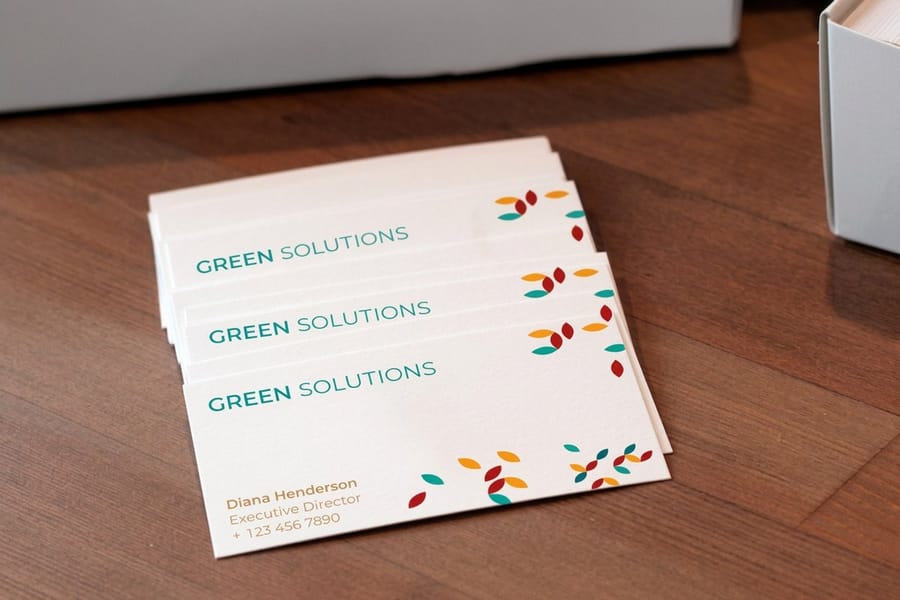
Design is where most people either nail it or blow it. A business card has roughly 3.5 by 2 inches of real estate. That is not much, so every element needs to earn its spot. Before you open any design tool, write down exactly what goes on the card. Here are the essentials.
- Your name and title. Keep the title short and clear.
- Phone number and email. One of each, not three.
- Website or portfolio URL. Drop the protocol prefix.
- Logo. Sized properly, never stretched or pixelated.
- One social handle. Only if it is actually relevant to your business.
That is it. Do not cram your Instagram, LinkedIn, Twitter, and fax number onto one card. White space is not wasted space, it is what makes your card readable. For fonts, stick to two at most. One for your name or headline, one for everything else. Sans-serif faces like Helvetica, Inter, or Montserrat read well at small sizes, while a serif like Garamond adds a touch of formality. The minimum readable print size is 8pt, your name should be the largest element at 10 to 12pt, and please, no Comic Sans.
Color should match your existing brand. If you have a logo, pull your palette from there and work in CMYK color mode, which is non-negotiable for print. Light backgrounds with dark text are the safest and most readable choice, and if you want something bold, a colored edge or a spot UV accent beats flooding the whole card with ink. For layout ideas across other formats, browse the guide hub where 4OVER4.COM covers everything from file prep to finishing.
Picking the right paper stock and finish
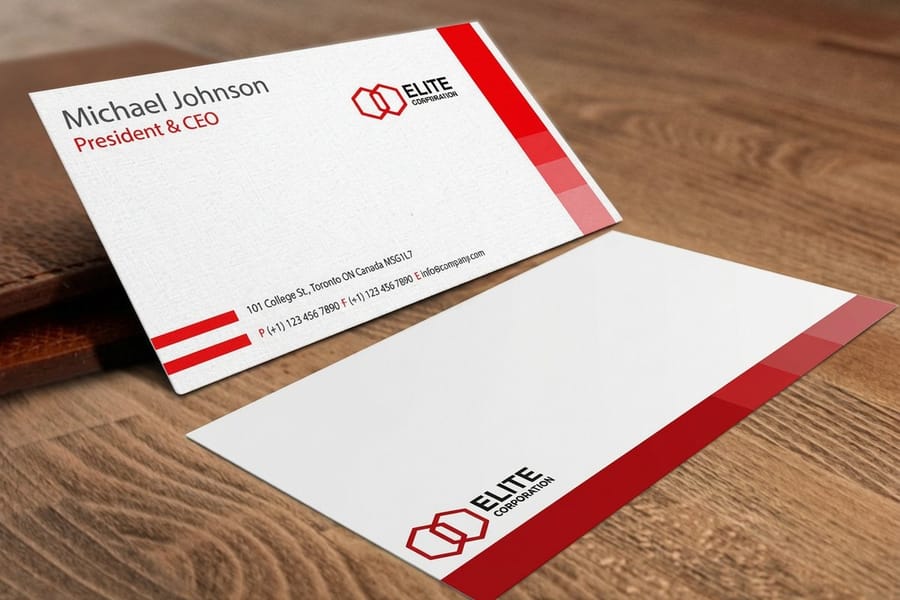
Paper choice makes or breaks a business card. It is the first thing people feel. A flimsy card says budget, while a thick, textured card says this person takes their work seriously. Weight is where you start.
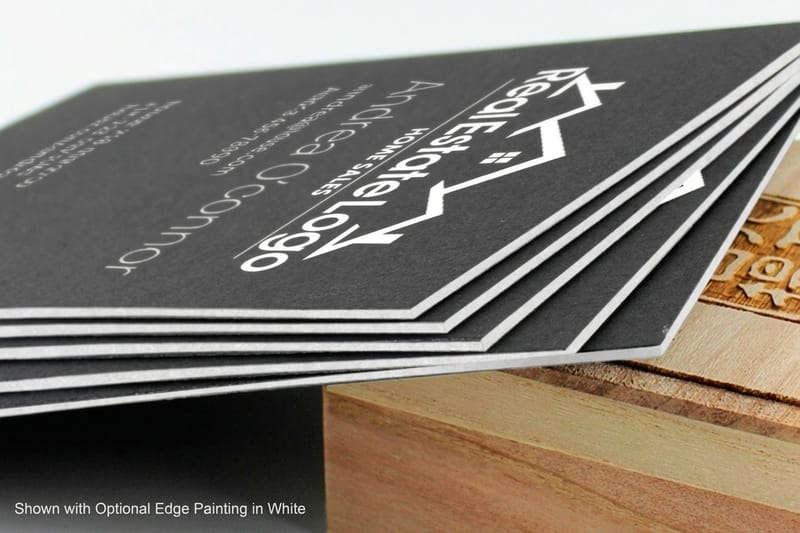
14pt cardstock is the standard baseline, sturdy enough to feel professional without being bulky. 16pt cardstock adds noticeable heft, about the thickness of a credit card, and it is the sweet spot for most professionals. 32pt ultra-thick stock is a statement piece at roughly three times a standard card, and luxury and creative brands love it because people physically cannot ignore it.
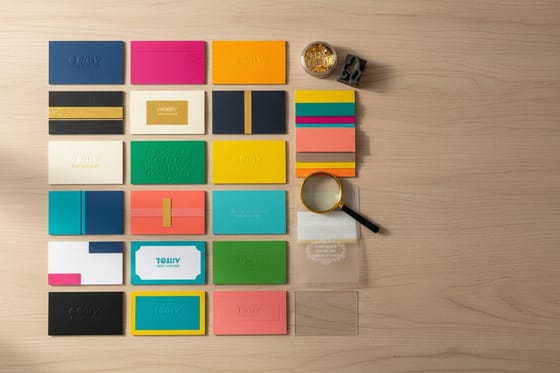
The finish changes how your card looks, feels, and holds up over time.
- Matte. Smooth, non-reflective, and easy to write on. Great for minimalist designs.
- Gloss. Shiny and vivid, which works well for photography or colorful brands.
- Soft-touch lamination. A silky, velvety texture people cannot stop touching, at a premium feel without a premium price.
- Spot UV. A glossy raised accent on specific areas like your logo. Subtle but impressive.
- Uncoated. A natural, slightly rough paper feel, perfect for eco-conscious or vintage brands.
Want to go bolder? 4OVER4.COM offers specialty options like 3D lenticular cards that add a motion effect, which are real conversation starters at trade shows. To keep a full desk set consistent, plan your cards alongside the rest of your business stationery.
Setting up your file for print
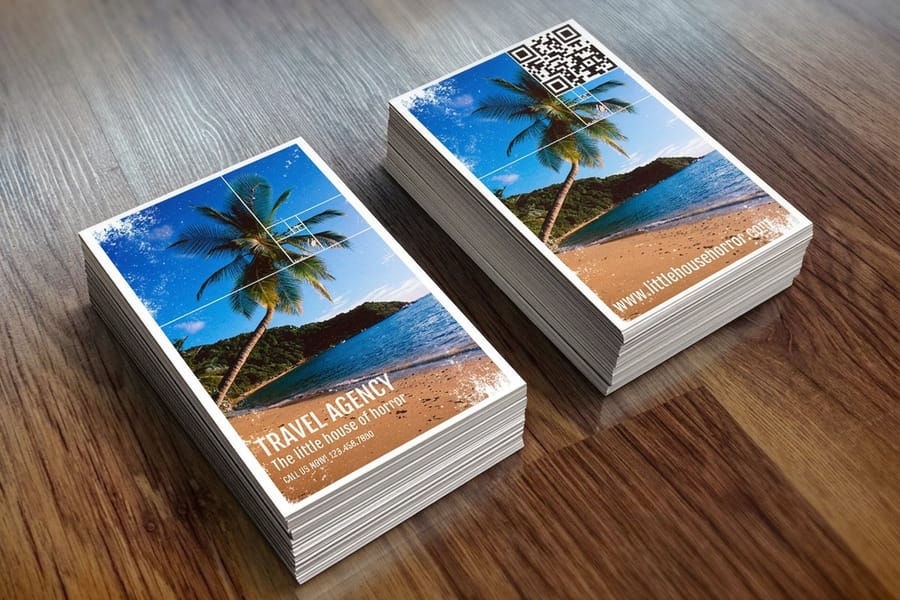
This is where making business cards gets technical, but it is straightforward once you know the rules. Standard business card size is 3.5 by 2 inches, and your design file needs to be slightly larger to account for bleed, the area that gets trimmed off during cutting.
Set your file to 3.75 by 2.25 inches with a 0.125 inch bleed on all sides. Keep all important text and logos at least 0.125 inches inside the trim line. That margin is your safe zone, and anything outside it risks getting cut off. Your file should be 300 DPI minimum in CMYK color mode, because anything lower prints fuzzy and RGB artwork shifts to duller tones when it is converted for the press.
Save your final artwork as a press-ready PDF, not a JPEG or a PNG. A PDF preserves your fonts, colors, and layout exactly as you designed them, and most professional printers, including 4OVER4.COM, review the file free before it goes to press. If starting from a blank layout feels easier, our ready-sized templates already have the margins and bleed set up, such as 3D lenticular business cards and black business cards.
Working on other print materials alongside your cards? Our guide to making flyers covers the same file setup principles, and making envelopes keeps your entire brand package consistent from card to mailer.
Design tools you can actually use
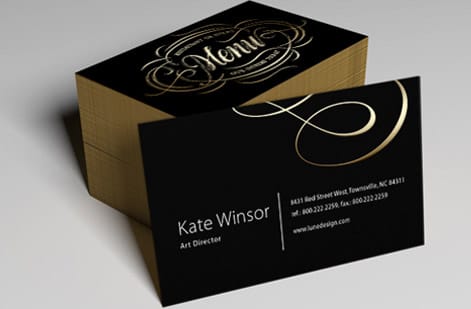
You do not need to be a graphic designer to make a good-looking card. Here are your options, ranked by skill level, so you can match the tool to where you are.
For beginners, Canva has hundreds of free business card templates. Drag, drop, change colors, swap fonts, and export a PDF. It is the fastest way to go from zero to print-ready, and 4OVER4.COM blank templates come pre-sized so your margins and bleed are already correct.
For intermediate designers, Adobe Illustrator or Affinity Designer give you full control over vector graphics, precise color matching, and professional-grade output. If you know your way around layers and artboards, these are the tools to reach for. For the budget-conscious, Google Slides or PowerPoint can work in a pinch. Set a custom size of 3.75 by 2.25 inches, design your card, and export a PDF.
Whichever tool you pick, always print a test at home first. Even a basic inkjet printout on plain paper shows you if the text is too small, the logo is off-center, or the layout feels cramped. It is not how to print business cards at home for real use, it is a sanity check before you commit to a full order.
Professional printing versus doing it at home
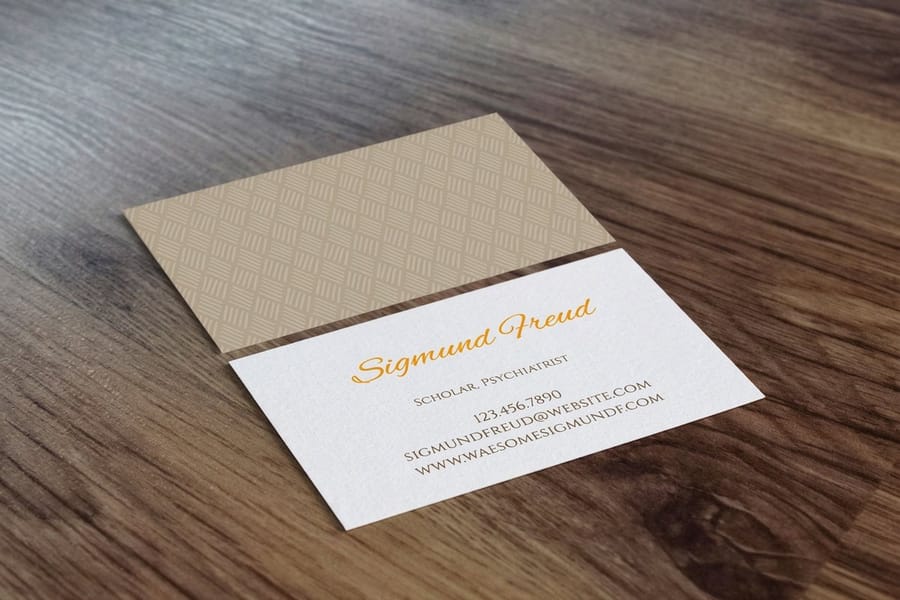
Let us be honest. You can buy perforated business card sheets and run them through your home printer. But here is what you give up: clean edges, consistent color, paper options beyond whatever is at the office supply store, and the kind of finish that makes people take you seriously.
Professional printing through 4OVER4.COM gives you access to 60+ paper types, precision cutting with no perforated edges, and color calibration that matches your design file accurately. The cost difference between home printing and professional printing is often smaller than you would think, especially at quantities of 250 or more. Before a large run, you can request free samples to feel the stocks in person, because nothing beats holding the actual card before ordering 500 of them.
For hands-on care of your other branding tools, our guide to cleaning rubber stamps keeps them in top shape, and folding a brochure walks you through tri-fold and bi-fold layouts for a full marketing kit. Browse real customer work in the showcase to see how different stocks, finishes, and designs come together on finished cards.
Mistakes that ruin otherwise good business cards
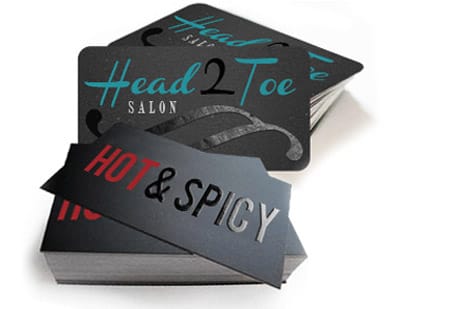
After helping 150,000 businesses print their cards, 4OVER4.COM has seen every mistake in the book. These are the ones that keep showing up, and skipping them puts you ahead of most people.
- Too much information. Your card is not a brochure. If someone needs a magnifying glass, you have failed.
- Low-resolution logos. That logo looked fine on your website, but at 300 DPI on paper it turns to a pixelated mess. Always use vector files for logos.
- Ignoring the bleed zone. Text too close to the edge gets trimmed every single time.
- Designing in RGB. Your neon green screen color prints as muddy olive. Design in CMYK from the start.
- Choosing the cheapest paper. A thin, flimsy card tells people you cut corners. Spend the extra few dollars on 16pt stock at minimum.
- No proofreading. Typos on 500 printed cards cannot be undone. Read it three times, then have someone else read it too.
Knowing how to make business cards also means knowing what not to do. Avoid these six and your first order is far more likely to land sharp.
Best business card options to start with
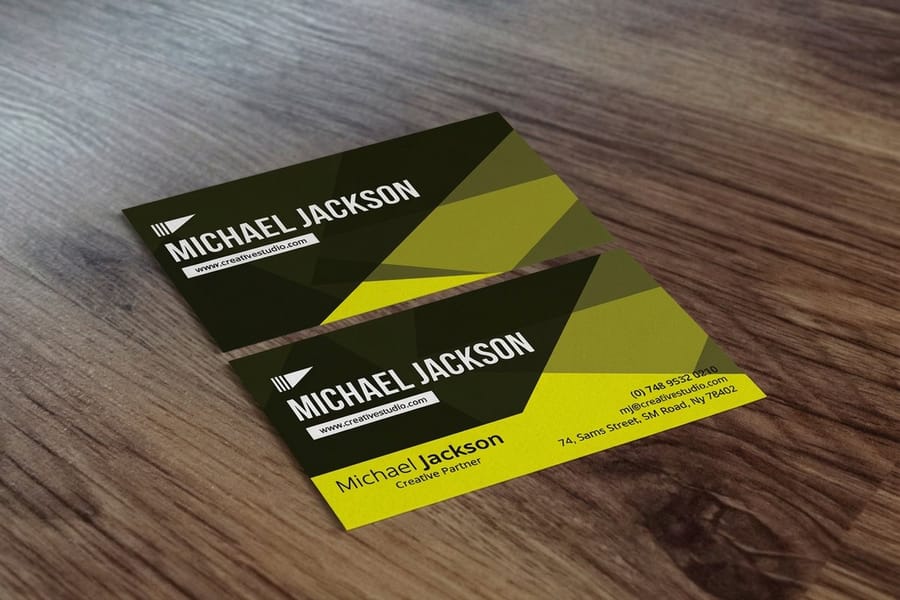
Ready to put everything from this guide into action? 4OVER4.COM offers business cards across multiple stocks and finishes to match any brand style or budget. Whether you need same-day printing for a last-minute event or you are planning ahead, there is an option that fits.
If you would rather design in the browser, the online designer lets you build your card and send it straight to print with the bleed already handled. Building a full event kit? Add matching invitations so your print materials look like one coherent set instead of a mismatched pile.
Start with a standard card on 16pt stock to learn what your design looks like in hand, then reorder in a heavier weight or with a spot UV accent once you know it works. The live specs and price-per-unit below come straight from the configurator, so you can see exactly what a fresh run costs before you commit.
Wally explains business cards
A card people keep is a brand that keeps working
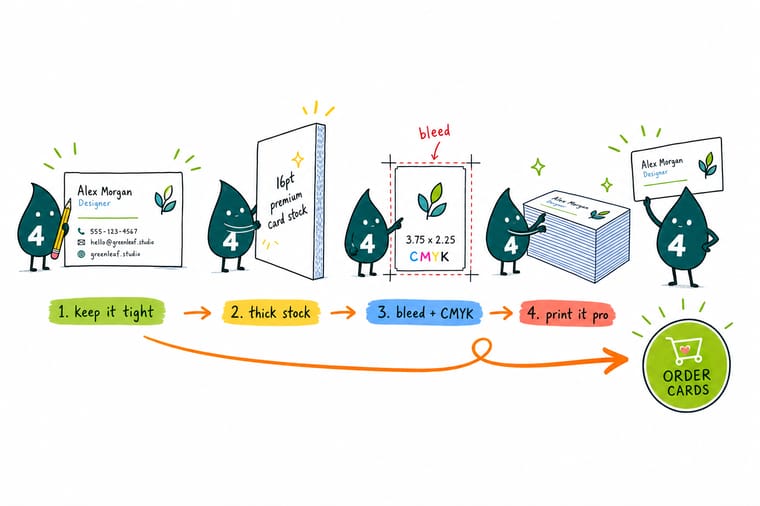
Wally treats a business card like a tiny billboard you hand over on purpose. Keep the layout to the essentials, print it on stock that feels substantial, and it earns a spot in someone’s wallet instead of the trash. Skip the perforated home-printer sheets, set your file up with bleed in CMYK, and let 4OVER4 print it clean on the paper and finish that match your brand.
Order business cards →Specs and pricing
Standard business card specs and pricing
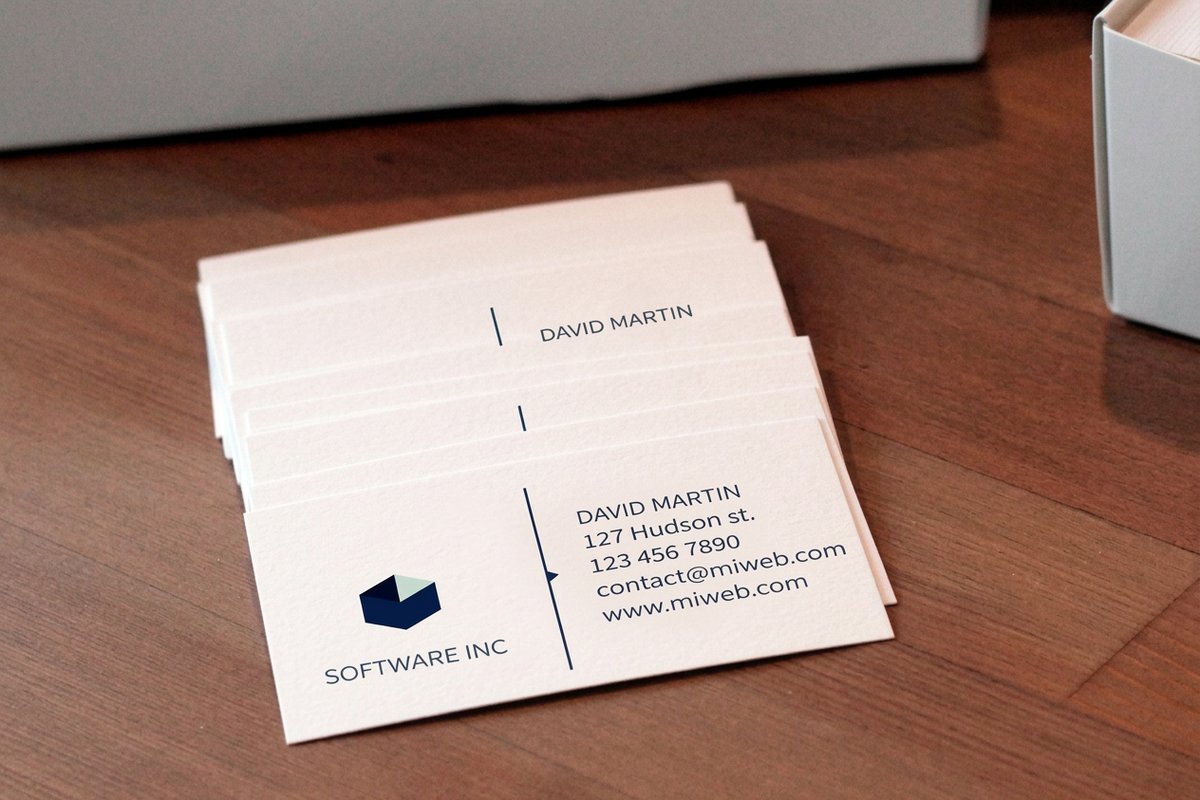
Here is what a fresh, made-to-order run of standard business cards gives you at 4OVER4.COM, with live specs and price-per-unit pulled straight from the configurator.
| Quantity | Price Per Unit | Total |
|---|---|---|
| 100 | 17.6¢ | $17.57 |
| 200 | 11.5¢ | $23.07 |
| 300 | 9.15¢ | $27.46 |
| 400 | 7.96¢ | $31.86 |
| 500 | 7.25¢ | $36.26 |
| 600 | 6.77¢ | $40.64 |
| 700 | 6.43¢ | $45.04 |
| 800 | 6.18¢ | $49.43 |
Print it
Order business cards at 4OVER4
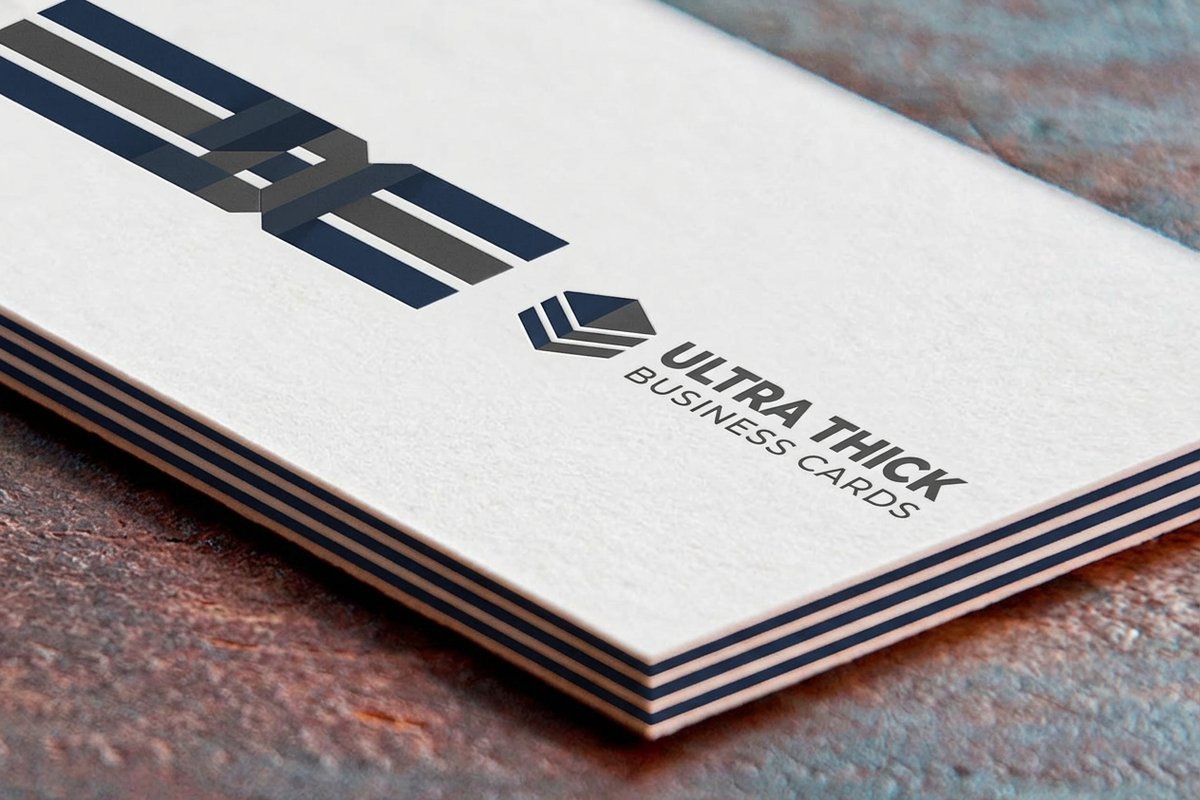
See it in use
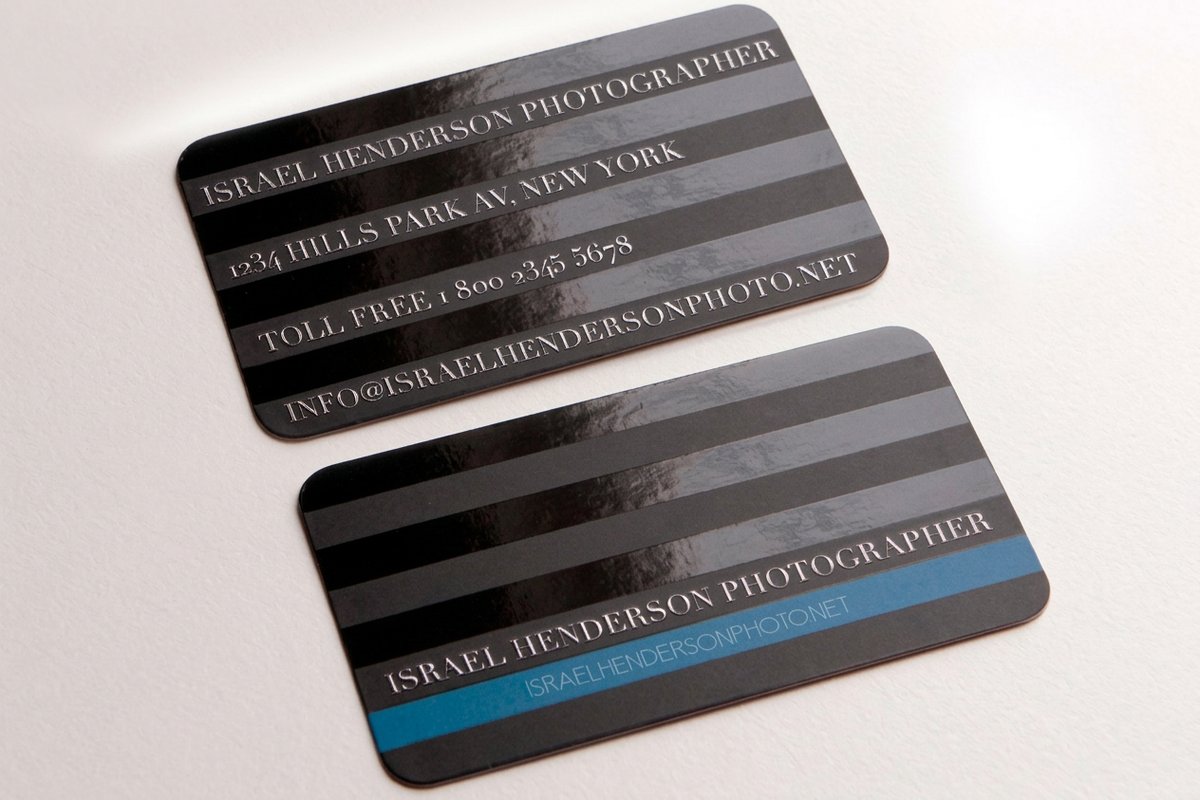
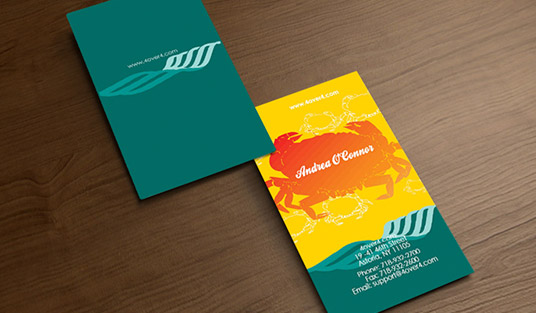
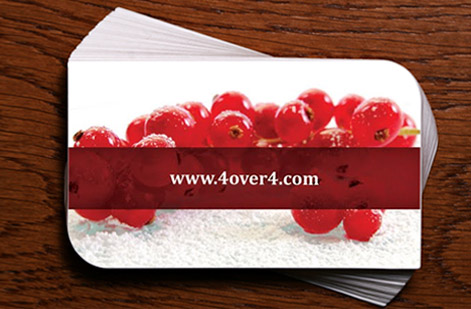
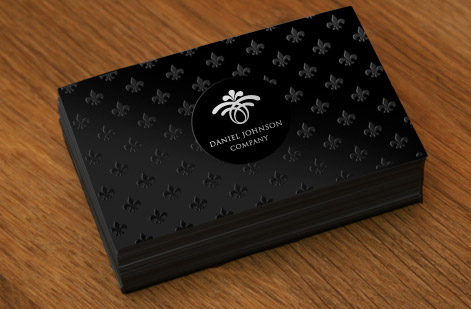
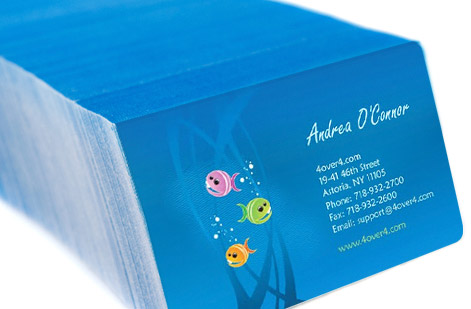
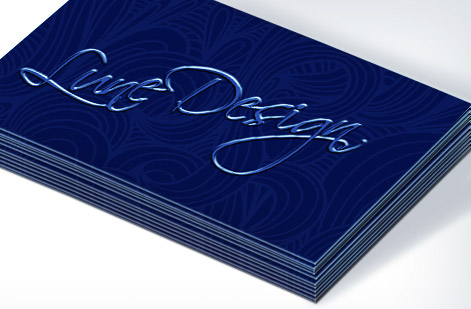
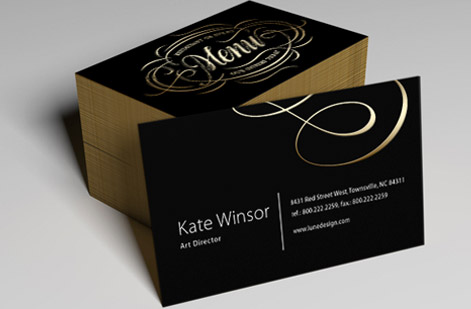
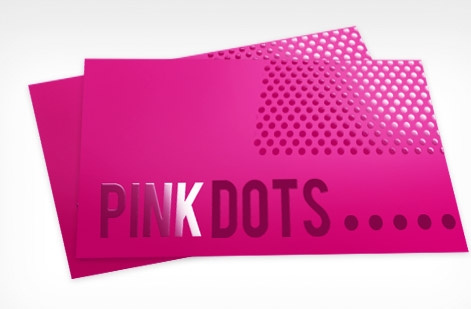
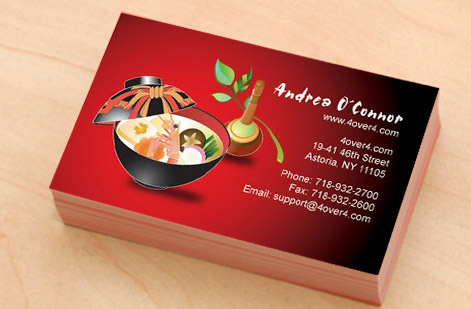
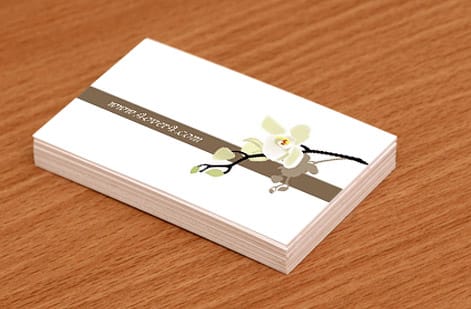
Real business card work, printed in-house
Explore more
Where to go next

By the numbers
Printing you can count on at 4OVER4
Common Questions
Common questions about making business cards
What size should my business card file be?
Standard business cards are 3.5 by 2 inches after trimming. Set your design file to 3.75 by 2.25 inches to include the 0.125 inch bleed on each side. Keep text and logos inside the safe zone, at least 0.125 inches from the trim edge, so nothing important gets cut off.
Can I print business cards at home?
You can print business cards at home using perforated card sheets and an inkjet printer. But home printing limits your paper options, leaves visible perforations, and produces inconsistent color. For anything beyond a quick prototype, professional printing delivers sharper results on better stock.
What paper thickness is best for business cards?
16pt cardstock hits the sweet spot for most people. It is about as thick as a credit card, sturdy enough to impress, and works with most finishes. Choose 32pt ultra-thick stock if you want cards that genuinely stand out in someone’s hand.
How do I design business cards without graphic design experience?
Use a tool like Canva or a 4OVER4.COM blank template. Both give you a pre-sized layout with the correct bleed and trim already set. Swap in your logo, type your details, choose two fonts at most, and export a press-ready PDF. Designing business cards does not require a design degree.
What file format should I use for printing?
Submit a press-ready PDF at 300 DPI in CMYK color mode. PDF files preserve fonts, colors, and layout exactly as you built them. Avoid JPEG or PNG because they compress your image and can shift colors during printing.
How long does it take to get business cards printed?
4OVER4.COM offers turnaround options ranging from same-day printing to standard production. Most orders ship within a few business days, and rush options are available when you need cards for an upcoming event or meeting.
How many business cards should I order?
Start with 250 to 500 cards if you are testing a new design. The per-card cost drops a lot at higher quantities, so ordering 500 or more makes sense once you are confident in your layout. You can always reorder after you hand out your first batch.
Get Started
Ready to make your business cards?
Pick your stock and finish, drop in your logo and details, and we print sharp, clean-trimmed cards that people actually keep.
Legal Disclaimer
Gold Standard guarantees apply to all standard orders placed through 4over4.com. Price match requires verifiable proof of a competitor's published price for an equivalent product with matching specifications and turnaround time. Satisfaction guarantee covers manufacturing defects and print quality issues. Contact support with order number and documentation. On-time delivery rate based on tracked orders 1999 to 2026. Individual results may vary based on shipping carrier performance.
