
How to Make Custom Mugs from Design to Doorstep


Choose your mug and size, drop your artwork onto a template at 300 DPI, pick sublimation or digital printing, then approve a free proof before it ships. Here is the whole process, start to finish.
To make custom mugs, start with the mug and end with a proof: pick a size and style, build or download a print-ready design at 300 DPI, choose sublimation for dishwasher-safe color or digital printing for photos and small runs, then upload your file and approve the free proof before you order. That is how a flat logo becomes a mug people actually use every morning.
Quick tips
The six steps to a great custom mug
Make custom mugs in six steps: pick the mug style and size, design at 300 DPI or start from a free template, keep art 0.125 inches off the edges, choose sublimation or digital printing, upload your file, and approve the free proof. 4OVER4.COM customers who follow this order get sharp, dishwasher-ready mugs without a costly reprint.
Why making custom mugs is easier than you think

Learning how to make custom mugs does not take art school or a garage full of equipment. It is simpler than most people expect. Whether you are building merch for your brand, printing gifts for a wedding, or stocking a coffee shop with personality, the work follows the same handful of steps every time.
4OVER4.COM makes the printing side painless. You design the mug or start from a template, upload your artwork, pick your specs, and approve a proof. That is the whole loop. The same approach carries over to other branded products, so if you are exploring your options you can read our guide on how to make custom magnets or, for a full stationery set, our guide on how to make envelopes.
Below you will find everything you need to go from a blank mug to a finished order, starting with the one decision that shapes all the others: which mug you are printing on.
Start by picking your mug style
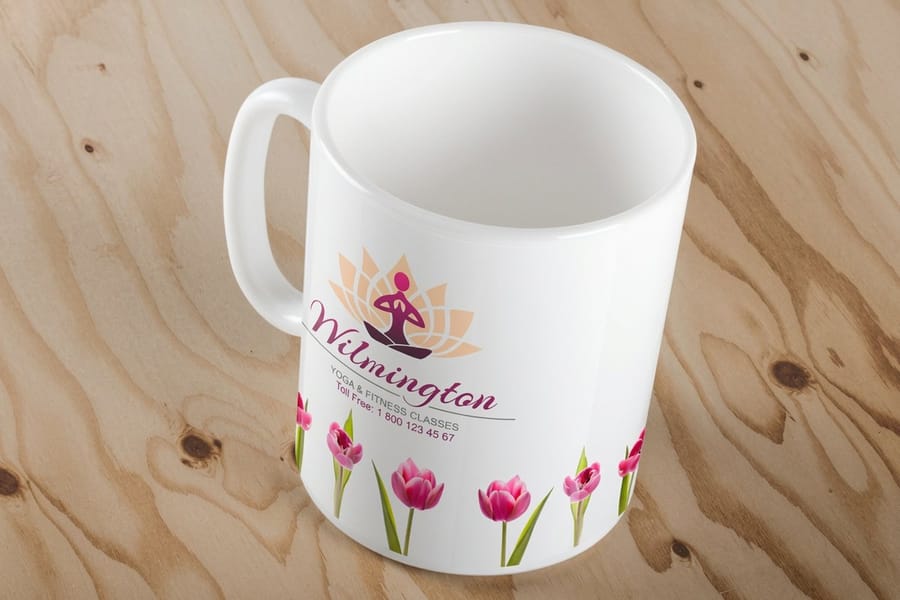
Before you open any design software, decide what kind of mug you are working with. The shape and material drive everything after it, from your design dimensions to the printing method and the final look. Standard 11 oz ceramic mugs are the most popular by a wide margin. They are affordable, universally liked, and they suit almost any occasion.
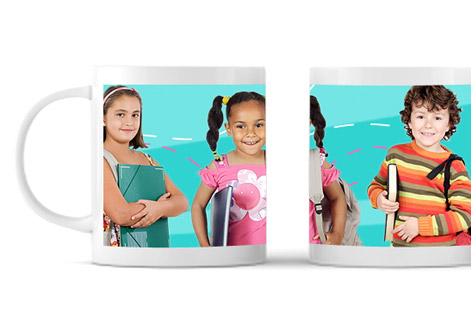
Other options include 15 oz mugs for the serious coffee drinkers, travel mugs for commuters, and color-changing mugs for a bit of novelty. Each style has a different printable area. An 11 oz mug usually gives you about 8.5 by 3.5 inches of wrap-around space, so know your canvas before you start designing.
Create your design or start from a template
Here is where the fun starts. You have three routes for your mug art:
- Design from scratch in Adobe Illustrator, Photoshop, or Canva. Export at 300 DPI minimum, and RGB color mode works well for sublimation printing.
- Use a template from the 4OVER4.COM blank templates library, sized to exact product specs. Download the mug template and drop your artwork right in.
- Hire a designer if art is not your thing. A freelancer can build print-ready files for around 50 to 150 dollars depending on complexity.
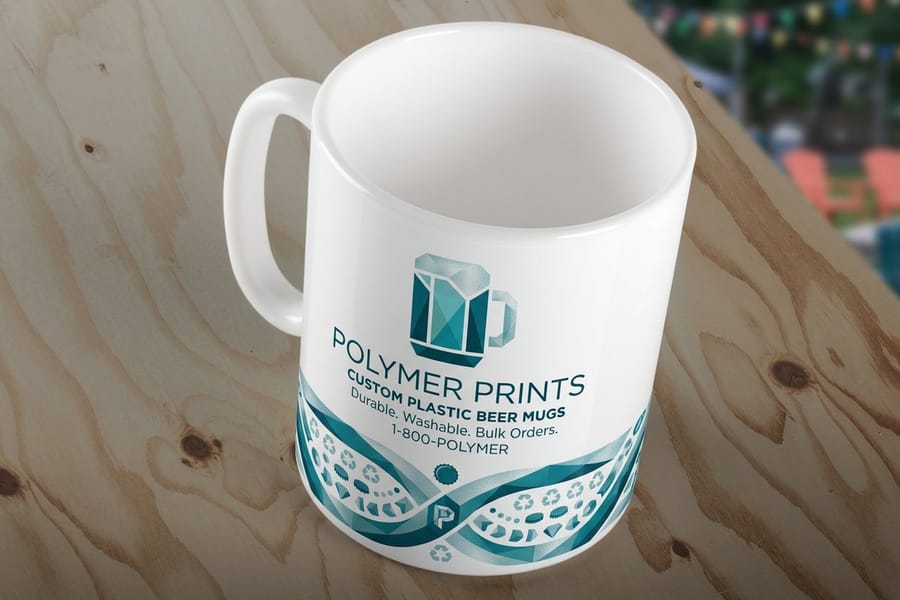
Keep your design at least 0.125 inches from the edges of the printable area. Text too close to the handle or the bottom rim gets cut off or distorted. Bold, high-contrast designs read best on a curved surface, while thin script fonts and tiny details tend to disappear once the mug wraps them.
If you are working on flat print projects alongside your mugs, our guide on how to make flyers covers the same design principles, and the color and branding advice carries straight over.
Understand your printing options
Sublimation printing is the gold standard for custom mugs. Heat and pressure turn the ink into a gas that bonds permanently with the mug's polyester coating. The result is color that does not fade, crack, or peel, even after hundreds of dishwasher cycles. Sublimation works best on white or light-colored ceramic mugs.
Screen printing suits simpler designs with fewer colors and gets cost-effective at higher quantities, think 100 or more mugs for a corporate event. Each color needs its own screen, so a four-color logo costs more than a one-color mark.
Digital printing handles full-color, photo-quality images without charging you per color. It is ideal for small batches or artwork with gradients, photographs, or fine detail. The per-unit cost runs higher than sublimation at scale, but there is no minimum-order headache. All three sit inside our wider range of marketing materials, so your mugs can match the rest of your brand.
Prepare print-ready artwork files

Bad files kill good designs. Here is exactly what your printer needs before anything goes to press:
- Resolution: 300 DPI minimum, because anything lower looks pixelated on the final product.
- File format: PNG with a transparent background, or a high-quality PDF. Avoid JPEG when your design has sharp edges or text.
- Color mode: RGB for sublimation, CMYK for screen printing. Ask your printer which they prefer.
- Bleed area: extend your background 0.125 inches past the trim line on all sides.
4OVER4.COM provides file guidelines with every product, so follow them exactly. A five-minute check now saves you a reprint later. For file prep across other products, our guide hub has step-by-step instructions for almost everything we print.
Place your order and proof every detail
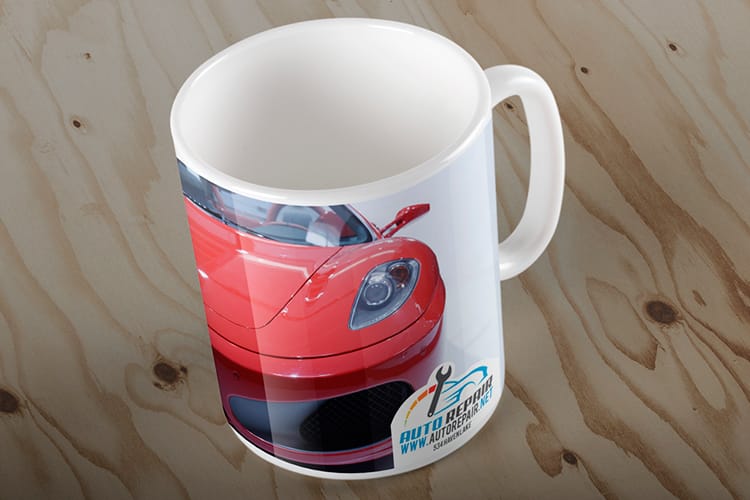
Upload your design, pick your mug type, and choose your quantity. Most custom mug orders start at a single unit with digital printing, though the per-unit price drops sharply at 25, 50, and 100 or more.
Always request a digital proof. This is your last chance to catch a mistake. Check the spelling, the color accuracy, and the placement. Rotate the proof to see how the art wraps around the mug. Does the handle interrupt your logo? Is the text readable from a normal drinking distance? 4OVER4.COM includes a free proof with every order, so never skip it. Approving a proof with a typo means you own those mugs, typo and all.
Finishing touches and add-ons
Some extras take your mugs from good to memorable. Gift boxes turn a mug into a polished present, and custom packaging in your brand colors makes the unboxing feel deliberate, which matters for e-commerce brands shipping merch to customers.
If the mug is part of a larger branded kit, think about what travels with it. A mug paired with a branded pen, a custom booklet welcome guide, and a handwritten note becomes a client gift people remember.
You can also coordinate the mug with the rest of your marketing. The same logo treatment across your mugs, brochures, and business cards builds real visual consistency. If brochures are next on your list, our guide on how to fold a brochure walks you through the folds and file setup.
How to care for custom printed mugs
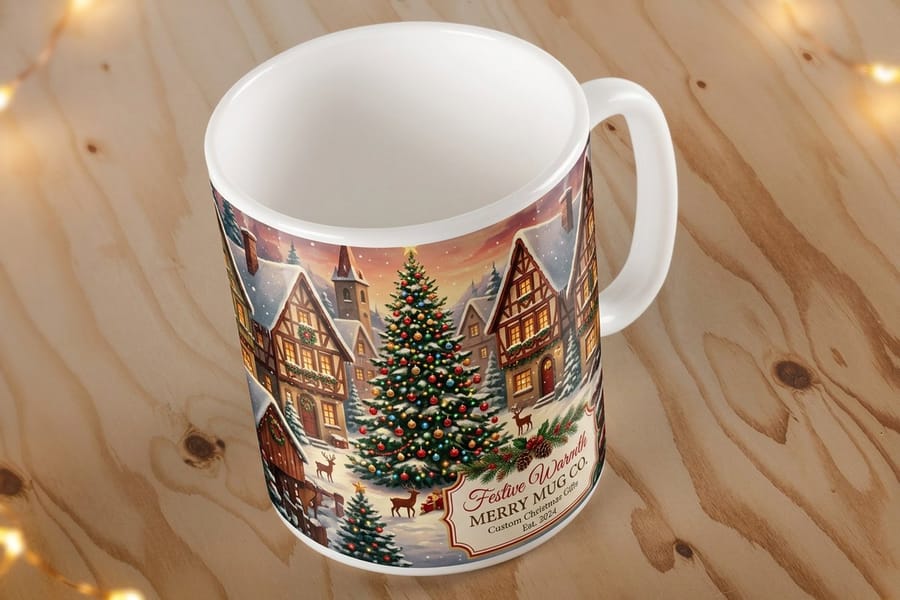
Sublimation-printed mugs are dishwasher safe, and that is one of their biggest selling points. The ink is part of the mug's surface rather than a layer sitting on top, so it holds up wash after wash. Screen-printed mugs are a different story and should be hand washed only, because the surface ink wears down under aggressive washing.
Microwave safety depends on the mug material, not the printing method. Standard ceramic mugs without metallic inks or accents are microwave safe. Always check with your printer first if your design uses specialty finishes.
Include a small care card in the box if you are selling or gifting the mugs. It heads off complaints and keeps every mug looking sharp for years. On the subject of keeping things in good shape, our guide on how to clean rubber stamps covers maintenance for another popular custom product.
Real-world ways people use custom mugs
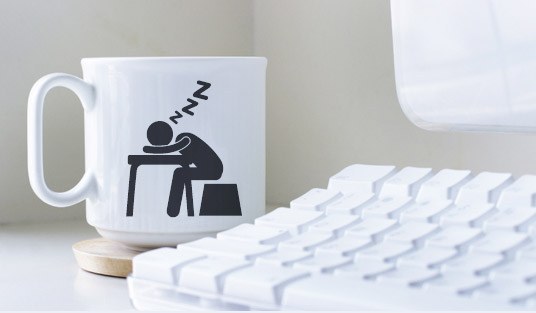
Coffee shops and restaurants sell branded mugs as merchandise. A three-dollar mug with your logo becomes a fifteen-dollar revenue stream and free advertising every morning on someone's desk.
Real estate agents hand new homeowners a closing-day mug, "Welcome Home" on the front with contact details on the base. It sits on the kitchen counter for years.
Event planners use custom mugs as conference swag. Unlike pens that vanish, mugs stick around and get used daily, keeping the event top of mind. Small business owners build welcome kits with a branded mug on a new hire's desk on day one, a small gesture that builds team identity fast. And artists and designers sell mugs featuring their own artwork through online stores, with print-on-demand handling the inventory risk.
Mistakes that ruin custom mug projects
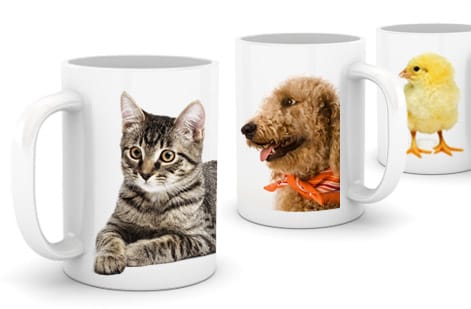
Low-resolution images are the number one killer. That logo looks crisp on your website at 72 DPI, but on a mug at 72 DPI it looks like it was printed underwater. Always work at 300 DPI or higher.
Ignoring the wrap zone is a close second. Mugs are curved, so a design that looks perfect flat can distort or get cut off near the handle. Preview your artwork on a 3D mockup before you order. Skipping the proof belongs on this list too, because 4OVER4.COM sends you a proof for a reason. Check every letter, every color, every placement detail.
The wrong color mode quietly wrecks color, since RGB files sent to a CMYK printer, or the reverse, come out muddy and shifted. Match the file to the print method. Finally, ordering without testing is the expensive one. Before you commit to 500 mugs, order a sample of one to five, hold it, drink from it, and check the print in person. A ten-dollar sample can save you from a two-thousand-dollar mistake.
Wally explains custom mugs
A great mug is a logo people reach for every morning
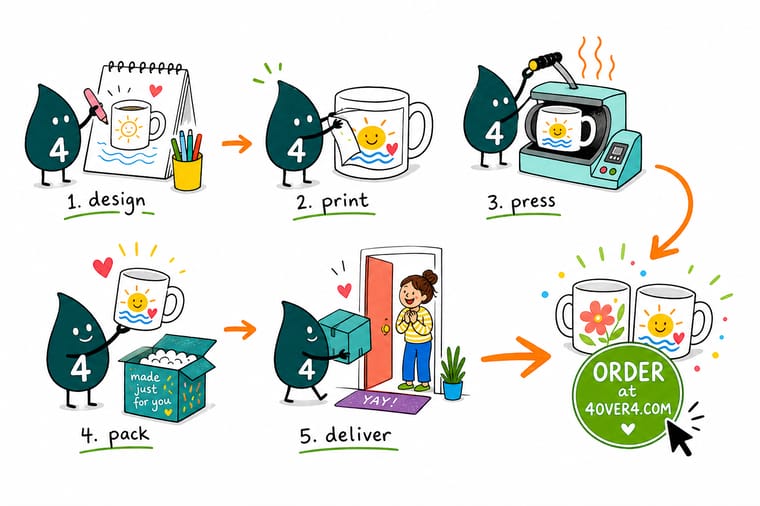
Wally treats a mug like a tiny billboard that lives on someone's desk. Get the design sharp at 300 DPI, keep it clear of the handle, and pick sublimation so the color survives the dishwasher. Approve the free proof, and a flat logo turns into a mug your customers use every single day. When you are ready, order custom mugs built to your exact art at 4OVER4.
Order custom mugs →Specs and pricing
Custom mug specs and pricing
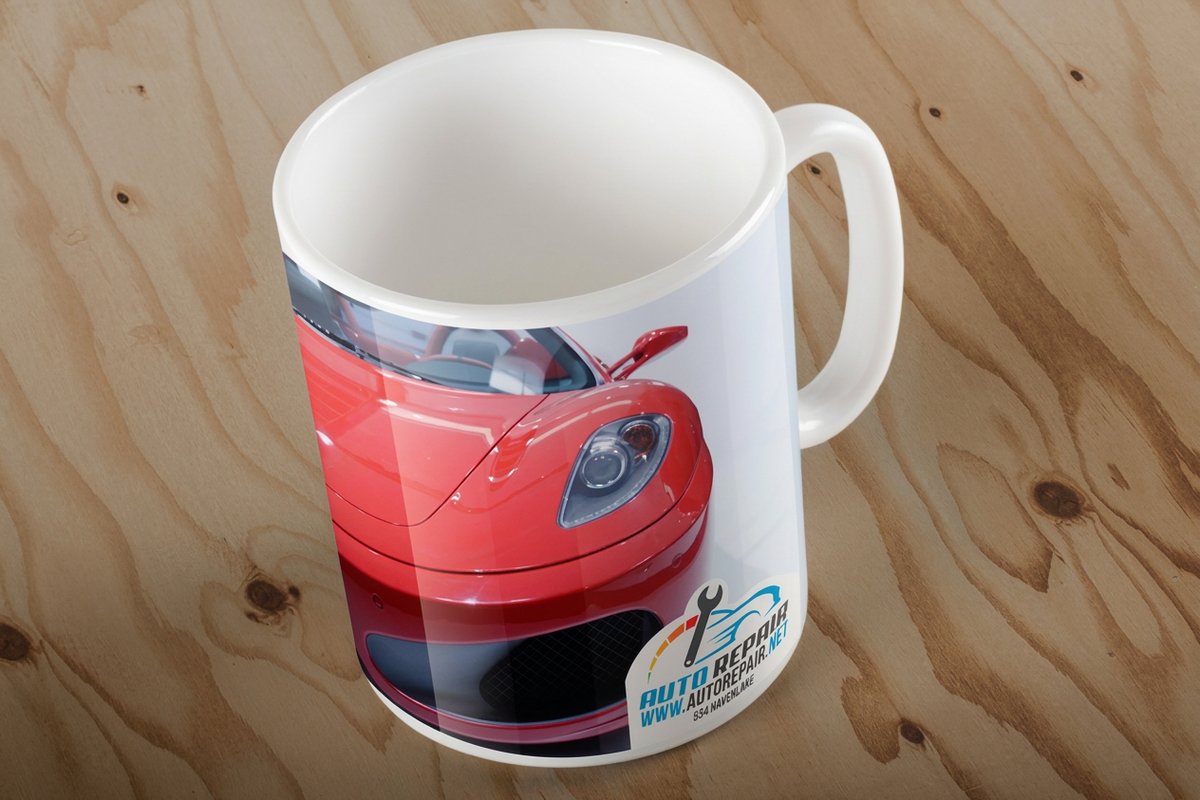
Here is what a made-to-order custom mug gives you at 4OVER4.COM, with live specs and price-per-unit pulled straight from the configurator.
| Quantity | Price Per Unit | Total |
|---|---|---|
| 1 | $20.86 | $20.86 |
| 2 | $19.22 | $38.43 |
| 3 | $18.67 | $56.00 |
| 4 | $18.67 | $74.68 |
| 5 | $18.01 | $90.05 |
| 6 | $18.31 | $109.83 |
| 12 | $16.39 | $196.62 |
| 24 | $15.97 | $383.34 |
Print it
Order mugs and matching print at 4OVER4
See it in use
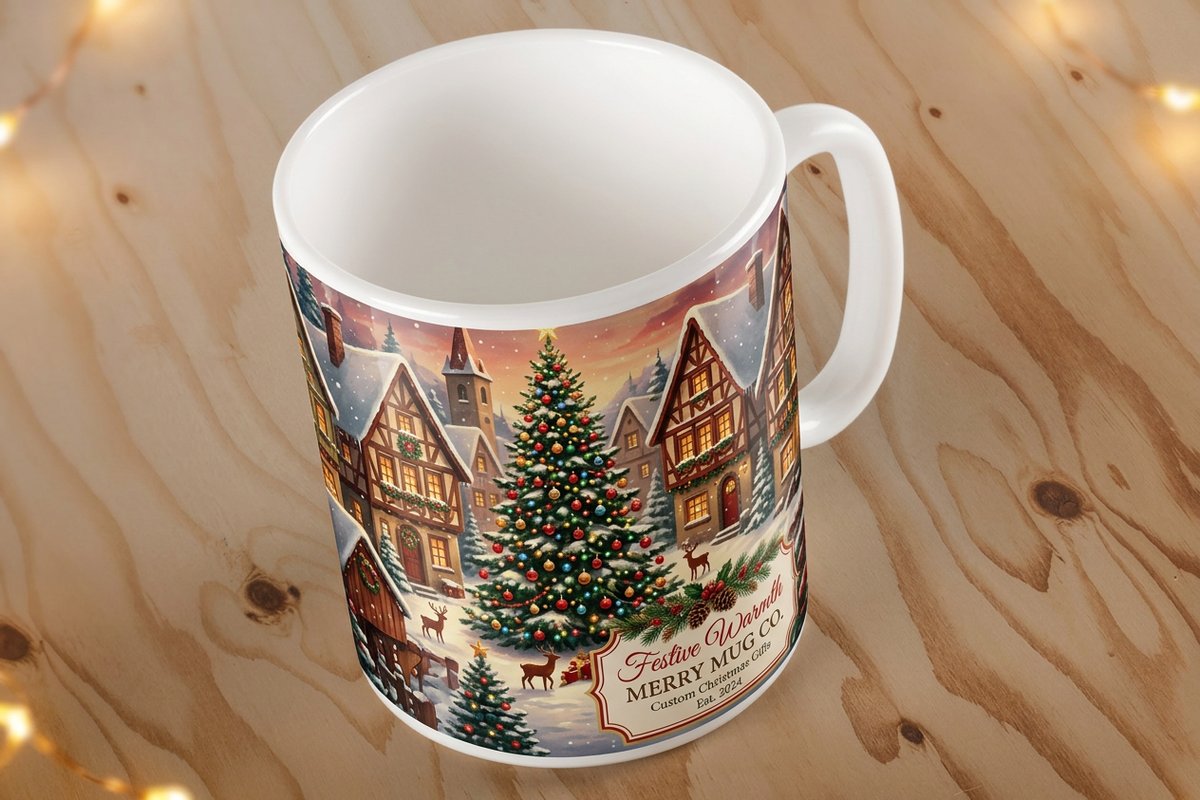
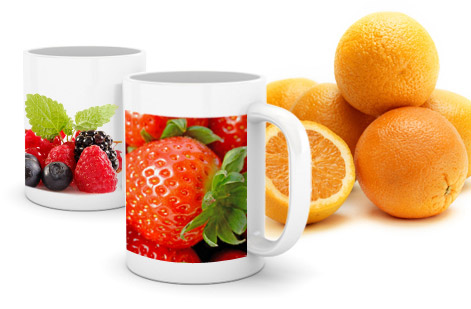
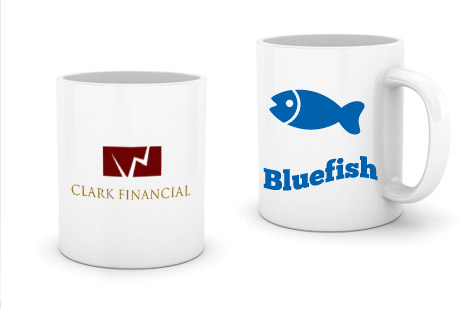
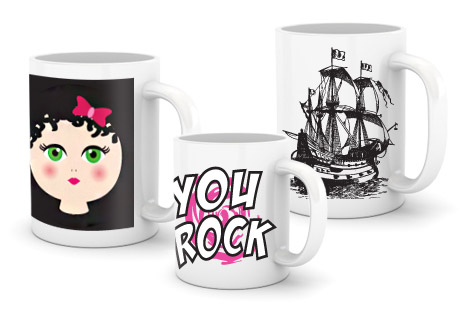
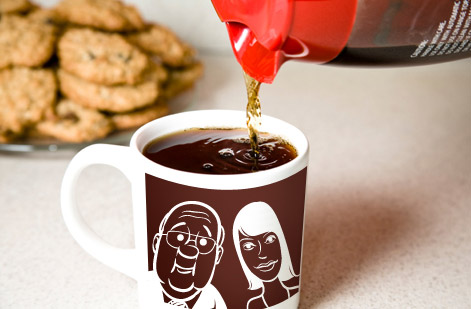
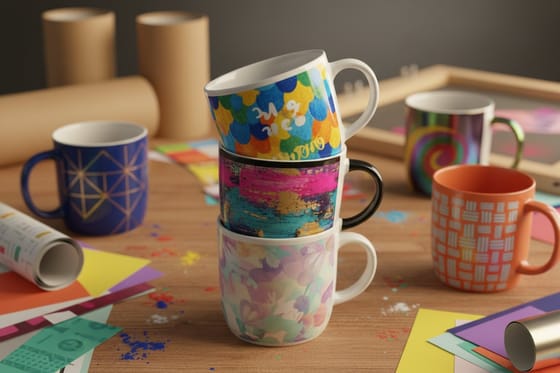
Real custom mug work, printed in-house

Explore more
Where to go next
By the numbers
Printing you can count on at 4OVER4
Common Questions
Common questions about making custom mugs
What file format works best for custom mug designs?
PNG with a transparent background is ideal for most custom mug orders. It keeps edges sharp and works cleanly with sublimation printing. A high-resolution PDF works well too. Avoid JPEG for designs with text or fine lines, because compression artifacts show up on the final mug.
How many custom mugs can I order at minimum?
Digital printing lets you order as few as one custom mug, so there is no minimum quantity at 4OVER4.COM. Per-unit pricing drops at higher quantities, typically at the 25, 50, and 100 or more tiers, so a larger order saves you money per mug.
Are custom printed mugs dishwasher safe?
Sublimation-printed mugs are fully dishwasher safe. The ink bonds with the ceramic coating at a molecular level, so it will not fade, peel, or crack. Screen-printed mugs should be hand washed only to protect the surface ink.
How long does it take to receive custom mugs?
Standard turnaround is about 5 to 7 business days after you approve the proof. Rush options can shorten that timeline. 4OVER4.COM holds a 99.8% on-time delivery rate, so your mugs arrive when promised.
Can I print photographs on custom mugs?
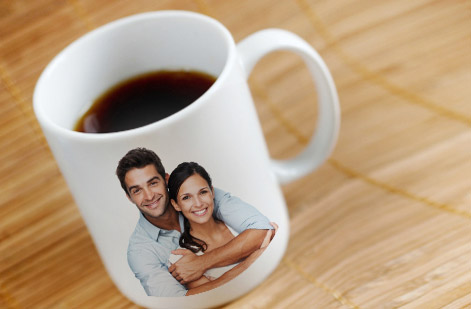
Yes. Both sublimation and digital printing handle full-color photographs well. Use images at 300 DPI minimum for crisp results. Photos with high contrast and saturated color translate best to a curved mug surface.
What is the printable area on a standard 11 oz mug?
A standard 11 oz ceramic mug gives you roughly 8.5 by 3.5 inches of printable space for a full wrap design. For a single-sided print you work with about 4 by 3.5 inches. Always download the template for exact dimensions before you design.
Get Started
Ready to make your own custom mugs?
Pick your size, upload your art or start from a template, and we print sharp, dishwasher-ready mugs with a free proof on every order.
Legal Disclaimer
Gold Standard guarantees apply to all standard orders placed through 4over4.com. Price match requires verifiable proof of a competitor's published price for an equivalent product with matching specifications and turnaround time. Satisfaction guarantee covers manufacturing defects and print quality issues. Contact support with order number and documentation. On-time delivery rate based on tracked orders 1999 to 2026. Individual results may vary based on shipping carrier performance.
