
How to Make Custom T-Shirts


Pick a method that fits your run, prep the shirt right, and press with real heat and pressure. The method you pick sets the cost per shirt, and the right answer changes with the size of the run.
To make a custom t-shirt, match the method to the job: heat transfer vinyl for a few shirts, screen printing for big batches, direct-to-garment for full-color art, and sublimation for polyester. Design at 300 DPI, mirror the art, pre-wash the blank, then press with firm heat and pressure and let it cure before the first wash.
Quick tips
Quick tips for making custom t-shirts
Match the printing method to your order size. Use heat transfer vinyl for a handful of shirts, screen printing once you pass fifty, direct-to-garment for photo-real art, and sublimation for polyester. Design at 300 DPI, always mirror the file, pre-wash the blank without softener, and press with firm heat and pressure. Wash inside out in cold water to keep the print sharp for years.
Why making custom t-shirts is easier than you think
Custom t-shirts are everywhere. Team uniforms, event giveaways, brand merch, family reunions, and side hustles all run on wearable designs that feel personal. Five shirts for a bachelorette party and five hundred for a product launch start the same way, with a design, a blank shirt, and a way to move the art onto the fabric.
Learning how to make custom t-shirts does not require expensive gear or years of design experience. You can start at home with basic tools or hand the job to a professional print shop for a polished finish. The trick is matching the method to your budget, your quantity, and the quality you expect. Five shirts for a family reunion and five hundred for a product launch are different jobs with different gear, so settle the quantity before you buy anything. If you would rather skip the press entirely, we print custom printed t-shirts from your own artwork in-house, and you can order custom printed t-shirts in bulk across the full range of styles and fabric weights. If you are exploring other hands-on projects, our guides on custom magnets and how to make envelopes give you more ideas to work with.
Need a head start on the artwork? The 4OVER4.COM Online Designer lets you build a print-ready graphic right in the browser with no software to download. This guide walks through every method, the real costs, and the mistakes that quietly ruin a good shirt.
Choosing the right method for your custom t-shirts
Not every printing method fits every job. Three things decide it: how many shirts you need, how detailed your design is, and what you want to spend. Get those three straight and the right method almost picks itself.
The five options in this guide cover nearly every custom shirt made today. Heat transfer vinyl rules small batches, screen printing wins on bulk, direct-to-garment handles full-color art, sublimation owns polyester, and all over print covers the whole garment edge to edge on 100% polyester when a chest graphic is not enough. Quantity is the fastest filter: a handful of shirts points to vinyl, a few dozen in full color to direct-to-garment, fifty and up to screen printing, and any design that has to run past the side seams to sublimation or a cut and sew all over print.
Fabric is the second filter, and it overrules the first. Cotton takes vinyl, screen ink and direct-to-garment. Polyester takes sublimation and all over print, and nothing else bonds to it properly. Check what the blank is made of before you commit to a method, because the wrong pairing shows up in the wash, not on the press. Pair any of them with matching marketing materials and your brand stays consistent from shirt to flyer.
Heat transfer vinyl for small batches
Heat transfer vinyl, or HTV, is the go-to for beginners and short runs. You cut your design from colored vinyl sheets with a craft cutter like a Cricut or Silhouette, weed away the excess, and press it onto the shirt with a heat press or a household iron. The result is a smooth, slightly raised graphic that holds up wash after wash.
HTV shines on simple designs such as text, logos, and single-color shapes. It is not the pick for photos or heavy color gradients, but for names, numbers, and bold graphics it is hard to beat. Blank shirts are easy to find and vinyl sheets cost only a few dollars each, so your material risk stays tiny while you learn.
One rule saves a lot of wasted vinyl: always mirror your design before you cut. The vinyl goes face-down on the shirt, so skip the flip and your text reads backward. It is the classic rookie mistake.
How to make all over print shirts
All over print, or AOP, means the artwork runs edge to edge across the whole garment: chest, back, over the shoulders, down the sleeves and past the side seams. It is not simply a bigger chest print, and no craft cutter or household iron gets you there. There are two honest ways to make an all over print shirt, and the one you pick decides the blank, the file and the price.
Sublimation on 100% polyester. Sublimation ink turns to gas under heat and dyes the polyester fiber itself, so the print becomes part of the fabric instead of sitting on top of it. That is why it outlasts every surface method and why it never cracks or peels. The floor is 65% polyester, but a true all over print wants 100% polyester, because only the polyester takes the dye. On a 65/35 blend the cotton stays undyed and the whole print reads faded, which is a real look if you asked for it and a defect if you did not.
The white base requirement. Sublimation ink is transparent and there is no white in the ink set. It dyes, it does not cover, so whatever color the blank already is shows through everything you print. A white polyester blank is the only way to hold accurate color across a full garment. Run the same file on a gray or navy blank and the yellows go muddy and the light areas vanish. If the design needs a dark field from collar to hem, order the blank in that color and print the artwork over it instead of asking the press for solid ink.
Cut and sew panel printing. The professional route prints flat panels of polyester first, front, back and sleeves as separate pieces on the roll, then cuts and sews the shirt from those printed panels. Because the fabric is printed while it is flat, the graphic reaches every edge, wraps the shoulder and lines up across the side seam with no white gaps. Cut and sew is made to order, so build the extra production days into your deadline and expect a price per garment rather than a price per print.
Seam and collar caveats. Pressing a finished shirt is the cheaper path and it has limits worth planning around. A heat press puts even pressure on flat fabric only, so seams, collar ribbing, sleeve hems and the underarm all sit at a different height and take less pressure. You get pale banding along the seam, a white halo where the platen could not reach, and a collar that takes the dye at a different strength than the body because ribbed knit is denser. Keep type, faces and logos a good inch clear of any seam, let the background pattern be the thing that runs off the edge, and treat the collar as untouched. A repeating pattern hides the transition; one centered image does not.
Why cotton cannot hold an all over print. Sublimation dye bonds to polyester polymers and has nothing to grab in a cotton fiber, so on a cotton tee it sits on the surface and rinses out within a few washes. Direct-to-garment can lay big art on cotton, but it needs a white underbase, the platen holds the shirt flat under the printhead, and the head cannot cross a seam or reach around a sleeve. That caps cotton at the printable panel, a very large front or back, not a true all over. When someone asks for all over print on 100% ring-spun cotton, the honest answer is that it does not exist: the choice is polyester or a large panel print.
Set the file up for a garment, not a rectangle. Build all over art at 300 DPI at full garment size, one file per panel, with bleed past every edge, and mirror it for any transfer step exactly as you would with vinyl. Anything you cannot afford to lose stays inside the safe area, well away from the shoulder and side seam. Placement scales with the size run, so ask how the panels are stepped from small to 3XL before you center a face on the chest.
Screen printing for large orders
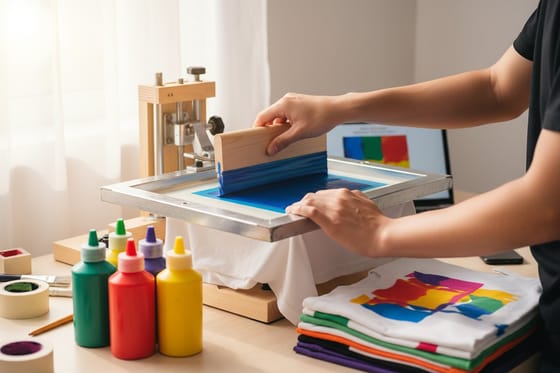
Screen printing is the industry standard for bulk custom t-shirts. A mesh screen is coated with a light-sensitive emulsion, your design is burned into it, and ink is pushed through the open areas onto the fabric. Each color needs its own screen, which is why setup costs climb with more colors.
For orders of fifty shirts or more, screen printing is usually the most cost-effective route. The price per shirt drops fast as the quantity rises. A single-color design on one hundred shirts might land around $5 to $8 each, while the same run in four colors could reach $10 to $15 each. Setup fees typically fall between $25 and $50 per color.
The payoff is a vivid, durable print that feels like part of the shirt. The ink sits in the fibers instead of on top, so it will not crack or peel the way some transfers do. If you are launching a merch line or outfitting a whole team, this is your method. For more project walkthroughs, the 4OVER4.COM guide hub covers dozens of DIY and professional printing topics.
Direct-to-garment for full-color designs
Direct-to-garment, or DTG, works like an inkjet printer for fabric. A specialized machine sprays water-based ink straight onto the shirt and produces photo-quality results with unlimited colors. There are no screens to burn and no vinyl to cut, so a complex design is no harder to run than a simple one.
This method is built for detailed artwork such as photographs, illustrations with gradients, and designs with dozens of colors. The trade-off is speed and cost. DTG runs slower than screen printing and costs more per unit at high volume, so it makes the most sense for one-offs, small batches, and print-on-demand shops filling individual orders.
DTG prints feel soft because the ink soaks into the cotton fibers. They look best on 100% cotton or cotton-blend shirts in light colors. Printing on dark shirts needs a white ink base layer first, which adds a little cost and can firm up the hand feel.
Sublimation for polyester shirts

Sublimation uses heat to turn special ink into a gas that bonds permanently with polyester fibers. The print will not crack, peel, or fade because it becomes part of the fabric itself. Colors come out bright and deeply saturated, which is why athletic wear leans on it so heavily.
The catch is the material. Sublimation only works on polyester or poly-coated surfaces, and it looks best on white or very light shirts because the ink is transparent. You cannot print white with sublimation, so any white in your design has to come from the shirt color showing through.
For jerseys, performance wear, and all-over prints, nothing else comes close. If you want matching promo pieces for an event, our guide on how to make flyers helps you round out the whole package.
How to make custom t-shirts at home, step by step
You do not need a commercial shop to make a great shirt. The walkthrough below uses the heat transfer method, the most accessible route for a home crafter. Each step matters, so do not rush the prep.
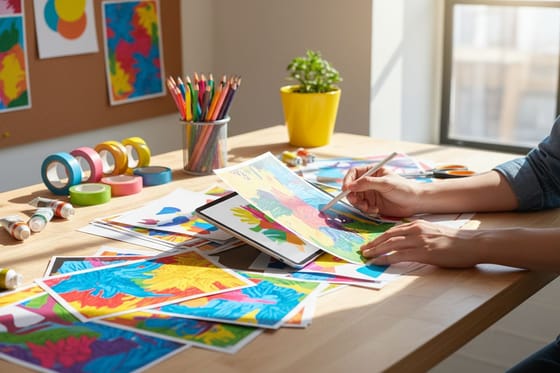
- Create or choose your design. Build it in a free tool like Canva, draw vectors in Illustrator, or grab a ready-made file. Work at 300 DPI or higher and size it to your print area, usually 10 to 12 inches wide for an adult shirt. Our blank templates help you nail sizing and layout.
- Prepare the transfer material. For HTV, load the vinyl and send your mirrored design to the cutter. For inkjet transfers, print the mirrored design onto transfer paper. Laser printers need laser-specific paper, so do not mix the two. Trim close to the art to hide the transfer border.
- Prep the shirt. Pre-wash the blank without fabric softener to strip the factory sizing, then iron it flat so pressure lands evenly. Slip a sheet of parchment or Teflon inside the shirt to stop any bleed-through.
- Apply heat and pressure. A heat press usually wants 305 to 320°F for 10 to 15 seconds with HTV. With a household iron, use the cotton setting, press firmly for 15 to 20 seconds, and skip the steam. Pressure counts as much as heat, so lean your weight in.
- Cure and care. Let it cool, then peel the carrier hot or cold as the material says. Press once more through parchment for 5 to 10 seconds to lock it down. Wait 24 hours before the first wash, then turn the shirt inside out, use cold water, and skip the dryer early on.
Working on other projects at the same time? Skills like cleaning rubber stamps and folding a brochure round out a full print-and-craft toolkit.
How much do custom t-shirts cost?
Pricing swings a lot with your method, your quantity, and how complex the design is. The breakdown below lets you plan before you spend.
DIY at home with HTV or iron-on transfers runs about $3 to $8 per shirt in materials, counting the blank tee plus vinyl or transfer paper. The upfront gear is the bigger line item, with a cutting machine at $200 to $400 and a quality heat press at $150 to $300. A household iron works in a pinch but gives less consistent results.
Screen printing through a shop usually costs $8 to $15 per shirt for runs of 50 to 100 units, dropping to $4 to $7 per shirt past 500. Setup adds $25 to $50 per color per screen, so one-color designs on large orders are the real sweet spot for value.
DTG and print-on-demand charge $12 to $25 per shirt for individual pieces, with volume discounts kicking in around 25 units. No setup fee makes this attractive for small orders even though the per-unit cost is higher. Do not forget the blank itself. A basic Gildan cotton tee is $3 to $5 wholesale, while premium blanks like Bella+Canvas or Next Level run $6 to $12. For polished sales materials such as lookbooks and price sheets, our custom booklets keep your brand looking sharp.
Mistakes that ruin custom t-shirts, and how to dodge them

Even seasoned crafters slip up. Steer clear of the pitfalls below and your shirts come out clean the first time.
- Forgetting to mirror the design. Every transfer method needs a flip. If the text reads right on screen, it prints backward on the shirt, so flip horizontally before you cut or print.
- Using low-resolution artwork. Anything under 300 DPI looks blurry on fabric, and blowing up a small image does not fix it. Start with a high-res file.
- Skipping the pre-wash. Factory chemicals on a new shirt block the bond. One wash cycle without softener solves it.
- Too little heat or pressure. Half of the failed transfers our customers ask about come down to a weak press. Follow the exact temperature and time on your material.
- Wrong material for the fabric. Sublimation on cotton will not take, and light-fabric HTV fails on dark shirts. Match the material to the blank every time.
- Rushing the cool-down. Peeling a hot-peel transfer cold, or the reverse, causes lifting and cracking. Read the instructions on your specific product.
None of these are hard to avoid once you know them. A slow, careful first shirt teaches you more than ten rushed ones.
Products and services that support your t-shirt projects
Once your process is dialed in, you will want to scale up or branch out. 4OVER4.COM prints ready-to-wear premium t-shirts and vinyl t-shirts, and stocks heat-activated transfer film that pairs perfectly with apparel work. Need supporting pieces fast? Same day printing covers rush orders on hang tags, stickers, and packaging inserts.
If sustainability matters to your brand, and it should, our green printing options keep your packaging and marketing collateral eco-friendly. Ready to go bigger on apparel? Our guide on how to sell custom t-shirts covers pricing and launch, and you can browse the full t-shirt printing range whenever you are set to order.
Wally explains custom t-shirts
Match the method to your run and press it right
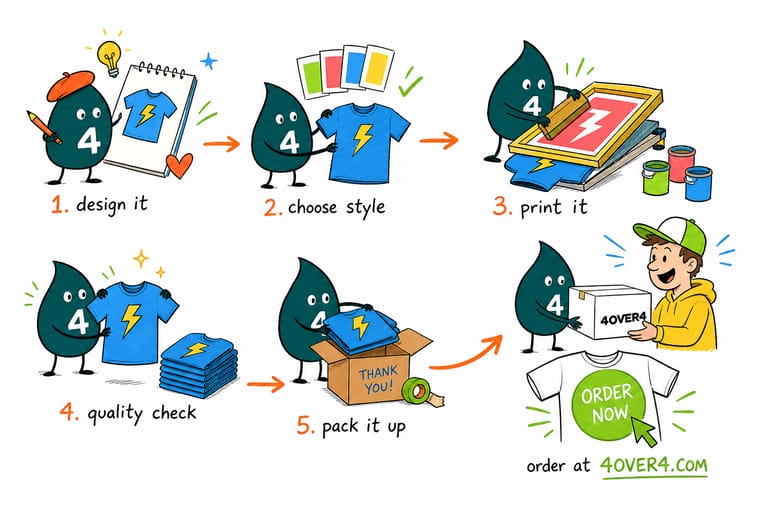
Wally treats a t-shirt like any print job: the right method plus clean prep equals a result that lasts. A few shirts? Cut heat transfer vinyl. A big team order? Screen printing pays off fast. Full-color art? Direct-to-garment. Polyester? Sublimation. Design at 300 DPI, mirror the file, press with real heat and pressure, and when you would rather skip the setup, let 4OVER4 print your custom t-shirts to your exact logo or art.
Order custom t-shirts →Specs and pricing
Custom t-shirt specs and pricing
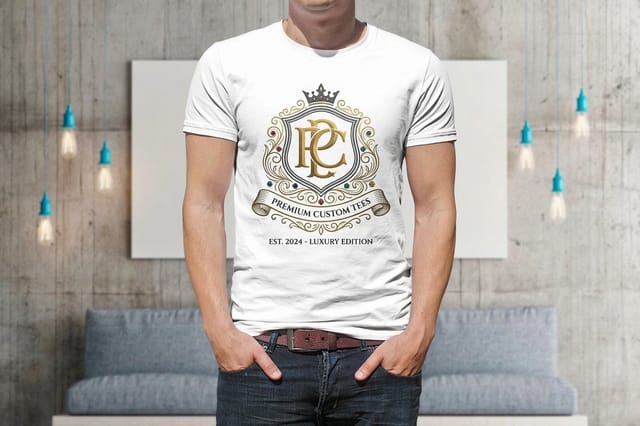
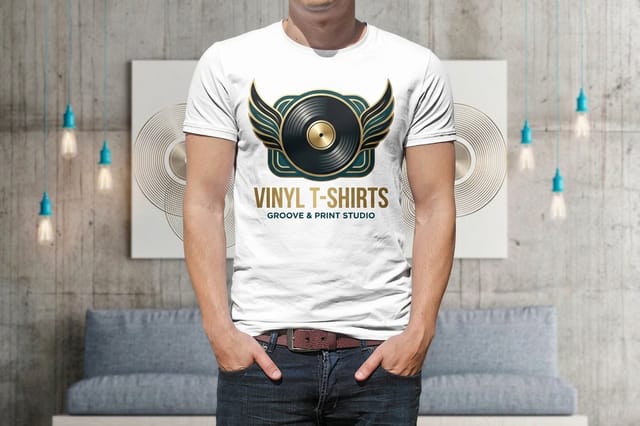
When you would rather skip the setup, here is what a made-to-order custom t-shirt gives you at 4OVER4.COM, with live specs and price-per-unit straight from the configurator.

| Quantity | Price Per Unit | Total |
|---|---|---|
| 1 | $21.96 | $21.96 |
| 2 | $16.47 | $32.93 |
| 3 | $16.46 | $49.39 |
| 4 | $15.93 | $63.71 |
| 5 | $15.93 | $79.63 |
| 6 | $15.93 | $95.56 |
| 7 | $15.85 | $110.94 |
| 8 | $15.38 | $123.02 |
Print it
Order custom t-shirts at 4OVER4
See it in use
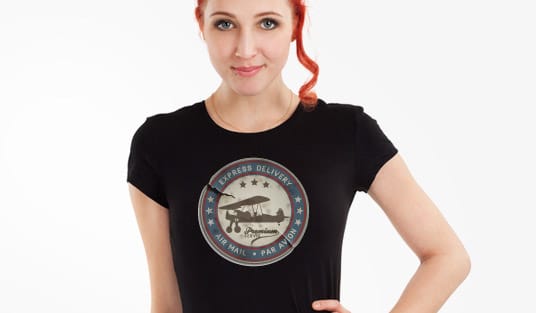
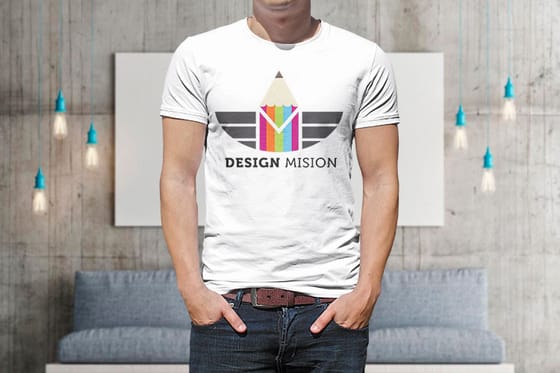
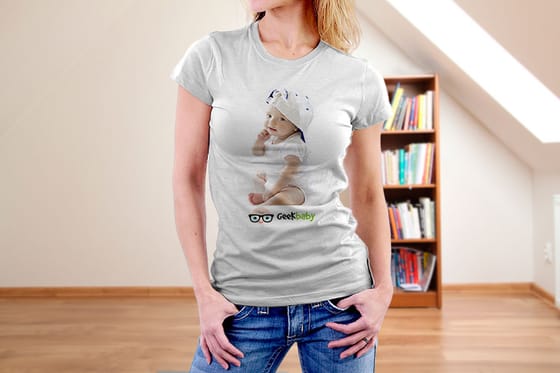
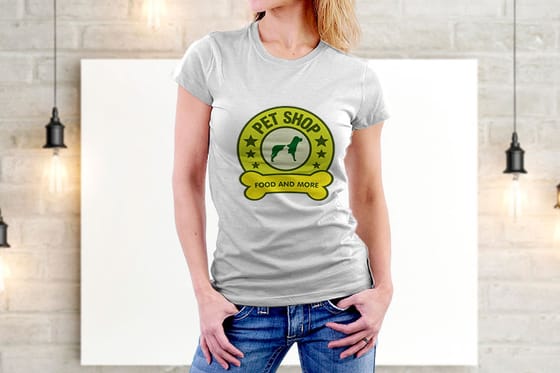
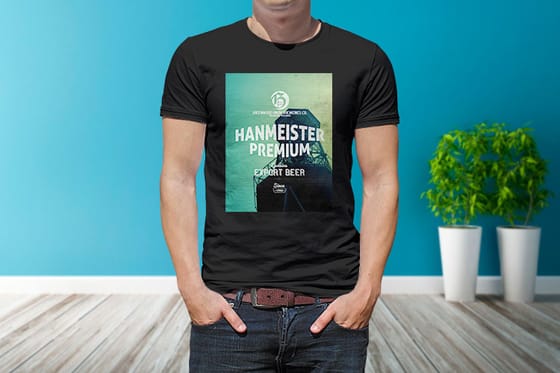
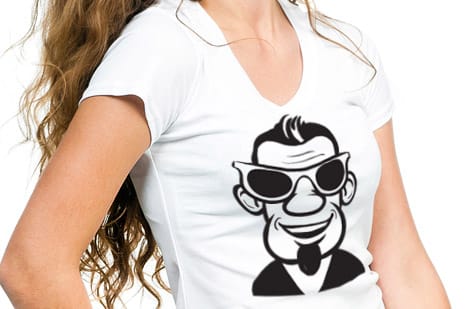
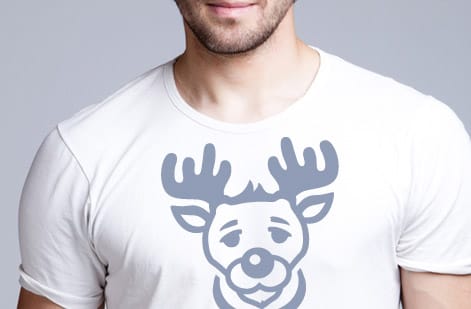
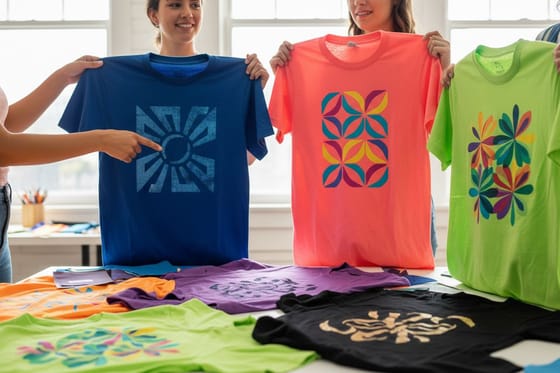
Shirts we printed and pressed for customers

Explore more
Where to go next
By the numbers
What our apparel line covers
Common Questions
Common questions about making custom t-shirts
What's the easiest way to make custom t-shirts at home?
Heat transfer vinyl with a cutting machine and a heat press is the most beginner-friendly method. You can also use inkjet transfer paper with a regular home printer and a household iron. Both let you make custom t-shirts at home with no special training. Start with simple one-color designs and build up from there.
How much do custom t-shirts cost to make yourself?
DIY custom t-shirts cost roughly $3 to $8 per shirt in materials, meaning the blank tee plus vinyl or transfer paper. The upfront gear, a cutting machine and a heat press, runs about $350 to $700 total. After that your per-shirt cost stays low. Through a print shop, expect $8 to $15 per shirt for orders under 100 units.
How much do all over print shirts cost per shirt?
All over print costs more than any front-only method at every quantity, because you are paying for a printed garment instead of a printed area. At 1 shirt there is no setup to spread across the run, so a single cut and sew piece sits well above the $8 to $15 per shirt a print shop charges for a front print under 100 units. At 25 shirts the price per shirt settles but stays above that $8 to $15 band, since every garment is still printed flat and sewn to order. At 100 shirts it lands closest to normal shirt pricing, yet it never reaches the $5 to $8 each a single-color screen print hits at that quantity, because there are no screens to reuse and every unit prints in full color across all panels. Pressing your own finished polyester blanks keeps materials near the same $3 to $8 per shirt as any transfer, and the trade-off is the seam and collar gaps a finished blank cannot avoid.
Which printing method produces the most durable custom t-shirts?
Screen printing and sublimation last the longest. Screen-printed ink bonds into the fibers and can survive 50 or more wash cycles without fading. Sublimation is even tougher on polyester because the ink becomes part of the fiber. HTV and DTG hold up well too with cold washes, inside out, and hang drying.
How do I make an all over print shirt?
Start with the blank, not the art. Pick a white 100% polyester shirt for sublimation, or order cut and sew if you want the graphic to cross the side seams with no white gaps. Build the file at 300 DPI at full garment size, one file per panel, with bleed past every edge, then mirror it for the transfer. Press the front and back separately with firm even pressure, keep type and faces an inch clear of the seams and the collar, and peel exactly as the paper tells you. Remember that sublimation ink is transparent, so a colored blank tints every color you print, and cotton is not an option at all because the dye only bonds to polyester.
Can I start a custom t-shirt business from home?
Yes. Plenty of apparel brands started with a heat press in a garage or a spare room. Your startup cost can stay under $500 on the HTV route. Begin with made-to-order production to avoid inventory risk, then move your best-sellers to screen printing as volume grows to improve margins.
What type of blank t-shirt works best for custom printing?
For HTV and DTG, 100% ring-spun cotton in a medium 5 to 6 ounce weight gives the cleanest result. Bella+Canvas 3001 and Next Level 3600 are industry favorites. For sublimation you need at least 65% polyester. Avoid heavy texture or ribbing in the print area, since smooth fabric takes a crisper transfer.
Do I need special software to design custom t-shirts?
Free tools handle most projects. Canva covers text and basic graphics, and the free version of Inkscape makes vector art that scales without blurring. Cricut and Silhouette cutters include their own design apps. Save your files as PNG with a transparent background, or SVG for cutting machines.
Get Started
Order a premium t-shirt from $21.96
Pick your size, drop in your logo or art, and we print sharp, long-lasting shirts that hold up wash after wash.
Legal Disclaimer
Gold Standard guarantees apply to all standard orders placed through 4over4.com. Price match requires verifiable proof of a competitor's published price for an equivalent product with matching specifications and turnaround time. Satisfaction guarantee covers manufacturing defects and print quality issues. Contact support with order number and documentation. On-time delivery rate based on tracked orders 1999 to 2026. Individual results may vary based on shipping carrier performance.
