
How to Make Laminated Business Cards That Resist Daily Wear


There are two ways to make laminated cards. Laminate pre-printed cards at home with a pouch laminator in six steps, or order cards that come laminated edge to edge off the press. Home pouches add bulk and can peel at the border. Press lamination bonds to the stock itself and does not.
At home: print and trim the cards, use a pouch 0.25 inches larger on every side, set the laminator to the pouch thickness, feed one card per pouch sealed edge first, cool flat, then trim leaving a 1/16 inch sealed border. Off the press: pick a finish (gloss, silk, velvet, or die-cut), choose 14pt to 32pt stock, design at 300 DPI with a 0.0625 inch bleed, export a CMYK PDF, and approve the proof. Press lamination seals the card edge to edge so it resists scratches, fading, and moisture.
Quick tips
Quick tips for making laminated business cards
Pick your finish first, then design at 300 DPI with a 0.0625 inch bleed and keep key text 0.125 inches inside the trim. Export a print-ready CMYK PDF, approve the digital proof, and order 250 or more to lower the per-card price. Professional lamination bonds edge to edge, so 4OVER4.COM customers get cards that resist scratches, fading, and moisture for months.
Why laminated business cards beat standard prints
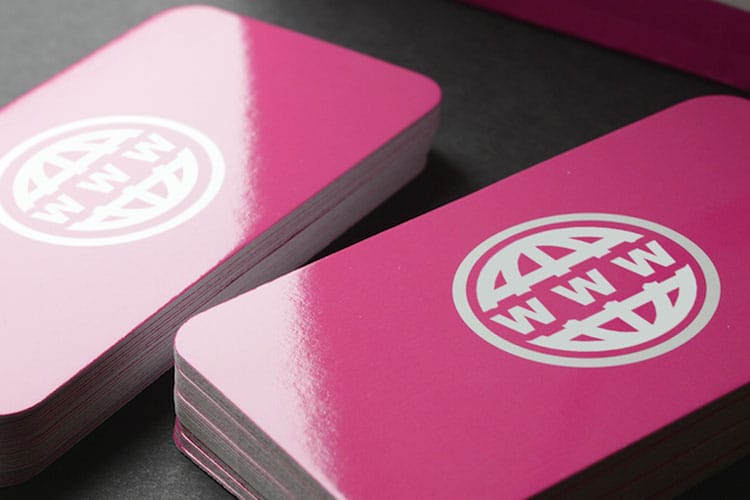
A standard business card bends, smudges, and fades. A laminated one holds its shape. Lamination seals your card between two thin protective layers, so it shrugs off moisture, fingerprints, and everyday handling. It also adds a finish people notice the second they pick it up.
Learning how to make laminated business cards gives you real choices. Gloss brings vivid color, silk offers understated elegance, and die-cut lets you build creative shapes. You can browse real customer work on the 4OVER4.COM showcase to see what each finish looks like in the wild. Want another print project to pair with your cards? The guide on custom magnets covers a fun way to extend your brand.
This guide walks you through every decision, from finish and stock to file setup, proofing, and quantity, so your first laminated run comes back looking exactly the way you pictured it.
DIY lamination vs professional printing
Can you laminate business cards at home? Yes, with a pouch laminator and pre-printed cards. Here is the whole job in six steps.
- Print and trim your cards first. Cut them to 3.5 by 2 inches with clean square edges, because the pouch seals around whatever shape you feed it.
- Pick a pouch at least 0.25 inches larger than the card on every side. That margin is what fuses to itself and holds the film on.
- Set the laminator to the thermal setting that matches the pouch thickness. A 3 mil pouch and a 10 mil pouch want different heat, and the pouch box prints the number.
- Feed one card per pouch, sealed edge first. One at a time. Two cards in a pouch trap air between them and you get a bubble you cannot press out.
- Let each pouch cool flat before you touch it. Warm film stretches, and a pouch pulled off the tray while soft comes out curled for good.
- Trim leaving a 1/16 inch sealed border. Cut flush to the card and you expose the seam, which is exactly where the film starts peeling back.
Thermal vs cold lamination at home
Thermal pouches need a heated laminator. The adhesive melts between the rollers and bonds permanently, which is why the finish is clear and even and why you cannot redo a card once it is through. This is the default for cardstock.
Cold self-seal pouches need no machine at all. You peel a liner and press the film down by hand. They suit inks and stocks that heat would distort, like inkjet prints that have not fully cured, heat-sensitive photo paper, or anything with a foil or thermal element on it. The trade-off is a slightly softer bond and a surface that shows pressure marks if you press unevenly.
Here is the honest truth about both. Home lamination works for ID badges and quick labels. For business cards, the results rarely match professional output. Common issues include:
- Bubbles and wrinkles from uneven heat distribution.
- Peeling edges that look unprofessional within weeks.
- Inconsistent thickness because pouch lamination adds bulk unevenly.
- Limited finish options, since a home laminator will not give you silk or velvet.
Professional lamination bonds directly to the card stock during printing. There is no pouch, no trimming, and no bubbles, and the finish is uniform edge to edge. If your cards represent your business, professional lamination is worth it. For your other supplies, the guide on how to clean rubber stamps has practical tips, and how to fold a brochure covers brochure production end to end.
How press lamination goes on at the printer
Press lamination is a different process from a pouch, and the difference is the edge. The cards are printed many to a sheet, and the whole sheet runs through a roll laminator. Film unwinds from a roll above the sheet and another below it, heated rollers bond the film to the ink, and the sheet comes out sealed on both faces in one pass.
Cutting comes after the film, not before. The laminated sheet goes back to the cutter and each card is trimmed through paper and film together, so the finish stops exactly at the edge of the card. There is no plastic lip, no trapped air, and no border to peel, which is why a press-laminated card still reads as paper in the hand.
The film sets the finish. Gloss, silk and velvet all load onto the same machine, so any of the three can run on the same job. Spot UV or foil goes on afterwards as a separate pass. To see the finishes side by side, compare gloss laminated, silk laminated and velvet business cards.
Step 1: pick your lamination finish
This is the decision that shapes everything else. Your finish sets how the card looks, feels, and holds up over time.
Gloss lamination is the pick for bold, colorful designs. It deepens saturation and adds a reflective sheen, which is why real estate agents, photographers, and restaurants reach for it. The surface is smooth and slightly slick, like a magazine cover. Order it as gloss laminated business cards.
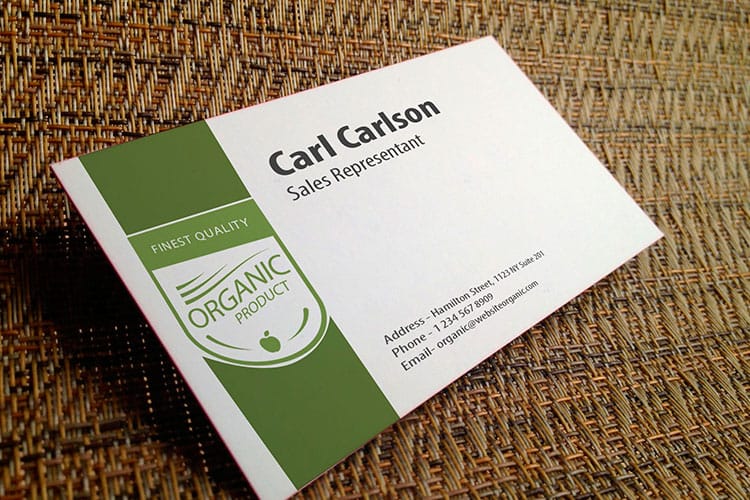
Silk lamination sits between matte and gloss. It feels smooth with a soft satin surface that does not throw off glare, so it suits text-heavy layouts and modern, understated brands. Consultants, architects, and tech startups tend to land here. Explore silk laminated business cards for that finish.
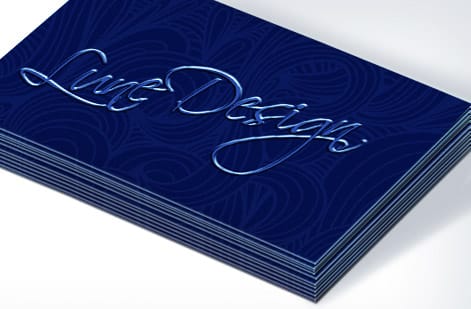
Velvet lamination is the premium pick. It feels soft, almost like suede, and people rub it between their fingers before they even read it. That tactile moment is exactly what a luxury brand, spa, or high-end service wants.
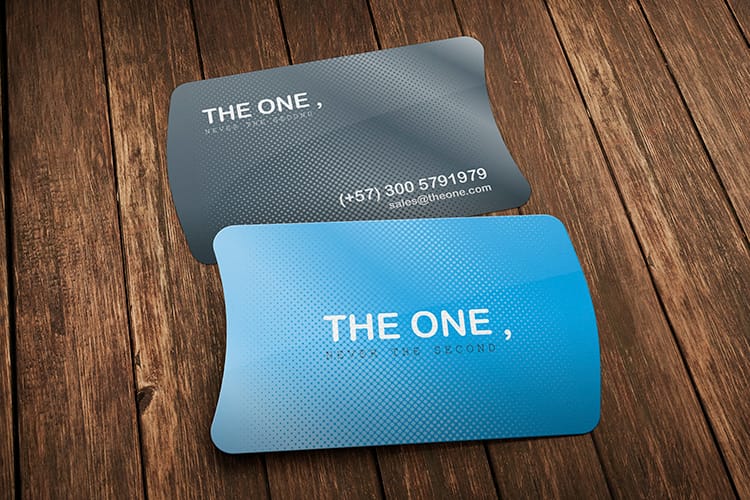
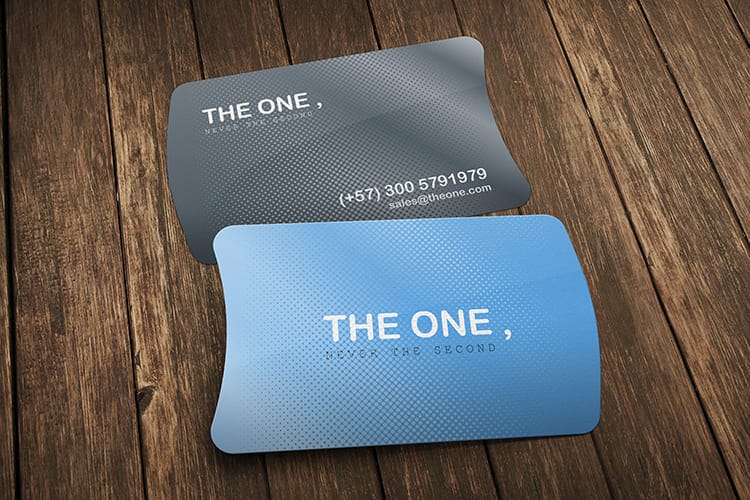
Die-cut lamination takes it further by cutting the card into a custom shape, from rounded corners to a leaf, a guitar, or your logo outline. See the options as die-cut laminated business cards, or look at 3D lenticular business cards for another format that stops people mid-conversation.
Step 2: choose your card stock and size
Lamination goes on top of your card stock, so the base material matters. Thicker stock feels more rigid and substantial. A 14pt stock works for budget-friendly runs, a 16pt stock feels like a credit card, and a 32pt stock runs about three times the thickness of a standard card, hefty and impossible to ignore.
The standard business card size is 3.5 by 2 inches, the size that fits wallets and cardholders. You can also go with square cards, slim cards, or oversized formats if your brand calls for it. Just remember that non-standard sizes may not slide into a normal cardholder, which can be a feature or a drawback depending on your strategy.
When you set up your file, add a bleed area of 0.0625 inches on every side so you avoid white edges after trimming. Keep all important text and logos at least 0.125 inches inside the trim line.
Step 3: design your card
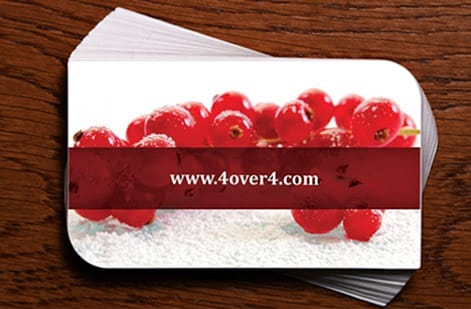
You do not need to be a graphic designer. 4OVER4.COM offers free design templates you can customize with your logo, contact details, and brand colors. Upload your own artwork if you have it, or start from a blank canvas.
A few tips specific to laminated cards:
- Use high-resolution images at 300 DPI minimum. Lamination magnifies imperfections, so blurry photos look worse under gloss.
- Go bold with color. Gloss lamination makes colors richer, so lean into saturated hues and strong contrast.
- Keep text readable. Silk and velvet soften the look slightly, so use fonts at 8pt or larger for body text.
- Consider both sides. A laminated card feels premium, so make the back count with a tagline, QR code, or secondary branding.
- Export as PDF in CMYK color mode at 300 DPI with bleed marks. That is the safest format for print-ready files.
Prefer to start from a proven layout? Grab a blank layout for gloss laminated business cards or silk laminated business cards and drop your details in.
Working on other print pieces alongside your cards? The guide on how to make flyers follows a similar design process, and how to make envelopes covers matching your card design to your envelopes.
Steps 4 and 5: proof, then choose your quantity
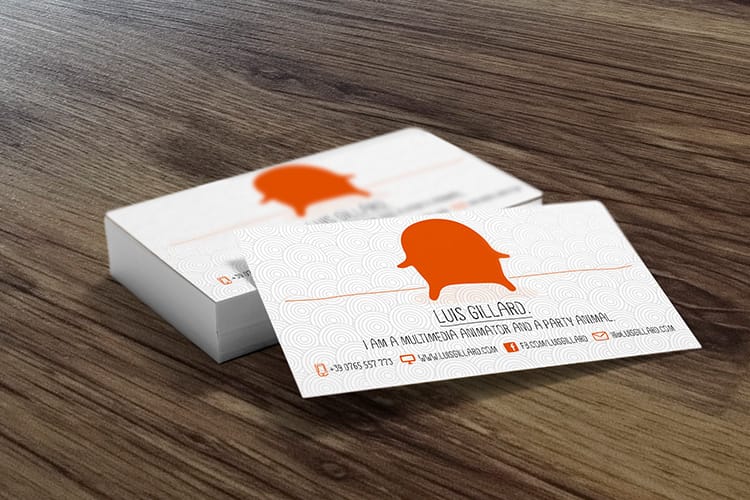
Once your file is ready, upload it through the 4OVER4.COM ordering system. You get a digital proof that shows exactly how your laminated card will look after printing and trimming. Check for typos, alignment, and color before you approve. Zoom in on phone numbers and email addresses, since those are the most common error spots. This step catches a mistake before it becomes 250 printed mistakes.
Then order what you need. Most professionals start with 250 or 500 cards, and larger runs drop the per-card price quickly. If you are testing a new design, a smaller batch lets you gauge reactions first. Turnaround varies by product and finish, and 4OVER4.COM holds a 99.8% on-time delivery rate with 82% of orders shipping early. Browse more print guides at the guide hub to plan your timeline.
Lamination materials worth knowing
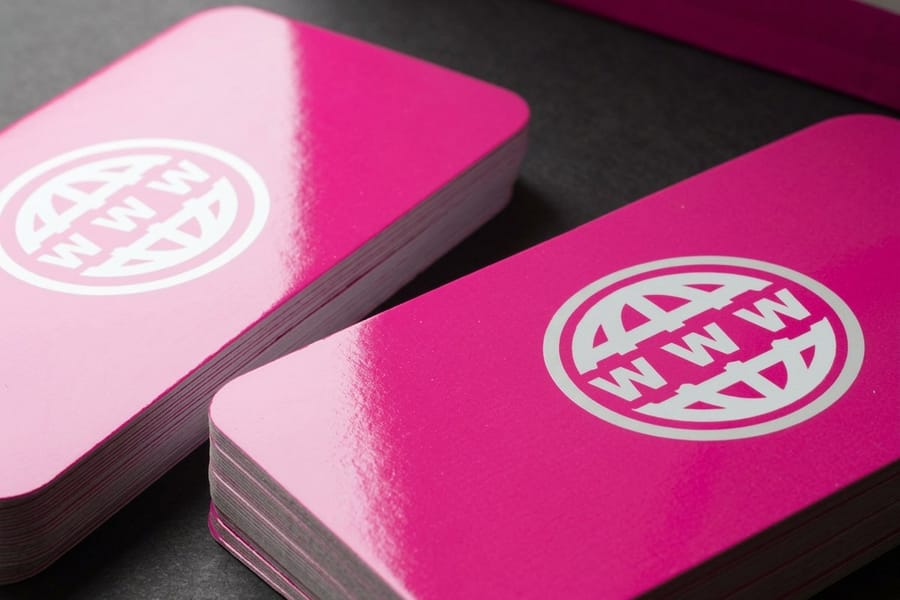
If you do laminate in-house, the material you choose changes the result. Glossy, matte, and soft-touch films each give a different look, from high shine to a muted, fingerprint-resistant surface to a velvety hand feel.
Two pouch types are worth knowing. Butterfly pouches allow borderless lamination and are ideal for clean, polished edges. Self-sealing laminating pouches are great for quick jobs since they do not need a laminator, and the acid-free versions protect your cards from fading and damage. Need cards in a hurry instead? Same day printing is available on select products, so you are never stuck waiting.
When to use each lamination type
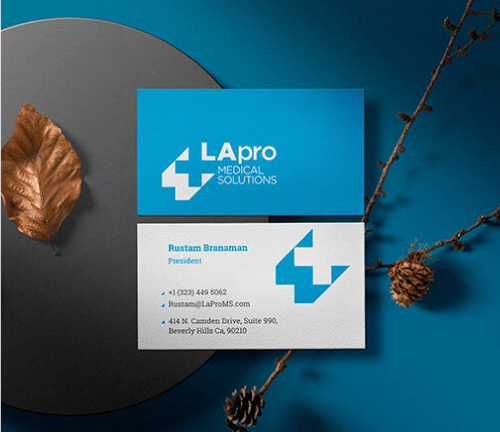
Matching your finish to your industry and audience makes a real difference. A few practical scenarios:
Real estate agents hand out cards constantly, at open houses, in mailboxes, tucked into folders. Gloss lamination guards against moisture and handling while making property photos look vivid and sharp.
Beauty salon owners benefit from velvet lamination. The soft texture mirrors the sensory experience of their services, so clients remember how the card felt.
Startup founders at tech events often go with silk. It reads modern and clean without shouting. Event planners can use die-cut cards shaped like tickets, champagne glasses, or stars, which double as conversation starters and rarely get tossed. Want real examples? The showcase features laminated card designs across dozens of industries.
Mistakes that ruin laminated business cards
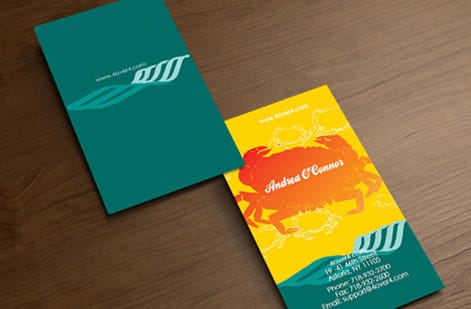
Even a great design can fall flat if you skip the details. Here are the errors people make most often, and how to dodge them.
- Skipping the bleed area. Without proper bleed, you get thin white lines along the edges after trimming. Extend your background 0.0625 inches past the trim line.
- Using low-resolution images. Lamination sharpens everything, including flaws. Anything below 300 DPI looks pixelated under gloss.
- Choosing the wrong finish for the design. Dark, photo-heavy designs look best with gloss, while minimalist, text-forward designs work better with silk or velvet.
- Ignoring the back of the card. A laminated card feels premium on both sides, so a blank back wastes half your real estate.
- Not ordering a proof. 4OVER4.COM provides digital proofs for a reason. Approve one before your full run prints. It takes two minutes and prevents expensive reprints.
These are all easy to fix before you order. Take the extra five minutes during setup and your finished cards will show the difference.
Wally explains laminated cards
The finish is what people feel before they read a word
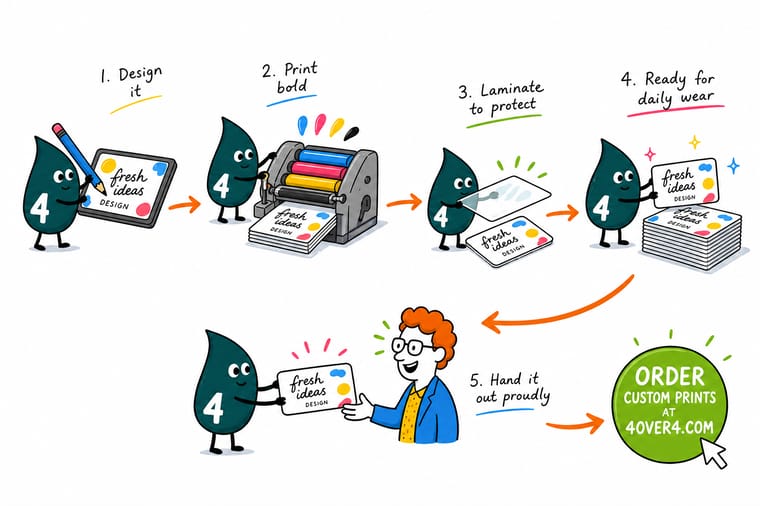
Wally treats lamination like armor for your brand: a thin sealed layer that keeps color sharp and edges clean while the card bounces around wallets and pockets. Gloss for pop, silk for a modern hand feel, velvet for that soft luxury touch, and die-cut when you want a shape people remember. Design it at 300 DPI, approve the proof, and let 4OVER4 press the finish on so it never bubbles or peels.
Shop laminated cards →Specs and pricing
Laminated business card specs and pricing
Compare the three most popular laminated finishes side by side, with live specs and price-per-unit straight from the 4OVER4.COM configurator.
| Quantity | Price Per Unit | Total |
|---|---|---|
| 50 | 74.5¢ | $37.24 |
| 100 | 63.1¢ | $63.15 |
| 200 | 44.2¢ | $88.40 |
| 300 | 33.7¢ | $101.04 |
| 400 | 28.4¢ | $113.67 |
| 500 | 25.3¢ | $126.30 |
| 600 | 22.3¢ | $133.88 |
| 700 | 20.2¢ | $141.46 |
| Quantity | Price Per Unit | Total |
|---|---|---|
| 250 | 29.8¢ | $74.53 |
| 500 | 17.4¢ | $87.15 |
| 1,000 | 11.2¢ | $112.41 |
| 2,500 | 9.04¢ | $226.11 |
| 5,000 | 5.53¢ | $276.63 |
| 10,000 | 5.53¢ | $553.25 |
| 15,000 | 5.47¢ | $819.78 |
| 20,000 | 5.49¢ | $1,097.66 |
| Quantity | Price Per Unit | Total |
|---|---|---|
| 500 | 34.9¢ | $174.65 |
| 1,000 | 21.9¢ | $218.59 |
| 2,000 | 16.4¢ | $328.42 |
| 3,000 | 14.6¢ | $438.25 |
| 4,000 | 13.7¢ | $548.09 |
| 5,000 | 13.2¢ | $657.93 |
Print it
Order laminated business cards at 4OVER4
See it in use
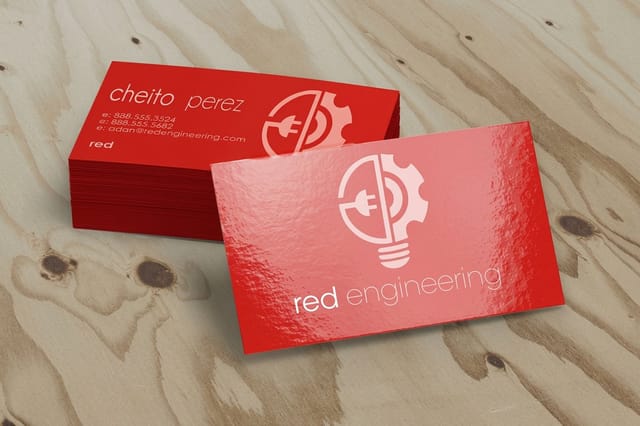
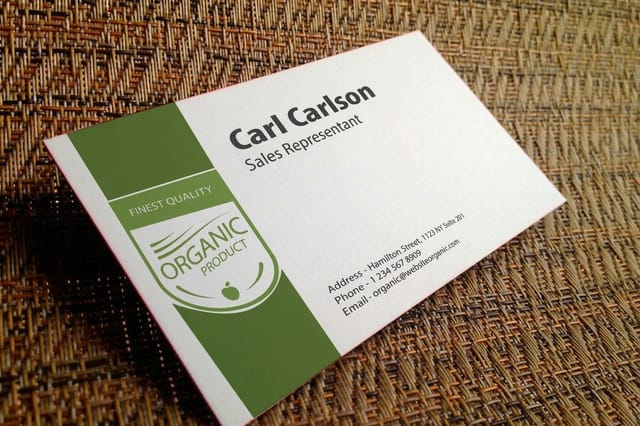
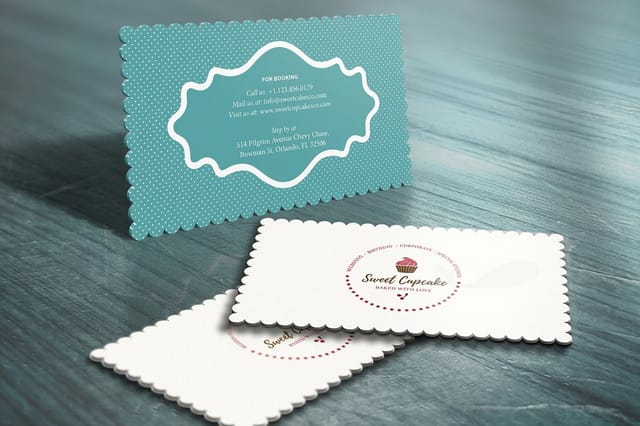
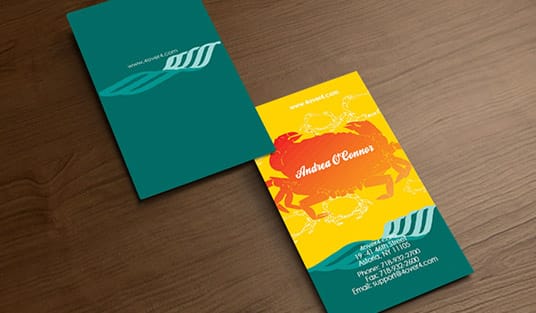
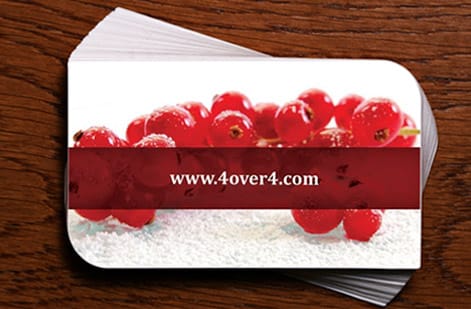
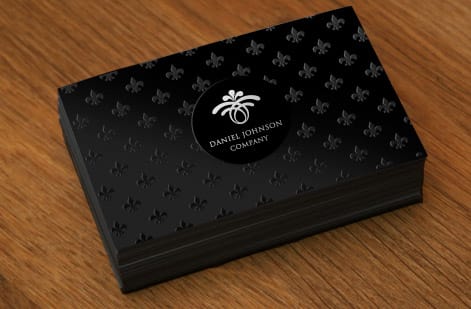
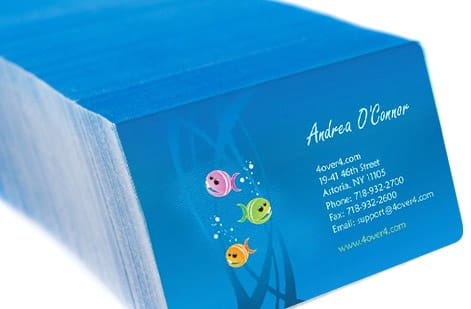
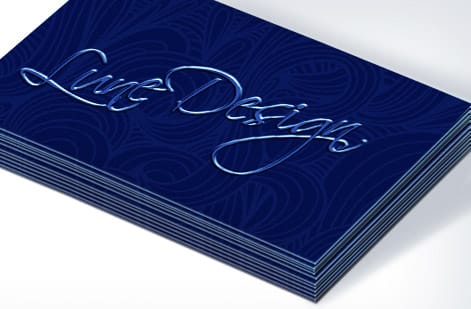
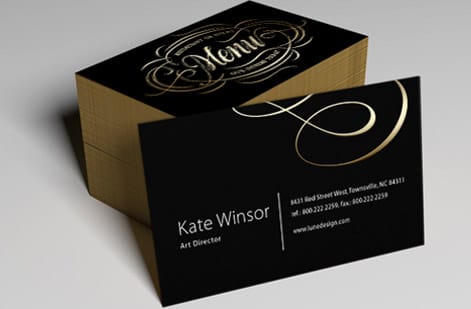
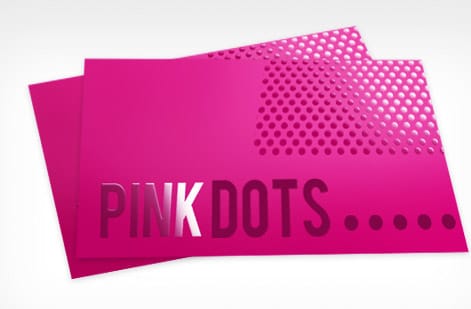
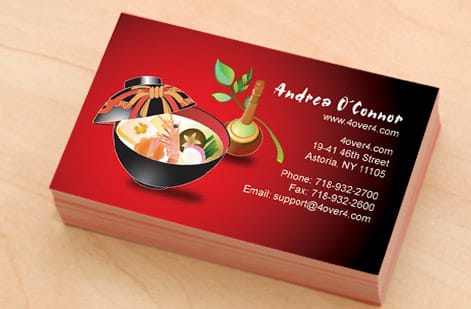
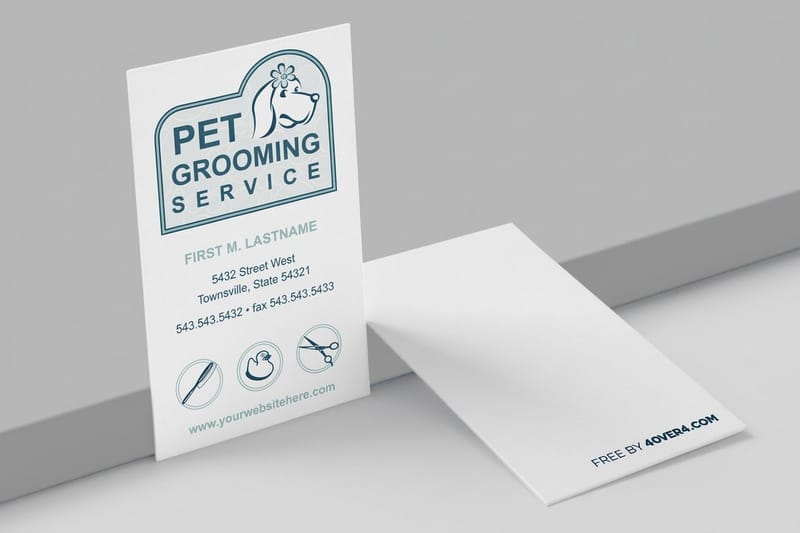
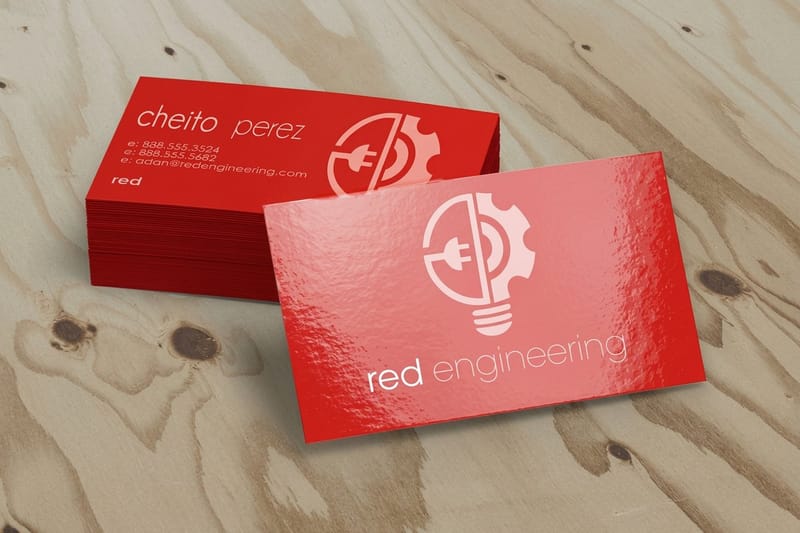
Laminated cards we printed for customers
Explore more
Where to go next

By the numbers
Ten billion cards through our presses
Common Questions
Your laminated business card questions, answered
Should you laminate business cards?
Yes, if the card will be handled, carried in a wallet, or left out where it can get wet. Lamination stops bending, smudging and fading, and it adds a finish people notice on contact. Skip it only when you want a bare uncoated surface that takes a pen, or when the card carries a finish that lamination would hide. Order press lamination rather than a pouch so the film stops at the edge.
What is a common mistake on business cards?
The one that costs the most is a file with no bleed, which leaves a white sliver on one edge after trimming. Close behind it are images below 300 DPI, which lamination makes look worse, text set closer than 0.125 inch to the trim, and a typo in the phone number or email that nobody checked on the proof. Zoom in on the contact line before you approve.
Is it better to have glossy or matte business cards?
Neither is better, they suit different cards. Gloss deepens color and suits photo-heavy or bold designs, but it throws glare and shows fingerprints. A matte-style silk lamination stays readable under bright light, hides smudges, and suits text-forward, understated brands. Velvet takes the matte look further with a soft-touch feel. Pick by the design and by how the card will be handled.
What's the difference between gloss and silk lamination on business cards?
Gloss lamination adds a shiny, reflective finish that makes colors look more vivid. Silk lamination creates a smooth, matte-like surface with a subtle sheen. Gloss works best for photo-heavy or colorful designs, and silk suits minimalist, text-forward cards. Both protect against water, scratches, and daily handling.
Can I laminate business cards at home?
You can use a pouch laminator at home, but the results will not match professional quality. Home lamination often creates bubbles, peeling edges, and uneven thickness. Professional lamination from 4OVER4.COM bonds directly to the card stock during production, so you get a uniform finish with no trimming needed.
How thick are laminated business cards?
Thickness depends on the base card stock. A 14pt stock is standard weight, a 16pt stock feels similar to a credit card, and a 32pt stock runs about three times the thickness of a standard card. Lamination adds a thin protective layer on top without noticeably increasing the overall thickness.
Will lamination affect the colors on my business card?
Yes, but in a good way. Gloss lamination intensifies colors and adds depth. Silk and velvet lamination soften colors slightly for a more muted, sophisticated look. Design your card with the finish in mind, using bold colors for gloss and subtler tones for silk or velvet.
What file format should I use for laminated business cards?
Submit your design as a PDF in CMYK color mode at 300 DPI with bleed marks included. This format keeps color accurate and trimming clean. 4OVER4.COM also accepts AI, PSD, and EPS files if you work in professional design software.
How many laminated business cards should I order?
Most professionals start with 250 to 500 cards. Larger quantities lower the per-card cost. If you are testing a new design or just launched your business, a smaller batch lets you gather feedback before committing to a bigger run.
Do laminated business cards work with spot UV or foil?
Yes. Spot UV adds a raised glossy accent on specific areas of a matte or silk laminated card, such as your logo or name. Foil stamping in gold, silver, or other metallics pairs well with velvet lamination for a high-end look. These finishes layer on top of the lamination.
Get Started
Ready to order laminated business cards?
Pick your finish, upload your design or start from a free template, and we print crisp, sealed cards that hold up to daily wear.
Legal Disclaimer
Gold Standard guarantees apply to all standard orders placed through 4over4.com. Price match requires verifiable proof of a competitor's published price for an equivalent product with matching specifications and turnaround time. Satisfaction guarantee covers manufacturing defects and print quality issues. Contact support with order number and documentation. On-time delivery rate based on tracked orders 1999 to 2026. Individual results may vary based on shipping carrier performance.
