
How to Make Postcards from Design to Mailing


Design at the final size, set your images to 300 DPI in CMYK, add bleed, and export a clean PDF. Those four steps are what separate a sharp 14pt Gloss Cover postcard from a soft one.
To make postcards that print sharp, design at the final postcard size and set every image to 300 DPI in CMYK. Add 0.125 inches of bleed on all sides, keep type and logos as vectors where you can, then export a single print-ready PDF/X-1a with fonts embedded. Upload that file and 4OVER4.COM prints your postcard exactly as sharp as you built it.
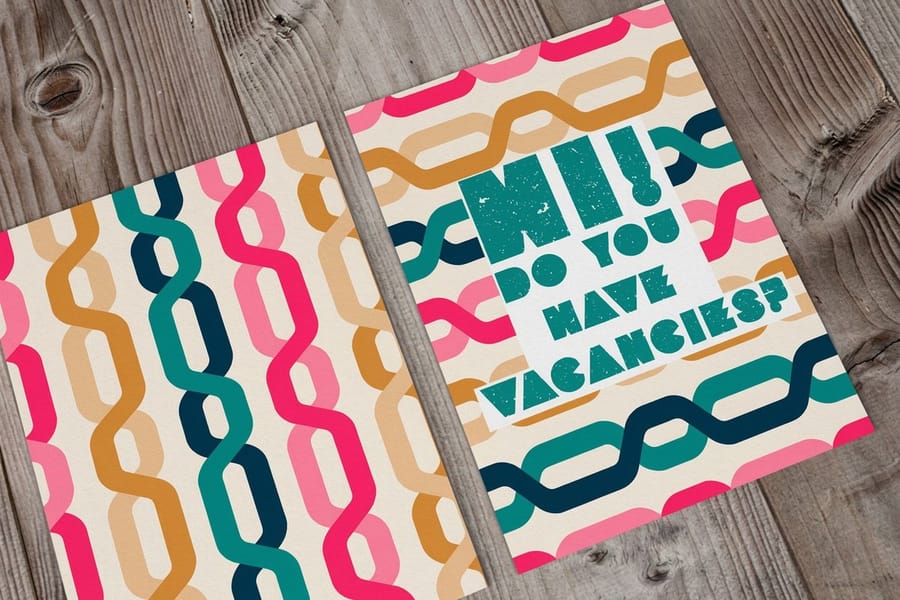
Quick tips
Quick tips for print-ready postcards
Prep every postcard file at 300 DPI in CMYK at the exact size you plan to print, and add 0.125 inches of bleed on all four sides. Export a single flattened PDF/X-1a with fonts embedded, and skip repeated JPEG saves so the art stays crisp. Design at the final size rather than screen size, and 4OVER4.COM flags any low resolution upload before it ever reaches the press.
Print and mail your postcards
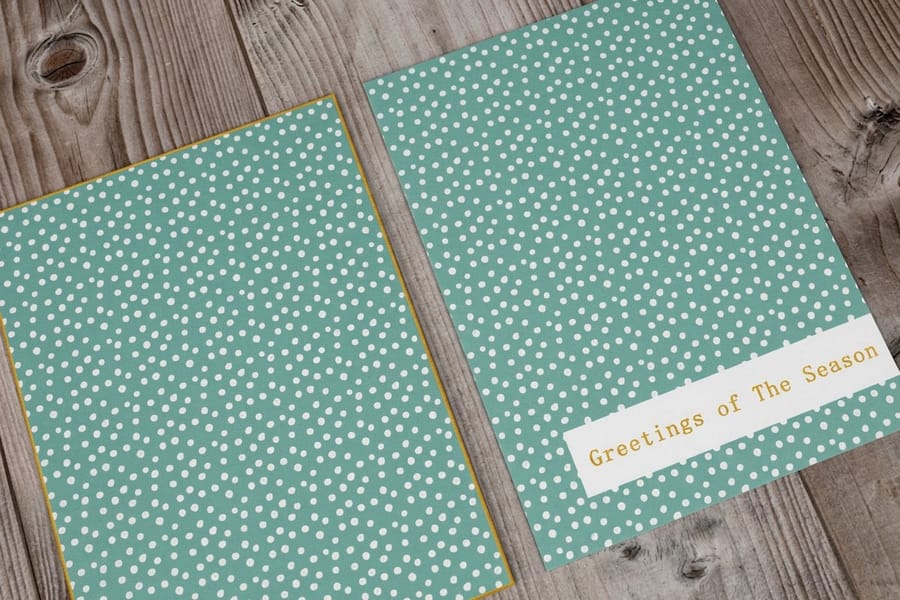
Send one print ready PDF, not a folder of JPEGs. Export PDF/X-1a with the fonts embedded, CMYK color, images at 300 DPI at final size, and 0.125 inch bleed on all four sides. Then actually open the preview before you approve it: that screen is the last cheap place to catch a soft logo, a missing bleed edge, or type sitting too close to the trim.
Then decide who does the mailing. If you are handing cards out at the counter, dropping them in bags, or taking the stack to the post office yourself, print custom postcards flat with the mailing side left clear. If the list is the whole point of the job, direct mail postcards go from the press to the mailbox without passing through your office, so addressing and postage happen on our side.
Everything runs in house at 4OVER4.COM in Queens, NY, across 1,000+ products at 99.8% on-time delivery, on any of our 60+ paper types. If you are still comparing quotes, our Price Match promise covers that. If you want to see finished work first, the postcard showcase is real customer jobs, and the printing FAQs answer the file questions that come up at proof time.
Why image resolution makes or breaks a postcard
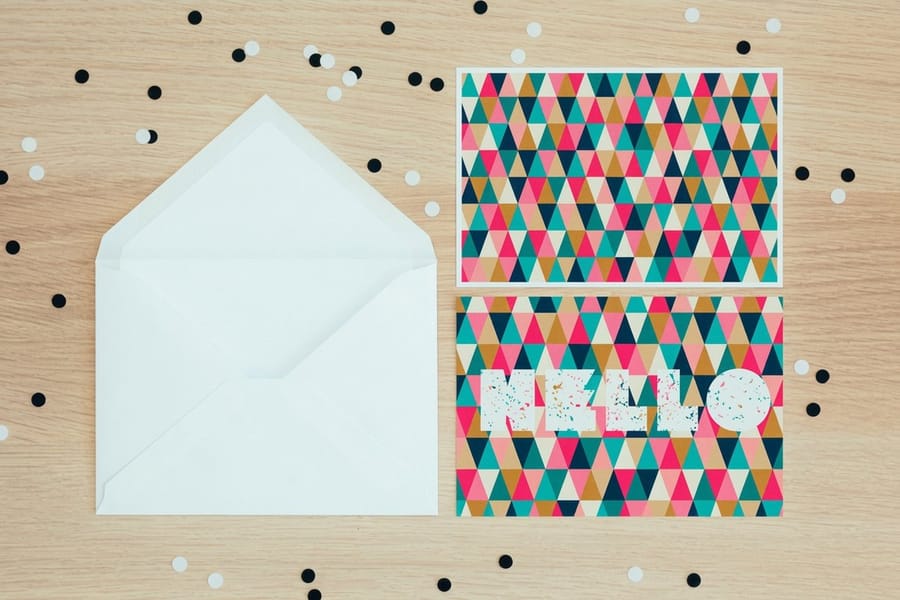
Resolution is the single biggest thing that separates a postcard that looks professional from one that looks cheap. A logo that reads crisp on your phone can turn into a blurry smudge once it prints at 4 by 6 inches. Screens show images at 72 DPI, and commercial postcard printing needs 300 DPI, so the gap is real.
This guide walks you through DPI, PPI, file formats, and color modes so every postcard you order lands sharp. 4OVER4.COM has printed billions of cards, so we have seen every resolution mistake there is. Build your art in the Online Designer or upload your own file. Either way, resolution is step one of making postcards.
Want a head start? Our Design Templates already carry the correct dimensions and resolution, and our Price Match promise is worth a look if you are comparing print shops. If you also work with stamps, the guide on how to clean rubber stamps keeps those impressions just as crisp.
Choose your postcard size and stock
Four sizes cover almost every postcard job. 4 by 6 is the standard and the cheapest to mail, and it is the right pick for a reminder, a save the date, or one simple offer. 5 by 7 buys room for a photo plus a short list and still reads as a card rather than a leaflet. 6 by 9 is half a sheet of usable space, which is where menus, service lists, before and after photos, and maps belong. 6 by 11 is the largest of the four and is hard to miss in a stack of mail, so it earns its keep on grand openings and heavy discount offers.
Then pick the thickness. 14pt is the everyday postcard stock: stiff enough to come through the mail flat, light enough to keep postage and print cost sensible, and the safe default on a large drop. 16pt is noticeably thicker between finger and thumb and is what you want when the card has to feel like the business behind it, for high ticket services, real estate, or anything a customer keeps on the fridge. Both take full color on both sides at 300 DPI, and both need the same 0.125 inch bleed.
Coating decides what happens after printing. Gloss makes photos snap and shrugs off scuffing in the mail stream, matte keeps small type easy to read and photographs well, and uncoated is the one to pick if anyone has to write on the card with a pen, including a handwritten address or a punch box. We stock 60+ paper types, so if none of the four sizes fits, the full range of sizes, stocks, and coatings sits on postcard printing, and every size comes pre sized with bleed in the Blank Templates.
DPI, PPI, and what each term really means
PPI (pixels per inch) describes your digital file. It is how many pixels sit inside each inch of your image on screen. DPI (dots per inch) describes the physical print, meaning how many ink dots the press lays down per inch of paper. People swap the two words constantly, but the difference matters when you prep a postcard.
Here is the takeaway. Set your file to 300 PPI at the exact postcard size, and when 4OVER4.COM prints it the output lands at 300 DPI. At 72 DPI a 720 pixel wide image prints at 10 inches and looks blocky, while at 300 DPI that same image prints crisp at 2.4 inches. 300 DPI is the standard for postcards, business cards, and every small format.
Larger pieces are more forgiving because people view them from a distance, so a banner can get away with 150 DPI. If you are folding a piece instead of mailing a flat card, the guide on how to fold a brochure covers layout and fold types alongside these same resolution rules.
How to check and set your postcard resolution
In Photoshop, open your image and go to Image then Image Size. You will see pixel dimensions, document size, and resolution. The resolution field should read 300 pixels per inch. If it reads 72, do not just type 300 over it, because that only shrinks the print size instead of adding real detail.
To truly raise resolution you have to resample, which means the software invents new pixels. That works for a small bump like 250 to 300 DPI, but not for a big jump like 72 to 300 DPI, where the result looks soft. In Illustrator, vector art stays sharp at any size, so check placed photos through the Links panel and keep their effective PPI at or above 300. In InDesign, set the Preflight panel to flag anything under 300 PPI before you export.
No Adobe software? On Windows, right click the file and open Properties then Details to read the resolution. On a Mac, open the image in Preview and choose Tools then Show Inspector. For a shortcut, the Blank Templates from 4OVER4.COM arrive pre sized with the right dimensions and bleed, and you can build the same file inside the Online Designer without touching a desktop app.
Lay out the mailing side
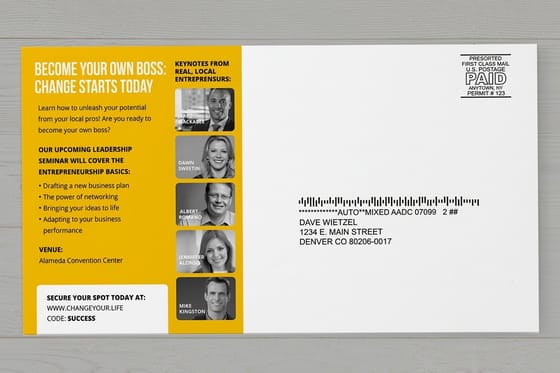
Split the back of the card in two. The right side belongs to the mail: the address block, the stamp or indicia in the top right corner, and the strip along the bottom edge that the Postal Service uses for its barcode. The left side is yours for the message, the fine print, and the offer detail. Keep those two halves apart and nothing you designed ends up fighting the machine that has to read the card.
Leave the address area genuinely clear. No photo, no pattern, no gradient behind the address block, and no type running through it. Set the address in dark ink on a white or very light background so it scans first pass, and keep the postage corner empty so the stamp or the indicia lands on paper instead of on your logo. Coating matters here too: on gloss stock use a printed or inkjet address because ink sits on the coating and smears, and pick uncoated when the address or a note is going on by hand.
The file rules do not change on this side. Still 300 DPI, still CMYK, still 0.125 inch bleed on all four edges, with the address block and every line of type pulled well inside the trim so a normal shift on the cutter can never clip a street name or a zip. The quickest way to get these zones right is to start from the Blank Templates, which arrive pre sized with the mailing side marked, or to build the back in the Online Designer. If you would rather we address and mail them, that is direct mail postcards; if you are mailing them yourself, postcards ship flat with the back left to you.
File formats and color modes for postcard printing

PDF is the gold standard for postcard files. It locks fonts, images, and vector shapes into one package, and PDF/X-1a or PDF/X-4 gives the best compatibility with commercial presses. TIFF is a strong second for photo heavy postcards because it supports CMYK and does not crush your image the way JPEG does.
Watch out for the web formats. JPEG uses lossy compression, so every save sheds a little quality, and if you must use it, export once at maximum quality. PNG, GIF, and SVG are built for screens, not print, because they do not support CMYK color mode.
On color, RGB is how screens glow and CMYK is how presses mix ink. Some bright RGB blues and neon greens simply cannot be reproduced in CMYK and will shift duller if you leave the file in RGB. Convert to CMYK before you export, and in Photoshop that means Image then Mode then CMYK Color, so you see the shift and fix it first. The same prep applies to flat marketing pieces, and the guide on how to make flyers walks through a full flyer file setup.
Resolution and size by postcard and print product
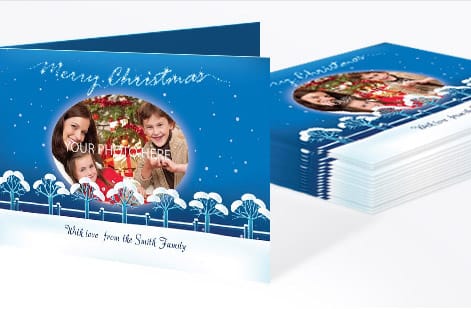
Small prints demand the highest resolution because people hold them close. A standard 4 by 6 inch postcard at 300 DPI needs a source image of at least 1,200 by 1,800 pixels before you add bleed, and a 3.5 by 2 inch card needs at least 1,050 by 600 pixels. For specialty pieces like 3D lenticular postcards, the requirement climbs higher because the lenticular process interlaces several images at once.
Brochures and flyers follow the same 300 DPI rule, so an 8.5 by 11 inch flyer works out to roughly 2,625 by 3,375 pixels with bleed. Envelope printing is no different, and the guide on how to make envelopes covers sizing and file prep in detail. If you are running a promo with magnets, the notes on custom magnets spell out the resolution that magnetic stock needs.
Large format is the exception. A banner hanging overhead reads fine at 150 DPI, and a building wrap can drop to 25 to 50 DPI because the viewing distance is so great. The rule is simple. The farther away people stand, the lower the DPI you need.
Getting sharp images from stock photo sites

Stock sites offer several download sizes, so always grab the largest one. You can scale an image down without losing quality, but you can never scale it up without losing sharpness. Before you buy, check the pixel dimensions and divide the width by 300 to find the widest sharp print. A 3,000 pixel wide image prints clean at 10 inches, while a 1,500 pixel image maxes out at 5 inches.
Free stock sites often cap images around 1,200 to 2,000 pixels wide, which is fine for social media but too small for most postcards. When you need a full bleed photo across a large card, invest in a high resolution download. For more file prep tips across every product, the guide hub from 4OVER4.COM covers paper, finishing, and everything in between.
Resolution mistakes that ruin postcard print jobs
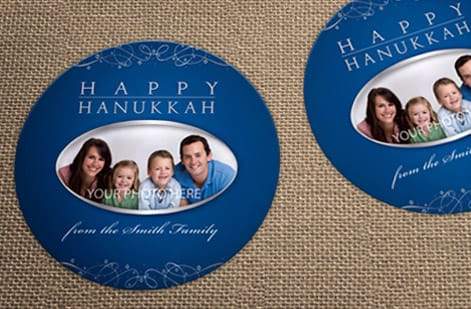
Upscaling a low resolution image is the number one mistake. Pushing a 72 DPI file to 300 DPI in the settings does not add detail, it just makes the existing pixels bigger, so the print still looks blurry. Always start from a high resolution source.
Designing at screen size is the next trap. Art that fills a 1920 by 1080 monitor is only about 6.4 by 3.6 inches at 300 DPI, far too small for a large card. Forgetting bleed is close behind. Bleed is the extra 0.125 inches of art that runs past the trim line, and without it you get thin white slivers on the finished postcard.
Saving as JPEG over and over degrades the file with each pass, so work in PSD or AI and export to PDF just once, right before upload. Your postcard checklist should always read 300 DPI, CMYK color, 0.125 inch bleed, and fonts outlined or embedded.
Put your print-ready postcard files to work
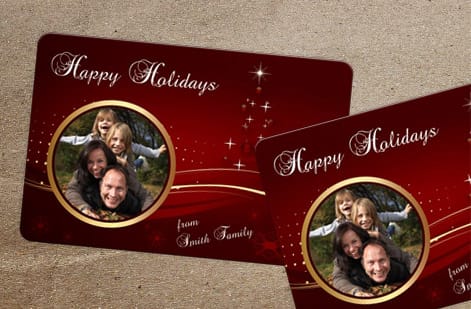
Once your file is 300 DPI, CMYK, and bleeding past the trim, it is time to print. 4OVER4.COM offers more than 1,000 products built for high resolution art, from standard postcards on thick stock to full mailing campaigns. Sharp files mean sharp results, every run.
Planning an event or a launch? Pair your postcards with matching invitations printing and put that perfectly prepped artwork to work across the whole set.
Wally explains postcard prep
Sharp files in means sharp postcards out
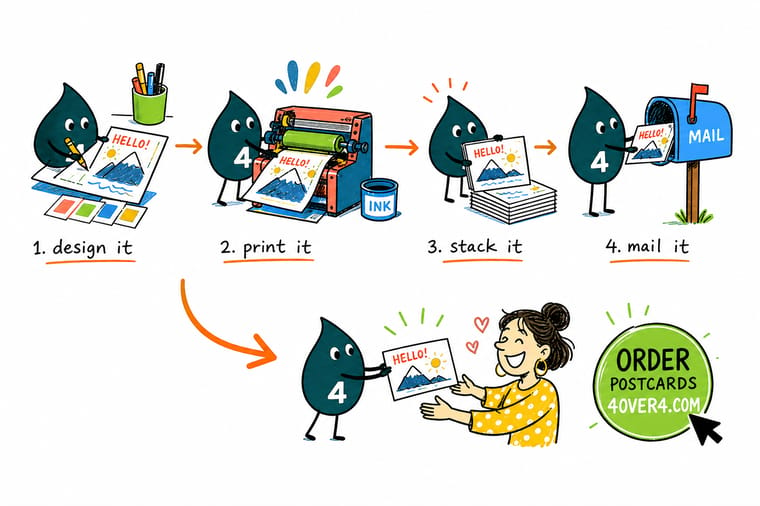
Wally treats a postcard like a tiny billboard in the mail: build it at the real size, set the art to 300 DPI in CMYK, add a little bleed, and every card lands crisp. Skip that prep and the photo turns to mush the moment it hits paper. When the file is ready, order a custom postcard on premium stock and let 4OVER4 print it exactly as sharp as you designed it.
Order postcards →Specs and pricing
Custom postcard specs and pricing
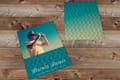
Here is what a custom postcard gives you at 4OVER4.COM, with live specs and price per unit pulled straight from the configurator.
| Quantity | Price Per Unit | Total |
|---|---|---|
| 50 | 33.0¢ | $16.48 |
| 100 | 24.2¢ | $24.16 |
| 200 | 15.9¢ | $31.86 |
| 300 | 12.8¢ | $38.45 |
| 400 | 11.3¢ | $45.04 |
| 500 | 10.3¢ | $51.62 |
| 600 | 9.89¢ | $59.31 |
| 700 | 9.57¢ | $67.00 |
Print it
Order postcards and mailers at 4OVER4
See it in use
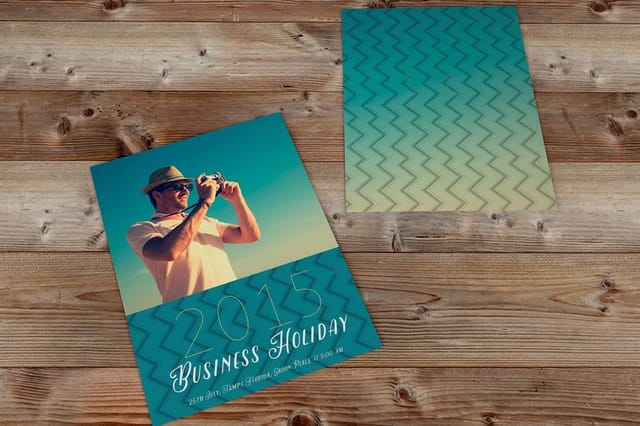
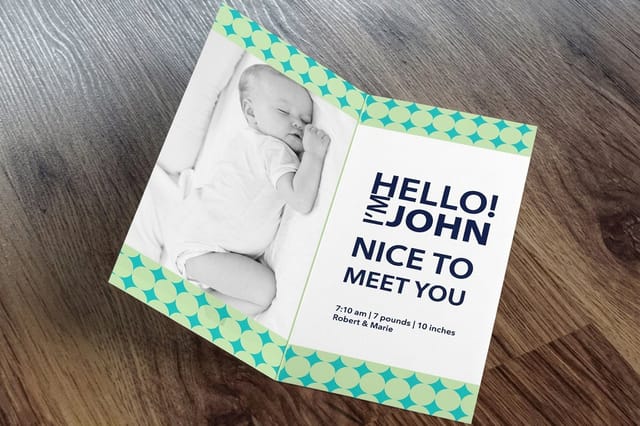
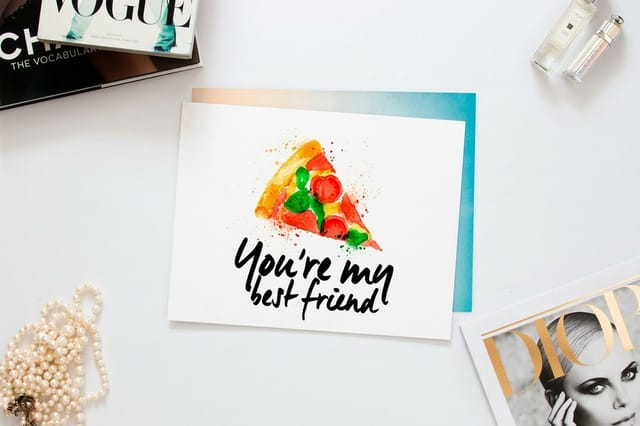
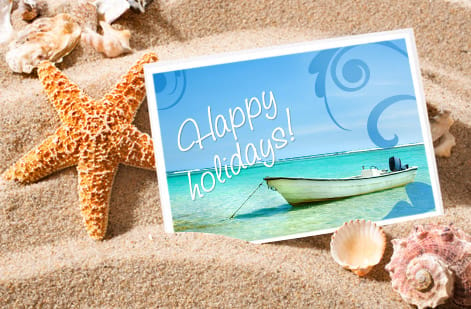
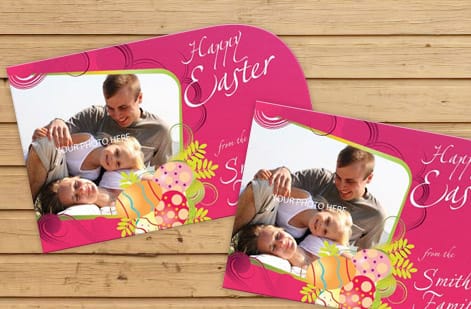
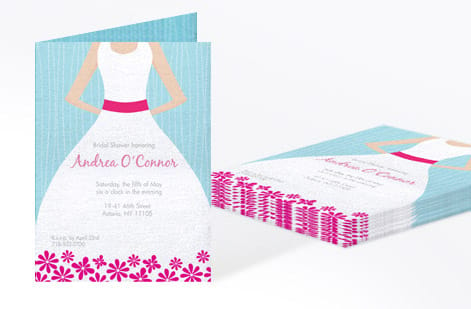
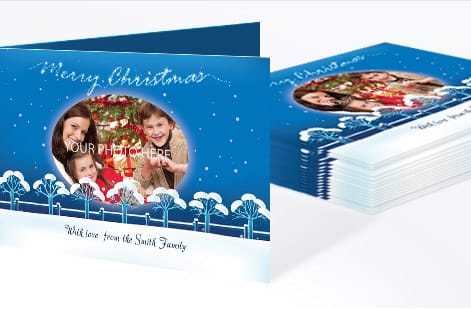
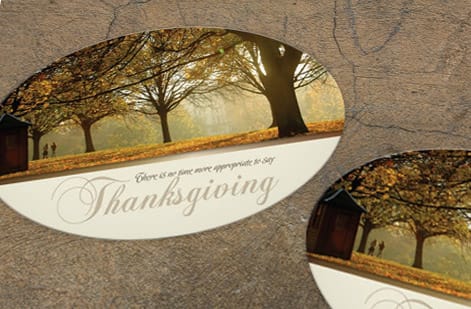
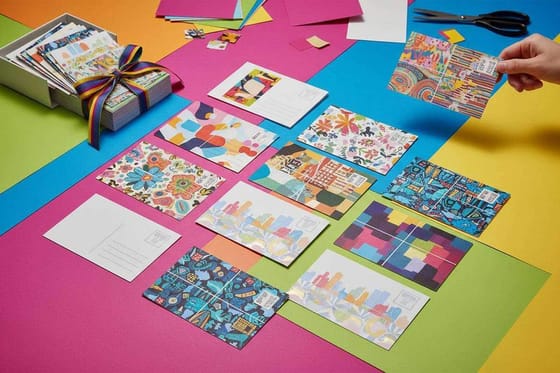
Postcards we printed from customer files



Explore more
Where to go next
By the numbers
The press that runs your postcard file
Common Questions
Common questions about making postcards
What should I write on a postcard so it gets read?
One offer, one headline, one call to action. The front carries the headline and the image, the back carries the detail: what the offer is, who it is for, when it expires, and the single action you want, whether that is a call, a scan, or a walk in. Cut every sentence that does not push the reader toward that action, put the deadline in the copy so there is a reason to act now, and keep the message on the left half of the back so it never crowds the address block.
How much copy actually fits on a postcard?
Less than most people plan for. On a 4 by 6 card, a headline of six or seven words, two or three short lines of body copy, and one call to action fills the space. Step up to 5 by 7, 6 by 9, or 6 by 11 when you need a service list, a map, or a coupon, set body type large enough to read at arm length, and pull every line back from the trim so the 0.125 inch bleed never eats a word.
What DPI should I use to print postcards?
Use 300 DPI at the final print size. A standard 4 by 6 inch postcard needs a source image of at least 1,200 by 1,800 pixels before bleed, and a smaller card needs proportionally fewer. Since people hold postcards close, anything under 300 DPI shows soft edges or pixelation in photos and fine detail.
Can I convert a 72 DPI image to 300 DPI for a postcard?
Technically yes, but the result will look poor. Changing the DPI setting does not add real detail, it only stretches the pixels you already have into a soft, blurry image. Start from a high resolution source instead. If a 72 DPI image is all you have, it will print sharply only at a much smaller size.
What file format gives the best postcard print quality?
PDF/X-1a or PDF/X-4 gives the best results for commercial postcard printing. These formats keep vector elements, embed fonts, and support CMYK color. TIFF is a solid choice for photo heavy postcards. Avoid PNG and GIF because they do not support CMYK color mode.
Does resolution matter for large banners and posters too?
Yes, but the bar is lower. Banners viewed from six feet or more look sharp at 150 DPI, and posters viewed from three feet want 200 to 300 DPI. The rule is simple, greater viewing distance means lower DPI. A billboard can look clean at 50 DPI from across the street.
How do I know if my image is sharp enough before ordering postcards?
Divide the image width in pixels by 300. That number is the widest it can print sharply in inches. A 3,000 pixel wide image prints clean at 10 inches, so if you need a bigger card you need more pixels. Check the resolution in Photoshop under Image then Image Size, or right click the file and read its properties.
What happens if I upload a low resolution postcard file to 4OVER4.COM?
The system flags files that fall below the recommended resolution during upload, so you get a warning and a chance to swap the file before printing. If you go ahead with a low resolution file, the postcard prints exactly as sharp as what you sent, which can look blurry or pixelated in photos and gradients.
Get Started
Order 50 postcards from $16.48
Pick your size, drop in your print-ready art, and we turn it into crisp, full color postcards on premium stock.
Legal Disclaimer
Gold Standard guarantees apply to all standard orders placed through 4over4.com. Price match requires verifiable proof of a competitor's published price for an equivalent product with matching specifications and turnaround time. Satisfaction guarantee covers manufacturing defects and print quality issues. Contact support with order number and documentation. On-time delivery rate based on tracked orders 1999 to 2026. Individual results may vary based on shipping carrier performance.
