
How to Order Booklet Printing the Right Way


Two decisions make booklet ordering feel hard: how the pages bind and how many pages there are. Here is the whole order in plain steps, from size and page count to binding, files, and quantity.
To order a booklet, choose the size, count your pages to a valid total, then pick the binding. Saddle-stitch staples folded sheets from 8 to 64 pages in multiples of four. Perfect binding glues a printable square spine for thicker books. Upload single pages with bleed, and 4OVER4 imposes, prints, binds, and ships.
Start here
Booklet ordering in one paragraph
Decide size, count pages to a valid total, then choose binding. Saddle-stitch staples folded sheets from 8 to 64 pages in multiples of four and lies flat. Perfect binding glues a printable square spine for books of about 28 pages and up. Build files as single pages with 0.125 in bleed and let us impose them. The diagram below shows both bindings at a glance.
Watch it printed
See standard booklets on the press, in 157 seconds
Why ordering a booklet trips people up
Ordering a flyer is easy. A booklet adds two decisions a single sheet never asks of you: how the pages are held together, and how many pages there are. Get either wrong and the order stalls, because binding and page count are linked in ways that are not obvious until someone explains them.
The good news is that the rules are simple once you see them. Binding follows page count. A thin piece wants staples through the spine. A thick piece wants a glued square spine. And the page count itself has to land on a valid number, since sheets fold into groups of pages rather than arriving one at a time.
This guide walks the whole order in the sequence you actually decide it: size, page count, binding, stocks, files, and quantity. By the end you will know exactly how to spec a booklet with confidence. If you are ready to configure now, start with our booklet printing and follow along.
What booklet printing actually includes
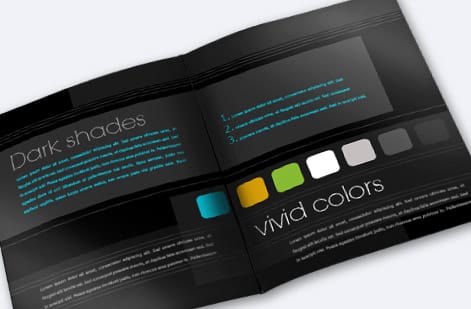
A booklet is a small bound book: a cover wrapped around a set of interior text pages, printed on stocks you choose and held together by a binding method. The cover is usually a heavier stock that protects the book and can carry a finish like gloss, matte, or soft-touch. The interior runs on a lighter text stock so pages turn easily and the piece stays affordable.
Because it is bound, a booklet can hold far more than a folded brochure, which makes it the natural format for catalogs, programs, lookbooks, manuals, and reports. The same order can come back as a stapled saddle-stitch booklet or a catalog, and if you would rather not build the file from scratch, our online design tool handles the page setup for you.
Every booklet order comes down to five choices: size, page count, binding, stocks, and quantity. The rest of this guide takes them one at a time. For a wider view of how booklets relate to other bound and folded pieces, our comparison of flyers versus brochures versus booklets is a useful companion.
What people order booklets for, and the spec that fits each
The order form asks for size, page count, binding and stocks, and the use decides all four. These are the jobs that come through most often.
- Sales and marketing booklets. Product catalogs, lookbooks and capability brochures. 8.5 by 11 or 8 by 8, a heavier cover with gloss or soft-touch, and perfect binding once the count passes about 28 pages so the spine can carry a title on a shelf.
- Business communication and training. Employee handbooks, onboarding kits, manuals and annual reports. 5.5 by 8.5 or 8.5 by 11, saddle-stitched up to 64 pages so it lies flat on a desk, uncoated text stock inside so people can write on it.
- Event and activity booklets. Programs, playbills, conference guides and menus. 5.5 by 8.5 saddle-stitched at 8 to 24 pages, a coated cover that survives a night of handling, and a page count planned to a multiple of four before the schedule is final.
- Self-published books and media. Zines, poetry chapbooks, portfolios and CD booklets. 6 by 9 perfect bound for a book feel, square 6 by 6 or 8 by 8 for photography, and 4.75 by 4.75 for the jewel case.
If your project is a one-off with a small count, start from booklets and price a saddle-stitch first. It is the cheaper bind and the one most of these jobs actually need.
Saddle-stitch vs perfect binding: the core decision

The binding is the decision that shapes everything else, and it comes down to two methods. Saddle-stitch nests folded sheets inside one another and staples them through the spine fold. It lies flat, costs less, and is perfect from 8 up to about 64 pages, which covers most programs, thinner catalogs, and zines.
Perfect binding stacks the pages, trims them square, and glues them into a flat spine, the same construction as a paperback. It takes over once a piece is thick enough to build that spine, roughly 28 pages and up, and it gives you a printable spine that can carry a title. That is why catalogs, lookbooks, and manuals lean perfect bound: the book feels substantial and reads as a finished product on a shelf.
When your page count sits in the overlap, decide on feel. Choose saddle-stitch for lay-flat convenience and value, perfect binding for a firmer, more premium book with a branded spine. Our complete guide to binding types goes deeper on every method, including options beyond these two.
Page counts and how they really work

Page count confuses more first-time booklet buyers than anything else, and the reason is physical. A booklet is not printed one page at a time. Sheets are printed and folded, and each folded sheet in a saddle-stitched booklet carries four pages, two on the front and two on the back. That is why saddle-stitch page counts are always multiples of four: 8, 12, 16, 20, and so on.
Two rules keep you out of trouble. First, count the cover as part of the total, because it is pages too. Second, if your content lands one, two, or three pages short of a valid total, do not force an invalid number, add a blank page or a filler page such as notes or a back-cover message to reach the next multiple. Perfect binding is more forgiving here, working in multiples of two, but it needs enough pages to form a spine.
Planning to a valid count before you design saves a scramble later. Sketch your content into a page map, cover first, and confirm the total lands where the binding needs it. Our overview of standard catalog sizes and booklet formats pairs page-count planning with the size decision.
Sizes and formats, including CD booklets
Size is worth locking in first because it drives your layout, margins, and cost. The workhorses are 8.5 by 11 for catalogs and reports, 5.5 by 8.5 for compact programs and manuals, and 6 by 9 for a book-like feel. Square formats such as 8 by 8 read as premium and suit lookbooks and photography, though they use more paper and cost a little more.
Then there is the CD booklet, the small 4.75 by 4.75 in insert that lives inside a jewel case. It follows the same binding logic on a tiny canvas, which means margins and safe areas matter even more, since there is so little room to spare. Whatever the size, decide it before you design so every panel, margin, and image is built to the real dimensions rather than resized later.
If your project is closer to a product catalog than a booklet, the line between the two blurs, and our comparison of booklets versus catalogs helps you pick the right product. Otherwise, browse formats directly under booklets and catalogs.
Booklet sizes, bindings and page counts in one table
Every size on this page against the binding it takes and the page counts that work, cover included. Use it to check a spec before you upload.
| Size in inches | Typical use | Saddle-stitch page count | Perfect bound page count |
|---|---|---|---|
| 8.5 by 11 | Catalogs, reports, manuals | 8 to 64, multiples of four | 28 and up, multiples of two |
| 5.5 by 8.5 | Programs, handbooks, compact catalogs | 8 to 64, multiples of four | 28 and up, multiples of two |
| 6 by 9 | Book-style pieces, chapbooks | 8 to 64, multiples of four | 28 and up, multiples of two |
| 8 by 8 | Lookbooks, photography, menus | 8 to 64, multiples of four | 28 and up, multiples of two |
| 6 by 6 and 5.5 by 5.5 | Small square programs and portfolios | 8 to 64, multiples of four | 28 and up, multiples of two |
| 4.75 by 4.75 | CD booklets | 8 to 64, multiples of four | Rarely used at this size |
One more choice sits outside the table. A self-cover booklet prints the cover on the same text stock as the inside pages, which costs less and suits a program or a newsletter that is read once. A plus-cover booklet adds a heavier cover stock with an optional coating, and it is the right call for anything that has to survive a bag or sit on a shelf. Standard booklets start at $240.55 in the configurator, and the live price below moves with size, page count, binding and quantity.
Setting up booklet files the easy way
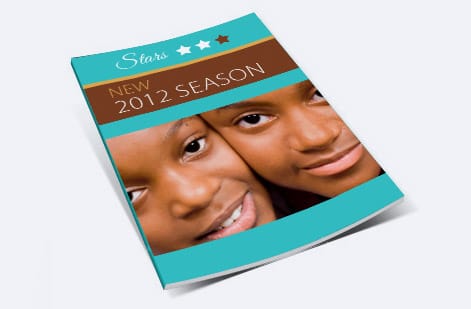
The single biggest file mistake is building reader spreads, the two-page views you see when a book is open. Presses do not print in reader order, they print in imposed printer spreads where page 1 might share a sheet with the last page. Working that out by hand is error prone, so do not. Export your booklet as single pages in normal reading order and let our system impose them for the press.
Beyond that, the rules match any print file. Add 0.125 in of bleed on every page so background art runs off the edge, keep text and logos inside the safe margin, work in CMYK, place images at 300 DPI, and export a flattened press-ready PDF. Keep the cover clearly identified, since it prints on a different, heavier stock than the interior.
Every booklet order then runs through a free file check that verifies your page count is valid, your pages are in sequence, and your bleed is present before anything prints. That safety net catches the sequencing and count issues that cause most reprints. For the fundamentals behind these settings, see our guide on preparing print-ready files.
Placing your booklet order
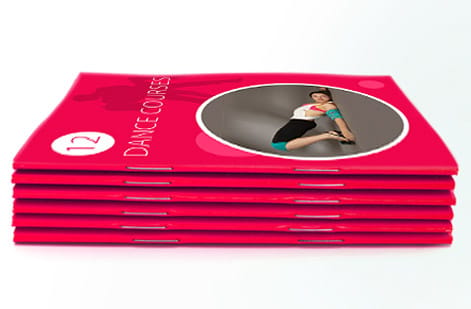
With size, page count, binding, and stocks decided, ordering is quick. Open the product, set your size and page count, choose saddle-stitch or perfect binding, pick your cover and text stocks and any finish, then enter the quantity. The per-book price drops as the run grows, so price a few tiers to find the sweet spot for your budget.
Upload your single-page press-ready PDF, let the free file check confirm the count and sequence, and approve. From there we print, bind, trim, and ship a finished booklet that matches your spec exactly, from the cover stock to the last interior page.
Start with the product that fits your project: booklets for programs and general booklets, saddle-stitch booklets for thinner stapled pieces, or catalog printing for a thicker product book. The live specs and pricing below show exactly what your configuration costs.
Wally counts pages before he binds
Binding follows the page count, every time
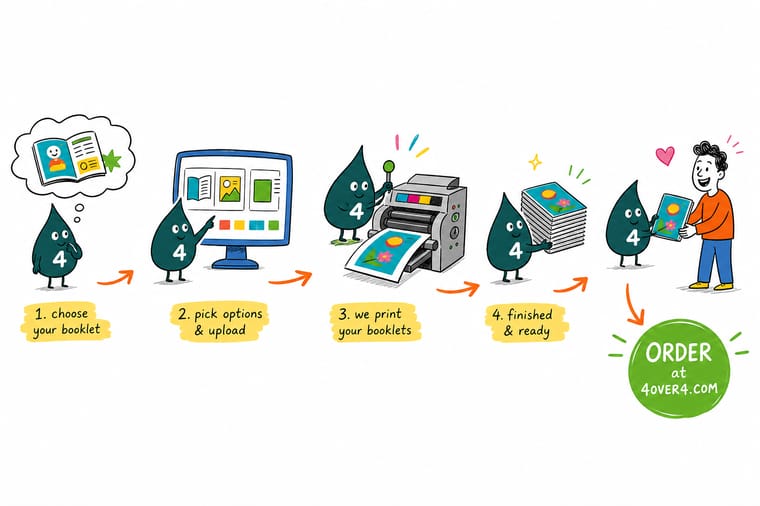
Wally never picks the binding first. He counts pages, cover included, rounds a saddle-stitch job to a multiple of four, and reaches for perfect binding only when the book is thick enough to build a spine. Then he uploads single pages, not spreads, and lets the press impose them. Follow the same order and your booklet comes back bound clean, in sequence, and exactly the size you planned.
Order booklet printing →Head to head
Saddle-stitch vs perfect binding, at a glance
Both make a great booklet. This is how they differ so you can match the binding to your page count and the feel you want.
| Factor | Saddle-stitch | Perfect binding |
|---|---|---|
| How it binds | Staples through the spine fold | Glue along a flat square spine |
| Page count rule | Multiples of 4 | Multiples of 2, roughly 28+ |
| Sweet spot | 8 to 64 pages | Thicker books and catalogs |
| Spine | Folded, no printable spine | Flat spine you can print on |
| Lay-flat feel | Opens flat easily | Firmer, book-like |
| Cost | Lower for shorter runs | Higher, more premium look |
| Best for | Programs, zines, thin catalogs | Catalogs, lookbooks, manuals |
Step by step
Order a booklet in 7 steps
- Decide the size and format first Pick a standard like 8.5 by 11, 5.5 by 8.5, or 6 by 9, a square such as 8 by 8, or a 4.75 by 4.75 CD booklet. Size drives your page layout and cost.
- Count your pages to a valid total Include the cover in the count. For saddle-stitch, round to a multiple of four. For thicker perfect-bound books, plan for roughly 28 pages or more.
- Choose the binding Use saddle-stitch for 8 to 64 pages and a lay-flat feel, or perfect binding for a thicker book with a printable square spine.
- Pick cover and text stocks A heavier cover stock protects the book and can add gloss, matte, or soft-touch. Lighter text stock keeps the interior easy to turn and cost in check.
- Build files as single pages with bleed Export each page individually in reading order with 0.125 in bleed and text inside the safe margin. Skip building spreads, our system imposes them for the press.
- Upload and run the free file check Send your press-ready PDF and let our team confirm the page count, bleed, and order before it prints, so nothing lands out of sequence.
- Set quantity and place the order Enter your run and watch the per-book price fall as quantity rises, then approve and let us print, bind, and ship.
Specs and pricing
Booklet specs and live pricing
Once your size, page count, and binding are set, price the run. Here are the live specs and price-per-unit for booklets at 4OVER4.COM, straight from the configurator.
| Quantity | Price Per Unit | Total |
|---|---|---|
| 25 | $9.62 | $240.55 |
| 50 | $6.04 | $302.06 |
| 100 | $3.61 | $361.37 |
| 200 | $2.22 | $444.85 |
| 300 | $1.65 | $495.38 |
| 400 | $1.29 | $515.14 |
| 500 | $1.06 | $531.61 |
| 600 | 91.5¢ | $549.19 |
Order it
Print your next booklet with 4OVER4
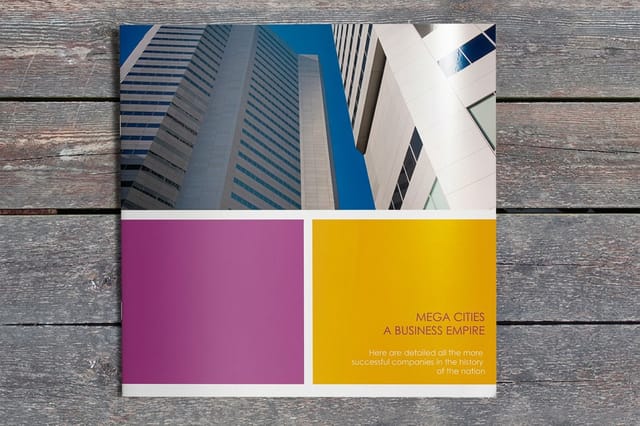
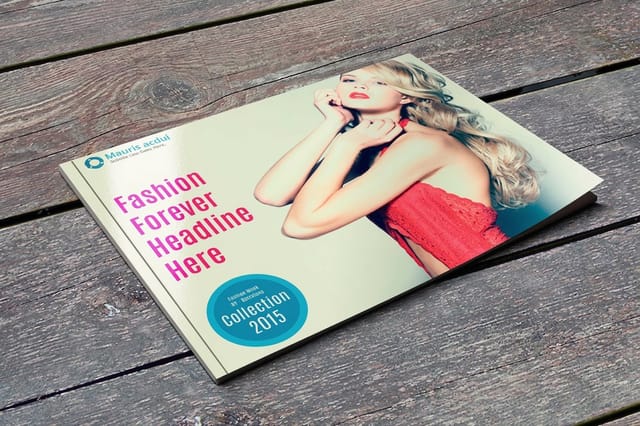
See it in use
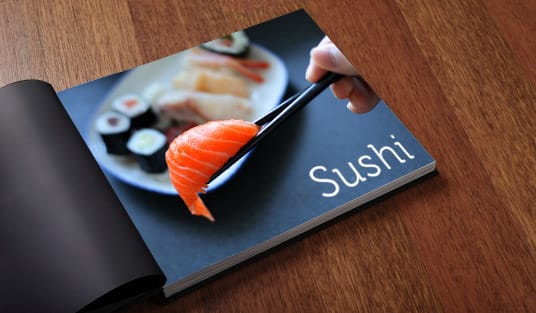
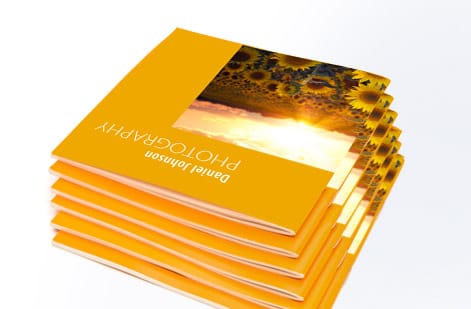
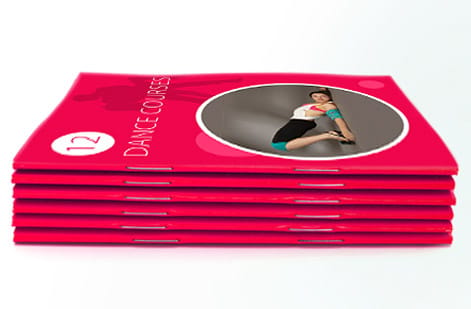
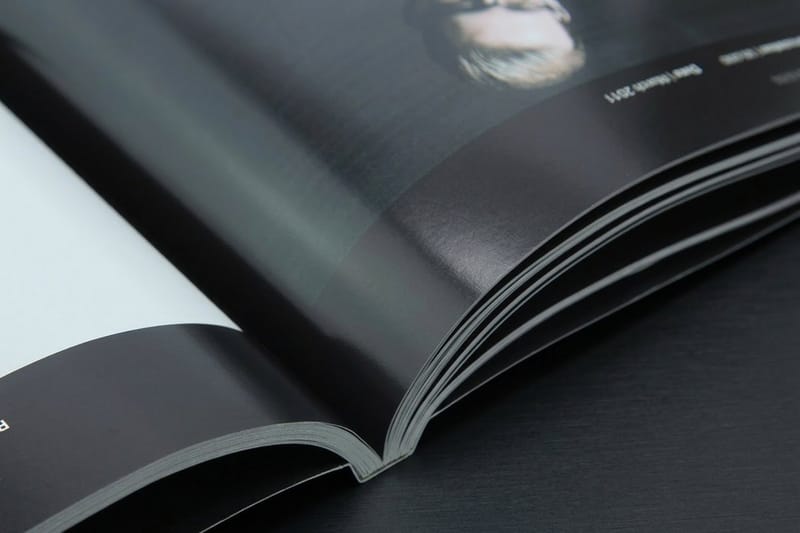
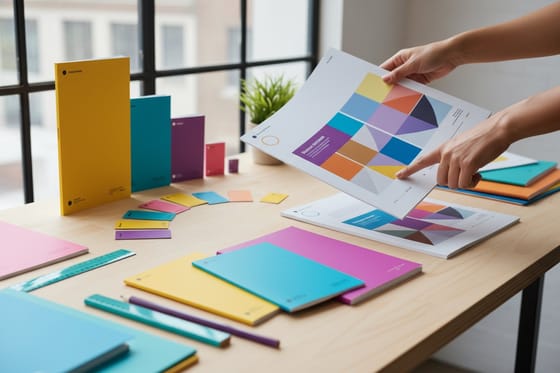
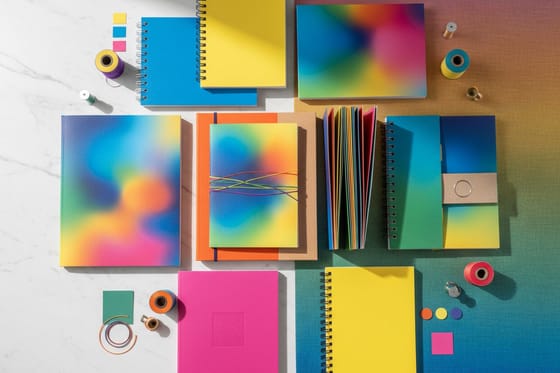
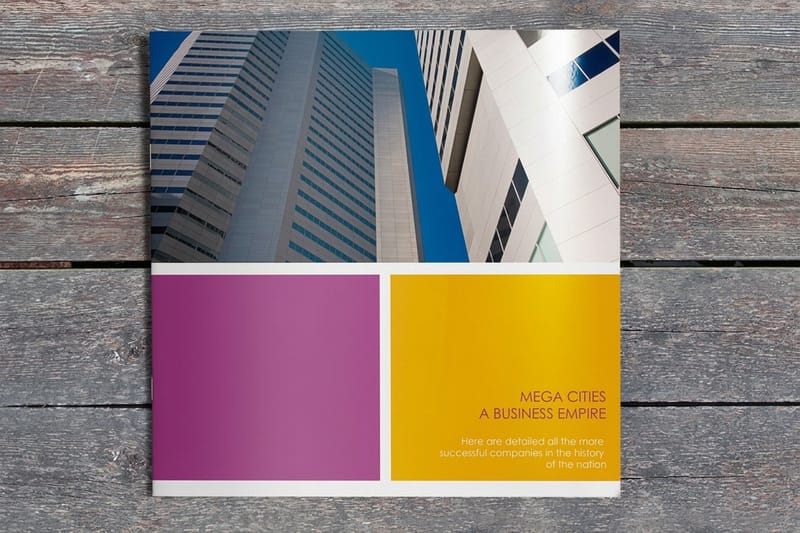
Real booklets, printed and bound in-house
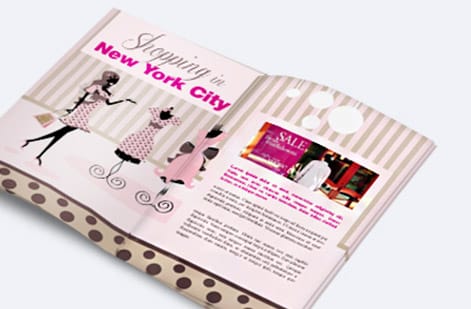
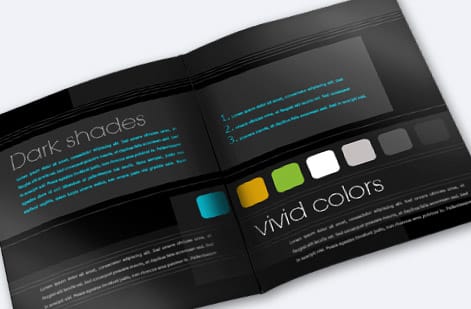

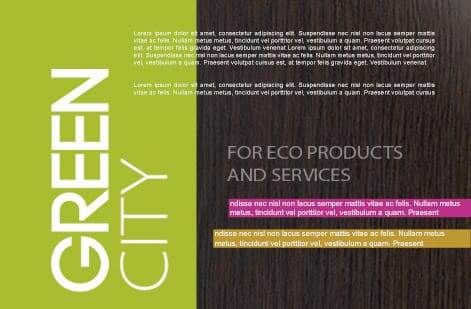
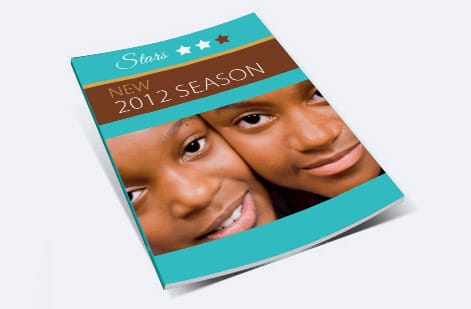
Explore more
Where to go next

By the numbers
Booklet stocks and the record behind a bound order
Common Questions
Common questions about ordering booklet printing
How can I create my own booklet?
Decide the size first, then count your pages to a valid total with the cover included, a multiple of four for saddle-stitch. Lay the pages out in any design program as single pages in reading order, with 0.125 inch of bleed and text inside the safe margin, or build it in the online design tool, which sets the page size and bleed for you. Export a flattened press-ready PDF in CMYK at 300 DPI, upload it, and the free file check confirms the count and sequence before it prints.
What is a booklet called?
It goes by several names depending on the trade and the job. A stapled booklet is a saddle-stitched booklet, a pamphlet or, in music and art, a zine. A glued booklet is a perfect bound book or a catalog. Printers also say brochure for a thin bound piece, program for an event booklet, and chapbook for a short poetry or fiction book. Whatever the name, if it has a cover wrapped around bound interior pages, it is ordered as a booklet.
What is the difference between a booklet and a leaflet?
Binding. A leaflet is a single sheet, printed on one or both sides and sometimes folded into panels, with no staples or glue. A booklet is several sheets bound together, stapled at the spine or glued into a square spine, so it has real page numbers and can run from 8 to hundreds of pages. Choose a leaflet for one message that fits on a sheet and a booklet when the content needs to be read in order.
What is booklet printing?
Booklet printing produces a multi-page bound document made of a cover and interior text pages, printed on your chosen stocks and held together by a binding method. The two common methods are saddle-stitch, which staples folded sheets at the spine, and perfect binding, which glues the pages into a flat square spine. Booklets cover a wide range of uses, from event programs and product catalogs to manuals, lookbooks, and CD booklets, and the right size, page count, and binding depend on how thick the piece is and how you want it to feel in the hand.
How do I choose the right booklet binding?
Let the page count lead. Saddle-stitch is ideal from 8 up to about 64 pages, lies flat, and costs less, which makes it the default for programs, thinner catalogs, and zines. Perfect binding suits thicker pieces from roughly 28 pages upward and gives you a flat, printable spine that carries a title, the look most catalogs, lookbooks, and manuals want. If your project sits in the overlap around 28 to 64 pages, decide on feel and spine: choose saddle-stitch for lay-flat and value, perfect binding for a firmer, more book-like result with a spine you can brand.
What does booklet printing cost and how are prices set?
Booklet price is driven by page count, size, cover and text stocks, binding method, finish, and quantity. Page count matters most, since more interior pages mean more sheets and more binding work, and perfect binding generally costs more than saddle-stitch. Larger sizes, heavier or coated stocks, and finishes like soft-touch lamination add to the price, while quantity works in your favor because setup spreads across the run and the per-book cost falls as you order more. You set each option in the configurator and the total updates live, so you can compare a short saddle-stitched run against a perfect-bound version before deciding.
What sizes and page counts are available for booklets?
Square booklets run 5.5 by 5.5, 6 by 6, and 8 by 8, and alongside them you can order common formats like 8.5 by 11, 5.5 by 8.5, and 6 by 9, plus compact formats including the 4.75 by 4.75 CD booklet. Page counts follow the binding: saddle-stitch works in multiples of four because each folded sheet holds four pages, and perfect binding works in multiples of two once you have enough pages to build a spine. Always include the cover in your page count, and if your content lands one or two pages off a valid total, add a blank or a filler page rather than forcing an invalid count.
Can booklets be square?
Yes. Square is a stock booklet format, not a custom cut. The square sizes are 5.5 by 5.5, 6 by 6, and 8 by 8, all saddle-stitched, and the 4.75 by 4.75 CD booklet is the compact square in the same family. Square earns its place when the content is visual: photo books, lookbooks, menus, wedding programs, album and CD booklets, anything where a picture sits better in a square frame than in a tall rectangle. The trade-offs are worth knowing before you commit. A square page is wider than 5.5 by 8.5 at the same height, so a single column of body copy runs long and hard to read, and square layouts work best with two columns, generous margins, or a full-bleed image. A square size also cuts fewer pieces out of a press sheet than a standard portrait size, so at the same page count and stock a square booklet lands above 5.5 by 8.5 on price, and 8 by 8 costs more than 6 by 6 because it uses more paper per book. Set the size, stocks, page count, and quantity in the configurator and the total updates live, so you can price 6 by 6 against 8 by 8 side by side before you order.
What page counts work for a square saddle stitch booklet?
The same multiples of four as any other saddle stitch, because one folded sheet makes four pages: 8, 12, 16, 20, 24, and on up to about 64 pages, cover included. So an 8 by 8 booklet with a 4 page cover and 12 interior pages is a 16 page book, and if your content stops at 14 pages you add two blanks or a filler page rather than forcing a total the bindery cannot fold. Past roughly 64 pages a square piece gets too thick to staple cleanly and springs open at the fore edge, so move to perfect binding, which needs about 28 pages upward and gives you the flat printable spine. Heavy coated text stock pushes that ceiling down, so on thicker interiors keep a square saddle stitch nearer the middle of the range and check the page count against your stock choice before you upload.
How should I set up files for booklet printing?
Build and export your booklet as single pages in final reading order, not as reader spreads, and add 0.125 in of bleed on every page with text and logos kept inside the safe margin. Our production system handles imposition, meaning it arranges your single pages into the correct printer spreads automatically, so you never have to work out which pages pair up on a sheet. Keep the cover as its own file or clearly marked pages, use CMYK color and 300 DPI images, and export a flattened press-ready PDF. Every order also runs through a free file check that verifies the page count and sequence before printing.
How long does booklet printing take to print and ship?
Turnaround depends on the page count, binding, finish, and quantity you choose, and the estimate is shown as you configure, with faster production available when a deadline is tight. Perfect-bound and higher-page-count books take a little longer than short saddle-stitched runs because there is more binding work involved. The product page reflects the realistic timeline for your exact specification, so you can plan a launch, event, or mailing around a firm date rather than a guess.
Get Started
Ready to print a booklet that binds clean and reads right?
Bring your pages to 4OVER4.COM, choose saddle-stitch or perfect binding, and print on the size and stocks your project calls for. Adjust every option and watch your price update live.
Legal Disclaimer
Gold Standard guarantees apply to all standard orders placed through 4over4.com. Price match requires verifiable proof of a competitor's published price for an equivalent product with matching specifications and turnaround time. Satisfaction guarantee covers manufacturing defects and print quality issues. Contact support with order number and documentation. On-time delivery rate based on tracked orders 1999 to 2026. Individual results may vary based on shipping carrier performance.
