
How to Print a Logo on a T-Shirt


A logo tee is branding that walks around for you, but only if the print is clean and lasts. On a dark shirt the ink needs a white underbase, and that changes both the file and the price.
Match the method to your run, place the logo for the tone you want, and use a transparent, high-resolution file. Screen printing wins at volume, direct-to-garment handles full-color and small runs, and vinyl suits simple logos. A small left-chest print reads professional, a large center print reads bold. On dark shirts, plan light or white ink so the logo shows.
Start here
Clean print, or none at all
Choose the method by your quantity, the placement by your tone, and prep a clean file. Screen printing for large simple-color runs, direct-to-garment for full color and small batches, vinyl for bold few-color logos. Place a small logo left-chest for a professional look or a large print center-chest for merch. Supply a transparent, high-resolution or vector file, and plan light ink for dark shirts. The diagram below maps method to run size.
Can you print a logo on a shirt
Yes, any logo prints on a shirt once the file and ink are right
Any logo can go on a t-shirt as long as you supply a transparent, high-resolution or vector file. The two limits are the background and the shirt color: a logo with a white background prints a white box, and a light logo on a dark shirt needs light or white ink. Our custom tees print full color on the front, the back or both, on a white or black shirt, from a single shirt at $21.96.
How to print a logo on a shirt
Five steps from logo file to finished shirt
Prepare the file, choose the placement, match the method to the run, pick shirt color and ink together, then set the quantity. Send a vector SVG, EPS or PDF, or a transparent PNG at 300 DPI at printed size. Place a 3 to 4 inch mark on the left chest for staff shirts or a large print on the center chest for merch; our tees print inside an 8.5 by 11 inch area. Screen printing suits volume, direct-to-garment suits full color and small runs, and our tees ship in 5 business days.
Printing a logo on a shirt
What you choose when you order a logo tee
A logo tee order comes down to five settings: shirt color, print side, shirt size, quantity and style. Pick a white or black shirt, full color on the front, the back or both, sizes S through XXL, and 1 to 250 shirts per order. Standard, premium and vinyl tees all start at $21.96, and the live price table shows where the per-shirt number lands for your run.
Benefits of a logo on a t-shirt
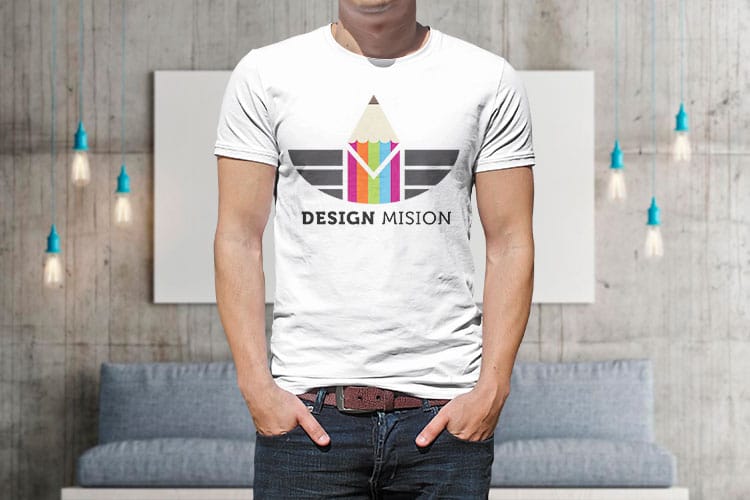
A logo t-shirt puts your mark on a person: a 3 to 4 inch logo on the left chest of every staff shirt, or a full color print on the back of an event tee, from $21.96 for a single shirt. Every staff member, customer, or fan who wears your mark carries it into places an ad could never reach, and they do it willingly. Few marketing dollars work as hard as a shirt someone actually likes to wear.
Beyond reach, a logo tee builds belonging. Matching shirts make a team look unified and professional at an event, a booth, or a job site, and they signal to customers that they are dealing with a real, organized business. For a launch, a conference, or a giveaway, a well-designed shirt is a keepsake that keeps your brand in someone's closet long after the day is over.
The catch is that a logo tee only works if the print looks good and lasts. A cracked, faded, or crooked logo does the opposite of what you wanted. The rest of this guide covers the decisions that get it right: placement, print method, file prep, and shirt choice. When you are ready, our custom t-shirt lineup covers the styles and finishes to print on.
Logo placement on a t-shirt
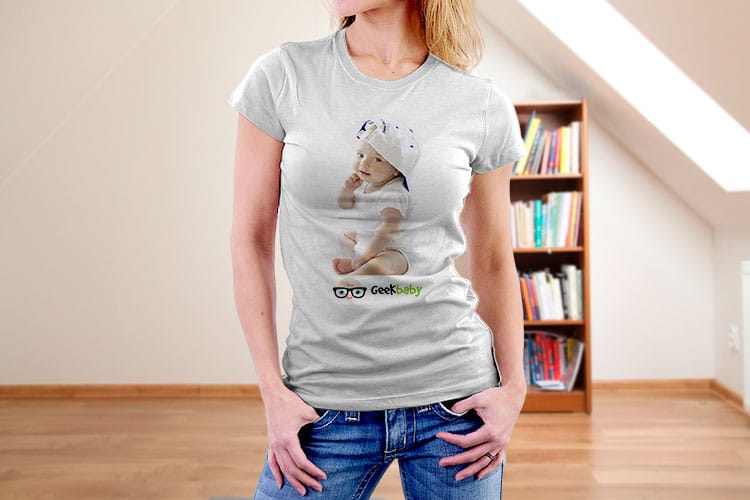
Where you put the logo changes the entire feel of the shirt, so placement is a branding decision, not just a technical one. The size and the spot you choose tell people whether the shirt is a professional uniform or a bold piece of merch. A few factors guide the choice.
- Left chest. A small logo around three to four inches wide, positioned over the wearer's left chest. It reads polished and professional and is the standard for staff and uniform shirts.
- Center chest. A large print up to roughly eleven to twelve inches wide, centered on the front. It reads bold and is ideal for events, promotions, and merch you want people to notice.
- Full back. A large back print, great for teams, crews, and giveaways where the design is the star and needs to read from a distance.
- Sleeve or nape. A small, subtle print on the sleeve or back of the neck that adds a refined branded touch alongside a main design.
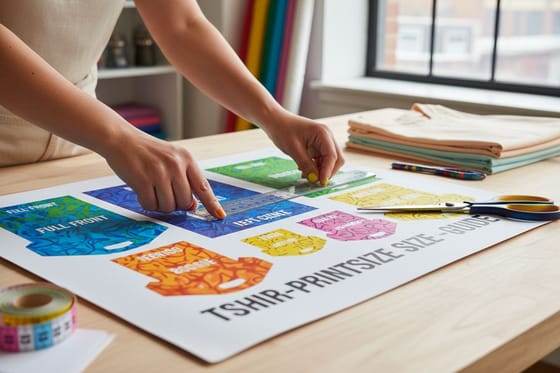
The factors that decide it are the shirt's purpose, the wearer, and how much you want the logo to shout. Uniforms lean small and left-chest; merch and events lean big and center or back. If you are unsure how large to go, our guide on t-shirt print size lays out the exact dimensions for each placement.
Best printing methods for logos on t-shirts

The print method is the single biggest decision, because it drives durability, color, and cost. There is no universal best; you match the method to your quantity and your logo.
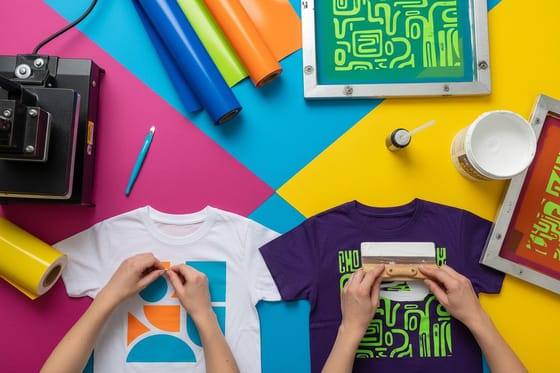
- Screen printing. The classic. Ink is pushed through a stencil, one screen per color. It is extremely durable and the cheapest per shirt at higher volumes, which makes it the go-to for larger runs of simple, few-color logos. The trade-off is a setup cost per color, so small runs and many-color designs get expensive.
- Direct-to-garment. A printer sprays the design straight into the fabric, like an inkjet for shirts. It handles full-color, detailed, and even photographic logos beautifully and has no per-color setup, so it shines for small runs and complex art. The per-shirt price stays flat rather than dropping steeply with volume.
- Heat-transfer vinyl. A design is cut from colored vinyl and heat-pressed on. It suits bold, one or two color logos and small batches, and it is durable, though it is not ideal for fine detail or many colors.
As a rule of thumb: high volume plus a simple logo points to screen printing, while small runs or full-color art point to direct-to-garment. Our comparison of vinyl versus screen printing digs deeper into that choice, and you can print premium and vinyl styles from the premium tee and vinyl tee lines.
Preparing your logo file for a clean print
Even the best print method cannot rescue a bad file, so preparing your logo is where a great shirt is really won. Two things matter most: the background and the resolution.
First, the file must be transparent. A logo printing on a colored shirt needs no background, or a white rectangle prints around it, which is one of the most common and most avoidable apparel mistakes. If your logo still shows a white box, it is not transparent yet, and our guide on making a logo transparent walks through the fix in detail.
Second, the art must be sharp at print size. A vector file (SVG, EPS, or PDF) is ideal because it scales to any size with no blur and separates cleanly into colors for screen printing. If you must use a raster file, it should be a transparent PNG at 300 DPI at the actual printed dimensions, never a small web image scaled up. Finally, plan the ink for the fabric: a light logo needs light or white ink to show on a dark shirt. Get transparency, resolution, and ink color right together and the print comes out crisp the first time.
How to design your own t-shirt online
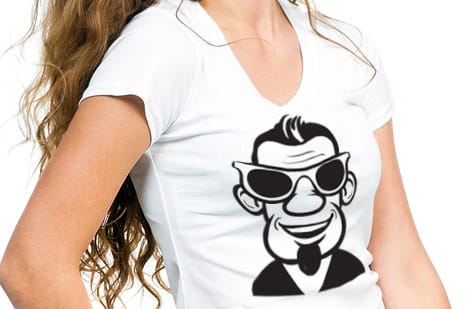
You do not need design software to get your logo onto a shirt. The straightforward path is to start from your prepared logo file, choose your shirt style and color, place and size the logo where you want it, and order. Doing it online lets you preview the placement before you commit, so there are no surprises when the shirts arrive. Our tees give you an 8.5 by 11 inch print area on the front, the back or both, on a white or black shirt in sizes S to XXL. If you already order t shirts online from Vistaprint, compare the factory-direct tee page before the next run.
The order of operations is simple: prepare a clean, transparent, high-resolution logo; pick the shirt style and color that fit your purpose; choose your print method based on quantity; then set placement and size. The Online Designer lets you upload your logo and position it on the shirt, and you can lean on our free design templates if you want a starting layout.
Once the design looks right, the last choice is quantity, which drives your per-shirt price more than anything else. A small team order and an event merch run both start at the full t-shirt collection to match the shirt to the job, then see the live specs and pricing below.
What it costs to print a logo on a t-shirt
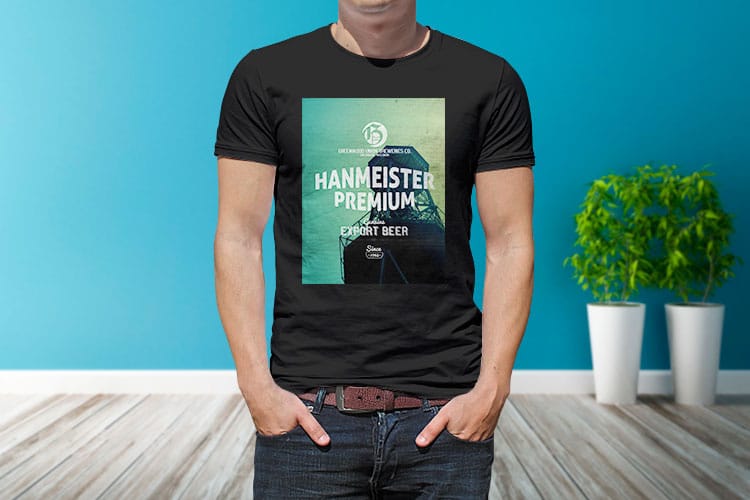
Shirt pricing has more levers than most print jobs, but they are easy to reason about. Cost scales with quantity, shirt style and quality, print method, number of ink colors, and number of print locations. Each one nudges the per-shirt number up or down. At 4OVER4 a custom tee starts at $21.96 for one shirt, runs up to 250 shirts per order, and ships in 5 business days.
Quantity is the biggest lever, especially with screen printing, where a setup cost is spread across the run, so the per-shirt price drops sharply as you order more. Direct-to-garment keeps a flatter per-unit price but avoids setup fees, which makes small full-color runs affordable. Adding more colors or more print locations, like a chest logo plus a back print, adds cost with most methods.
The clearest way to see where your job lands is to configure it. Every 4OVER4.COM product page shows live price-per-quantity from the configurator, so you watch the per-shirt cost move as you change the run and the options. Check the t-shirt specs and pricing below, then print your logo on the style that fits your team or your event.
Wally gets your logo onto the shirt
Right method, right placement, clean file
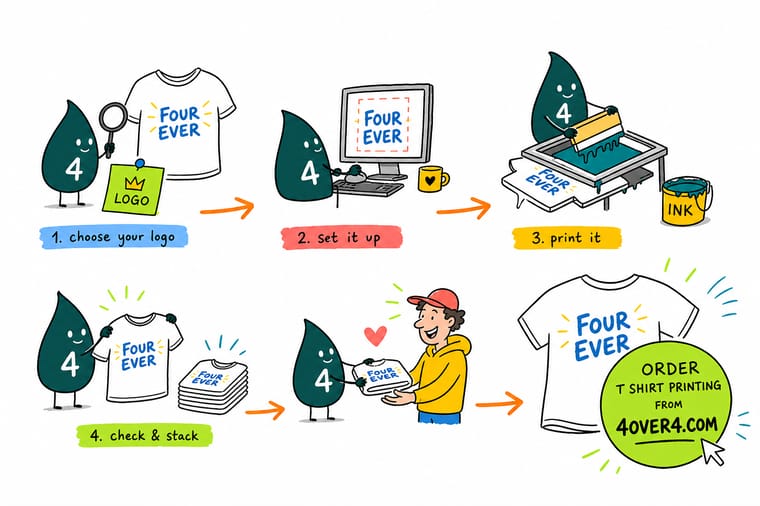
Wally sizes up the run first: screen printing for a big simple-color order, direct-to-garment for full color or a small batch. He places a small mark left-chest for a pro look or a big one center-chest for merch, then feeds the press a transparent, high-resolution file so nothing prints a white box. On a dark shirt he plans light ink, and the logo comes out crisp wash after wash.
Print your logo t-shirts →Specs and pricing
Custom t-shirt specs and live pricing
Once your logo file is ready, style, quantity and method are what is left. Custom t-shirts run $21.96 and ship in 5 business days.

| Quantity | Price Per Unit | Total |
|---|---|---|
| 1 | $21.96 | $21.96 |
| 2 | $16.47 | $32.93 |
| 3 | $16.46 | $49.39 |
| 4 | $15.93 | $63.71 |
| 5 | $15.93 | $79.63 |
| 6 | $15.93 | $95.56 |
| 7 | $15.85 | $110.94 |
| 8 | $15.38 | $123.02 |
Print your logo
Pick the shirt that fits your team or event
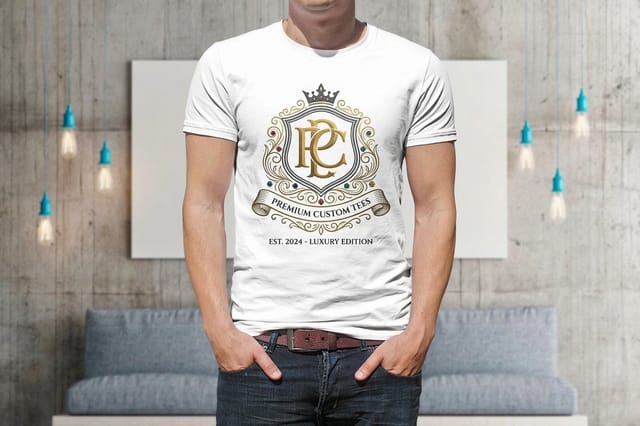
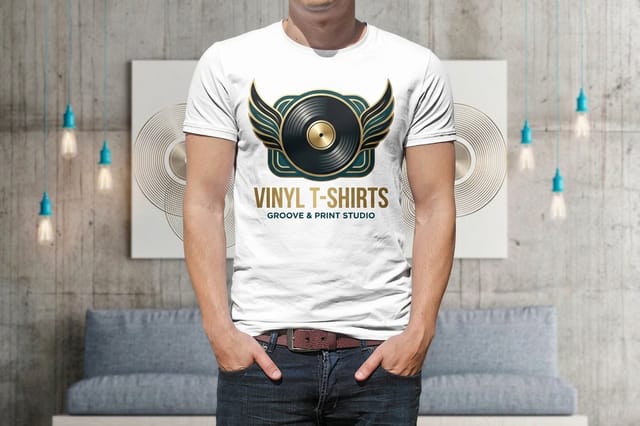
Custom, premium and vinyl tees all start at $21.96, in white or black and sizes S to XXL, with full color on the front, the back or both.
See it in use
Marks we pressed onto blanks
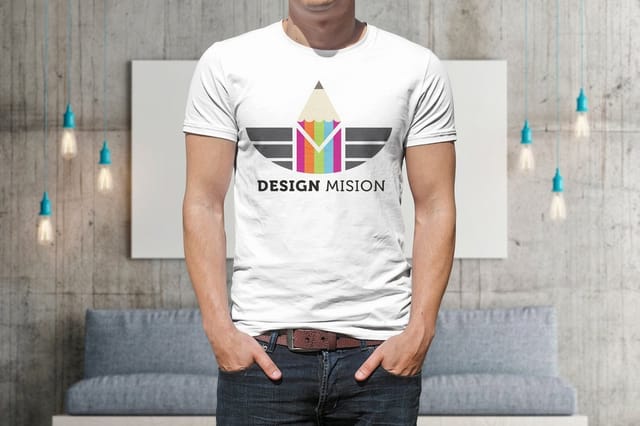
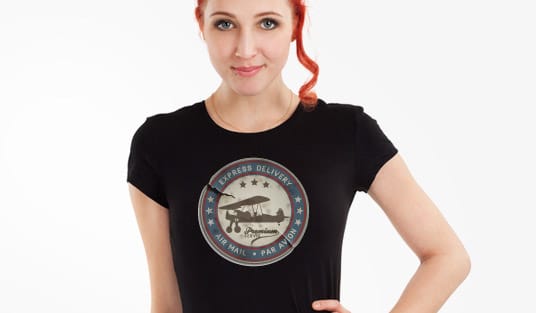
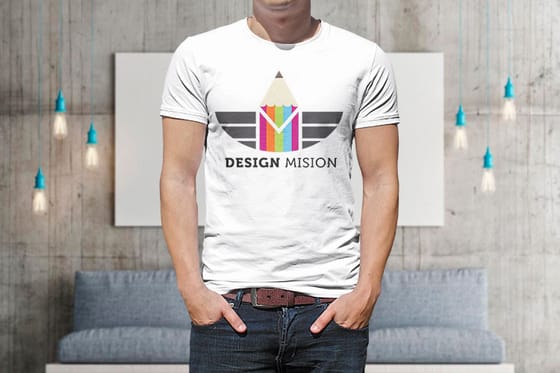
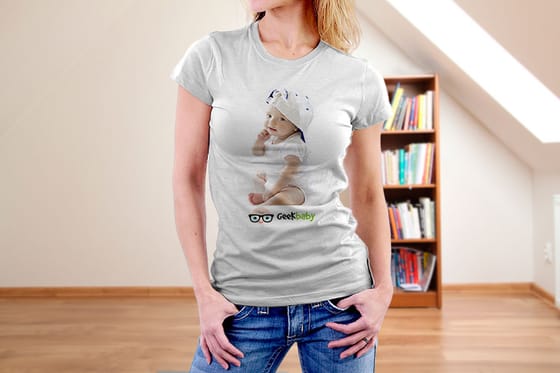
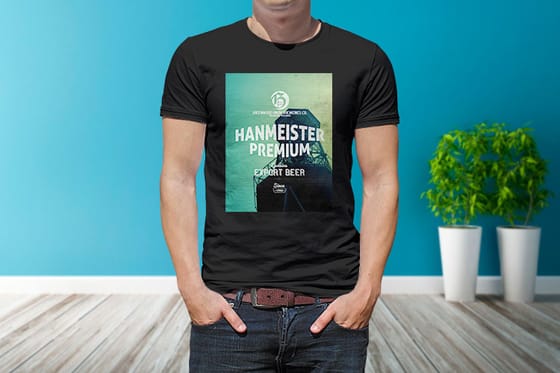
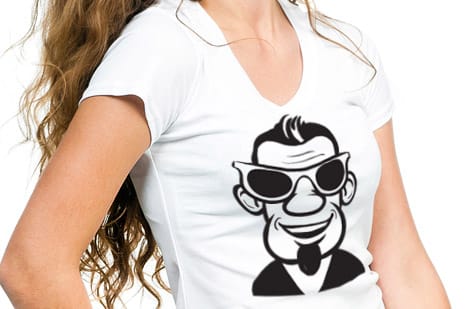
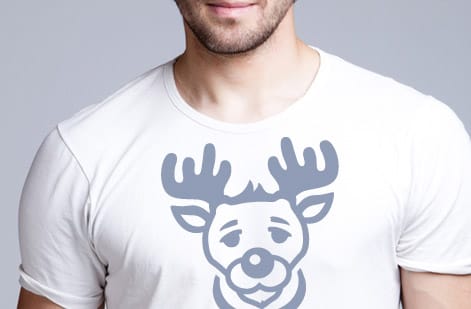
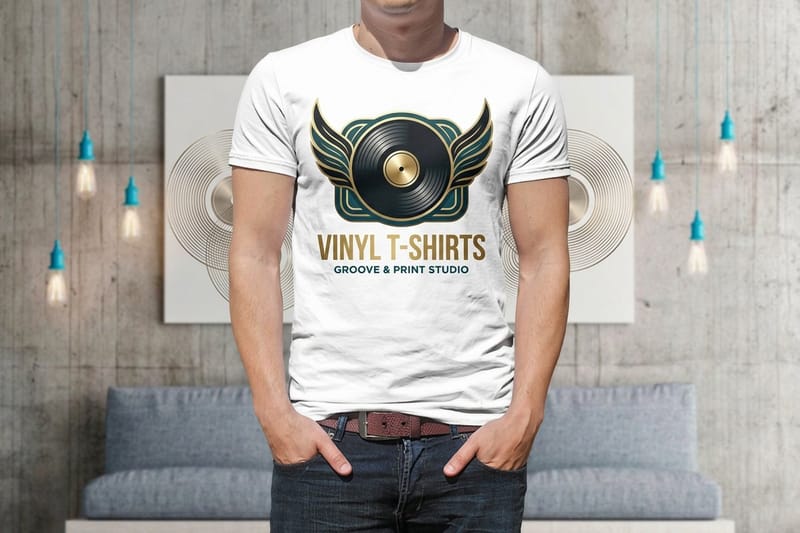
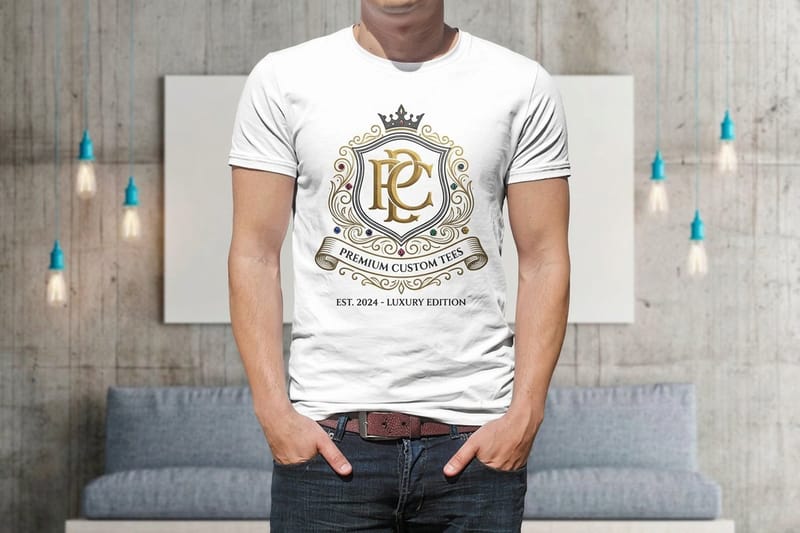
These are custom t-shirt orders our customers sent to press, so you can compare chest and back placements on real shirts before you size your logo.


Explore more
Where to go next
Three guides cover vinyl against screen printing, print sizes by placement and making a logo transparent. Then come the t-shirt range, premium tees and a glossary of apparel print terms.

By the numbers
Premium and vinyl tees at $21.96
Common Questions
Common questions about printing a logo on a t-shirt
What is the best way to print a logo on a t-shirt?
There is no single best way; the right method depends on your quantity, your logo, and your shirt. Screen printing gives the most durable, cost-effective result for large runs of a simple, few-color logo. Direct-to-garment printing handles full-color, detailed, or photographic logos and small runs without setup costs. Heat-transfer vinyl suits bold, one or two color logos and small batches. For most business logos on a solid color, screen printing at volume or direct-to-garment for smaller orders covers the vast majority of jobs.
Where should a logo go on a t-shirt?
The two classic spots are the left chest and the center chest. A small left-chest logo, roughly three to four inches wide, reads polished and professional, which is why it is the standard for staff and uniform shirts. A large center-chest print, up to about eleven or twelve inches wide, reads bold and is better for events, merch, and promotions. Full-back prints work for teams and giveaways, and a sleeve or nape print adds a subtle branded touch. Match the placement to the tone you want.
What file do I need to print a logo on a shirt?
You want a high-resolution, transparent file, ideally a vector such as an SVG, EPS, or PDF, or a PNG at 300 DPI at the printed size. The transparency matters because a logo on a colored shirt must have no background, or a white box prints around it. Vector art is best because it scales to any print size without blurring and separates cleanly into colors for screen printing. If you only have a low-resolution or JPG version, it is worth redrawing the logo as a vector first.
How do I print a light logo on a dark shirt?
On a dark shirt you print with light or white ink so the design shows, and most methods handle this differently. Screen printing lays down a white underbase first so colors stay vivid on dark fabric. Direct-to-garment printing also uses a white underbase on darks. Heat-transfer vinyl simply uses light-colored vinyl. The key is to plan the shirt color and the ink together: decide the fabric color first, then choose ink colors that contrast enough to read clearly from a distance.
How many shirts should I order?
It depends on your goal, but quantity strongly affects the per-shirt price, especially with screen printing, which has a setup cost spread across the run. A larger order lowers the unit price significantly, so for staff uniforms, events, or merch it usually pays to order in bulk. For a handful of shirts or a full-color design, direct-to-garment avoids setup costs and makes small runs affordable. Decide who will wear the shirts, add a margin, and let the live pricing show you where the per-shirt cost lands.
What does it cost to print a logo on a t-shirt, and how are prices set?
Cost scales with quantity, the shirt style and quality, the print method, the number of ink colors, and the number of print locations. Screen printing gets cheaper per shirt as the run grows, while direct-to-garment stays flat per unit but avoids setup fees on small orders. More colors and more print locations add cost. You set each option in the configurator and the price updates live, so you can see exactly how quantity and design choices move the number before you order.
Get Started
Order a vinyl t-shirt at $21.96
Upload your logo, pick your shirt style and color, choose your method and quantity, and watch your per-shirt price update live as you build the order.
Legal Disclaimer
Gold Standard guarantees apply to all standard orders placed through 4over4.com. Price match requires verifiable proof of a competitor's published price for an equivalent product with matching specifications and turnaround time. Satisfaction guarantee covers manufacturing defects and print quality issues. Contact support with order number and documentation. On-time delivery rate based on tracked orders 1999 to 2026. Individual results may vary based on shipping carrier performance.
