Quick Tips for Putting Your Instagram on a Business Card
Adding your Instagram handle to a business card bridges the gap between a physical handshake and a digital follow. 4OVER4 has printed over 10 billion cards for businesses doing exactly this. Keep your handle visible, use a QR code for instant access, and match the design to your brand aesthetic. Place the handle on the back or alongside other contact details. With 150,000+ businesses trusting 4OVER4, you're in good company when you make this move.
Why Your Business Card Needs Your Instagram Handle

Instagram has over a billion active users. That's a billion reasons to make sure your handle shows up on every card you hand out. Learning how to add Instagram to a card isn't complicated, but doing it well takes a little thought about placement, design, and functionality.
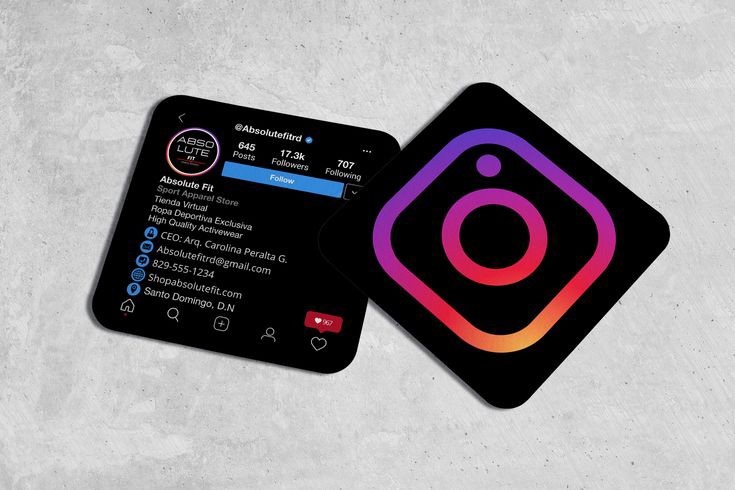
Your business card is often someone's first physical impression of your brand. Pairing it with your Instagram profile gives recipients a direct path to your content, your portfolio, and your personality. 4OVER4's QR Code Generator makes it easy to link your profile with a scannable code right on the card.
Whether you're a photographer, a restaurant owner, or a freelance designer, your Instagram tells a story that a 3.5x2-inch card can't fit alone. And if you're exploring other print projects, check out our guide on How To Clean Rubber Stamps for keeping your branded stamps in top shape. Below, you'll find step-by-step methods, design ideas, and product options to get your Instagram front and center on your next batch of cards.
"Standard Business Cards /5"
| Quantity | Price Per Unit |
|---|---|
| 100 | $0.18 |
| 4,000 | $0.03 |
| 35,000 | $0.02 |
| 100,000 | $0.02 |
Ink Color
Finish
Variable Data (Codes, Names, Etc.)
Rounded Corners
Total Sets
Proof Options
"Free Business Cards With Free Shipping /5Paper Type14pt Gloss Cover14pt Uncoated Cover (30% PCW)Proof OptionsStraight To ProductionFree Online Proof"
"Die-Cut Any Shape Business Cards /5"
Ink Color
Finish
Die Cutting
Total Sets
Proof Options
Step-by-Step: Displaying Your Instagram Handle on a Business Card
There are several ways to feature your Instagram on a business card. The right approach depends on your design style, your audience, and how much real estate you have to work with. Let's walk through the main methods.
Use the Instagram Icon Alongside Your Handle
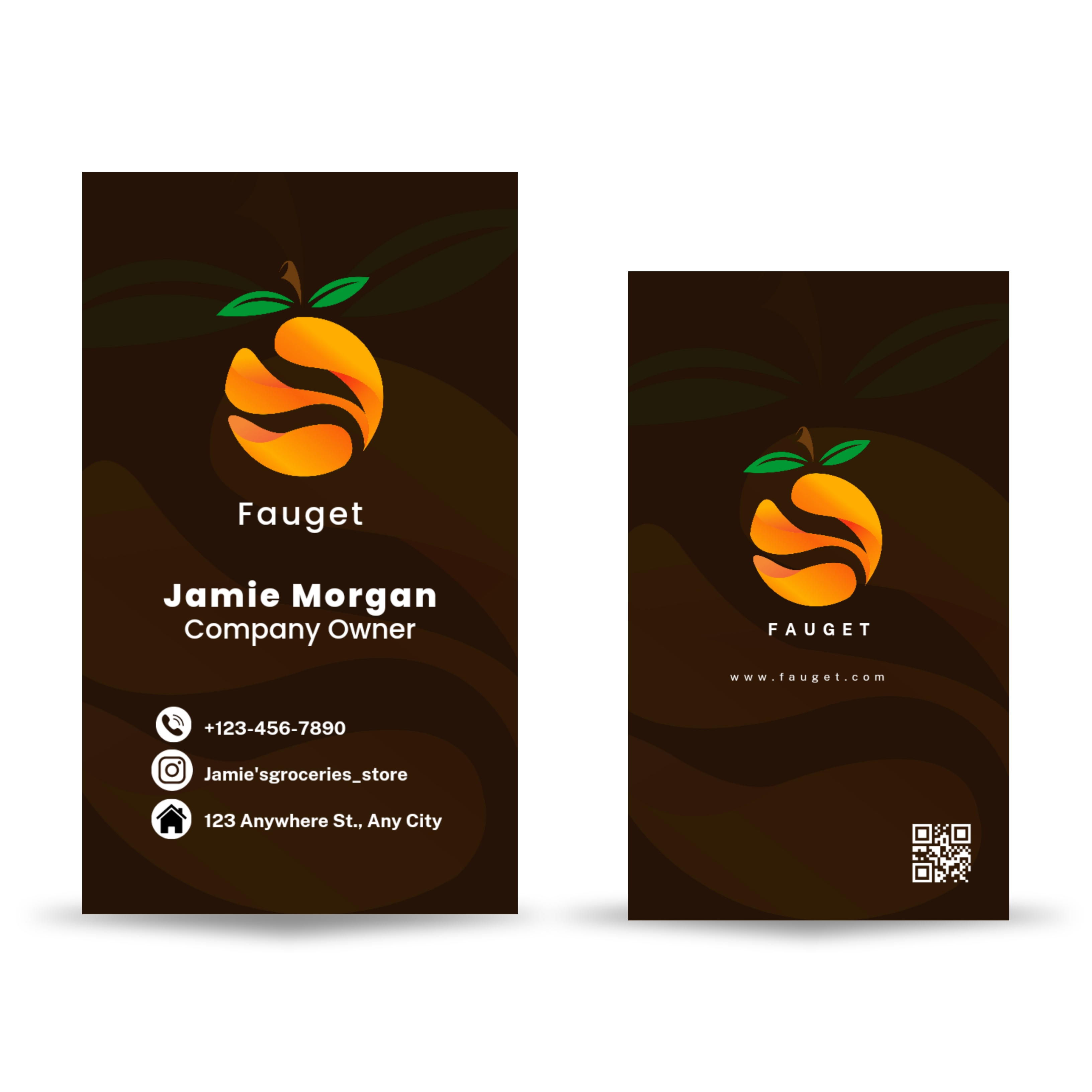
The simplest approach is placing the recognizable Instagram camera icon next to your handle. Most people instantly recognize the icon, so you don't need to spell out "Instagram" or "Follow me on Instagram." Just the icon and @yourhandle does the job.
Place it in the contact information block alongside your phone number, email, and website. This keeps things clean and scannable. If you're designing cards for a creative business, you might give the icon a bit more breathing room and bump up the font size. For more structured layouts, tuck it into the lineup with your other details.
When designing, make sure the icon matches your card's color scheme. A bright gradient Instagram logo on a minimalist black-and-white card looks jarring. Use a monochrome version of the icon instead. If you're exploring other print design techniques, our guide on How To Make Flyers covers layout principles that apply to cards too.
Add a QR Code That Links Directly to Your Profile
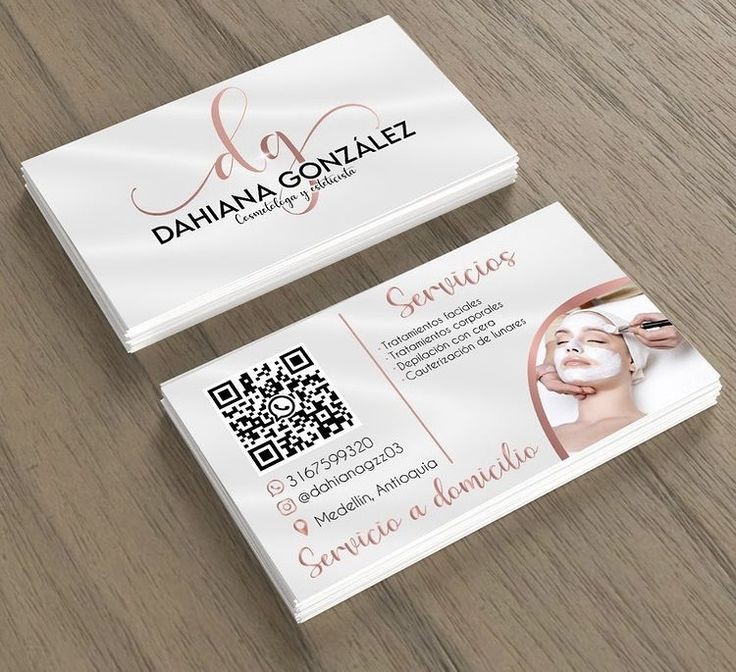
QR codes are back in a big way. A scannable code on your business card lets someone open your Instagram profile in seconds without typing anything. This removes friction. No misspelled handles, no searching, no "I'll look you up later" that never happens.
4OVER4's free QR Code Generator creates codes you can drop straight into your card design. Point the code to your Instagram profile URL (instagram.com/yourhandle) and test it before printing. Place the QR code on the back of your card for a clean look, or integrate it into the front design if your layout supports it.
A pro tip: add a small line of text under the QR code like "Scan to follow us on Instagram." Not everyone automatically knows what a QR code links to. Context matters. If you want to explore unique card materials that make QR codes pop, check out 30Mil Clear Plastic Cards for a striking transparent look.
Feature Your Instagram on the Back of the Card
Many business cards leave the back completely blank. That's wasted space. Dedicate the back of your card to your social media presence, with Instagram as the star.
A bold design approach: put your Instagram handle in large type across the entire back, paired with a QR code and maybe a recent post or grid preview. This works especially well for visual businesses - photographers, designers, florists, bakeries, fashion brands. Your Instagram is your portfolio. Show it off.
For businesses with multiple social profiles, create a clean social media block on the back. List Instagram first (it's the most visual and engaging platform for most industries), followed by other handles. Keep spacing generous. Cramped text on the back of a card defeats the purpose.
"I put my Instagram handle on the back of my 4OVER4 business cards with a QR code. At craft fairs, people scan it right at my booth and follow me on the spot. My follower count jumped 40% in two months."
- Rachel K., handmade jewelry designer ★★★★★
Design Your Card Around Your Instagram Aesthetic
Your business card should feel like an extension of your Instagram feed. If your feed is moody and dark, your card should reflect that. If it's bright and colorful, bring those colors onto the card.
Use the same fonts, color palette, and visual tone. When someone flips your card over and sees your handle, then visits your profile, the experience should feel connected. Brand consistency builds trust. People remember brands that look the same everywhere.
Consider printing a favorite Instagram post or your profile photo on the card itself. This creates instant recognition. "Oh, I've seen this photo before" is a powerful reaction when someone connects your card to your online presence. Browse the Faq Hub for more design and printing tips across different products.
Include Your Instagram URL Instead of Just the Handle
Sometimes the full URL works better than just the handle. If your handle is long, complex, or includes periods and underscores that are hard to read in small print, the full URL (instagram.com/yourhandle) gives people a clear path.
This approach also works for people who don't use Instagram daily. They might not know how to search for a handle, but they definitely know how to type a URL into a browser. Meet your audience where they are.
Keep the URL clean. Don't include "https://www." - just "instagram.com/yourhandle" is enough. It saves space and looks less cluttered. If you're working on other marketing materials alongside your cards, our guide on How To Fold A Brochure covers how to integrate social handles into brochure designs too.
Why Your Instagram Handle Belongs on Your Card
A business card has a short window to make an impression. Adding your Instagram extends that window indefinitely. Here's what it does for you:
- Builds ongoing relationships. A card gets tucked into a wallet. An Instagram follow means you show up in their feed daily.
- Grows your following organically. Every card you hand out is a potential new follower. At networking events, trade shows, and client meetings, that adds up fast.
- Shows your work in real time. Your card is static. Your Instagram is alive with new posts, stories, and reels that keep your brand fresh.
- Drives referrals. When a follower sees your content and shares it, you reach people who never got your card. Your Instagram becomes a referral engine.
- Builds social proof. A strong Instagram presence with engaged followers signals credibility. People check your profile before they call you.
If you want to pair your cards with other branded materials, learn Custom Magnets Faq for creating fridge magnets with your Instagram handle. And for mailing your cards in style, see How To Make Envelopes.
Choosing the Right Card Stock for Instagram-Forward Designs
Your card material affects how your Instagram details look and feel. A QR code needs crisp printing to scan properly. Fine text like handles and URLs needs sharp resolution.
Matte finishes reduce glare, making QR codes easier to scan under any lighting. Glossy finishes make colors pop if you're printing Instagram photos or colorful brand elements on the card. Thicker stocks like 32pt feel premium in hand and give the impression that your brand (and your Instagram) is worth checking out.
4OVER4 offers 60+ paper types across its card products, so you can match the stock to your brand personality. Want to feel the difference before committing? Order Free Samples to test paper types, finishes, and print quality with your own eyes and hands.
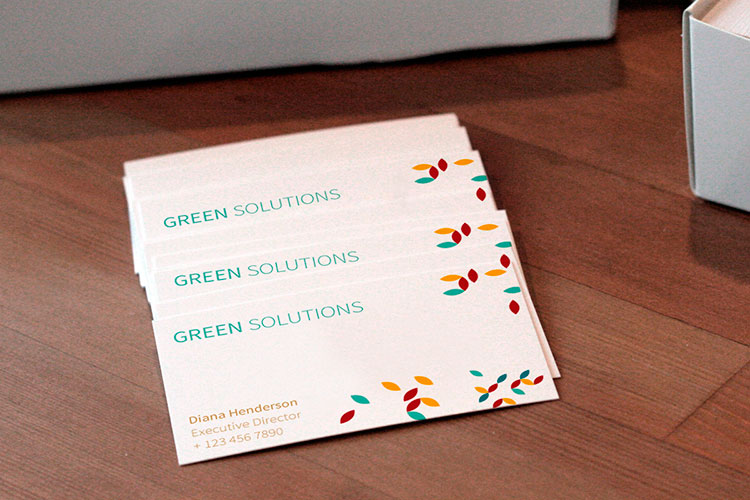
Standard Business Cards
Starting from $17.57
Free Design Templates:
Here's a look at what's trending in the industry when it comes to social media integration on print materials:
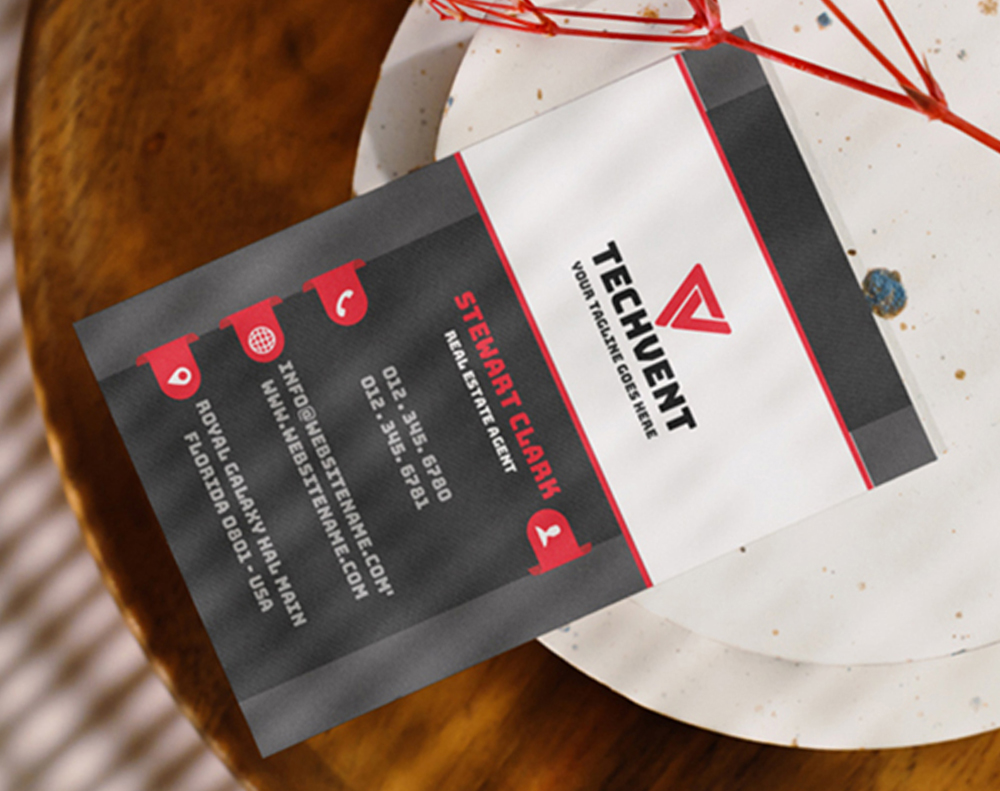
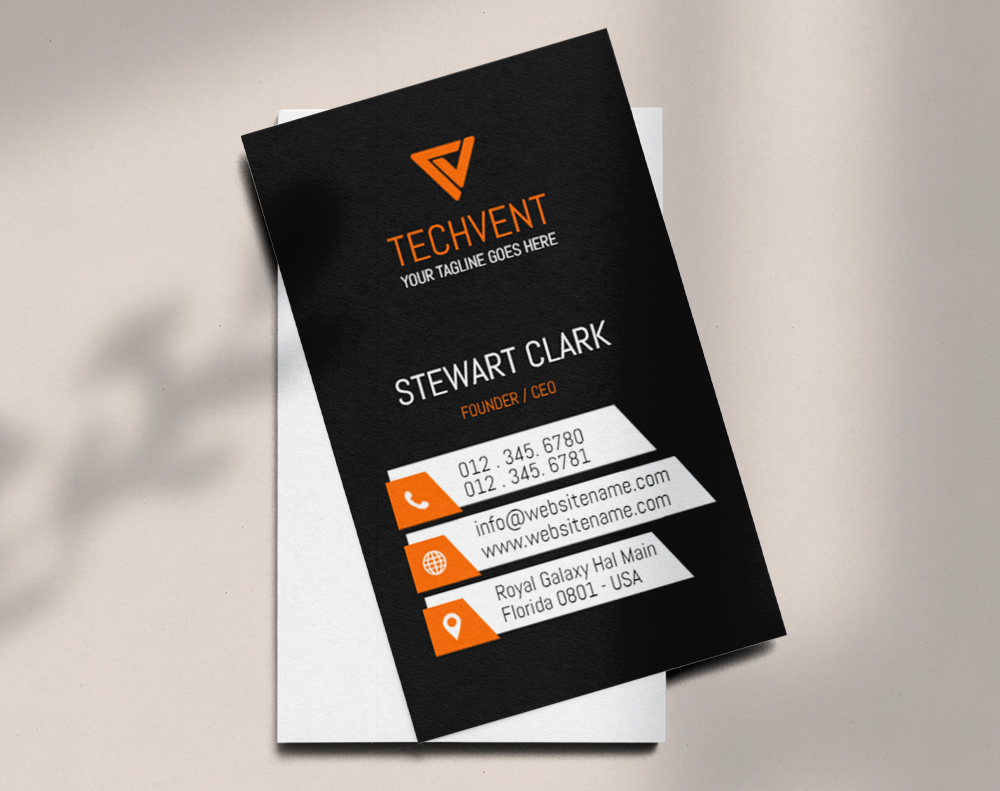
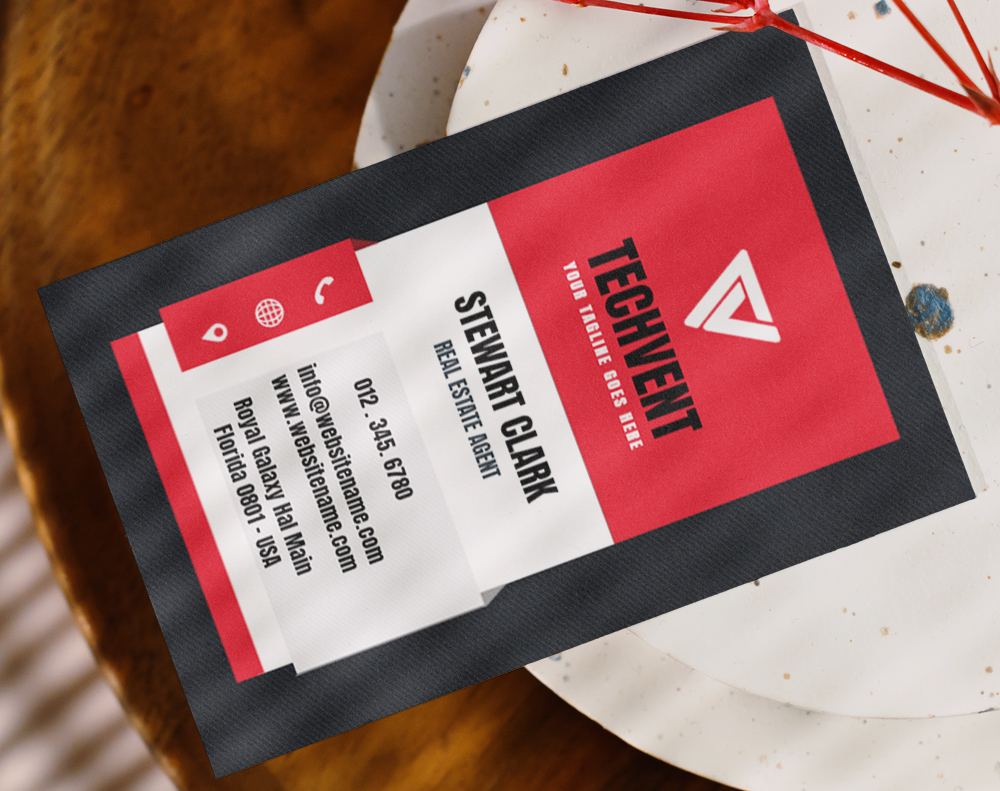
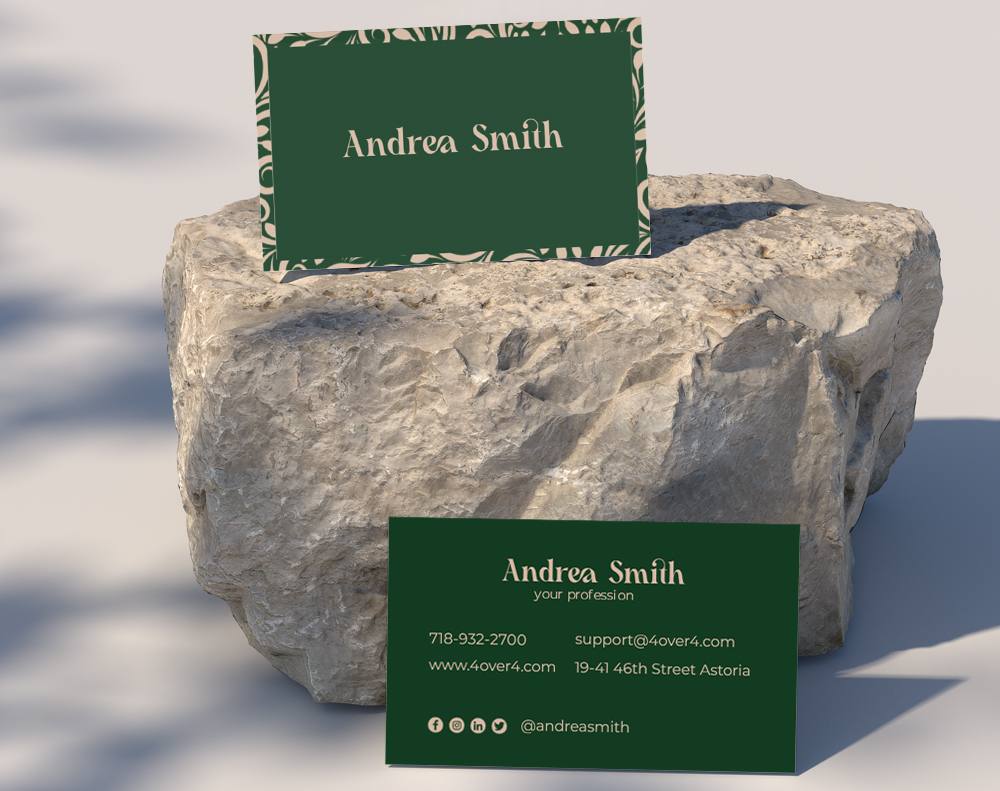
Ready to design your own? Start with one of these customizable templates that include space for your Instagram handle and QR code:
Or begin from a blank canvas and build your card layout from scratch:
Blank Templates


Mistakes That Ruin Your Instagram on a Business Card
Knowing how to add Instagram to a card is one thing. Avoiding common pitfalls is another. Here are the mistakes 4OVER4 sees most often:
- Printing the wrong handle. Double-check your exact username before sending files to print. One wrong character means zero new followers. Test it.
- Making text too small. Your handle needs to be readable without squinting. If it's smaller than 7pt font, bump it up. People won't grab a magnifying glass.
- Using a low-resolution QR code. A blurry QR code won't scan. Export your code at 300 DPI minimum. Always test the printed version before ordering a full batch.
- Cluttering the card. Cramming every social platform onto a small card creates visual chaos. Lead with Instagram if that's your strongest channel. Less is more.
- Forgetting the @ symbol. Without the @ sign, your handle looks like random text. The @ instantly signals "this is a social media handle."
- Ignoring color contrast. A light gray handle on a white background disappears. Make sure your Instagram info has strong contrast against the card background.
4OVER4 prints with precision that keeps fine text and QR codes sharp. But the design is on you. Take the time to proof everything before you hit order.
Best Business Cards for Showcasing Your Instagram
When you're ready to print cards with your Instagram handle front and center, 4OVER4 has options built for the job. Thick stocks produce crisp QR codes. Smooth finishes keep fine text sharp. And with 60+ paper types, you'll find a match for any brand aesthetic.
If sustainability matters to your brand (and your Instagram audience), explore Green Printing options that look great and align with eco-conscious values.
Here's a breakdown of popular card options, specs, and pricing to help you choose:
Free Design Templates
-
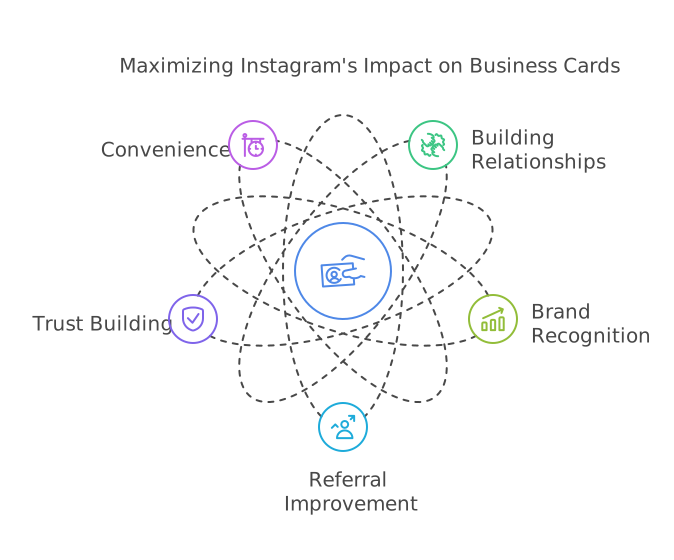
Building relationships. Form relationships and help potential customers stay in touch with your business until they are ready to buy when you include your handle.
-
Bolster your brand recognition. When customers follow you on Instagram, you will show up on their feeds daily, and this kind of free impression will help your brand awareness and recognition.
-
Improve referral. Happy customers will refer to your brand if you have an active Instagram profile. Referrals are powerful for growth. Maximize people's tendency to recommend suitable products and services; include your Instagram profile
-
Grow your social media following and build trust. Promote your brand and social media simultaneously. People trust your brand more when you're purposeful about increasing your following. Unfortunately, many people biasedly associate a high follower count with trustworthiness.
-
Convenience. Customers may forget your handle the instant they are out of your presence. But they can always connect with your business at any time with your card.
-
The handle should relate to your niche. It's a great idea if your customers can intuitively tell what you do from just knowing your handle. Memorable handles help with referrals.
-
Avoid excessive use of characters. When choosing a handle, Instagram allows you to use periods (.) and underscores (_). Characters and symbols may work for a personal Instagram profile, but you must minimize how you use these as a business. Keep your Instagram handle simple for easy search.
-
Use a QR code or nametag. A QR code is quick and convenient since it takes prospects to your page without typing. In addition, including a QR code can help you measure the success of your campaign. A nametag will quickly direct leads to your Instagram profile but can only be used from the Instagram app.
-
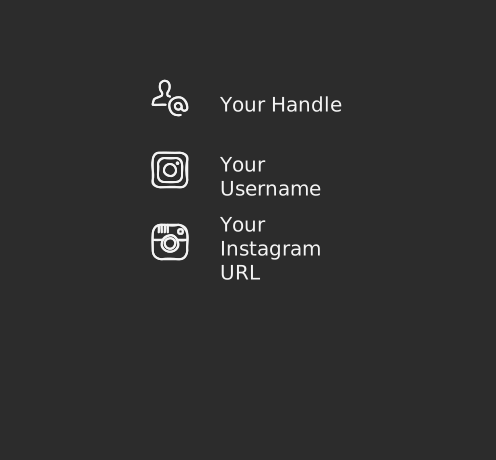
Your handle: Your handle is the '@' character, followed by your username. Your handle is a popular method for referencing your Instagram account. As a result, people instinctively associate the '@' sign with your Instagram or Twitter account. Still, you may decide to include the Instagram logo alongside.
-
Your username: Simply using your username is less popular but quite effective. But it may be necessary to indicate that the username is for your Instagram. Include the Instagram logo to achieve this result.
-
Your Instagram URL: Sometimes, it's best to include your full Instagram URL. For us at 4OVER4, this will be instagram.com/4OVER4. This method is similar to using your username, just that the Instagram URL precedes your username. This alternative is great for prospects who want to check you out but do not have an Instagram account. Typing the URL into any browser will take them to your page.
"Ordered how to add instagram to card from 4OVER4 and the quality blew me away. Sharp colors, premium feel, arrived 2 days early."
"Been using 4OVER4 for how to add instagram to card for a year. Consistent quality every time. The online designer made it easy."
"Switched to 4OVER4 and saved 40% on how to add instagram to card. Better quality than my old printer. 60+ paper options."
"4OVER4's how to add instagram to card helped us look more professional. Clients notice the difference."
Your Questions About Adding Instagram to Business Cards
What's the best way to add my Instagram to a business card?
Place the Instagram icon next to your @handle in the contact information area. For even better results, add a QR code on the back that links directly to your profile. Use 4OVER4's free QR Code Generator to create a scannable code in seconds. This gives recipients two ways to find you.
Should I use a QR code or just my handle?
Use both. Your handle is for people who want to search manually. The QR code is for people who want instant access. Together, they cover every preference. QR codes are especially useful at events where people are scanning quickly between conversations.
Where should I place my Instagram handle on the card?
The most common placement is in the contact block on the front, right below your email or phone number. If you want more visual impact, dedicate the entire back of the card to your Instagram with a large handle, QR code, and even a preview of your feed aesthetic.
What font size should my Instagram handle be?
Never go below 7pt for your handle text. Between 8pt and 10pt is the sweet spot for readability. If you're printing on a textured or dark stock, go slightly larger. The goal is instant readability without effort.
Can I print an Instagram photo on my business card?
Yes. High-resolution Instagram photos (at least 300 DPI when sized for print) work well on business cards. This is a great strategy for photographers, artists, and food businesses. Just make sure the image quality holds up at print size. 4OVER4 prints at high resolution across all card stocks.
Do I need to include the full Instagram URL?
Not always. If your handle is short and memorable, @yourhandle is enough. If it's long or includes special characters, adding instagram.com/yourhandle gives people a clearer path. Skip the "https://www." to keep it clean.
Will a QR code scan properly on any card finish?
Matte and uncoated finishes scan most reliably because they don't produce glare. Glossy finishes work too, but under bright lighting, glare can interfere. If QR scanning is a priority, go matte. Always test a printed sample before ordering your full run.