
Logo Sizes and Dimensions for Social Media, Websites and Print


There is no one standard logo size, only the right size for each place your mark appears. The exact pixel and inch dimensions for social, web, and print all come from a single master file.
There is no single standard logo size, so keep one vector master and export the right file for each channel. Upload a square file around 320 by 320 pixels for social profiles, use an SVG or a roughly 250 by 100 pixel PNG on the web, and use a vector or 300 DPI CMYK file sized in inches for print. Protect the mark with clear space and a minimum size so it stays sharp everywhere.
Start here
Why there is no single logo size
Design your logo once as a vector, then export the right file for each place it lives. Square PNGs around 320 by 320 pixels for social profiles, an SVG or a roughly 250 by 100 pixel PNG for the web, and a vector or 300 DPI CMYK file measured in inches for print. Add clear space and a minimum size, and your mark stays crisp from a tiny avatar to a wide storefront sign. The chart below sums up every size at a glance.
Logo size cheat sheet in pixels
If you came for the numbers, they are all here. Upload square files to social, use a scalable file on the web, and switch from pixels to inches at 300 DPI the moment the logo goes on paper. Every size below comes off one vector master, so nothing has to be redrawn.
| Where the logo appears | Size to export | Shape or ratio | File to use |
|---|---|---|---|
| Facebook profile | 320 by 320 pixels | 1:1, cropped to a circle | PNG |
| Instagram profile | 320 by 320 pixels | 1:1, cropped to a circle | PNG, icon version of the mark |
| LinkedIn profile | 320 by 320 pixels, the same square file | 1:1 | PNG |
| YouTube channel logo | 800 by 800 pixels | 1:1 | PNG |
| Website header | 250 by 100 pixels, rendering 200 to 300 wide and about 100 tall | Roughly 5:2 | SVG first, or a PNG exported at two or three times the display size |
| Business card | About 1 inch wide, which is 300 pixels of detail at 300 DPI | Follows your master artwork | Vector, or 300 DPI CMYK |
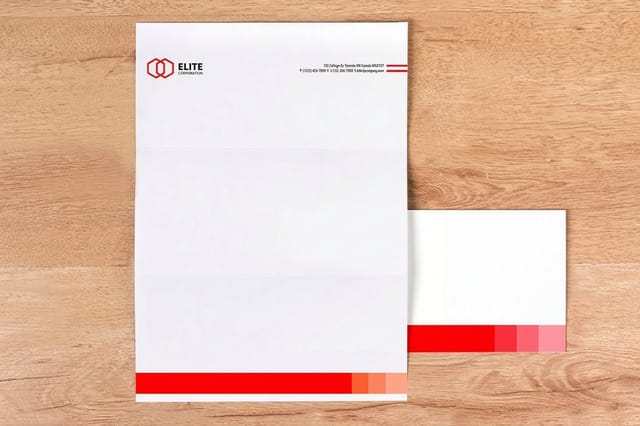
| Letterhead | About 2 inches wide at 300 DPI | Follows your master artwork | Vector, or 300 DPI CMYK |
| Poster or sign | Several inches, up to feet on large formats | Follows your master artwork | Vector only |
Two habits keep this table working. Export larger than the display size and let the screen scale down, because Facebook shows that 320 pixel upload at roughly 170 by 170 on desktop and smaller on mobile. And never scale a raster logo up, since pixels are fixed dots and enlarging them softens every edge. The sections below explain where each number comes from and what to send us when the file leaves the screen for the press.
Logo size and dimension basics
The single most useful idea in this whole topic is that a logo has no one correct size. It has many correct sizes, one for every place it appears, all exported from the same master file. A logo that looks perfect as a website header can turn into a blurry blob on a poster, and a mark built for print can look oversized in a social avatar. The size follows the medium, not the other way around.
Two numbers govern everything: pixels and inches. Screens think in pixels, fixed dots of light, so a social avatar or a web header is measured in pixels. Print thinks in inches at a resolution of 300 DPI, meaning 300 dots of ink per inch, so a logo on a business card is measured in inches and needs enough resolution to stay sharp at that physical size. Keep the master as a vector and both worlds are covered, because vectors scale to any size with zero loss.
Around the mark itself sit two protections you should set once and never break. Clear space is the breathing room you keep on every side so nothing crowds the logo, usually measured against a key element of the mark. Minimum size is the smallest the logo may ever appear before detail collapses. Set both, and your logo stays legible from a tiny app icon to a wide storefront sign. If you are still refining the mark, our logo design best practices cover how to build one that survives every size.
Standard logo size in pixels and when it matters
Pixels rule anywhere a screen is involved, and the golden rule is simple: never scale a raster logo up. Enlarging a small PNG only stretches the pixels you already have, which is why a logo can look crisp in one spot and pixelated in another. Always export from the vector master at, or above, the size you need.
As a working chart, social avatars sit around 320 by 320 pixels, YouTube art at 800 by 800, a website header near 250 by 100, and an email signature around 150 pixels wide. For retina and high-density screens, export raster logos at two or three times their display size so they stay clean. When exact pixel dimensions matter and you are unsure, the deeper relationship between resolution units is covered in our guide on DPI versus PPI.
The one place pixels stop mattering is a true vector file. An SVG or a vector PDF has no fixed pixel count at all; it redraws itself perfectly at any size. That is exactly why the best logos are built as vectors first and only exported to pixels at the very end, for the specific screen that needs them.
Logo sizes for websites
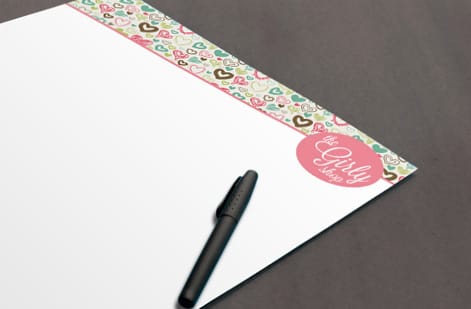
On a website your logo usually lives in the header, and the display size is modest, often between 200 and 300 pixels wide and around 100 tall. But the exact pixel number is less important than the file type you choose, because a browser has to render your logo across phones, laptops, and high-resolution retina displays all at once.
The best answer is an SVG. A scalable vector file stays perfectly sharp at every size and zoom level, loads fast, and never pixelates on a retina screen. If your platform cannot use SVG, export a PNG at two or three times the display size with a transparent background, so it stays crisp when scaled and sits cleanly on any header color. A transparent background is essential here, and our guide on making a logo transparent walks through exactly how to produce one.
Also plan for the small stuff. A favicon, the tiny icon in a browser tab, needs a simplified square version of your logo at 32 by 32 or 48 by 48 pixels, because your full mark will never read at that size. Keeping a simplified icon alongside your main logo solves the favicon, the app icon, and the social avatar all at once.
Logo sizes for print, from cards to signage
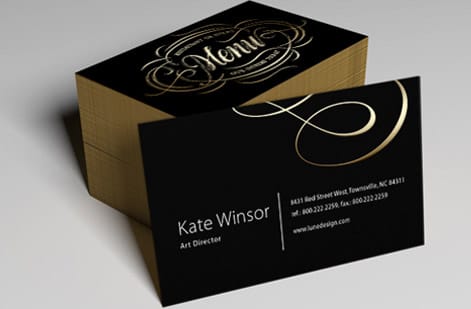
Print is where a logo becomes physical, and the rules change from pixels to inches at 300 DPI. Because one inch holds 300 dots of ink, a logo printed one inch wide needs about 300 pixels of real detail, or better yet a vector that never runs out of resolution. Send a small web PNG to a printer and it can turn soft or jagged; send a vector and it prints razor sharp at any size.
Working sizes vary by product. On a business card a logo commonly sits around one inch wide, on a letterhead near one and a half to two inches at the top, on a brochure cover it scales up to anchor the design, and on a poster or sign it may run many inches while still reading from across a room. Whatever the size, keep clear space and use a CMYK, print-ready file. Our guide on preparing a business card logo for printing covers the file settings in detail.
Print is also the strictest test of brand consistency, because paper and ink can shift a color that looked perfect on screen. Keep your logo the same proportions and clear space across every printed piece, and browse the full standard print collection to put a matching mark on cards, letterhead, and flyers alike.
How to choose the right size, and what printing costs
Choosing the right size is really just matching the file to the medium and then protecting it. Export a square PNG for each social platform, use an SVG on the web, and use a vector or 300 DPI CMYK file for print, then apply the same clear space and minimum size rules everywhere. Do that and your logo looks intentional in every context instead of stretched, cramped, or blurry.
When it comes to printing that logo, cost has nothing to do with the logo itself and everything to do with the job around it. The levers are quantity, stock, size, and finish. Business cards start low and the per-unit price drops fast as the quantity climbs, while heavier stocks and premium finishes cost more. A run of standard cards, for example, is one of the cheapest ways to get your mark into the world at scale.
The honest way to see the number is to configure it. Every 4OVER4.COM product page shows live price-per-quantity straight from the configurator, so you watch the per-unit cost fall as you increase the run. Check the standard business card specs and pricing below, or drop your finished logo onto a template with the Online Designer and print it at the right size the first time.
Wally sizes your logo for every screen and stock
One master file, the right export every time
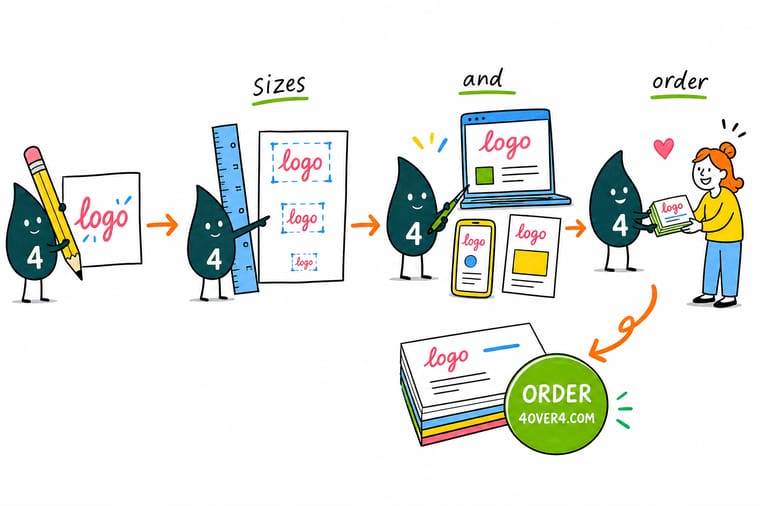
Wally keeps a single vector master and exports it to fit each spot: a square avatar for social, an SVG for the web, and a 300 DPI CMYK file for print. He guards the clear space, sets a minimum size, and never scales a small file up. Do the same and your mark reads clean on a tiny app icon and a wide poster alike, then print it on cards that keep it sharp.
Print your logo on business cards →Specs and pricing
Standard business card specs and live pricing
Once your logo is sized right, the print decisions come down to stock, size, and finish. Here are the live specs and price-per-unit for standard business cards at 4OVER4.COM, straight from the configurator.

| Quantity | Price Per Unit | Total |
|---|---|---|
| 100 | 17.6¢ | $17.57 |
| 200 | 11.5¢ | $23.07 |
| 300 | 9.15¢ | $27.46 |
| 400 | 7.96¢ | $31.86 |
| 500 | 7.25¢ | $36.26 |
| 600 | 6.77¢ | $40.64 |
| 700 | 6.43¢ | $45.04 |
| 800 | 6.18¢ | $49.43 |
Print your logo
Put your logo on the pieces that carry it furthest


See it in use
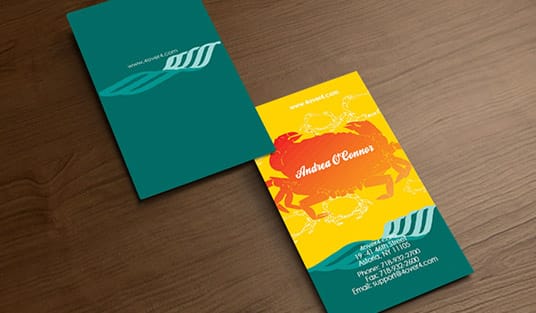
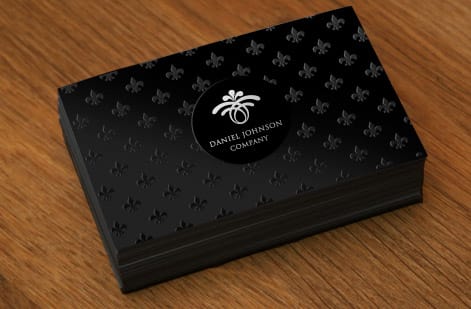
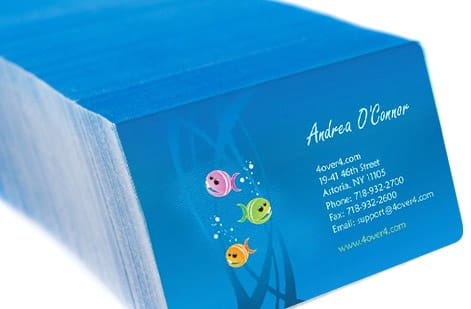
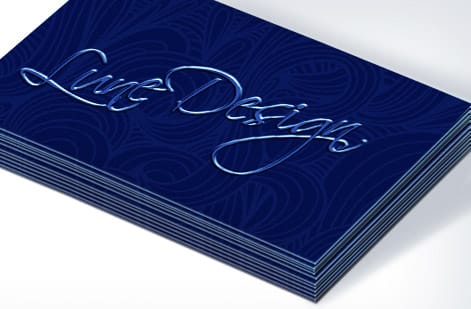
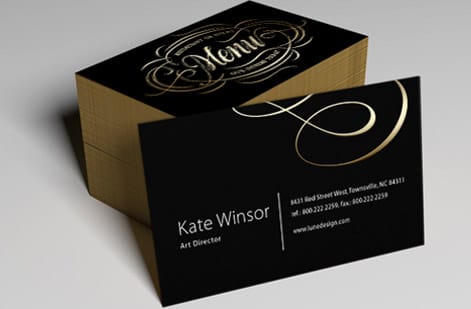
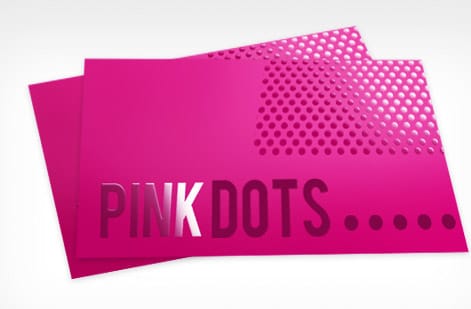
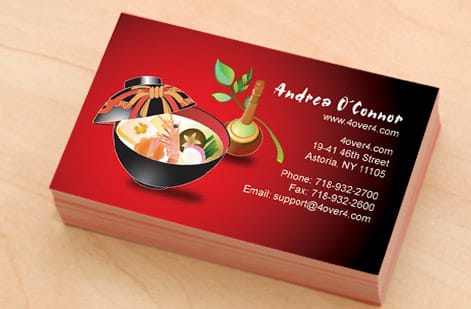
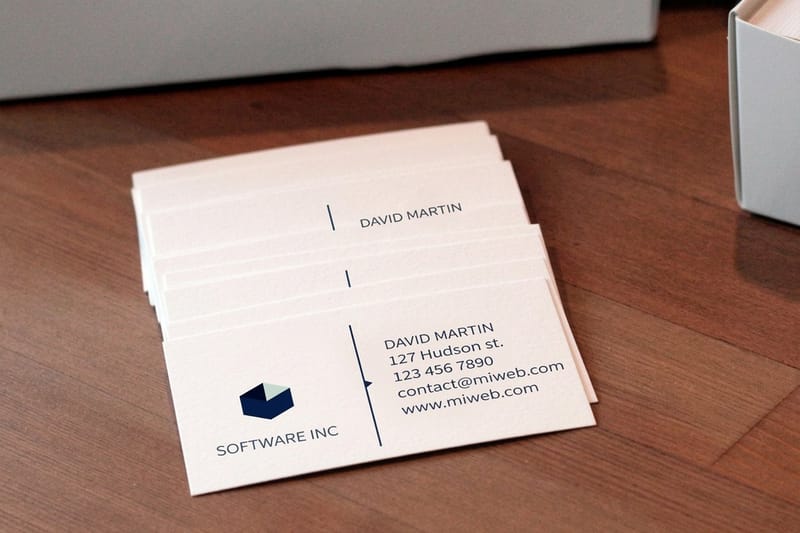
Cards carrying customer logos, printed here

Explore more
Where to go next


By the numbers
Three hundred DPI, and the stocks your logo prints on
Common Questions
Common questions about logo sizes and dimensions
What size should a logo be in pixels?
Export 320 by 320 pixels for a Facebook, Instagram or LinkedIn profile, 800 by 800 pixels for a YouTube channel logo, and about 250 by 100 pixels or an SVG for a website header, where the mark usually renders 200 to 300 pixels wide and around 100 pixels tall. Upload bigger than the display size on purpose: Facebook shows that 320 pixel file at roughly 170 by 170 on desktop and smaller on mobile, and scaling down keeps edges clean while scaling up softens them, because pixels are fixed dots. On the web use an SVG where you can, and when only a raster will do, export the PNG at two or three times the display size. The moment the logo goes on paper the pixel question ends and inches take over at 300 DPI, which is about one inch wide on a business card and near two inches on a letterhead.
What is the standard logo size?
There is no one standard logo size, because each place a logo appears crops and scales it differently. The practical standard is to keep a single high-resolution vector master and export it to the size each channel needs: a square file around 320 by 320 pixels for social profiles, roughly 250 by 100 pixels or an SVG for a website header, and a vector or 300 DPI file sized in inches for print. Designing once and exporting many times is what keeps the mark sharp everywhere.
What is the standard logo size in pixels?
For screens, size the logo to the target. Social profile pictures are commonly uploaded at 320 by 320 pixels so they stay crisp when the platform scales them down, YouTube channel art wants an 800 by 800 pixel logo, and a website header logo usually renders around 200 to 300 pixels wide. Because pixels are fixed, always start larger than you need and scale down, never up, so the image never softens.
What is the standard logo size in inches?
Print measures in inches, not pixels, at a resolution of 300 DPI, so one inch equals 300 pixels of detail. A logo on a business card often sits around one inch wide, on a letterhead near two inches, and on a large poster or sign it may run several inches or feet. The safe habit is to keep the logo as a vector so it can scale to any physical size without ever losing sharpness.
What size should a logo be for a website?
A website header logo typically displays between 200 and 300 pixels wide and about 100 pixels tall, but the exact number matters less than the file type. Export the logo as an SVG when you can, because it stays perfectly sharp at any size and on high-density retina screens. If you must use a raster file, export a PNG at two or three times the display size so it looks clean when a browser scales it.
What size should my logo be on a profile photo versus a printed card?
Match the file to the medium. Upload square PNGs sized to each social platform, use a scalable SVG on the web, and use a vector or 300 DPI CMYK file for anything printed. Then protect the mark with clear space and a minimum size so it is never cramped or too small to read. When the same logo appears the same way across your profile, your site, and your printed business card, recognition compounds.
What does it cost to print my logo on business cards, and how are prices set?
Printing cost scales with a few levers: quantity, where more cards lower the per-unit price, plus the paper stock, the size, and the finish you choose. There is no flat fee for a logo itself. You set each option in the configurator and the price updates live as you adjust it, so you can see exactly what a heavier stock or a larger run does to the number before you order.
Get Started
50 posters cost $108.75 at the size your mark needs
Drop your correctly sized logo onto cards, letterhead, or flyers, pick your stock and finish, and watch your price update live as you build the job.
Legal Disclaimer
Gold Standard guarantees apply to all standard orders placed through 4over4.com. Price match requires verifiable proof of a competitor's published price for an equivalent product with matching specifications and turnaround time. Satisfaction guarantee covers manufacturing defects and print quality issues. Contact support with order number and documentation. On-time delivery rate based on tracked orders 1999 to 2026. Individual results may vary based on shipping carrier performance.

Logo sizes for social media
Social platforms almost all display your logo as a small square or circle, which means the safest upload is a square file with the mark centered and clear space around it. Upload larger than the display size and let the platform scale down, so the logo never looks soft. Here are the working numbers channel by channel.
Because these avatars are tiny, most brands keep a simplified icon or monogram just for social, and save the full horizontal logo with a tagline for wider spaces. If you want your mark to carry a slogan cleanly, our guide on designing a logo with a tagline shows how to build a lockup that still works small.