What You Need to Know About Postcard Mailing Sizes
USPS postcard rates apply only when your piece fits exact size requirements. Miss the dimensions by even a fraction, and your mailer gets reclassified as a letter - costing you more per piece. 4OVER4 has printed over 10 billion cards for 150,000+ businesses, and this postcard mailing size guide breaks down every spec you need to stay compliant and keep costs low.
Why Postcard Dimensions Make or Break Your Mailing Budget
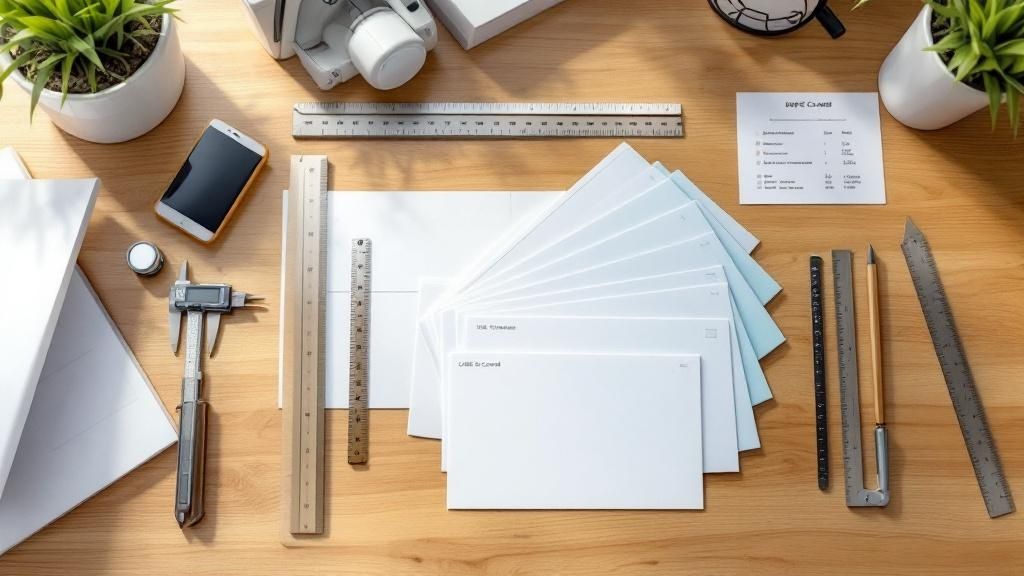
Postcard mailing sizes aren't just design preferences. They're postal regulations that directly affect what you pay per piece. Send a postcard that's even slightly oversized, and USPS bumps it to letter-rate postage. That adds up fast on a 5,000-piece campaign.
This postcard mailing size guide covers USPS-compliant dimensions, popular marketing sizes, design file setup, and how to pick the right format for your goals. Whether you're running a real estate mailer or a restaurant promo, you'll know exactly which size to choose and why.
If you're working on other print projects alongside your postcards, you might find our guides on How To Clean Rubber Stamps and How To Fold A Brochure helpful too. 4OVER4 keeps all these resources in one place so you can plan your entire print run without guesswork.
USPS Postcard Size Requirements - The Numbers That Matter
Let's start with the non-negotiable specs. For your mailer to qualify for USPS First-Class Mail postcard rates, it must be rectangular and fall within these dimensions:
- Minimum size: 3.5 inches high x 5 inches long
- Maximum size: 4.25 inches high x 6 inches long
- Thickness range: 0.007 to 0.016 inches
Anything outside those boundaries? USPS treats it as a letter or flat, not a postcard. That means higher postage on every single piece. For a 10,000-piece mailing, even a few cents per card adds hundreds of dollars to your budget.
The aspect ratio matters too. USPS requires that the length be at least 1.3 times the height. A square card won't qualify. Neither will anything with rounded corners that obscure the address block or barcode area.
Standard Postcard Sizes for Direct Mail Campaigns
While USPS sets the floor and ceiling for postcard-rate mail, the printing industry has settled on a handful of popular sizes. Each one serves a different purpose. Here's how they break down:
4" x 6" - The Workhorse. This is the most common postcard size in direct mail. It qualifies for the cheapest USPS postcard rate (when trimmed to 4.25" x 6" or smaller). It's compact, affordable to print, and fits standard mailboxes without folding. Restaurants, salons, and local service businesses use this size constantly for appointment reminders and seasonal promotions.
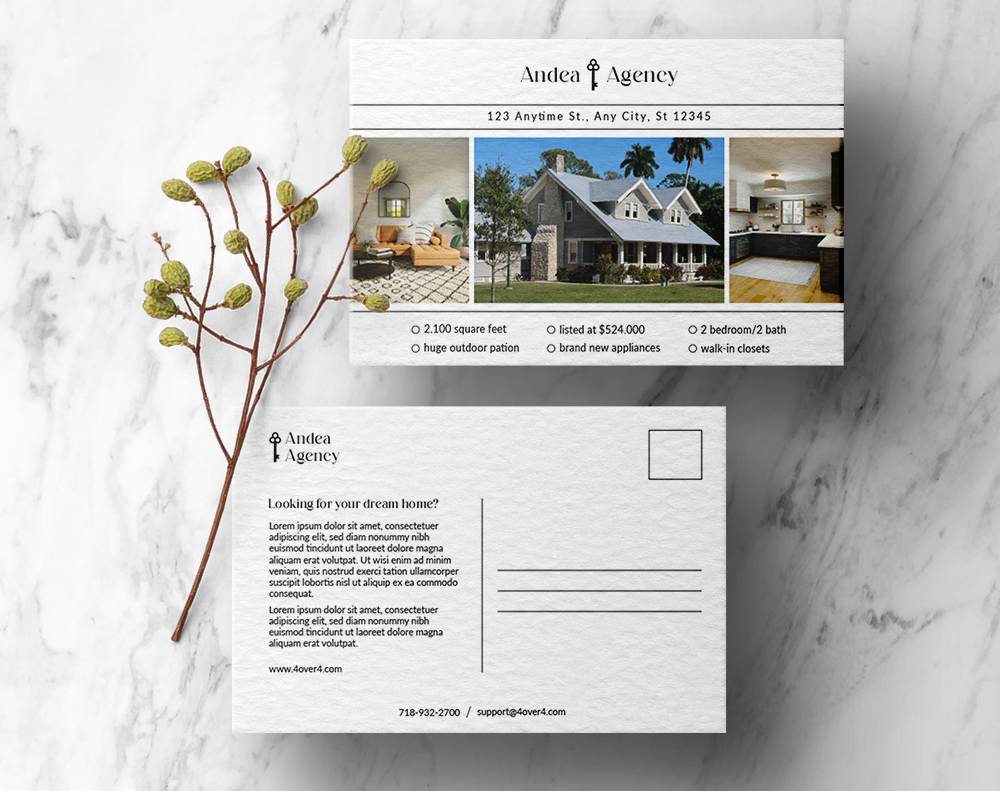
5" x 7" - The Sweet Spot. Slightly larger, this size gives you more room for imagery and copy. It does not qualify for postcard-rate postage - USPS classifies it as a letter. But the extra real estate can boost response rates. Real estate agents love this size for property listings because you can fit a large photo plus contact details.
6" x 9" - The Attention Grabber. This is the largest standard postcard size commonly used in direct mail. It's classified as a flat by USPS, so postage is higher. But it stands out in the mailbox. Political campaigns, event promotions, and grand opening announcements often use this format because it's hard to ignore.
6" x 11" - The Jumbo. Maximum impact. This oversized postcard dominates the mailbox. It's priced as a flat for mailing, but the response rates can justify the cost for high-value offers. Think automotive dealerships, home improvement companies, and luxury brands.
If you're exploring creative formats beyond standard postcards, check out 3D Postcards for something that really stops people mid-sort.
How Postcard Size Affects Postage Costs
This is where your postcard mailing size guide knowledge pays for itself. The size you choose directly determines your postage class:
- Postcard rate (cheapest): Must be 4.25" x 6" or smaller, within thickness specs
- Letter rate: Anything larger than postcard dimensions but within letter specs (up to 6.125" x 11.5")
- Flat rate (most expensive for postcards): Pieces that exceed letter dimensions
The difference between postcard rate and letter rate might seem small per piece. But multiply it across thousands of mailers and you're looking at a real budget hit. Always confirm your finished trim size against USPS requirements before you print.
Setting Up Your Design Files for the Right Postcard Size
Getting the physical dimensions right is half the battle. Your design file needs to match. Here's what to account for:
Bleed area: Add 0.125 inches (1/8") on all sides beyond your trim size. If your finished postcard is 4" x 6", your file should be 4.25" x 6.25". This prevents white edges after cutting.
Safe zone: Keep all text and important graphics at least 0.125 inches inside the trim line. Anything too close to the edge risks getting clipped during production.
Resolution: 300 DPI minimum. Postcards are held at arm's length, so blurry images are immediately noticeable. Use CMYK color mode, not RGB.
Address panel: USPS requires specific formatting for the address side. The right half of the back must be reserved for the delivery address, postage, and barcode. Don't let your design bleed into this area.
Need help with related print projects? Our How To Make Flyers guide covers similar file setup principles. And if you're pairing postcards with envelope mailers, How To Make Envelopes walks you through those specs too.
Choosing the Right Postcard Size for Your Campaign
Your size choice should match your goal, not just your budget. Here's how to think about it by use case:
Appointment reminders and thank-you cards: Go with 4" x 6". It's personal, inexpensive, and gets the job done. A dental office sending 2,000 reminder cards per month saves a lot at postcard-rate postage.
Product launches and event invitations: The 5" x 7" format gives you room to showcase a hero image and event details. Yes, you'll pay letter rate. But the visual impact often drives higher attendance.
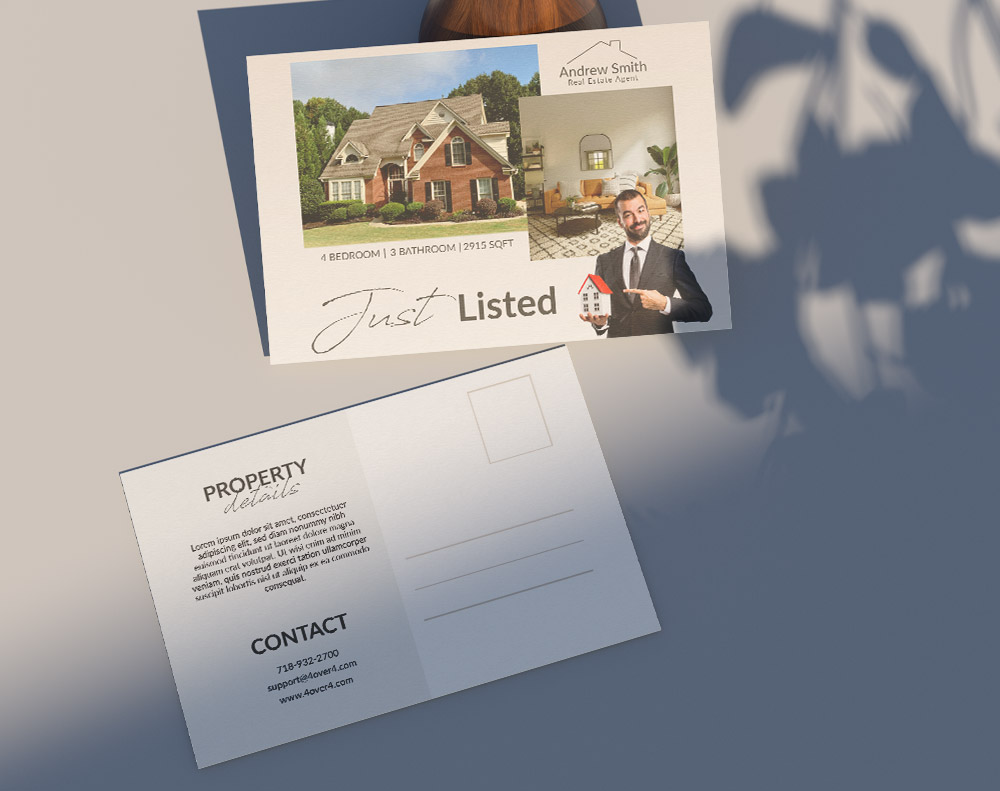
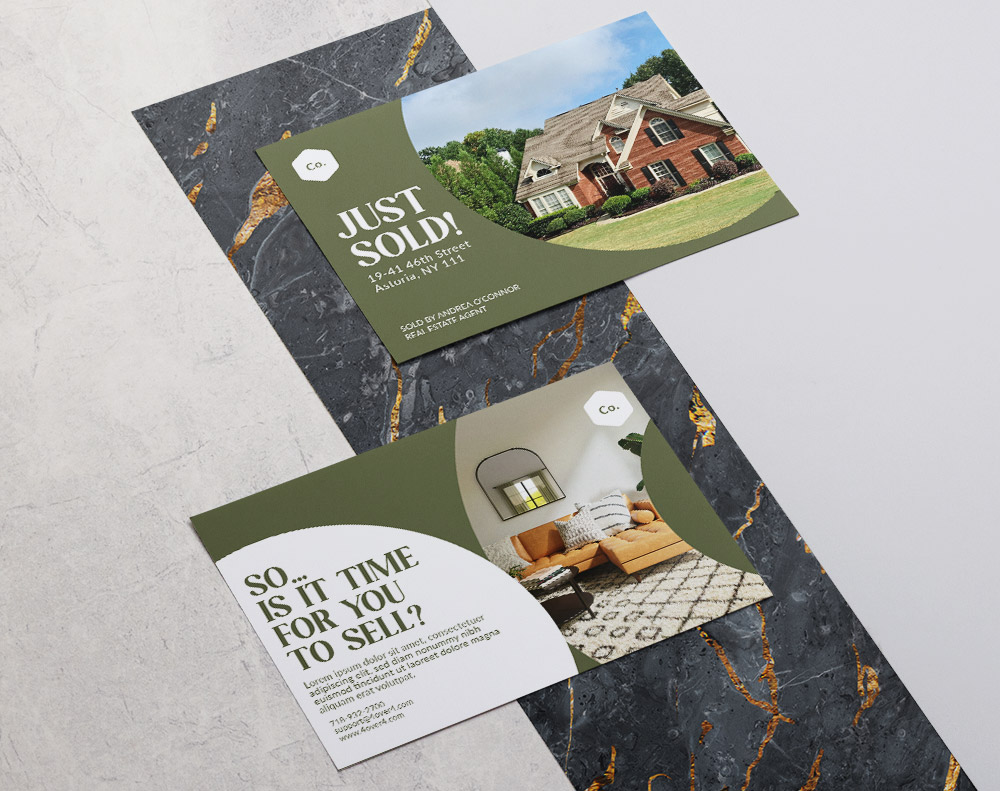
Real estate "just listed" and "just sold" mailers: 6" x 9" is the industry standard. Agents need space for property photos, price, and neighborhood stats. The larger format also signals professionalism to homeowners considering listing.
Retail sales and seasonal promotions: The 6" x 11" jumbo postcard works well when you're competing with a stack of bills and catalogs. A bold, oversized piece with a coupon code gets pulled out of the pile first.
For more creative ideas and project inspiration, browse the Faq Hub at 4OVER4. You'll find guides on everything from Custom Magnets Faq to business card design tips.
Paper Thickness and Weight - The Overlooked Size Spec
When people think "postcard size," they focus on height and length. But thickness matters just as much for USPS compliance.
Your postcard must be between 0.007 and 0.016 inches thick to qualify for postcard-rate mail. Most standard postcard stocks fall in this range:
- 14pt cardstock: Approximately 0.014 inches. The most common choice for direct mail postcards. Sturdy enough to feel big, thin enough to qualify.
- 16pt cardstock: About the thickness of a credit card. Still within USPS specs. Feels noticeably more premium in hand.
- 32pt ultra-thick: This exceeds USPS postcard thickness limits. Beautiful for hand-delivered pieces or in-store displays, but it won't qualify for postcard-rate mailing.
If you want that thick, luxurious feel and still need to mail at postcard rates, stick with 14pt or 16pt. Save the 32pt for postcards you're handing out at trade shows or leaving on countertops.
Postcard Size and Automation Compatibility
Large-volume mailers need to think about automation. USPS processing machines have specific requirements for postcards to run through automated sorting:
- Cards must be rigid enough not to bend in sorting equipment
- The address area must be machine-readable with proper barcode placement
- Glossy finishes on the address side can cause scanning issues - consider matte or uncoated for the back
- Rounded corners are fine for hand delivery but can jam automated equipment
4OVER4 prints postcards that meet all automation specs out of the box. That means your mailer moves through USPS processing without delays or surcharges.
Below you'll find design templates sized for the most popular postcard mailing dimensions. These give you a head start on file setup with bleed, trim, and safe zones already built in.
Blank Templates
Postcard Sizing Mistakes That Cost You Money
Designing at the wrong dimensions is the most expensive mistake in direct mail. Here are the errors 4OVER4 sees most often - and how to avoid them:
- Forgetting the bleed: Your file looks perfect on screen, then white edges appear after trimming. Always add 0.125" bleed on every side.
- Exceeding postcard-rate dimensions: A 4.5" x 6.5" postcard gets reclassified as a letter. That's extra postage on every piece. Double-check your trim size against the 4.25" x 6" maximum.
- Using 32pt stock for mailed pieces: Ultra-thick cards exceed the 0.016" thickness limit. They'll ship at letter or flat rates instead of postcard rates.
- Placing text in the address zone: USPS requires the right half of the back for addressing. Design elements in that area can delay or reject your mailing.
- Designing in RGB instead of CMYK: Colors shift during printing. What looked bright on your monitor prints dull and muddy. Always convert to CMYK before submitting files.
Following this postcard mailing size guide from the start saves you reprints, postage overcharges, and campaign delays. With 150,000+ businesses served, 4OVER4 has seen every mistake in the book - so you don't have to make them.
Postcards Built for Mailing at 4OVER4
Once you've nailed down your postcard mailing size, you need a printer that gets the details right. 4OVER4 offers postcards across all standard mailing dimensions with 60+ paper types and multiple finish options. Need your campaign out the door fast? Same Day Printing is available on select products. If sustainability matters to your brand, explore Green Printing options for recycled and eco-friendly stocks.
Here's a closer look at the postcard specs and options available:
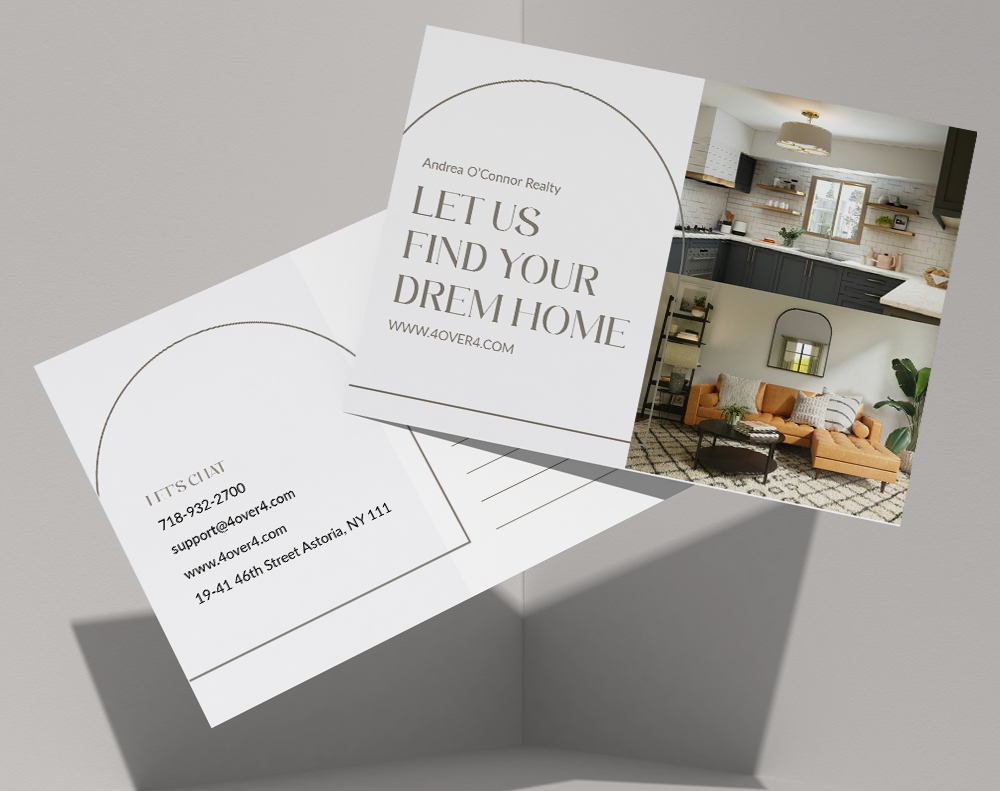
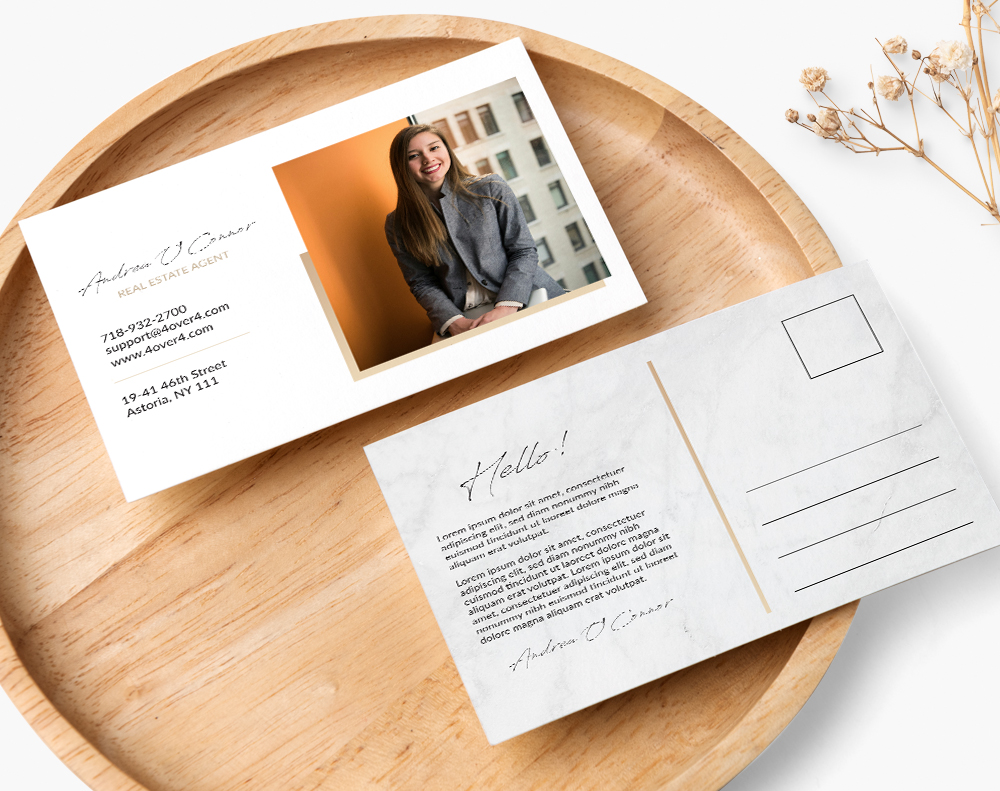
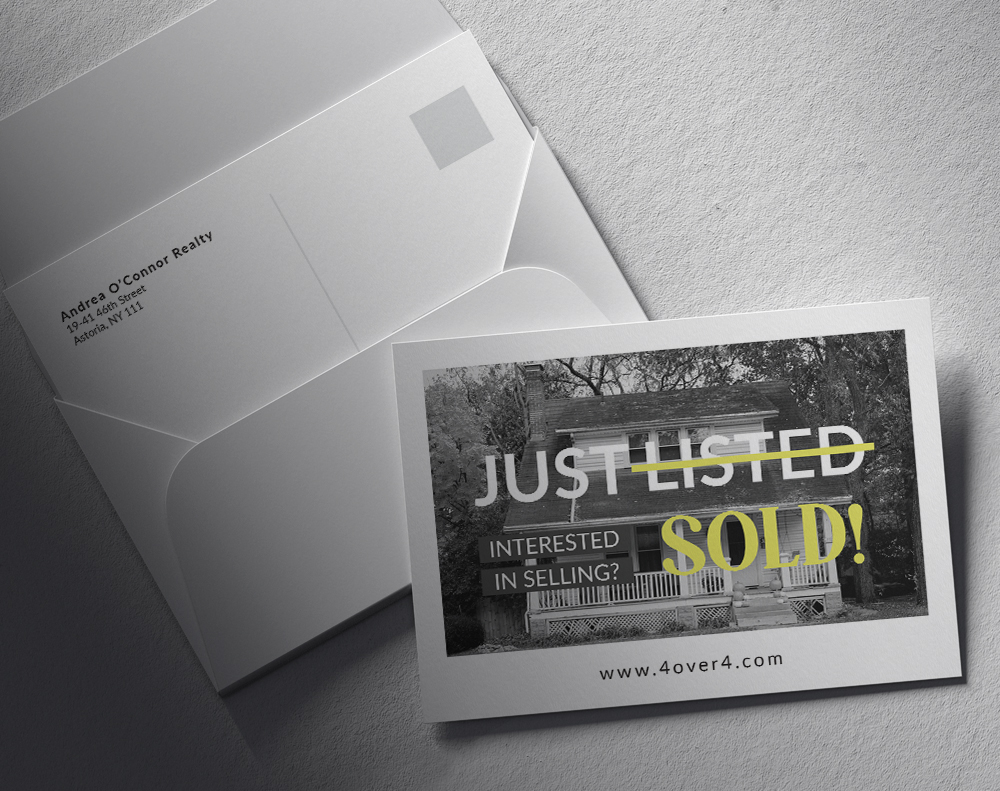
Free Postcard Mailing Dimensions Templates
| Dimension | Minimum Requirement | Maximum Requirement |
|---|---|---|
| Height | 3.5 inches | 4.25 inches |
| Length | 5 inches | 6 inches |
| Thickness | 0.007 inches | 0.016 inches |
| Postcard Size (Inches) | Qualifies for Postcard Rate? | Mails As... | Best Use Case |
|---|---|---|---|
| 4" x 6" | Yes | Postcard | Budget-friendly campaigns, reminders, thank yous |
| 5" x 7" | No | Letter | Invitations, promotions with more detail |
| 6" x 9" | No | Letter | High-impact marketing, product showcases |
| 6" x 11" | No | Large Envelope/Flat | Grand openings, detailed service menus |
First-Class Mail Postcards: This is your best bet for speed and price on smaller mailings. You get the lowest per-piece postage rate and delivery is quick, usually within 1-5 business days. The catch? Your postcard must stay within the standard size limits (no larger than 6" x 4.25").
First-Class Mail Letters: The moment your piece is too big or too thick to be a postcard, the USPS reclassifies it as a letter. You still get the same fast delivery, but the postage cost is significantly higher.
USPS Marketing Mail: If you're sending a large volume (at least 200 pieces), this is the way to go. Formerly known as Standard Mail, it offers a much lower per-piece cost. The trade-off is speed; delivery can take anywhere from 3-21 days.
Trim Line: This is simply the final size of your postcard. If you're designing a 4" x 6" postcard, the trim line is the literal edge where the printer's blade will cut the paper. It’s the finished product.
Bleed Area: Printing presses aren't perfect, and their cutting machines can have tiny variations. To account for this, you need a "bleed." This is an extra border of your background color or image that extends beyond the trim line—typically by 0.125 inches on every side. If the cut is a hair off, the blade will hit this extra color instead of the white paper, ensuring a clean, edge-to-edge design.
Safe Zone: Just as important is the safe zone, which is an inner buffer. All your crucial elements—like logos, text, and key parts of images—must stay inside this area. This guarantees nothing important gets accidentally sliced off. A good rule of thumb is to set your safe zone at least 0.125 inches inside the trim line.
6" x 9" Postcards: These are large enough to feel significant and give you plenty of canvas for powerful photos and detailed product features. The USPS treats them as "letters," but their size ensures they won’t be easily overlooked.
6" x 11" Postcards: Known as "jumbo" postcards, this is the format you choose when you need maximum real estate. They’re ideal for grand opening announcements, menus, or any campaign where you have a lot of information to share in a visually compelling way.
- Postage Area: The top-right corner is where the stamp or mailing indicia goes. It's a good practice to leave a clear area of at least 1.25" x 1.25" for this.
- Address Block: The recipient's address needs to be in the center-right portion of the card. Give it some breathing room by leaving at least 0.5 inches of empty space on all sides. Using professionally printed address labels can also help ensure the text is clean and highly readable.
- Return Address: Your return address should be tucked away in the top-left corner.
- Clear Zone: This is the big one that trips people up all the time. The entire bottom 5/8ths of an inch of the postcard must be completely, totally blank.
"Ordered postcard mailing size guide from 4OVER4 and the quality blew me away. Sharp colors, premium feel, arrived 2 days early."
"Been using 4OVER4 for postcard mailing size guide for a year. Consistent quality every time. The online designer made it easy."
"Switched to 4OVER4 and saved 40% on postcard mailing size guide. Better quality than my old printer. 60+ paper options."
"4OVER4's postcard mailing size guide helped us look more professional. Clients notice the difference."
Common Questions About Postcard Mailing Sizes
What is the maximum postcard size for USPS postcard-rate postage?
The maximum size for USPS postcard-rate mail is 4.25 inches high by 6 inches long, with a thickness no greater than 0.016 inches. Anything larger gets reclassified as a letter or flat, which means higher postage per piece. Always verify your finished trim size before printing.
Can I mail a 5x7 postcard at the postcard rate?
No. A 5" x 7" postcard exceeds USPS postcard dimensions and will be charged at the letter rate. It's still a popular size for direct mail because the extra space boosts visual impact, but budget for letter-rate postage when using this format.
What paper thickness qualifies for USPS postcard mailing?
USPS requires postcards to be between 0.007 and 0.016 inches thick. Standard 14pt and 16pt cardstock both fall within this range. Ultra-thick stocks like 32pt exceed the limit and won't qualify for postcard-rate postage, though they work great for hand-delivered pieces.
How much bleed should I add to my postcard design file?
Add 0.125 inches (1/8 inch) of bleed on all four sides. For a 4" x 6" finished postcard, your file should measure 4.25" x 6.25". This prevents white edges after trimming. Keep all important text and graphics at least 0.125" inside the trim line. You can also use 4OVER4's QR Code Generator to add trackable codes within your safe zone.
Does a glossy finish cause problems with USPS mail processing?
Glossy coatings on the address side of your postcard can interfere with barcode scanning in automated USPS sorting equipment. Use a matte or uncoated finish on the back (address side) to avoid processing delays. The front can be as glossy as you want.
What's the best postcard size for a direct mail marketing campaign?
For most campaigns, 4" x 6" offers the best balance of cost and effectiveness. It qualifies for the cheapest postcard-rate postage and provides enough space for a clear message and call to action. Use larger sizes like 6" x 9" when you need more visual real estate for property photos or event details. This postcard mailing size guide recommends matching your size to your campaign goal, not defaulting to the biggest option.