
Poster Sizes in Inches and Every Standard Dimension Explained


Small is 11 by 17 inches, medium is 18 by 24, large is 24 by 36, and the movie One Sheet is 27 by 40. Here is every standard poster dimension, where each one works best, and how to set your file up so it prints razor sharp.
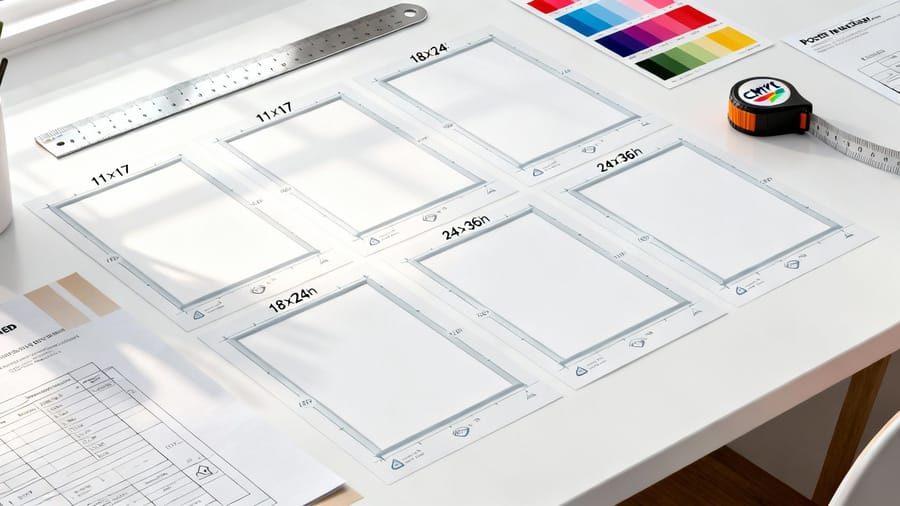
Standard poster sizes in inches fall into three main sizes: small at 11 by 17, medium at 18 by 24, and large at 24 by 36. Movie posters use the 27 by 40 One Sheet. Pick your size by viewing distance, display location, and budget, then build the file at 300 DPI with 0.125 inch of bleed in CMYK.
Quick answer
What you need to know about poster sizes in inches
Standard poster sizes fall into three main categories, small at 11 by 17, medium at 18 by 24, and large at 24 by 36 inches. Movie posters use a special 27 by 40 format called the One Sheet. Picking the right dimensions affects visibility, print cost, and how your design connects with viewers. 4OVER4.COM prints posters on 60 plus paper types across a catalog of 1,000 plus products, so the exact match for your project is below.
Why poster dimensions matter more than you think

Poster sizes in inches are not just numbers on a spec sheet. They decide whether your design grabs attention from across a trade show floor or gets lost on a crowded bulletin board. Go too small and your message disappears. Go too large and it swamps a tight hallway. Getting the size right is the first real design decision you make.
Here is every standard size in one place, in inches, centimeters and millimeters:
| Inches | Centimeters | Millimeters | What printers call it | Where it works |
|---|---|---|---|---|
| 8.5 x 11 | 21.6 x 27.9 cm | 216 x 279 mm | Letter | Handouts, table tents, binder inserts |
| 11 x 17 | 27.9 x 43.2 cm | 279 x 432 mm | Tabloid or ledger | Indoor promotion read from 3 to 8 feet |
| 12 x 18 | 30.5 x 45.7 cm | 305 x 457 mm | Gig poster | Concert bills and screen-printed limited editions |
| 16 x 20 | 40.6 x 50.8 cm | 406 x 508 mm | Photo print | Portraits and artwork in off-the-shelf mats |
| 18 x 24 | 45.7 x 61 cm | 457 x 610 mm | Medium | Retail displays and conference signage, our 18x24 poster printing size |
| 20 x 30 | 50.8 x 76.2 cm | 508 x 762 mm | Trade show | When 24 by 36 dominates and 18 by 24 disappears |
| 24 x 36 | 61 x 91.4 cm | 610 x 914 mm | Large | Readable from 15 feet and up, our 24x36 poster printing size |
| 27 x 40 | 68.6 x 101.6 cm | 686 x 1016 mm | One Sheet | Theater lobbies, and the format behind 3D lenticular posters |
| 27 x 41 | 68.6 x 104.1 cm | 686 x 1041 mm | Vintage One Sheet | Collector reprints of pre-1980s art |
| 36 x 48 | 91.4 x 121.9 cm | 914 x 1219 mm | Extra large | Outdoor advertising, building signage, big event pieces |
Working from a metric brief? The ISO A series lines up close but never exactly: A3 is 297 x 420 mm (11.7 x 16.5 in), A2 is 420 x 594 mm (16.5 x 23.4 in), and A1 is 594 x 841 mm (23.4 x 33.1 in). A2 lands between the 16 by 20 and 18 by 24 sizes above, so pick the US size that fits your frame rather than converting and hoping.
This guide walks through every standard poster dimension, what each size is called in the print world, and where it works best. Whether you are printing event promos, art reproductions, or retail signage, you will know exactly which dimensions to reach for. 4OVER4.COM backs every order with 5 Gold Guarantees, so your posters arrive sharp every time.
Need to tackle other projects while you are here? Browse our design templates for ready-to-customize layouts, and if you like hands-on craft work, our guide on how to clean rubber stamps is worth a read too.
The three core poster sizes

The printing industry has settled on three go-to poster dimensions that cover about 90 percent of all use cases. These are not arbitrary numbers. They grew out of standard paper sheet sizes and frame availability, which means you will always find affordable frames and display options for them.
Small, 11 by 17 inches (27.9 by 43.2 cm). Also called tabloid or ledger. This is the workhorse for indoor promotion, from community event flyers on a coffee shop wall to band posters on a telephone pole to notices in a school hallway. At roughly twice a letter page it reads from a few feet away yet still prints on most office printers. Building event pieces to match? Our guide on how to make flyers pairs perfectly with this size.
Medium, 18 by 24 inches (45.7 by 61 cm). The sweet spot for most projects. It dominates retail displays, conference signage, and art prints, big enough to see across a room without taking over a wall. Restaurants use it for menu boards and agents use it for property sheets, and frames in this size are easy to find and affordable. It is the size most people mean when they order 18x24 poster printing.
Large, 24 by 36 inches. When you need presence. This is the standard for architectural prints, large-format advertising, trade show graphics, and gallery-grade reproductions. A 24 by 36 poster commands attention from 15 to 20 feet away, which is why it rules dorm walls and storefront windows alike.
Movie poster size, the famous One Sheet

Hollywood keeps its own standard, 27 by 40 inches. Called the One Sheet, this format has been the industry default since the 1980s. Every poster you have seen in a theater lobby or framed in a film buff's living room uses these dimensions. The slightly odd measurements trace back to the display cases built into theater walls decades ago.
Printing movie-themed decor, fan art, or promo material for a screening? Stick with 27 by 40 for that authentic cinema feel. For something that truly turns heads, our 3D lenticular posters add a motion effect that makes the artwork shift as you walk past.
Less common sizes that still earn their place
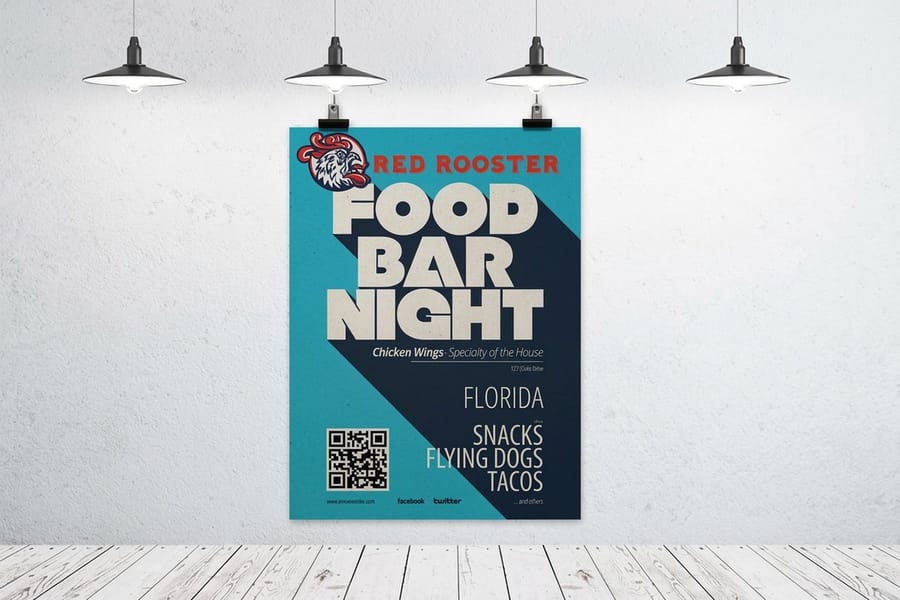
Beyond the big three and the One Sheet, several other dimensions serve specific jobs. Keep these in your back pocket for the times a standard size does not quite fit the space or the frame you already have.
- 8.5" x 11" (21.6 x 27.9 cm, Letter) is technically a flyer, but plenty of people call small promo prints posters. Great for handouts, table tents, and binder inserts.
- 12" x 18" (30.5 x 45.7 cm) is a favorite for concert and gig posters. It fits standard frames and works well for screen-printed limited editions.
- 16" x 20" (40.6 x 50.8 cm) is common for photographic prints and portrait artwork, matching widely available mat and frame sizes.
- 20" x 30" (50.8 x 76.2 cm) sits between medium and large, ideal for trade show displays where 24 by 36 feels too dominant but 18 by 24 is not quite enough.
- 27" x 41" (68.6 x 104.1 cm) is the vintage movie poster format, one inch taller than the modern One Sheet and prized by collectors.
- 36" x 48" (91.4 x 121.9 cm) is extra-large format for outdoor advertising, building signage, and big event banners, printed on a professional large-format press.
For a fuller run of print projects, from brochures to magnets, browse our guide hub for step-by-step walkthroughs on almost everything you can print.
How to choose the right poster size

Size selection comes down to three things, viewing distance, display location, and budget. Here is how to think each one through before you order.
Viewing distance. How far away will people stand? For a hallway or small shop where viewers are 3 to 8 feet out, 11 by 17 (27.9 by 43.2 cm) or 18 by 24 (45.7 by 61 cm) works well. For a convention hall, outdoor event, or big retail window, jump to 24 by 36 (61 by 91.4 cm) or larger so text and graphics stay readable from 15 feet and up.
Display location. Measure the wall, window, or stand before you order. A 24 by 36 poster looks incredible above a couch but cramped on a small apartment wall beside a bookshelf. Match the poster to the space. Coordinating mailers with your posters? Our guide on how to make envelopes covers branded packaging that ties the set together.
Budget. Bigger posters cost more to print, ship, and frame. Ordering in bulk for a campus event or product launch? 11 by 17 or 18 by 24 keeps the run affordable while still landing real visual impact. For a one-off art print or a premium display piece, 24 by 36 or larger is worth the spend.
Setting up your poster file for print
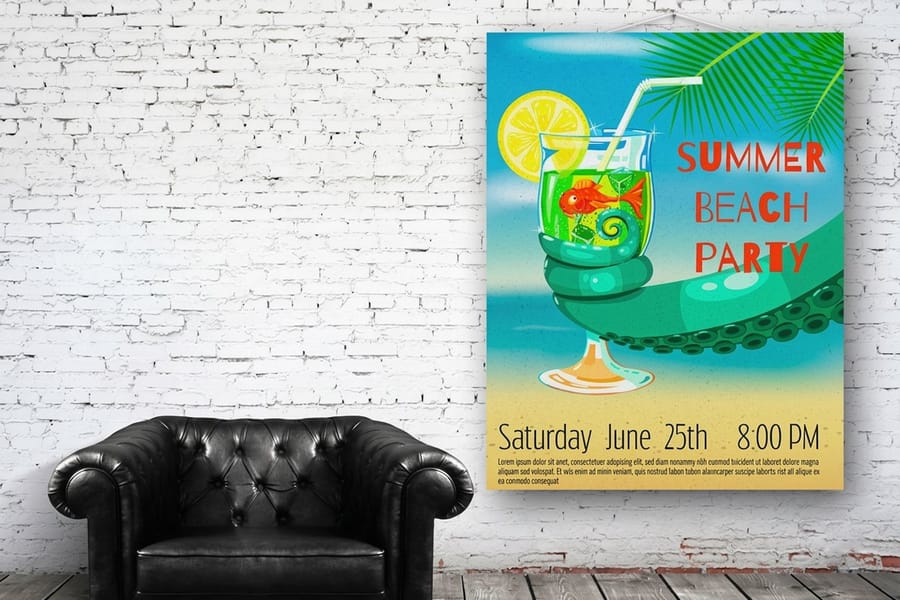
Getting dimensions right in the file matters as much as picking the size. Four settings decide whether your poster prints crisp or blurry.
Resolution. Build the file at 300 DPI at final print size. A 24 by 36 poster at 300 DPI works out to 7,200 by 10,800 pixels. That is a heavy file, but it is exactly what sharp output needs. Drop below 150 DPI and pixelation shows, especially in text and fine detail.
Bleed and safe zone. Add 0.125 inch of bleed on all four sides so no thin white edge appears if the cut drifts, and keep every headline and logo at least 0.25 inch inside the trim line. A 24 by 36 poster with bleed is set up as 24.25 by 36.25 inches in your design software.
Color mode. Design in CMYK, not RGB. Screens glow in RGB while presses lay down CMYK ink, so colors shift if you convert late. Blues dull and bright greens turn muddy. Convert early and adjust as needed. The layout habits in our guide on how to fold a brochure carry straight over to poster work, and if you are adding promo extras, learn how to make custom magnets to round out the campaign.
Paper stock and finish, size by size

Your poster size steers which stock and finish look and perform best. Here is the quick breakdown to match the print to where it will hang.
Small posters, 11 by 17 and 12 by 18. Heavier stocks like 100lb gloss text or 80lb cover give a small poster a premium feel in hand. Matte finishes cut glare under fluorescent light, which suits indoor bulletin boards and office walls.
Medium posters, 18 by 24. The versatile middle. Gloss makes colors pop for retail and event graphics, while satin or semi-gloss gives vivid color without harsh reflections. Framing behind glass? Go matte to kill the double glare.
Large posters, 24 by 36 and up. Heavier stocks resist curling and warping, and for outdoor or high-traffic spots, lamination or UV coating adds durability. Gallery prints often use archival matte for a fine-art look and long-term color stability. Not sure which stock is right? Order free samples and feel the finish before you commit to a full run.
Poster sizes by industry
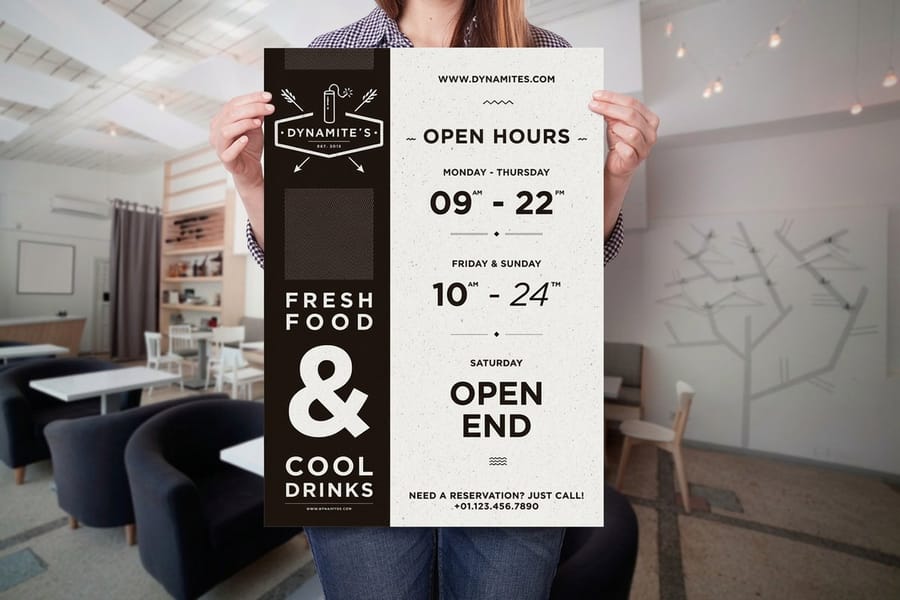
Restaurants and bars. 18 by 24 is the go-to for menu boards, daily specials, and event promos, sized to drop into a standard frame behind the bar or near the entrance. For table-side notices, step down to 11 by 17.
Real estate. Property feature sheets at 18 by 24 sit well in office windows, while open-house directional signs at 24 by 36 catch the street. Agents often print both from one design file, just scaled.
Education. Schools and universities lean on 11 by 17 for hallway announcements and 24 by 36 for campus event advertising. Budget rules here, so the smaller size gets the most mileage.
Retail. Window displays want 24 by 36 or larger, in-store promos near checkout work at 18 by 24, and seasonal sale graphics rotate through both depending on placement.
Art and photography. Limited edition prints sell best at 18 by 24 and 24 by 36 because they match the most common frame sizes, which matters when a buyer wants to hang the work the day it arrives.
Sizing mistakes that ruin poster prints

Even seasoned designers trip on poster dimensions. Dodge these and your print lands right the first time, no reprints needed.
- Designing at screen resolution. A file that looks great at 72 DPI on your monitor prints as a blurry mess. Always start at 300 DPI at full print size.
- Forgetting bleed. Skipping that 0.125 inch of bleed leaves white edges or cropped content. It takes 30 seconds to add, so do not skip it.
- Mixing up orientation. An 18 by 24 poster is portrait, a 24 by 18 poster is landscape. Double-check the layout matches your intended orientation before uploading.
- Scaling without checking proportions. Resizing a 24 by 36 design to fit 18 by 24 changes the aspect ratio, which distorts images or crops them awkwardly. Redesign for each size instead.
- Ignoring the safe zone. Text too close to the edge gets trimmed. Keep everything important at least 0.25 inch from the trim line.
4OVER4.COM catches many of these during the file review process, but building the file correctly from the start saves you time and reprints.
Wally sizes it up
The right dimension is the first design decision you make
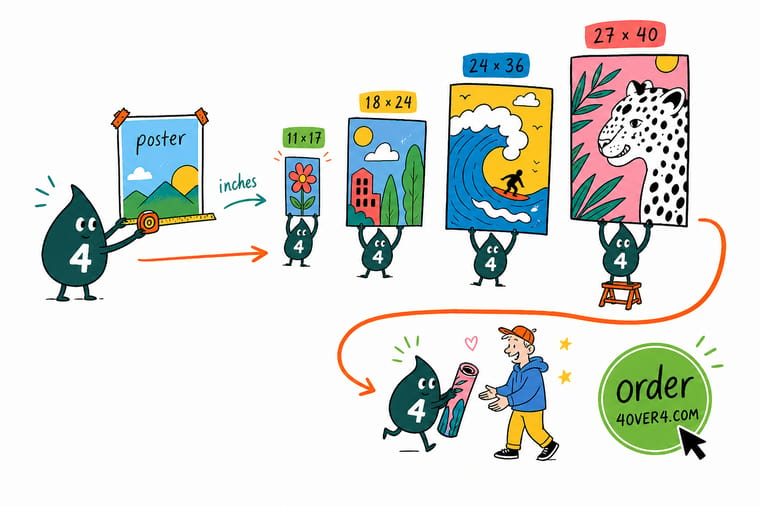
Wally treats poster size like the frame around your whole message: pick 11 by 17 for a coffee-shop board, 18 by 24 for a menu or art print, and 24 by 36 when it has to read from across the room. Measure the wall, mind the viewing distance, then build the file at 300 DPI with a little bleed. When you are ready, 4OVER4 prints your size on 60 plus stocks with color that lands sharp.
Order posters →Size chart
Poster size chart at a glance
The four sizes that cover most jobs, plus the classic film formats collectors still hunt for, with widths and heights in both inches and millimeters.
| Size in Inches (W x H) | Common Name | Size in Millimeters | Best For |
|---|---|---|---|
| 11" x 17" | Ledger / Tabloid | 279 x 432 mm | Flyers, bulletin boards, small window ads |
| 18" x 24" | Medium Poster | 457 x 610 mm | Event promotion, in-store displays, art prints |
| 24" x 36" | Large Poster | 610 x 914 mm | Trade shows, storefronts, decorative wall art |
| 27" x 40" | One Sheet | 686 x 1016 mm | Official movie theater displays, collector prints |
| Format Name | Typical Size (W x H) | Region / Primary Use | Historical Notes |
|---|---|---|---|
| One Sheet | 27" x 40" (modern) | USA (Film) | The primary US movie poster format, originally 27" x 41". |
| Half Sheet | 22" x 28" | USA (Film) | Horizontal format used in lobbies for different artwork. |
| Insert | 14" x 36" | USA (Film) | Tall, narrow format for tight spaces, often featuring star portraits. |
| Lobby Card | 11" x 14" | USA (Film) | Part of a set of 8 to 10 cards showing scenes from the film. |
| Double Crown | 20" x 30" | UK | A foundational British size for ads and official notices. |
| Quad | 40" x 30" | UK (Film) | The standard horizontal British movie poster, equal to two Double Crowns. |
| UK 4 Sheet | 40" x 60" | UK (Advertising) | Large format for public displays, equal to four Double Crowns. |
Free templates
Free poster templates to start from
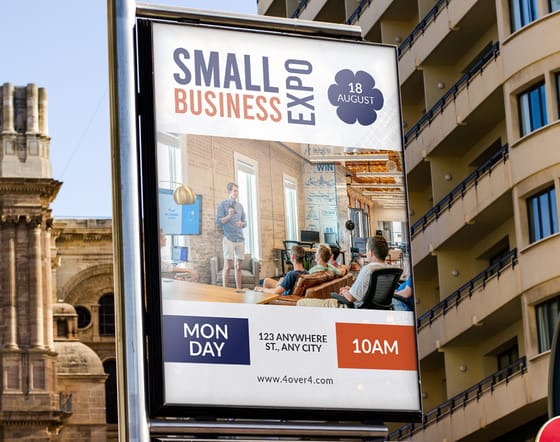
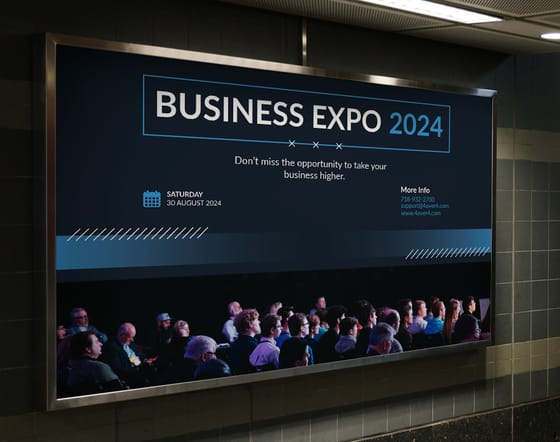
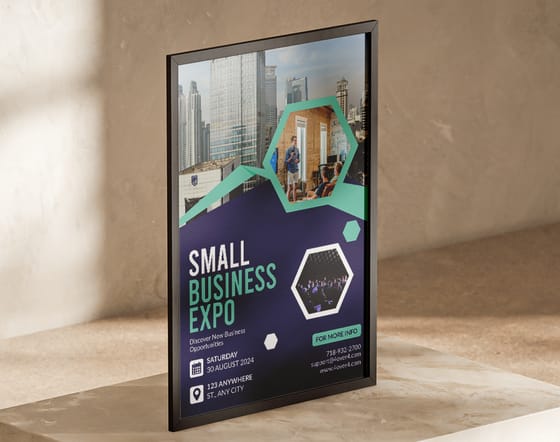
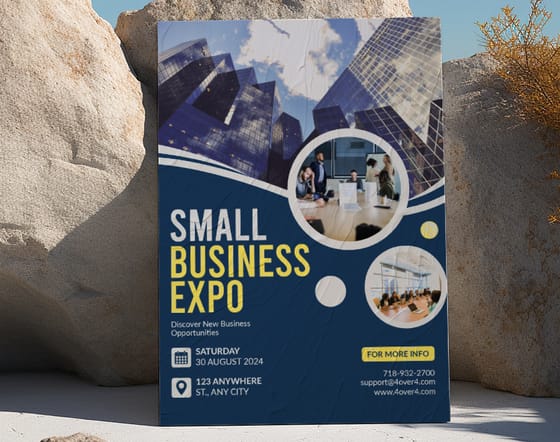
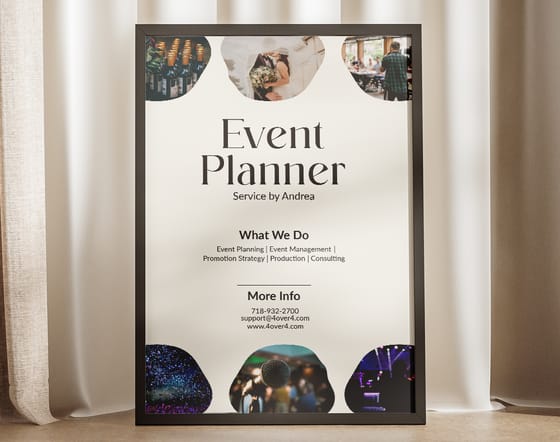
Jump-start your design with a ready-made layout. Open any template in the online designer, or grab a blank press file for 3D lenticular posters and dry erase posters.

Specs and pricing
Standard poster specs and pricing
Once you have settled on a size, here is what a made-to-order poster gives you at 4OVER4.COM, with live specs and price-per-unit straight from the configurator.

| Quantity | Price Per Unit | Total |
|---|---|---|
| 50 | $2.18 | $108.75 |
| 100 | $1.64 | $163.67 |
| 200 | $1.01 | $202.11 |
| 300 | 80.2¢ | $240.55 |
| 400 | 69.7¢ | $278.99 |
| 500 | 63.5¢ | $317.44 |
| 600 | 55.8¢ | $335.02 |
| 700 | 50.4¢ | $352.59 |
Print it
Poster products worth printing at 4OVER4
4OVER4.COM prints posters on a wide range of stocks and finishes, from glossy photo paper to thick matte cardstock. If sustainability matters to your brand, explore our green printing options for eco-conscious poster materials.

See it in use
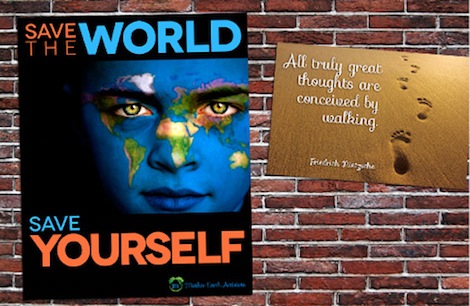
Real poster work, printed in-house

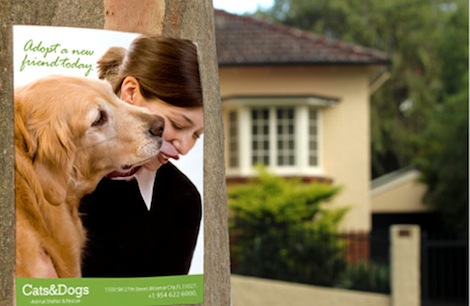


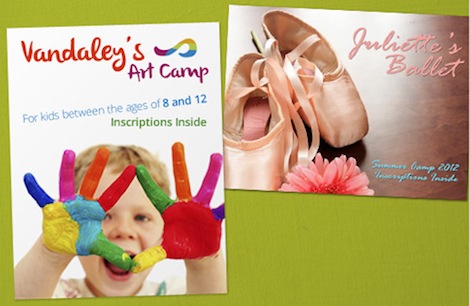
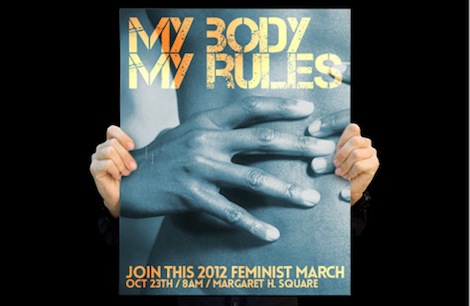

Explore more
Where to go next

By the numbers
Printing you can count on at 4OVER4
Common Questions
Common questions about poster sizes and printing
What is the most common poster size in inches?
The most popular poster size is 24" x 36", often called large format. It is the standard for dorm room posters, retail displays, and art prints. For smaller indoor use, 18" x 24" is the second most common. Both sizes have widely available frames, which makes them practical choices for most projects.
What size is a movie poster in inches?
Standard movie posters measure 27" x 40", known in the film industry as a One Sheet. This size has been the Hollywood standard since the 1980s. Vintage movie posters from earlier decades may measure 27" x 41", so verify which version you have before ordering a frame.
What resolution should I use for poster printing?
Set your design file to 300 DPI at the final print size. For a 24" x 36" poster that means a file of 7,200 x 10,800 pixels. If file size becomes unmanageable, 200 DPI is acceptable for large-format posters viewed from a distance, but never go below 150 DPI or you will see visible pixelation.
How much bleed do I need for a poster?
Add 0.125 inch (1/8 inch) of bleed on all four sides of your poster file. This extra area gets trimmed during production and prevents white edges. A 24" x 36" poster with proper bleed should be set up as 24.25" x 36.25" in your design software.
Can I print a custom poster size that isn't standard?
Yes. While standard sizes like 18" x 24" and 24" x 36" are the most cost-effective because they match common paper sheet sizes, 4OVER4.COM can print custom dimensions. Non-standard sizes may cost a little more and finding frames can be trickier. Contact our Help Center to discuss custom sizing for your project.
What's the best poster size for a trade show booth?
For trade show displays, 24" x 36" is the minimum recommended size. Attendees view booth graphics from 10 to 20 feet away, so your text and images need to be large enough to read at that distance. For backdrop walls, consider 36" x 48" or larger, and use bold headlines and high-contrast colors for maximum visibility.
Should I choose glossy or matte finish for my poster?
It depends on where the poster will hang. Glossy finishes make colors more vivid and saturated, perfect for retail and event posters. Matte finishes reduce glare, which works better under fluorescent lights or behind glass frames. For fine art reproductions, matte or satin gives a gallery-quality look that feels more refined.
Get Started
Ready to print your poster?
Pick your size, upload your art, and we print a crisp, color-accurate poster on the stock and finish that fits the space.
Legal Disclaimer
Gold Standard guarantees apply to all standard orders placed through 4over4.com. Price match requires verifiable proof of a competitor's published price for an equivalent product with matching specifications and turnaround time. Satisfaction guarantee covers manufacturing defects and print quality issues. Contact support with order number and documentation. On-time delivery rate based on tracked orders 1999 to 2026. Individual results may vary based on shipping carrier performance.
