
Where to Start in the 4OVER4 Printing Library


The library is large and you probably need three pages of it. It is organized by question, each piece answers one, and reading them in order is what stops you paying for a reprint.
Start from the job you are printing, not from a topic, and work through four decisions in this order: format and quantity, then file and color, then stock and finish, then turnaround. The guides teach the process behind each of those steps, the articles cover ideas and examples once you already know the product, and the category pages let you configure and price the piece itself. Anything you read out of order tends to get undone by the next decision.

Quick answer
Four decisions, and the order that keeps you out of a reprint
Pick the format and the quantity, fix the file and the color, choose the stock and finish, then buy the turnaround. Each step narrows the next one, which is why doing them backwards is expensive: a stock chosen after the artwork is finished can force the whole layout to be rebuilt, and a color mode left unchecked prints a color nobody approved. The library follows the same sequence. Guides own the process, articles own the ideas, and the product pages own the price.
Find Your Starting Point by What You Are Making

The library is grouped by topic, but almost nobody arrives with a topic. People arrive with a job: a card for a trade show next month, labels for a product launch, a banner for a store opening. So route yourself by the job and read only the two or three pieces that touch it.
| What you are making | Read first | Then settle | Product to configure |
|---|---|---|---|
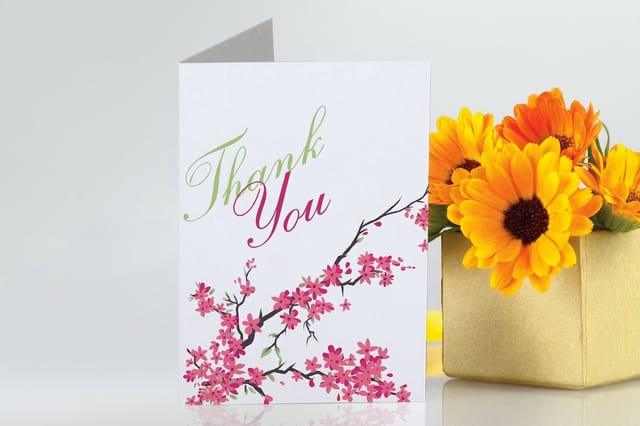
| Cards and folded pieces | Paper types for brochures | Weight, coating, and how the fold sits | Greeting cards from $56.02 |
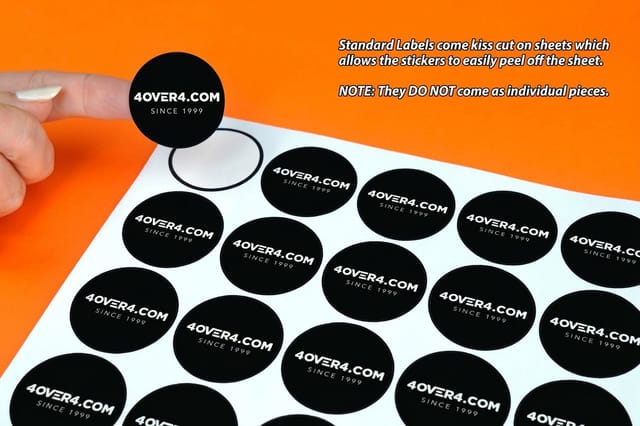
| Product labels | Two color and spot inks | Exact brand color and the surface it sticks to | Standard labels from $23.88 |
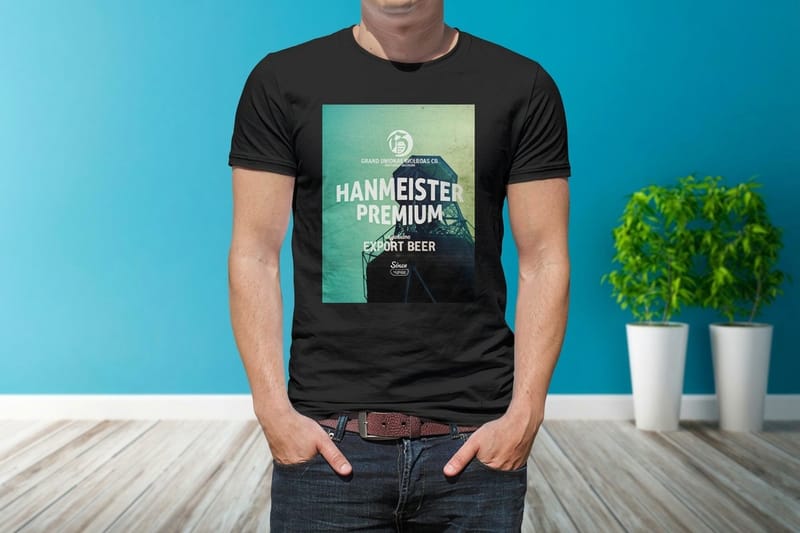
| Apparel | Starting a t-shirt printing business | Sizes, ink coverage, and run length | T-shirt printing from $21.96 |
| Signage | Color profile for printing | Viewing distance, weather, and mounting | Outdoor banners from $79 |
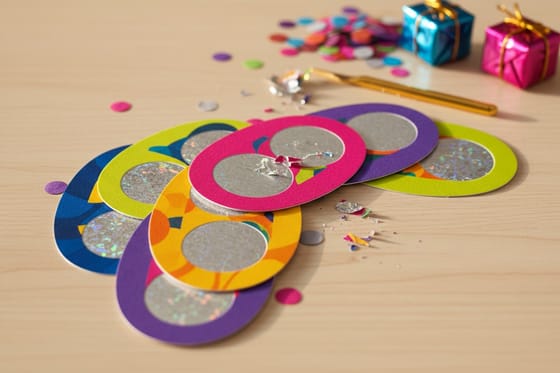
| Promotions and giveaways | Scratch off gift card ideas | Reveal area, prize odds, and fulfilment | Scratch off cards from $237.25 |
If your job is not on that list, the printing basics collection is the safest entry point, because it covers the vocabulary every other guide assumes you already have. The full guide library sits one level up when you want to browse rather than route.
The File Decisions That Cause Most Reprints

Two things go wrong far more often than anything else: the color mode and the resolution. Both are settled in the file, both are invisible on screen, and both only reveal themselves once a box lands on a desk.
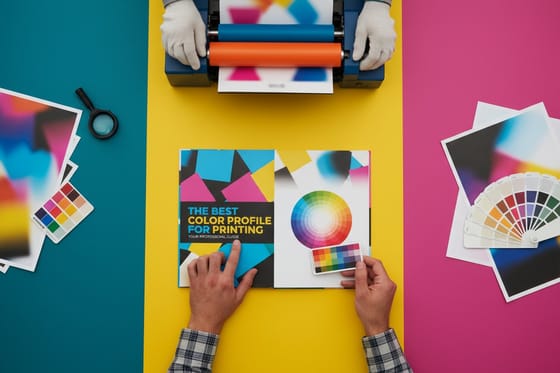
Color first. A monitor builds color from light and a press builds it from ink, so an RGB file has to become CMYK at some point in the chain. If you do not do that conversion, it happens without you, and the colors that shift hardest are the ones brands care about most: strong blues drift purple, bright oranges go flat, and neon greens simply cannot be reproduced with process inks. Convert in your design software, look at what happened, and fix it there. The color profile guide walks through which profile to pick and why.
Then decide whether process color is enough. Four color process rebuilds every shade from cyan, magenta, yellow and black, which is flexible and cheap. A spot ink is one premixed color laid down as itself, so it hits a brand standard exactly and stays identical across every piece you print. The catch is cost and rigidity: spot inks add setup per color and make sense on longer runs or where a color mismatch is a genuine problem, not on a short run of mixed material. Two color printing with Pantone inks covers where that line falls.
Resolution is the quiet one. Anything pulled from a website is built for a screen and will look soft in print, and no amount of upscaling puts detail back. Start from a correctly sized layout, and if you are building from scratch the blank template library gives you the right dimensions and bleed before you draw a single box.
Stock, Format, and Where the Piece Will Live

Ask where the piece ends up before you ask what it costs. A menu gets handled with wet hands, a banner takes wind and sun for a season, a label rides on a cold bottle in a fridge. Each of those rules out materials that would be perfectly fine elsewhere.
For paper pieces, the honest trade-off is weight against cost and behavior. A heavier stock feels better and stands up on a counter, but it also cracks more visibly at a fold unless it is scored, which is why a brochure and a business card do not want the same board. Coated stock gives you sharper images and stronger color, and it fights back against a pen, so anything people write on wants an uncoated sheet. That is the whole argument in the brochure paper guide, and it transfers cleanly to cards and flyers.
For signage, the material follows the lifespan. Vinyl outdoor banners start at $79 and are built to be hung, taken down and hung again. A frame signs are for daily sidewalk use where someone puts them out in the morning and brings them in at night. Acrylic panels are the opposite case: rigid, interior, and meant to stay on a wall for years without being touched.
Seasonal work has its own rule, which is calendar rather than material. Dated pieces have to clear proofing, printing and shipping before the date they refer to, so a run tied to a holiday needs to be ordered against a deadline that sits well before it. The Fourth of July collection is the clearest example of a category where ordering two weeks late makes the whole job worthless.
Quantity, Turnaround, and Who Actually Prints It

Quantity is a printing decision, not just a budget one. Setup cost is spread across the run, so the per-piece price falls steeply at first and then flattens. That is why ordering 100 of something rarely costs anywhere near half of ordering 250, and why splitting one design into two small runs is usually the most expensive way to buy print.
Turnaround works the other way around. Faster tiers cost more because they take priority on the press schedule, and the clock generally starts when the file is approved rather than when the order is placed. A file that comes back with a problem on Friday afternoon can quietly cost you three days that no rush upgrade will buy back, so getting the file right is the cheapest speed you can buy.
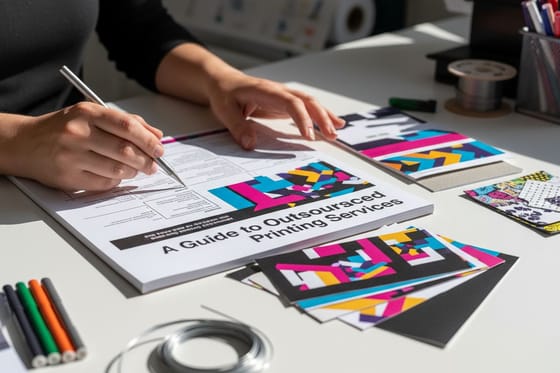
If you are buying print to resell it, the economics change again. Trade printing means someone else carries the equipment, the maintenance and the ink inventory, and you carry the client relationship. Outsourced printing services for business covers how proofing, reprints and shipping are handled when your name is on the package but not on the press. Whether the press sits domestically is a real consideration too, and why US based printing matters makes the case for shipping time and accountability rather than sentiment.
Before any of that, settle the brand itself. A logo that has never been tested at business card size will fail at business card size, and the fix is a redraw, not a reprint. 22 logo design questions is worth twenty minutes if the mark is new, and scratch off card examples is worth a look if your next project is promotional rather than corporate.
Wally explains the library
Three pages, in the right order, beats reading all of them
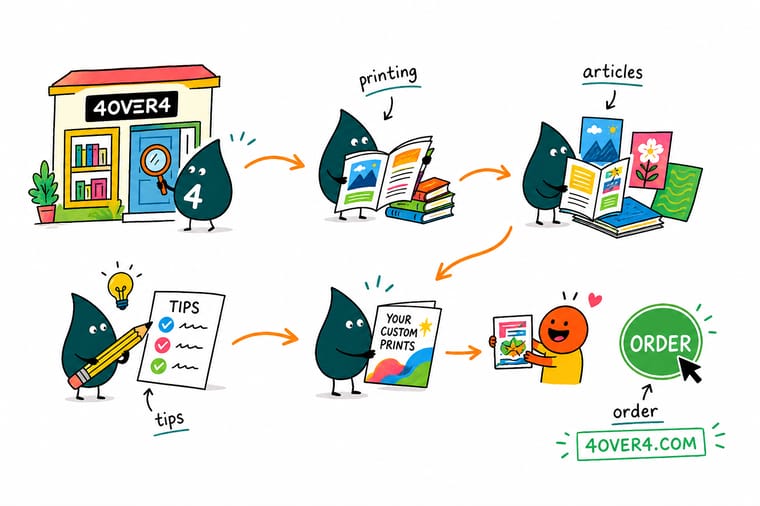
Wally does not start at the first guide and work down. He looks at what is on the desk, decides what the piece has to survive, and pulls the two or three pages that touch it. File and color first, because that is the mistake you cannot fix after the run. Stock next, because it decides how the piece behaves in a hand or on a wall. Turnaround last, because speed is the only part you can still buy later. Everything else on the shelf is there for the next job.
Configure standard labels →Specs and pricing
Sizes, options, and starting prices on three common jobs
Reading is only half of it. These are live configurators for the three products the library gets asked about most, with the real size, stock and turnaround choices behind each starting price.


Print it
Move from reading to ordering
Explore more
Where to go next



By the numbers
The press behind the printing library
Common Questions
Questions people ask before their first order
Where should I start if I have never ordered printing before?
Start with the piece, not with a topic. Write down three things: what it is, how many you need, and the date it has to be in hand. Those three answers narrow the catalog faster than any amount of reading, because quantity decides the press and the date decides the turnaround tier. Then read the file and color guide before you export anything, since color is the one mistake you cannot fix after the job runs. If you want a physical reference before committing, order free paper samples and hold the stocks side by side.
What is the difference between the guides and the articles?
A guide explains how something works or how to do it, and it is written to be followed step by step. The best color profile for printing is a guide because there is a right answer and a sequence to get there. An article is shorter and has a point of view: idea lists, opinions, examples of work. Use guides when you are setting something up and articles when you already understand the product and want inspiration or an argument you can bring to a client.
Do I have to send CMYK files?
Yes for anything printed on our presses. Screens build color from light and presses build it from ink, so a file left in RGB gets converted somewhere in the chain, and if you do not do the conversion yourself the press does it without asking your opinion. Bright blues, oranges and neon greens shift the most. Convert to CMYK in your design software, look at the result, and adjust before you upload rather than after.
How do I match an exact brand color?
Process CMYK gets close on most colors and misses on a few, particularly saturated blues and oranges. If the color is a corporate standard that has to match across a business card, a label and a sign, ask about a spot color instead of building it from process inks. Spot printing costs more per run and pays for itself when the run is long or when a mismatch is genuinely a problem. On short runs of mixed pieces, process is usually the sane choice.
Are the prices shown in the library what I will pay?
They are starting prices for the smallest standard configuration, so they are a floor rather than a quote. Standard labels open at $23.88, greeting cards at $56.02, t-shirts at $21.96, outdoor banners at $79 and scratch off cards at $237.25. Size, stock, coating, finishing and turnaround all move the number, and quantity moves it downward per piece. Configure the product to see the real price for your job before you plan a budget around it.
Is there anything here for resellers and print brokers?
Yes. The outsourced printing guide covers what changes when you buy trade rather than retail: how proofing, reprints and blind shipping are handled, and where margin actually comes from. If you are building a business around one product rather than reselling broadly, the t-shirt printing business guide walks through the equipment and pricing decisions from the other side of the counter.
Get Started
Know what you are printing? Price it now.
Pick the product, set the size, stock and turnaround, and the configurator gives you the real number for your quantity instead of a starting price.
Legal Disclaimer
Gold Standard guarantees apply to all standard orders placed through 4over4.com. Price match requires verifiable proof of a competitor's published price for an equivalent product with matching specifications and turnaround time. Satisfaction guarantee covers manufacturing defects and print quality issues. Contact support with order number and documentation. On-time delivery rate based on tracked orders 1999 to 2026. Individual results may vary based on shipping carrier performance.
