What You Need to Know About Standard Brochure Sizes
The two most common brochure sizes are US Letter (8.5" x 11") in North America and A4 (210mm x 297mm) internationally. Both are cost-effective because they're always in stock and run efficiently on standard presses. Your fold type - tri-fold, bi-fold, z-fold - changes the final panel dimensions but not the flat sheet size. 4OVER4 offers 60+ paper types across these standard sizes, so you can match the right stock to your project without guessing.
Picking the Right Brochure Size for Your Project

A standard brochure size guide saves you from the most expensive mistake in print marketing: designing something beautiful that doesn't fit standard press sheets. When your brochure dimensions don't align with common paper sizes, you're paying for wasted material and extra cutting time.
This guide breaks down every standard brochure dimension you'll encounter - from compact tri-folds to large format gate folds. You'll learn which size works best for menus, event programs, product catalogs, and direct mail campaigns. We also cover how fold types change your usable panel space, which matters more than most people realize. If you're new to print layout, learning How To Fold A Brochure is a great companion to this sizing guide.
4OVER4 has printed over 10 billion+ cards and marketing materials since 1999. That experience shows up in details like pre-built templates sized to exact bleed specifications. Whether you're a designer setting up files or a business owner choosing between formats, this guide gives you the numbers you need. And if you're exploring other print projects, our guide on How To Clean Rubber Stamps covers another common question we hear from customers.
Every Standard Brochure Dimension, Explained
Standard brochure sizes exist for a practical reason: they match the paper sheets commercial printers keep in stock. When you design to these dimensions, your brochure runs on press without custom cutting, which keeps costs down and turnaround fast. Let's walk through each size, what it's best for, and how fold types affect your final layout.
US Letter Brochures: 8.5" x 11" (The North American Default)
The 8.5" x 11" sheet is the backbone of brochure printing in the United States and Canada. It's the same size as standard copy paper, which means every commercial printer has compatible stock ready to go. When you tri-fold this sheet, you get three panels measuring roughly 3.67" x 8.5" each - the classic brochure you've picked up at a hotel lobby or doctor's office a hundred times.
Bi-fold the same sheet, and you get a four-panel piece with panels at 5.5" x 8.5". That's a half-letter booklet, perfect for menus, event programs, or product overviews that need a bit more breathing room per page. The 8.5" x 11" size fits standard #10 envelopes when tri-folded, which makes it the go-to for direct mail brochures.
"We ordered 5,000 tri-fold brochures on 100lb gloss text for our dental practice. The panels were sized perfectly for our #10 mailer envelopes, and the color on the photos was sharp. Patients actually read them in the waiting room."
- Monica R., ★★★★★
If you're also creating flyers to complement your brochure campaign, check out our guide on How To Make Flyers for layout tips that apply to the same 8.5" x 11" format.
A4 Brochures: 210mm x 297mm (The International Standard)
Outside North America, A4 is king. At 210mm x 297mm (8.27" x 11.69"), it's slightly taller and narrower than US Letter. The A-series paper system uses a consistent aspect ratio of 1:√2, which means you can scale designs between A3, A4, and A5 without distortion. That's a real advantage if you're creating brochures for multiple markets.
A tri-folded A4 brochure gives you panels of approximately 99mm x 210mm. A bi-folded A4 produces panels at 148.5mm x 210mm, which is essentially A5 size. If your business operates internationally or you're printing in Europe, Asia, or Australia, A4 is your default. Designing for A4 when your printer uses US Letter (or vice versa) is one of the most common file setup errors - and it leads to cropped content or awkward white borders.
8.5" x 14" (Legal Size) Brochures
Legal-size brochures give you three extra inches of vertical space compared to letter size. Tri-fold a legal sheet and each panel measures about 4.67" x 8.5" - wider panels that work well for restaurant menus, real estate feature sheets, and service catalogs where you need to list detailed information without cramming text.
The trade-off? Legal-size brochures don't fit standard #10 envelopes. You'll need a 6" x 9" or larger envelope for mailing, which adds to postage costs. But if your brochures are handed out in person - at trade shows, open houses, or retail locations - that extra real estate is worth it. Browse Custom Brochures at 4OVER4 to see available paper options for this size.
11" x 17" (Tabloid) Brochures
Tabloid-size brochures are the big guns. An 11" x 17" sheet bi-folded creates a four-page booklet at 8.5" x 11" per page - essentially a small magazine. Tri-fold it and you get panels at roughly 5.67" x 11", which is generous enough for full-bleed photography and detailed infographics.
This size is popular for nonprofit annual reports, university program guides, tourism maps, and product catalogs. The larger format commands attention and feels more big in hand. A 100lb gloss text stock at this size gives you a piece that reads like a premium publication, not a throwaway flyer.
"We printed 2,000 tabloid bi-fold brochures for our museum's seasonal exhibit. The 11x17 format let us use full-page images on each panel. Visitors kept them as souvenirs, which was exactly what we wanted."
- David K., ★★★★★
How Fold Types Change Your Panel Dimensions
The flat sheet size is only half the equation. Your fold type determines how many panels you get and how large each one is. Here's what you need to know for the most common folds on an 8.5" x 11" sheet:
- Bi-fold (single fold): 2 panels per side, each at 5.5" x 8.5". Clean, simple, great for event invitations and short product overviews.
- Tri-fold (letter fold): 3 panels per side, each at approximately 3.67" x 8.5". The inside panel that folds in should be 1/16" to 1/8" narrower to fold cleanly.
- Z-fold (accordion fold): 3 panels per side, same dimensions as tri-fold, but all panels are equal width. Opens flat, which works for maps and step-by-step guides.
- Gate fold: 2 outer panels fold inward to meet at the center. Creates a dramatic reveal moment. Outer panels are each about 2.19" wide on an 8.5" x 11" sheet.
- Roll fold (barrel fold): 4 panels per side on an 8.5" x 14" or 11" x 17" sheet. Each successive panel is slightly narrower so they nest inside each other.
The critical detail most people miss: the panel that folds inward must be slightly narrower than the outer panels. If all panels are identical width, the brochure won't close flat. It'll buckle. Most professional templates account for this, but if you're building your own layout, subtract 1/16" to 1/8" from the innermost panel. You can find pre-sized layouts at Blank Templates on the 4OVER4 site.
Blank Templates


Choosing the Right Size for Your Use Case
Restaurant owners should lean toward 8.5" x 14" tri-fold for takeout menus. The extra panel width fits two columns of menu items without tiny, hard-to-read type. A heavy 14pt or 16pt cardstock with aqueous coating resists grease and moisture.
Real estate agents do well with 8.5" x 11" bi-fold brochures. Four panels give you room for property photos, a floor plan, neighborhood details, and contact information. It's the right balance of information density and portability. If you're also creating matching direct mail pieces, our How To Make Envelopes guide covers custom envelope sizing.
Event planners often need 11" x 17" bi-fold for conference programs or festival guides. The booklet format holds schedules, maps, and sponsor logos without feeling cramped. For smaller events, an 8.5" x 11" tri-fold works as a quick reference that fits in a back pocket.
Nonprofits and schools printing annual reports or fundraising materials benefit from tabloid size. The larger canvas communicates credibility and gives donors something worth keeping. Pair it with an uncoated stock for a tactile, approachable feel.
For more project ideas and printing tips beyond brochures, visit the Faq Hub where 4OVER4 covers everything from business cards to banners. And if you're working on a multi-piece campaign that includes promotional items, our Custom Magnets Faq guide is a solid next read.
Setting Up Your Brochure File Correctly
Knowing the finished size isn't enough. Your design file needs to account for bleed, trim, and safe zones. Here's the setup:
- Bleed: Extend your background colors and images 0.125" (1/8") past the trim line on all sides. This prevents white edges after cutting.
- Trim line: The exact finished size of your flat brochure (e.g., 8.5" x 11").
- Safe zone: Keep all important text and logos at least 0.125" inside the trim line. Anything closer risks getting cut off.
- Resolution: 300 DPI minimum for all images. Anything lower looks fuzzy in print, even if it looks fine on screen.
- Color mode: CMYK, not RGB. RGB is for screens. CMYK is for ink on paper. Converting at the last minute shifts your colors.
For a tri-fold brochure, your file should be set up as a single flat sheet at the full unfolded dimensions, not as individual panels. Place fold marks on a separate guide layer so the printer knows where to score. 4OVER4's downloadable templates come with bleed, trim, and fold guides already built in, which eliminates the guesswork.
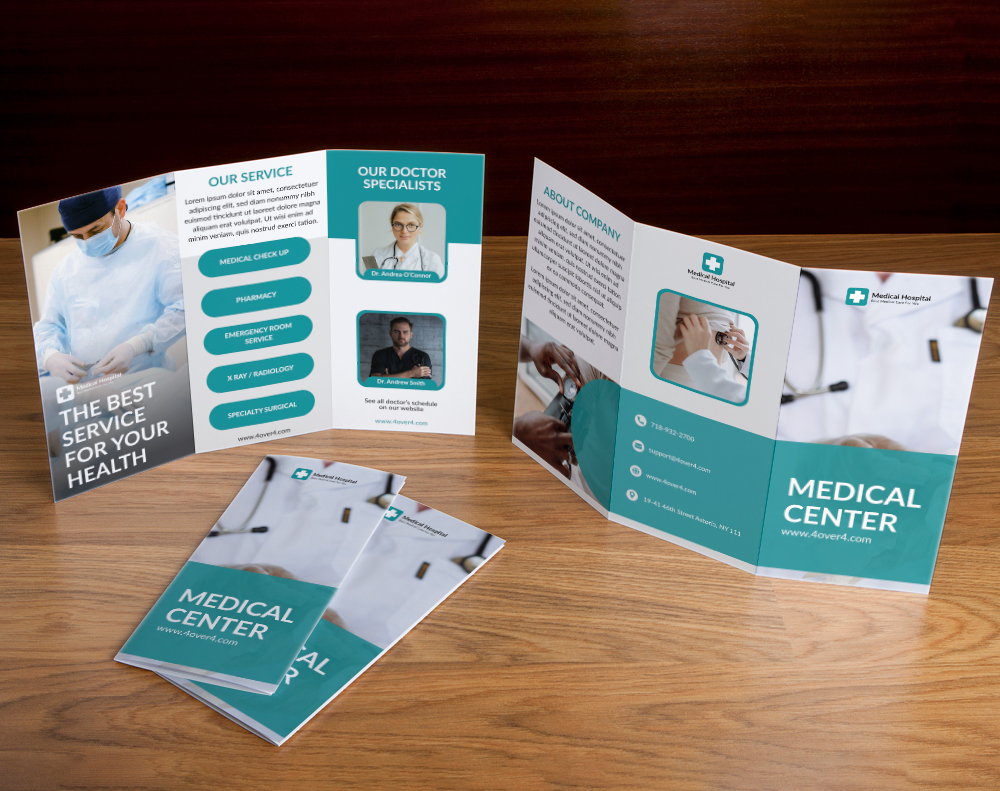
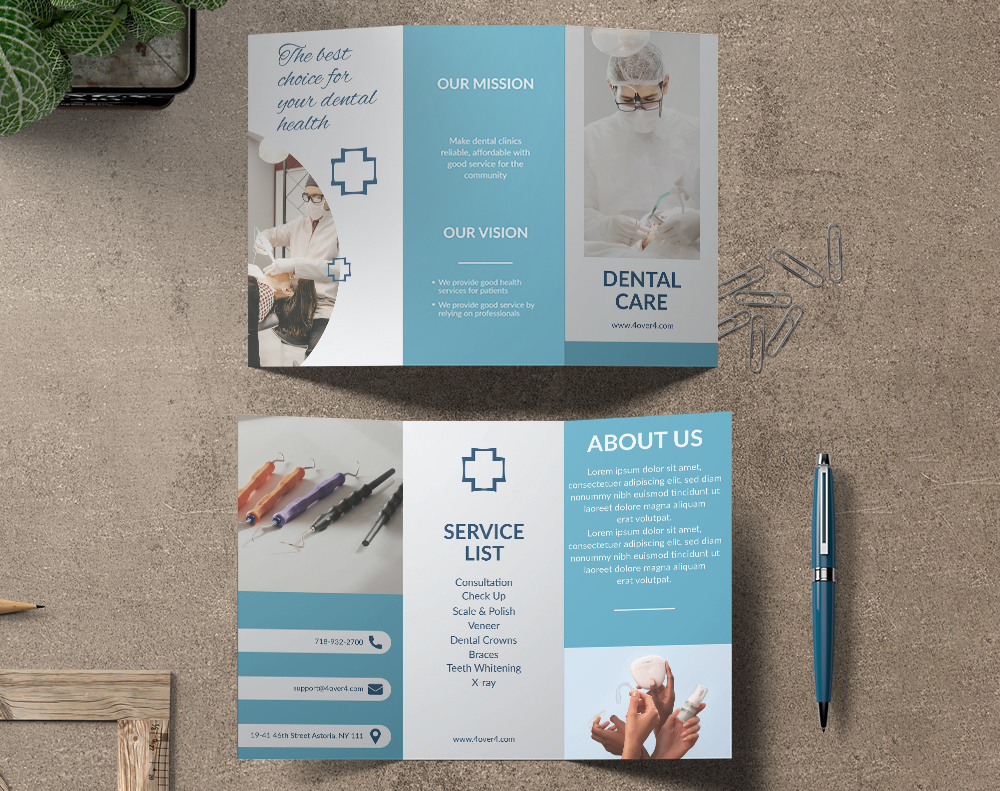
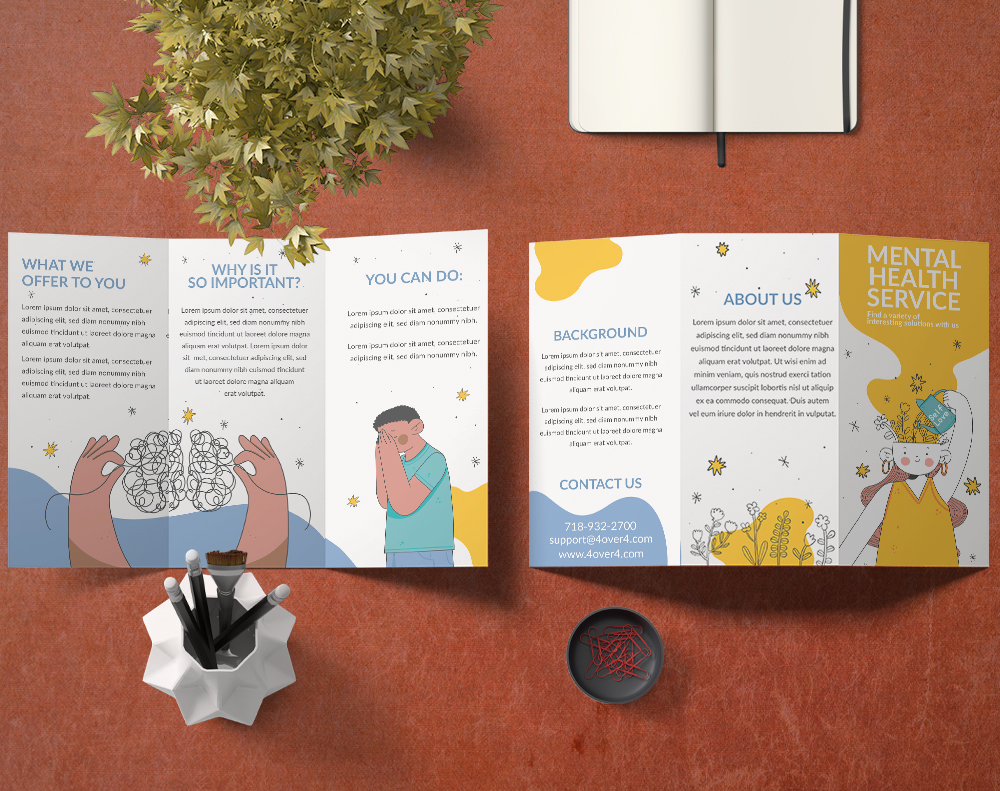
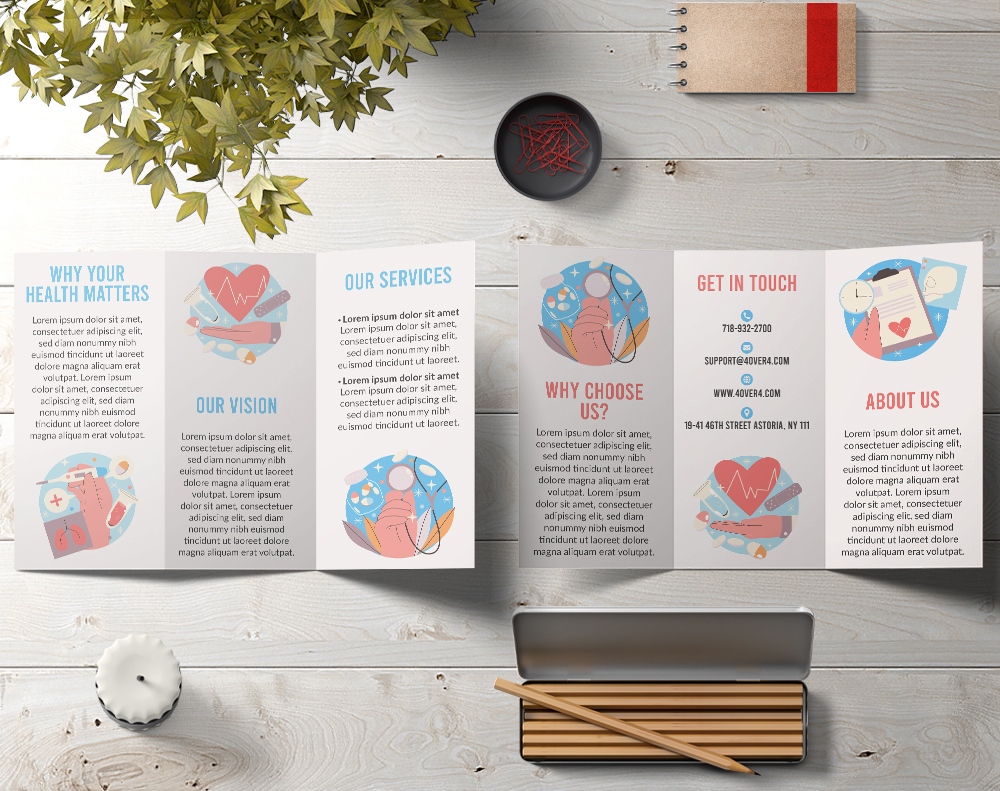
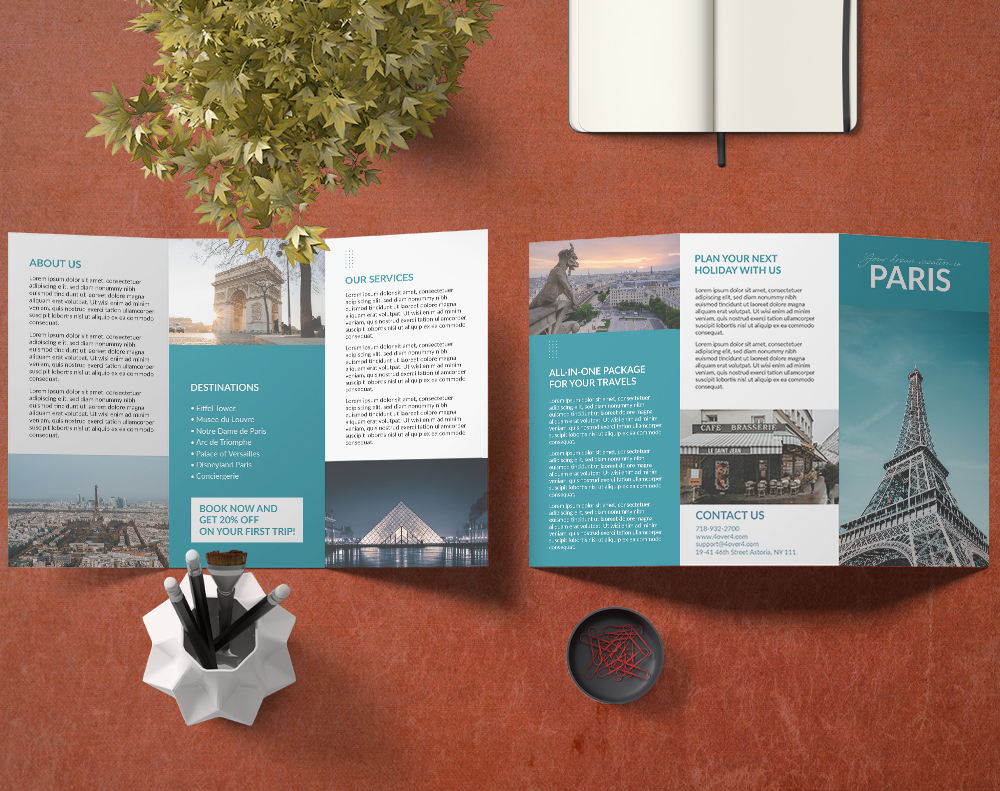
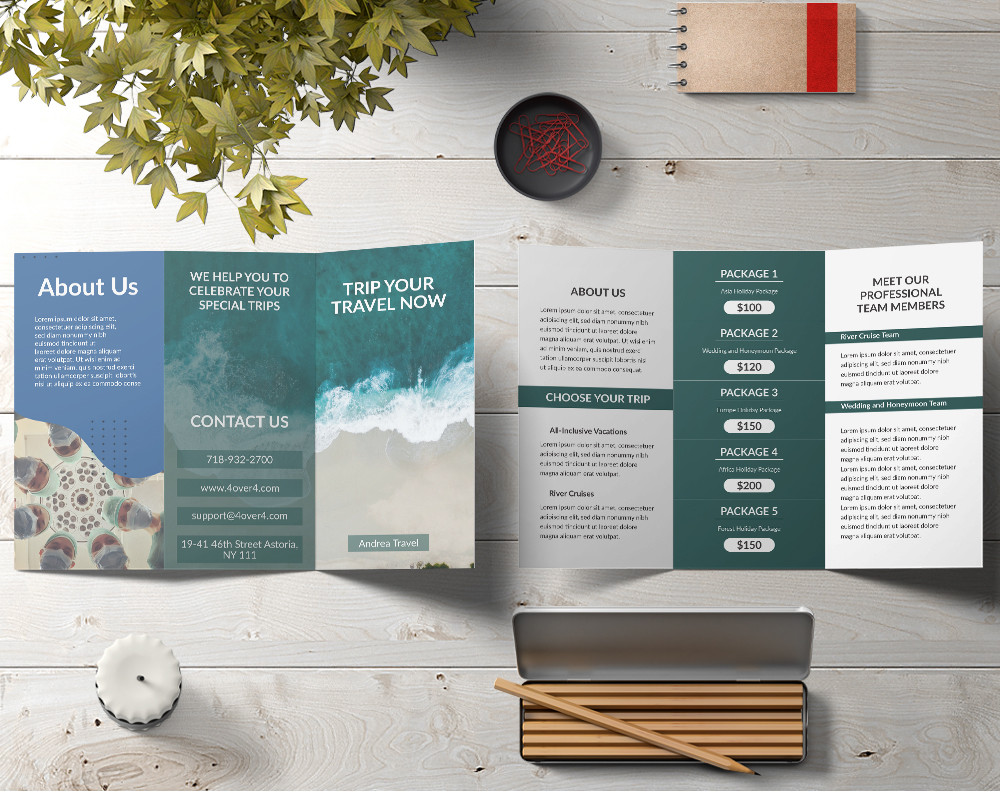
Below you'll find ready-to-use templates sized to standard brochure dimensions. These include proper bleed areas and fold marks so your file is press-ready from the start.
Brochure Sizing Errors That Cost You Money
After 25+ years in print production, 4OVER4 sees the same standard brochure size guide mistakes come through repeatedly. Here are the ones that delay jobs or force costly reprints.
Designing in RGB instead of CMYK. Your bright blues and greens will shift when converted to print color space. Always start in CMYK.
Making all tri-fold panels the same width. The inner panel needs to be 1/16" to 1/8" narrower. Equal panels cause buckling and misalignment at the fold.
Forgetting bleed on interior panels. Bleed isn't just for the outer edges. If a background color runs to a fold line, you need bleed there too, or you'll get a thin white stripe along the crease.
Mixing up A4 and US Letter dimensions. They're close but not identical. An A4 design printed on US Letter stock gets cropped at the bottom. Always confirm which paper standard your printer uses.
Using low-resolution images. Photos from websites are typically 72 DPI. Print requires 300 DPI. What looks acceptable on a monitor turns muddy on paper. Check resolution before you finalize your layout.
"I accidentally set up my tri-fold at equal panel widths the first time. 4OVER4's file review caught it before printing and sent me corrected dimensions. Saved me from reprinting 3,000 brochures."
- Keisha L., ★★★★★
Brochure Products Worth Considering at 4OVER4
Now that you've got your standard brochure size guide down, it's time to pick the right product. 4OVER4 offers brochures across all standard sizes with 60+ paper types - from budget-friendly 80lb gloss text to thick 16pt cardstock with soft-touch lamination.
Letter (8.5" x 11"): This is the undisputed champion of North American paper. It’s the size you see everywhere, from corporate reports to school handouts, which makes it a comfortable and professional choice for almost any project. Its balanced proportions are perfect for a classic tri-fold or bi-fold layout.
Legal (8.5" x 14"): With three extra inches of height, Legal size gives your content some much-needed breathing room. This format is a go-to for detailed restaurant menus, packed event programs, or any service list that needs just a bit more space without feeling bulky.
Tabloid (11" x 17"): When you need to make a big, bold visual statement, Tabloid is your answer. Folded in half, it creates a perfect Letter-sized booklet. Left unfolded, it works like a mini-poster, making it a favorite for high-impact real estate flyers and eye-catching retail promotions.
- A4 (210 x 297 mm): This is the international MVP, the direct equivalent of US Letter size. It’s your go-to for corporate profiles, in-depth product catalogs, and any official document where you need ample space.
- A5 (148 x 210 mm): Compact and easy to carry, the A5 is perfect for event programs, promotional mailers, and informational booklets that people can easily tuck into a bag or purse.
- A6 (105 x 148 mm): Essentially a postcard, the A6 is small but mighty. It’s fantastic for quick-hitting marketing messages, event invitations, or pocket guides that deliver information at a glance.
- Image Resolution: Your images need to be sharp. Always use photos and graphics with a resolution of at least 300 DPI (dots per inch). Anything lower might look fine on your screen, but it will come out looking pixelated and blurry in print, which can seriously undermine your brand's credibility.
- Color Mode: Screens use RGB (Red, Green, Blue) light to display color, but printers use CMYK (Cyan, Magenta, Yellow, Black) ink. Make sure you convert your design files to CMYK before sending them off. This ensures the colors that get printed are the same vibrant hues you intended.
- Paper Selection: Don't underestimate the power of touch. The paper’s weight (its thickness) and its finish (glossy or matte) can dramatically change how your brochure is perceived. A heavier paper stock feels more substantial and premium, while a glossy finish makes colors pop right off the page.
- Luxury Brands: A unique shape or size can instantly signal exclusivity and premium quality.
- Creative Portfolios: An unusual format is a great way to showcase artistic flair and design chops before the recipient even opens it.
- High-Impact Invitations: A custom cut can build excitement and make an invitation feel like a true event.
"Ordered standard brochure size guide from 4OVER4 and the quality blew me away. Sharp colors, premium feel, arrived 2 days early."
"Been using 4OVER4 for standard brochure size guide for a year. Consistent quality every time. The online designer made it easy."
"Switched to 4OVER4 and saved 40% on standard brochure size guide. Better quality than my old printer. 60+ paper options."
"4OVER4's standard brochure size guide helped us look more professional. Clients notice the difference."
If your brochure is part of a larger campaign, consider pairing it with Free Invitations for event promotions. Looking to reduce your environmental footprint? 4OVER4's Green Printing options include recycled stocks and soy-based inks that look just as sharp as conventional materials.
For seasonal promotions and special events, you can also grab Free Invitations from 4OVER4 to complement your brochure distribution and create a cohesive campaign without stretching your budget.
Below you'll find detailed specs, paper options, and customer reviews to help you choose the right brochure configuration for your project.
Free Standard Brochure Size Dimensions And Layouts Templates
Common Questions About Brochure Sizes and Printing
What is the most common brochure size in the United States?
The most common brochure size is 8.5" x 11" (US Letter), typically tri-folded to create six panels. This size fits standard #10 envelopes for direct mail and runs on every commercial press without custom setup. It's the default for most marketing brochures, menus, and informational handouts.
What's the difference between A4 and US Letter brochure sizes?
A4 measures 210mm x 297mm (8.27" x 11.69"), while US Letter is 8.5" x 11". A4 is slightly taller and narrower. If you design for one and print on the other, your content will be cropped or have uneven margins. Always confirm which standard your printer uses before finalizing your file.
How do I set up bleed for a standard brochure?
Add 0.125" (1/8") of bleed on all sides of your flat brochure layout. Extend background colors and images past the trim line by that amount. Keep text and logos at least 0.125" inside the trim line. This standard brochure size guide applies to all sizes - letter, legal, and tabloid.
Does the fold type affect the brochure dimensions I should use?
The fold type doesn't change the flat sheet size, but it changes your panel dimensions. A tri-fold on 8.5" x 11" gives you roughly 3.67" wide panels. A bi-fold gives you 5.5" wide panels. The inner panel on a tri-fold should be 1/16" to 1/8" narrower for a clean fold.
What paper weight works best for brochures?
For text-heavy brochures meant for mailing, 80lb or 100lb gloss text folds cleanly and keeps postage costs down. For premium pieces handed out at events, 100lb gloss cover or 14pt cardstock feels more big. Restaurant menus benefit from heavier stock with aqueous coating for durability.
Can I print a non-standard brochure size?
Yes, but custom sizes cost more because they require non-standard cutting. Sticking to standard sizes like 8.5" x 11", 8.5" x 14", or 11" x 17" keeps your per-piece cost lower. If you have questions about custom dimensions or need help choosing the right size, visit the Help Center for direct support from 4OVER4's print team.