
Where to Print Flyers and What It Costs


Print at home, walk into a copy shop, or order online. Here is how the three options compare on price, paper, and quality, plus how to set your file up so every flyer lands sharp.
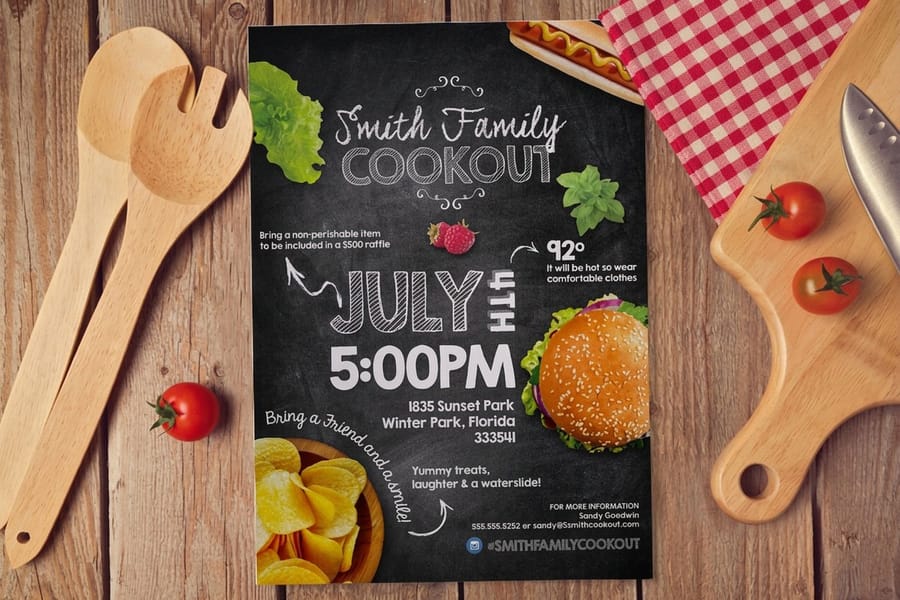
For runs of 100 or more, print flyers online. Commercial printers like 4OVER4.COM beat home inkjets and copy shops on price, color, and paper choice, with 60+ stocks and pro finishes. Home printing suits a quick handful of copies, and copy shops work for same-day pickup, but online printing is the most affordable option once quantity climbs.
Quick tips
Quick tips before you order flyers
Order online for anything past a small handful of copies. Pick a paper stock that matches how the flyer will be used, set the file to CMYK at 300 DPI with 0.125 inch bleed, and buy in bulk to drop the per-flyer cost. Lead with one clear call to action, request a digital proof, and keep critical text inside the trim line. 4OVER4.COM customers who plan these five things get sharper flyers for less.
Watch it printed
See standard flyers on the press, in 140 seconds
Online printing vs local options for flyers
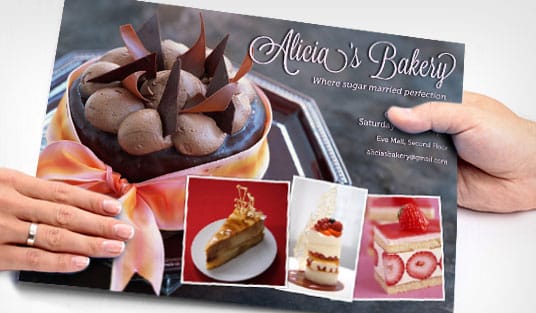
When people ask where to print flyers, they usually mean one of three things: print at home, walk into a copy shop, or order online. Each path has trade-offs, and the right one depends on your quantity, your timeline, and your budget. If you are still shaping the design, our guide on how to make flyers covers layout and hierarchy before you order.
Home printing works in a pinch. If you need 20 flyers for a bake sale tomorrow morning, fire up the inkjet. But consumer printers cannot match commercial color accuracy, you burn through cartridges fast, and office-store paper tops out at five or six basic stocks. A single cartridge runs $25 to $40 and prints roughly 200 pages, so you are paying $0.12 to $0.20 per page in ink alone before paper. Past 50 copies, you spend more than a professional run and get worse results.
That is why most businesses land on commercial printing once they do the math. Flyers pair naturally with the rest of a campaign, so it helps to browse the full marketing materials range while you plan. A quick QR code bridges print to digital, and our complete QR code guide shows how to add one that actually scans.
Copy shops vs online print shops
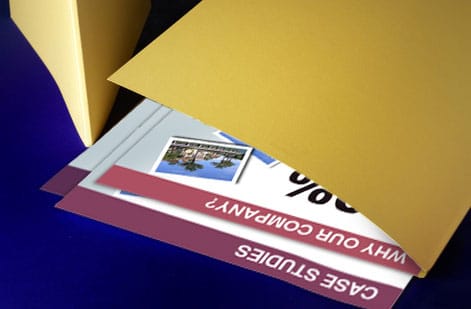
Places like FedEx Office and Staples offer walk-in flyer printing. The upside is that you can hold the paper, talk to someone, and leave with flyers the same day. The downside is pricing that climbs quickly and paper choices that stay limited. Color flyers on standard paper typically run $0.50 to $1.50 per page, and cardstock or gloss costs more. For 500 flyers or more, the per-unit cost at a copy shop can be three to four times higher than ordering online.
Online printers like 4OVER4.COM are the sweet spot for most runs. You get commercial offset and digital printing, a wide range of stocks and finishes, and pricing that drops fast at higher quantities. 4OVER4.COM prints flyers on 60+ paper types, from 100lb gloss text for lightweight handouts to 16pt cardstock that feels more like a postcard. Pick your size, paper, finish, and quantity, upload your file or start from a template, and you are done. For folded pieces that go alongside flyers, our guide on how to fold a brochure covers the basics.
How much does it cost to print flyers?
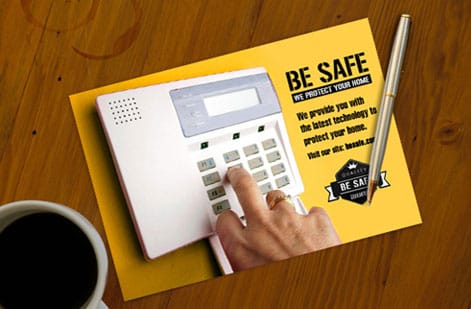
Flyer pricing rides on four variables: quantity, paper stock, size, and finish. Quantity moves the number the most. Printing follows an economy-of-scale curve, so 100 flyers cost more per unit than 1,000, and at 5,000 or more the per-flyer cost drops sharply. If you run a recurring campaign, order in bulk and store the extras. You can save 40 to 60 percent compared with placing several small orders.
Paper stock is the next lever. Thinner stocks like 100lb gloss text cost less, while thicker 14pt or 16pt cardstock costs more but feels premium in hand. A thick flyer does not get crumpled and tossed. It gets pinned to a fridge or a bulletin board, and that durability turns into more impressions per flyer. To go deeper on stock choices, read our roundup of the best paper for flyers before you lock in specs.
Size and finish are the last two levers, and they move the number less than quantity or stock. Stepping a quarter page up to a full page roughly doubles the paper each piece uses, and gloss, matte or a UV spot pass each add a small amount per flyer on top of that. The order that saves the most money is simple: settle the quantity first, then the stock, then the size, then the finish, because changing the quantity after everything else is locked is the only change that resets the whole price.
For the real number instead of a range, use the live pricing further down this page. Pick the size, stock, quantity and finish and the price updates as you change them, so you can put 250 against 500 and 500 against 1,000 with the same file and see where the per-flyer cost stops falling. That break point is the quantity to order, and it is usually higher than people guess.
Flyer size and finish options that change the price
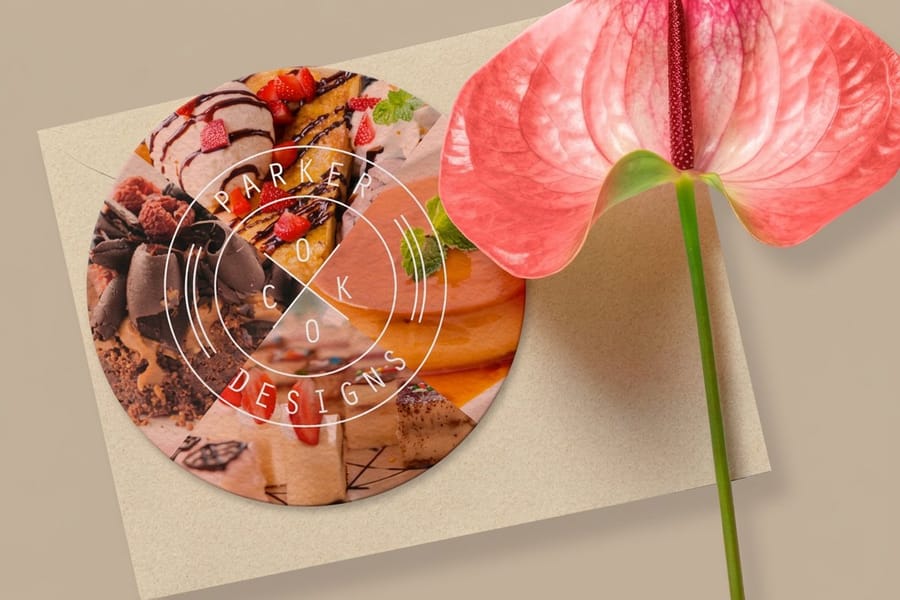
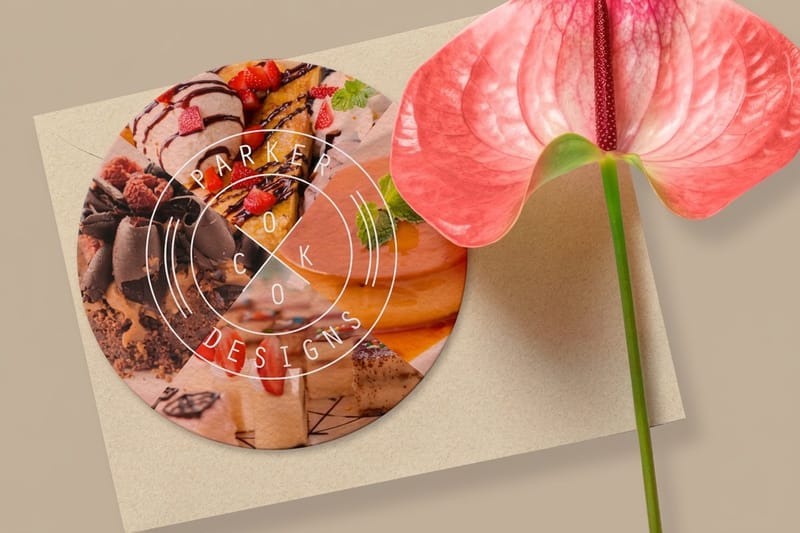
Standard flyer sizes include 4.25 by 5.5 inches for a quarter page, 5.5 by 8.5 inches for a half page, and 8.5 by 11 inches for a full page. Smaller flyers cost less per unit and are easier to hand out, while larger flyers give you more room to design. If you want a shape that breaks the rectangular stack, circle flyers are a die-cut option that stops people mid-scroll. For multi-page pieces, our custom booklets pick up where a single flyer leaves off.
Finish is where a flyer earns its feel. Gloss makes colors pop, matte reduces glare and reads sophisticated, and UV spot coating lets you highlight specific elements. Uncoated stock gives a warm, approachable surface that takes a pen well. Each finish adds a small amount to the per-unit cost, but the jump in perceived quality is large, so match the finish to how you want the flyer to feel in someone's hand.
Here is what each step actually does to a 500 piece run, so you can see which upgrade is worth paying for before you price it. Take one step at a time and hold everything else still.
| Step up | What changes on press | What it does to a 500 piece run |
|---|---|---|
| 4.25 by 5.5 to 5.5 by 8.5 | Twice the printed area per flyer, half as many pieces per parent sheet | Paper is the part that roughly doubles, setup does not move, so the run total rises by well under double |
| 5.5 by 8.5 to 8.5 by 11 | Full page, fewest pieces per sheet | Another paper step and more weight in the box, which shows up in shipping as well as printing |
| 100lb gloss text to 14pt cardstock | Text weight to board | The biggest single jump on this list, and the one people notice, since the flyer stops bending in the hand |
| 14pt to 16pt cardstock | Two points thicker | A small step for a clear gain in stiffness, worth it for real estate sheets and leave-behinds |
| Uncoated to gloss or matte | One coating pass | A small per unit add, gloss lifts the color, matte kills glare under store lighting |
| Matte to matte with UV spot | An extra pass plus a spot mask layer in your file | The largest finish add, and it needs the spot layer built in the artwork or it cannot run |
| Straight trim to a die-cut circle | A cutting die instead of a guillotine cut | Adds die and cutting time to the run, so the shape is cheapest at higher quantities |
Run the same 500 pieces through the live pricing on this page with one variable changed at a time and the table turns into your real numbers. Most jobs land on 5.5 by 8.5 inches on 100lb gloss text with a matte coat, then spend what is left on quantity rather than on finish.
Flyer sizes, stocks and finishes in one table
The three standard sizes against the stocks and finishes that suit each, with the job it usually does. Standard flyers start at $39.54, and the live price further down the page moves as you change any column.
| Size | Inches and millimeters | Typical stock | Finish that fits | Common job |
|---|---|---|---|---|
| Quarter page | 4.25 by 5.5 in, 108 by 140 mm | 100lb gloss text or 14pt cardstock | Gloss or matte | Handouts, club flyers, inserts |
| Half page | 5.5 by 8.5 in, 140 by 216 mm | 100lb gloss text or 14pt cardstock | Matte, gloss or UV spot | Menus, promotions, event flyers |
| Full page | 8.5 by 11 in, 216 by 279 mm | 100lb gloss text, 14pt or 16pt cardstock | Matte or uncoated | Real estate sheets, nonprofits, notices |
| Circle | Die-cut round | 14pt or 16pt cardstock | Gloss or matte | Retail promotions that break the stack |
Read the stock column as a floor. Any size prints on any of the stocks, and stepping from 100lb gloss text to 14pt cardstock is the single upgrade people notice, because the flyer stops bending in the hand. Quantity still moves the price more than any cell in this table.
Choosing the right flyer for your industry
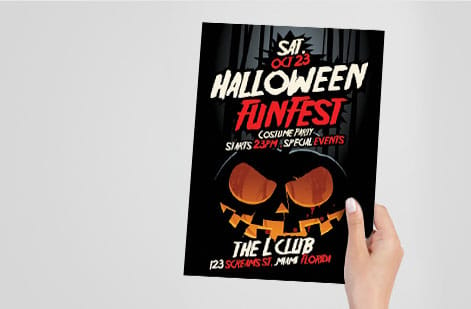
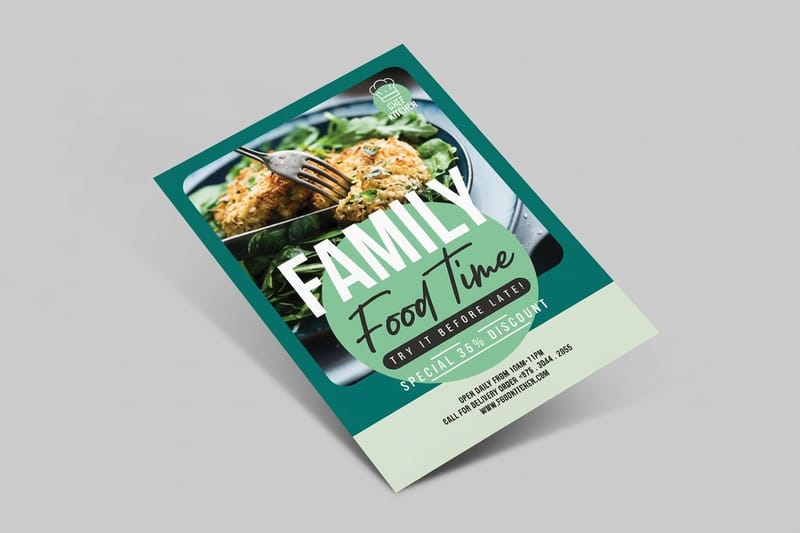
Not every flyer needs the same treatment. A nightclub flyer and a real estate open-house sheet serve completely different jobs, so match the specs to the use case. Restaurants and food service do well with menu flyers and weekly specials on 100lb gloss text with a gloss or matte coating, since the coating shrugs off greasy fingerprints. Order 500 to 1,000 and keep a stack by the register and in delivery bags.
Real estate looks best on heavier stock, 14pt or 16pt cardstock with a matte finish, because the weight signals professionalism. Add a QR code that opens the listing so prospects can pull up details on their phone, and if you are mailing sheets, our guide on how to make envelopes rounds out a polished package. Fitness and wellness promotions grab attention as half-page flyers on bright gloss stock, and compact club flyers at 4.25 by 5.5 inches are perfect for handing out at events.
Flyers for nonprofits, retail, and events
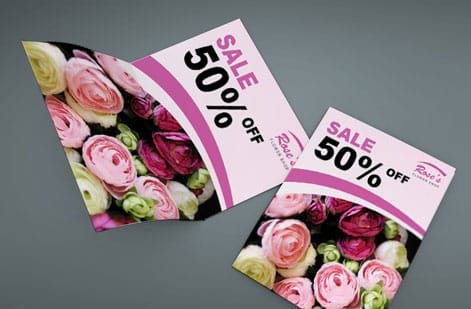
Nonprofits and community events benefit from full-page formats on uncoated paper, which gives a warm, approachable feel. Keep the design clean, the message clear, and every detail someone needs to show up right on the page. Retail and sales announcements pull the other direction, with eye-catching color on glossy stock so the flyer feels like something worth keeping rather than something to recycle. A thick, vivid flyer tucked into a shopping bag extends your promotion beyond the store.
Where you place flyers matters as much as how they look, so it helps to plan distribution alongside the print run. Our list of places to leave print flyers is a good starting point for local reach. When you are ready to compare formats side by side, the full flyer printing lineup lays out every option on one page.
How to get the best results from your print order
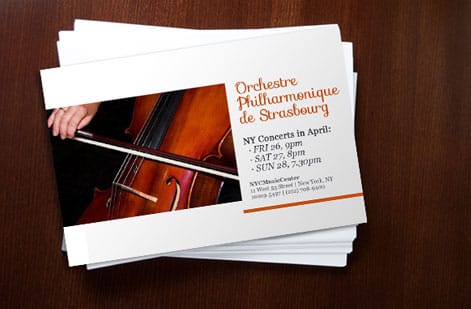
Knowing where to print flyers is only half the equation. A great result depends on file setup and smart choices before you hit order. Set your document to CMYK color, not RGB. RGB is for screens, CMYK is for print, and skipping the switch shifts your colors so a bright red comes out looking like brick. Set resolution to 300 DPI at minimum, because anything lower looks fuzzy on paper.
Add 0.125 inch of bleed on all four sides if your design runs to the edge. Bleed is the extra area that gets trimmed off, and without it you get thin white borders where you do not want them. Keep important text and logos at least 0.125 inch inside the trim line so nothing critical gets cut during finishing. For more prep tips across projects, our guide hub has a guide for just about everything.
Proofing and finishing before you print
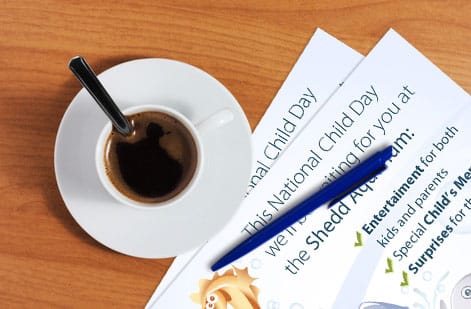
Always request a digital proof. Check for typos, color accuracy, and trim placement, then print one copy on your home printer at actual size to check proportions. The home print will not match the final color, but it will show you whether your text is too small or your margins are too tight. Lead with one clear call to action instead of cramming three offers, two phone numbers, and a paragraph of text onto a single flyer. Pick the one thing you want the reader to do and make it impossible to miss.
Use hierarchy to guide the eye: headline first, supporting information second, details last. White space is not wasted space, it is what makes a flyer readable instead of overwhelming. If you are building a full print toolkit alongside your flyers, guides like custom magnets and how to clean rubber stamps help you get the most from every piece.
Flyer products worth printing at 4OVER4.COM
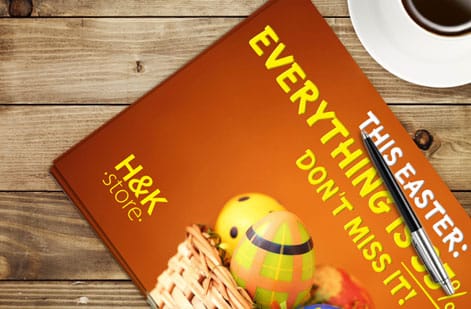
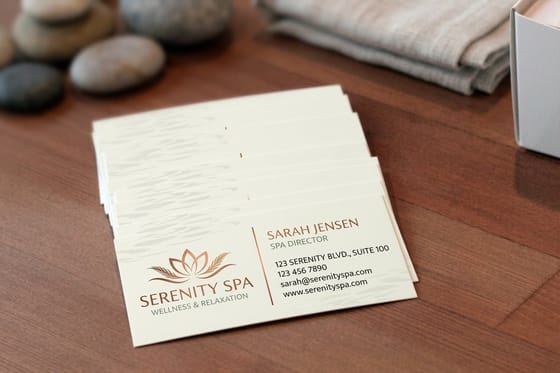
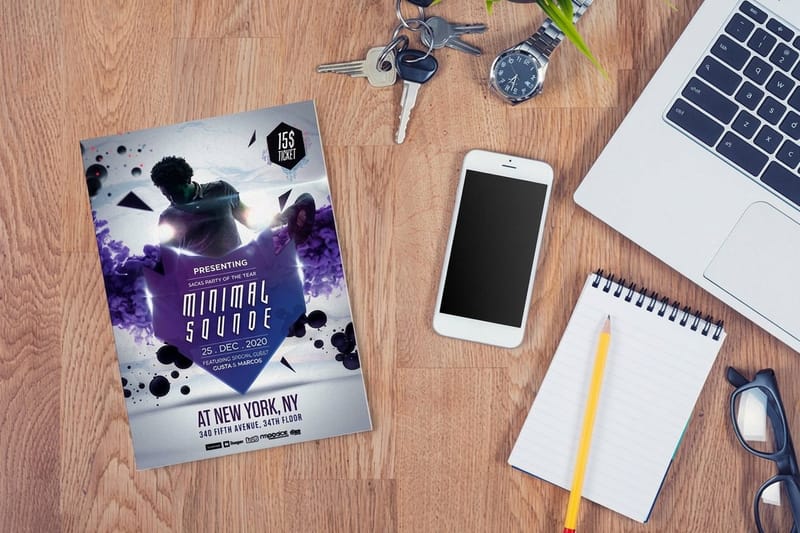
Now that you know where to print flyers, here is what 4OVER4.COM offers. Business flyers come in multiple sizes on 60+ paper stocks with professional finishes. Standard flyers keep it simple for everyday handouts, circle flyers give you a die-cut shape that breaks the rectangular stack, and club flyers stay compact and sturdy for hand-to-hand distribution.
While you build out your marketing materials, grab your free business cards and pair them with your flyers for a complete brand package. If you would rather start from a layout, our blank templates give you print-ready files sized for each product, so you can drop in your art and send it straight to press.
A5, A6 and DL flyers, and the US sizes that match them
Outside the US flyers are ordered in metric sizes, and a brief from an overseas client or a template built abroad will name them. A5 is 148 by 210 mm, about 5.8 by 8.3 inches. A6 is 105 by 148 mm, about 4.1 by 5.8 inches. DL is 99 by 210 mm, about 3.9 by 8.3 inches, the third of an A4 sheet that fits a DL envelope. A4 itself is 210 by 297 mm, about 8.3 by 11.7 inches.
None of them are exactly a US size. A5 sits closest to the 5.5 by 8.5 inch half page, A6 to the 4.25 by 5.5 inch quarter page, and A4 to the 8.5 by 11 inch full page, in each case a little narrower and taller. DL has no US twin, the nearest is a 4 by 9 inch rack card.
If the artwork is already built at a metric size, do not stretch it to the US sheet. Rebuild the file at the nearest US size so the bleed and margins land where the cutter expects them, and check the proof at 100 percent before you approve the run.
Ordering flyers and brochures together
Most campaigns need both pieces: a flyer to hand out and a folded brochure to leave behind. Print them in the same order and they go through the same press on the same day with the same ink set, so the red on the flyer is the red on the brochure. Order them weeks apart from two different shops and the color drifts, because a second run is mixed and matched to a fresh proof.
Setup is the real reason to combine. Every job pays once for prepress, proofing and make-ready, whether you run 250 pieces or 2,500, and two separate orders pay that twice. One order with two pieces shares the setup, hits the same 500 and 1,000 quantity breaks that make flyers cheap per unit, and ships in one box on one freight charge instead of two.
Keep the stock decision joined up too. A flyer on 100lb gloss text handed out next to a brochure on 14pt cardstock reads like two companies, so either match both to the same family or step the brochure up on purpose, since the leave-behind is the piece that sits on a desk for a week. Same rule on finish: pick gloss for both, or matte for both, and use the UV spot on the piece people hold longest.
When does the brochure earn its extra cost? A flyer has two sides and one job: one offer, one call to action, one date. Fold an 8.5 by 11 sheet into three panels of roughly 3.67 by 8.5 and you get six panels of room, which is what you need for pricing tiers, a service menu, specs, or a before-and-after sequence that has to stay in order. If the message needs more than two sides, step up to custom booklets and keep the standard flyers as the cheap, high-volume piece you can reprint every month. Start both files from our blank templates so the panels and the bleed are already sized correctly.
Flyer printing mistakes that waste your money
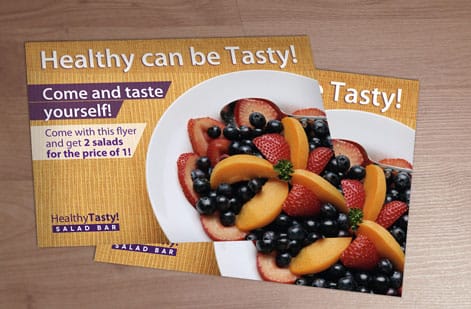
Even experienced marketers slip up when printing flyers. Avoid these five and you get better results from every run.
- Using RGB instead of CMYK. Your screen shows RGB and printers use CMYK, so convert the file or expect dull, shifted colors. Every design program has a CMYK export option.
- Skipping the bleed. No bleed means white edges on a full-bleed design. Add 0.125 inch on every side. It takes ten seconds in your design software.
- Ordering too few. Printing 100 flyers costs almost as much per unit as printing 50. Jump to 250 or 500 and your cost per flyer drops a lot.
- Choosing the wrong paper for the job. A thin, flimsy flyer for a luxury brand is a mismatch. Match your stock weight to your brand positioning.
- Forgetting a call to action. A beautiful flyer with no clear next step is just decoration. Tell people exactly what to do.
Dodge those five and every print run works harder for the same budget.
Wally explains where to print
The cheapest flyer is the one you do not reprint
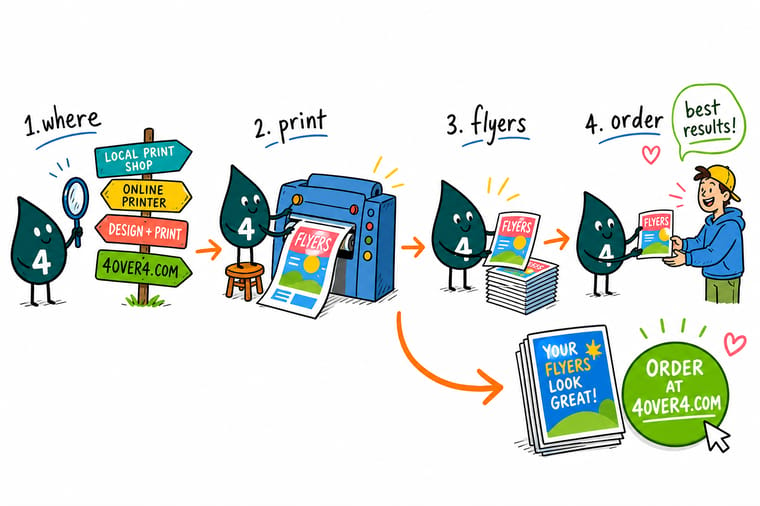
Wally has watched plenty of home-printed flyers curl, smudge, and end up in the recycling. His rule is simple: a quick handful of copies can come off the inkjet, but the moment you need dozens, online printing wins on price, color, and paper. Set the file up right once, order in bulk, and every flyer lands sharp for a fraction of a copy-shop run at 4OVER4.
Order flyers →Specs and pricing
Flyer specs and live pricing
Here is what a professional flyer run gives you at 4OVER4.COM, with live specs and price-per-unit straight from the configurator so you can see the bulk savings before you order.

| Quantity | Price Per Unit | Total |
|---|---|---|
| 50 | 79.1¢ | $39.54 |
| 100 | 57.1¢ | $57.11 |
| 200 | 37.3¢ | $74.69 |
| 300 | 28.6¢ | $85.68 |
| 400 | 24.4¢ | $97.76 |
| 500 | 21.8¢ | $108.75 |
| 600 | 18.7¢ | $112.03 |
| 700 | 16.5¢ | $115.33 |
Print it
Flyer formats to print at 4OVER4
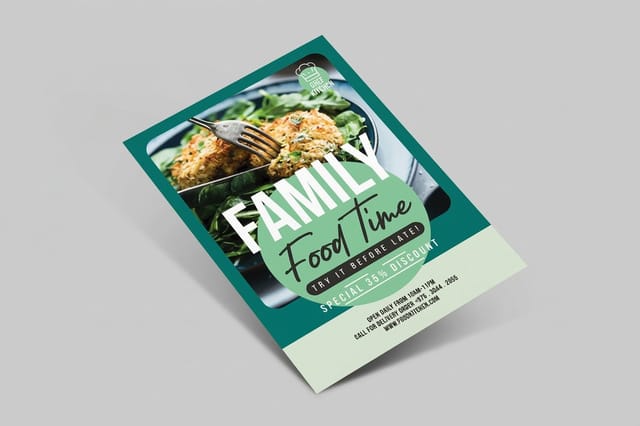


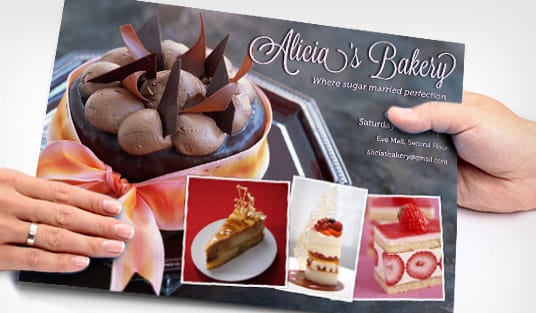
See it in use
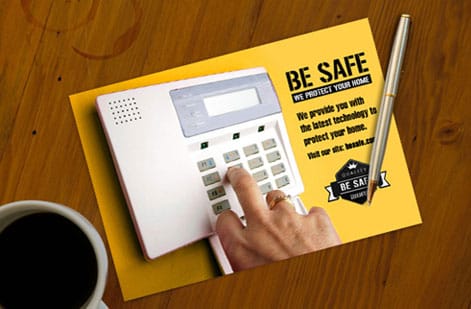
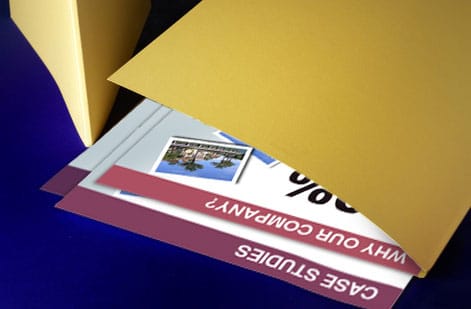
Flyer runs customers ordered and received

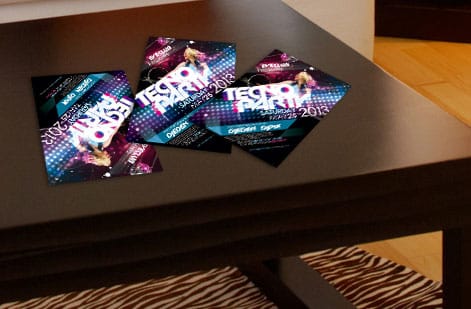
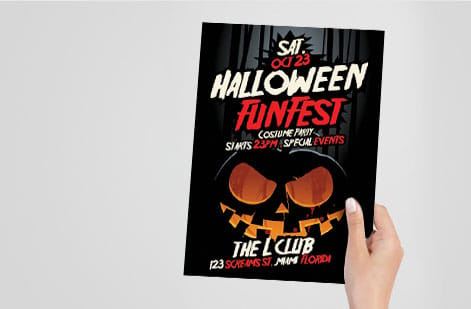
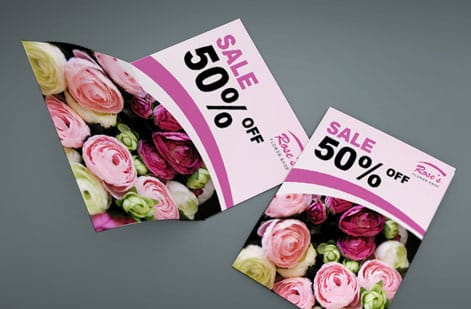
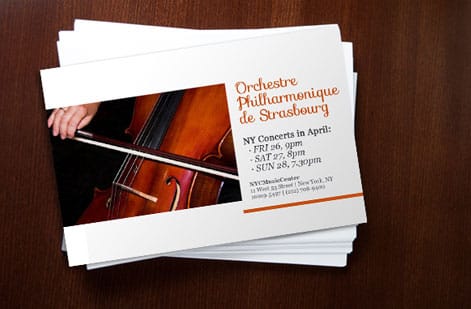
Explore more
Where to go next



By the numbers
Paper types for flyers, and how often they ship on time
Common Questions
Common questions about printing flyers
How to create a print advertisement?
Start with one offer and one action, then build the flyer around them. Put the headline at the top in the largest type, the offer under it, and a single call to action with a phone number, a QR code or a short web address near the bottom. Add one strong image, keep the rest as white space, and set the file to CMYK at 300 DPI with 0.125 inch bleed. Print a proof at home to check the hierarchy, then order the run and plan where the flyers will actually be handed out.
What is a print flyer?
A print flyer is a single unfolded sheet, printed on one or both sides, made to be handed out, posted or dropped in a bag. It carries one message, an event, a sale, a menu or a service, and it is the cheapest print advertising piece per copy. Standard sizes are 4.25 by 5.5, 5.5 by 8.5 and 8.5 by 11 inches, on stocks from lightweight 100lb gloss text to 14pt and 16pt cardstock. A folded version with panels is a brochure, and a bound one is a booklet.
Where can I print flyers online?
4OVER4.COM is one of the top online options for flyer printing. You upload your design, choose from 60+ paper stocks and multiple finishes, select your quantity, and get them shipped to your door. The whole process takes a few minutes. If you want design help first, our guide on how to make flyers walks through layout and hierarchy.
How much does it cost to print flyers?
Flyer cost depends on quantity, paper stock, size, and finish. Generally, the more you order, the less you pay per flyer. Online printing through 4OVER4.COM is typically the most cost-effective option for runs of 100 or more compared with copy shops or home printing.
How much do flyers cost at a copy shop vs. online?
Copy shops charge roughly $0.50 to $1.50 per color flyer on standard paper. Online printers offer lower per-unit pricing, especially at quantities of 250 or more. You also get premium paper stocks and finishes that most copy shops do not carry.
What paper should I use for flyers?
It depends on your use case. Lightweight 100lb gloss text works for high-volume handouts, while heavier 14pt or 16pt cardstock is better for flyers that need to feel premium or survive handling. Glossy finishes make colors pop and matte finishes look refined and reduce glare.
Can I add a QR code to my flyer?
Yes. A QR code bridges print and digital, linking to your website, menu, event page, or social profile. Place it where it is easy to scan, and the lower right corner works well. Our complete QR code guide shows how to make one that scans reliably.
How long does flyer printing take?
4OVER4.COM offers multiple turnaround options. Standard production takes a few business days, and rush or same-day options are available for tighter deadlines. Shipping time depends on your location and the method you choose.
What file format should I use for flyer printing?
PDF is the preferred format. Export as a press-quality PDF with CMYK color, 300 DPI resolution, and 0.125 inch bleed. JPEG and TIFF files also work, but PDF preserves fonts and vector elements most reliably.
Do I need to add bleed to my flyer design?
Yes, if your design extends to the edge of the flyer. Add 0.125 inch of bleed on all four sides and keep important text and logos at least 0.125 inch inside the trim line. This prevents anything critical from getting cut off during finishing.
Where can I print flyers and brochures together?
Print both in one order at 4OVER4.COM so they run on the same press, in the same ink set, on stocks you choose side by side. That is how the color stays identical across the handout and the leave-behind, and it is why one order beats two: prepress, proofing and make-ready are paid once, and both pieces ship in the same box on one freight charge. Order the flat piece as standard flyers or business flyers, and take the folded piece to custom booklets when the message needs more than two sides.
Is printing flyers online cheaper than a local copy shop?
At any real quantity, yes. A copy shop is worth it when you need 25 flyers in an hour and you will pay a per-click price for that speed. An online printer runs the job on large sheets with many orders imposed together, which is where the economy-of-scale curve kicks in: 100 flyers cost more per unit than 1,000, and at 5,000 or more the per-flyer cost drops sharply. Order in bulk and store the extras and you can save 40 to 60 percent compared with placing several small orders. The trade you make is time, so build shipping days into your campaign date instead of ordering the week of the event.
Get Started
Ready to print your flyers?
Pick your size, paper, and finish, upload your design or start from a template, and we print sharp, full-color flyers that ship to your door.
Legal Disclaimer
Gold Standard guarantees apply to all standard orders placed through 4over4.com. Price match requires verifiable proof of a competitor's published price for an equivalent product with matching specifications and turnaround time. Satisfaction guarantee covers manufacturing defects and print quality issues. Contact support with order number and documentation. On-time delivery rate based on tracked orders 1999 to 2026. Individual results may vary based on shipping carrier performance.
