
The Print Marketing Trend Airbnb Hosts Are Betting On


Marcus is our print marketing voice, built from the knowledge of our production team, with over 20 years in printing.
An Airbnb print ad is the printed kit inside the unit: a welcome book, a set of local guide cards, a QR check-in card and one branded touch, which every guest reads because it lives where they stay. The card side of that kit starts at $16.48 a run for 50 postcards, and the whole set prints as one order.
The host print kit at a glance
| Piece | Format and trim size | What it carries | Where it sits | Product at 4OVER4 | Smallest run and production |
|---|---|---|---|---|---|
| Welcome book | Saddle-stitched booklet, 5.5 x 8.5 in | Wifi, appliances, checkout, emergency numbers | Kitchen counter | Standard Booklets, from $240.55 | 25 books, 7 business days |
| Local guide cards | Rack card, 4 x 9 in, 14pt or 16pt | One theme per card, walk times, prices | Countertop stand | Standard Rack Cards, from $42.84 | 50 cards, 3 business days |
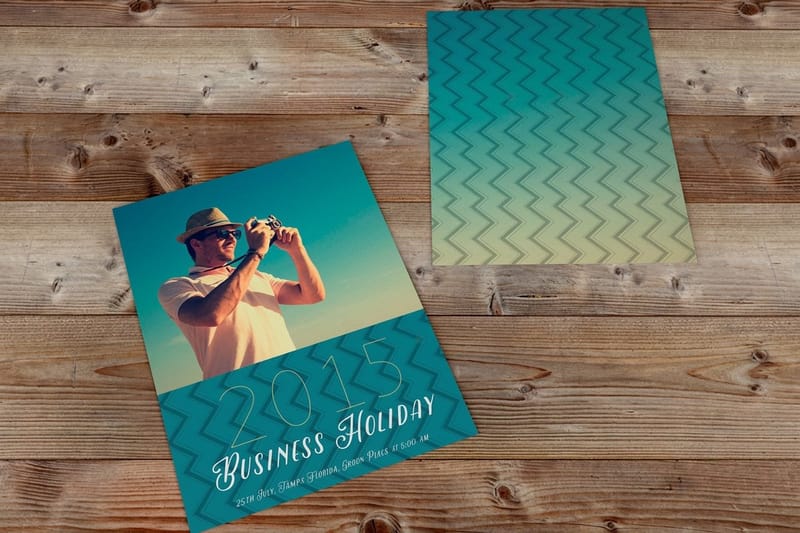
| Single-topic card | Postcard, 5 x 7 in | House rules, trash day, parking | Nightstand or fridge | Standard Postcards, from $16.48 | 50 cards, 3 business days |
| QR check-in card | Business card, 3.5 x 2 in | One code plus the plain URL underneath | By the door | Premium Business Cards, from $17.57 | 100 cards, 3 business days |
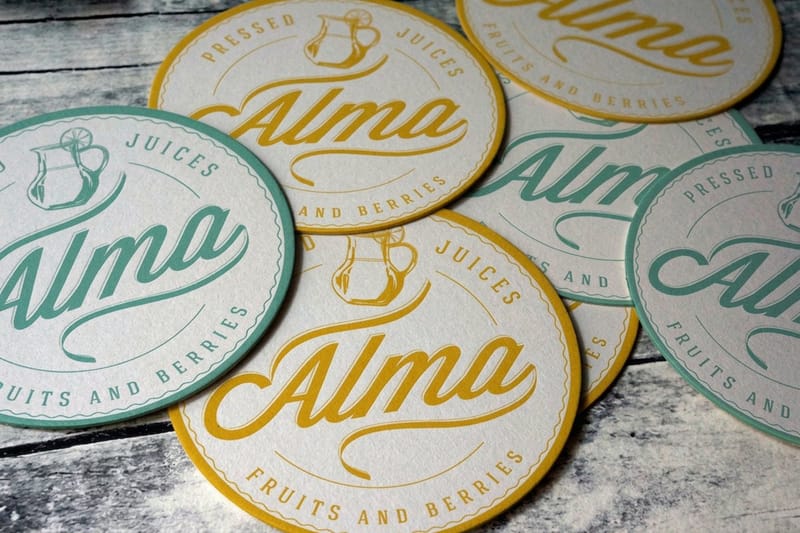
| Coaster | Pulpboard, 4 in | Logo and the wifi network name | Coffee table | Drink Coasters, from $10.98 | 10 coasters, 4 business days |
| Fridge magnet | Magnet, 3.5 x 2 in | Wifi password and checkout time | Fridge door | Standard Magnets, from $19.68 | 25 magnets, 5 business days |
Prices are the starting run price in the configurator: 25 booklets cost $240.55 while 50 postcards cost $16.48, so the booklet looks expensive next to the cards because its smallest run is much larger. The rack card and the postcard both come on 14pt or 16pt gloss or uncoated cover, and 16pt uncoated with soft touch gives the matte feel that suits a card on a coffee table. Upload one print-ready PDF per piece at the trim size in the table, and pick the free online proof so you check the wifi line before the run. Order the whole kit as one job and you get one proof round and one shipment. You can order rack cards in any of these sizes straight from the configurator.
Why print came back to short-term rentals
A guest lands at eleven at night with four percent battery, and the check-in instructions are somewhere in a message thread from three weeks ago. A card on the counter solves that in two seconds. Nothing on a phone does, which is the whole argument for print in a rental and the reason hosts who dropped paper are printing again.
There is a second reason, and it is commercial. Airbnb owns the listing page, the search ranking and the message thread. The kitchen counter is yours. A welcome book, a small stack of local cards and a QR card in the room get read by every single guest who walks in, and no paid placement reaches that share of an audience.
Print also carries the things a phone handles badly: trash day, the trick with the shower mixer, the gate code that never arrives by text. Put those on paper and your late-night message volume drops. The layout problem is the same one hotels solve, and our hotel brochure guide works through it in detail.
What print is genuinely bad at
Paper goes stale, and it goes stale quietly. A guide card recommending a cafe that closed last winter makes you look absent, which is the exact opposite of the impression the card was bought to create. Keep anything perishable behind a code you can repoint. Put only the durable material in ink: house rules, wifi, checkout, the two places that have been on that street for a decade.
The other limit is money per reprint. If your checkout time or your logo changes twice a year, print the pieces that will not change and leave the rest on a page you can edit in thirty seconds.
The five pieces that earn their place
A welcome book. A house-rules card. A set of local guide cards. A QR check-in card. One branded object, usually a coaster or a fridge magnet. That covers almost every rental in almost every market, and anything past it is decoration that a cleaner has to tidy around twice a week.
Order the kit as one job rather than five. Printing the book, the cards and the magnets in the same order means one shipment, one proof round, and a set that looks like it came from the same brand.
The printed welcome book and house manual
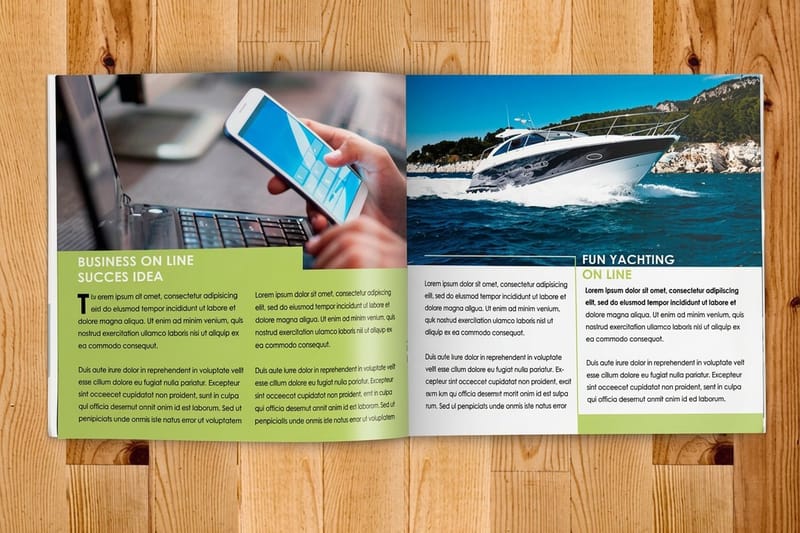
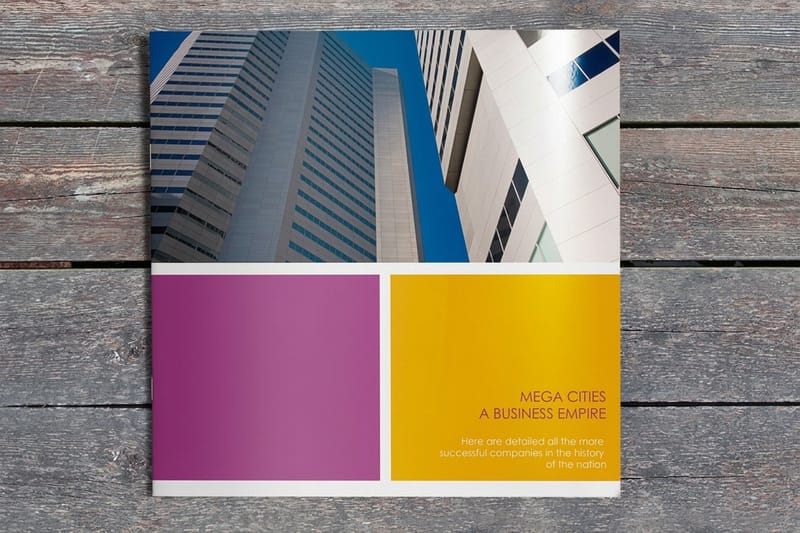
The welcome book is the anchor piece: eight to twelve pages, saddle stitched, lying flat on the counter where a guest finds it without hunting. It holds the wifi, the appliance quirks, the checkout routine, the emergency numbers and a page of neighborhood recommendations.
Saddle stitching folds and staples through the spine, so the page count is always a multiple of four. A ten-page book does not exist. With ten pages of content you print twelve and give the extra spread to a map or a notes page. Page counts and creep explains the arithmetic, and binding methods covers what to switch to when the book gets thick.
Cost is the catch. Standard booklets start at $240.55 because the run is sized for a business ordering hundreds. For one apartment that is a lot of book. Single-unit hosts usually print the same content as rack cards from $42.84 or postcards from $16.48, one topic per card in a small stand. A manager with ten units orders the booklet once and the per-unit cost stops mattering.
What goes on which page
Page one is check-in and wifi, because that is what a tired guest needs before anything else. Page two is the appliances that confuse people: the induction hob, the shower mixer, the heating panel. Page three is checkout, written as a short list rather than a paragraph, since it gets read in a hurry with a bag in one hand. Recommendations go at the back, where a settled guest will look for them.
Print the wifi password large enough to read across the room, and never in a script face. A capital I sitting next to a lowercase l has cost hosts more support messages than any other decision in the book. Pick a face where those two characters look different, then check it at the printed size and not on screen.
Stock and finish for something handled daily
Every guest handles this book with wet hands, sun cream, and coffee within reach. Laminate the cover at minimum, because the cover fails first. For the loose cards, 14pt cardstock is the floor and 16pt feels noticeably more solid at rack card size. Anything that lives near a sink or in a bathroom should be laminated outright so it survives being wiped down between stays.
Ask for a proof before the run and read it on the actual counter. Small type that looked fine at 200 percent zoom often turns out to be too tight once it is sitting under a kitchen light at arm’s length.
Local guide cards that guests actually take
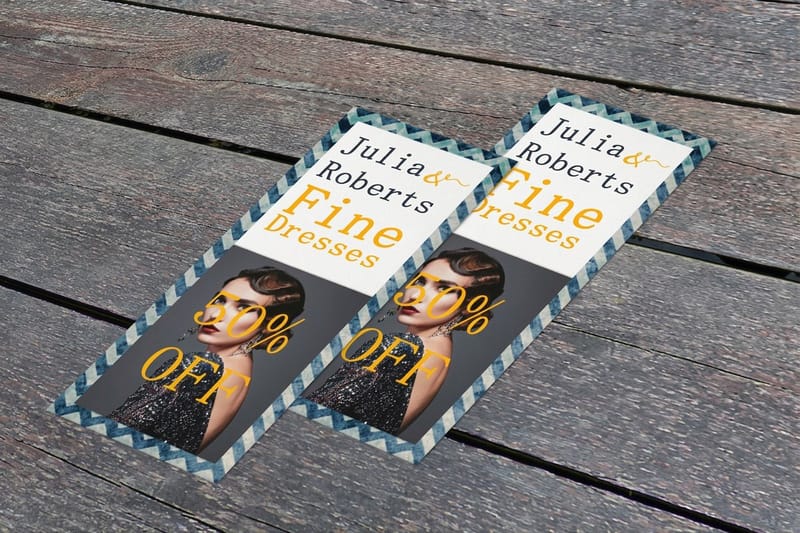
The local guide card is the piece guests photograph and the piece they take home. Print it at rack card size, 4 by 9 inches, which fits a countertop stand, a kitchen drawer and a coat pocket without folding. Rack card printing starts at $42.84 for a run large enough to restock a unit for a couple of years.
One theme per card beats one card carrying everything. Coffee and breakfast on one, dinner on another, walks and transport on a third. A guest picks up the one they need, and when a place closes you reprint a single card instead of scrapping the set.
Write them the way you would tell a friend. Name the dish, name the street, say how long the walk is. "Great local food" is filler. "The anchovy pizza at Nina’s, eight minutes downhill, cash only after nine" is why the card gets kept and photographed.
Sizes that work inside a rental
Rack card at 4 by 9 inches for the main guide. Postcard at 5 by 7 inches for a single-topic card on the nightstand. Business card size, 3.5 by 2 inches, for the QR card by the door. Hold the whole kit to two trim sizes and the pieces read as one set instead of five leftovers from five different jobs.
If you want the cards to survive the whole season on a coffee table, order them on 16pt with a matte finish. Gloss photographs badly under a ceiling light and shows every fingerprint, which matters when guests are the ones taking the listing photos for you.
Refreshing the set without reprinting everything
Put a small date on the back, something like "guide updated March 2026". It tells a guest the recommendations are current, and it tells you at a glance which unit is still running an old stack. Print the perishable card in the smallest quantity the press allows and the evergreen ones in bulk.
Keep the artwork in one file per card rather than one file for the set. When the pizza place closes you open one document, change one card, and reorder that card alone.
QR check-in cards and the small branded touches
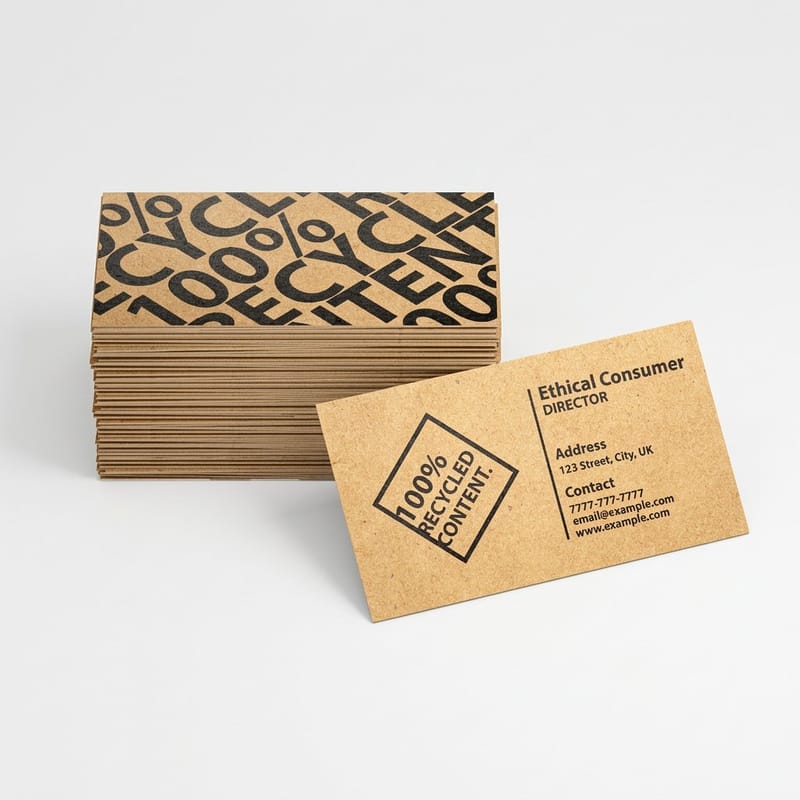
The QR card is the bridge between the paper and the phone. Business card size, one code, one line saying exactly where it goes, and the plain URL printed underneath so a guest with no data can type it instead. A code with no written fallback is a dead end in a basement flat with no signal.
Print the code at least an inch square, leave clear quiet space around all four sides, and never lay it over a photograph. Dark code on a light background, not the reverse. Our guide to QR code cards covers the setup, and creative ways to use QR codes in print shows the wider applications.
Use a dynamic code so you can repoint it later without reprinting. One caution worth reading twice: Airbnb restricts steering guests off the platform, so a "book direct next time" code sitting in the unit puts your listing at risk. Point it at the house manual, the local guide, or a Google review page, and check the current policy before you print anything.
The branded touches worth printing
Drink coasters from $10.98 are the cheapest branded object in the unit and they protect a table you paid for. A fridge magnet from $19.68 carrying the wifi and the checkout time survives the entire stay in the one place every guest opens. Premium stickers from $29.16 belong on the router, the coffee machine and the fuse box, labelling the object rather than branding the guest. Our custom branded coasters come in 3.5, 3.75 and 4 inch squares or a 4 inch circle, on 48pt or 64pt board.
Hotel door hangers start at $252.51, a run priced for a property with many doors. For one apartment they are hard to justify. For a manager running twenty units they cost pennies each, and how to make hotel door hangers covers the layout. The same logic applies to in-unit signage, which the essential hotel signs list works through. For the sizes, stock and the 2 inch perforated tear-off on one page, read the hotel door hangers story, and a video under two minutes on hotel signs shows the formats before you plan your own.
What not to print
No branded pens nobody uses. No magnet advertising your other listing. No laminated sign taped to every surface. A unit papered in printed instructions reads as a place where things go wrong, and guests notice that before they notice your logo. If a pen belongs in the unit at all, it is the one beside the guest book, and our guide to custom printed pens covers choosing one worth keeping.
Three or four pieces, placed exactly where they are needed, look considered. Ten pieces look defensive. If a printed item does not answer a question a guest actually asks, it is clutter your cleaner has to work around.
What the kit costs at 4OVER4.COM
Card pricing moves with size, stock, finish and quantity. Fifty rack cards cost $42.84, about 86 cents a card, and 500 cost $104.57, about 21 cents a card, so a host stocking three units pays less per card than a host stocking one. The numbers below come from the live configurator for rack cards, the piece most hosts reorder, and the standard run ships in 3 business days, so you can size a budget before you commit artwork.
Quantity and price
Rack card pricing and specs
Real configurator numbers for the 4 by 9 inch guide card, where a larger run pulls the per unit cost down.
| Quantity | Price Per Unit | Total |
|---|---|---|
| 50 | 85.7¢ | $42.84 |
| 100 | 60.4¢ | $60.42 |
| 200 | 31.2¢ | $62.40 |
| 300 | 25.5¢ | $76.45 |
| 400 | 22.6¢ | $90.51 |
| 500 | 20.9¢ | $104.57 |

You can also earn coins on every order and redeem them against the next reprint, which matters when a guide card gets refreshed each season.
Stock and finish for a room guests live in
Stock does more work than artwork here. A 100lb text card curls on a humid coffee table within a week, while 14pt or 16pt cardstock stays flat through a season of guests picking it up and putting it down. Sixteen point is the one to choose for anything above roughly 4 by 9 inches, because the extra rigidity is obvious the moment a guest holds it.
Print it
Rack cards, ready for the counter
The 4 by 9 inch guide card on heavy stock, the piece guests take with them.
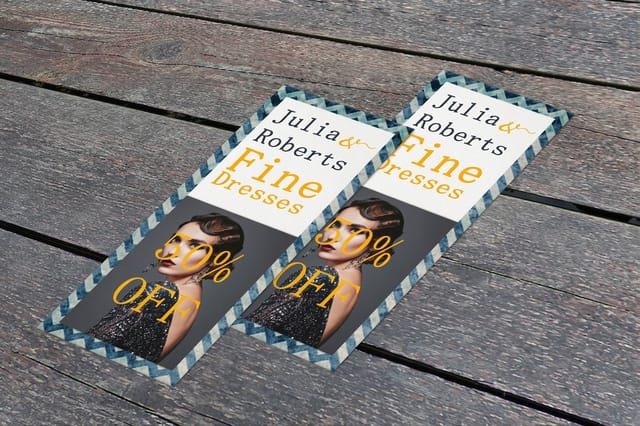
Finish decides how the piece photographs. Matte cuts glare, hides fingerprints and reads easily under a ceiling light, which is why it suits cards sitting out in the room. Gloss lifts color and shrugs off a spill, so it belongs on a booklet cover. Uncoated stays writable, useful when you want a cleaner or a guest to note something down. For a set that has to survive a bathroom or an outdoor shower, laminate it and stop worrying. If you want a matching piece to leave with departing guests, postcards in the same ink palette do the job for very little.
Which pieces suit which kind of rental
The right kit changes with the property and with how many of them you run. Here is the split that holds up.
- City apartments. Check-in is the hard part, so spend on the QR card and the wifi magnet. Skip the booklet and run a four-card set: arrival, appliances, checkout, neighborhood.
- Beach and lake houses. Guests stay longer and cook, so the welcome book earns its cost. Laminate anything near sand or water, and print a separate card for the boat, the grill or the outdoor shower.
- Cabins and remote stays. Assume no signal. Everything critical goes in ink, the QR card carries the plain URL as a fallback, and the emergency page goes on its own laminated card by the door.
- Property managers. Volume flips the math. Booklets at $240.55 and door hangers at $252.51 become cheap per unit, and one artwork set covers every address with a swapped back page.
- Boutique aparthotels. Treat the kit as brand collateral. One paper stock, two trim sizes, matching coasters and rack cards, so the print looks like the listing photos rather than an afterthought.
Blanks for a host with no designer
A host with no designer can build most of the kit from blanks. 4OVER4.COM sizes its blanks to exact product specs, so the 4 by 9 inch rack card, the 5 by 7 inch postcard, the 3.5 by 2 inch magnet and the coaster from $10.98 each open with the cut line and bleed already marked, and your wifi line lands inside the trim. Pull a print-ready blank from the blank template library, or start from a postcard layout in the design template library and swap in your checkout time and walk times.
Start fast
Blanks for a host with no designer
Card design templates and exact size blanks so your guide cards land inside the cut line.

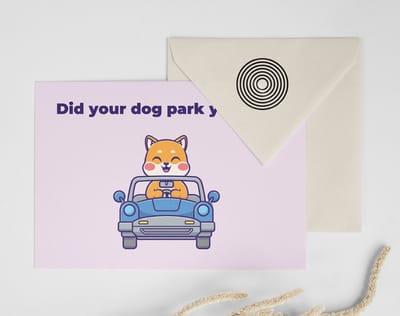
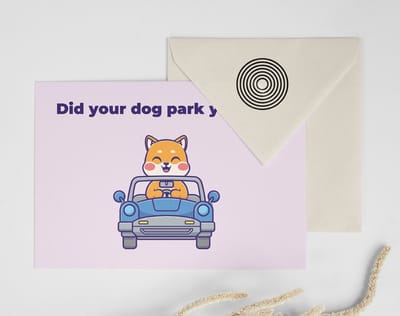
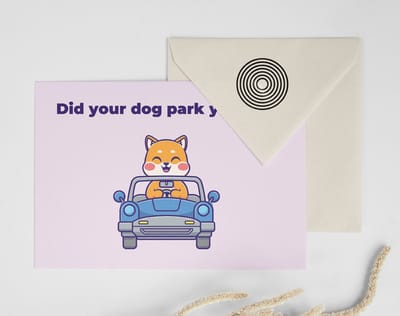
Wally lays out the host kit, piece by piece
One printed item per touch point, sized to the surface it sits on
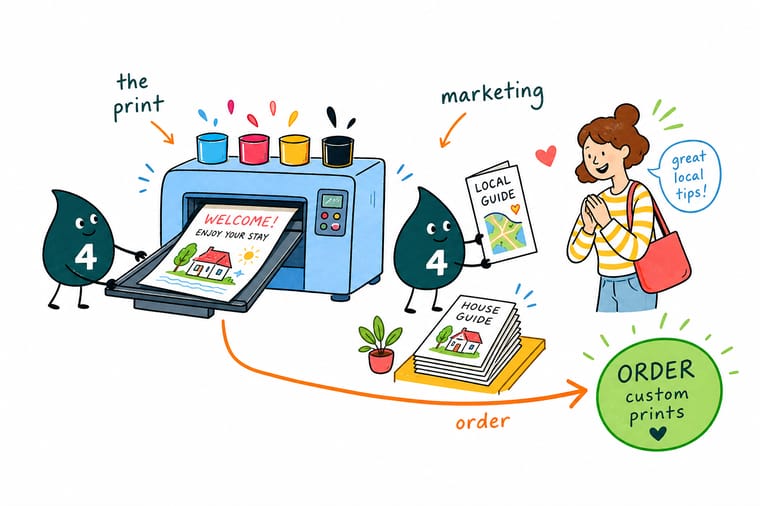
Put the QR check-in card by the door at 3.5 by 2 inches with the plain URL printed under the code. Stand the 4 by 9 inch guide cards on the counter, one theme per card. Keep the welcome book to 8 or 12 pages because saddle stitching runs in fours, laminate anything near a sink, and hold the whole kit to two trim sizes so it reads as one brand.
Order rack cards →What to remember about printing for a rental
Design tips that hold up in a live rental
- Two trim sizes, whole kit. Pick two sizes and hold to them across every piece. A set that shares a trim reads as a brand; five different sizes read as five separate errands.
- Choose a font by its I and its l. The wifi password is the most-read line in the unit. Test the typeface at printed size with a capital I next to a lowercase l and a zero next to an O.
- Print the walk time, not the mood. Guests decide on distance and price. Eight minutes downhill and cash only after nine tells them what to do; charming local spot tells them nothing.
- Laminate anything near water. Bathroom, kitchen sink, outdoor shower. Laminate costs little at these quantities and it is the difference between one season and three.
- Date the guide card. A small updated line on the back proves the recommendations are current and shows you which units are still running last year’s stack.
Explore more
More ways to print and promote
Drink coasters run 10 for $10.98 in 4 business days and standard booklets 25 for $240.55 in 7.
Product Standard Booklets Saddle-stitched welcome books from $240.55. Product Standard Rack Cards 4 by 9 inch local guide cards from $42.84. 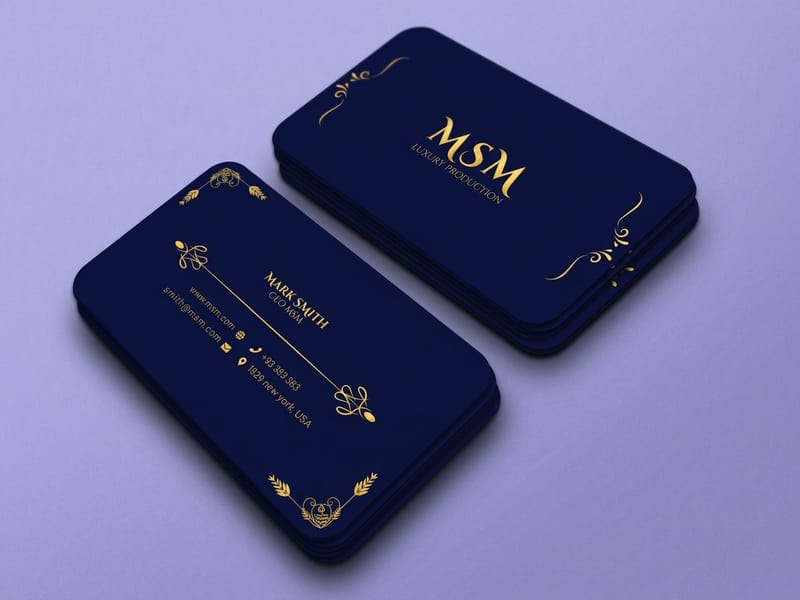 Product Premium Business Cards The 3.5 by 2 inch QR check-in card, from $17.57.
  Product Drink Coasters The cheapest branded object in the unit, from $10.98.
  Category Postcard Printing Single-topic house cards in every size and stock.
  Guide How to Make QR Code Cards Code size, quiet space and the fallback URL.
 Ready to print your host kit?
Pick your sizes, drop in your design or a free blank, and 4OVER4.COM prints the set sharp on heavy stock, as fast as your next check-in needs.
Common questions from hosts
Do printed welcome books actually improve Airbnb reviews?
We cannot point you at a controlled study, and any page that quotes one is inventing it. What is measurable on your own account is message volume: hosts who move the wifi, the appliance quirks and the checkout routine onto paper get fewer late-night questions, and fewer confused guests is the condition most 5-star reviews are written under. Treat the book as a way to remove friction rather than as a review generator, print it once, and compare a month of messages before and after.
How much does a full Airbnb print kit cost?
The card side is inexpensive. Standard postcards start at $16.48, premium business cards at $17.57, drink coasters at $10.98 and standard magnets at $19.68, so a QR card, a house-rules card and a branded touch land under seventy dollars for a run that will outlast several guests. The booklet is the expensive part at $240.55 for standard booklets, because that run is sized for a business. One apartment usually skips it and prints rack cards at $42.84 instead; a manager with ten or more units orders the book and stops thinking about it.
Should the house manual be printed or kept digital?
Both, split by shelf life. Anything that will be true in two years goes in print: wifi, appliances, checkout, emergency numbers, parking. Anything that changes goes behind a QR code pointing at a page you can edit, which is where restaurant picks, event listings and seasonal instructions belong. The failure mode of a fully digital manual is a guest with no data at eleven at night. The failure mode of a fully printed one is a card recommending a business that closed.
What size should a local guide card be?
Rack card size, 4 by 9 inches, on 14pt or 16pt cardstock. It fits a standard countertop stand, slides into a kitchen drawer, and goes in a coat pocket without folding, which is what makes guests take it with them. Use a 5 by 7 inch postcard when the card covers a single topic and lives on a nightstand. Matte finish holds up better than gloss on a coffee table because it does not show fingerprints or flare under a ceiling light.
Can I put a book-direct QR code in the unit?
It is a real risk to your listing. Airbnb restricts steering guests off the platform, and a card in the room inviting the next booking to happen elsewhere is the clearest version of that. Safer targets for the code are the house manual, the local guide, a Google review page, or a page for guests who found you outside the platform. Check the current policy wording before you commit a print run, because the run will still be sitting in the unit long after the rules change.
