
Big Poster Printing Sizes and the Resolution Each One Needs


Tobias is our voice for cutting, binding and large format, built from the knowledge of our production team, with over 20 years in printing.
The four sizes big posters actually get ordered in, the pixel count each one needs, and the material choice that decides whether it still hangs flat next month.
A big poster starts at 18 by 24 inches, and the sizes that cover nearly every job are 18x24, 24x36, 27x40 and 36x48. For resolution, multiply the finished inches by 150 to get the pixels the file needs, so a 24 by 36 poster wants a 3600 by 5400 pixel image. 100 ppi is enough when nobody stands closer than six feet, and 300 ppi at poster size only builds a file that is slower to handle and identical on the wall. Type and logos stay vector, so only the photograph is limited by pixels. The guide to resolution for poster printing works through more files, and tall narrow formats have their own print poster size guide.

Quick answer
Size sets the pixel count, distance sets the ppi
Inches times ppi equals pixels, and viewing distance decides which ppi you use. 150 ppi at the finished size is the working standard for posters read at arm's length, 100 ppi holds from six feet, and past ten feet even 72 ppi is invisible. Run the multiplication backward on the file you already have and it tells you the largest size that photo can print before you commit to anything. The full ladder of poster print sizes, odd sizes included, has its own guide.
The Big Poster Sizes, and What Each One Is Really For
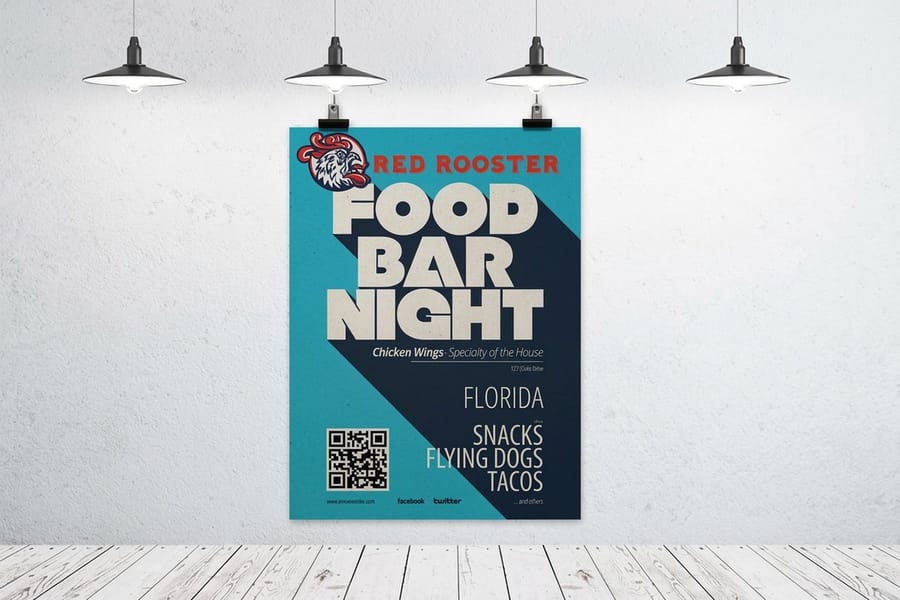
Four sizes cover the overwhelming majority of big poster work. Everything else is a variation you can order as a custom size once you know which of these four you are near.
| Size | Where it belongs | Pixels at 150 ppi | Pixels at 100 ppi |
|---|---|---|---|
| 18 x 24 in | Retail windows, dorm walls, in-store promotions, sandwich board inserts. | 2700 x 3600 | 1800 x 2400 |
| 24 x 36 in | The default big poster. Frames, easels and poster tubes are all built around it. | 3600 x 5400 | 2400 x 3600 |
| 27 x 40 in | The movie one sheet. Cinema cases and lightboxes expect this exact size. | 4050 x 6000 | 2700 x 4000 |
| 36 x 48 in | Lobby walls, stage flanks, conference and trade show panels seen from a distance. | 5400 x 7200 | 3600 x 4800 |
Two things fall out of that table. The first is that the jump from 18 by 24 to 24 by 36 doubles the printed area, which is a much bigger visual step than the numbers suggest when you see them side by side on a wall. The second is that the pixel requirement grows with the area, not with the longest edge, so a size that looks only slightly larger can need noticeably more image.
Pick the size by viewing distance before you pick it by budget. A poster read from three feet in a corridor can be 18 by 24 and still carry a paragraph of copy. A poster seen from thirty feet across a hall needs 36 by 48 and about six words. If you want the full ladder including the less common sizes, the large format poster size guide lists them, and every size we print is configurable on standard posters.
The Resolution Math, in One Line
Inches times ppi equals pixels. That single multiplication answers almost every resolution question people ask about big posters, and it works in both directions.
Forward: a 24 by 36 poster at 150 ppi needs 3600 by 5400 pixels. Backward: an image that is 4000 by 3000 pixels prints 26 by 20 inches at 150 ppi, or 40 by 30 inches at 100 ppi. Run the second calculation on your actual file before you commit to a size, because it will tell you in five seconds whether the photo you have can carry the poster you want.
Why 150 and not 300. 300 ppi exists because a business card or a brochure is held about a foot from the eye, where the eye resolves fine detail. A poster is not read at a foot. At arm's length 150 ppi is already at the edge of what most people can distinguish, at six feet 100 ppi is indistinguishable from more, and past ten feet even 72 ppi holds. Sending a 24 by 36 at 300 ppi means a 7200 by 10800 pixel file that is slow to open, slow to upload, and identical on the wall.
The exception that matters. Type, logos and any vector artwork have no resolution at all until they are printed, so they stay crisp at every size on the chart above. This is why a poster built from a modest photograph plus vector headlines can look perfectly sharp while the photograph alone would not. Keep the text as live vector in the file rather than rasterizing it, and never rebuild a logo by tracing a screenshot.
If the numbers are still confusing, what DPI means in print separates printer dots from image pixels, and image resolution for printing works through more examples.
Setting Up the File So the Size Survives
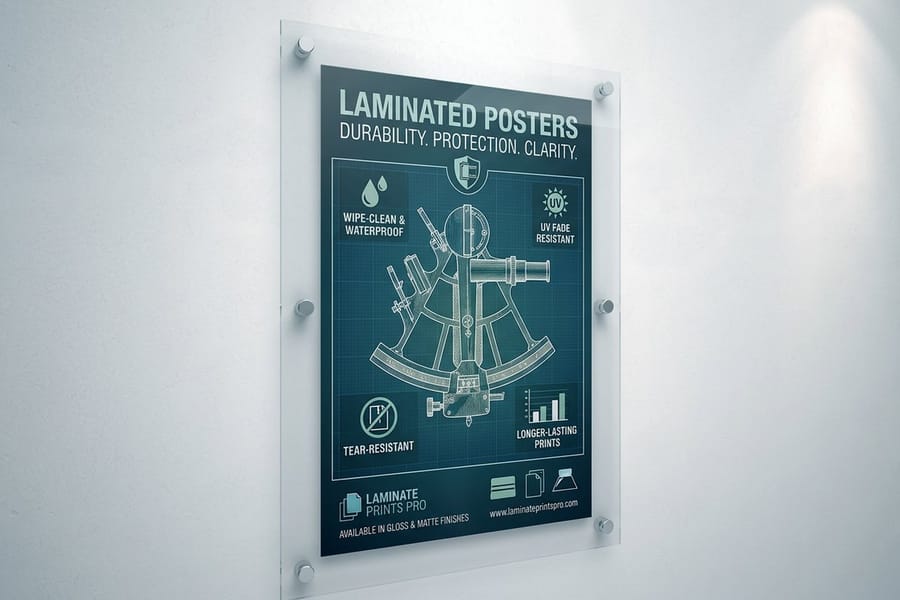
Big posters fail at the file stage more often than at the press. The problems are predictable, and all of them are cheaper to fix before you upload.
- Build at final size, or at a clean fraction of it. A 24 by 36 document is easiest to judge. If your software struggles, build at half size and set the resolution to 300 ppi, which gives the same pixel count as full size at 150.
- Convert to CMYK and check the darks. Deep blues and rich blacks that glow on screen flatten in print. A large solid area shows any weakness in the build, because there is nowhere for the eye to look away.
- Keep type off the trim. Large sheets move a little more in finishing than small ones, so give text a generous margin from the edge rather than the minimum you would use on a flyer.
- Export a PDF with the images embedded, not linked. A linked image that did not travel with the file is the single most common cause of a poster going to press soft.
- Look at the file at 100 percent before you send it. On screen at 100 percent you are seeing roughly what the print will show. Fit to window hides everything that matters.
Start from a correctly sized document instead of guessing at margins. The blank template library has the poster sizes set up already, and how to rescue a pixelated image covers what to do when the only photo you have is smaller than the size demands.
Material and Finish, Decided by Where It Hangs

Size and resolution get all the attention, but material is the choice that decides whether the poster still looks good in a month. Pick it from the room, not from the price list.
| Option | What it gives you | The catch | Best for |
|---|---|---|---|
| Gloss poster paper | Punchy color and deep blacks, ships rolled in a tube. | Glare under spotlights, and it curls in humid rooms. | Retail, windows, anywhere the color has to shout. |
| Matte poster paper | Readable under direct lighting, no reflections, easy to write on. | Blacks look slightly flatter than on gloss. | Corridors, galleries, anything lit from the front. |
| Laminated | Fingerprint and scuff resistance, extra stiffness, longer life. | Still paper underneath, so still an indoor piece. | Posters that get handled, repositioned or reused. |
| Mounted on board | Permanently flat, stands on an easel, no frame needed. | Cannot be rolled, so it ships flat and freight costs more. | Presentations, trade shows, lobby displays. |
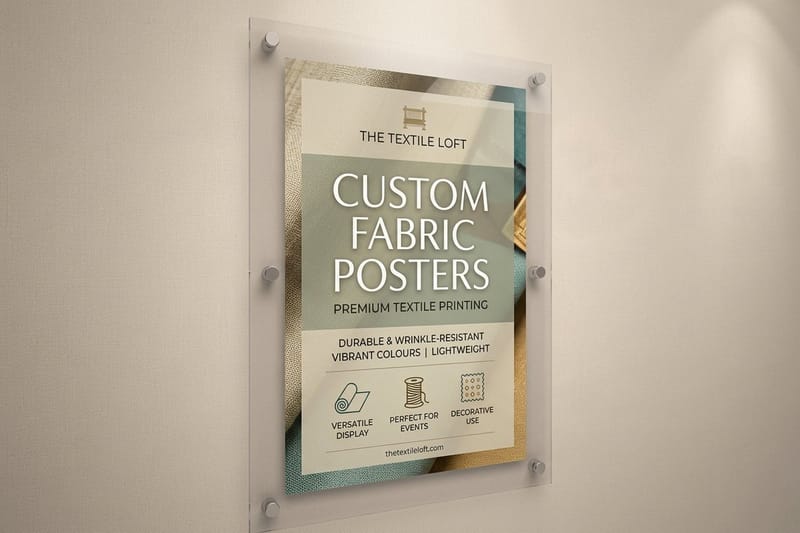
| Fabric | Folds into a bag, wrinkles relax, no tube to carry through an airport. | Less color snap than gloss paper on fine detail. | Travelling displays and repeat events. |
The mounting decision is the one people regret most often, in both directions. Mounted posters and foam core posters solve curl completely and stand up on their own, which is exactly what you want at a booth or on an easel. They also arrive in a flat box the size of the poster, which is harder to carry and more expensive to ship than a tube. If the poster is going straight into a frame, skip the board and order it rolled.
For a room where the poster is meant to stay for years, framed posters arrive ready to hang, and canvas against paper posters is worth reading before you decide the wall wants a print rather than a poster. When the piece has to live outside, stop looking at paper altogether and move to a vinyl banner.
Ordering Big Posters Without Surprises
Once the size, the resolution and the material are settled, the rest is quantity and logistics. Three things are worth deciding deliberately.
Quantity. Large format pricing does not fall away with volume the way offset pricing does, but the per piece cost still improves, and setup is done once. If you know you need the same poster in three locations, order three now rather than three separate ones later. Bulk poster printing covers where the breaks actually are.
Shipping form. Rolled goes in a tube and is cheap to send. Mounted and framed ship flat in a box sized to the poster. Factor that in before you order six 36 by 48 mounted boards for an event in another state.
Hanging. Decide the method before the material. A poster destined for a frame should be rolled and unmounted. A poster going onto a painted wall without damage wants either a mounted board on an easel or one of the methods in how to hang a poster. To hang a poster with no frame at all, a hanging display prints on 9mil polypropylene and ships with its 2-piece hanging set.
Starting prices at 4OVER4.COM are $25 for laminated posters, $39.99 for mounted posters, $49.99 for foam core posters, $87.86 for framed posters and $108.75 for standard posters. Each configurator prices your exact size, stock and quantity, and the full range sits on the poster printing category alongside the rest of our large format printing.
Wally sizes up a big poster
Inches times 150, and step back to check
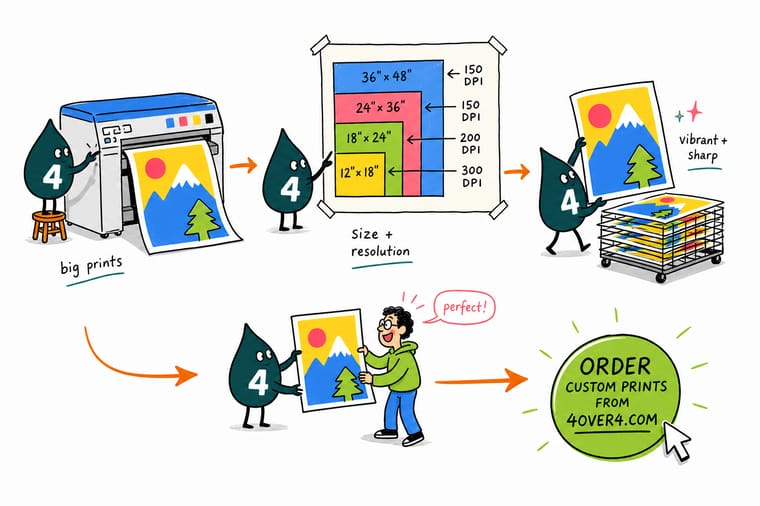
Wally measures the poster first, then multiplies. Twenty four by thirty six inches at 150 ppi means a 3600 by 5400 pixel image, and he checks the photo can reach that before he designs anything. Then he walks backward. If people read it from six feet, 100 ppi is plenty and the file gets half the size. His headline stays vector, so it prints sharp no matter how big the wall gets.
Configure poster printing →
Specs and pricing
Poster sizes, stocks and starting prices
Standard rolled posters come in six preset sizes from 11 by 17 to 22 by 28 inches, or any custom size, from $108.75. Mounted posters run from 8 by 10 to 40 by 60 inches from $39.99, and foam core from 16 by 20 to 40 by 60 inches from $49.99, each priced live from the 4OVER4.COM configurator.


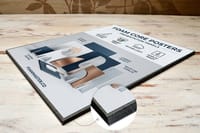
Print it
Order a poster at the size the room needs
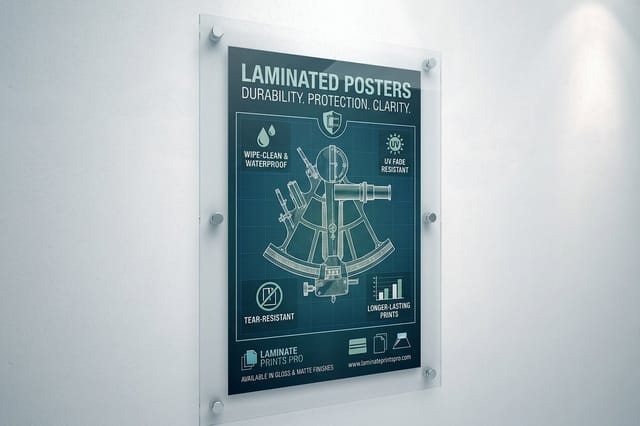
Laminated posters print from 11 by 17 up to 48 by 96 inches, mounted boards stop at 40 by 60, and a 24 by 36 is a preset size on both.



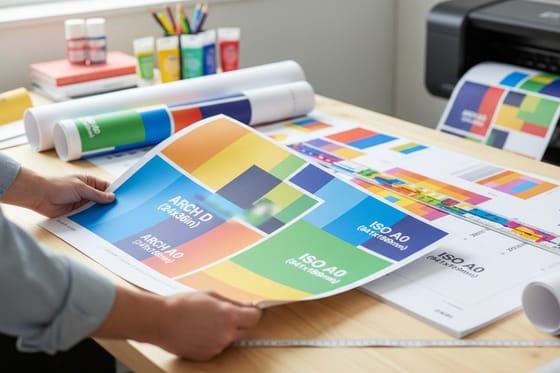
Size, DPI and stock guides
Where to go next


Printed in Queens since 1999
Poster work at size, counted in years on press
Common Questions
Your big poster questions, answered
What size is considered a big poster?
In practice, anything from 18 by 24 inches up. That is the first size that still reads as a poster from across a room rather than as an oversized flyer. From there the ladder is 24 by 36, which is the most ordered big poster and the one most frames and easels are built around, then 27 by 40, the movie one sheet, then 36 by 48 for lobby walls, stage backdrops and trade show panels. Above 36 by 48 you are usually better off in banner or wall graphic territory, because a paper sheet that wide gets awkward to handle and to hang.
What DPI do I need for a 24 by 36 poster?
150 ppi measured at the finished size, which works out to a 3600 by 5400 pixel image. If the poster hangs where people stand six feet back or further, 100 ppi is honestly enough and gives you 2400 by 3600 pixels. Going to 300 ppi at poster size doubles the pixel count in each direction, quadruples the data, and adds detail that no viewer at that distance can resolve. Set the resolution from the viewing distance, not from a habit picked up on business cards.
Can I print a phone photo as a 24 by 36 poster?
Often yes. A 12 megapixel phone photo is roughly 4000 by 3000 pixels, which is 26 by 20 inches at 150 ppi and 40 by 30 inches at 100 ppi. So the pixel count is not usually the problem. What breaks a phone photo at poster size is everything else the sensor did: noise in the shadows, heavy sharpening halos around edges, and smeared detail in hair and foliage from noise reduction. Zoom the file to 100 percent on screen and look at a dark corner. That is what the poster will show.
Does upscaling in Photoshop fix a small image?
It adds pixels, not detail. Resampling invents intermediate pixels from the ones you have, so edges stay reasonably clean and flat areas stay smooth, but texture that was never captured does not come back. Modern upscalers, including the AI options, are genuinely better at edges and worse at anything organic, where they tend to produce a plastic look. A reasonable rule: doubling the dimensions of a clean, well exposed file is usually fine at poster viewing distance. Quadrupling is not.
Which poster material should I use outdoors?
None of the paper ones, laminated included. Lamination resists fingerprints and scuffs and adds stiffness, but the sheet underneath is still paper and rain will end it. For outdoor work move to a vinyl banner or a coroplast yard sign, both of which are built for weather and for grommets or stakes. Keep the paper poster for windows, corridors, retail interiors and events under a roof.
Why does my poster curl, and how do I stop it?
Paper takes on moisture from the air and it does not do so evenly, so a large unmounted sheet cups toward whichever side dries faster. Rolling for shipping adds a memory curl on top of that. Two fixes work: let the poster lie flat under a weight for a day before hanging, or order it mounted on foam core so the board holds it flat permanently. Mounting has a cost beyond the price, though, since a mounted poster cannot be rolled and has to ship flat in a much larger box.
What does a big poster cost at 4OVER4.COM?
Starting prices depend on the material rather than on the size alone. Laminated posters start at $25, mounted posters at $39.99, foam core posters at $49.99, framed posters at $87.86, and standard posters at $108.75. The configurator on each product page prices your exact size, stock and quantity, which is the only number worth planning around once you know which material the job needs.
Get Started
50 posters cost $108.75, or $2.18 a sheet
Pick your size, choose rolled, mounted or laminated, and we print posters that stay sharp at arm's length and flat on the wall.
Legal Disclaimer
Gold Standard guarantees apply to all standard orders placed through 4over4.com. Price match requires verifiable proof of a competitor's published price for an equivalent product with matching specifications and turnaround time. Satisfaction guarantee covers manufacturing defects and print quality issues. Contact support with order number and documentation.
