
Certificate Paper and How to Choose the Right Stock & Finish


Match the weight and finish to the occasion, keep your text high-contrast, and proof one sheet before the full run. Weight, finish, and color are the three choices that turn a document into something worth framing.
To choose certificate paper, match the stock to the moment: use 32 to 80 lb weight so the piece feels solid, pick a linen or laid finish for formal awards and a smooth stock for full-color designs, keep dark ink on light paper for readability, and print a 300 DPI PDF proof before the full run. The right paper is what turns a printout into a certificate worth framing.
Quick tips
Quick tips for choosing certificate paper
Choose certificate paper by matching weight and finish to the moment. Reach for 32 to 80 lb stock so the piece feels solid, pick linen or laid for formal awards and a smooth stock for full-color designs, keep dark text on light paper for contrast, and always proof a single sheet before the full run. 4OVER4.COM prints on 60+ premium stocks, so the paper can match the achievement.
Why certificate paper deserves more thought than you would expect
Certificate paper carries weight, literally and figuratively. Hand someone a flimsy sheet and watch their face. Now hand them a thick, textured page with crisp printing and the reaction changes completely. The stock you choose quietly tells the recipient how much you value the achievement it stands for.
This guide walks through paper weight, finish, size, color, layout, and printing method so you can pick the right stock, dodge the common formatting mistakes, and end up with certificates people actually hang on a wall. If you are producing other printed pieces alongside them, our guides on how to clean rubber stamps and how to fold a brochure help across the wider project. 4OVER4.COM has printed premium materials since 1999, and we have learned a thing or two about what makes a document feel official.
Print at home vs order printed certificates
Before you buy paper, settle the bigger question: are you printing these yourself or having them printed? The honest answer changes with the count, and the crossover sits around the same 50 certificate mark where a desktop printer starts to feel like a second job.
| What you are comparing | Printing at home | Ordering them printed |
|---|---|---|
| Cost per certificate | Flat. Every copy costs one sheet plus the same ink or toner, so ten cost ten times one, and the cartridge that runs dry lands on whichever certificate is unlucky. | Falls as the run grows, because setup is spread across the whole order. The cost per piece at 200 is a fraction of the cost per piece at 10. |
| Color accuracy | Whatever the machine gives you that day. Blues drift, large solid areas fill unevenly, and a batch printed next month rarely matches the one you print today. | Calibrated and consistent across the run and across reprints, which matters for an award that goes out year after year. |
| Stock range | Whatever the tray will feed, so 20 lb bond (75 gsm) up to about 65 lb cover, uncoated or matte, in the sizes the store had on the shelf. | The full range, including 80 lb cover (216 gsm) and 110 lb card in linen, laid and parchment, printed right to the edge. |
| Foil, embossing and spot UV | Not possible. You can stick a foil seal on after printing, and that is where it ends. | Available, and it is the part people can feel. Foil stamping, embossing and spot UV all need press equipment. |
| Time to a finished stack | Minutes at 10. A long session of feeding, drying and reloading at 50. At 200 it is a day of watching the tray, plus the jams. | Production time plus shipping, so you plan ahead, but your hands are free the whole time and the stack arrives trimmed and finished. |
At 10 certificates, print them yourself. Cost per piece is not the argument at that count, and being able to reprint a misspelled name the same afternoon is worth more than a press finish.
At 50, you are on the fence. Fifty sheets is about as far as a desktop tray goes before the feeding and drying eats an evening, and it is also the point where an ordered run starts to cost less per certificate than your own ink. If the stock you want is heavier than 65 lb cover, the decision is already made for you.
At 200, order them. The cost per piece is at its lowest, every certificate in the box matches every other one, and you get the foil, embossing and spot UV a desktop machine cannot produce. If the names still have to be personalized, use the hybrid route further down this page: order the printed shells in bulk and run only the names and dates through your own printer.
Choosing the right certificate paper for every occasion
Certificate paper is not one-size-fits-all. A kindergarten graduation certificate has different needs than a corporate leadership award or a professional license. The stock, finish, size, and design all shift with the context, so it pays to decide what the piece has to do before you buy the paper.
The rest of this guide breaks it down piece by piece, from the weight that gives a certificate its heft to the security features that make it hard to fake. Start with how the document will be used. A framed wall piece, a mailed award, and a handed-over completion slip each point you toward a different stock.
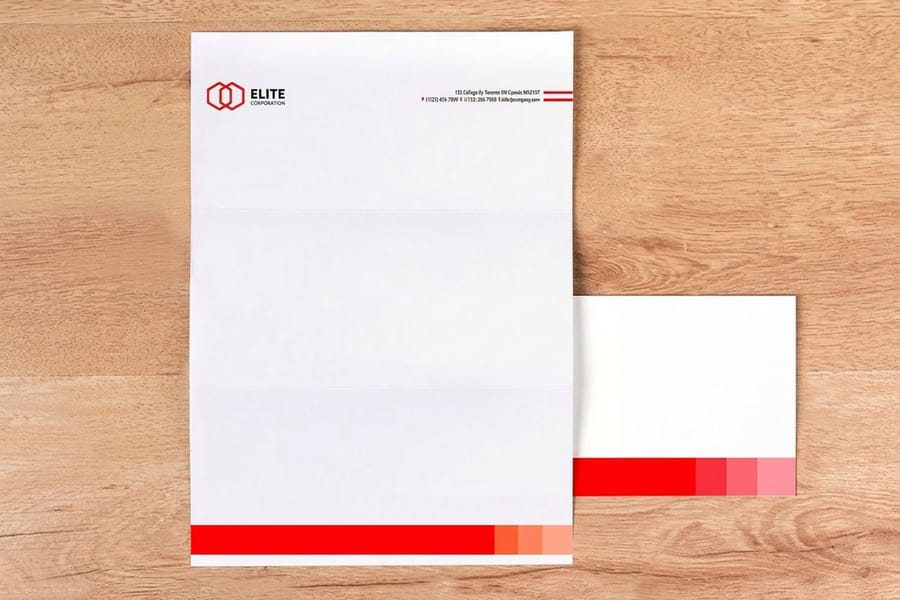
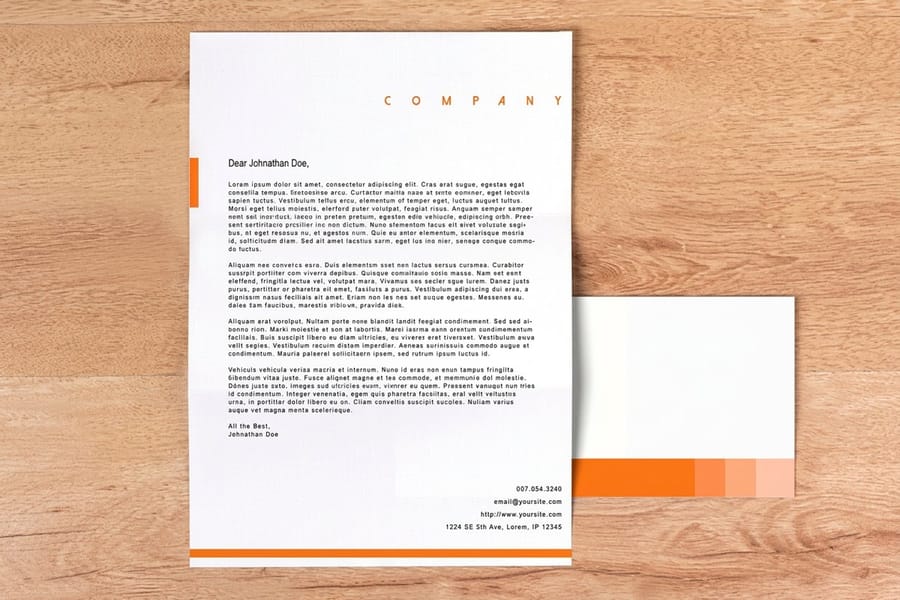
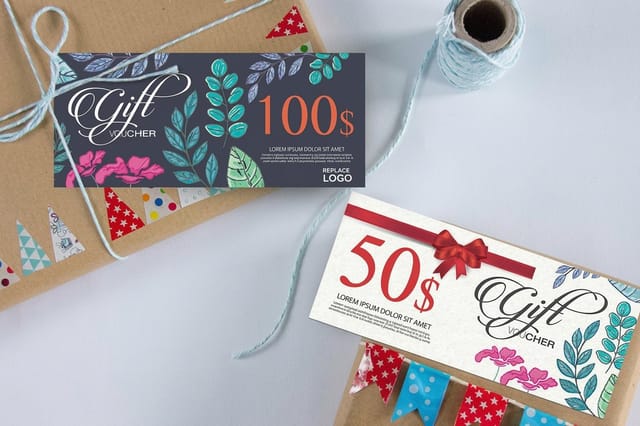
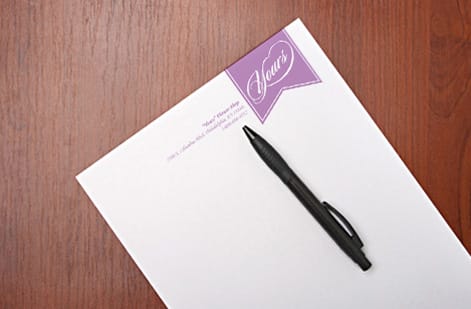
Three calls cover most jobs. A school or club certificate that gets handed over and carried home is fine on 28 lb bond (105 gsm) uncoated, because it has to survive a backpack, not a frame. A corporate award or a professional license that will hang on a wall wants 80 lb cover (216 gsm) in linen or laid, where the weight does the talking before anyone reads a word. Anything that carries a value, a course credit or a redeemable amount belongs on gift certificate printing stock, where a serial number and a security feature stop it being photocopied, and a certificate that has to sit inside a wider identity should run on the same premium letterhead stock as the letter that goes with it so the two pieces read as one set.
Paper weight and thickness: the foundation of a great certificate
Paper weight is the single biggest factor in how a certificate feels in someone's hands. Standard copy paper sits around 20 lb bond (75 gsm), which is fine for an internal memo and wrong for something that celebrates an achievement.
For certificates, start at 28 lb bond (105 gsm) at the very minimum. Most professional certificates land between 32 lb bond (120 gsm) and 80 lb cover stock (216 gsm), and the heavier you go, the more official the piece feels. A 32 lb bond has a nice heft without being stiff, and it folds cleanly for a standard envelope. An 80 lb cover is rigid, resists bending, and practically asks for a frame or a flat mailer.
Card stock in the 65 to 110 lb range works well for certificates meant to be displayed. It will not flop over when propped against a wall and it survives handling without creasing. If your certificates ship flat in rigid mailers, heavier stock is the safe call. For a wider look at how different stocks perform, browse our marketing materials printing hub.
Every weight in one place, with what your own printer will take.
| Stock | Weight | Caliper | Metric | Inkjet | Laser | Use it for |
|---|---|---|---|---|---|---|
| Copy paper | 20 lb bond | about 4 pt | 75 gsm | Yes | Yes | Memos and proofs, never the certificate itself |
| Light certificate bond | 28 lb bond | about 5 pt | 105 gsm | Yes, any finish | Yes on smooth or matte | The floor for a certificate, and the sensible choice for high volume completion slips |
| Standard certificate bond | 32 lb bond | about 6 pt | 120 gsm | Yes, any finish | Yes on smooth or matte | The all rounder, real heft and it still folds cleanly into a standard envelope |
| Light card stock | 65 lb cover | about 9 pt | about 176 gsm | Yes, feed a short stack | Usually, check the tray limit first | Certificates meant to be propped up or displayed |
| Heavy cover | 80 lb cover | about 10 pt | 216 gsm | Manual feed only | Manual feed, and many home lasers refuse it | Framed awards and pieces that ship flat in a rigid mailer |
| Heavy card stock | 110 lb cover | about 14 pt | about 300 gsm | Rarely, one sheet at a time at best | No on most home machines | Press printed diplomas and rigid display pieces |
If you are printing the job yourself, read the two printer columns first: take the heaviest row your tray will feed without complaint, then pick the finish. If the weight you actually want sits past what your machine allows, that is not a paper problem, it is the signal to have the run printed rather than pushing 80 lb cover (216 gsm) through a desktop tray one sheet at a time.
Finish options that change the look and feel
The finish on your certificate paper affects readability, ink adhesion, and perceived quality. These are the main options you will run into:
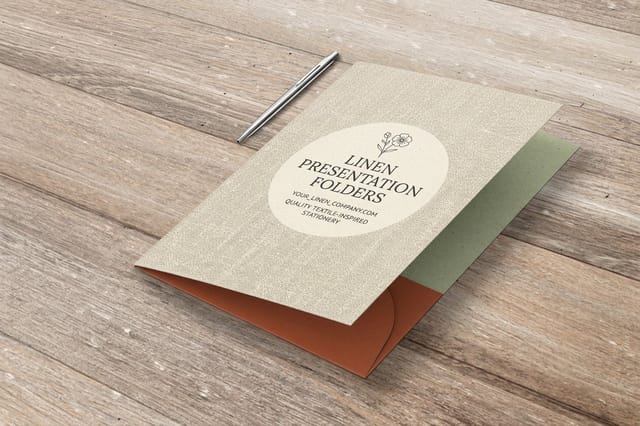
- Linen is a subtle crosshatch texture that mimics woven fabric. This is the classic official-document feel, and diplomas, government certificates, and formal awards almost always use it.
- Laid features fine parallel lines pressed into the sheet. It is a touch less textured than linen but still distinctly premium, and it suits corporate awards and professional certifications.
- Smooth or uncoated is clean and modern with no texture, which makes it great for full-color designs, photos, or detailed graphics because ink sits evenly on the surface.
- Parchment has a mottled, aged appearance that is popular for academic certificates and historical-themed awards. It adds an old-world gravitas.
- Matte coated is smooth with a slight sheen. Colors pop more than on uncoated stock without the glare of a glossy finish, so it works for certificates with bright designs.
One thing to watch is that textured finishes like linen and laid can break up very fine detail. If your design has small type or thin decorative borders, order a proof first and confirm the lines hold. You can also browse the showcase to see how each finish behaves on real printed pieces.
Standard sizes and when to go custom
Most certificate paper comes in standard letter size, 8.5 by 11 inches. That is the default for good reason. It fits standard frames, runs through most printers, and files away easily. Standard is not always the answer, though, so here are the common sizes and where each one shines:
- 8.5 by 11 inches covers most academic diplomas, training certificates, and employee awards. It fits everywhere.
- 11 by 8.5 inches (landscape) is the same sheet turned sideways. Landscape feels more like an award and less like a document, which is why most formal certificates use it.
- A4 (8.27 by 11.69 inches) is the international standard. If your organization operates globally, A4 keeps things consistent across regions.
- 5 by 7 inches makes a mini certificate for participation awards, workshop completions, or kids programs. Less formal, more fun.
- Custom sizes like 11 by 14 or 13 by 19 make a statement. They are harder to ignore and feel more important, and 4OVER4.COM can handle custom dimensions when the standard sizes do not fit.
Color choices beyond white and cream
White and cream dominate the certificate world, and honestly they dominate for good reason. White gives you maximum contrast for black text and colorful borders, while cream, natural, or ivory adds warmth and a traditional feel. You are not limited to those two, though. Blue-tinted stock works for corporate settings, gold-toned stock reads as achievement, and some organizations tint the paper to match a brand or school color.
Whatever you pick, the real rule is contrast. Keep the text and design elements clearly readable, dark ink on light paper or light ink on a deep tint. It sounds obvious, but plenty of certificates end up with gray text on cream stock that nobody can read from more than two feet away. If you are designing other pieces alongside your certificates, our guide on how to make flyers covers color-contrast principles that carry straight over.
Designing your certificate: layout principles that work
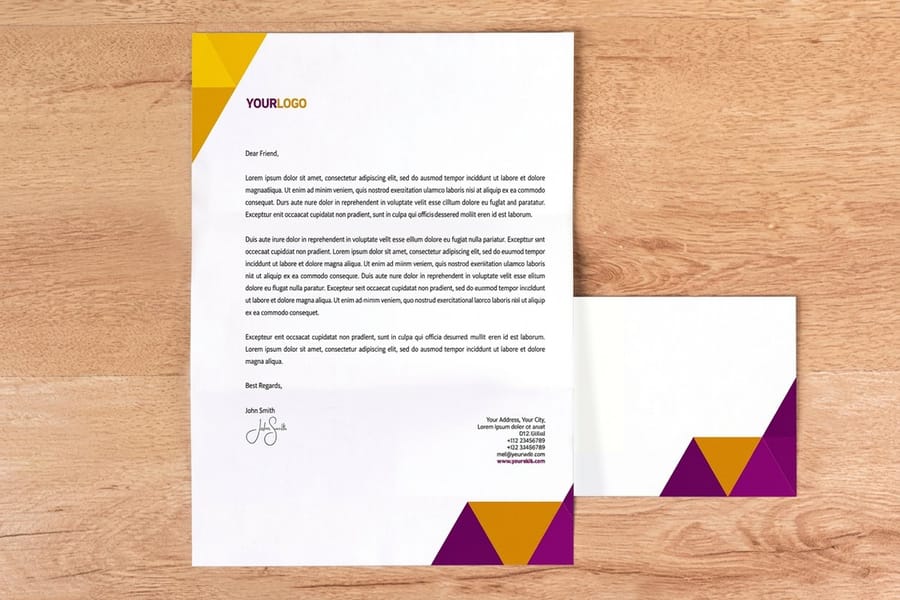
Good certificate design follows a clear visual hierarchy. The recipient name should be the largest element on the page. The awarding organization comes second. Everything else, the date, the description, the signatures, supports those two focal points.
Keep the margins generous, at least 0.75 inches on every side and ideally a full inch. Certificates that crowd the edges look rushed. White space is not wasted here, it is breathing room that makes the content feel important.
Borders matter too. A simple gold or black border frames the content and signals a formal document. Ornate scrollwork and filigree can look elegant or tacky depending on execution, so when in doubt go simpler. A thin double-line border in a dark color works for almost any context.
Hold yourself to two fonts. Use one serif for the body text, something like Garamond or Baskerville, and one script or display face for the recipient name. Just make sure the name stays legible at arm's length. You can start from ready-to-customize layouts in our blank templates library, including gift certificate templates you can adapt.
Printing methods: desktop versus professional
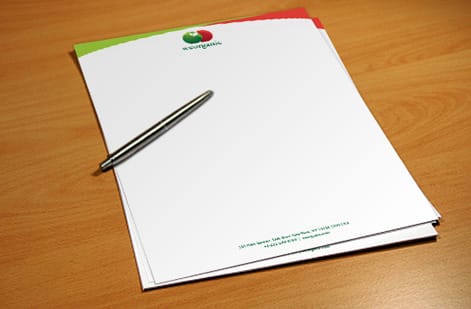
You have two main paths for printing certificate paper. You can run it yourself on a desktop printer, or send it to a professional printer like 4OVER4.COM.
Desktop printing works for small batches under about 50 certificates. Inkjet printers handle textured paper better than lasers in most cases, because toner does not bond as evenly to linen and laid finishes. If you are printing on a laser, stick to smooth or matte stock. Professional printing is the move for larger runs, consistent color, and premium finishes. Offset and digital presses give you sharper text, more accurate color, and access to foil stamping, embossing, and spot UV that desktop machines simply cannot produce.
There is also a hybrid route. Some organizations print the static elements, borders, logos, and the organization name, professionally in bulk, then run individual sheets through a desktop printer to add names and dates. You get professional quality where it counts and keep the personalization flexible. Our guide hub has more printing tips across every product type.
Best certificate paper for inkjet and laser printers at home
If you are running the certificates yourself, the printer picks the paper before your taste does. Inkjet and laser put ink on a sheet in completely different ways, so the same stock can come out crisp on one machine and speckled on the other.
Inkjet certificate paper. An inkjet sprays liquid ink that has to soak into the sheet, so uncoated stock is what you want. Linen, laid, parchment and plain smooth uncoated from 28 lb bond (105 gsm) up to 32 lb bond (120 gsm) all take the ink cleanly and dry flat. Texture is not a problem for an inkjet, which is why a linen or laid certificate usually looks better out of an inkjet than out of a laser. Avoid glossy coated sheets unless the pack says inkjet or photo on it, because on a standard coated surface the ink sits on top of the coating instead of soaking in, stays wet, and smears under a thumb. Let each sheet sit face up before you stack it, and print a test on a plain sheet first to check that the border is not landing under the tray grippers.
Laser certificate paper. A laser fuses dry toner with heat and pressure, so it wants a flat, even surface. Smooth and matte stock give the sharpest text and the deepest solid blacks. Heavy linen and laid textures fight it, because the toner bridges the high points and skips the valleys, which shows up as a flecked border or a gold seal with pinholes in it. Keep laser jobs on smooth or matte and let the inkjet or the press handle texture. Anything with a plastic laminate, a self adhesive back, or kitchen baking parchment must never go through a laser, because the fuser is hot enough to melt it inside the machine.
Jam free weights and feed direction. Most home trays pull happily from 20 lb bond (75 gsm) through about 65 lb cover, which covers 28 lb bond (105 gsm) and 32 lb bond (120 gsm) certificate stock without a fight. Heavier than that and you are into the manual or single sheet tray. 80 lb cover (216 gsm) and 110 lb card want the straight through path if your printer has a rear feed, because the tight bend inside a normal paper path leaves a curl in a sheet you are about to frame. Fan the stack before you load it, keep the pile short rather than filling the tray, feed short edge first, and load the printable side the way your model asks, which is usually face up on an inkjet and face down on a laser. If the stock carries a watermark, hold a sheet to the light before loading so the mark reads the right way round on the finished certificate.
Why heavy gloss misfeeds at home. Coated sheets are slick and cling to each other, so the pickup roller lifts two at once and the sensor calls it a jam. Add the stiffness of a heavy cover weight and the sheet also refuses the curve the paper path is asking of it, which is exactly the double feed and curl you get from glossy card in a desktop tray. If gloss, foil or a heavy cover weight is the look you want, that is the point to hand the run over rather than fight the feeder. Order free paper samples first and run one sheet of each through your own machine before you commit a whole batch to a stock.
Adding security and authenticity features
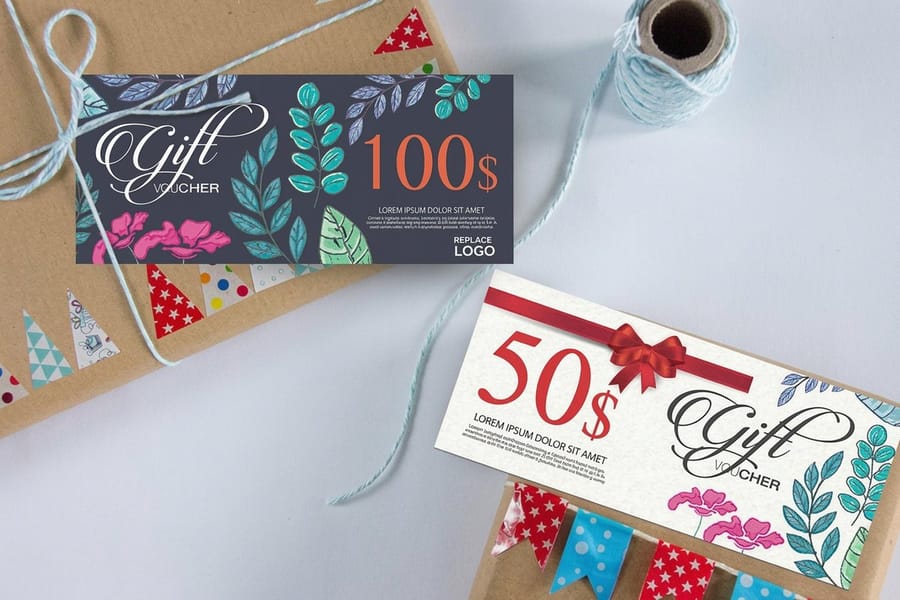
If your certificates carry legal or professional weight, security features earn their place. Watermarks, holographic foils, microprinting, and serial numbers all make a document harder to counterfeit. Even for less formal pieces, a raised seal or foil stamp adds a layer of authenticity people notice. It is the difference between here is a printout and here is an official document.
You can extend the same care to how the certificate is presented and packaged. Learn to build coordinating pieces in our how to make envelopes guide, or explore custom magnets for another way to carry a recognition program beyond the certificate itself.
Mistakes that ruin otherwise great certificates
Even small errors on certificate paper can undo the whole point of the document. These are the most common ones we see at 4OVER4.COM, and how to avoid them:
- Spelling the recipient name wrong. Triple-check every name, then check again. Nothing kills the moment like a misspelling on a framed certificate.
- Using paper that is too thin. Anything under 24 lb bond feels like a receipt instead of a recognition. Go heavier.
- Ignoring bleed and margins. If a border runs to the edge, you need at least 0.125 inches of bleed, or you will get uneven white slivers after trimming.
- Overloading the design. Three fonts, clip art, a gradient, and a watermark all fighting for attention is too much. Pick a few elements and let them breathe.
- Skipping the printed proof. Screen color and paper color are not the same. What looks gold on a monitor can print as muddy yellow on linen, so proof before the full run.
- Ignoring printer limits. Textured stock can jam certain machines, so check the rated paper weight before you feed a stack of 80 lb cover.
What our clients say about certificate paper
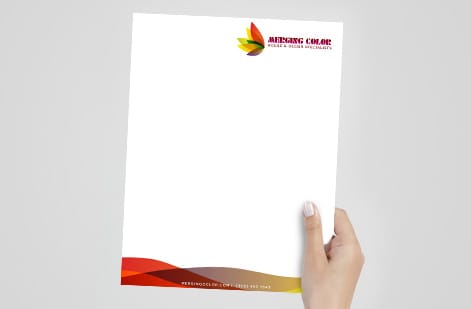
When you are ready to print certificates or the pieces around them, 4OVER4.COM has options that pair naturally with a recognition program. For presentation and packaging, tissue paper printing wraps a certificate in branded tissue, and if you are building an eco-friendly award package, recycled paper hang tags make a sustainable complement.
The stock really does change how the moment lands. Heavier, textured paper reads as more valuable, and recipients treat it that way, framing it and putting it on display instead of filing it in a drawer.
Wally explains certificate stock
Heavier paper makes an achievement feel earned
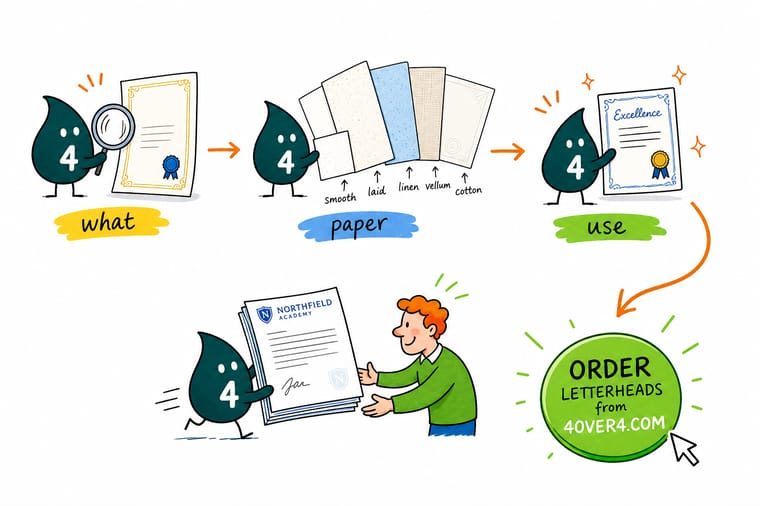
Wally treats a certificate like a tiny trophy: the words matter, but the paper is what people feel. A flimsy sheet says routine, while a heavy linen or cover stock says this was earned. Pick 32 to 80 lb, keep the text high-contrast, proof one sheet, and the same certificate suddenly reads worth framing. When you are ready, 4OVER4 prints your design on premium stock built to hang on a wall.
Order letterhead stock →Specs and pricing
Premium letterhead stock specs and pricing
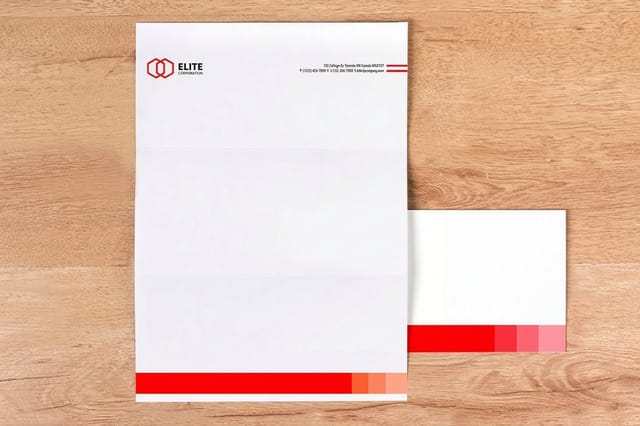
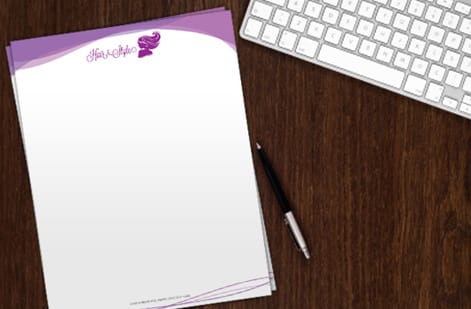
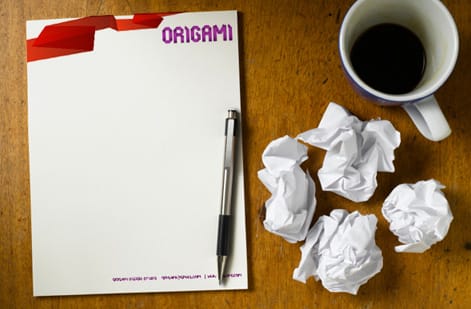
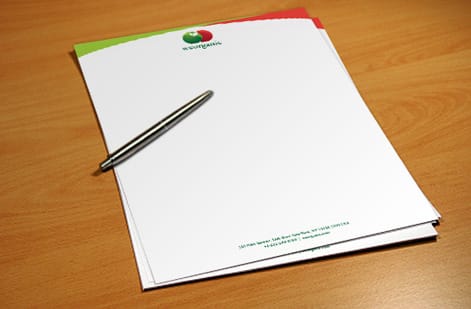
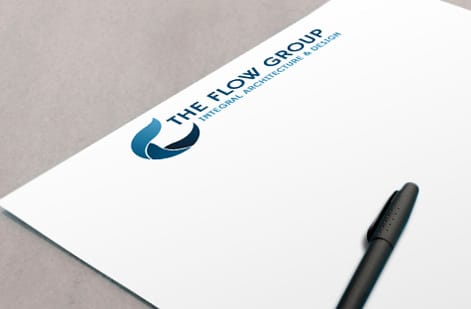
Certificate-quality paper is exactly what our Standard Letterheads are printed on, premium flat sheets you can order in linen and other stocks at 8.5 by 11. Here are the live specs and price-per-unit straight from the configurator.
| Quantity | Price Per Unit | Total |
|---|---|---|
| 50 | $2.00 | $99.95 |
| 100 | $1.05 | $105.44 |
| 200 | 58.2¢ | $116.43 |
| 300 | 43.6¢ | $130.72 |
| 400 | 34.9¢ | $139.49 |
| 500 | 29.4¢ | $147.18 |
| 600 | 25.4¢ | $152.68 |
| 700 | 22.6¢ | $158.17 |
Print it
Order certificate-ready stock at 4OVER4
See it in use
Real premium-stock printing, done in-house
Explore more
Where to go next




By the numbers
Certificate stock: 60+ premium papers, printed since 1999
Common Questions
Common questions about certificate paper
What paper weight is best for printing certificates?
For most certificates, 32 lb bond (120 gsm) up to 80 lb cover stock (216 gsm) hits the sweet spot. Lighter stock works when a certificate has to be mailed in a standard envelope, and heavier stock is better for framing and display. If you are not sure, 65 lb cover gives you a good balance of rigidity and flexibility.
Can I print certificate paper on a regular home printer?
Yes, within limits. Most inkjet printers handle certificate paper up to about 80 lb cover stock, and inkjets tend to lay ink onto textured stocks better than lasers. Laser printers do best on smooth or matte finishes because toner struggles to bond evenly to linen or laid textures. Always check your printer manual for its maximum paper weight before you load a heavy stack.
What's the difference between linen and parchment certificate paper?
Linen has a uniform crosshatch texture that feels woven and reads as professional and formal. Parchment has an irregular, mottled look that mimics aged paper and reads as traditional and academic. Both are popular for certificates, but they leave very different impressions, so match the finish to the occasion.
How do I keep certificate paper from jamming in my printer?
Fan the sheets before loading to separate them, then load only 10 to 15 at a time. Use the manual feed tray or the rear paper path if your printer has one, because a straighter path bends the sheet less. And make sure the stock weight stays inside your printer rated capacity.
Should I use foil stamping on my certificates?
Foil stamping adds a metallic shine to borders, seals, or text, and it is worth the cost for high-profile awards, diplomas, and formal recognitions. For internal team certificates or participation awards it can be overkill, so weigh the audience and the occasion. You can also add a free QR code that sends recipients to a digital verification page.
What file format should I use for certificate designs?
PDF is the gold standard for certificate printing because it locks in fonts, colors, and layout across different systems. For professional printing, send a high-resolution PDF at 300 DPI with the fonts embedded. For desktop printing, PDF still gives you the closest match between what you see on screen and what lands on the page.
What certificate paper works best in an inkjet printer?
Uncoated stock, every time. Linen, laid, parchment and plain smooth uncoated between 28 lb bond (105 gsm) and 32 lb bond (120 gsm) absorb liquid ink cleanly and dry flat, and an inkjet handles texture far better than a laser does. Skip glossy coated sheets unless the pack is labeled for inkjet or photo, because the ink sits on top of the coating and smears under a thumb. Stay at or under about 65 lb cover for the main tray and feed 80 lb cover (216 gsm) one sheet at a time. Order free paper samples and run one of each through your own machine before you buy a whole ream.
Can parchment paper go through a laser printer?
Parchment certificate stock can. Kitchen baking parchment never can. The certificate kind is ordinary uncoated paper with a mottled, aged look worked into the sheet, so it takes fuser heat without trouble. Expect the toner to sit on top of that mottling, which softens large solid areas and can leave a flecked edge on dark borders, so run one test sheet before committing the batch and keep heavy solid blocks out of the design. Baking parchment is silicone coated and will melt onto the fuser, so it stays in the kitchen.
What weight should certificate paper be?
Treat 28 lb bond (105 gsm) as the floor, because 20 lb bond (75 gsm) copy paper reads as a printout the second it changes hands. 32 lb bond (120 gsm) is the everyday answer: it has real heft and still folds cleanly into a standard envelope. Certificates that get framed or displayed step up to card stock in the 65 to 110 lb range or 80 lb cover (216 gsm), which stays rigid against a wall and survives handling without creasing.
Get Started
Order letterhead stock from $2.00 a sheet
Pick your stock and finish, drop in your design, and we print premium sheets that make every award feel earned.
Legal Disclaimer
Gold Standard guarantees apply to all standard orders placed through 4over4.com. Price match requires verifiable proof of a competitor's published price for an equivalent product with matching specifications and turnaround time. Satisfaction guarantee covers manufacturing defects and print quality issues. Contact support with order number and documentation. On-time delivery rate based on tracked orders 1999 to 2026. Individual results may vary based on shipping carrier performance.
