
Print Specifications: Dimensions, Sizes & Paper Guides

Your Guide to Print Specifications

Print specifications are the technical details that determine how your finished product looks, feels, and performs. Getting these right - dimensions, bleed areas, safe zones, resolution, color mode - is the difference between a sharp, professional result and a costly reprint. 4OVER4 has printed 10 billion+ cards and counting, so we know exactly where files go wrong.

"I was nervous about setting up my files for the first time, but the print specifications on the 4OVER4 site walked me through everything. My postcards came out pixel-perfect."

- Dana K., ★★★★★

Every product has its own set of requirements. A business card needs different printing dimensions than a vinyl banner or a set of door hangers. Paper size specifications change depending on the material, the finish, and even the coating you pick. That's why a solid print size guide matters before you upload a single file.

Here's the good news: you don't need to memorize all of this. 4OVER4 offers Design Templates pre-built with the correct trim lines, bleed zones, and safe areas already mapped out. Just drop your artwork in, and the guesswork disappears. If you're working on something unusual - odd sizes, specialty substrates, multi-panel folds - our Custom Projects team can help you nail the specs before production starts.

Sustainability-minded? Print specifications also apply to Green Printing options. Recycled stocks and soy-based inks follow the same dimensional and resolution rules, so you don't sacrifice quality when you go eco-friendly. With 1,000+ products in the 4OVER4 catalog, each one has its own spec sheet - and this resource hub pulls them all together in one place.

Below, you'll find downloadable blank templates sized to the most popular products. These files give you exact dimensions, bleed marks, and safe zones so your design prints cleanly every time.

Blank Print Specifications Dimensions Templates

Browse Print Specification Resources by Category

Understanding paper size specifications across product categories saves you time and money. 4OVER4 organizes spec guides by product type so you can find exactly what you need without digging through unrelated details.

For premium finishes, explore the print specifications for Metallic Printing and Metallic Pearl Printing - these specialty stocks require specific CMYK builds to get that reflective shimmer right. With 10,000+ reviews backing our quality, you can trust the output matches the spec.

Want to go deeper? Our Printing Articles library covers everything from bleed setup to color calibration. Learn why dimensions matter in our piece on Buckslips Printing Benefits Explained, or take a creative break with Funny Print Ad Examples. 4OVER4 has been building this knowledge base since 1999, and every article ties back to real production specs.

How to Read and Apply Printing Dimensions to Your Files

Print specifications aren't just numbers on a page. They're instructions your file needs to follow so the press operator can produce exactly what you designed. Miss the bleed by 1/8 inch? You'll see white edges. Set resolution at 72 DPI instead of 300? Your text turns to mush. These details matter.

"I used the Business Card Thickness Guide before ordering 32pt cards for my real estate clients. Knowing the exact specs ahead of time meant zero surprises when the box arrived."

- Marcus L., ★★★★★

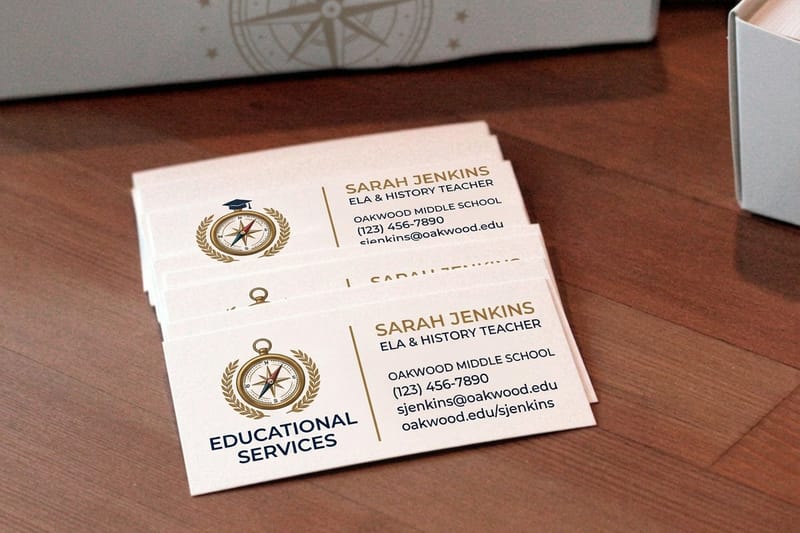
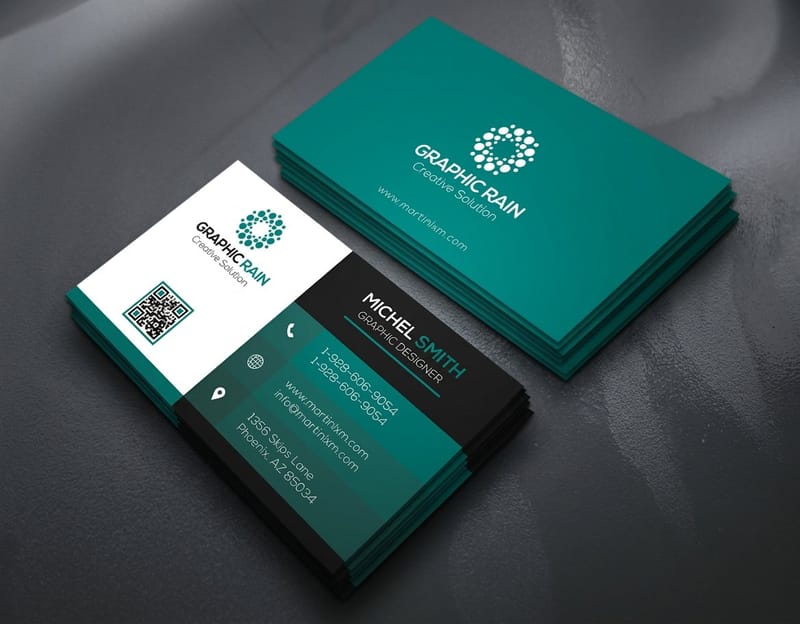
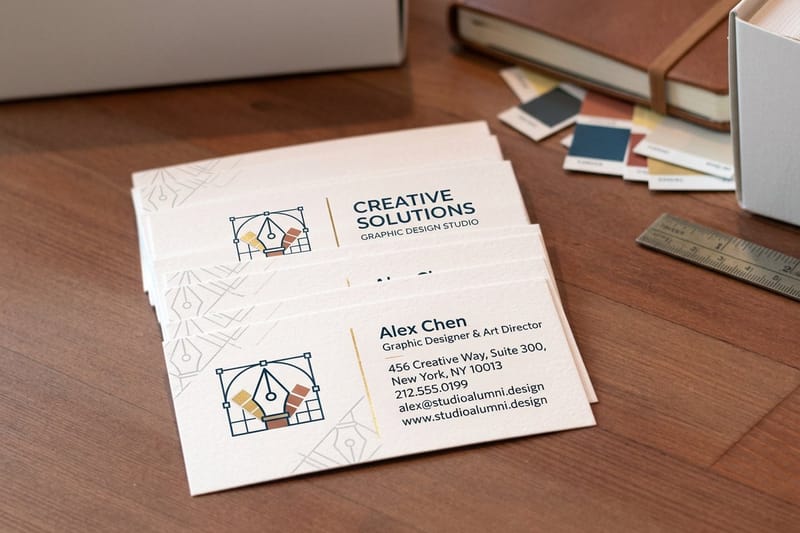
Start with the product-specific guides 4OVER4 publishes for every item. The Business Card Size Dimensions Guide breaks down standard 3.5" x 2" cards plus square, mini, and folded variants - all with exact millimeter conversions. If stock weight matters to your project, the Business Card Thickness Guide explains the difference between 14pt, 16pt, and 32pt in terms you can actually feel.

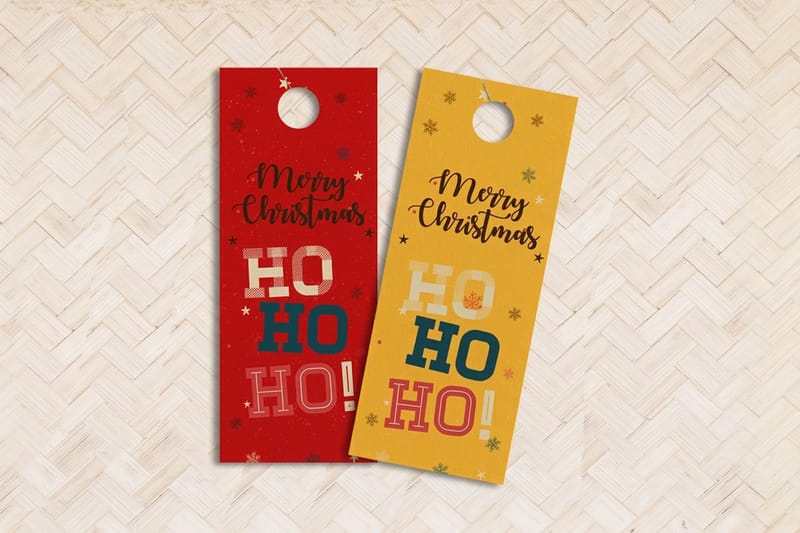
Not every product is a rectangle. The Door Hanger Size Guide covers die-cut shapes, hole placement, and the safe zone around perforations. These print specifications are unique to the product and won't match a generic template from your design software.

The fastest way to get started is to download a pre-built file. 4OVER4's Design Templates include layered files with trim, bleed, and safe zone guides already locked in. Prefer a clean canvas? Grab a Blank Templates file and build from scratch with the correct printing dimensions baked in. Either way, you're starting with the right foundation - and that's what separates amateur prints from professional ones.

Why 4OVER4 Gets Print Specifications Right

Getting print specifications wrong costs you time and money. 4OVER4 has spent 25+ years building systems that catch errors before they hit the press. Every file goes through a pre-flight check against the product's exact spec sheet. Wrong resolution? We flag it. Missing bleed? You'll know before we print.

That's backed by a 99.8% on-time delivery rate, which only happens when specs are locked down from the start. Delays almost always trace back to file issues - and 4OVER4's process eliminates most of them before production begins.

"I uploaded a flyer file with the wrong dimensions and got a notification within hours. The 4OVER4 team even suggested the right print specifications for my project. Saved me a full reprint."

- Tina R., ★★★★★

We also care about how your specs impact the environment. Our Green Printing program applies the same rigorous dimensional and color standards to recycled and FSC-certified stocks. Accurate print specifications mean less waste, fewer reprints, and a smaller footprint for every job.

What Customers Say About Getting Specs Right

Print specifications sound technical, but the proof is in the finished product. 4OVER4 carries a 4.8/5 star rating across 10,000+ reviews, and a huge chunk of that feedback comes down to one thing: the print matched the file. No surprises, no color shifts, no trimming errors. When specs are set correctly from the start, the result speaks for itself.

Here's what real customers have to say about their experience with print specifications at 4OVER4.

★★★★★

"Ordered print specifications from 4OVER4 and the quality blew me away. Sharp colors, premium feel, arrived 2 days early."

Rachel P.

★★★★★

"Been using 4OVER4 for print specifications for a year. Consistent quality every time. The online designer made it easy."

Jessica P.

★★★★★

"Switched to 4OVER4 and saved 40% on print specifications. Better quality than my old printer. 60+ paper options."

Sarah K.

★★★★☆

"4OVER4's print specifications helped us look more professional. Clients notice the difference."

Marcus R.

Common Questions About Print Specifications

What are print specifications, and why do they matter?

Print specifications are the technical requirements your file must meet for accurate production - including dimensions, resolution, bleed area, safe zone, and color mode. Following the correct specs prevents trimming errors, blurry images, and color mismatches. 4OVER4 provides product-specific spec sheets for all 1,000+ products so your artwork prints exactly as designed.

What resolution should I use for printing?

Use 300 DPI (dots per inch) at the final print size. This is the standard for sharp text and vivid images across all printing dimensions. Files set at 72 DPI - common for web graphics - will look pixelated when printed. 4OVER4's pre-flight check flags low-resolution files before production starts.

What's the difference between trim, bleed, and safe zone?

Trim is the final cut line of your product. Bleed extends your design 0.125" beyond trim so no white edges appear after cutting. The safe zone sits 0.125" inside the trim line - keep all important text and logos within it. Every print size guide from 4OVER4 marks these three zones clearly.

Do paper size specifications change based on the material I choose?

The printing dimensions stay the same for a given product size, but file setup can vary by substrate. Metallic stocks may need adjusted CMYK values for accurate color. Canvas and fabric prints sometimes require different resolution settings. Always check the spec sheet for your specific material.

Where can I find blank templates with the correct print specifications?

4OVER4 offers downloadable blank templates for every product in the catalog. These files include pre-set trim lines, bleed marks, and safe zones in formats compatible with Adobe Illustrator, Photoshop, and InDesign. They're the fastest way to start a new design with accurate paper size specifications already built in.

What color mode should my file be in?

All print files should be submitted in CMYK color mode. RGB is designed for screens and will shift colors during conversion. If your design uses specific brand colors, reference a Pantone swatch and convert to the nearest CMYK equivalent. 4OVER4's print specifications for each product confirm the required color setup.

Risk-Free Printing Since 1999 Backed by our 5-guarantee promise for over 25 years. 100% satisfaction or we make it right, every time. See Details →
FSC Certified Printer #C013635
G7 Certified Color Accuracy
25+ Years Since 1999
150,000+ Businesses Served