
How to Order Custom Printed Apparel and Pick the Right Print Method


Jordan is our labels, packaging and sustainability voice, built from the knowledge of our production team, with over 20 years in printing.
Three decisions in order: how the ink goes on, what it goes on, and whether your file can take it. Get those right and the order takes ten minutes.
To order custom printed apparel, count the colors in your artwork to choose the method, choose a garment whose fabric suits that method, then supply vector art or a 300 dpi file at the finished print size. Full color artwork goes to DTG, flat color on a long run goes to screen printing, and names or numbers go to heat vinyl. Tees start at $21.96 and cotton totes at $5.00, so the matching merch adds less than most people assume.
Quick answer
Color count, then fabric, then the file
The method follows the artwork. Photographs and multi color designs go to DTG, where nothing is set up per color. Flat one or two color artwork on a large run goes to screen printing, where the setup is paid once and the per shirt price keeps dropping. Names, numbers and simple solid shapes go to heat vinyl, cut individually so every shirt can differ. After that, pick cotton for DTG, plan for a white underbase on dark garments, and send vector art or a 300 dpi file at the finished size.
Pick the Print Method From Your Artwork, Not Your Budget
Open your logo file and count the colors. That number rules methods in and out faster than any other question, and everything downstream depends on it.
Direct to garment sprays water based pigment straight into the fibers with an inkjet head. Nothing is set up per color, so a photograph costs the same as a single word. The ink bonds with cotton and sits on top of polyester without holding, so DTG belongs on cotton or a high cotton blend. On a dark garment the press lays white ink underneath your artwork first, after a pretreatment spray, which is where the extra time on dark shirts comes from.
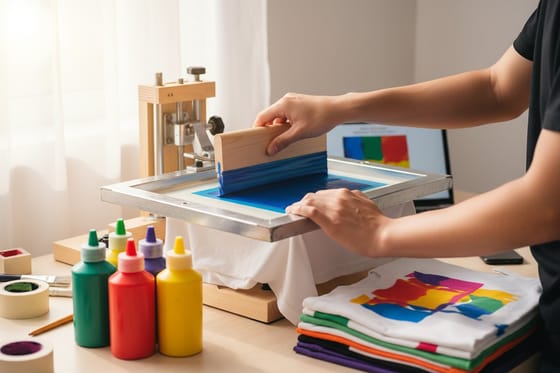
Screen printing pushes thick plastisol through a stencil, one screen per color. That setup is real work, and it is why 12 shirts in four colors is an awkward order and 300 shirts in two colors is a cheap one. The payoff is opacity: plastisol covers a black hoodie the way no water based ink can, and it survives washing longer than anything else on this page. Photographs are possible, but they get converted to halftone dots, so a soft gradient turns into a visible pattern up close. Our guide to printing photographs on t shirts compares the methods that hold a photo better. Our silk screen printed t-shirts are the version of this we run most.
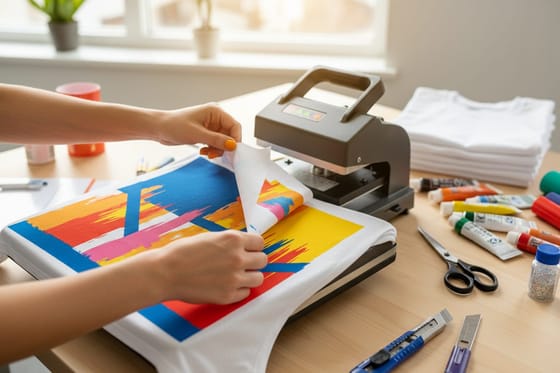
Heat vinyl skips ink entirely. A plotter cuts your shape out of a colored sheet, someone weeds away the waste by hand, and a press bonds what is left to the garment. It only handles solid shapes, which is exactly why it wins on team names and numbers: every shirt in the order can differ without adding cost. Vinyl t-shirts start at $21.96, the same entry price as our other tees, because the cost sits in the labor rather than the setup.
One warning that saves reprints. Anything pressed on top of the weave, plastisol or vinyl, can crack where the fabric folds hard. Keep large solid blocks away from shoulder seams and side seams, and a print lasts years instead of months.
The Garment Changes the Print More Than People Expect
Two shops can run the same file with the same ink and hand back shirts that look nothing alike, because the blank underneath was different. Fabric is part of the print, not a container for it.
Cotton takes water based ink because the fibers absorb it. Polyester repels it and, worse, can bleed its own dye up into a light print when the press heats it, which shows up as a pink haze on white ink over a red poly shirt. If your artwork is going on a blend, say so at order time so we can allow for it. Our explainer on what is direct-to-garment printing covers how the pigment bonds to each fiber. For anything DTG, ring spun cotton gives the smoothest result: the yarn is combed and twisted tighter, so the surface has fewer stray fibers for the ink to sit on and the print reads sharper. That fabric is what sits behind our premium t-shirts at $21.96.
Garment color is the other half. Printing on white is one pass. Printing on navy is an underbase plus your artwork, and the shade you see is your ink over white, not your ink over navy, which is why the same file can look a little chalkier on a dark shirt. Our list of t shirt and ink color combinations pairs shirt shades with inks that hold up, and the guide on how to print a logo on a t-shirt covers placement and file prep for a one color mark. Designers who plan for it get a better result: pull one color out of the artwork and let the shirt color do that job. A cream logo on a forest green tee with no underbase at all prints faster, feels softer, and costs less.
Size runs deserve a minute of thought too. Adults and youth need separate artwork sizes, so a mixed order for a family event is really two files. Kids t-shirts start at $21.96 like the adult tees, and the whole range sits on the t-shirt printing page if you want to compare fabrics side by side.
Prep Artwork That Survives the Press
Most apparel jobs that come back wrong were wrong in the file. Five checks catch nearly all of it.
- Send vector when you have it. An AI, EPS or vector PDF scales from a chest print to a back print without losing an edge, and a vinyl cutter needs a path to follow. A JPEG pulled off a website gives us neither.
- If it has to be raster, size it properly. 300 dpi at the finished print size, transparent background, no white rectangle. A 12 inch chest print means roughly 3,600 pixels across, not a 900 pixel logo scaled up.
- Watch thin strokes. Vinyl has to be weeded by hand, so a hairline under about 1 millimeter lifts when the backing comes off. Screen printing loses fine detail into the mesh. Thicken hairlines or drop them.
- Flatten your effects or expect them to change. Drop shadows, soft glows and gradients become halftone dots on a screen press and are impossible in vinyl. On DTG they print fine.
- Name the brand color. Give a Pantone reference rather than a hex value for screen printing, where the ink is mixed to match. Our guide to spot color printing explains what that mixing buys you.
Set the file up at the finished print dimensions from the start. Guessing at scale later is how a chest logo ends up either lost or sprawling across a collar. Start from a correctly sized layout in the blank template library, and keep the design a comfortable distance from seams and hems.
Placing the Order and Adding the Matching Merch
Once the method and the garment are settled, ordering is a short sequence. Choose the product, set the quantity, and watch the per unit price move as the tier changes. On flat color runs the drop between a small order and a large one is steep enough to be worth a second look before you commit.
| Decision | What to check | Where it bites |
|---|---|---|
| Method | Color count and whether the artwork has gradients. | Four colors on a screen press means four setups on a run too small to absorb them. |
| Garment | Cotton content, garment color, adult against youth sizes. | Polyester can bleed dye into a light print, and youth sizes need their own artwork. |
| Artwork | Vector or 300 dpi at final size, transparent background. | An upscaled web logo prints soft, and no reprint fixes the source file. |
| Quantity | The price per unit at each tier in the configurator. | Ordering twice pays the setup twice on any screen printed job. |
| Turnaround | Extra stages: underbase on dark shirts, individual names. | Both add a step that cannot be batched, so they eat into a tight event date. |
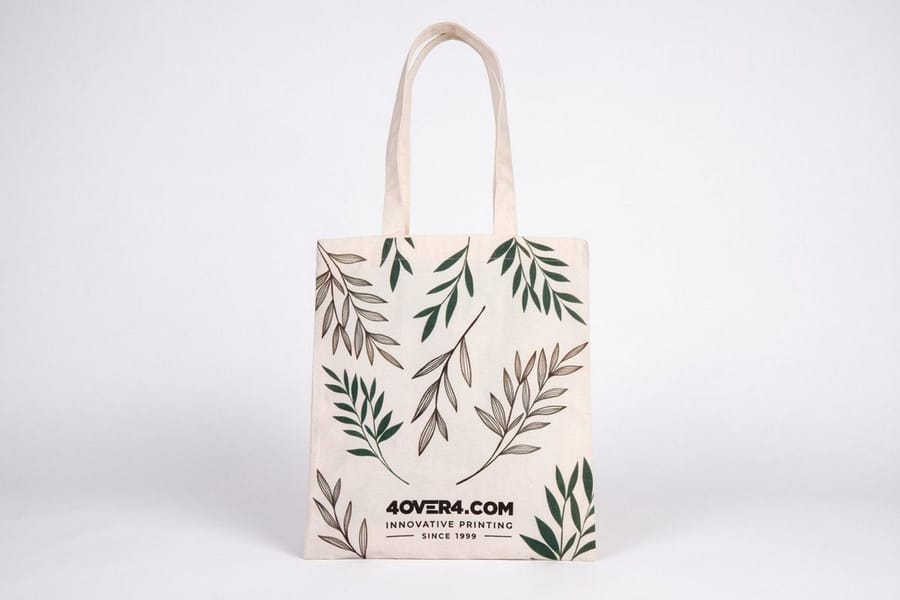
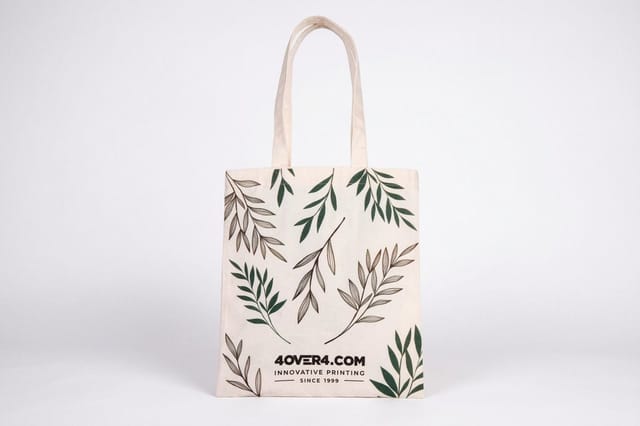
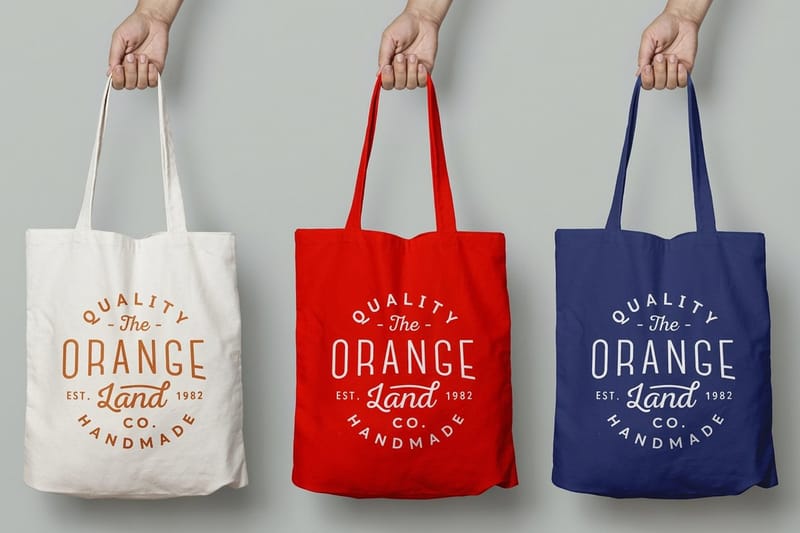
Then extend the artwork while it is still open. A tote is the easiest second item in print: one flat panel, no sleeves, no seams to dodge, and the file you just approved usually needs nothing but a size change. Cotton totes start at $5.00, which makes them the cheapest way to hand an attendee something they keep after the shirt goes in a drawer. Heavier canvas tote bags at $22.73 hold their shape for retail use, and recycled bags sit at the same price if the sustainability line matters to your audience. The full range is on tote bag printing, and the wider promotional products collection covers the rest of the giveaway table.
If the shirts are the product rather than the marketing, the economics change and the run size question gets sharper. Selling custom t-shirts goes into the margins, and making custom t-shirts covers the production steps end to end.
Wally explains apparel printing
Count the colors, then pick the press
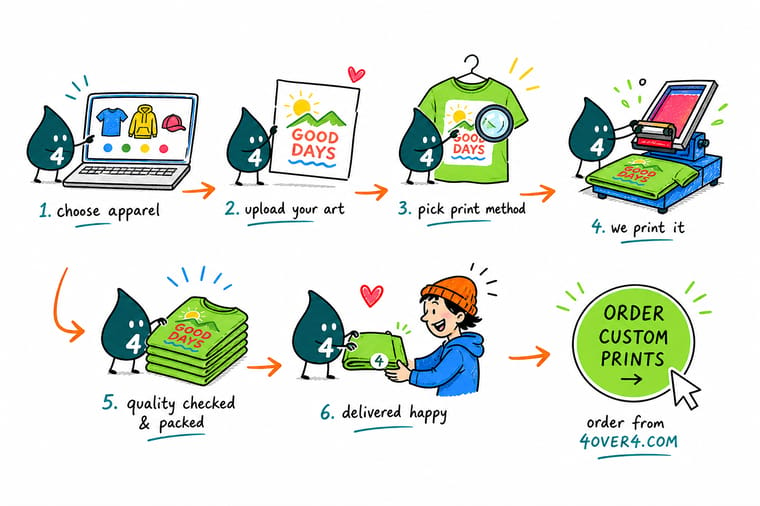
Wally counts the colors in your logo before he touches a shirt. One or two flat colors on a big run go on the screen press, where he burns a screen per color and the price per shirt falls the longer the run gets. A photo or a six color design goes on the DTG press, which sprays ink into the cotton with no setup at all. A roster of names goes to the vinyl cutter, because every shirt can be different for the same money. Then he prints the same logo on a tote so the giveaway table matches.
Order premium t-shirts →
Specs and pricing
Shirts, vinyl and totes, with live starting prices
Premium and vinyl t-shirts share an 8.5 x 11 inch print area, white or black shirts in S to XXL, full color on the front, back or both, from $21.96 for one shirt in 5 business days. Cotton totes come in 12 x 14 or 14 x 16 inches at $5.00 each with a 1 business day turnaround. Compare the three apparel routes side by side, with the configuration choices and starting prices pulled straight from the 4OVER4.COM configurator.


Print it
Order apparel and the merch that matches it
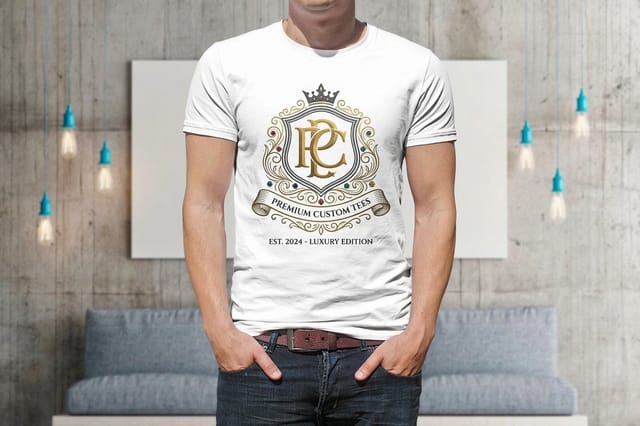
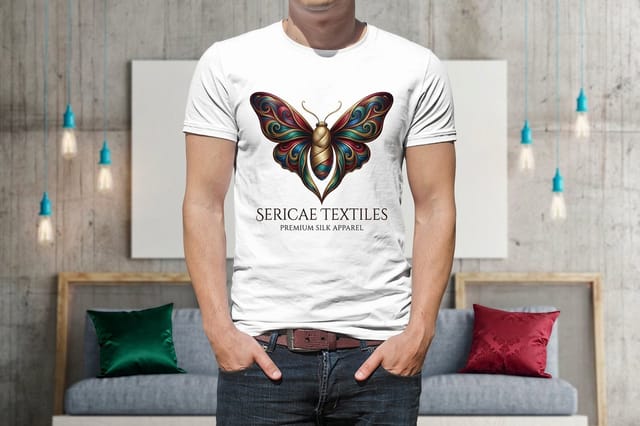
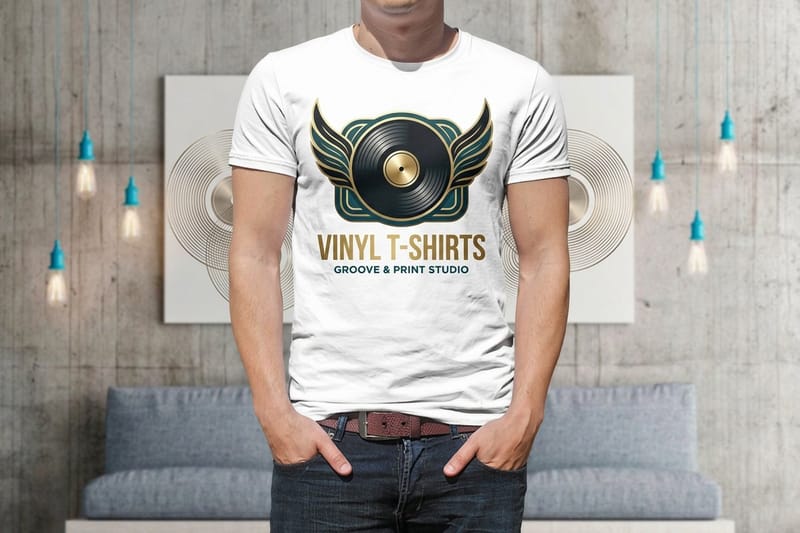
Premium t-shirts carry the DTG route for photos and full color art, silk screen t-shirts carry flat one or two color logos, and printed canvas tote bags take the same file from $22.73 a bag. Both shirts start at $21.96 for a single piece.
Explore more
Where to go next
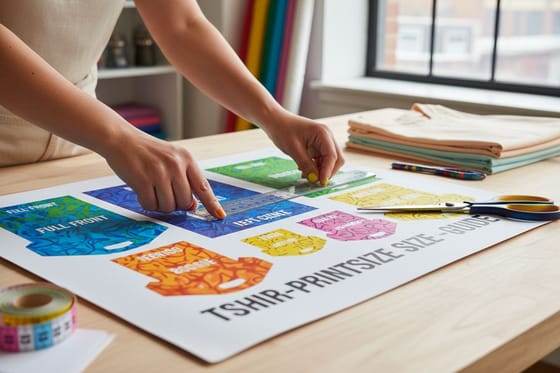
The print size guide gives the chest and back measurements, the CMYK guide explains why screen blue and shirt blue differ, and the business guide covers pricing a shirt line by the run.

By the numbers
Shirts and totes printed by three ink methods
Common Questions
Your custom apparel questions, answered
Which print method should I choose for custom apparel?
Count the colors in your artwork, then count the shirts. Artwork with photographs, gradients or more than about four colors goes to DTG, because each extra color on a screen press means another screen and another pass. Flat artwork in one or two colors on a large run goes to screen printing, since the setup is paid once and the per shirt cost keeps falling as the run grows. Names, numbers and simple solid shapes suit heat vinyl, which is cut from a sheet rather than printed, so it handles a roster of individual names better than either of the other two.
Do I need a different file for dark shirts?
Usually yes. Ink is translucent, so anything light printed straight onto a dark garment turns muddy. The fix is a white underbase, a layer of white laid down first in the exact shape of your artwork. Supply the design on a transparent background rather than a white rectangle, so we can build that underbase to the artwork instead of printing a white box around it. If your logo already contains white elements, tell us which ones are meant to stay white and which should knock out to the shirt color.
What file format should I send for apparel printing?
Vector first: AI, EPS or a PDF with live vector art. A vector file scales from a left chest print to a full back print without softening, and it gives a vinyl cutter the path it needs. If all you have is a raster file, send it at 300 dpi at the finished print size with a transparent background, which for a 12 inch wide chest print means roughly 3,600 pixels across. Our guide on choosing the right file type for printing covers what each format does and does not carry.
How big should the design be on the shirt?
A standard adult front print runs about 11 to 12 inches wide, and a left chest print about 3 to 4 inches. The number that catches people out is youth sizing: the same file scaled to an adult width swamps a kids tee, so a youth run needs its own smaller version. The t-shirt print size guide walks through each placement with measurements you can set your artboard to.
Why does my printed color look different from my screen?
Your monitor emits light and a shirt reflects it, so a saturated RGB blue has no exact match in ink on a cotton surface. Bright oranges, greens and blues shift the most. Screen printing has the escape route here, because a spot color mixed to a Pantone reference lands closer than a process build. If a brand color has to be right, tell us the Pantone number rather than the hex value, and read CMYK vs RGB for printing before you convert the file yourself.
Can I put the same logo on shirts and tote bags?
Yes, and it is worth doing in one sitting while the artwork is already prepped. A tote is a flat, forgiving surface with no sleeves or seams to work around, so a design that fits a chest print usually drops onto a bag with a size change and nothing else. Printed canvas tote bags start at $22.73, which lets you pair a giveaway bag with a staff shirt without opening a second design job, and ready-made cotton totes at $5.00 come with no logo.
How long does a custom apparel order take?
Apparel is a hand finished product, so it does not turn as fast as a print job on paper. Production time depends on the method and the size of the run, and the configurator on each product page shows the turnaround options next to the quantity you pick. Build in extra days if your order includes a white underbase on dark garments or individual names, since both add a stage that cannot be batched.
Get Started
Order shirts from $21.96 and totes to match
Pick a fabric, choose DTG, screen or heat vinyl, and upload the artwork. We print the shirts and the matching totes on the same job.
Legal Disclaimer
Gold Standard guarantees apply to all standard orders placed through 4over4.com. Price match requires verifiable proof of a competitor's published price for an equivalent product with matching specifications and turnaround time. Satisfaction guarantee covers manufacturing defects and print quality issues. Contact support with order number and documentation.
