
What to Put on the Back of a Business Card in 2026


What to put on the back and why it matters
The back of your business card is prime real estate that most people leave completely blank. That is like paying for a billboard and using only half of it. You already earned someone's attention with the front, so the back is where you close the loop.
4OVER4.COM has printed over 10 billion cards for more than 150,000 businesses, and the cards that get kept, not tossed, almost always have something meaningful on the back. A blank backside tells the recipient nothing new, while a well designed back tells them exactly why they should call you.
15 ideas for the back of your business card. Here is the whole list in one screen. Each one is worked out further down the page.
1. Your logo, large and centered. The fastest way to be recognized in a stack of thirty cards.
2. A short list of services. Three to five lines that say what you actually do.
3. A clear call to action. Book, call, scan, or claim, with the next step named out loud.
4. A photograph of your work. Proof beats a description, especially for anything visual.
5. A QR code. One scan to your site, portfolio, booking page, or menu.
6. A vCard QR code. Drops your name, number, and email into a phone with no typing.
7. A one-line tagline. The sentence you would say if you only got one.
8. A short client testimonial. One line and a first name carries what a claim about yourself cannot.
9. A map or a cross street. For anyone whose customers have to physically arrive somewhere.
10. Appointment date and time lines. Turns the card into a reminder that stays on a fridge.
11. A loyalty or punch card grid. Ten small boxes and a reason to hand the card back to you.
12. A promo code with a deadline. The deadline is the part that makes it get used.
13. Hours and service area. The two questions people call to ask.
14. A referral offer. Gives the holder a reason to pass your card to someone else.
15. Deliberate blank space. Room for a handwritten note, on an uncoated back that takes a pen.
The back of your card is not optional anymore
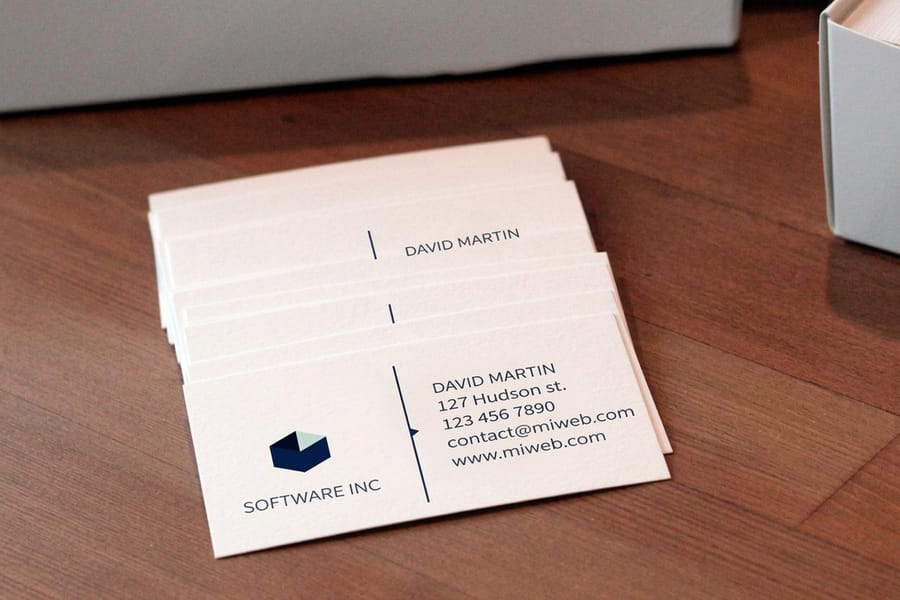
Leaving the back of your business card blank used to be normal. Not anymore. People expect more from a card now. They want a reason to hold onto it, and a blank back gives them none.
If you spent money on a quality card, and you should because flimsy cards end up in the trash, then wasting half of the printable surface makes no sense. The front handles the basics, your name, title, company, and contact info. The back is where you reinforce your brand, drive action, and stand out from the stack of cards someone collected at a conference.
Think about it from the recipient's side. They meet 30 people at an event and go home with 30 cards, so yours needs to be the one they remember. A strong back, whether it is a bold logo, a sharp tagline, or a scannable QR code, gives them that nudge. With 10,000 reviews and a 4.8 out of 5 rating, 4OVER4.COM customers report that double-sided cards pull more callbacks and website visits than single-sided ones.
Should you leave the back of your business card blank
No, with one exception. Leave the back blank only if you hand your card to people who write on it, a price, a date, a name, and print that side on an uncoated stock so a pen actually takes. Every other case, print it.
The reason is arithmetic. You already paid for the stock, the cutting, and the shipping, so the second side costs a fraction more and doubles what the card can say. A blank back is the only part of the card that says nothing at all.
If you are torn, split the difference. Put your logo and one line across the top of the back and leave the lower third empty. The card still reads as finished, and there is still somewhere to write.
Give the back one job: retrieval, proof, or retention
Before you pick anything from the list below, decide which of three jobs the reverse is doing. Retrieval gets the person back to you: a QR code, a short URL, a handle. Proof shows what you make: a photograph, a plan, a finished room, a plate. Retention gives them a reason to keep the card: a discount, a stamp grid, an appointment slot, a reference chart.
Pick one. A back that tries to do all three ends up as a small grey block of everything, which is functionally the same as leaving it blank but looks worse. If you genuinely need two jobs, a second card for the second audience is cleaner than a crowded reverse. The table below matches the most common layouts to the job they do, what the print file needs, and the finish that supports them.
| Card back layout | Who it suits | What the print file needs | Finish that supports it |
|---|---|---|---|
| QR to one specific page | Booking, portfolio, menu | Vector code, 0.8 in minimum, high contrast | Matte or uncoated back |
| Full bleed photograph | Photographers, interiors, food | One image, bleed on all four sides | Gloss or silk laminate |
| Coupon or first visit offer | Salons, cafes, trades | Offer, expiry, redemption line | Uncoated so staff can mark it |
| Loyalty stamp grid | Coffee, barbers, car washes | Six to ten boxes, 0.3 in square | Uncoated, 14pt or heavier |
| Appointment panel | Dentists, clinics, groomers | Ruled lines with generous leading | Writable uncoated only |
| Spot gloss pattern | Studios, agencies, luxury | Separate 100% K mask layer | Spot UV over soft touch |
| Foil or metallic accent | Jewellery, events, real estate | Vector only, no gradients | Foil on the reverse alone |
| Blank by design | Consultants, architects | No artwork, texture does the work | Kraft, linen or suede stock |
The finish column matters more than it looks. A gloss back repels ballpoint ink, so anything meant to be written on or stamped has to be specified uncoated before the run. You can set the coating per side when you configure a business card order.
The best content ideas for the back of your card
So what belongs on the back of a business card? Here are the 15 ideas that actually earn their space, numbered and ranked by how much they help the person holding your card. The first four are the ones almost every card should start from.
1. Your logo, big and unmistakable
Your logo on the back reinforces brand recognition, so do not shrink it into a corner. Let it breathe. A large, clean logo on a contrasting background makes your card easy to spot in a stack. This works especially well on Black Business Cards, where a white or metallic logo really pops.
2. A short list of services
Keep it tight, three to five bullets at most. Nobody reads a paragraph on a 3.5 by 2 inch card. A real estate agent might list residential sales, commercial leasing, and property management. A designer might list brand identity, web design, and packaging. It tells the recipient what you can do for them at a glance.
3. A clear call to action
Tell people what to do next. Book a free consultation at your URL, or use a code for a discount on a first order. A call to action turns a passive card into an active marketing tool. Without one, you are hoping the reader figures out the next step alone, and most will not.
4. Eye-catching images or artwork
If you are a photographer, put your best shot on the back. If you are a baker, show your signature cake. Visual proof of your work says more than any tagline. For creative fields, Artist Business Cards are built to showcase a visual portfolio. One image, edge to edge with no type, is the strongest version, which is why interior design business cards so often run a completed room on the reverse. Where one image cannot carry the range, a four-up grid of small samples can, as long as the gutters are even and the crops consistent. Trades, restorers, dentists, and landscapers get the same effect from a before-and-after split down the middle of the card, with the halves labeled small in the corner.
5. A loyalty or punch card grid
Ten small boxes and a line saying what the tenth one earns. A coffee shop, a salon, a car wash, or a dog groomer gets the card handed back over and over, which is the only time a business card gets a second look on purpose. Print that side uncoated so your stamp or pen mark actually takes. Make each box roughly 0.3 inch square on 14pt or heavier stock, so a stamp lands cleanly and does not dent through to the other side.
6. A promo code with a deadline
A code on its own gets filed. A code with a date on it gets used. Give first-time customers something specific, put the expiry in the same line, and you find out exactly how many cards turned into orders.
7. A QR code with one destination
One code, one job, nothing else competing with it. Booking page, portfolio, menu, or review link. A code that dumps someone on a homepage teaches people not to scan your codes. Build it as vector, print it no smaller than 0.8 inch square, and leave a clear quiet zone around it. A short vanity URL beside the code catches the people who still type, and it gives you a clean way to count what the cards actually did. The full case for QR codes is two sections down.
8. A one-line tagline
The sentence you would say if the elevator doors were already closing. Not a slogan about excellence, a plain line about who you help and what changes for them.
9. A client testimonial
One sentence, a first name, and a city. It is the shortest piece of proof you can print, and it works precisely because it is not you making the claim.
10. A map or a cross street
If people have to physically arrive somewhere, two lines of directions or a cross street saves them pulling out a phone. Restaurants, clinics, and studios get more out of this than any tagline.
11. Appointment date and time lines
Two blank rules labeled date and time. The card leaves your hand with the next visit written on it and stays on a fridge until that date arrives. Dentists, stylists, and trainers should not print anything else back there.
12. Hours and service area
The two questions people call to ask. Print your hours and the towns or boroughs you cover, and you stop losing the calls that end in sorry, we do not come out that far.
13. A referral offer
Give the person holding the card a reason to hand it to someone else. Name what they get and what the new customer gets, one line each, and your card starts traveling without you.
14. Two or three social handles
Only the platforms you actually post on, with the handle spelled out beside each icon. A dead profile linked from a printed card is worse than no link at all. If your work lives on one platform, the bolder move is one handle printed across the back at a size you can read at arm's length, and nothing else. It only works if the account is genuinely worth following.
15. Deliberate blank space
Leave the lower third of the back empty on an uncoated stock. It is where a price, a name, or a note goes, and a handwritten line on your card is the strongest reason anyone keeps it.
Print it
Standard cards, ready to brand
Preset sizes and premium stocks, the fastest way to get your logo on a double-sided card.
Two more backs that earn their space
Two ideas from the design side do not fit neatly into the list above, and both earn their space.
A reference chart people keep. A conversion table, a size chart, a care guide, a knot diagram. If the information is genuinely useful in the trade, the card stays on the noticeboard rather than in the bin.
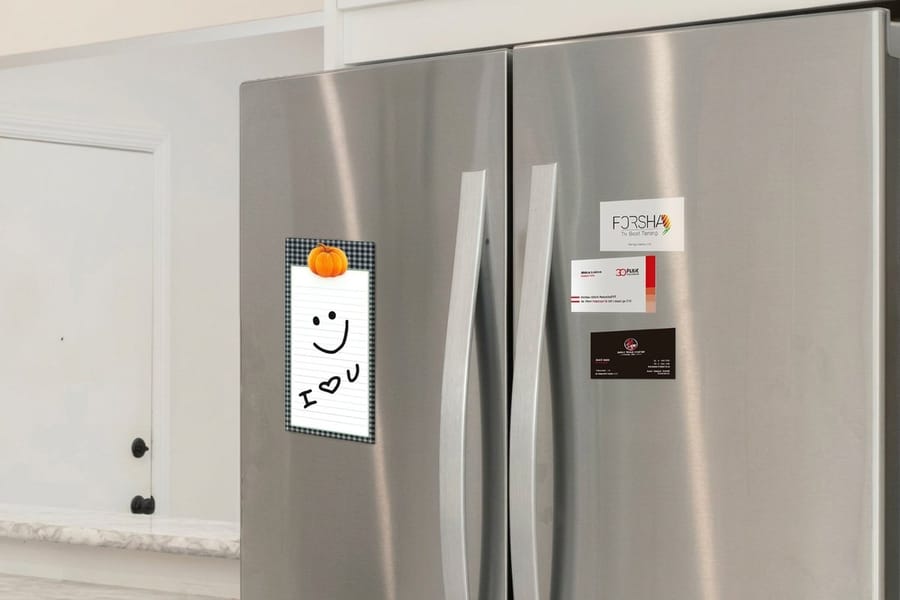
Move the whole card out of the wallet. A business card magnet at $19.68 lives on the fridge, and a business card sticker at $10.76 goes on a laptop, a toolbox, or the appliance you just serviced. Both keep the same layout you already designed.
Steal freely, but steal one at a time. The best card backs read in about a second, which only happens when there is a single idea on the surface. If the outline of the card is the idea rather than what is printed on the reverse, that is a different exercise, and 20 custom shaped card ideas covers it properly.
QR codes are the smartest back-side move
Adding a personalized QR code to the back of a card opens up your networking in ways plain text cannot. It builds a direct bridge between the physical card and your digital presence, and scanning one takes about two seconds. No typing URLs, no hunting for your name on LinkedIn, no misspelled email.
Link to your website or portfolio
The most common use, and still one of the best. A freelance photographer can send scanners straight to an online portfolio, an online store can point to bestsellers, and a consultant can link to case studies. The goal is to remove friction, because every extra step between interested and acting costs you leads.
Share contact info with a vCard
Attach the code to a vCard and anyone who scans it saves your phone, email, and address in one tap. No manual entry, no typos, no lost details. That speed matters for real estate agents, salespeople, and anyone who meets dozens of new contacts a week.
Drive social media follows
Point the code at your Instagram, LinkedIn, or TikTok so people see your work and your brand story from a single scan. It builds credibility fast. For more creative marketing ideas, explore these logo sticker design ideas that pair well with card campaigns.
Offer bonus content or a deal
A consultant can share a free checklist, a restaurant can link a digital menu, a trainer can offer a sample workout. It adds immediate value and makes the card something people want to keep. Just test the code on a few phones before you print, and leave white space around it so it scans cleanly.
Quantity and price
Standard business card pricing and specs
Real configurator numbers, the more you order, the lower the per-card cost drops.
| Quantity | Price Per Unit | Total |
|---|---|---|
| 100 | 17.6¢ | $17.57 |
| 200 | 11.5¢ | $23.07 |
| 300 | 9.15¢ | $27.46 |
| 400 | 7.96¢ | $31.86 |
| 500 | 7.25¢ | $36.26 |
| 600 | 6.77¢ | $40.64 |
Taglines, testimonials, and social proof
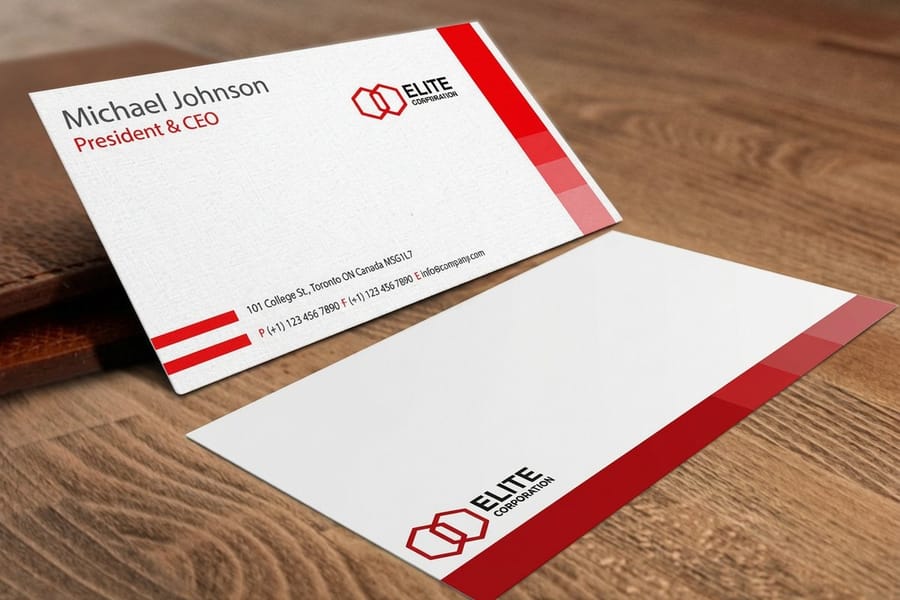
Not every card needs a QR code. Sometimes a strong tagline does the heavy lifting. A short, memorable phrase that captures what you do, or why you are different, sticks in people's minds. Keep it under ten words.
Customer testimonials work surprisingly well on the back too. A single line like rated five stars by hundreds of clients adds instant credibility, and a brief quote from a real customer does even more, so keep it to one sentence. Social handles are another solid option, as long as you stay active on whatever platforms you list, because nothing kills trust like a dead account.
Maps, appointment info, and practical details
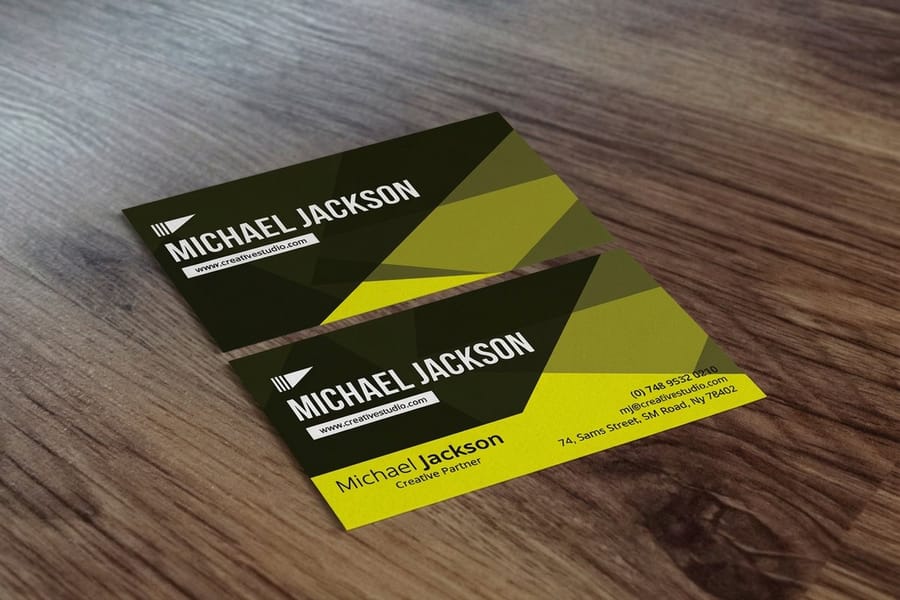
For a brick-and-mortar business, a small map or an address with cross streets on the back is genuinely useful. A dentist, a boutique, a tattoo studio, people need to find you, and a simple visual map removes the guesswork.
Appointment cards double as business cards when you add scheduling info on the back. Salons, medical offices, and fitness studios do this constantly. A your next appointment line turns the card into something the client keeps in a wallet until they show up. Operating hours help retail and restaurants too, since they save the recipient a phone call. For more creative angles, these funny print ad examples translate well to cards.
Back-of-card strategies by industry
What works on the back depends heavily on your profession. Here is what different fields should consider.
Real estate agents
Add a QR code to your current listings and your license number where required. A headshot on the front paired with a sold count on the back builds instant trust.
Restaurants and food service
Put a QR code to your menu on the back, or a loyalty stamp area like buy nine coffees, get the tenth free. That turns a card into a repeat-visit tool. Add your hours and a simple map to a nearby landmark.
Creative professionals
Designers, photographers, and artists should treat the back as a canvas. A sample of your work says more than any list of services. To go further, browse the design templates from 4OVER4.COM built for double-sided cards.
Consultants and coaches
A short list of specialties works well. Leadership development, team building, executive coaching tells the recipient exactly what you offer. Add a free-resource QR code and the card becomes a lead generator.
Tech and startups
Keep it minimal but meaningful. A clean logo on a colored background, an app download QR code, or a one-line value proposition beats a list of services.
Interior designers and architects
A full bleed photograph of one finished room on the reverse, printed on a silk laminate so the colour holds. The work sells better than any list of services.
Trades and home services
Before and after on the back, plus a sticker version left on the appliance or the fuse box after the job, which is where the next call comes from.
Clinics and practices
An appointment panel with ruled lines, handed over at the counter for the next visit. The card leaves with a date written on it.
Compare formats
Popular business cards, side by side
Stock, finish, quantity, turnaround, and from-price across our most-ordered cards.
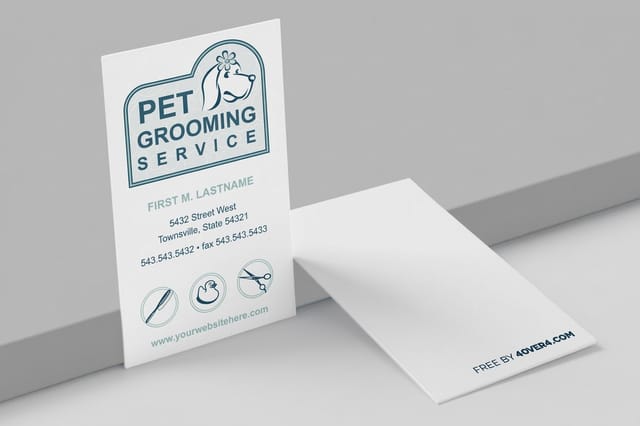 free business cards | 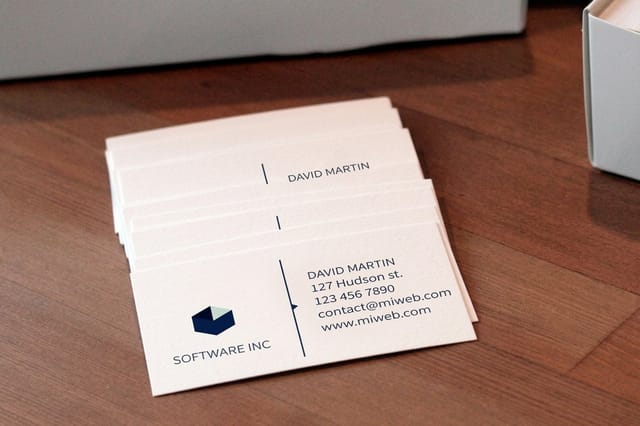 Standard Business Cards |  3D Lenticular Business Cards | 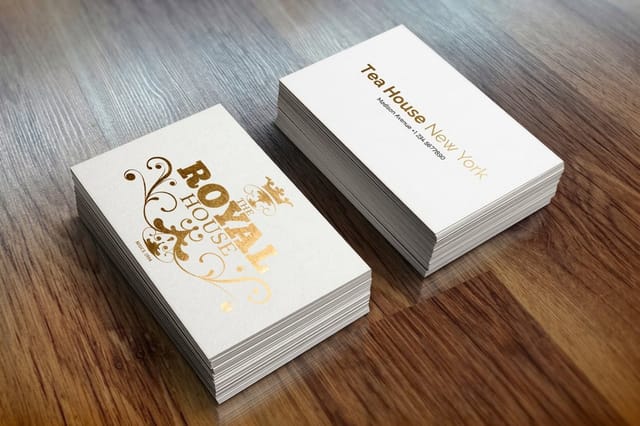 Metallic Foil Business Cards | |
|---|---|---|---|---|
| Min price | Free | $17.57 | $690.88 | $222.13 |
| Paper / stock | 14pt Gloss Cover | 14pt Gloss Cover | 31pt Lenticular Lens | 16 Point Silk Laminated |
| Finish | - | Standard Finish | - | - |
| Size | 2" x 3.5" | 2" x 3.5" | 2" x 3.5" - Vertical | 2" x 3.5" |
| Default qty | 200 | 100 | 500 | 500 |
| Turnaround | 5 business days | 3 business days | 22 business days | 7 business days |
| Rating | ||||
| View & customize | View & customize | View & customize | View & customize |
Premium shapes
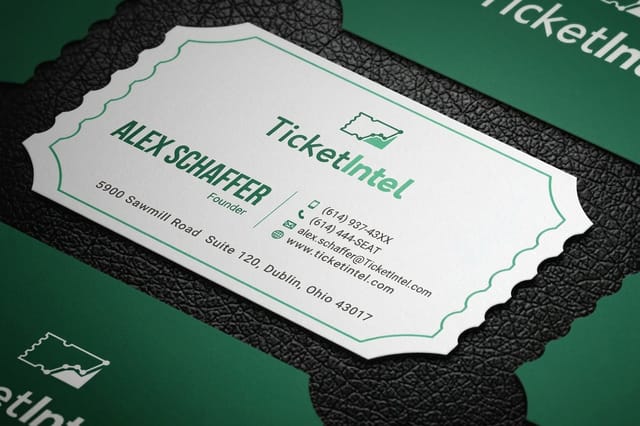
Die-cut any shape business cards
Cut your card to any outline for a back that no one else in the stack has.
Design principles for the back of your card
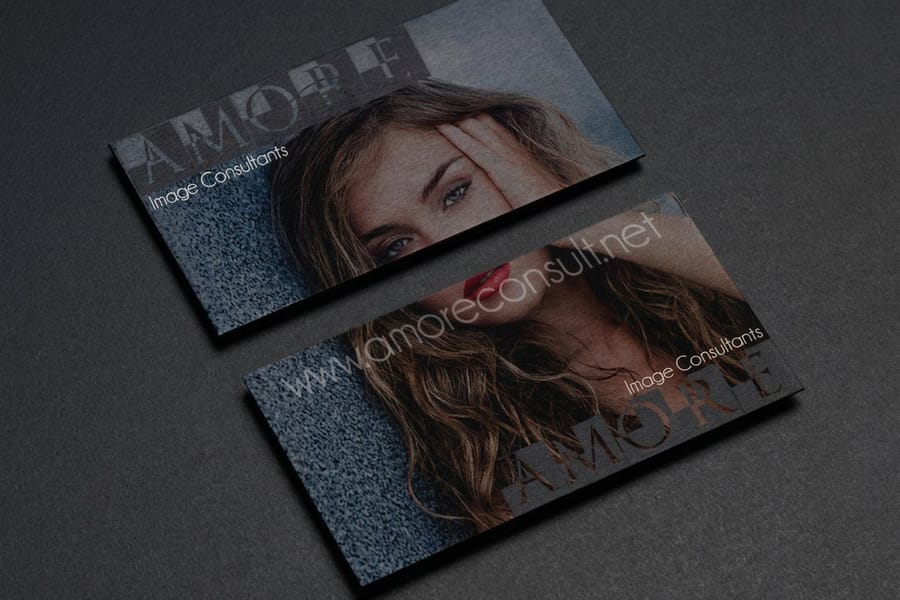
Do not throw everything on the back and hope it works. Good design matters here as much as on the front. Keep it simple, one or two elements at most, a QR code plus a tagline, or a logo plus your website. Trying to fit everything makes the back look cluttered and cheap.
Use contrast, so if the front is light, make the back dark, and if the front is text-heavy, make the back visual. Match your brand with the same fonts and palette, and leave breathing room, because white space is what makes the content readable. 4OVER4.COM backs every order with a price match guarantee, and if your concept does not fit a standard template, custom projects let you work directly with the team.
Set up the print file before you get clever
Build the back at 300 DPI in CMYK at 3.5 x 2 inches, add 0.125 inch of bleed on all four sides, and keep anything you care about at least 0.125 inch inside the trim line. Cards are cut in stacks, so the knife moves slightly through the lift, and a border that measures perfectly in the file will look uneven across the box.
Solid dark backs deserve a second look. A rich black mixed for print, rather than 100% K on its own, keeps a full bleed reverse from going flat and grey, and reversed-out white type on that background needs a little more weight than it does on white. If you would rather not fight any of this, the sized blank templates already carry the bleed, the trim, and the safe area.
Finishes that make someone turn the card over
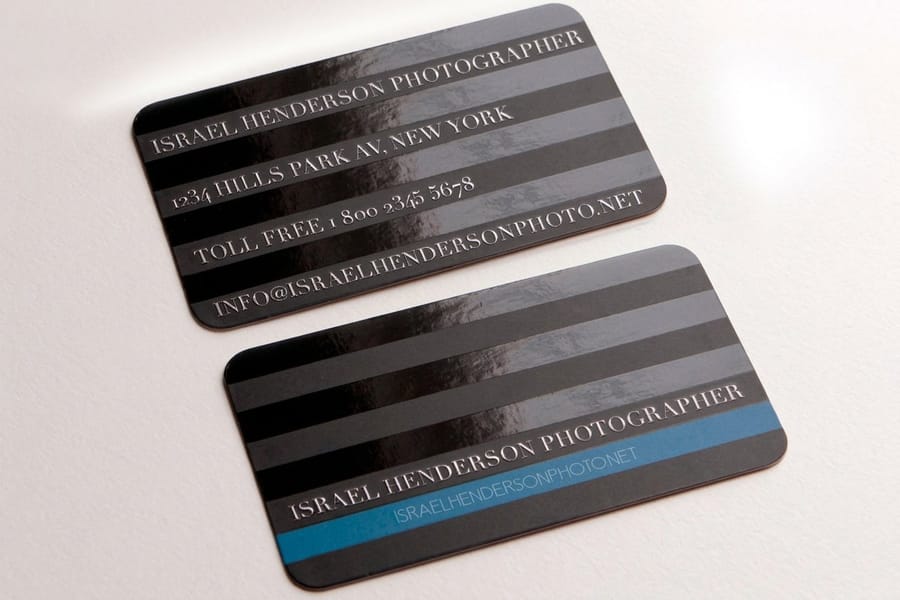
Three finishes change the back specifically, and each one needs something from the file that a plain CMYK job does not.
Spot gloss puts a clear varnish over selected areas of a matte card. It is invisible straight on and obvious the moment the card tilts, which makes it the finish that gets a card turned over and looked at twice. It needs its own layer in the file, drawn in 100% K, where black means varnish here and white means leave it alone. Patterns, oversized logo marks, and a repeated brand shape all work well. Small type does not.
Foil stamps real metal leaf into the stock and reads brighter than any printed metallic ink can. Supply it as clean vector with no gradients and no hairlines, and consider using it on the reverse only, where a single foiled mark on an otherwise plain back does more than foil on both sides. The spot gloss walkthrough in Illustrator covers the same mask technique that foil files use.
Texture is the quietest of the three and the cheapest to specify, because it is just the stock. Kraft, linen, suede, and uncoated cards all feel different in the hand, and all of them fight fine detail. Design the back for them accordingly: heavier weights, more space, fewer small elements. On kraft, linen, or a soft touch laminate, an empty reverse reads as restraint rather than an oversight, so pick the paper first and check how stock and coating behave together before you commit.
What each finish costs you in the file
Spot gloss and foil both need a separate mask layer, and both punish thin strokes. Anything under about 1 point tends to fill in or break up. Texture costs nothing in setup but eats detail, so a design that relies on a delicate 6 point line will disappear on linen and hold perfectly on a silk laminate.
Whichever you choose, order a proof before the full run. A varnish pattern that looked bold on screen can read as a smudge on the actual stock, and that is a cheap thing to find out on one card rather than a thousand. The comparison of matte, glossy, and soft touch finishes covers how each one behaves on a printed back.
Stock and coating on the reverse side
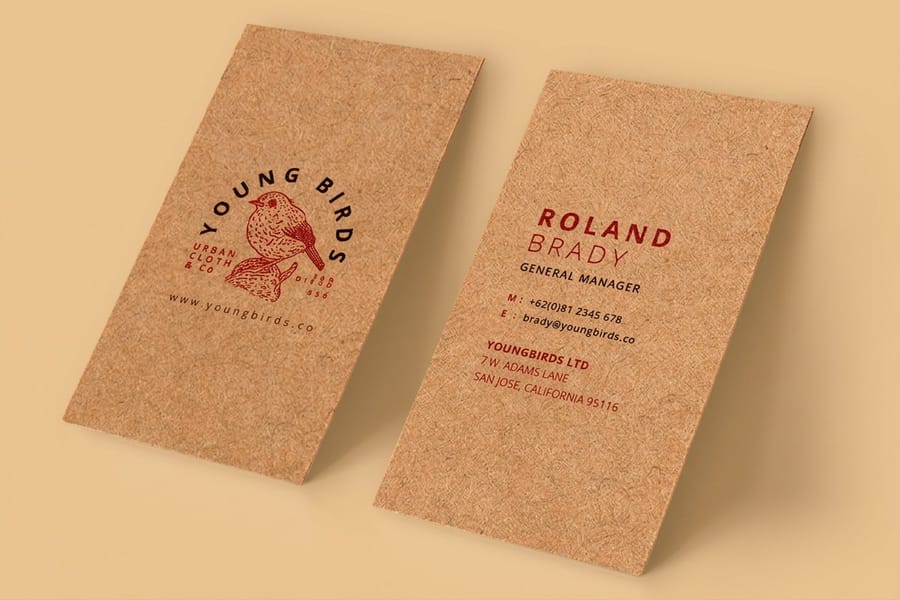
Stock and coating are chosen for the card, not for one side, so the back has to live with whatever the front needs. That is fine for photographs and codes, and it is the whole problem for anything handwritten. Gloss and laminated backs repel ballpoint and gel ink, which then smears instead of drying, so stamp grids and appointment panels have to be specified uncoated from the start. Matte sits between the two: it cuts glare and takes pencil, but it is still slower to dry a wet pen than a genuinely uncoated sheet.
Weight matters on the back as much as the front. A 14pt or 16pt card holds a stamp grid without denting through to the other side, and a heavier uncoated stock is what makes a punched loyalty card feel like something worth carrying. If the back is carrying a full bleed photograph instead, a silk or gloss laminate keeps the colour saturated and stops the fingerprints that a matte dark card collects. There is a fuller comparison in our roundup of current card design trends.
What not to put on the back of your card
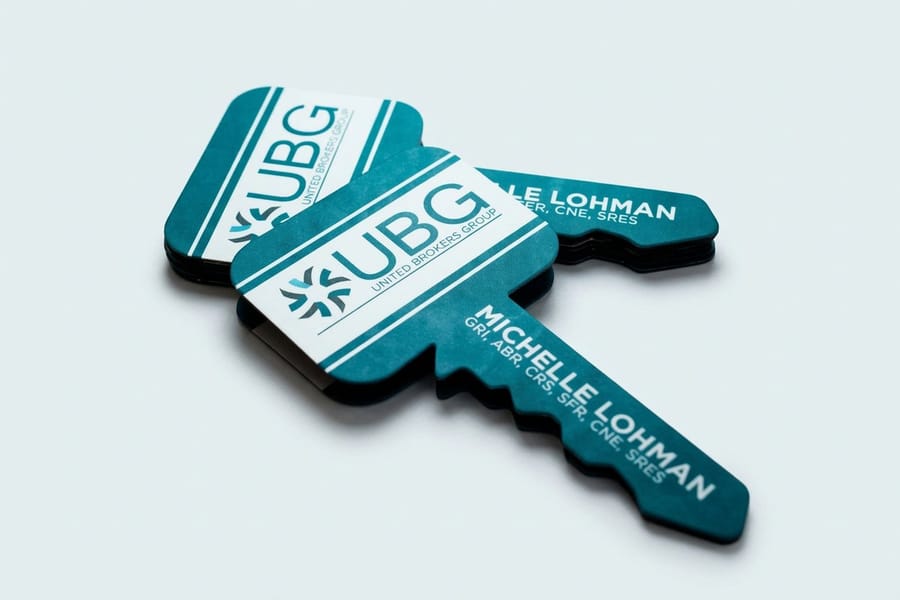
Knowing what to leave off matters as much as knowing what to add. Do not repeat the front, so if your phone and email are already there, use the back for something new. Do not use tiny fonts either, because if someone needs a magnifying glass, you have lost them. Keep body text at seven point minimum, and eight or nine is better.
Do not overload the space. Five bullets, a QR code, a testimonial, a map, and your social handles at once is too much, so pick two or three. Skip low-resolution images, since blurry photos and pixelated logos read as amateur and print wants 300 DPI. And never leave it blank, because even a simple logo or brand-color fill beats an empty white back.
Start designing your double-sided card
Ready to put something great on the back? 4OVER4.COM offers ready-made layouts that make double-sided design easy, even if you are not a designer. You can start from a template, drop in your logo and QR code, and the artwork lines up with the cut and bleed. If you want a head start, download blank templates sized for print-ready files, including 3D lenticular business cards and black business cards. If the card is one of several pieces going to press together, the business basics collection keeps the cards, letterheads, and envelopes on matching stock so the reverse of one matches the rest.
You can also earn coins on every order and redeem them against future printing, which takes some of the sting out of reprinting a card back you have improved.
Start fast
Templates and print-ready blanks
Double-sided templates and exact-size blanks so your back design lands inside the cut line.





Wally turns the back of your card into a hook
One flip, and the recipient has a reason to keep it
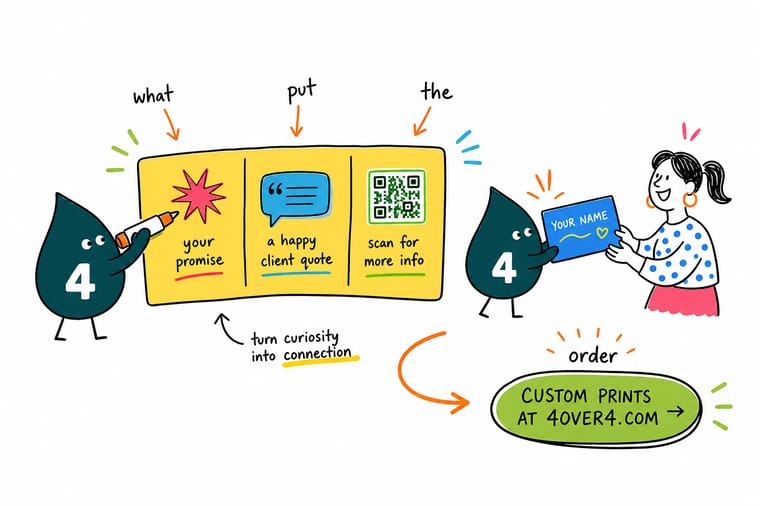
The back of a business card is the cheapest ad space you own. Add a QR code that links to your site or vCard, a short services list, or a bold logo on a contrasting stock. Keep it simple, high contrast, and readable, and 4OVER4.COM prints both sides sharp so your card gets kept instead of tossed.
Design double-sided cards →What to remember about the back of your card
Why double-sided templates work
- Time-saving. Drop your logo and QR code into a ready layout instead of starting from a blank card.
- Consistency. Both sides match your brand, so your card reads as one polished piece.
- Professional look. Pre-built layouts give clean results without hiring a designer.
- Cost-effective. You skip the design fees while still getting a custom double-sided look.
- Print-ready. Artwork lines up with the cut and bleed, so nothing gets clipped.
- Ease of use. Anyone can customize and print, no advanced design skills needed.
Design tips that hold on any card back
- One job per back. Retrieval, proof or retention. A back that attempts all three becomes a small grey block of everything and gets read as nothing.
- Match the coating to the use. A gloss back looks sharper and takes no ink from a pen. If anyone has to write on the card, specify uncoated and check it before the run.
- Keep the code big and quiet. A QR under 0.8 inch square, or one printed tight against artwork, fails on older phone cameras. Give it room and give it contrast.
- Mix a rich black for full bleed. A reverse flooded with 100% K alone goes flat and slightly grey on press. A properly mixed rich black keeps the depth on a dark card back.
- Proof the finish, not just the colour. Spot gloss and foil behave differently on stock than they do on screen. One physical proof settles it before you commit the quantity.
Explore more
More ways to design and print your cards
Every related page type on 4OVER4.COM, one card each, so you can keep exploring business card printing.
 Product Business Card Magnets A card back that lives on the fridge, from $19.68.
 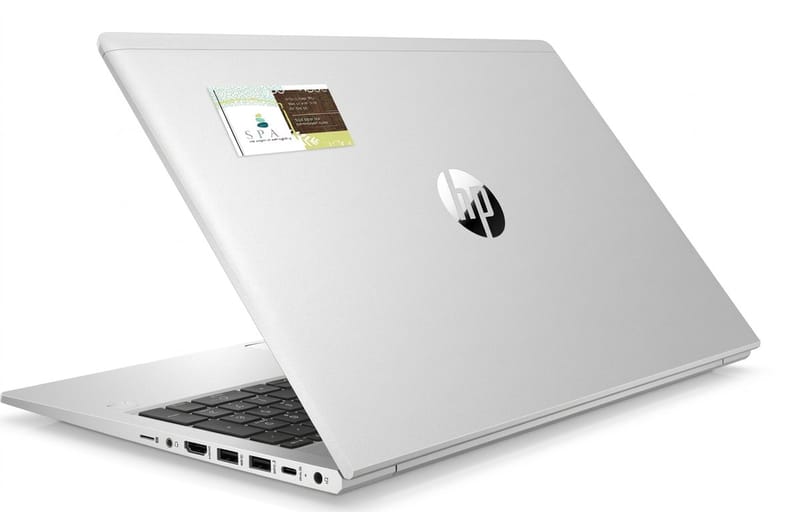 Product Business Card Stickers Your card layout on a sticker, from $10.76.
 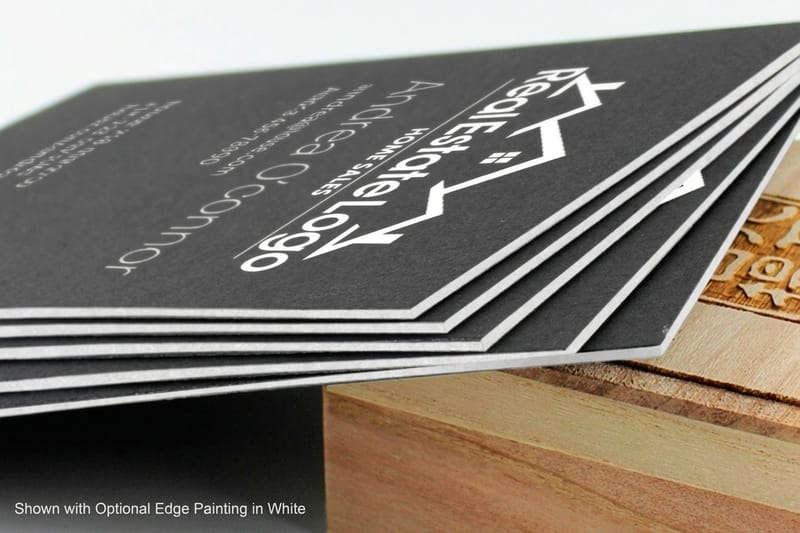 Product Black Business Cards Make a white or metallic logo pop on a dark card.
 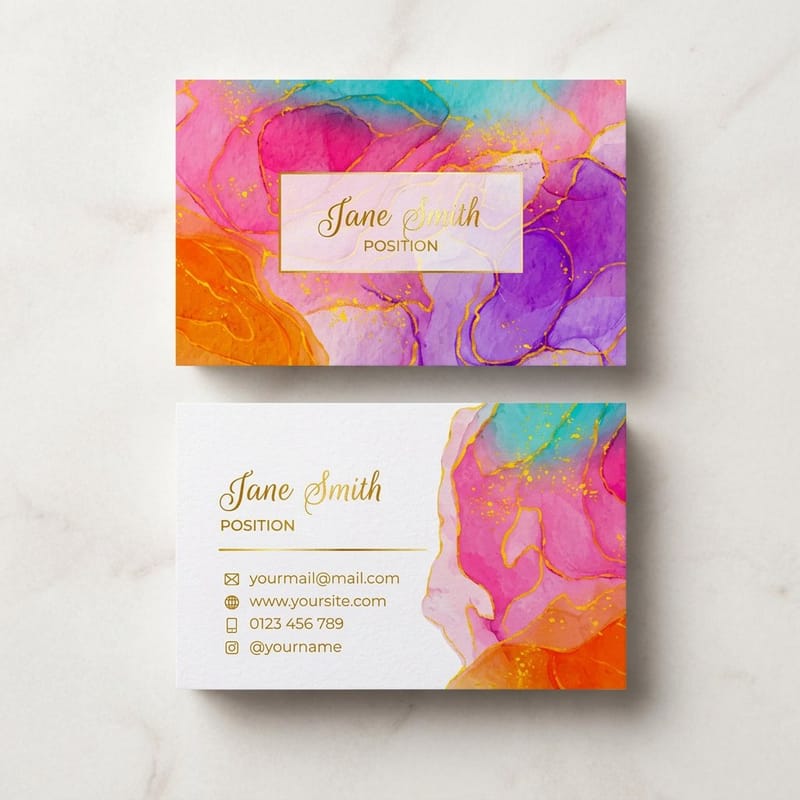 Product Artist Business Cards Showcase a visual portfolio across both sides.
 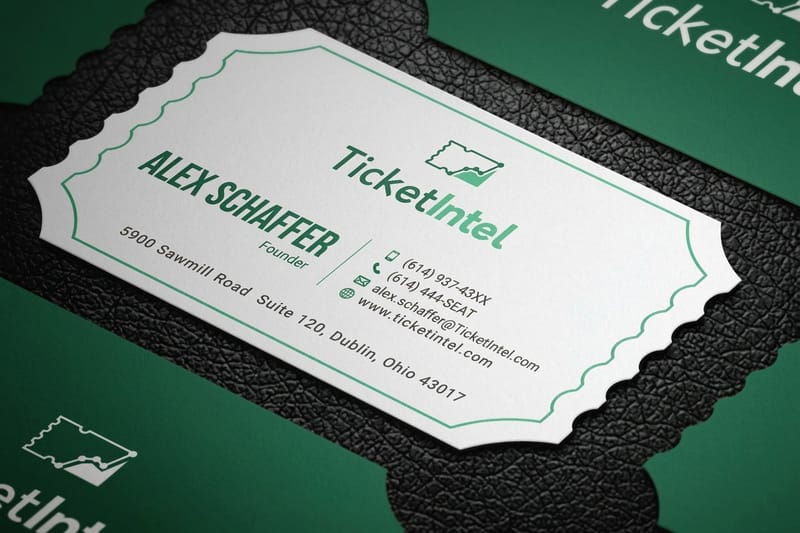 Product Die-Cut Business Cards Any shape you can imagine, cut to your design.
  Product 30Mil Clear Plastic Cards A translucent back that adds a design dimension.
 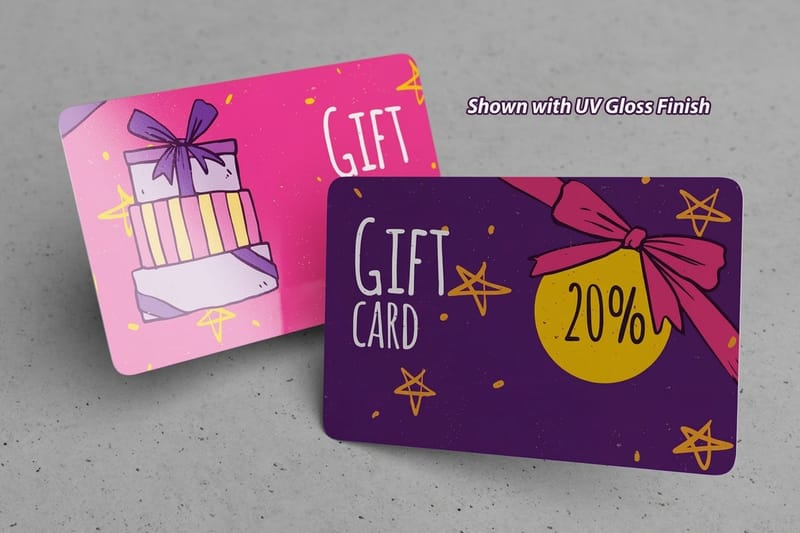 Product 30Mil White Plastic Cards Premium stock recipients keep, not toss.
 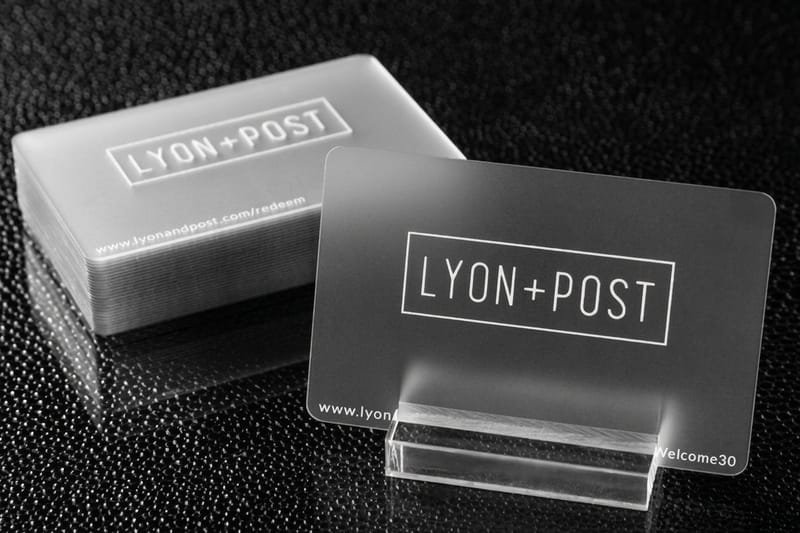 Product 30Mil Frosted Plastic Cards A frosted, translucent finish for the back.
  Article Logo Sticker Design Ideas Marketing ideas that pair with cards.
 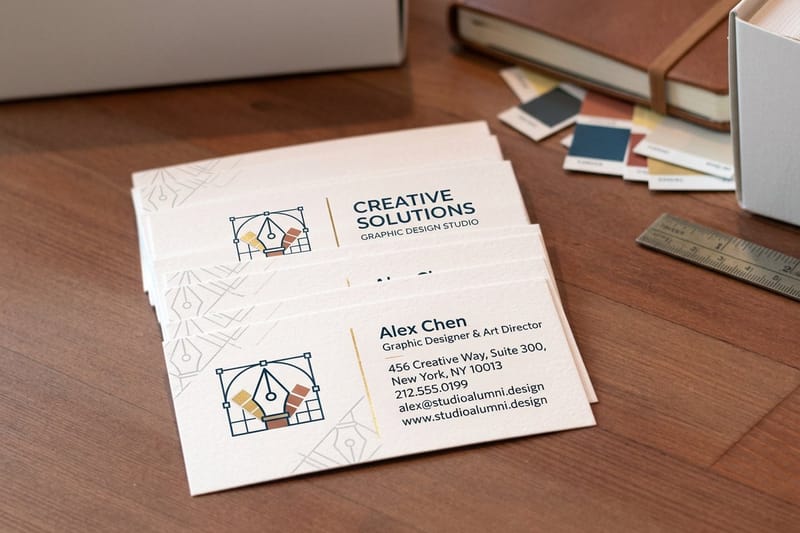 Templates Design Templates Layouts built for double-sided cards. Guarantee Price Match Guarantee Best value on premium double-sided printing.
  Custom Custom Projects Work with the team on a unique concept.
 Ready to design the back of your card?
Pick a stock, drop in your logo, tagline, or QR code, and 4OVER4.COM prints both sides sharp, as fast as same day.
Putting a second language on the back
A back set in a second language is the highest value use of the space for anyone whose clients do not all read the same one. It doubles what the card can say without adding a single element to the front.
The rule is one language per side. Do not split a card down the middle and set both, because the half that is not yours reads as an afterthought and the type has to shrink to fit. Keep the layout identical on both sides so the card looks deliberate when it is turned over.
Three details decide whether it works. Translate the job title rather than transliterating it, since a literal rendering of a role rarely means the same thing. Write the phone number in international format so it dials from either country. And set the second language to the same optical size, not the same point size, because scripts with heavier strokes read larger.
Giving everyone on the team their own back
A team card usually shares one front and one back, and the back is where the sharing stops making sense. A sales lead and a technician need different things printed there.
The practical route is not one clever run. It is a short separate run per person using the same front artwork, swapping only the reverse, so each card carries that person's direct line, their own scan target, or the service list they actually sell.
Keep one element fixed across every version, usually the logo position and the brand colour block, so the cards still read as one company when they land on a desk together. Name your files by person before you upload, because the common failure here is approving five correct proofs and then shipping two of them to the wrong people.
Common questions about the back of a business card
What are the business card trends for 2026?
Finish is doing the work colour used to do. Spot gloss over a soft touch surface, foil on the reverse alone and die cut outlines all show up more than any new layout idea, because they are the things a phone screen cannot copy. The other move is the back carrying a scannable destination instead of a second address block. Thicker stock keeps gaining too, since weight is the quickest signal of care in a stack of cards.
How small can a QR code be on the back of a business card?
About three quarters of an inch square is the practical floor on a printed card, and a full inch is safer. What matters more than size is the quiet zone, the clear margin around the code that a scanner uses to find it, and the contrast, because a code printed in a mid tone on a dark back will not read at all. Keep it solid dark on a light panel, leave it off a glossy area, and scan a proof with a real phone before the run.
Can the back of a business card use a different colour from the front?
Yes, and it is one of the cheaper ways to make the reverse feel deliberate. Both sides print in the same pass on the same stock, so a full colour block on the back costs no more than a white one. The thing to watch is heavy ink coverage on an uncoated sheet, which can show through slightly on a lighter weight card, so go up in thickness if the back is solid dark and the front is mostly white.
What are the best practices for the back of a business card?
Stick to one or two strong elements, a QR code paired with a tagline, or a logo with a short services list. Use high-contrast colors, keep text at seven point or larger, and leave plenty of white space. Make the back complement the front without repeating it. For a translucent back with a unique feel, consider 30Mil Frosted Plastic Cards.
How do I choose the right content for the back of my card?
Start with your goal. Want website traffic, add a QR code. Want brand recognition, go with a bold logo. Want repeat visits, add a loyalty stamp or an appointment line. Your industry matters too, since a photographer should show work while a consultant should list specialties.
What makes the back of a card effective for marketing?
The back turns a passive contact card into an active marketing tool. A call to action drives measurable behavior, a QR code tracks scans, and a testimonial builds trust before the first conversation. Cards on premium stock like 30Mil White Plastic Cards feel solid enough that people keep them.
How much should I budget for double-sided business card printing?
Double-sided printing at 4OVER4.COM costs only slightly more than single-sided. You already pay for the stock and setup, so adding back-side printing is one of the highest-value upgrades you can make. Budget varies by paper, quantity, and finish, but most professionals find double-sided cards pay for themselves in better response rates.
What ideas are available for the back of a business card?
Fifteen work reliably: a large logo, a short service list, a call to action, a photograph of your work, a QR code, a vCard code, a one-line tagline, a client testimonial, a map or cross street, appointment date and time lines, a loyalty punch grid, a promo code with a deadline, your hours and service area, a referral offer, and deliberate blank space for a handwritten note. Pick two or three for any one card, because the back gets cluttered faster than the front does.
Is a blank back wasted space?
Yes, with one exception. You already paid for the stock, the cutting, and the shipping, so the second side costs a fraction more and doubles what the card can say. The exception is a card people write on, where an uncoated blank back that takes a pen is doing a real job.
Do double sided cards cost more?
Only slightly. Adding back-side printing is one of the highest-value upgrades you can make, because the stock and the setup are already paid for. The exact difference depends on paper, quantity, and finish, and it shrinks per card as the quantity goes up.
Can you write on the back of a printed business card?
Only if you specify the right coating. A gloss or laminated back repels ballpoint and gel ink, which smears rather than dries, so appointment panels and loyalty stamp grids need an uncoated or writable back. This is the single most common regret on a card back: the design works, the finish looks sharp, and then the receptionist cannot write the next appointment on it. If the card has to be marked at a counter, print the reverse uncoated on 14pt or heavier and test one with the pen your staff actually use.
How do you set up a spot gloss or foil effect on the card back?
Both need their own layer in the artwork file, drawn in 100% K, where the black areas mark where the varnish or the foil goes and everything else is left alone. Keep strokes above roughly 1 point, avoid gradients entirely in foil artwork, and leave small type out of the effect because it tends to fill in or break up. Patterns, oversized logo marks and a repeated brand shape are what these finishes are for. Order a proof before the full run, because a varnish pattern that reads as bold on screen can look like a smudge on the actual stock.
What size and resolution should the back artwork be?
A US business card trims to 3.5 x 2 inches. Build the back at that size at 300 DPI in CMYK, add 0.125 inch of bleed on all four sides, and keep any type, logos or borders at least 0.125 inch inside the trim line. Cards are cut in stacks, so the blade drifts a little through the lift and a thin border that measures perfectly in the file will look uneven across the finished box. If you would rather not set the file up by hand, the blank template library at 4OVER4.COM already carries the bleed, trim and safe area marked for every card size.
