
Turn Custom Sticky Notes Into a To-Do and Project Tool


The Humble Sticky Note Is a Project Tool in Disguise
For all the software a team pays for, the tool people actually reach for a hundred times a day is a small square of colored paper. A sticky note is fast, physical, and impossible to ignore, which is exactly why it survives every new app. Write a task, stick it where you cannot miss it, peel it off when it is done. That simple loop is the whole engine of a to-do list, and with a little structure it becomes a full project-management system.
The move most teams miss is making those notes their own. A blank pad from the supply closet does the job, but a custom-printed pad does two jobs. It runs the same to-do list and Kanban board, and it quietly advertises the whole time, because a branded note sitting on a client's monitor is an ad that stays put for weeks. The most-touched object on a desk is a marketing slot most businesses leave blank.
4OVER4.COM has printed 10 billion+ products since 1999, custom sticky notes and notepads among them. This guide shows how to turn branded pads into a real to-do and project tool for your team, and a promotion for your business at the same time. If you want a broader tour of what pads can do, the 33 ways to use custom sticky notes article is a fun companion.
Shop the range
Custom sticky notes
Branded Post-it style pads, die-cut shapes, and notepads that run a to-do list and promote you at once.
The Pads That Run a To-Do List and a Board
A few formats cover every way a team plans work on paper, from a single reminder to a wall-sized board. Each one adds a different kind of structure, and all of them can carry your brand.
Custom sticky pads
The classic one-task-per-note tool. Branded sticky pads handle quick reminders, hand-offs, and the columns of a Kanban board, and they stick to a monitor where your logo stays in view all week.
Die-cut sticky notes
A custom shape adds meaning at a glance. An arrow points to a priority, a checkbox begs to be ticked, a speech bubble flags a question. The shape turns a plain note into a tiny bit of workflow.
Notepads
When a task needs more than a square, a notepad with a pre-printed to-do or priority layout turns planning the day into filling in blanks. It is the daily driver for anyone who runs on lists.
Magnetic notepads
A pad that clings to a fridge, a cabinet, or a whiteboard keeps the list and your brand where the whole team or household sees it. Here are the picks, priced live.
Print picks
Four pads that organize and promote
Live prices, ready to customize with your logo, colors, and a to-do layout.
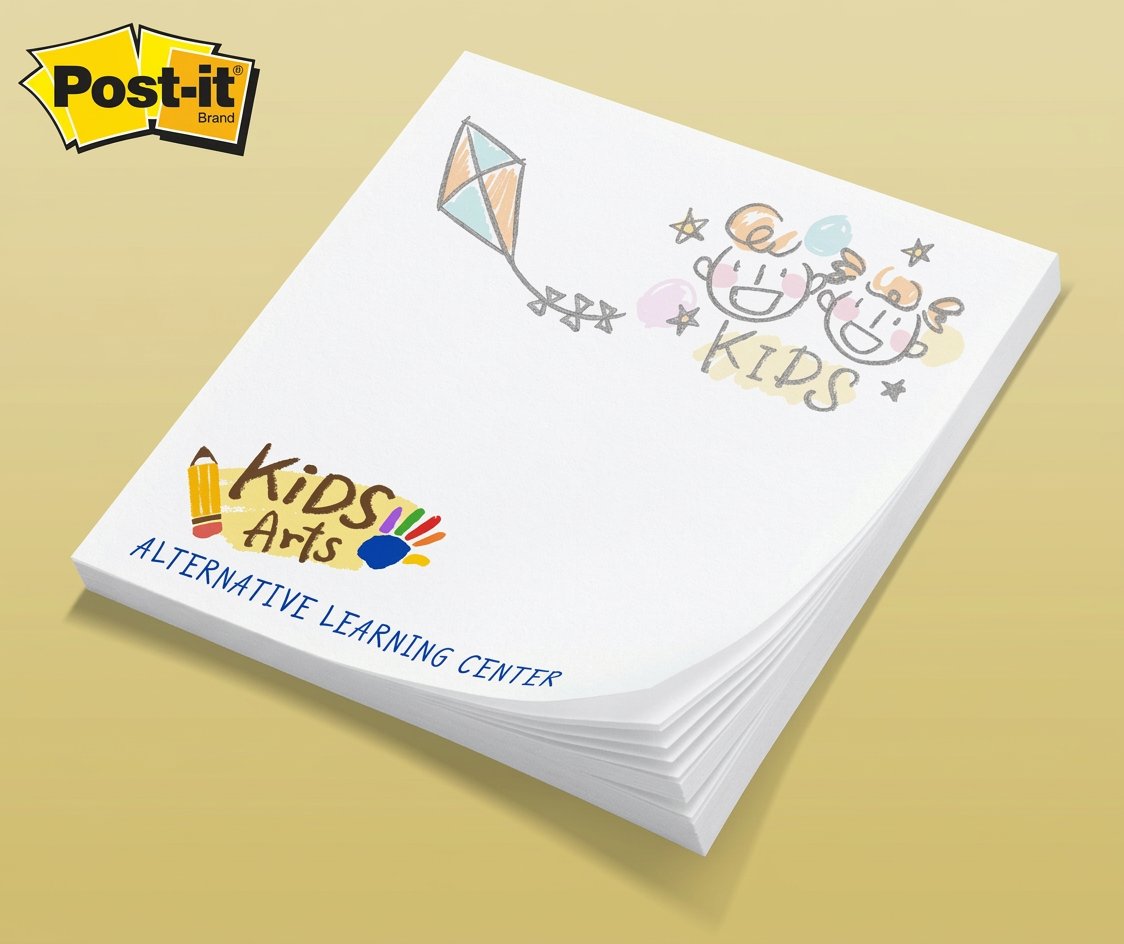
Custom Post-Its From $466.82 Branded sticky pads for reminders and quick tasks that stick to a monitor and keep your name in view. Pick the pad size and sheet count in the configurator, then order one color per person so the board codes itself by owner. 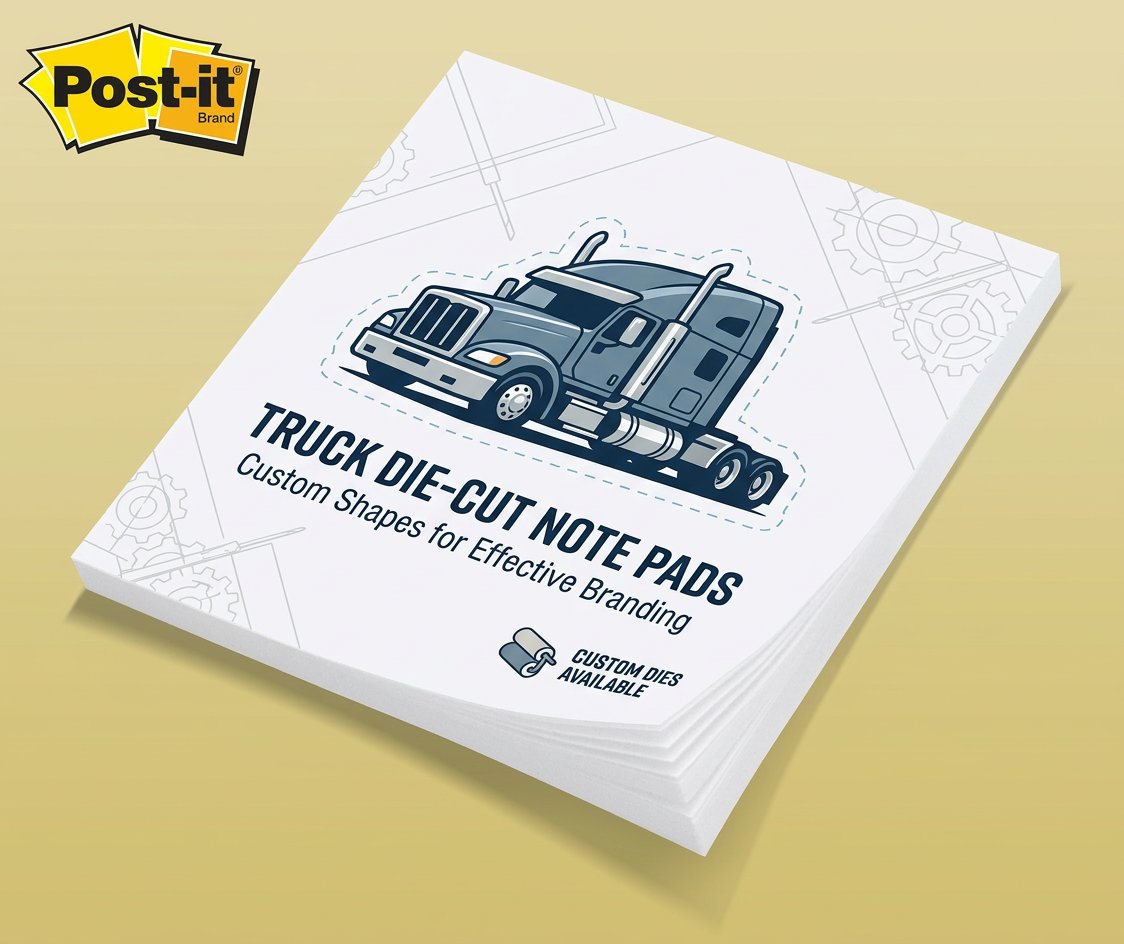 Die-Cut Post-Its From $466.82 A custom shape, an arrow, a logo, or a checkbox, that makes a note impossible to ignore. Keep one die-cut shape reserved for blockers and the team learns to look for it before anything else on the wall.
 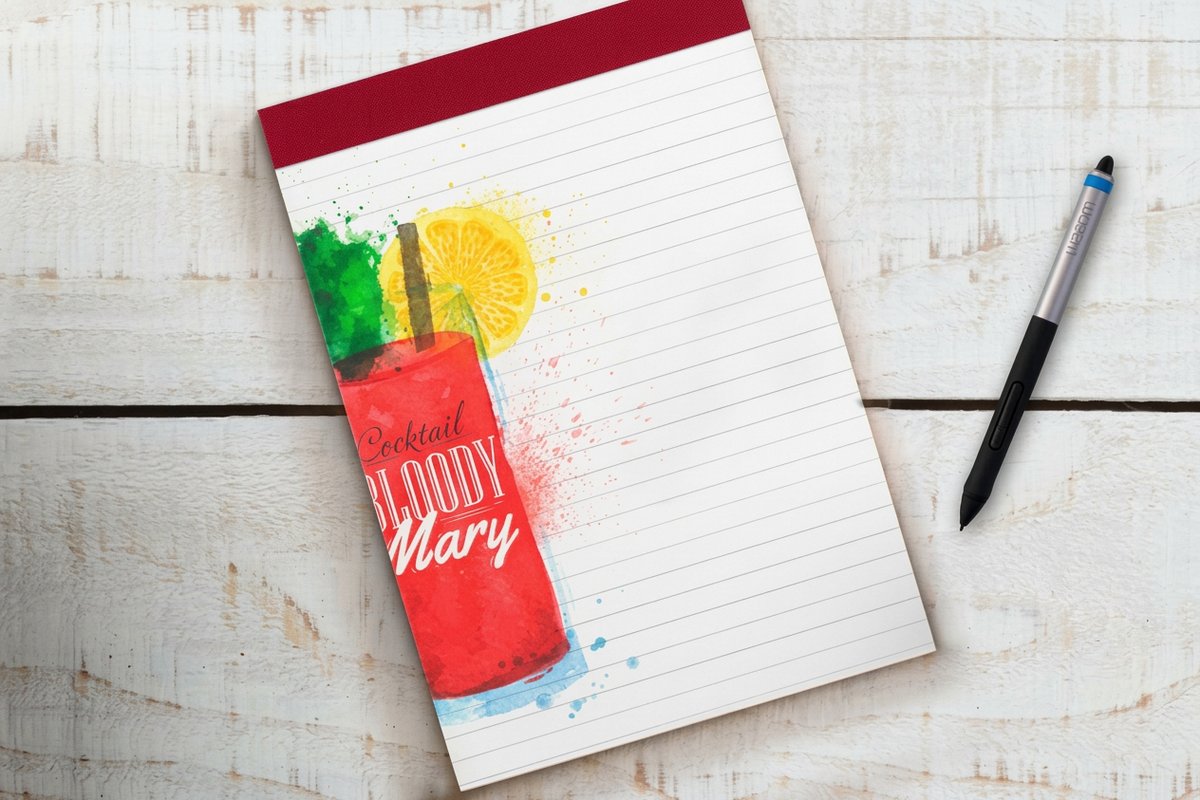 Notepads From $93.37 Branded pads with a pre-printed to-do or priority layout your team fills in every morning. The larger sheet carries a task, an owner, and a due date, which is what a single-project board needs on every note.
 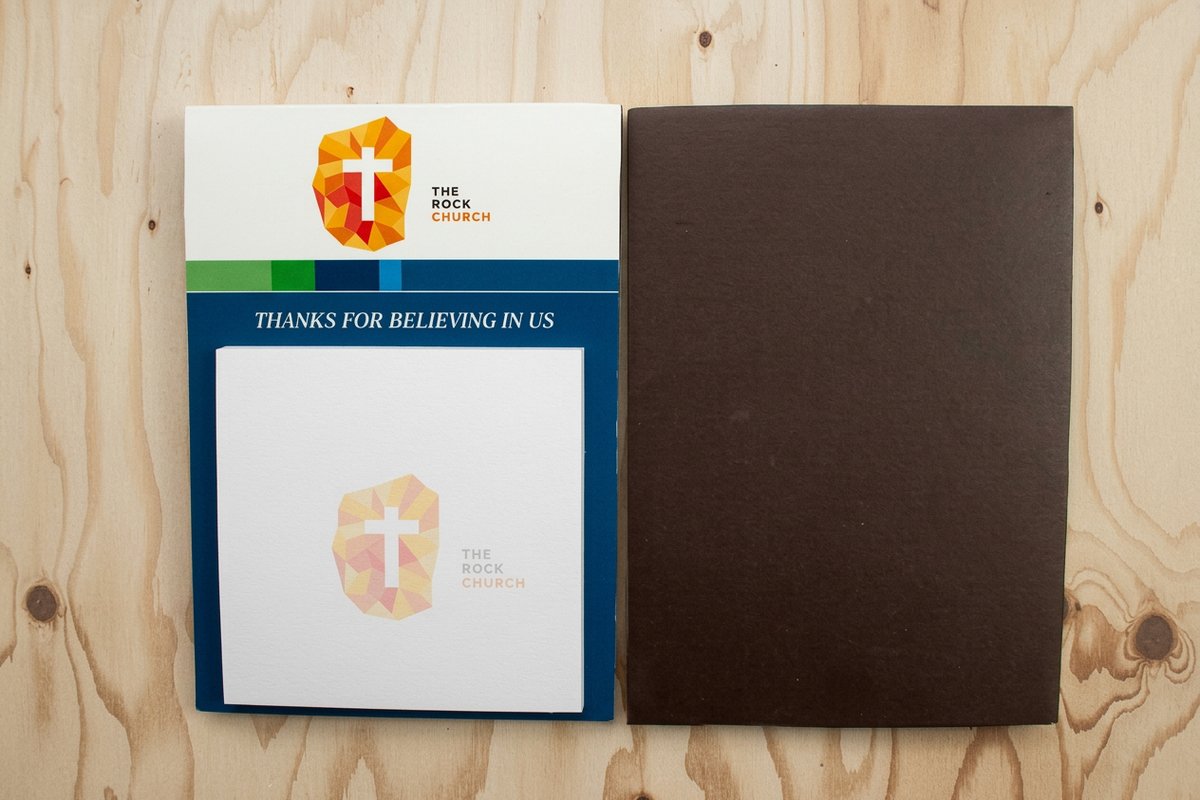 Magnetic Notepads From $93.37 A pad that sticks to the fridge or a filing cabinet, keeping the list and your brand front and center. Magnets suit a metal cabinet or a whiteboard frame, where adhesive gives up after a few moves.
 Build a Sticky-Note Kanban Board
Post-it style notes run project management better than most teams expect, and the whole method is five columns, one task per note, and one pass a day to move whatever moved. The reason sticky notes make such a good project tool is that moving a physical note across a board feels like real progress in a way that dragging a card on a screen never quite does. A Kanban board is the simplest version: a wall or whiteboard split into columns, one note per task, each note traveling left to right as the work advances. Anyone can read the whole project's status in a glance.
Build the board in five steps, in this order.
- 1. Choose the columns. Start with Backlog, To Do, Doing, Review, Done, and resist adding a sixth until the board clearly hurts without it. Backlog holds everything not started, To Do holds only what is picked for this week, Doing holds work in progress right now, Review holds anything waiting on a check, and Done holds finished work. Write the column headers on their own notes so the board can be rebuilt on any wall in a minute.
- 2. Color code by owner, shape by urgency. Give every person one pad color and keep it for the whole project, so a glance at the Doing column shows who is buried and who is free. Reserve one color for blockers and nothing else. Use a die-cut shape, an arrow or a flag, for anything that has to move today, and it reads from across the room without anyone stepping closer.
- 3. Size the pad to the wall. Count the widest column you expect, multiply by the note width, and leave a finger of space between notes so one can be peeled and re-stuck without tearing its neighbor. A square note suits a five-column team wall; a bigger sheet suits a single-project board where each note carries a name, a date, and a next action, and you accept fewer columns for it. Sizes and sheet counts are set in the custom Post-Its configurator, so decide this before you print, not after the pads land.
- 4. Run the daily standup at the board. Stand, do not sit. Each person moves their own notes, says what moved and what is stuck, and anything that has not moved in two days gets a blocker note stuck on top of it. Ten minutes, same time, same wall. Moving your own note is what keeps the board honest, because nobody wants to explain a note that has not budged since Monday.
- 5. Archive the Done column. At the end of the week, peel the Done column, press it onto a sheet of paper or the back of the board, date it, and clear the wall for Monday. That stack is your record of what actually shipped, and reading it out is the fastest weekly report anyone on the team will ever write.
Do sticky notes work for project management?
They work for any project a team can see on one wall: a sprint, a campaign, client onboarding, an office move, a launch checklist. The limits are worth naming. A sticky-note board has no history, no search, and no remote view, so photograph the wall at the end of each day if anyone works off site, and keep contracts and long-lived documentation in whatever tool you already use. What the wall wins is attention: nobody has to open an app to see where the project stands, and a note parked in Doing for a week is impossible to scroll past.
What size sticky note suits a kanban board?
Match the note to the column, not to the desk. A small square note holds a task title and an owner initial and lets five columns sit comfortably on a standard whiteboard, which is what most teams want. Step up a size only when each note has to carry a name, a due date, and a next action, or when the board is read from several steps away. Set the size and sheet count together in the custom Post-Its configurator, and order one pad color per person while you are in there.
Give each column a job and each note a single task. Use color to signal owner or priority, and a die-cut shape to flag anything urgent. A branded pad makes the board look intentional instead of improvised, which matters when a client walks past it. Here are the specs on the notepad, ideal for a pre-printed layout your team fills in each morning before the notes hit the board.
A pre-printed layout
Notepad specs
Sizes, stocks, and finishes for pads with a built-in to-do or priority layout your team fills in daily.
Print the Layout Right Onto the Pad
A blank pad makes you build the same structure by hand every single day. A custom-printed pad builds it once, at the print stage, so every sheet arrives ready to use. Print a to-do checklist, a top-three-priorities box, a daily standup layout, or a project tracker directly onto the pad, and planning the day drops from a chore to a thirty-second fill-in.
- A daily to-do layout. A checklist with room for a date and top priorities so the morning plan writes itself.
- A priority grid. A simple urgent-versus-important box that forces the real question before the day runs away.
- A standup template. Yesterday, today, and blockers, so a team check-in stays short and consistent.
- A board-ready note. An owner line and a date box printed on every sheet, so a note goes straight onto the Doing column without anyone rewriting it.
- Your brand on every sheet. A logo and color on the pad turns a functional tool into a quiet, always-on promotion.
Design the layout once in the online design templates library and every pad you reorder keeps the same clean structure. For pads that hold a fuller plan, the custom notepad ideas article has more layout inspiration.
A daily driver
Custom notepads
Print a to-do, priority, or standup layout right onto the pad so planning the day takes seconds.
What Custom Sticky Notes Cost and How Prices Are Set
Custom sticky notes are one of the cheapest branded items you can put in daily use, and unlike most promotional products, they get touched constantly instead of tossed in a drawer. Cost tracks the size, the sheet count per pad, any custom shape, and the quantity, with the per-pad price dropping as the order grows.
At 4OVER4.COM, custom Post-Its start at $466.82 for a bulk run of pads, and notepads and magnetic notepads at $93.37. Here is what real custom Post-It pricing and specs look like, so you can plan an order for the whole team, or a client giveaway, against actual numbers instead of a guess.
Quantity and price
Custom Post-It pricing and specs
Real configurator numbers for branded sticky pads. Order more, pay less per pad.
| Quantity | Price Per Unit | Total |
|---|---|---|
| 500 | 93.4¢ | $466.82 |
| 1,000 | 79.6¢ | $796.33 |
| 1,500 | 75.1¢ | $1,125.84 |
| 2,000 | 72.8¢ | $1,455.35 |
| 2,500 | 71.4¢ | $1,784.87 |
| 3,000 | 70.5¢ | $2,114.38 |
Compare Popular Sticky Notes
Sticky notes vary more than you would think, in size, sheet count, and shape, and the right pick depends on whether you are running a wall board, a desk list, or handing pads to clients. The details that matter are the size, the pages per pad, whether it is a standard or die-cut shape, the turnaround, and the from-price.
Here are popular sticky notes compared on exactly those points, so you can match the pad to the job and print with your eyes open.
Compare formats
Popular sticky notes, side by side
Size, sheet count, shape, quantity, turnaround, and from-price across our most ordered sticky notes.
Standard Post-Its | 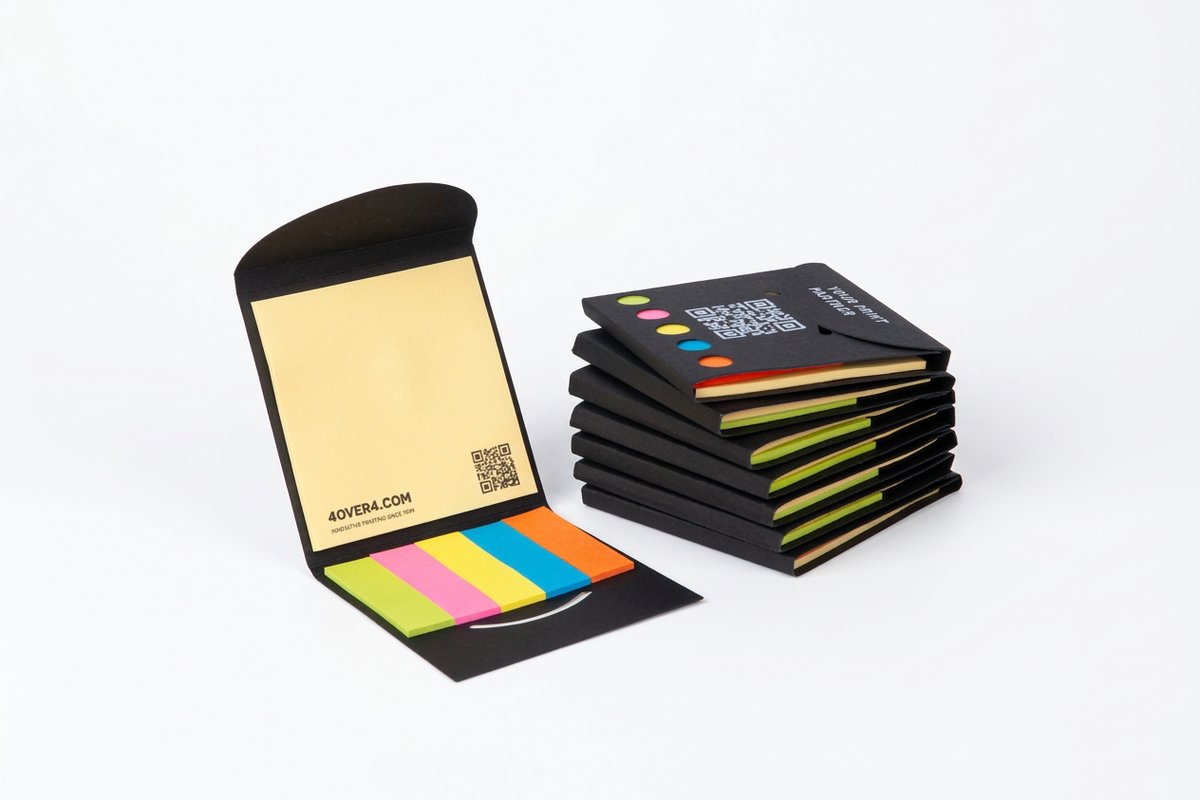 Pocket Stickies | Die-Cut Post-Its | 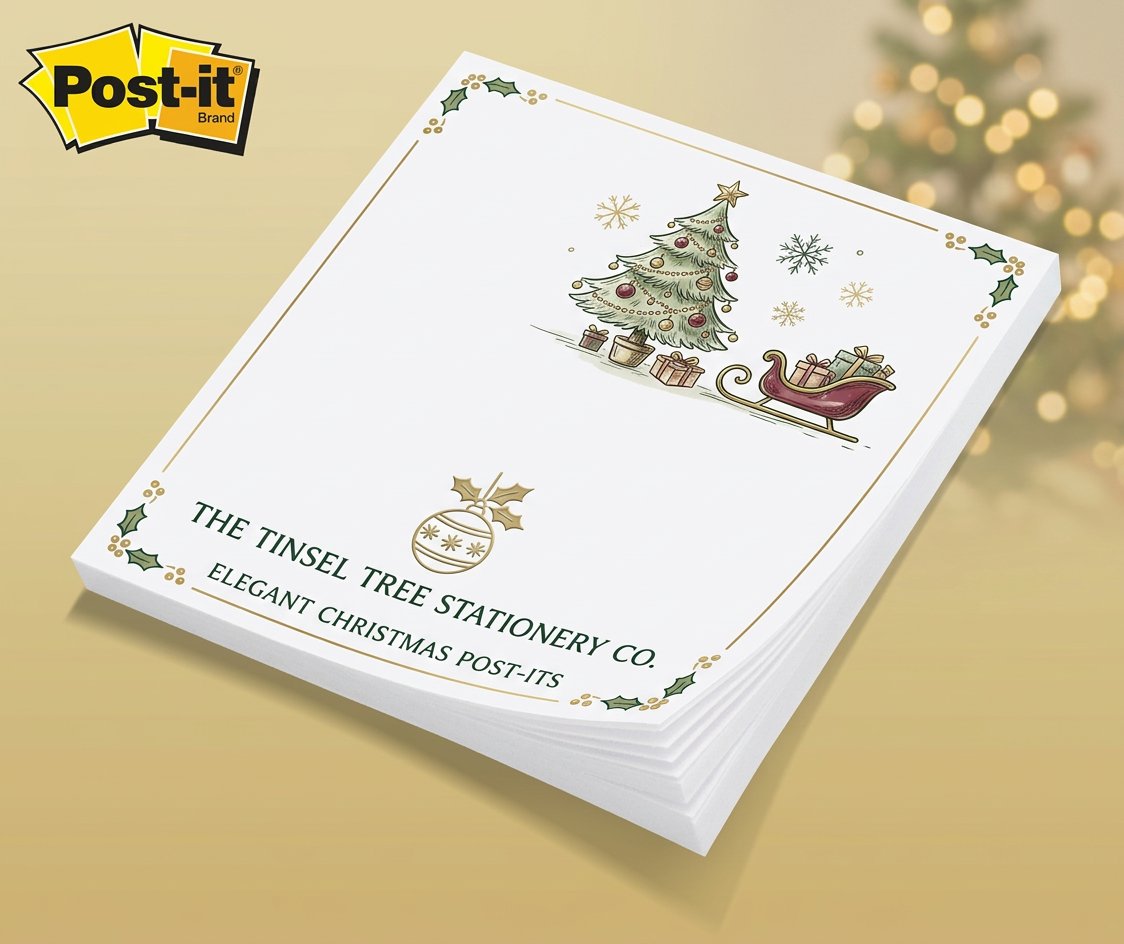 Christmas Post-Its | |
|---|---|---|---|---|
| Min price | $466.82 | $5.00 | $466.82 | $466.82 |
| Paper / stock | White Post-it® Notes | - | - | - |
| Size | 2.75" x 3"; adhesive on 2.75" side | 3.25" x 3.25" | - | - |
| Default qty | 500 | 3 | - | - |
| Turnaround | 10 business days | 1 business day | - | - |
| Rating | ||||
| View & customize | View & customize | View & customize | View & customize |
A Tool That Works While It Advertises
Here is the quiet genius of a branded pad: it is the rare marketing piece people actively want to use. A flyer gets glanced at and dropped, but a good sticky pad earns a permanent spot on a desk, and every note pulled off it flashes your logo again. When you hand pads to clients and partners, you are not giving them an ad, you are giving them a genuinely useful tool that happens to carry your name for months.
That is why sticky notes and notepads are one of the smartest promotional items a business can print. They cost a few dollars, they sit in front of a customer every working day, and they keep your brand in the corner of their eye long after any campaign ends. Run your own team's board on them, and slip a pad into every client hand-off. For more desk-friendly promo, keep browsing the print marketing ideas library.
Sticks where you need it
Magnetic notepads
A pad that clings to a fridge, cabinet, or whiteboard, keeping the list and your brand in view.
Wally runs the board on sticky notes
A daily tool that quietly advertises
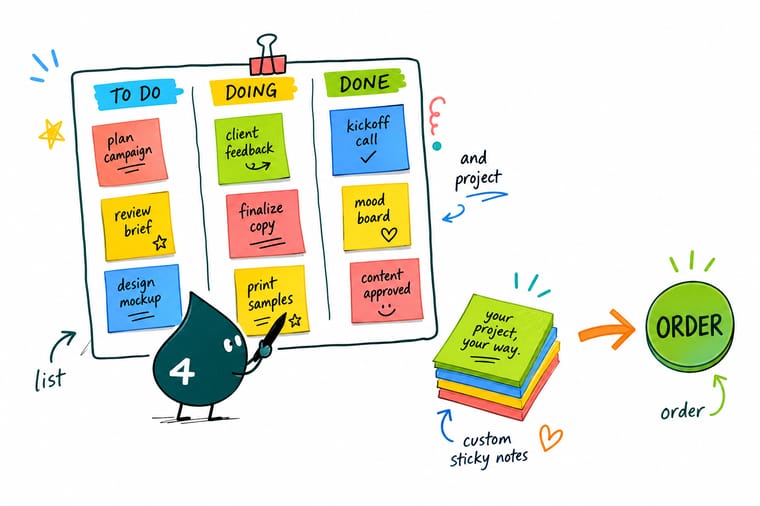
A branded sticky note does two jobs at once. It runs your to-do list and your team Kanban board, one note per task moving from backlog to done, and it sits on a monitor for weeks as a quiet ad. Print your logo and a to-do layout right onto the pad, and every reminder keeps your name in view. 4OVER4.COM prints custom Post-Its and notepads fast, so the most useful thing on the desk is also yours.
Print your custom sticky notes →Making sticky notes carry real project weight
Explore more
More ways to brand a desk with print
Related pages across 4OVER4.COM, one card each, so you can keep exploring pads, notes, and promo.
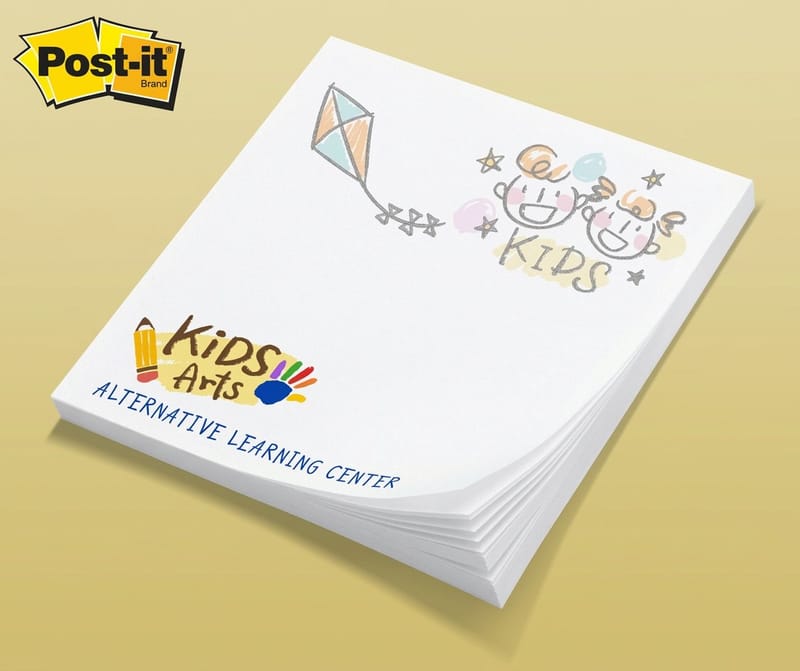 Category Custom Post-Its Printing Branded sticky pads for desks and boards.
 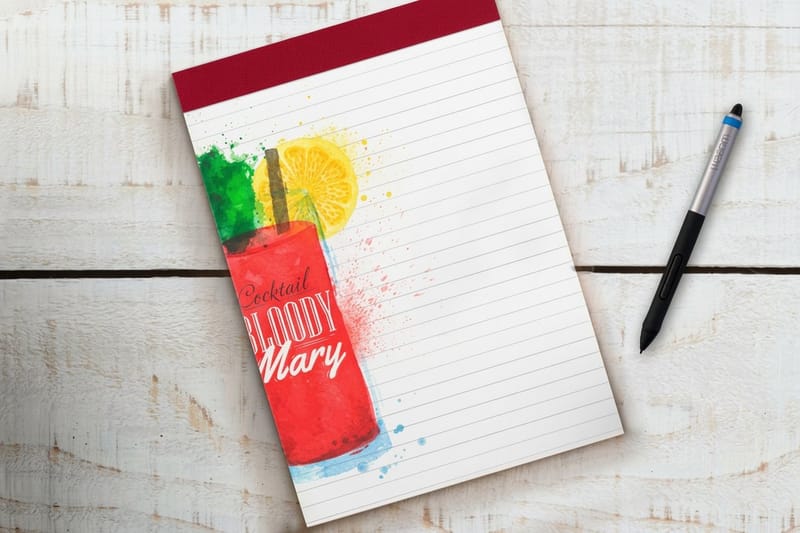 Product Notepads Pads with a pre-printed to-do layout.
 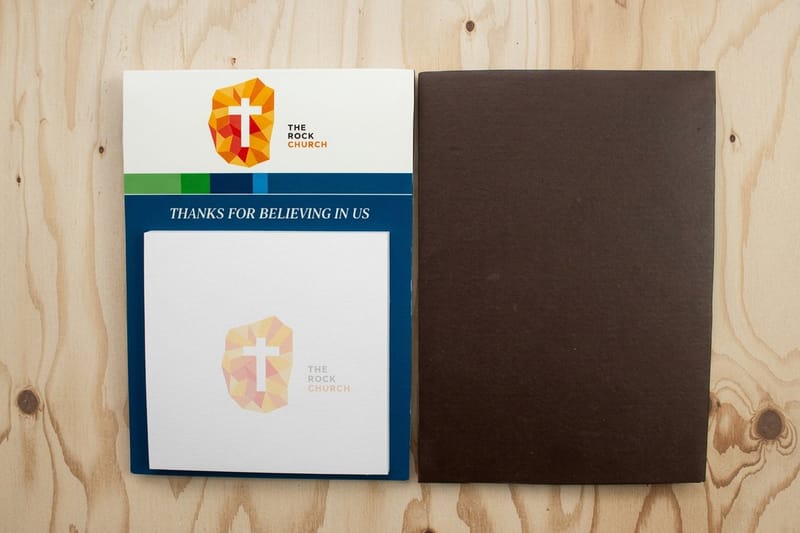 Product Magnetic Notepads A list that sticks to the fridge or cabinet.
 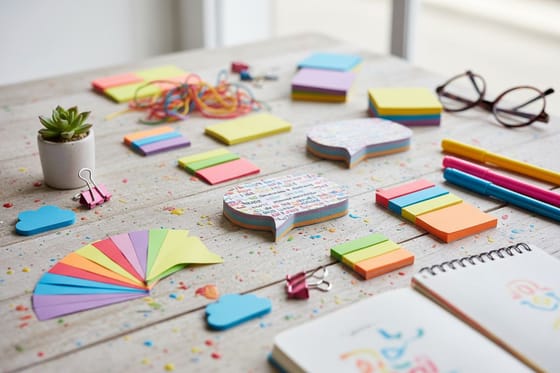 Article 33 Ways to Use Sticky Notes A bigger tour of what custom pads can do.
 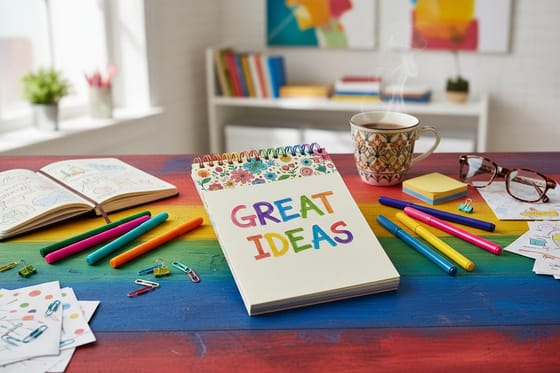 Article Custom Notepad Ideas Layout inspiration for branded notepads.
 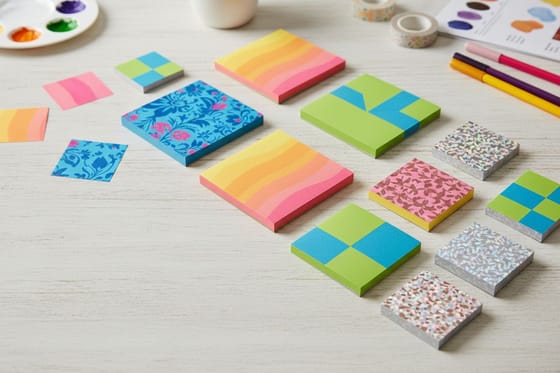 Showcase Post-It Showcase Examples and ideas for custom sticky notes.
 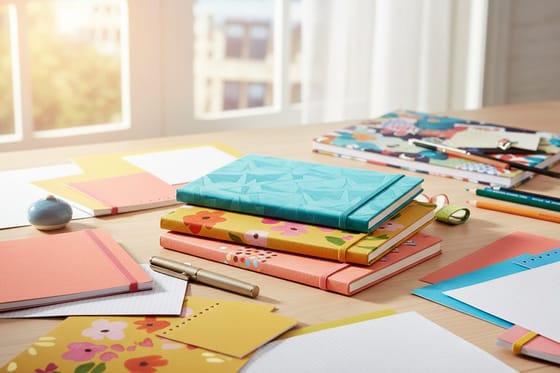 Showcase Notepad Showcase Practical notepad printing options and ideas.
 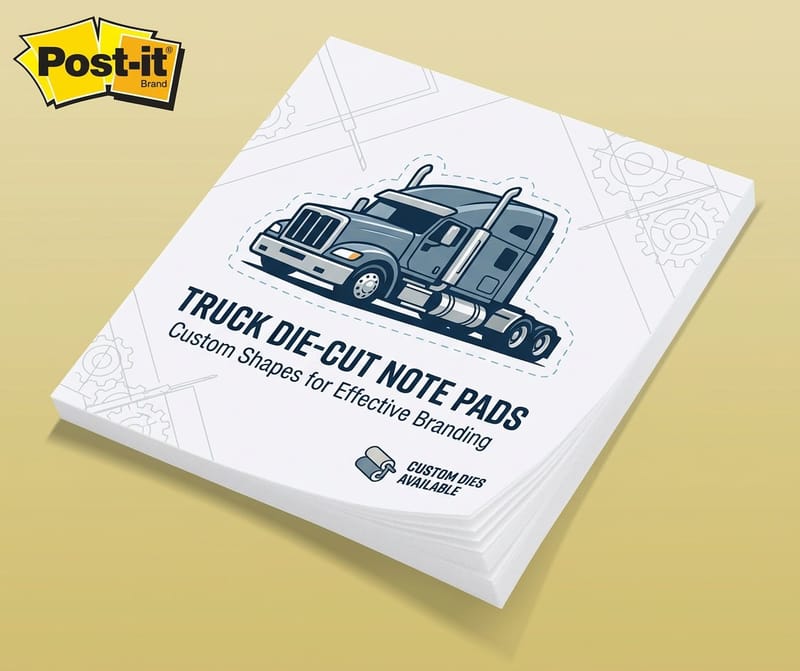 Product Die-Cut Post-Its Custom-shaped notes that flag priorities.
  Benefit Same Day Printing Order today, ship today when a pad cannot wait.
  Service Online Design Templates Design a to-do layout inside the cut lines.
  Collection Custom Printing Custom shapes, stocks, and finishes across products.
  Guide How to Make Custom Notebooks Take branded stationery a step further.
 Ready to put your brand on the most-used thing on the desk?
Print a to-do layout and your logo onto sticky pads and notepads, then run your board on them. 4OVER4.COM prints fast, as quick as same day.
Project management sticky note questions
Can sticky notes really work as a project management tool?
Yes, and many teams prefer them to software for planning. The core method is a Kanban board: a wall or whiteboard split into columns like Backlog, To Do, Doing, Review, and Done, with one task per sticky note traveling left to right as the work advances. Anyone can read the whole project status at a glance, and physically moving a note across the board feels like real progress. Sticky notes also handle daily to-do lists, hand-offs, and priority flags. Custom-printed pads make the board look intentional and keep your brand in view while the team works.
Why print custom sticky notes instead of buying blank ones?
A blank pad does the task, but a custom pad does two: it runs your to-do list and project board, and it advertises the whole time it sits on a desk. Because a sticky note is the most-touched object on many desks, a branded pad is a marketing slot that most businesses leave blank. You can also print a to-do, priority, or standup layout directly onto the pad so planning the day becomes a quick fill-in instead of rebuilding the same structure by hand. And a branded pad handed to a client is a genuinely useful gift that keeps your name in front of them for weeks.
What sticky note formats work best for to-do lists and boards?
Standard custom Post-It pads are the workhorse for one-task-per-note lists and Kanban columns, and they stick to a monitor where your logo stays visible. Die-cut sticky notes add meaning through shape, an arrow for a priority, a checkbox to tick, a speech bubble for a question. Notepads suit tasks that need more than a square, especially with a pre-printed to-do or priority layout. Magnetic notepads cling to a fridge, cabinet, or whiteboard so the list stays where the whole team or household sees it. Most people mix a couple of these to match how they plan.
What do custom sticky notes and notepads cost?
Per pad, they are among the cheapest branded items you can put into constant use. At 4OVER4.COM, custom Post-Its start at $466.82 for a bulk run of pads, and notepads and magnetic notepads at $93.37, with the per-pad price dropping as the order grows. Cost tracks the size, the sheet count per pad, any custom die-cut shape, and the quantity. Because these pads are touched every working day rather than tossed in a drawer, the effective cost per impression is very low, which makes them one of the smartest promotional items a business can print. Check each product page for exact configurator numbers.
What can I print on a custom notepad layout?
Print whatever structure your day needs directly onto the pad so it is ready every morning. Popular layouts include a daily to-do checklist with room for a date and top priorities, an urgent-versus-important priority grid, a daily standup template with yesterday, today, and blockers, and a simple project tracker. Add your logo and brand color to every sheet so the tool doubles as promotion. Design the layout once in the online design templates library and every reorder keeps the same clean structure, so your whole team plans the same way on pads that look like your business.
