
How Online Printing Works From Upload to Delivery


Configure a product, upload your file, pass a free file check, approve the proof, and receive the order. Here is the whole process, and why online beats a local shop on price and speed.
Online printing lets you configure a product, upload artwork, and have a commercial press produce and ship it, all through a browser. You set the specs while the price updates live, a free file check inspects your PDF, you approve a proof, and the job ships on the turnaround you choose. Running at scale is why it beats local on price and speed at 4OVER4.COM.
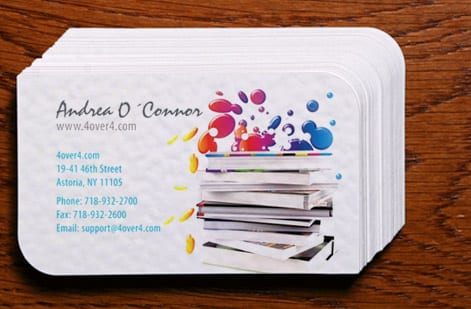
Start here
How online printing works in one paragraph
Online printing is a commercial press you reach through a browser. You pick a product and set size, stock, quantity, and finish while the price updates live, upload a press-ready PDF, and a free file check inspects it. You approve a proof, the job prints at scale, and it ships to your door on the turnaround you choose. Running at volume is what beats local on price and speed. The diagram below maps the flow.
What online printing actually is
Online printing is a commercial print factory you reach through a browser. Instead of driving to a local shop, describing what you want, and waiting for a quote, you open a product page, set the options, upload your file, and industrial presses do the rest. The whole transaction, pricing, proofing, and ordering, happens on screen, and the finished job ships to your door.
That shift does more than save a trip. It connects you directly to equipment and materials a small storefront cannot afford to keep: large-format presses, dozens of paper stocks, and specialty finishes, all running at a scale that drives the price down. The result is more choice, lower cost at volume, and consistent quality from the first piece to the last.
This guide walks the process end to end, upload, file check, proofing, production, and shipping, and shows where online beats local. Whether you are ordering business cards, flyers, or a stack of brochures, the steps are the same.
The upload and the free file check
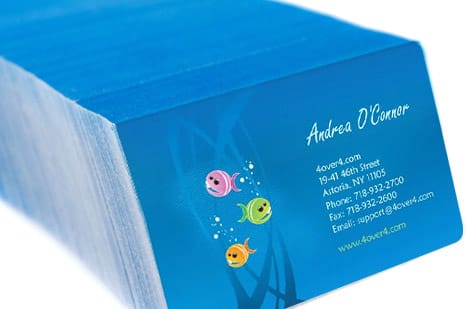
Once you have set your specifications, the heart of an online order is the artwork. You upload a press-ready PDF, ideally in CMYK color with bleed past the trim and fonts embedded, and that single file becomes the blueprint the press follows. If you do not have a finished file, the built-in online design tool and templates let you lay one out right in the browser.
Here is where a good online printer earns its keep: the free file check. Before anything prints, your file is inspected for the issues that quietly ruin a job, images below print resolution, missing bleed, or color that will shift on press. Anything risky is flagged so you can fix it while it is still just pixels on a screen.
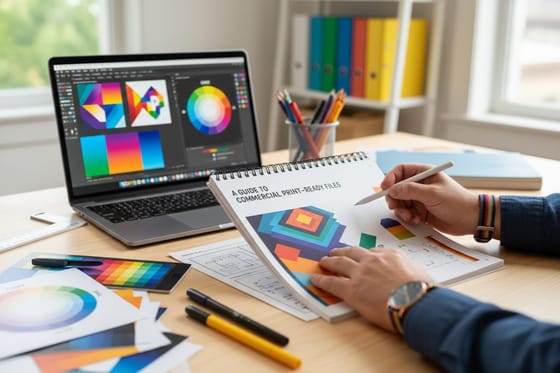
That safety net is the online equivalent of a pressroom operator looking over your shoulder, and it is why uploading a clean file matters. Our guide on creating print-ready files covers exactly how to prepare that PDF so it sails through the check the first time.
Proofing and approving your job
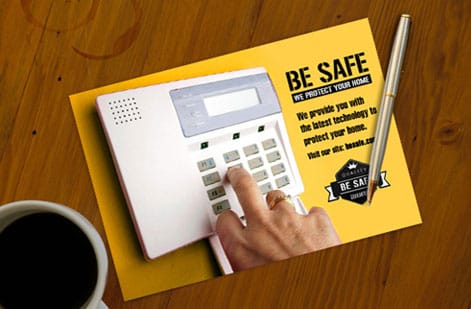
Proofing is your last look before ink hits paper, and it is entirely in your hands. After the file check, you confirm that the artwork, the size, the quantity, and the options are exactly what you intended. This is the moment to catch a typo, a wrong phone number, or a color you want to adjust, because changes are free before the run and impossible after it.
Read a proof the way a press operator would: zoom in to check small text is sharp, confirm nothing important sits too close to the trim, and make sure the piece reads correctly at its real size rather than blown up on a monitor. A careful two-minute review here prevents the most common and most avoidable print regret.
Because you approve the job yourself, you stay in control of both quality and timing. Once you sign off, the order moves straight into production, and a clean approval is what lets an online printer turn work around quickly on products like flyers and business cards.
Production, turnaround, and shipping
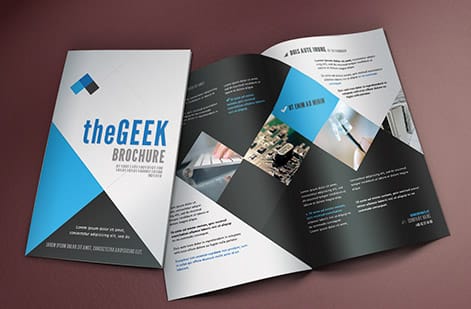
Once approved, your job joins the production schedule and prints on commercial presses calibrated for consistent color and sharp detail. The same equipment runs whether you ordered a hundred cards or ten thousand, which is why quality stays even across the whole run and across repeat orders months apart.
Turnaround is the production time before your order leaves the facility, and it varies by product and finish: standard pieces move fast, while specialty stocks, coatings, and large-format work take longer. You see the available turnaround options up front, so you are choosing a real timeline rather than hoping a counter clears.
Shipping is the final leg, and you pick the speed at checkout to hit your deadline. Between the production turnaround and the delivery speed, you can plan an order to arrive exactly when a launch, event, or direct mail campaign needs it, all without leaving your desk.
Why online printing beats local on price and speed
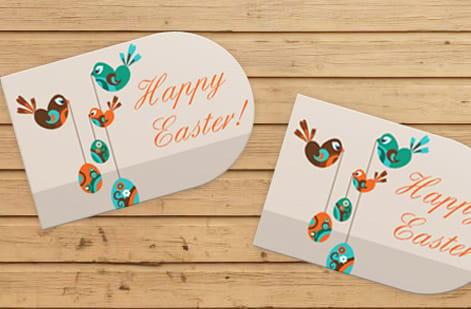
The advantage of online printing comes down to scale. A local shop prints small runs on smaller equipment and carries limited stock, so its unit price stays high and its options stay narrow. An online printer runs high-volume presses and keeps dozens of stocks and finishes on hand, spreading fixed costs across huge quantities. That is why the price per piece on a real run drops well below a storefront for the same or better quality.
Speed is the second win, and it surprises people. Between transparent live pricing, an instant file check, and scheduled production, an online order often moves faster than waiting on a local quote and a shop's queue. You are not standing in line, you are choosing a turnaround.
The one thing a local shop still does better is a single copy needed in the next hour. For everything else, from a box of business cards to a bulk brochure run, online is the stronger choice. If comparing quotes is your worry, our guide on getting an instant online quote shows how to read the numbers.
Ordering your first online print job
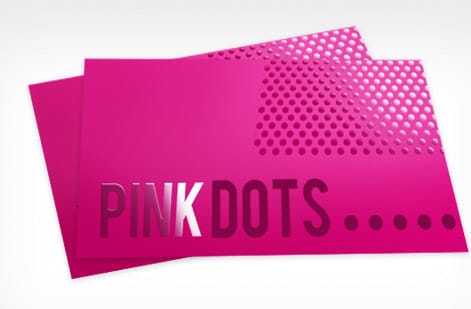
Putting it all together, your first order is simpler than it sounds. Pick a product, set the size, stock, quantity, and finish while the price updates live, and upload your press-ready PDF or build one in the browser. Let the free file check run, review your proof, and approve. That is the whole loop, and it takes minutes once your artwork is ready.
Start with something forgiving and useful. A stack of standard business cards is the classic first job: cheap, fast, and a good way to see the process end to end. From there, the same steps scale up to flyers, brochures, and the full catalog.
When you are ready to explore, browse all print products or the business card range to see how many options open up once printing lives in a browser instead of behind a counter. Configure, upload, approve, and let the presses do the rest.
Wally runs the whole job from a browser
Configure, upload, check, approve, ship
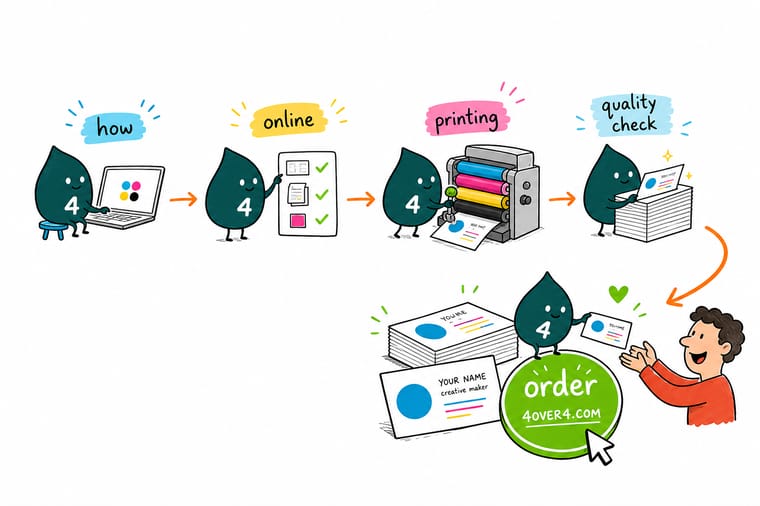
Wally treats online printing as one clean loop: pick a product, set the specs while the price updates live, upload a press-ready PDF, and let the free file check catch anything risky. Approve the proof, the commercial press runs it at a scale a local shop cannot match, and it ships to your door on the turnaround you chose. That is how online beats local on price and speed.
Start a print order →Quick reference
The online printing flow, at a glance
Every online order moves through the same five stages. Here is what happens at each one and what it asks of you.
| Stage | What happens | The detail |
|---|---|---|
| Choose and configure | Pick a product, set the specs | Select size, stock, quantity, and finish while the price updates live as you go. |
| Upload artwork | Send a press-ready PDF | Provide CMYK art with bleed, or design in the browser with a built-in template. |
| Free file check | We inspect the file | Resolution, bleed, and color are checked so anything risky is flagged before print. |
| Production | Commercial presses run the job | Your file prints at scale on professional equipment, the same for one card or ten thousand. |
| Shipping | Delivered to your door | Choose the turnaround and delivery speed at checkout to match your deadline. |
Step by step
Order an online print job in 6 steps
- Pick the product Choose what you need, from business cards to flyers to brochures, and open its product page where all the options live.
- Set the specifications Select quantity, size, paper stock, and finish. The price updates live as you change each option, so you can see the trade-offs before you commit.
- Upload your artwork Send a press-ready PDF in CMYK with bleed, or use the built-in online design tool and templates to lay out the file in your browser.
- Let the free file check run Your artwork is inspected for low resolution, missing bleed, and color issues. Fix anything flagged, or approve and move on.
- Approve and send to press Confirm the order, and your job enters production on commercial presses that print at a scale a local shop cannot match.
- Receive your shipment The finished order ships to your door on the turnaround you chose, arriving in time for your launch, event, or mailing.
Specs and pricing
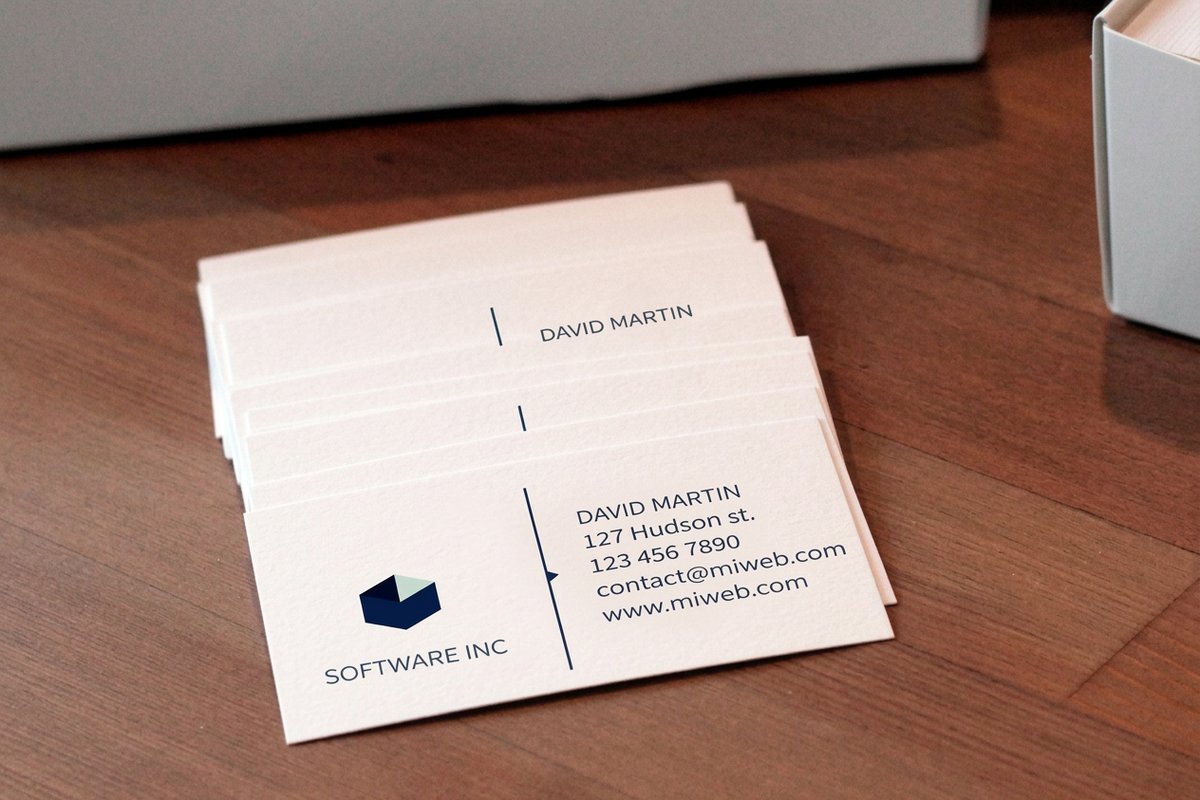
Business card specs and live online pricing
Live pricing is the heart of online printing. Here are the real specs and price-per-unit for standard business cards at 4OVER4.COM, straight from the configurator, so you can see how the numbers move.
| Quantity | Price Per Unit | Total |
|---|---|---|
| 100 | 17.6¢ | $17.57 |
| 200 | 11.5¢ | $23.07 |
| 300 | 9.15¢ | $27.46 |
| 400 | 7.96¢ | $31.86 |
| 500 | 7.25¢ | $36.26 |
| 600 | 6.77¢ | $40.64 |
| 700 | 6.43¢ | $45.04 |
| 800 | 6.18¢ | $49.43 |
Print it
Try online printing at 4OVER4

Explore more
Where to go next



By the numbers
Online printing you can count on at 4OVER4
Common Questions
Common questions about online printing
What is online printing?
Online printing is a commercial print service you order through a website instead of walking into a local shop. You choose a product, set its specifications such as size, stock, quantity, and finish, upload your artwork, and a large-scale printing facility produces the job and ships it to you. The model connects you directly to industrial presses and a wide range of stocks and finishes that a small storefront cannot stock, which is what lets an online printer offer more products, lower prices at volume, and consistent quality.
How do I choose the right online printing setup for my project?
Start from the finished piece and work backward. Pick the product that matches what you are making, then set the size to the standard for that piece, the quantity to what you actually need, and the stock and finish to the impression you want. Heavier stocks and coatings cost more but feel more premium, and larger quantities lower the price of each piece. Because the configurator shows the price live as you adjust, you can test combinations, a matte house stock against a gloss cover, for example, and pick the one that fits your budget and goal.
What does online printing cost, and how are prices set?
Online print pricing is built from a few clear levers: quantity, size, paper stock, and finish. The biggest is quantity, because commercial presses spread their setup across the whole run, so the more you print, the lower the price of each piece. Size and heavier or coated stocks add cost, and special finishes such as foil add more. Everything is transparent: you set the options and the total updates live, with no quote to wait on. That visibility is a core reason online printing beats a local shop on both price and speed.
What sizes, stocks, and finishes are available with online printing?
Far more than a typical local shop keeps on hand. An online printer stocks dozens of paper weights and types, from house text stocks to premium and specialty stocks like kraft and ultra-thick, plus finishes spanning matte, gloss, soft-touch, and foil. Sizes cover the standards for every product and often custom die-cut shapes as well. Each product page lists the exact sizes, stocks, and finishes available for that item, and ordering free samples first lets you feel the stock in hand before committing to a full run.
How long does online printing take to print and ship?
It depends on the product, the finish, and the turnaround you select, not on a queue at a counter. Many core products such as business cards and flyers move quickly once your file clears the free file check, while specialty stocks, finishes, and large-format pieces follow their own production windows. At checkout you choose the production turnaround and the shipping speed, so you control when the order arrives. That combination of scheduled production and door delivery is how online printing keeps up with tight deadlines.
Is online printing better than a local print shop?
For most jobs, online printing wins on price, selection, and consistency, while a local shop wins on immediacy for a tiny same-hour job. Because online presses run at scale, the unit price on a real quantity drops well below a storefront, and the range of stocks and finishes is far wider. Quality is consistent because the same calibrated presses run every order. The trade-off is shipping time, which you manage by choosing a turnaround, so as long as you are not printing a single copy in the next hour, ordering online is usually the stronger choice.
Get Started
Ready to try online printing?
Configure a product, upload your file, and let 4OVER4.COM print and ship it. Adjust every option and watch your price update live, with no quote to wait on.
Legal Disclaimer
Gold Standard guarantees apply to all standard orders placed through 4over4.com. Price match requires verifiable proof of a competitor's published price for an equivalent product with matching specifications and turnaround time. Satisfaction guarantee covers manufacturing defects and print quality issues. Contact support with order number and documentation. On-time delivery rate based on tracked orders 1999 to 2026. Individual results may vary based on shipping carrier performance.
